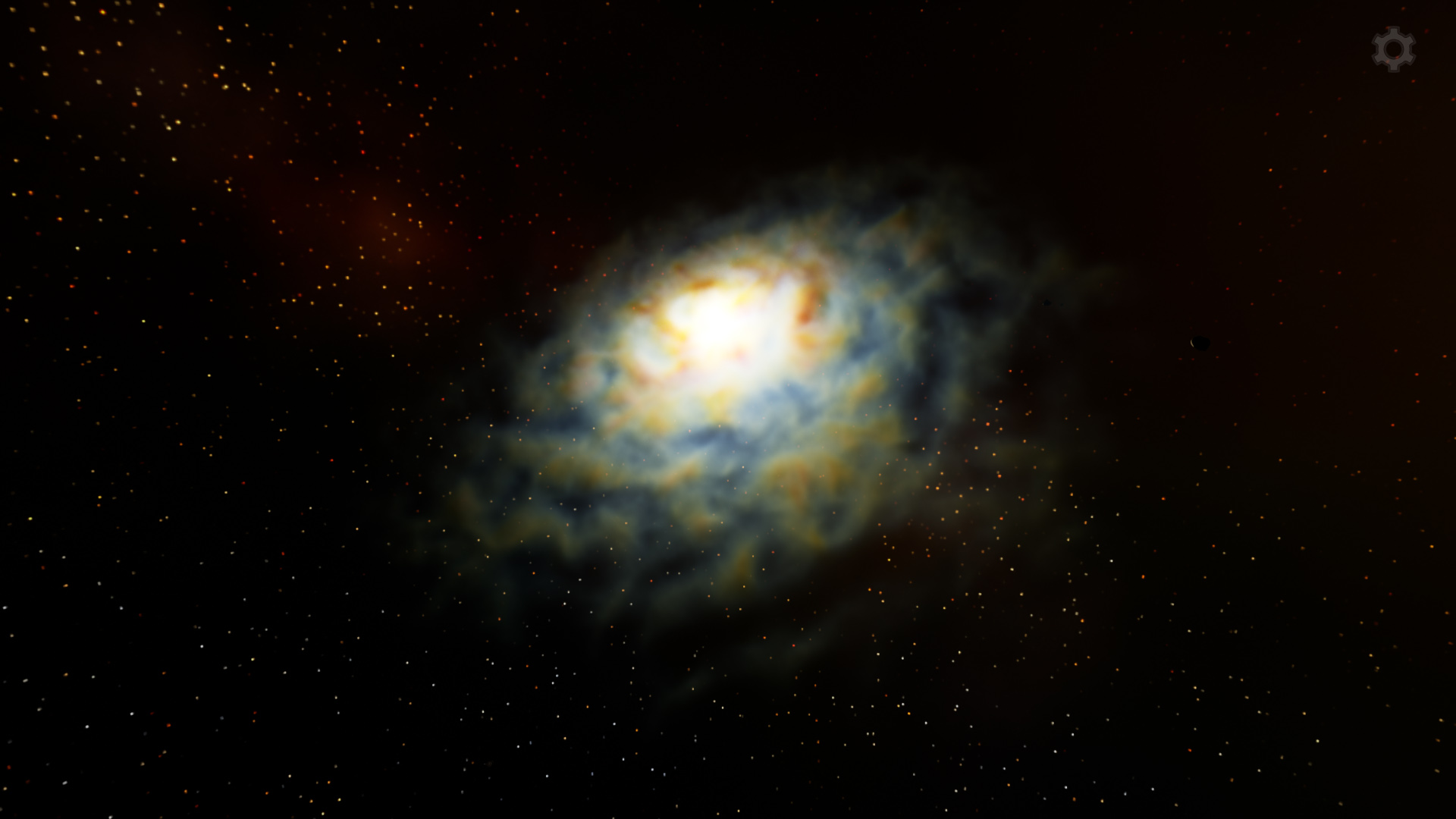
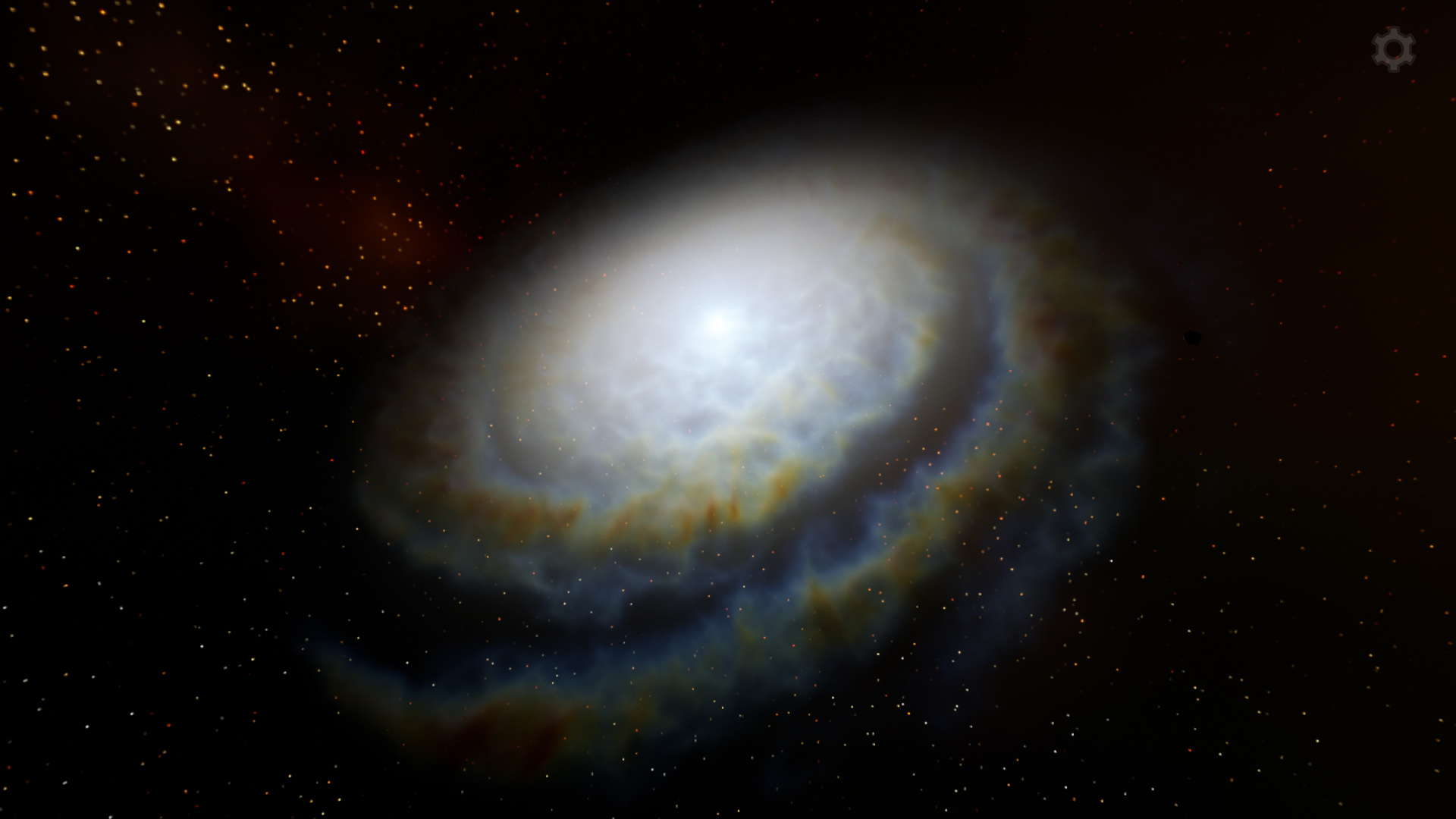
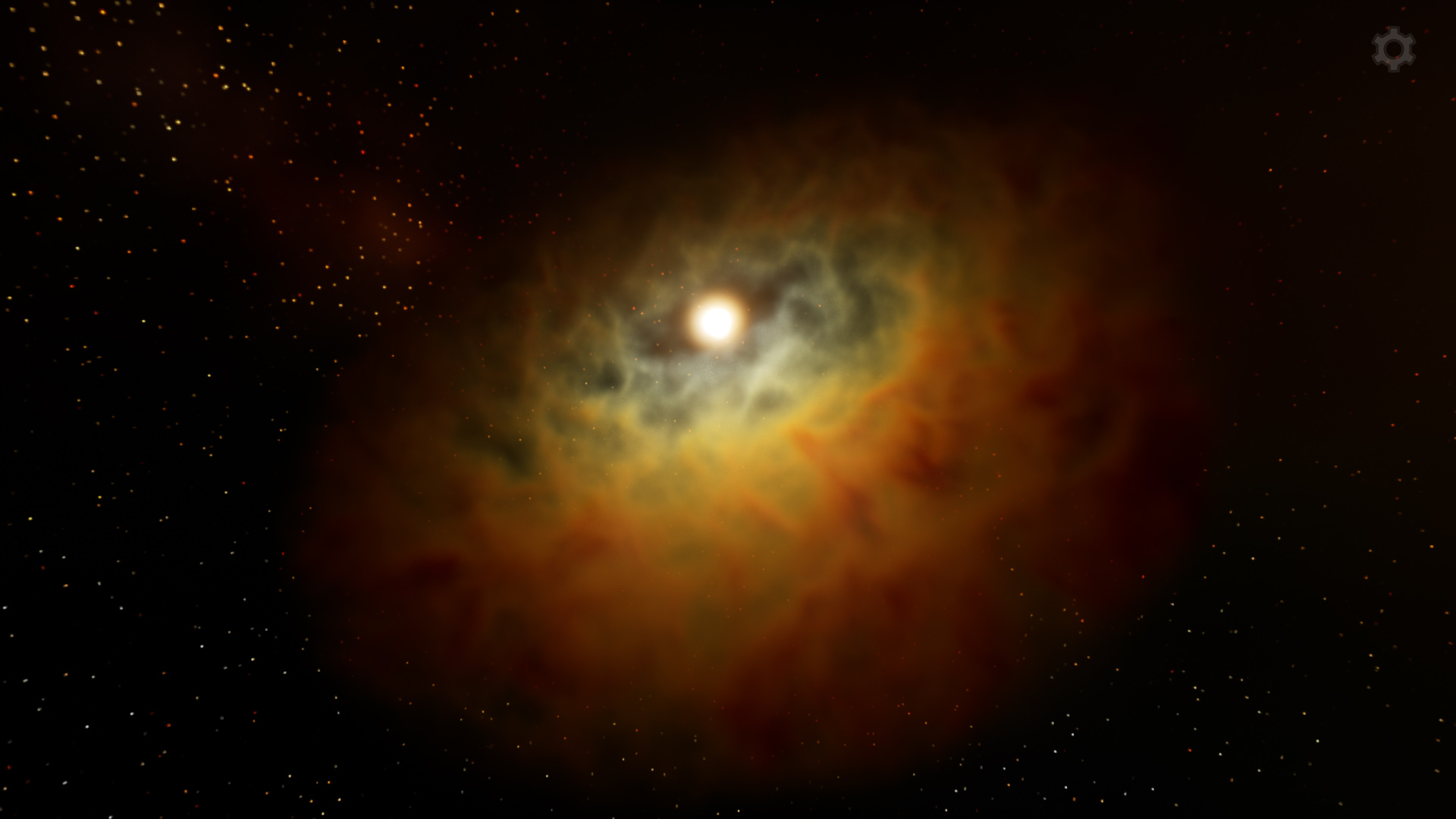
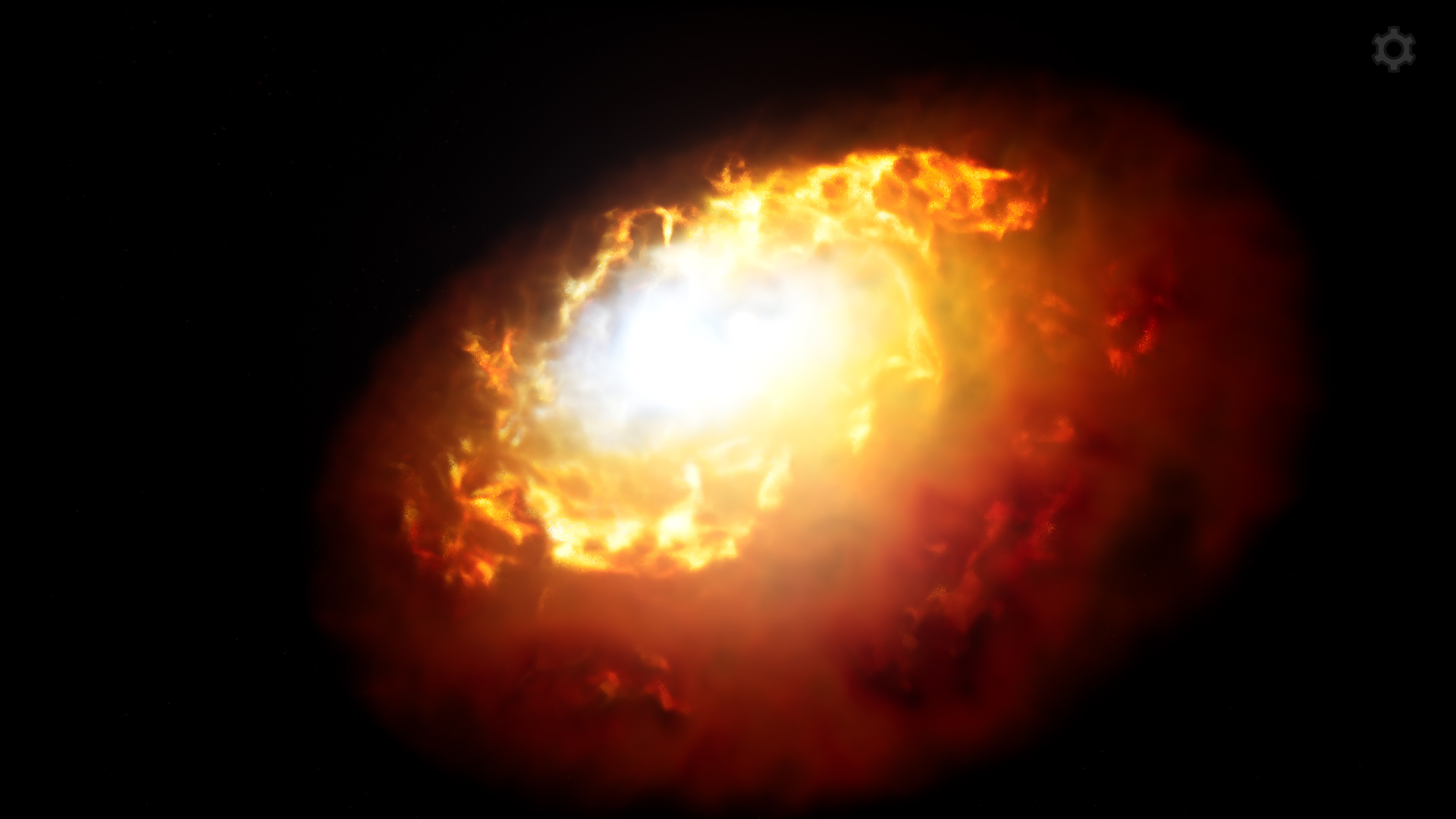
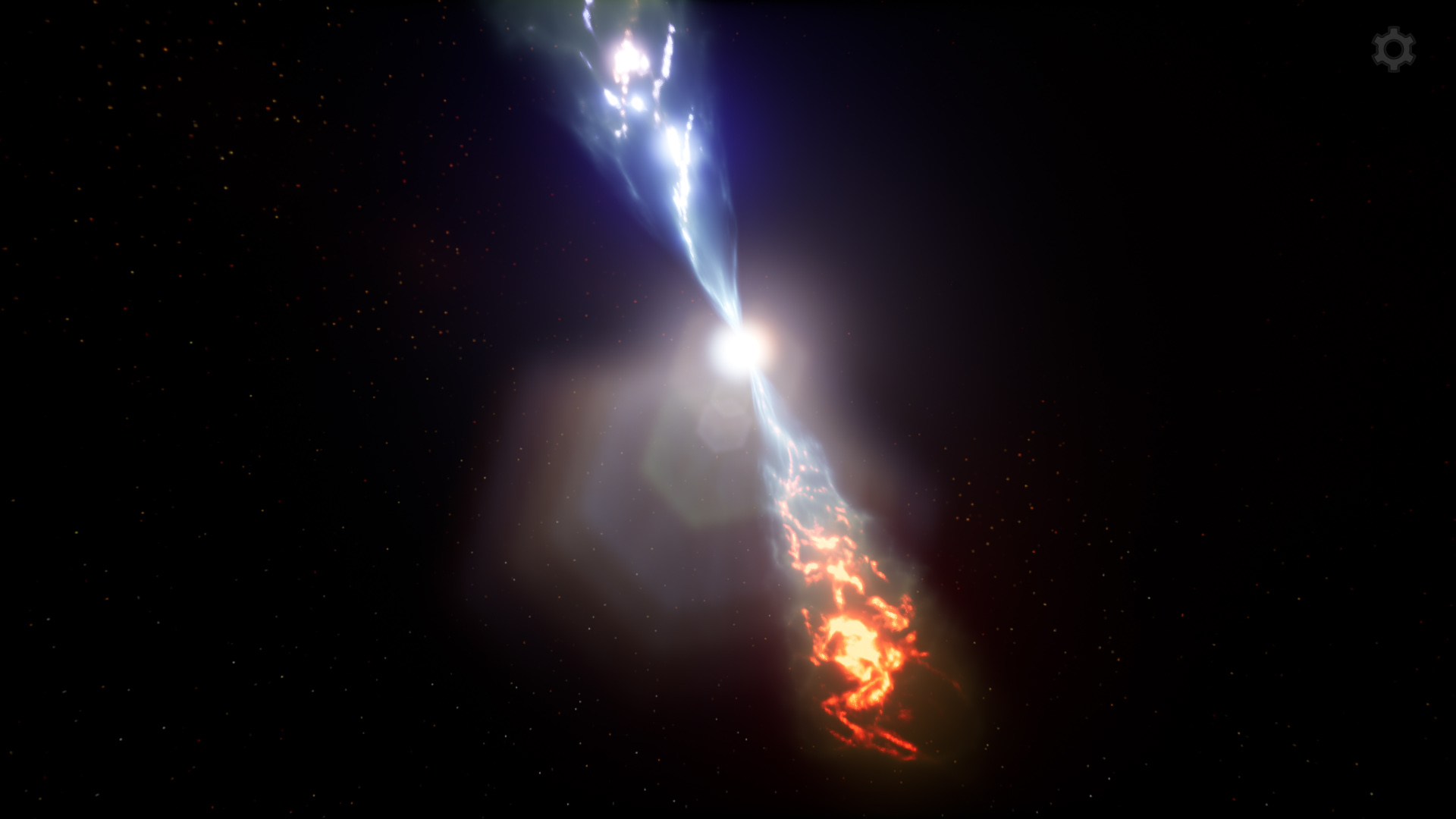
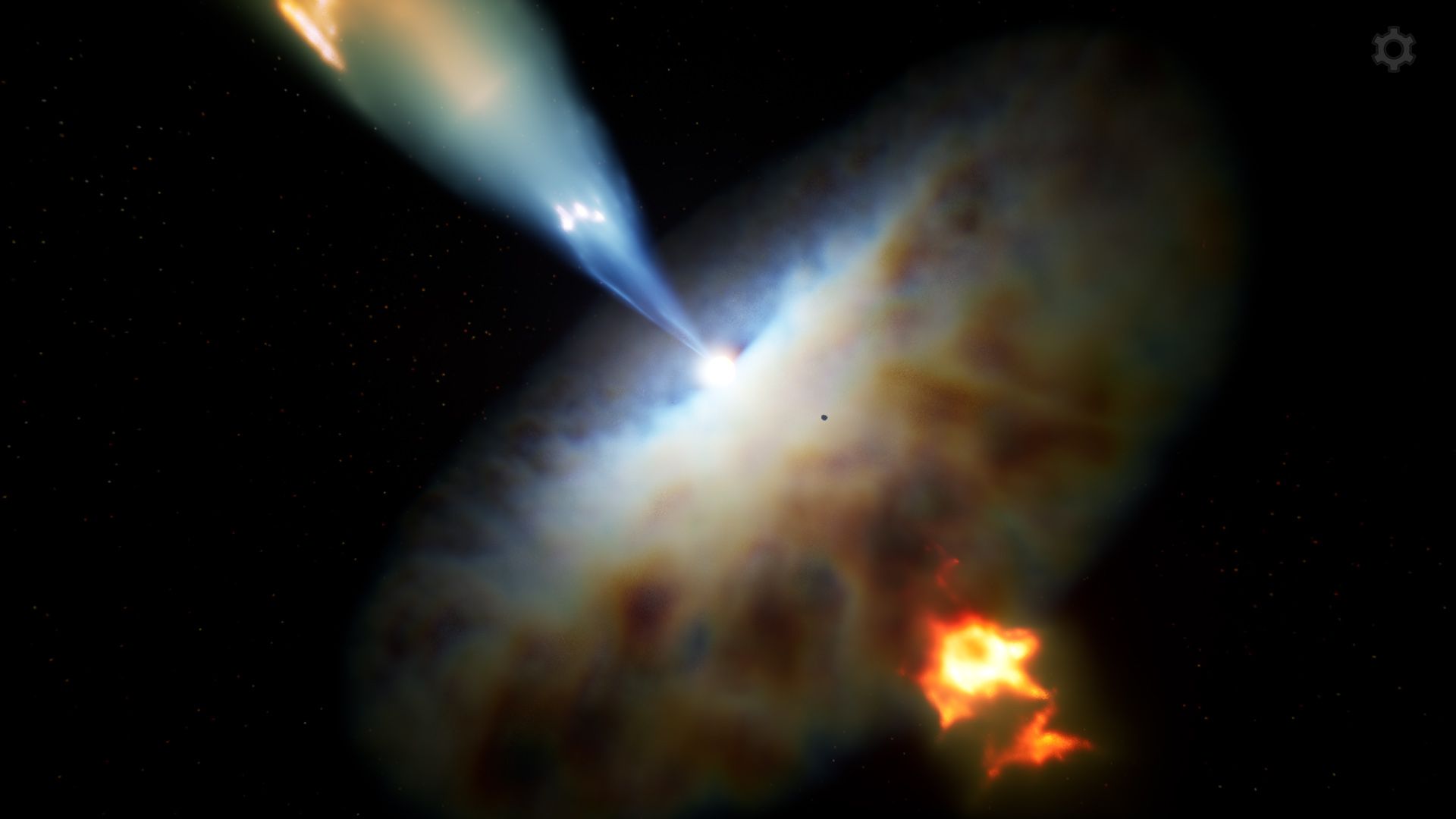
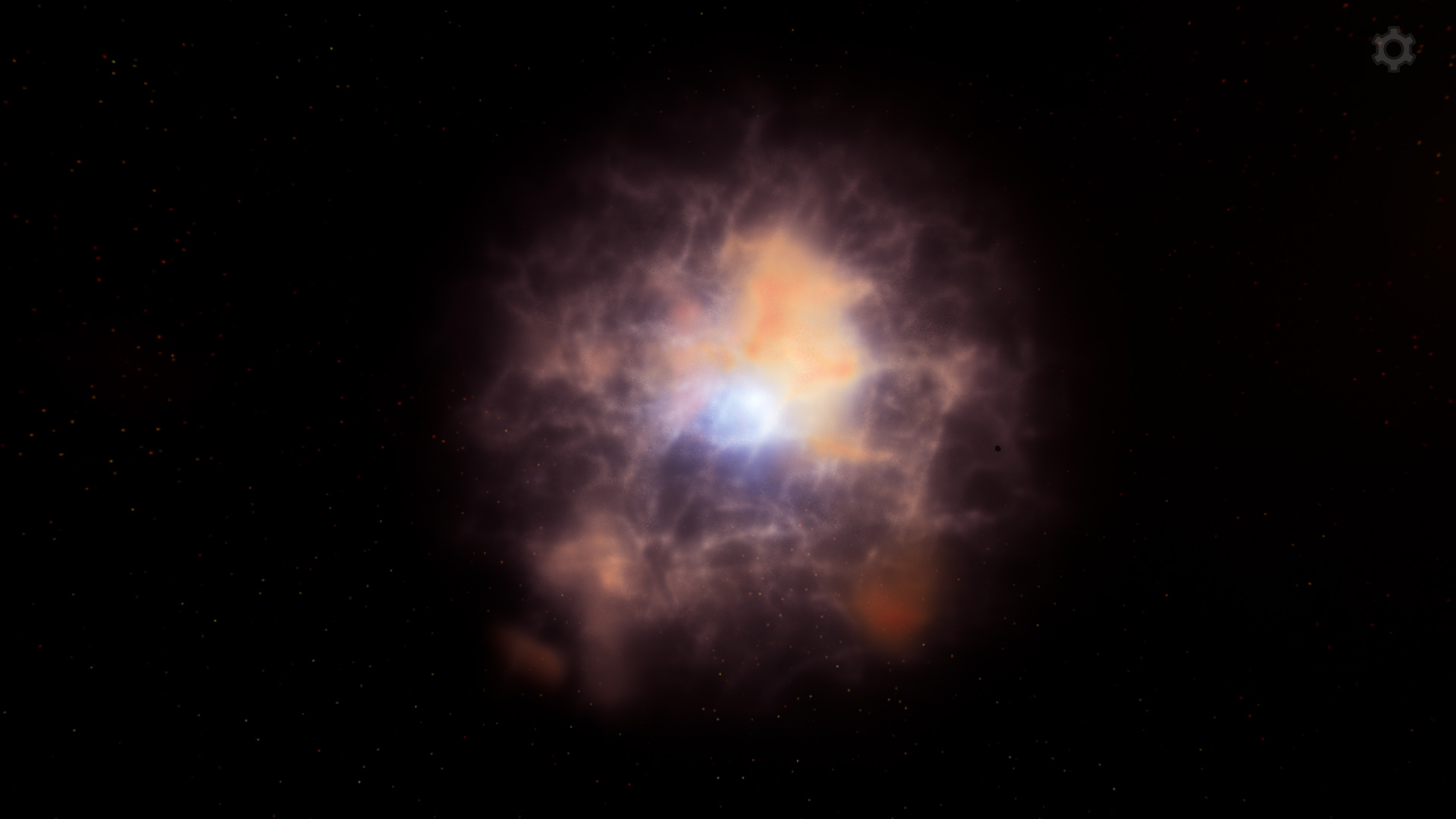
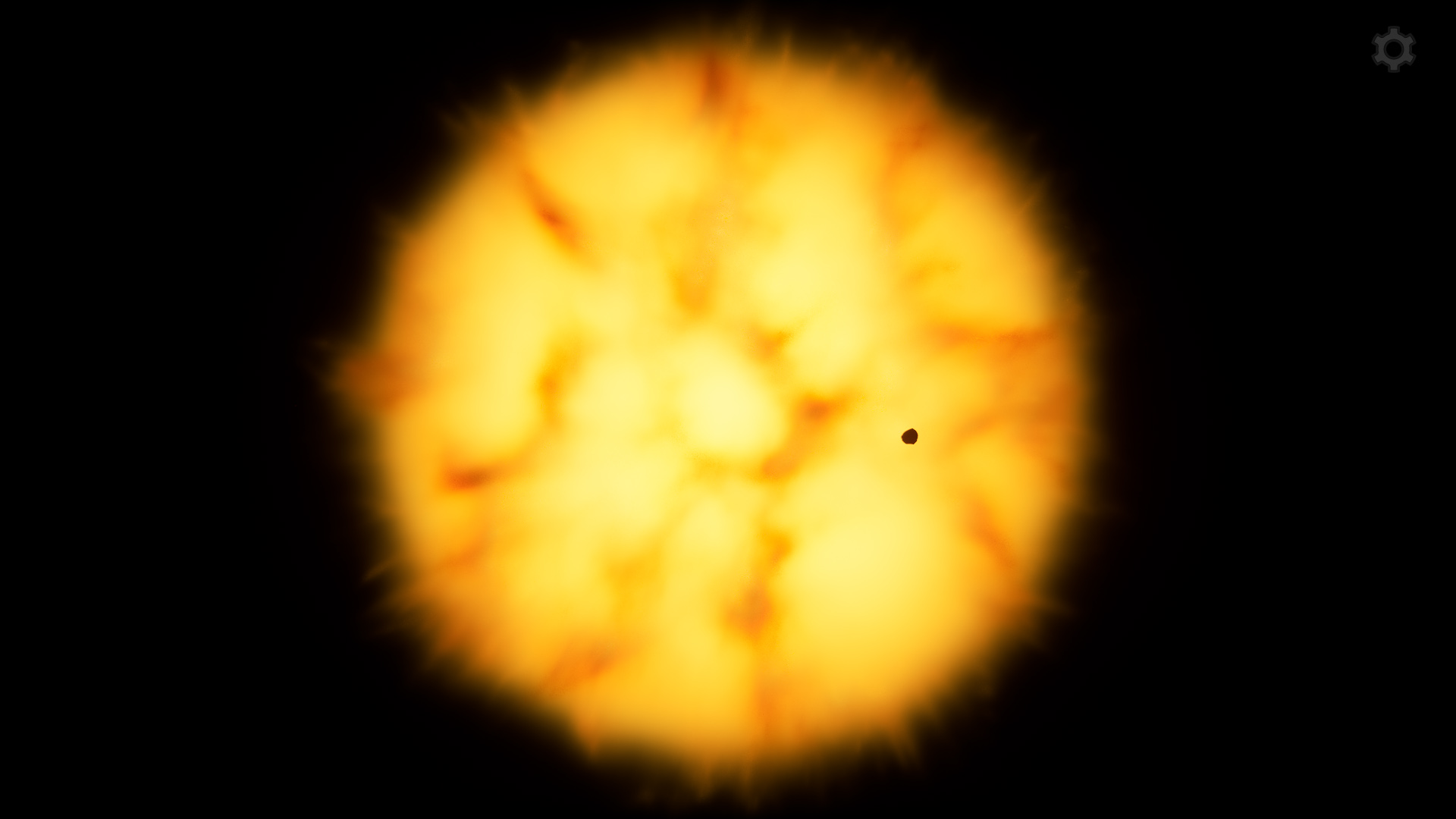
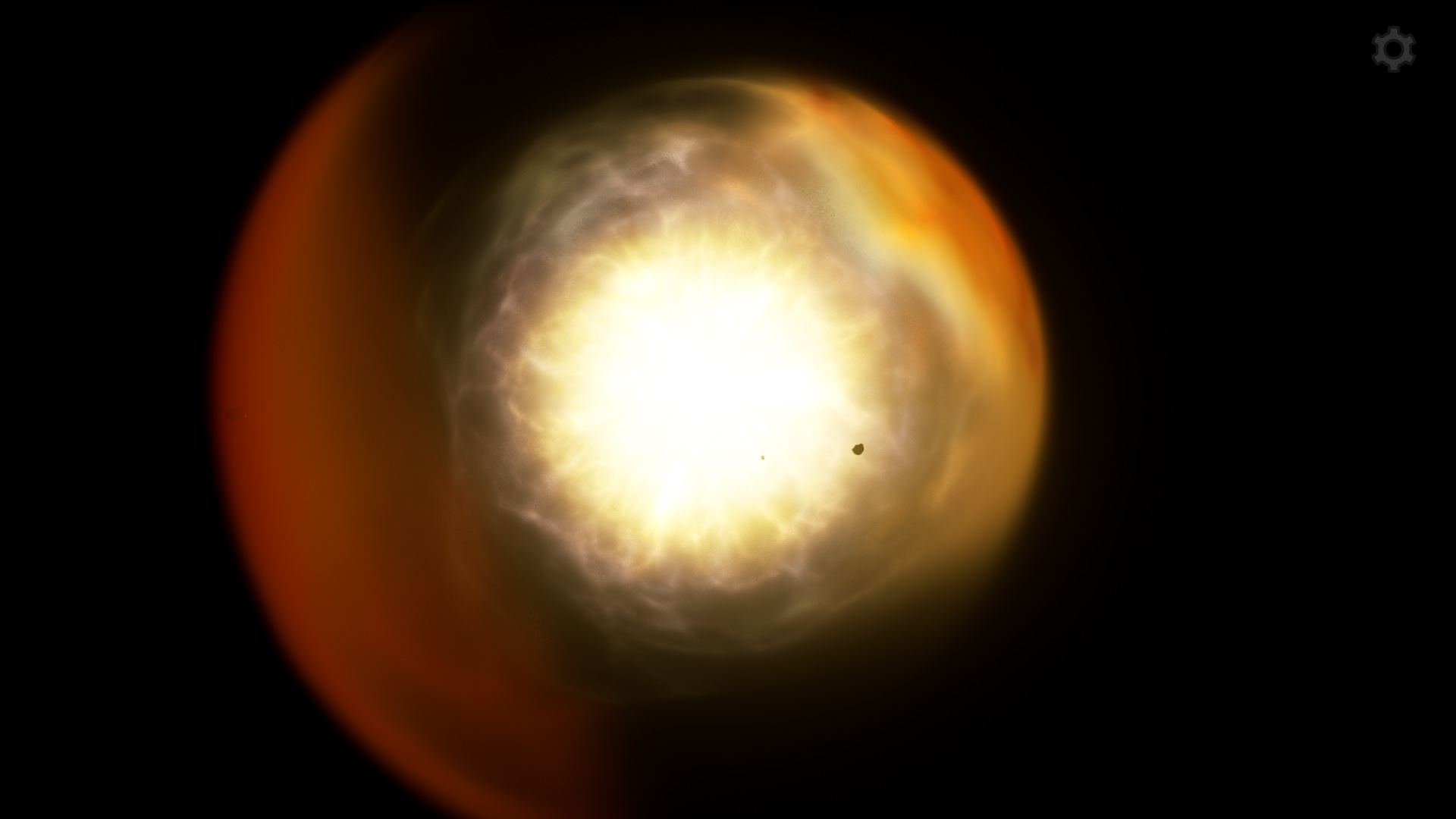
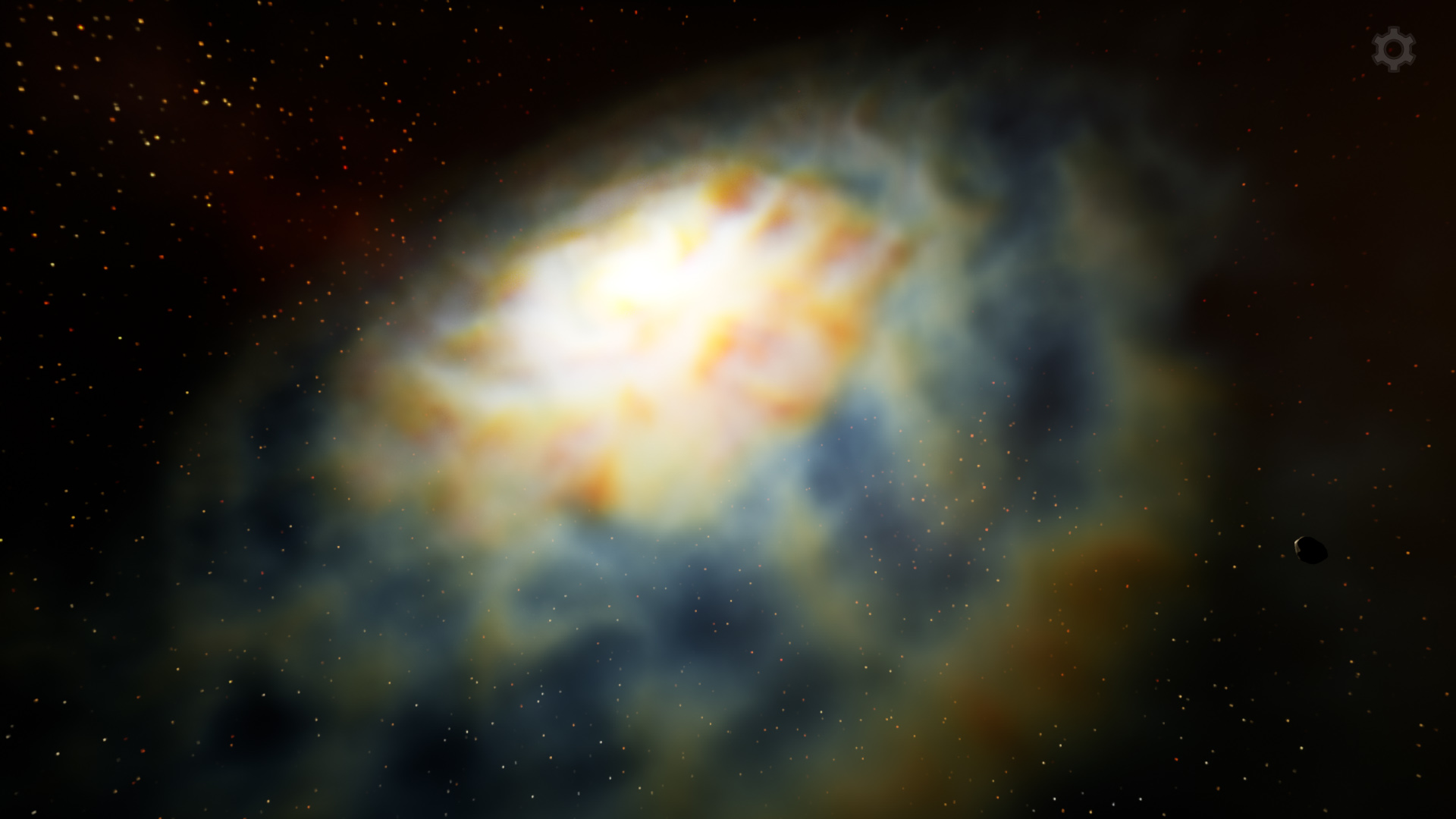
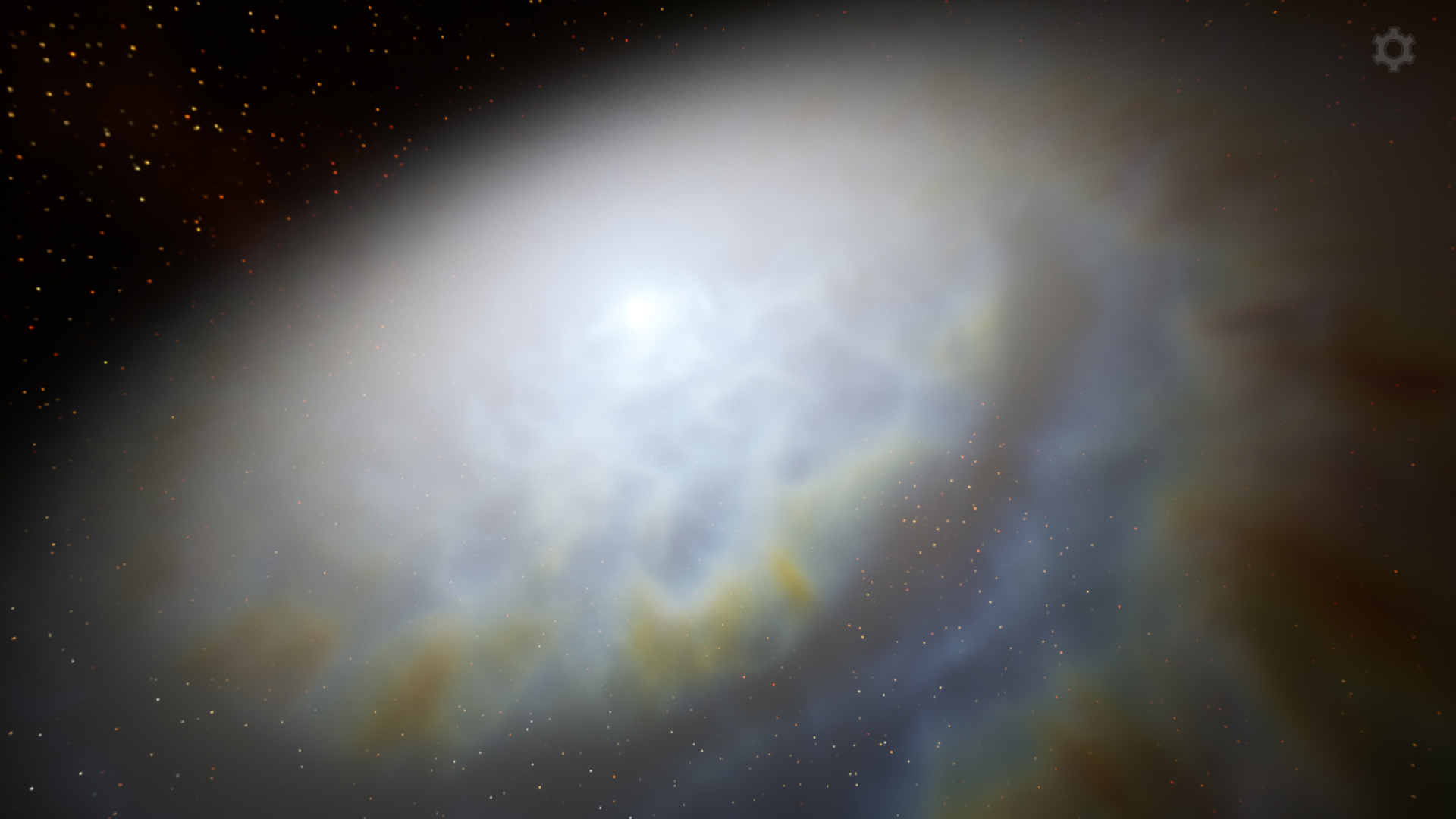
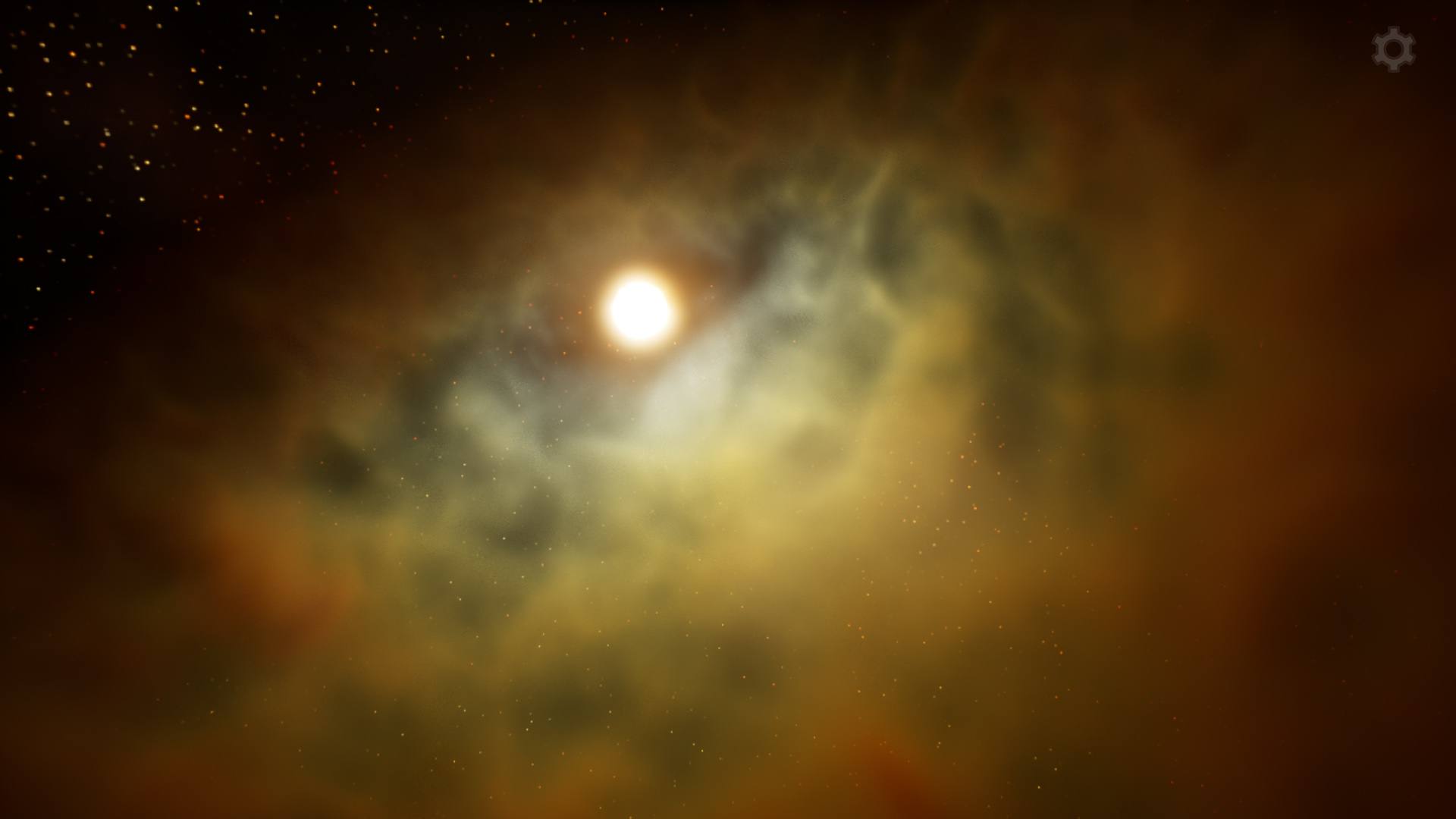
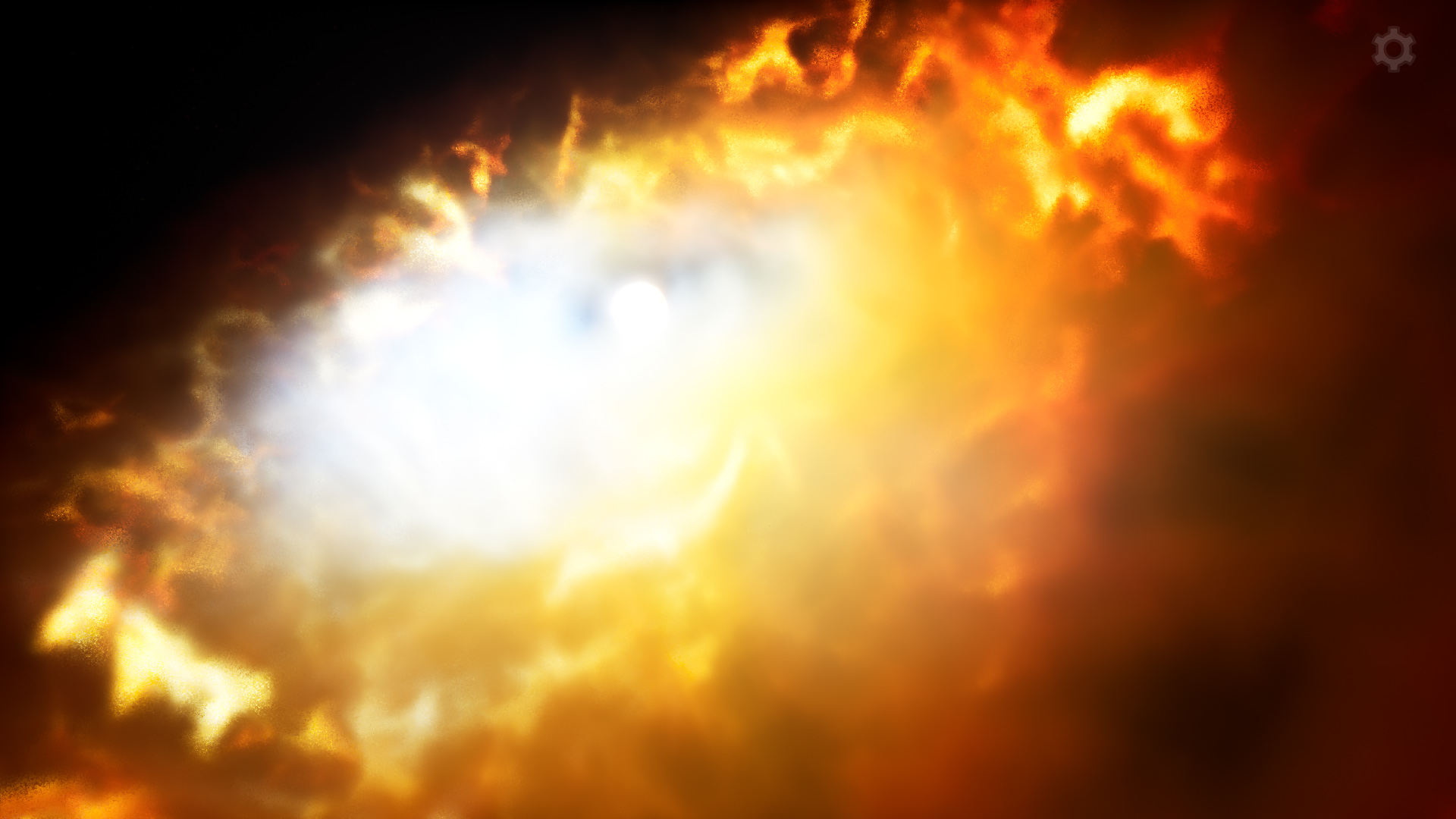
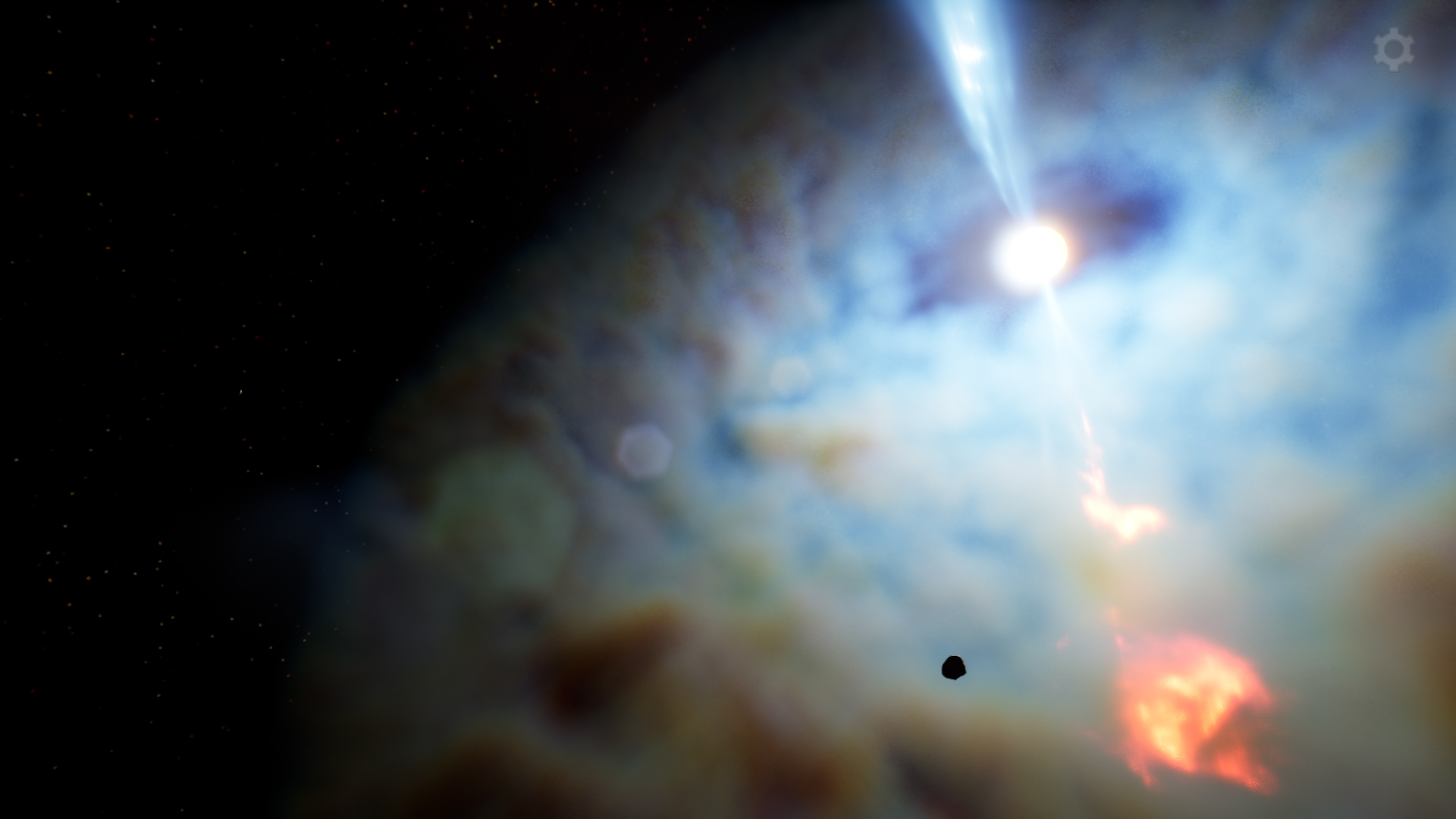
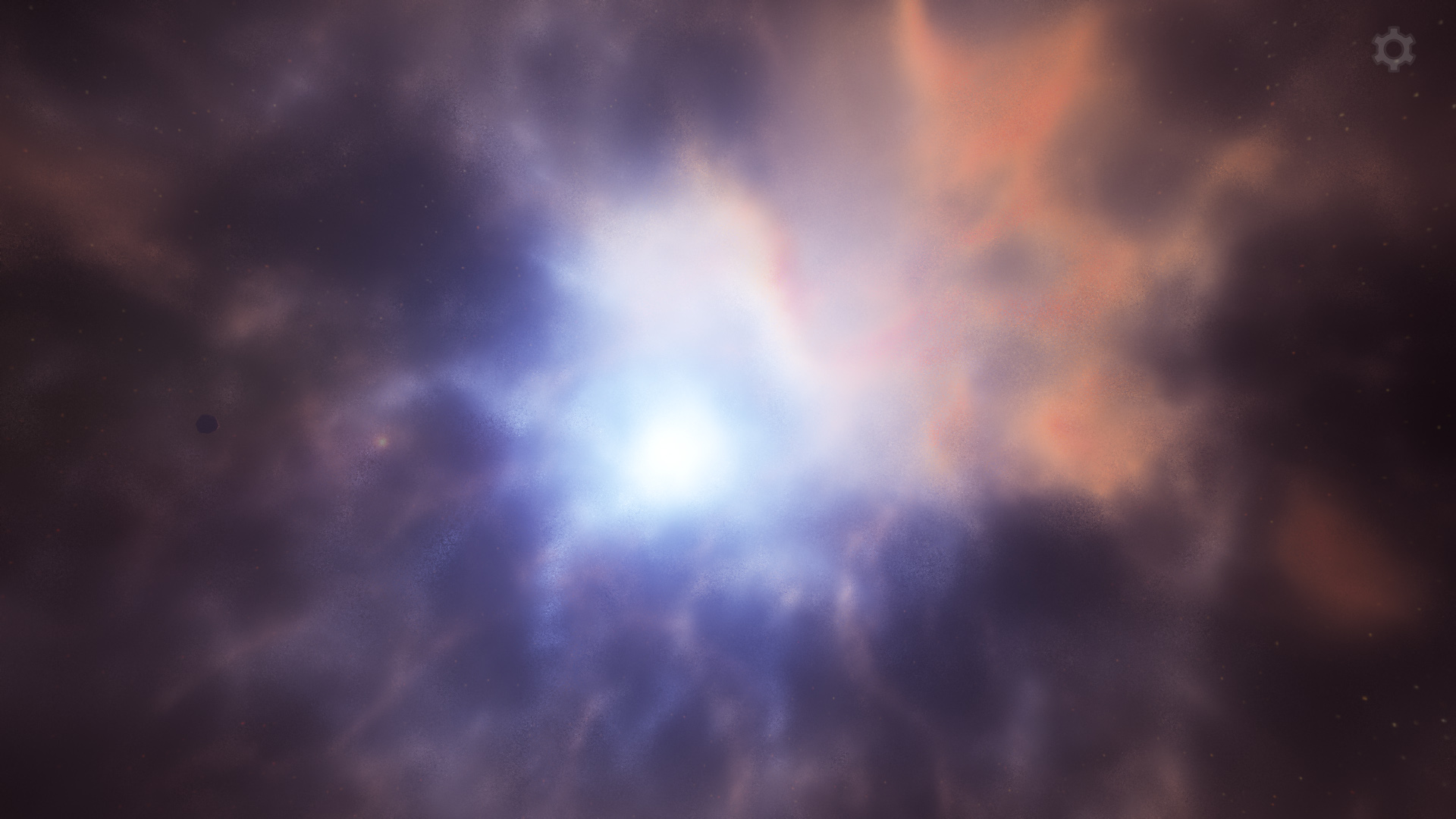
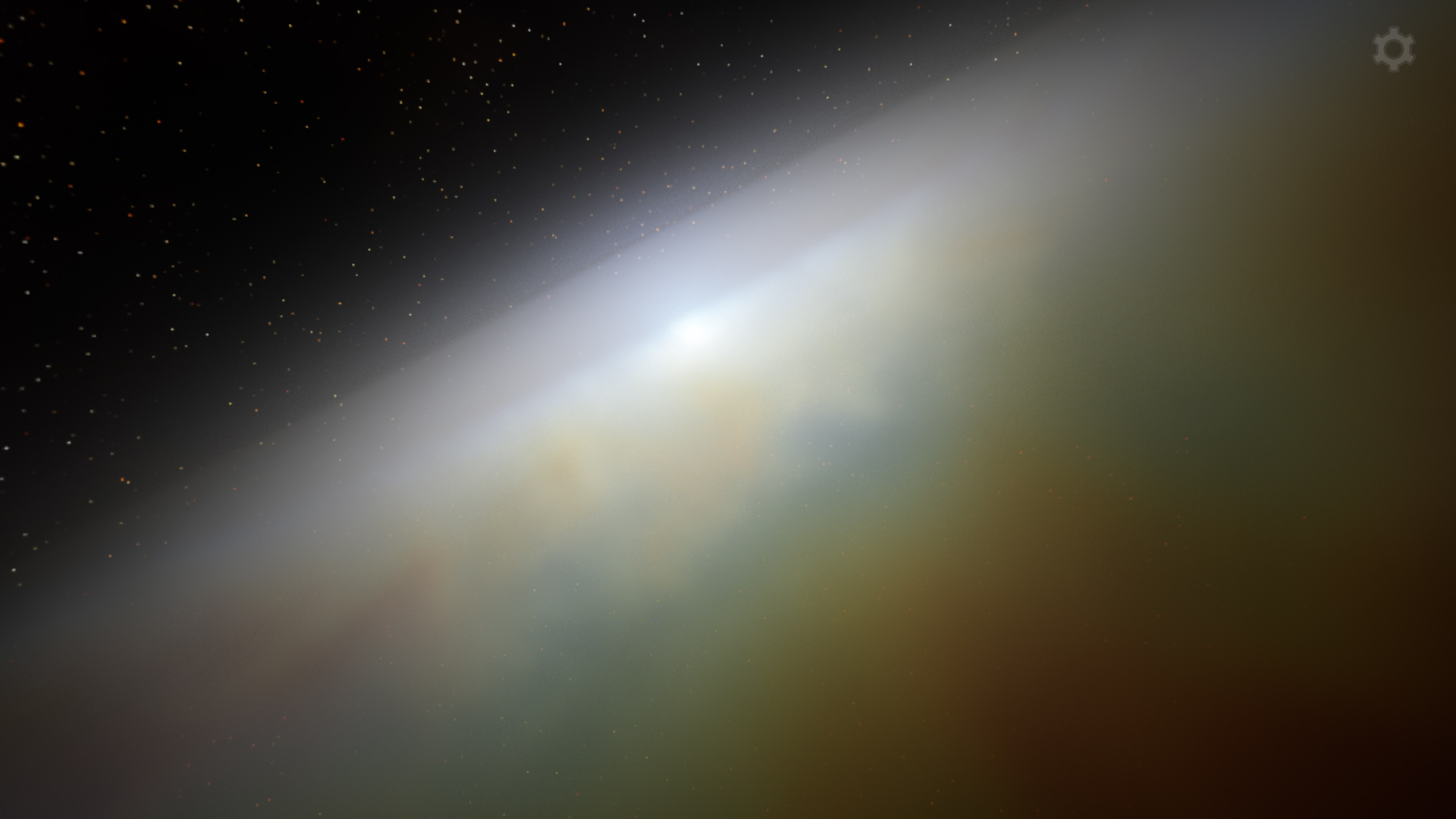
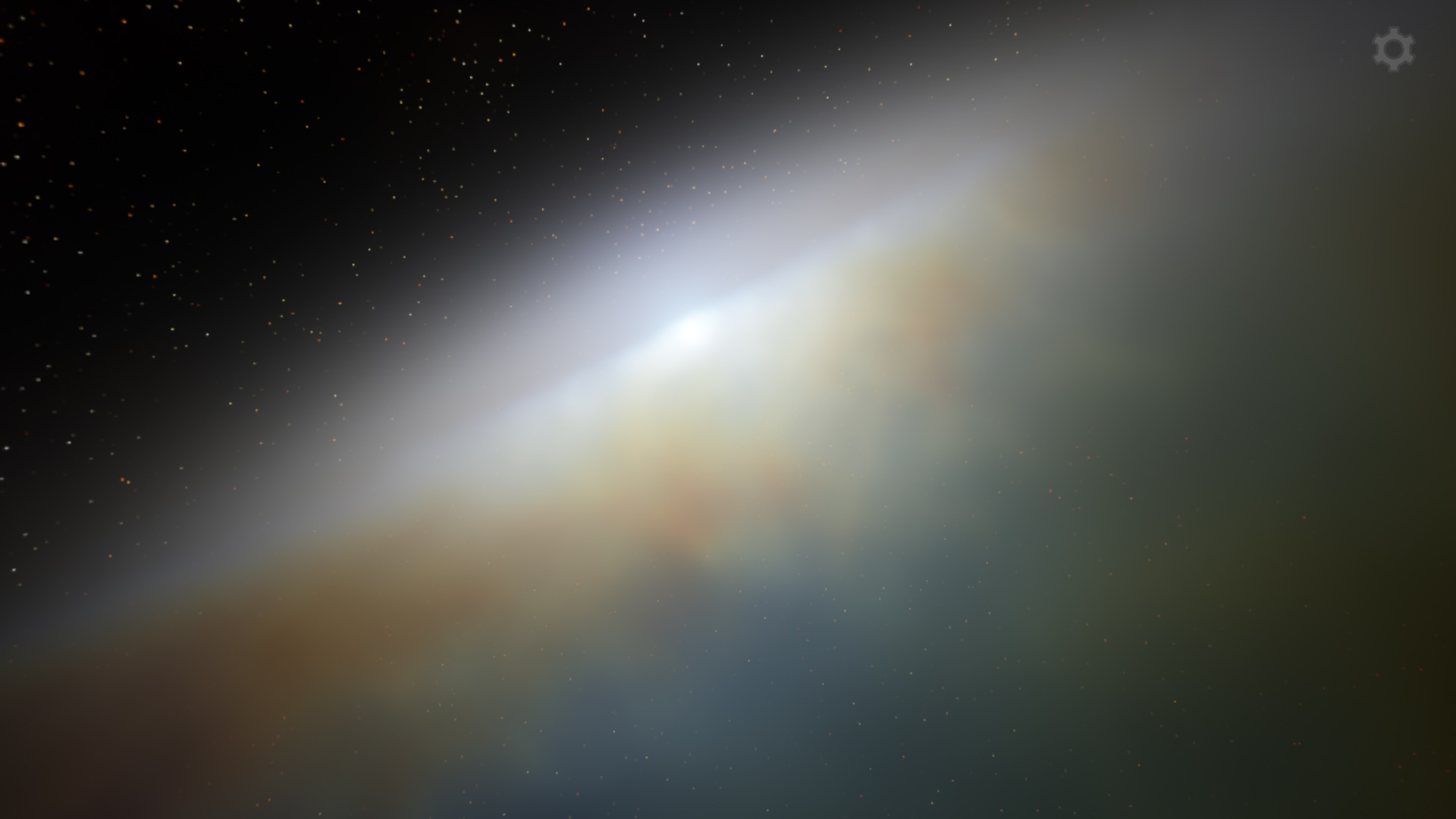
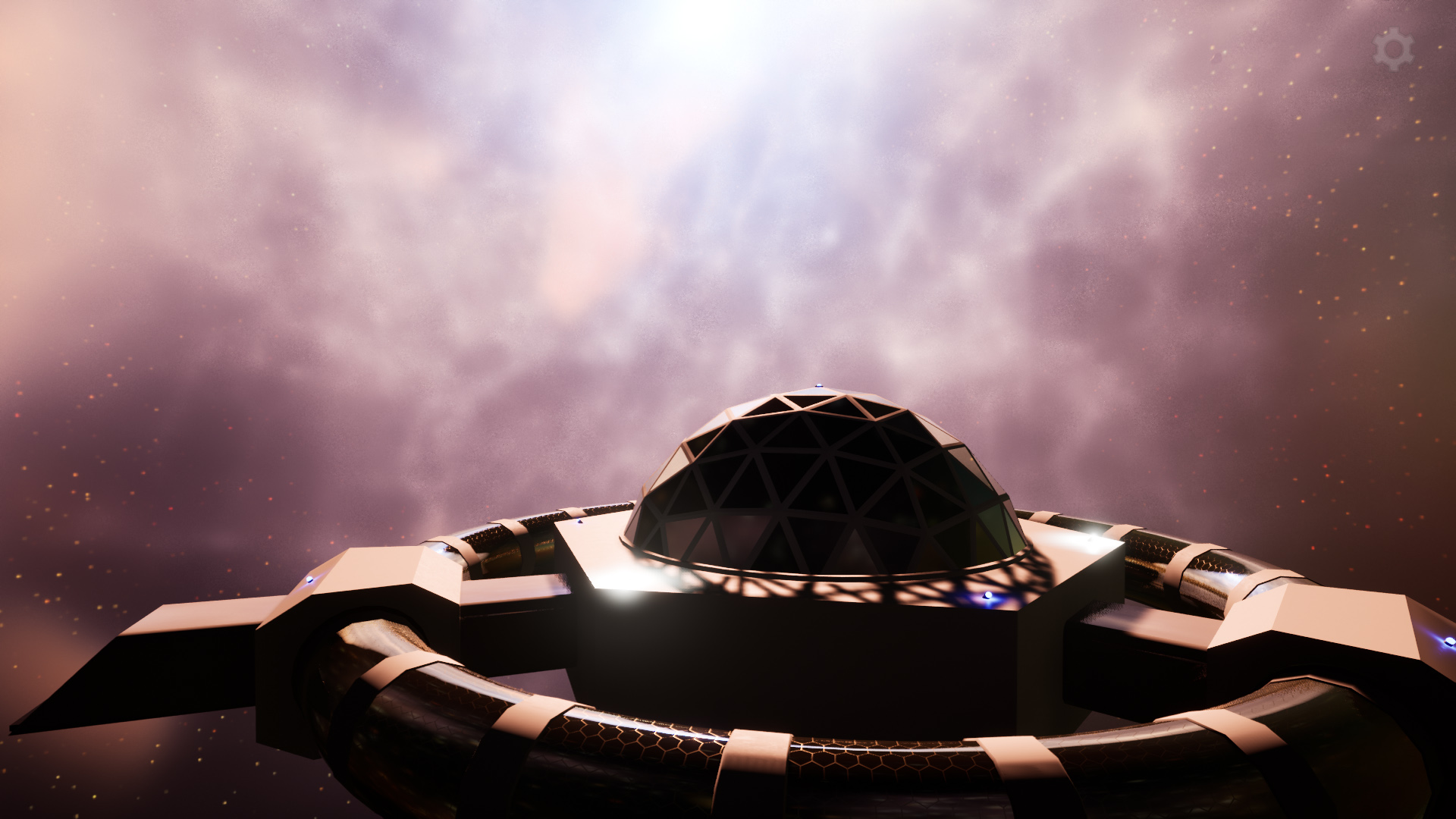
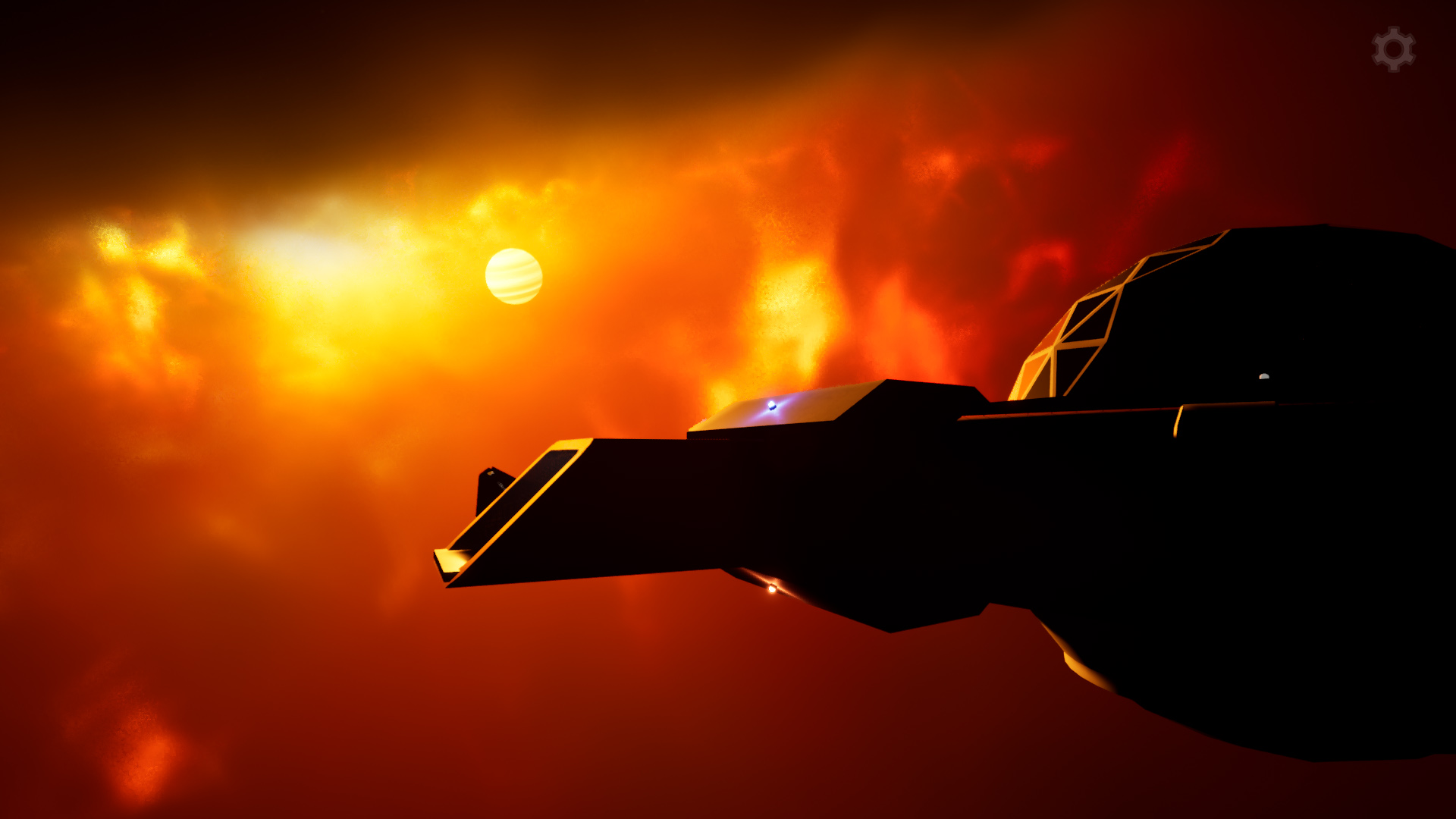
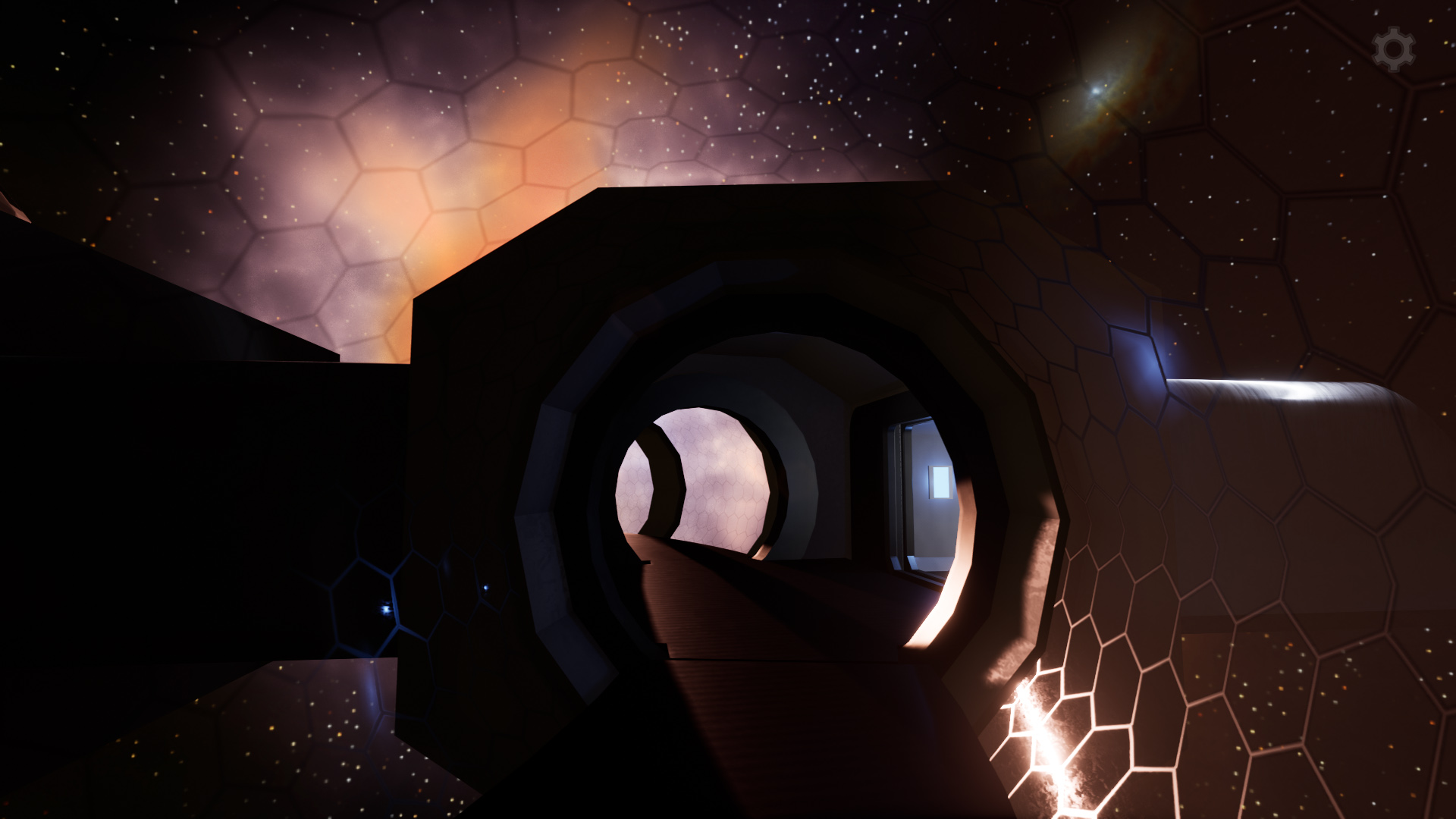
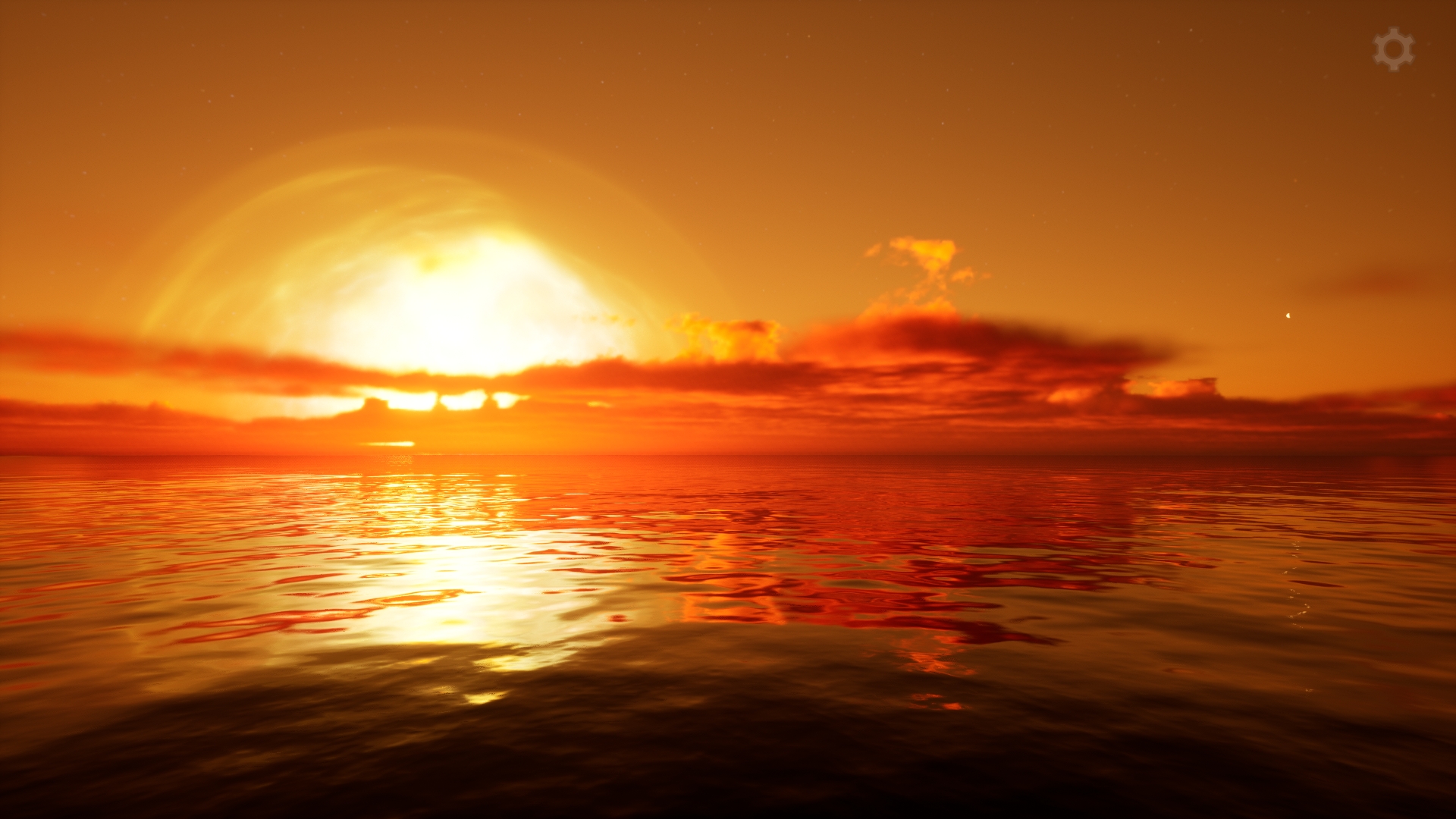
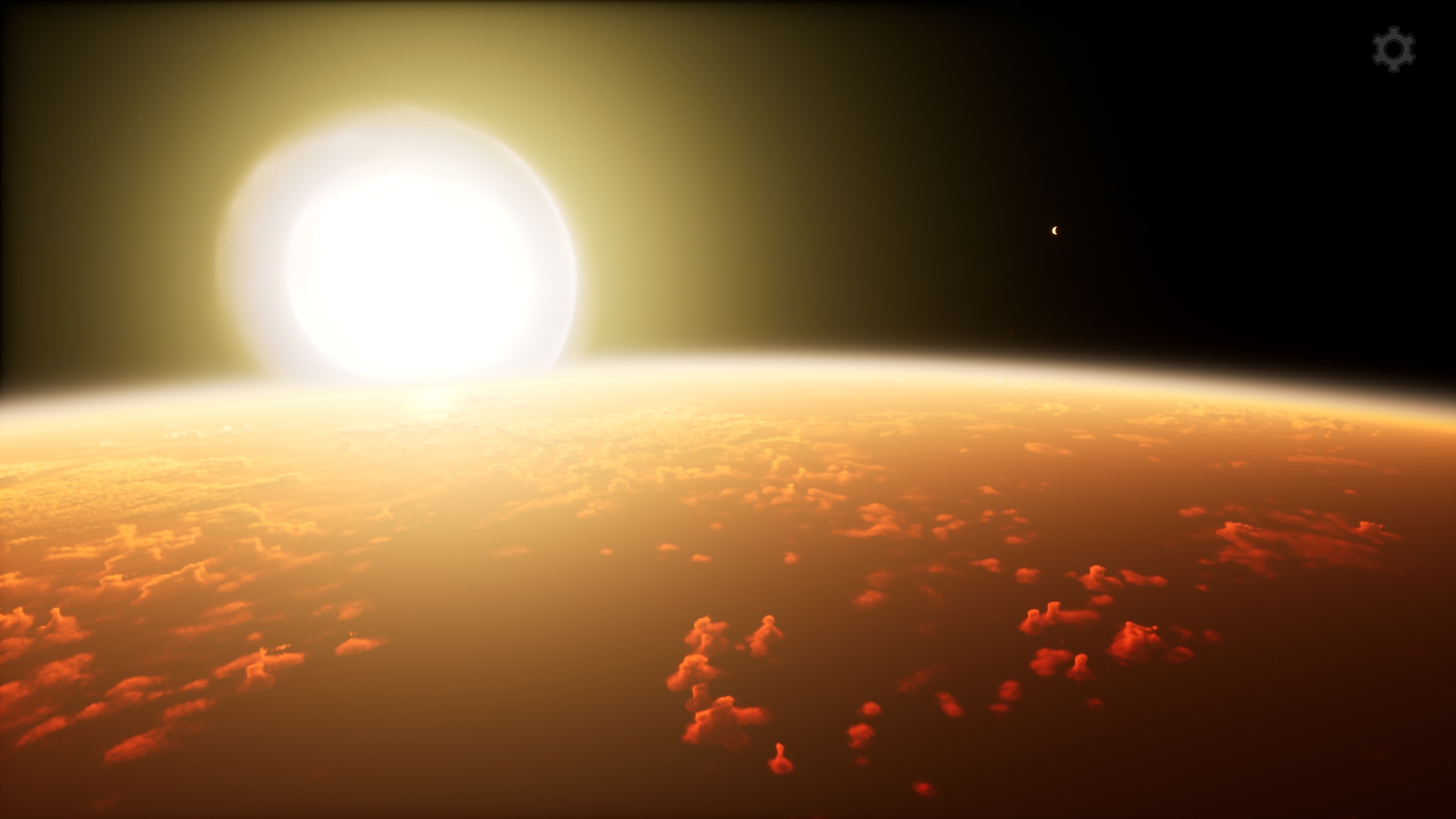
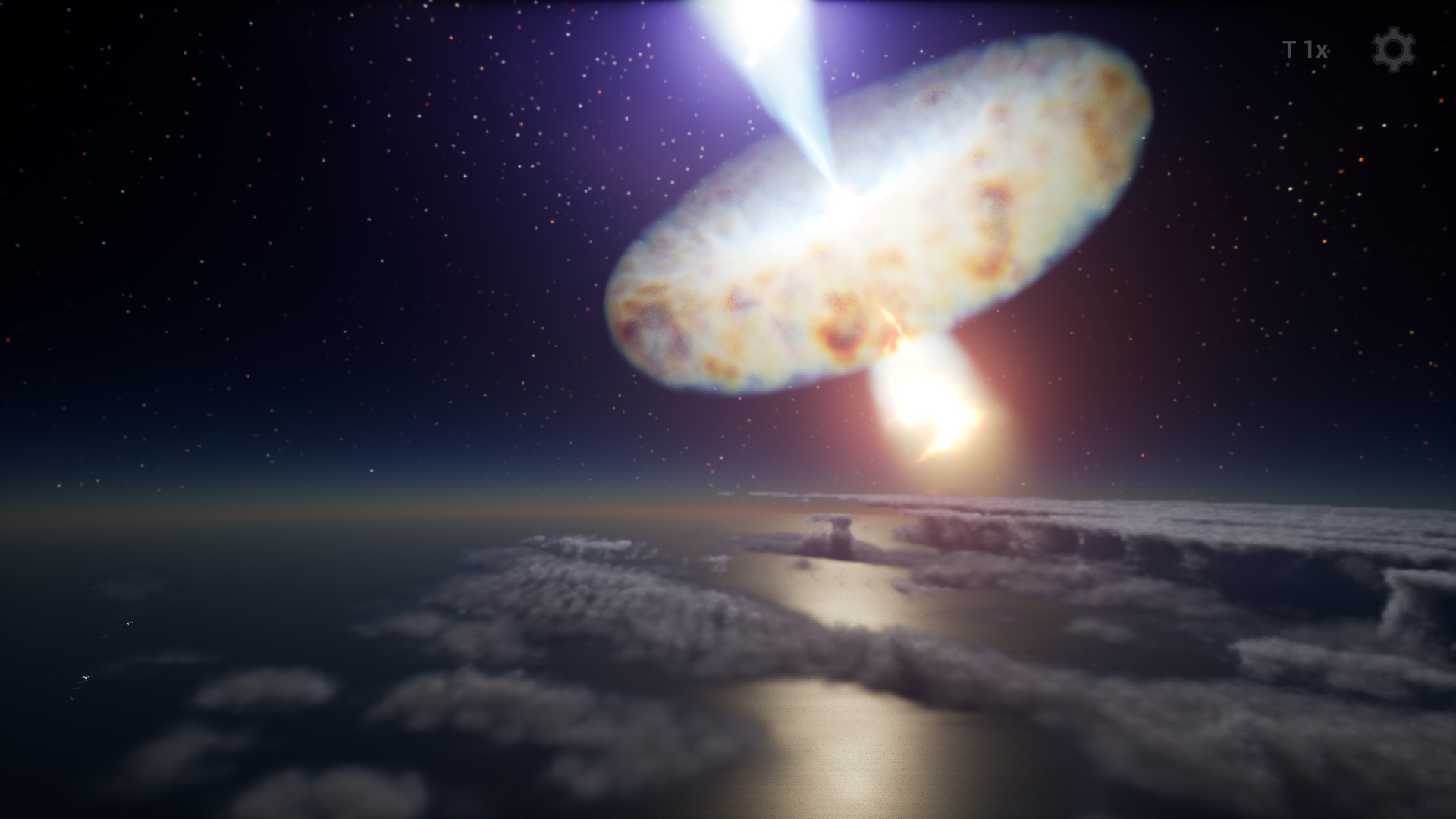
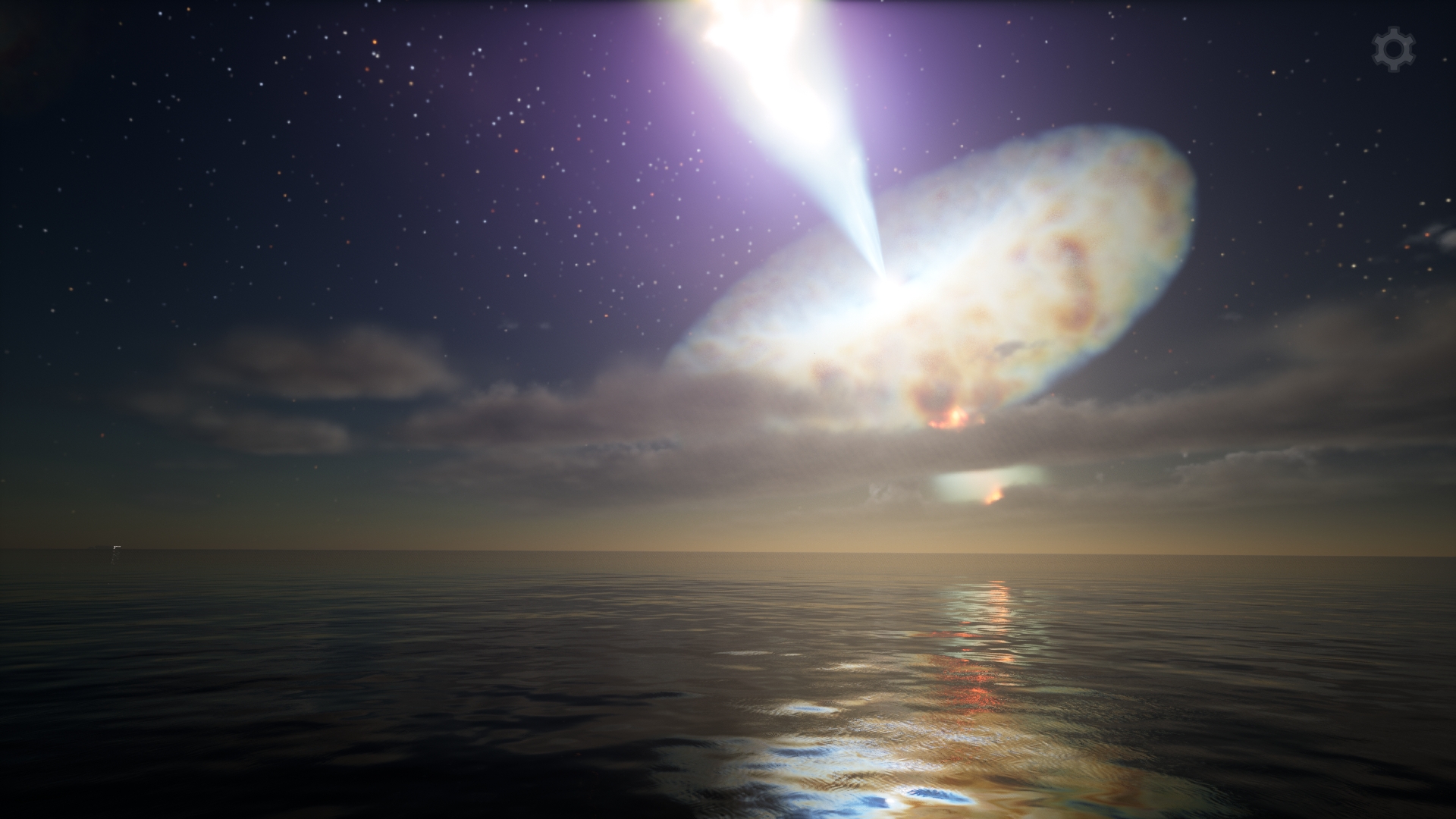
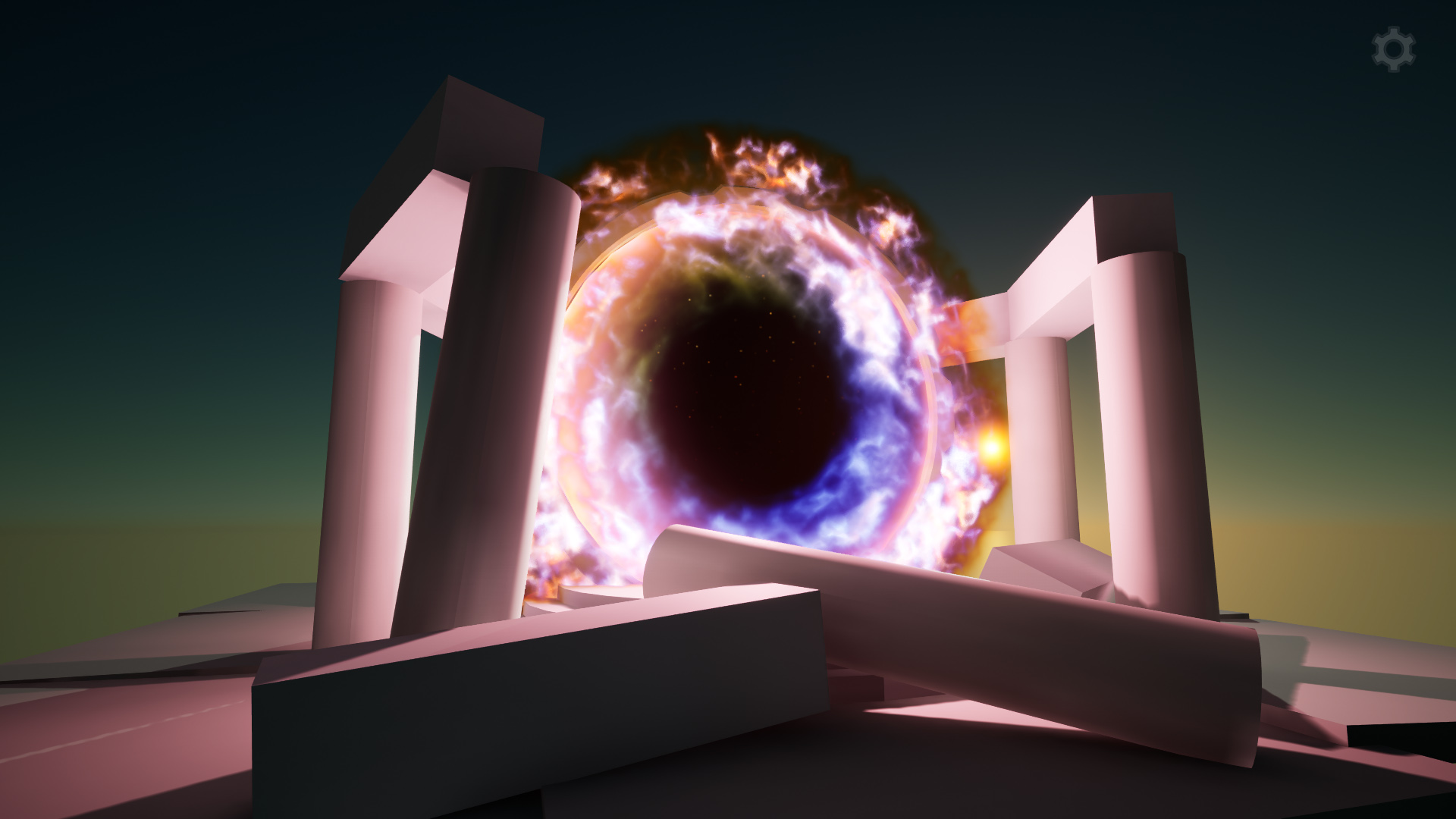
 Description
The main volumetric shaders are implemented as Post Process Materials that blend well with opaque objects in a scene, but objects with translucent materials require special care, because the correctness of the final image depends on relative positions of volumetric shapes and translucent objects. In this project, the main post process materials are rendered before translucency and thus should be farther from the camera than translucent objects (see Blendable Location if you want to change this rendering order).
Material Functions are integral to this project as they are building blocks of most materials thereby providing modularity and great possibilities for customization. The purpose of some of them is specific to this project, while others are of a general purpose and can be useful in any work.
Another essential part is the special blueprints intended to facilitate the setting of certain parameters of the volumetric materials and adding these materials to the scene. Also you can find auxiliary blueprints that were used to make the demo level more interactive and entertaining.
Textures used in the volumetric materials are generated procedurally. This project includes all the materials and blueprints needed to create such textures.
Performance impact and visual quality can vary greatly depending on the material complexity and the number of samples. Moreover, the image quality depends on the distance that the camera rays travel within the volume, and therefore the quality can change noticeably depending on the position of the camera and the angle of view. Additionally, setting the Default RHI to DirectX 12 may significantly reduce performance when rendering volumetric materials. Please, try the demo first to assess the balance between performance impact and visual quality and decide if this suits your needs (in the demo level press Ctrl + Num 1 to toggle the FPS counter and then try different visual settings which can be accessed by pressing the M key).
Please note that there is some trade-off in functionality between UE versions 5.0 and 5.1-5.4 (see technical details below).
- Demo and Screenshots
- Material Customization
- Presentation Video
- Sky Overlay Video (UE 5.0)
- Sky Overlay Screenshots (UE 5.0)
- Flying Through Disks
- Stellar Effects
- Exploring the Planetarium
Forum threads:
Technical Details
Features:
- the main volumetric shaders are implemented as post process materials
- textures used in the volumetric materials are generated procedurally
Number of Main Volumetric Materials: 7
Number of Main Volumetric Material Instances: 10
Number of Unique Materials (including architectural): 39
Number of Textures 2D: 8
Number of Textures 3D: 3
Texture Resolutions: from 512 to 4096×2048
Supported Development Platforms:
Windows: Yes
Mac: No
Documentation: Project Description
Important Notes:
- To correctly render the brightness of the post process materials in UE versions prior to 5, it might be necessary to disable Pre-Exposure in the project settings;
- Materials not tested with Hardware Ray Tracing;
- In UE 5.0, the old Screen Space Reflection effect is blended quite well with the reflections captured by the Sky Light, as you can see in the Sky Overlay video and screenshots. In UE 5.1, the Sky Light reflections require enabling Lumen reflections which have certain distance limitations. On the other hand, in UE 5.1, the issue with LWC in post process materials and the issue with small accelerations were fixed (see links to related forum threads in the description above).
- Activating SM6 may significantly reduce performance.
Login is required to access this download
You can contact us at any time and request that the asset you want be added to the site from the Request Asset section.