Description
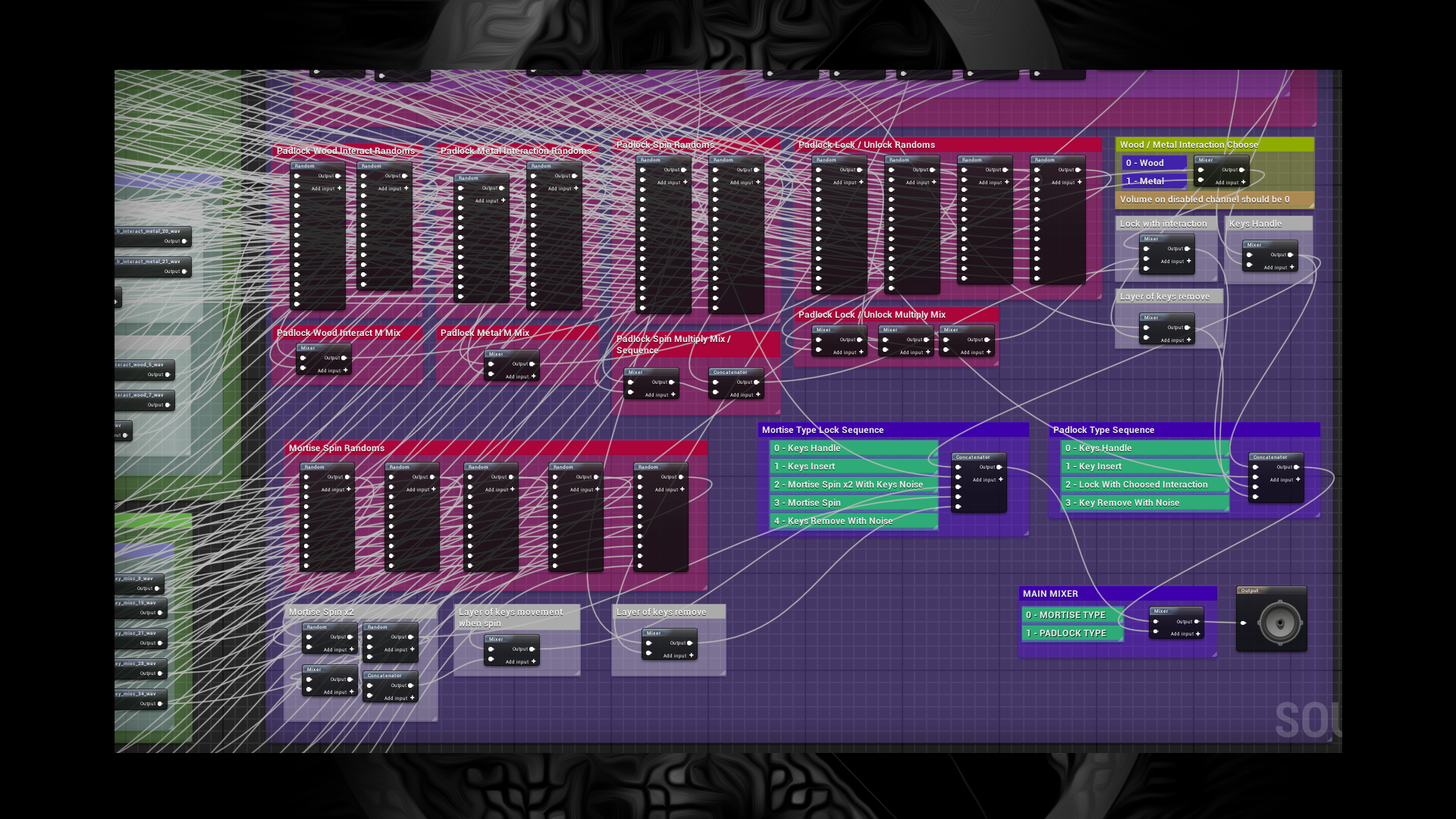
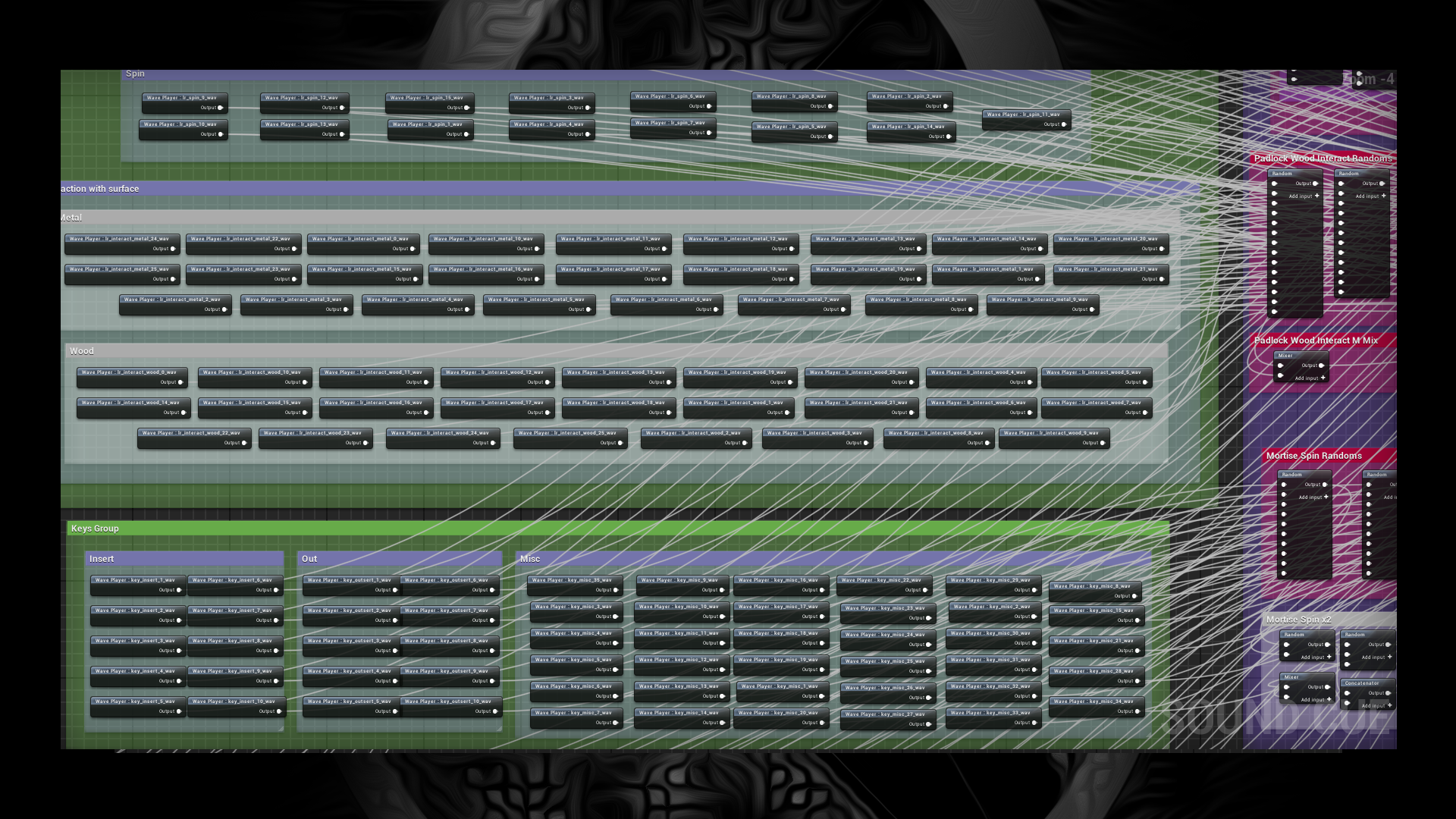
How to use: Choose lock type on section commented “MAIN MIXER”. For padlock type there are two interaction surfaces provided (wooden and metal), to switch them go to “Wood / Metal Interaction Choose” section and setup volume on mixer.
Youtube Samples: Mortise Lock, Padlock on Wood, Padlock on Metal.
Login is required to access this download
VIP Downloads Today: 0 of 0
You can contact us at any time and request that the asset you want be added to the site from the Request Asset section.