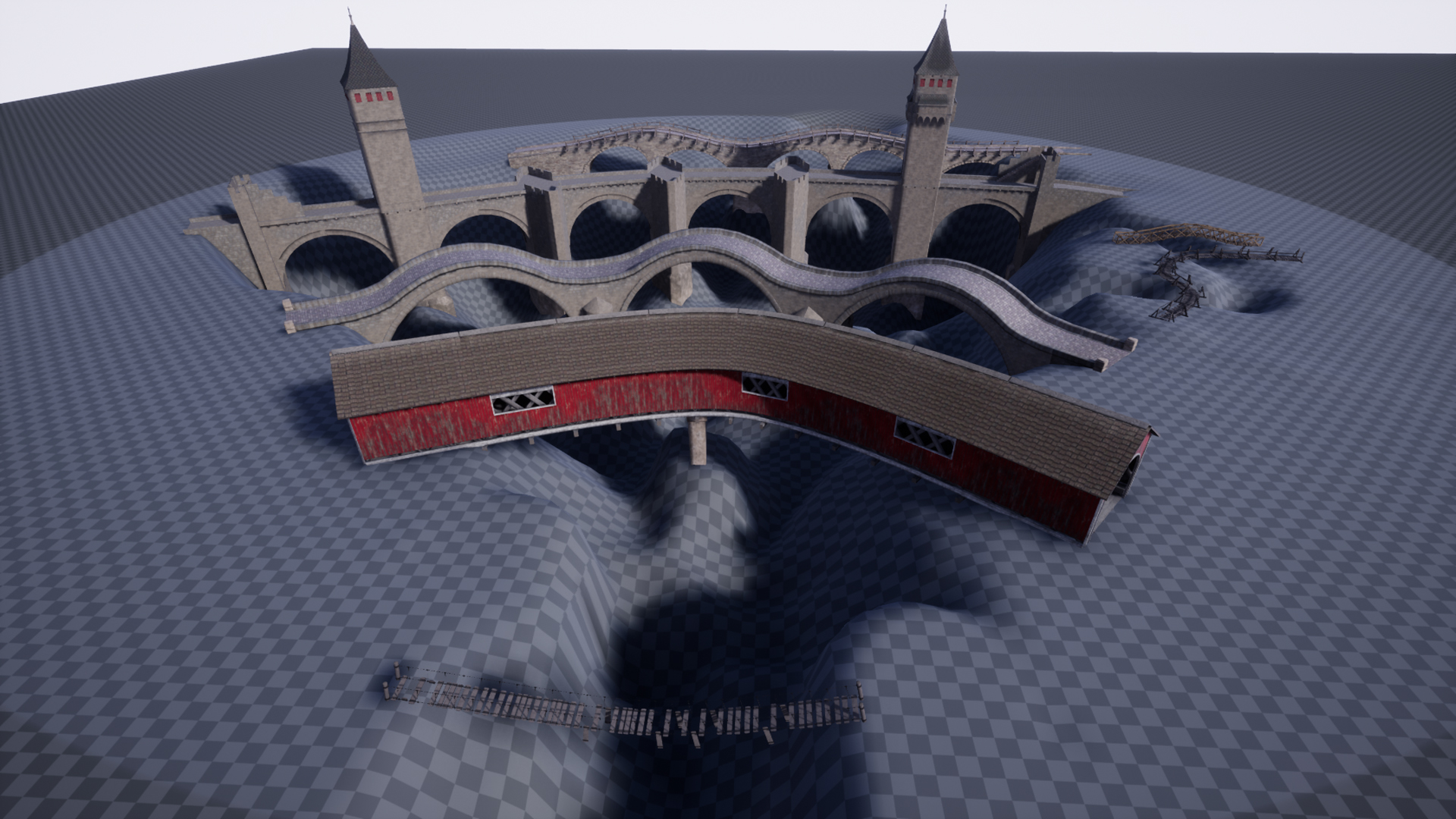
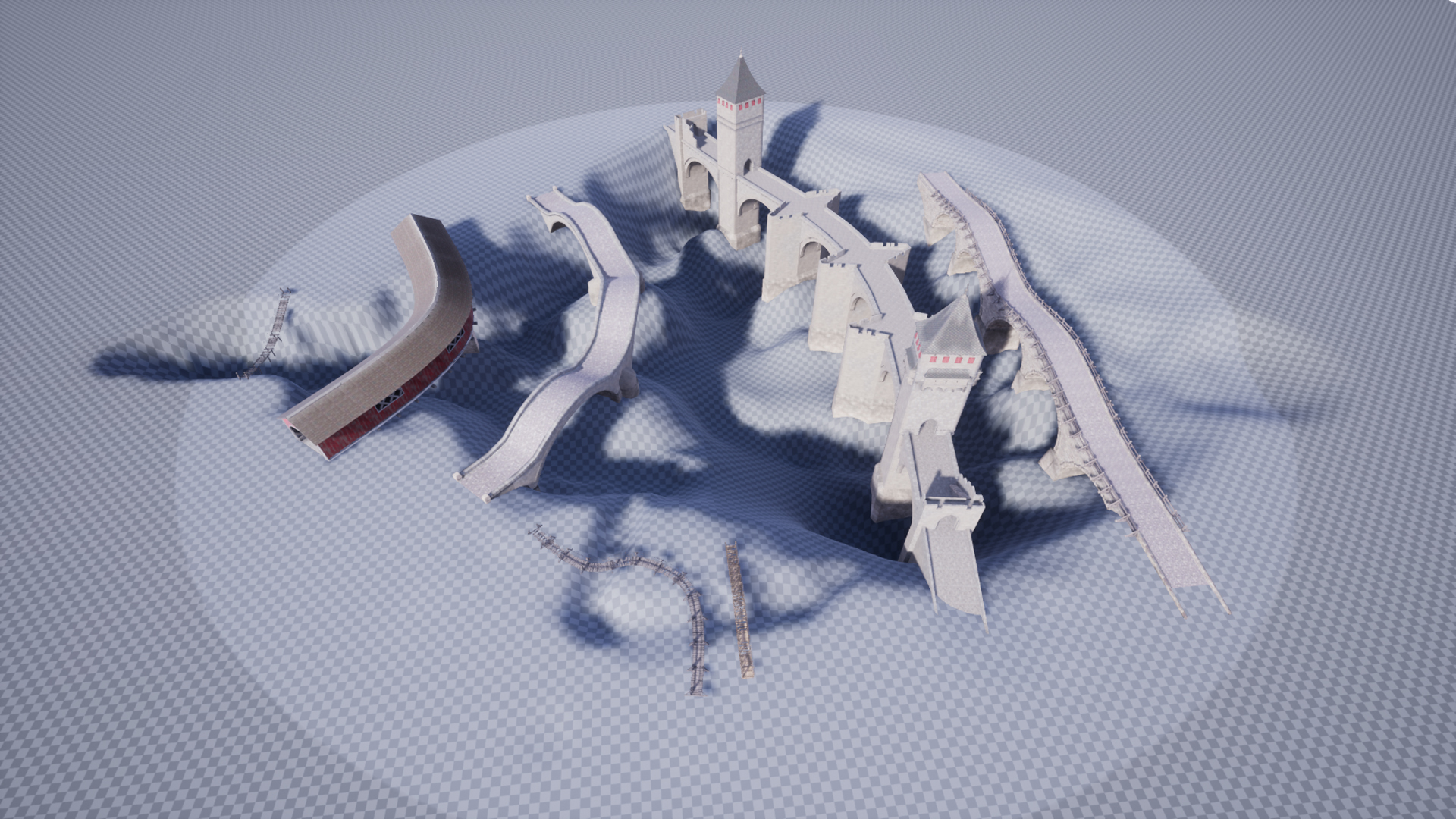
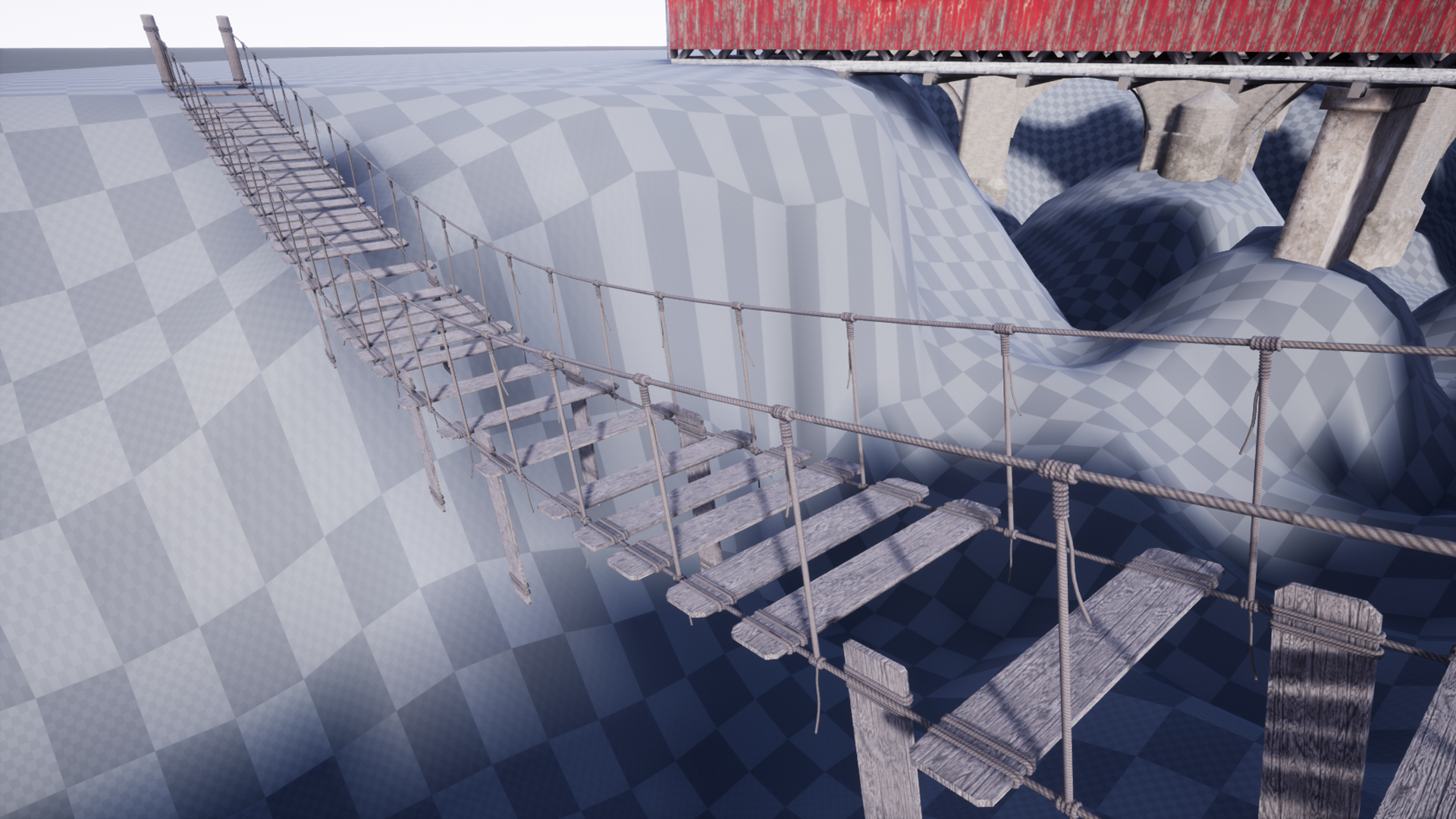
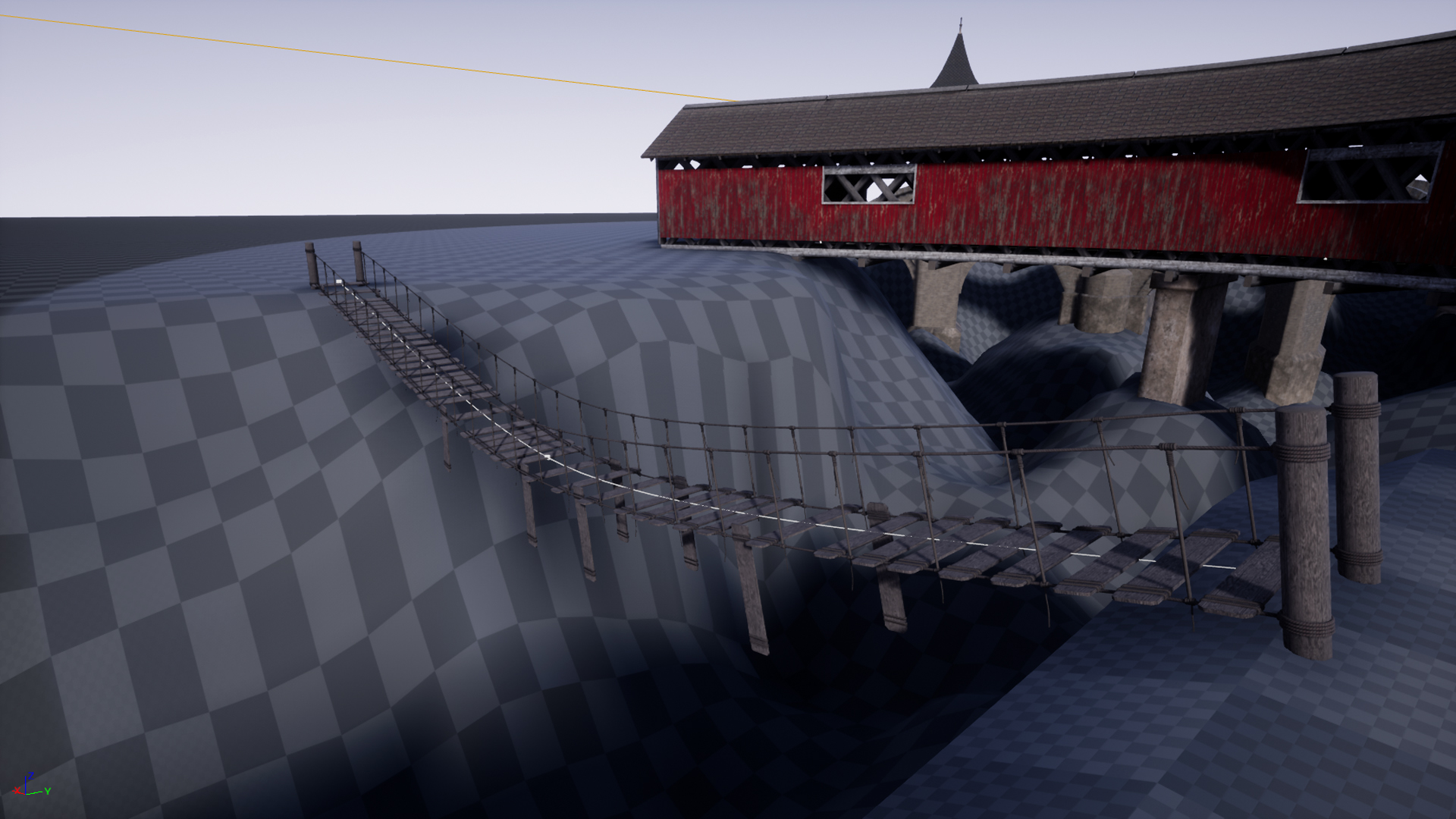
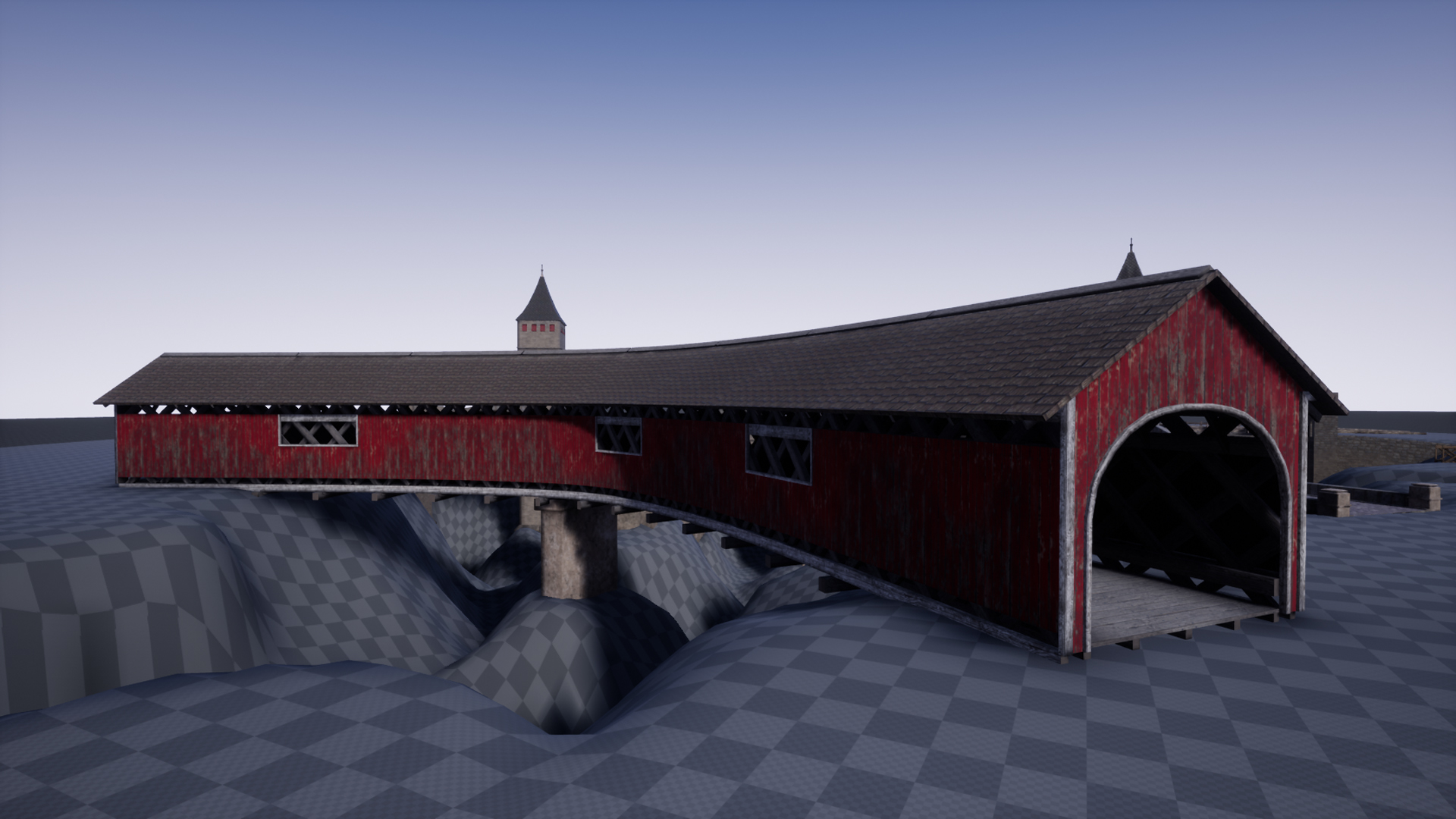
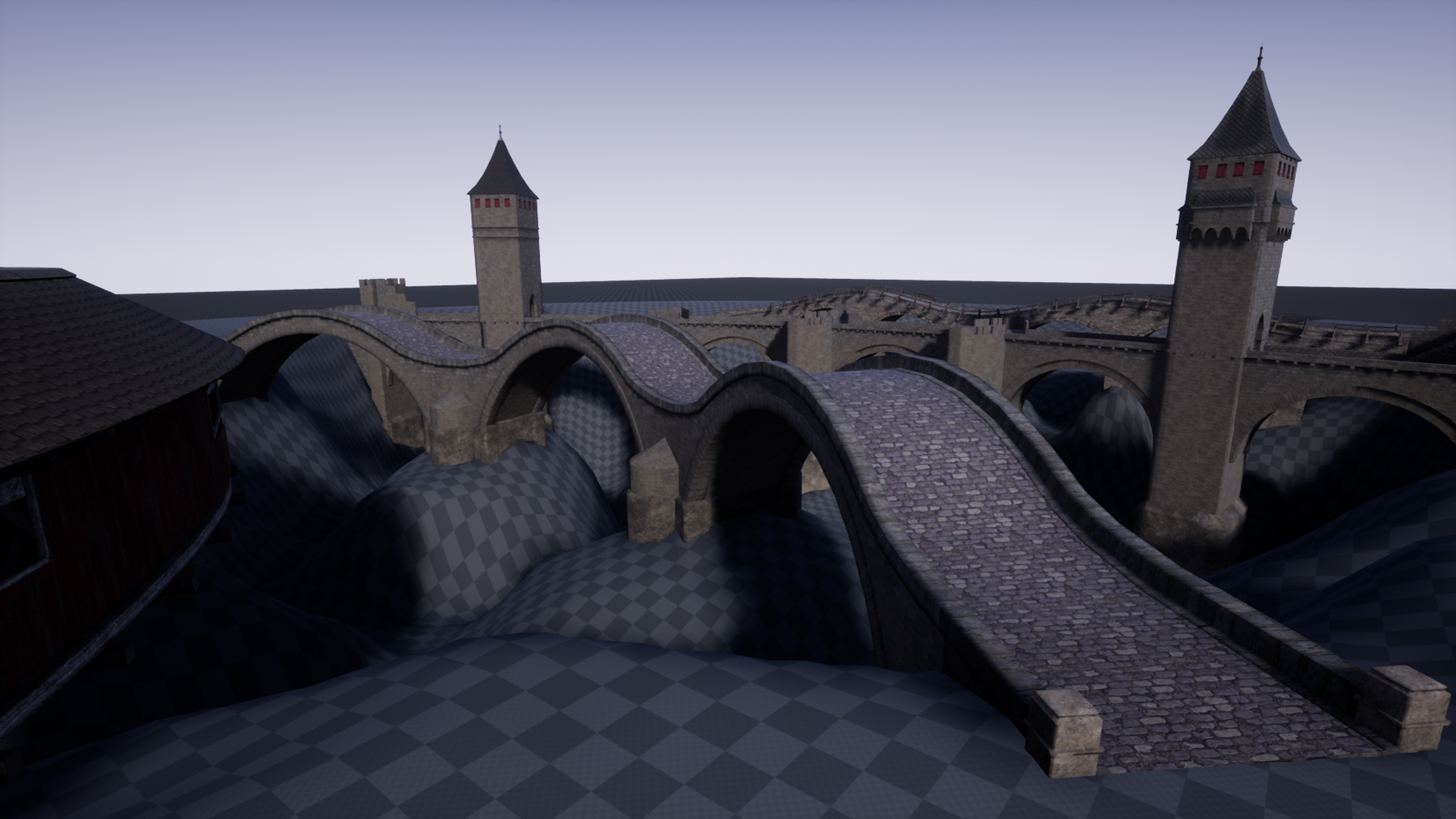
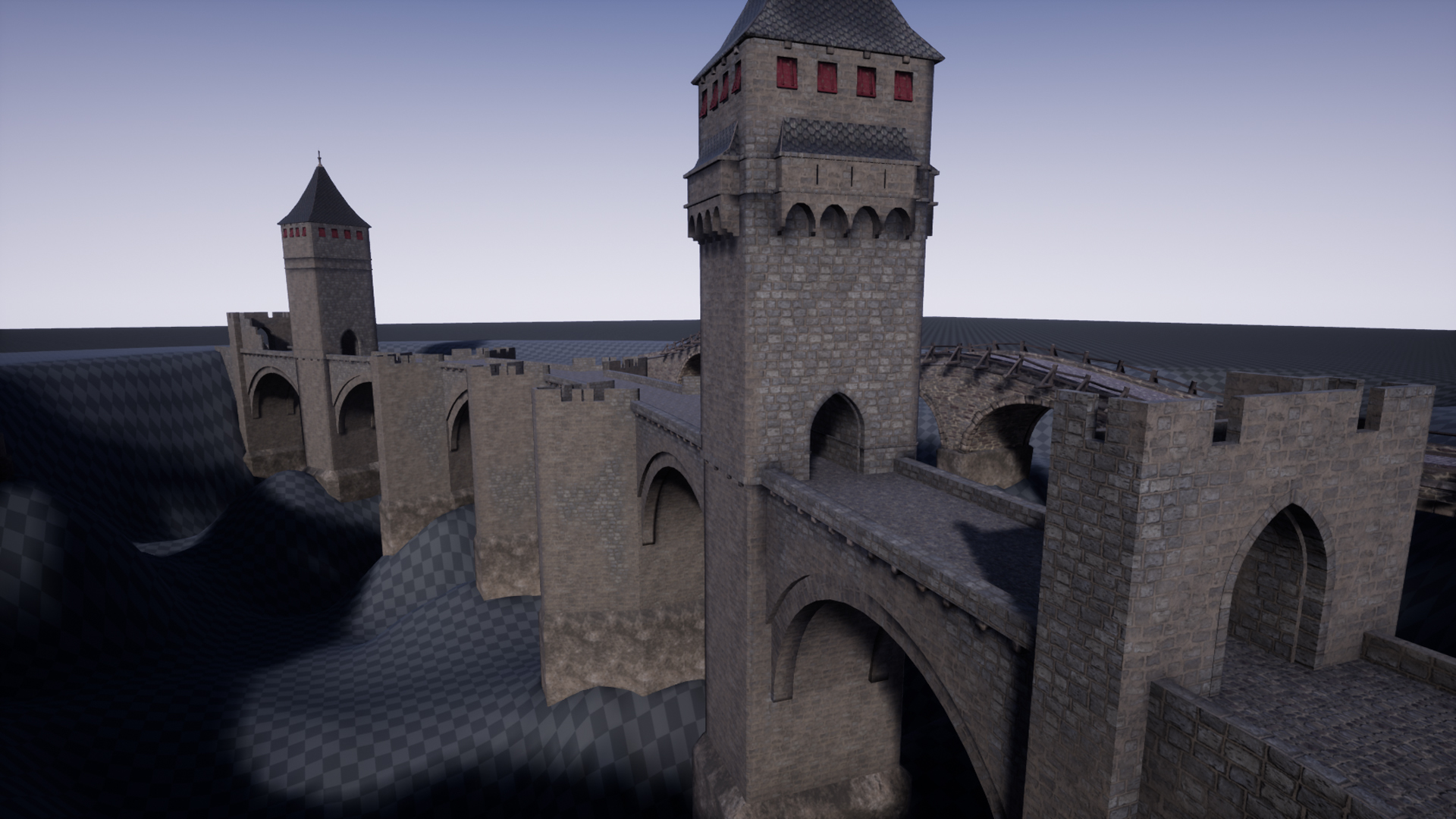
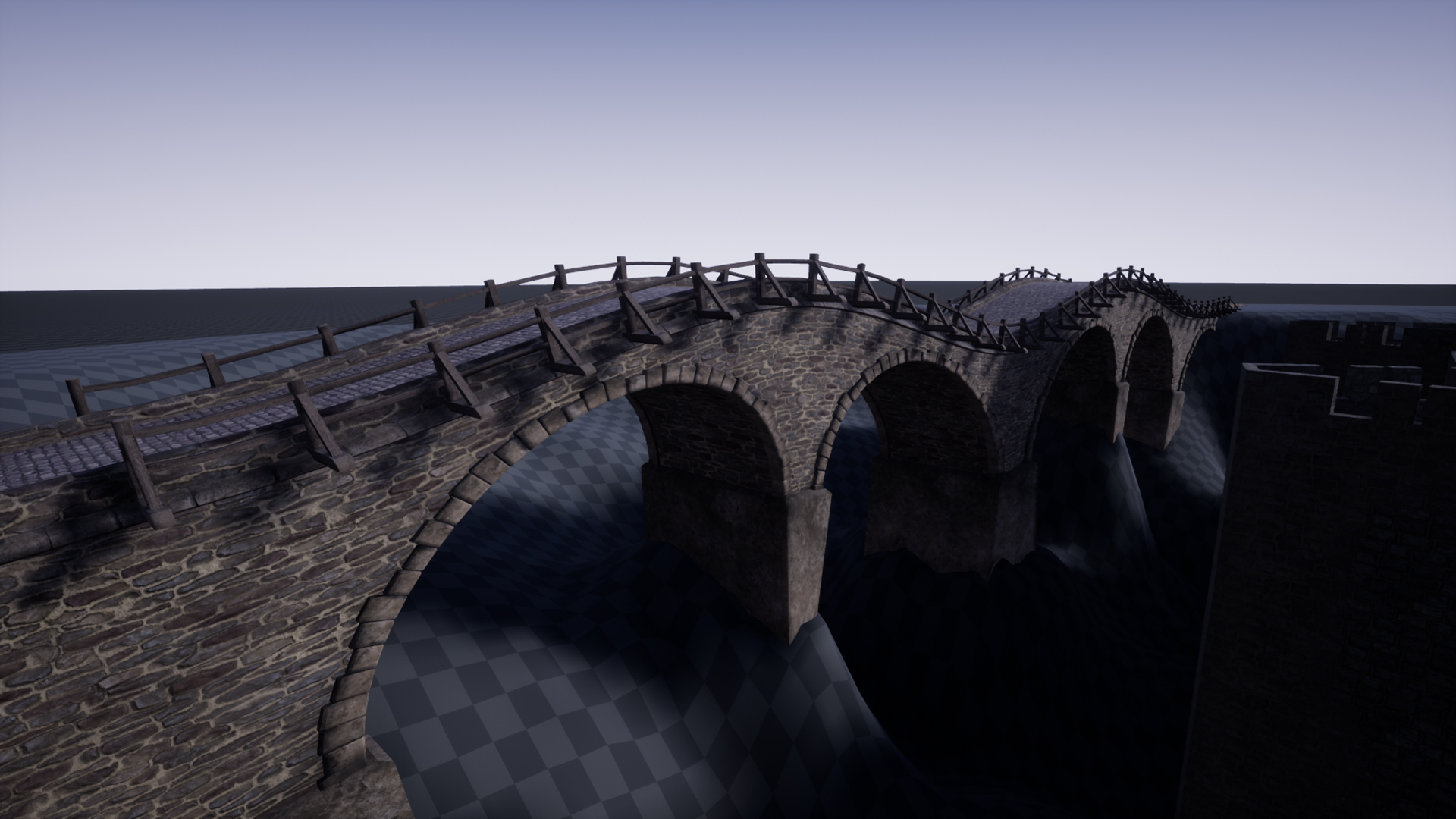
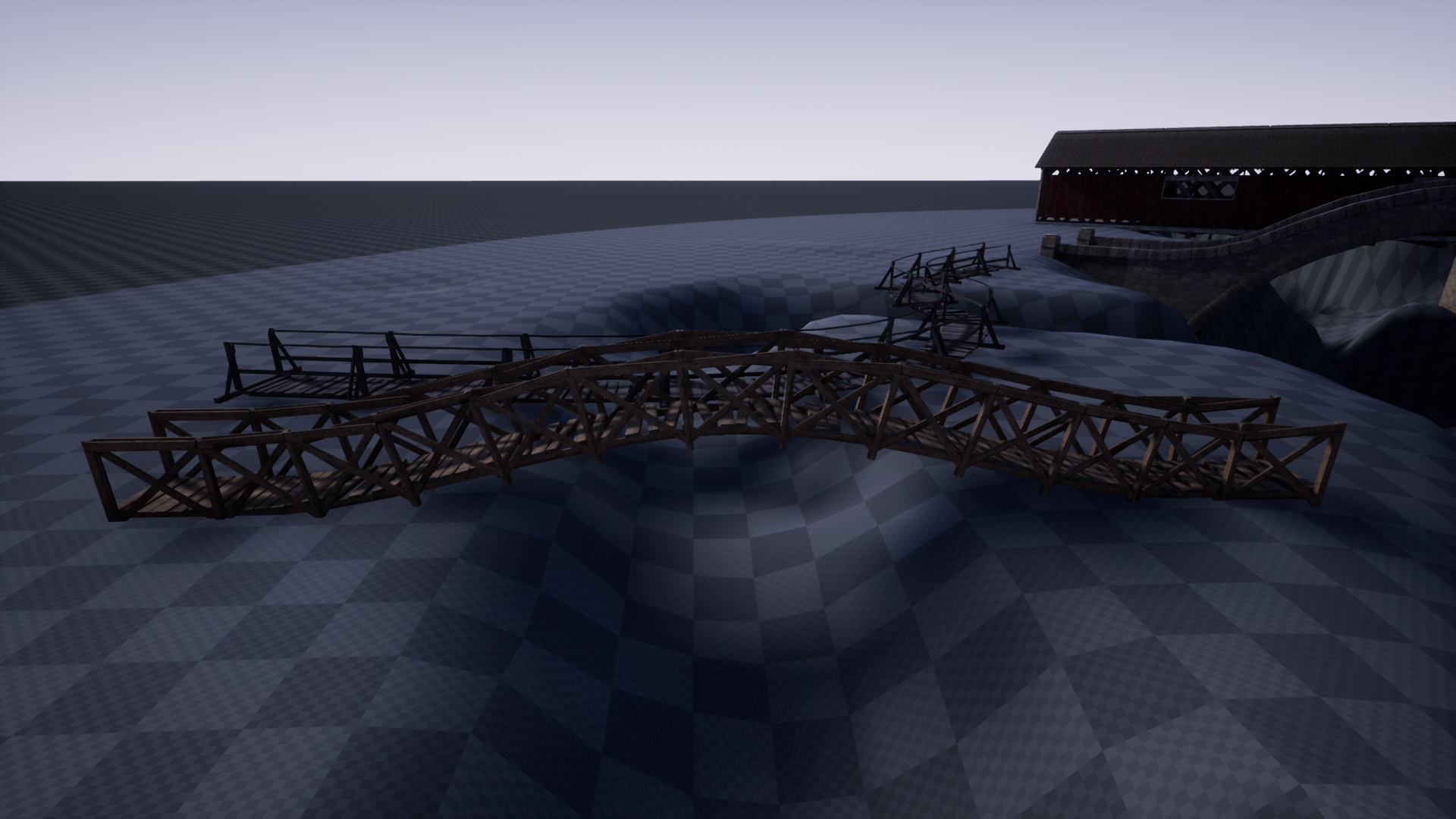
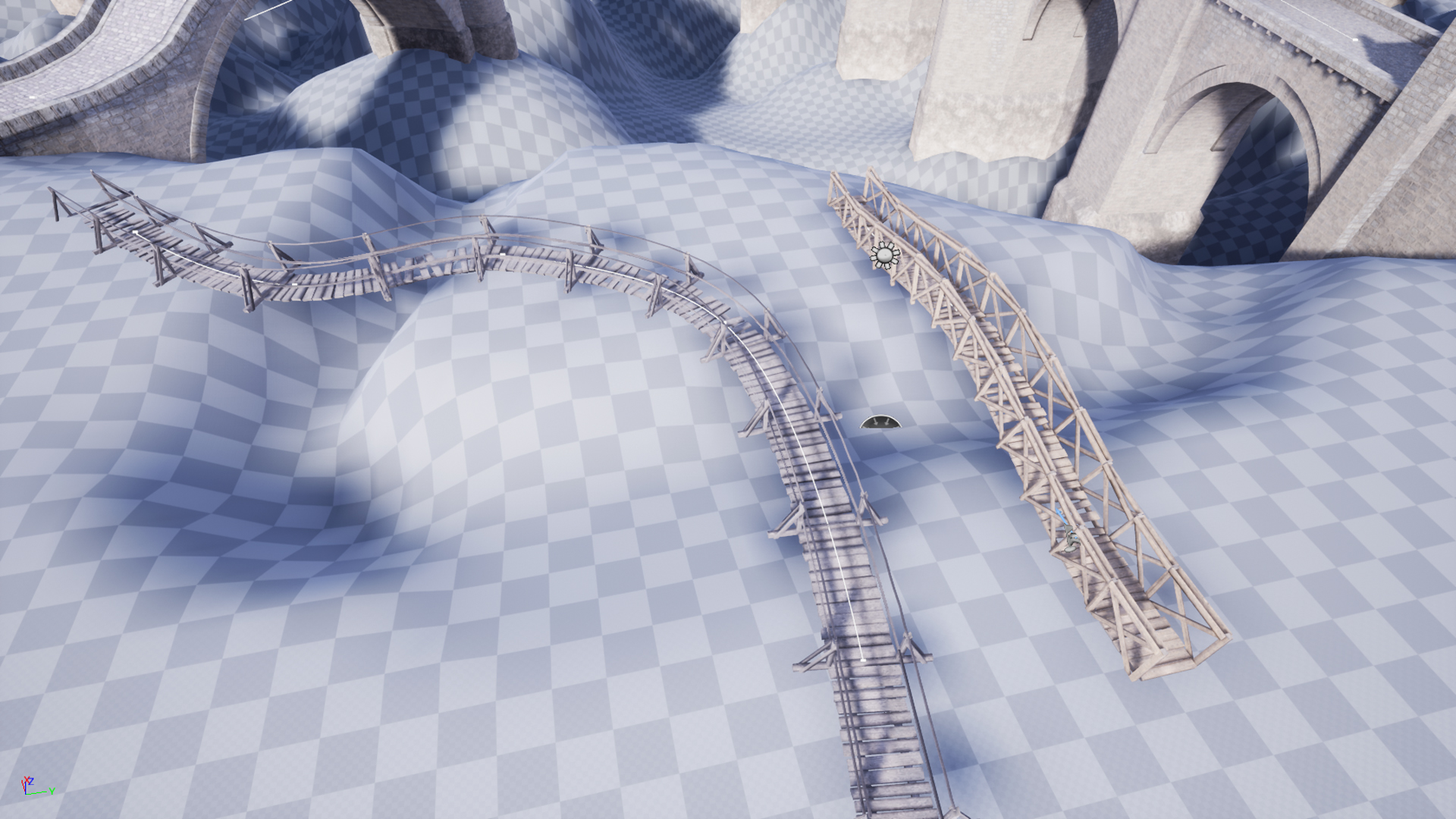
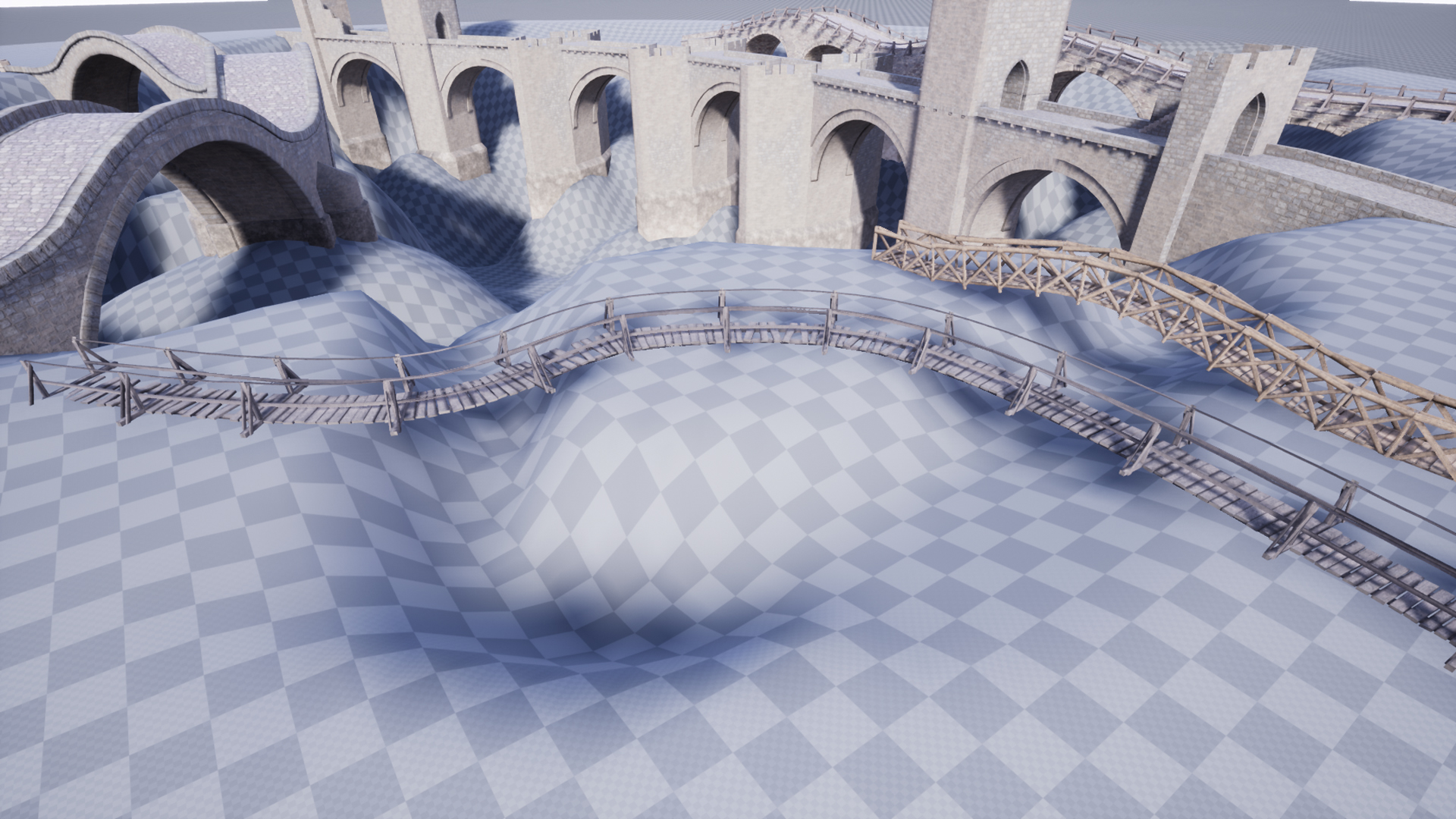
Description
REQUIRES THE SUBSTANCE PLUGIN
Example videos:
Startup Tutorial: https://youtu.be/zMBHPOpRNmU
Bridge parts spacing and placement randomization EX: https://youtu.be/vj1MwEYQtcw
Vertex Paint: https://youtu.be/1sEL10xk8Rc
Substance_Ex1: https://youtu.be/QgKtVQd0xz0
Substance_Ex2: https://youtu.be/wKImMOtPulM
5 Modular Substance materials. 29 bridge mesh parts.
Technical details
Documentation: https://drive.google.com/open?id=13eOm6f1L1N1ll72D0TXVh7snGOuV16bB
REQUIRES THE SUBSTANCE PLUGIN https://www.unrealengine.com/marketplace/substance-plugin
1. Create a blank project (should work with your current project to but starting with a blank project makes sure nothing else is causing problems with it), enable the substance plugin and restart.
2. On restart, go to Edit > Project settings, scroll down to and click on Substance under plugins section.
3. In the substance plugin settings, under the “cooking” tab, switch it from cpu engine to gpu engine.
4. Now exit out of the empty project and install the Substance Material Pack to the empty project, and reopen the project
5. Click on the example map to load up and you should see it compiling the shaders and then everything should be there.
Features:
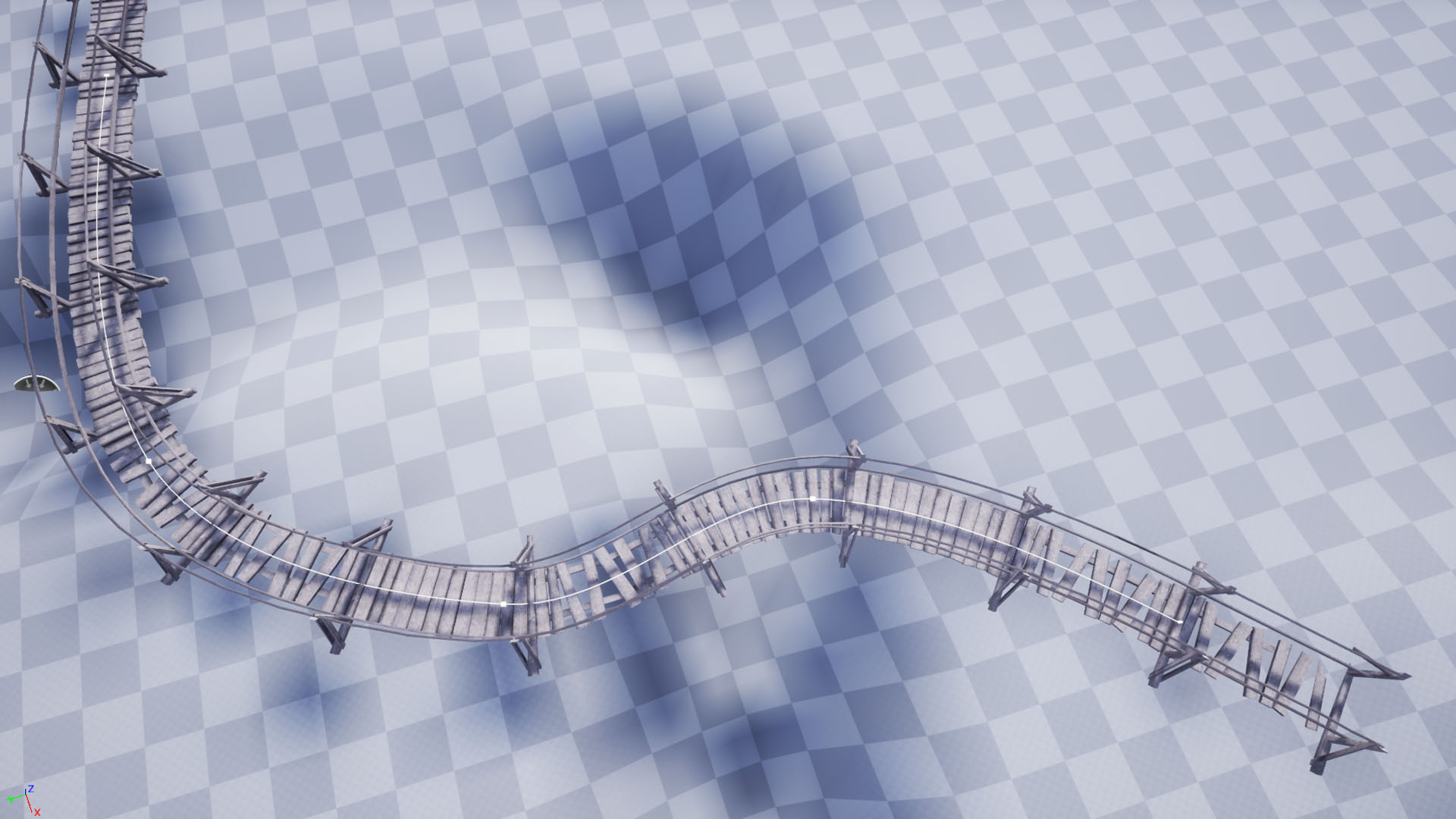
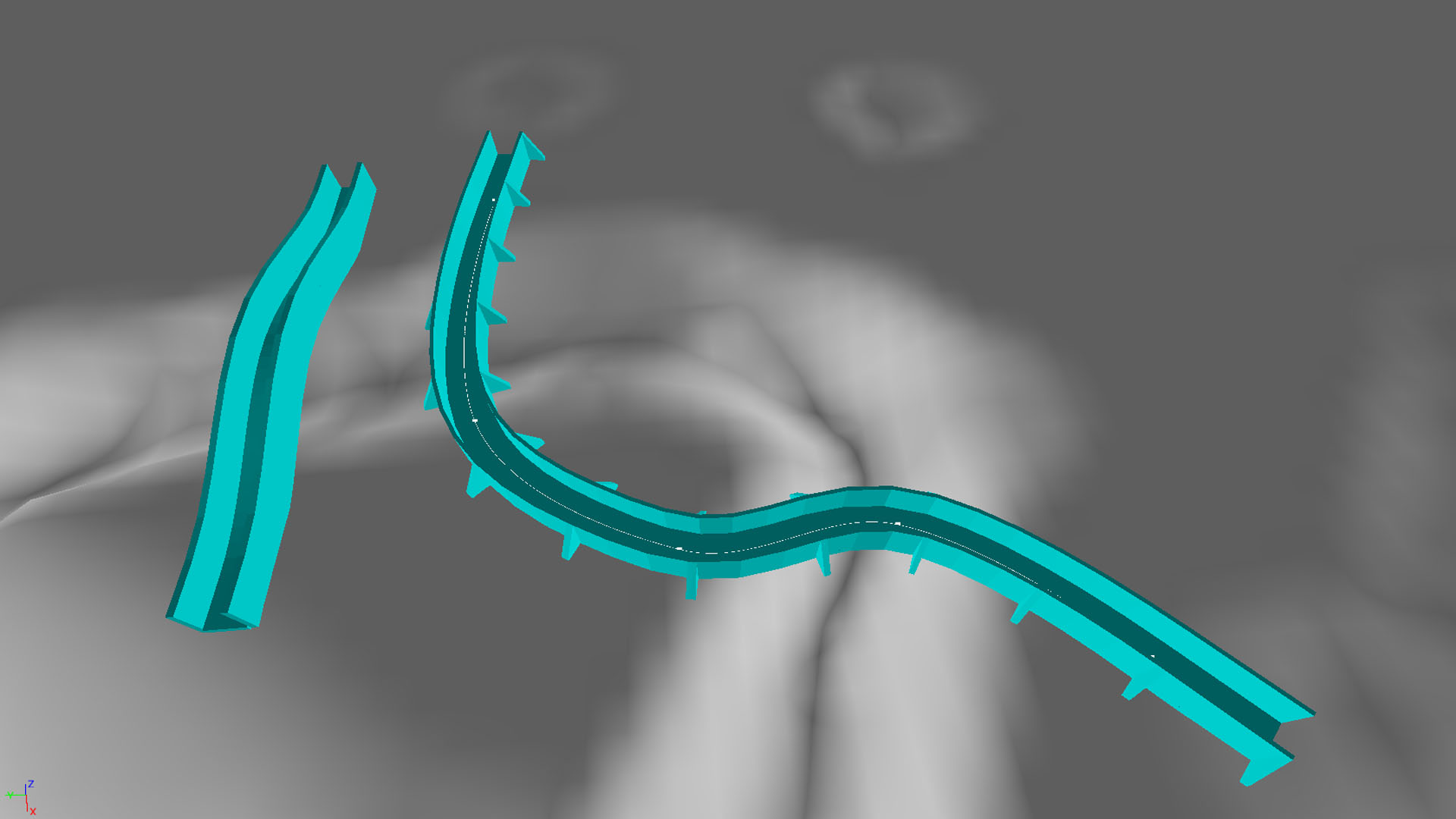
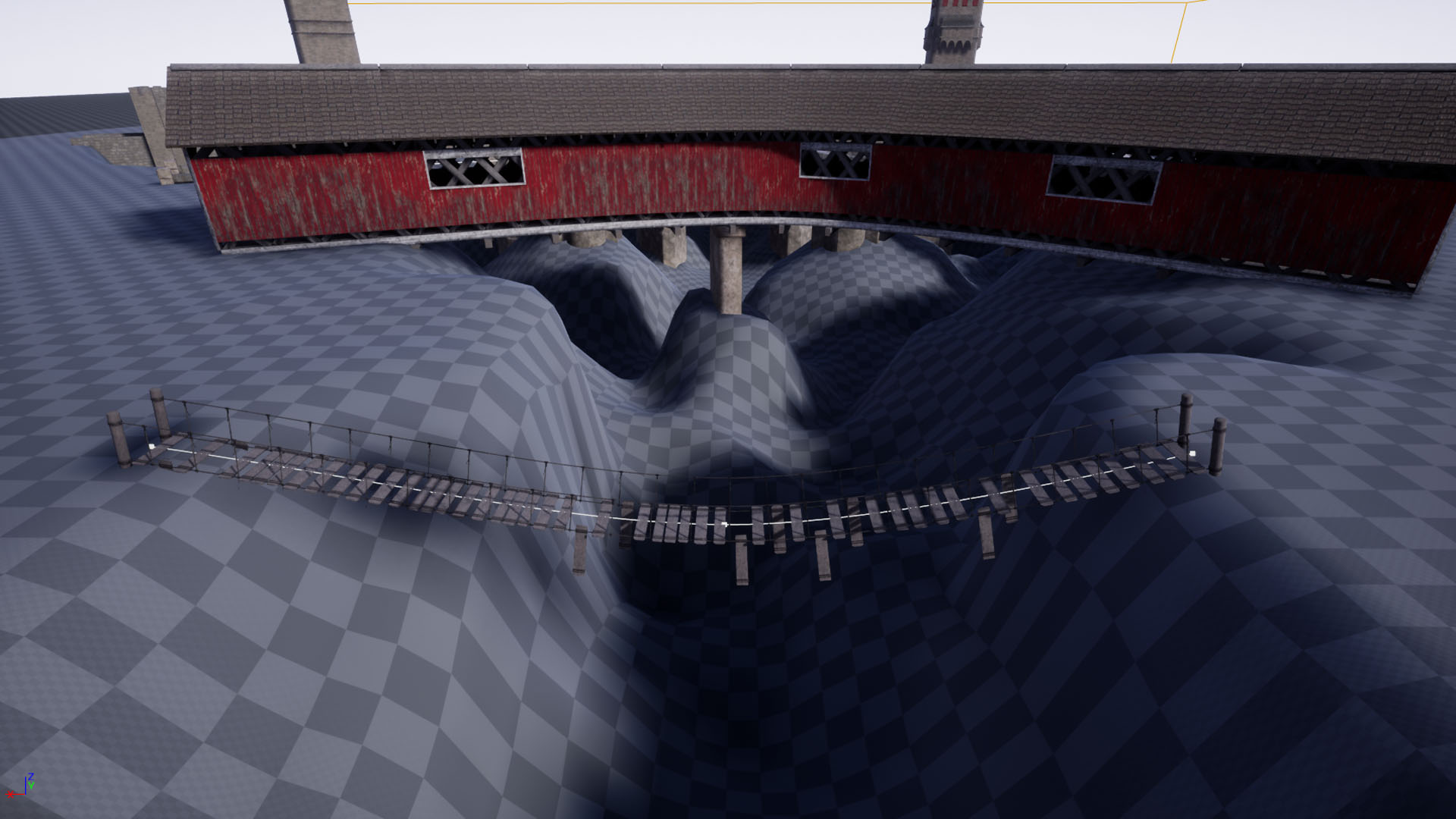
- Use the included spline tool and mesh parts to create your own bridge with collision.
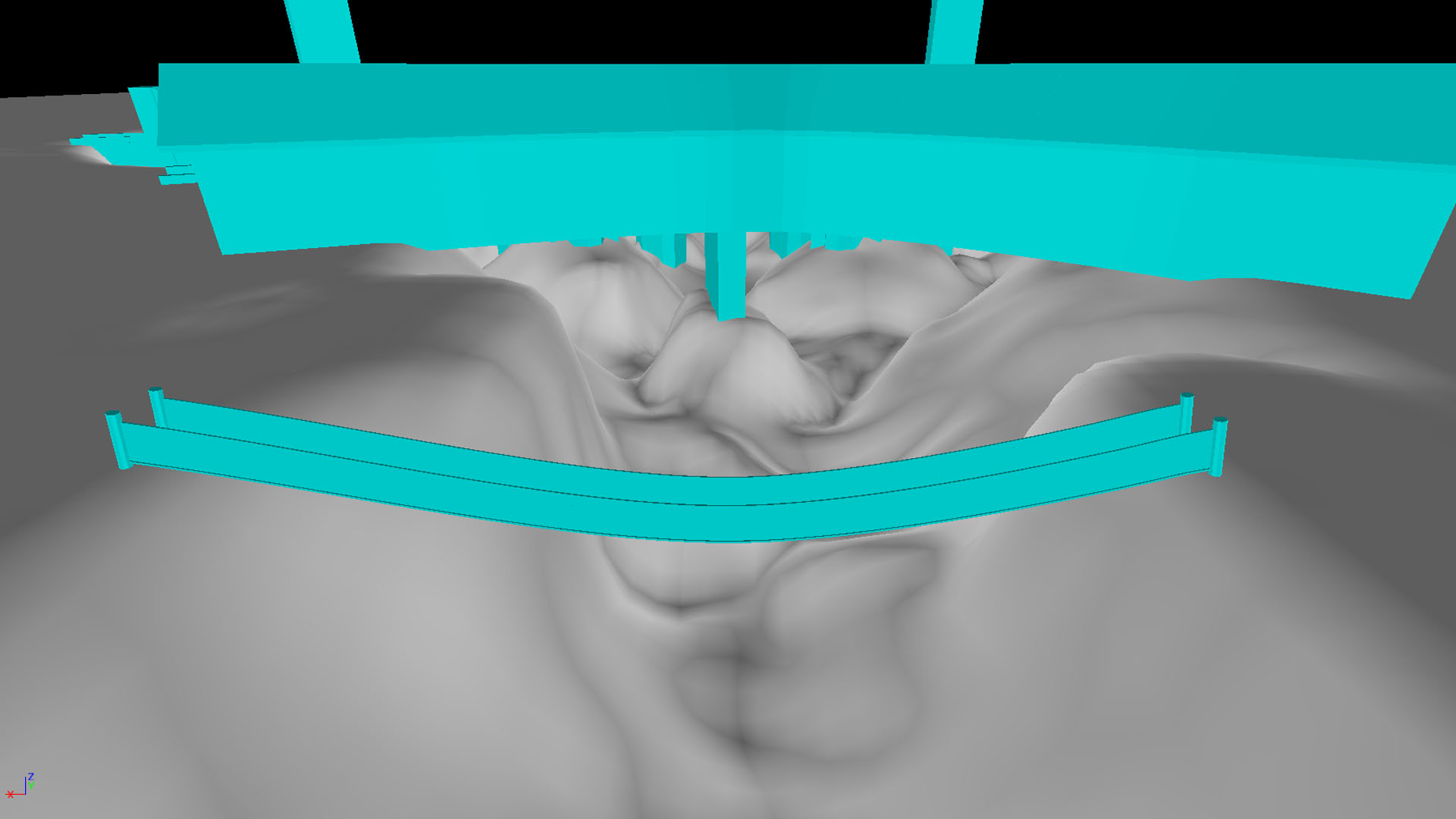
- 29 Bridge Mesh parts with LODs and collision.
- 23 material instances set up for vertex blending
- 5 fully customizable Substance materials
- 109 textures at 2k resolution
Number of Blueprints: 1
Input: None
Network Replicated: No
Supported Development Platforms: Windows/Mac
Supported Target Build Platforms: Windows/Mac
You can contact us at any time and request that the asset you want be added to the site from the Request Asset section.