Description
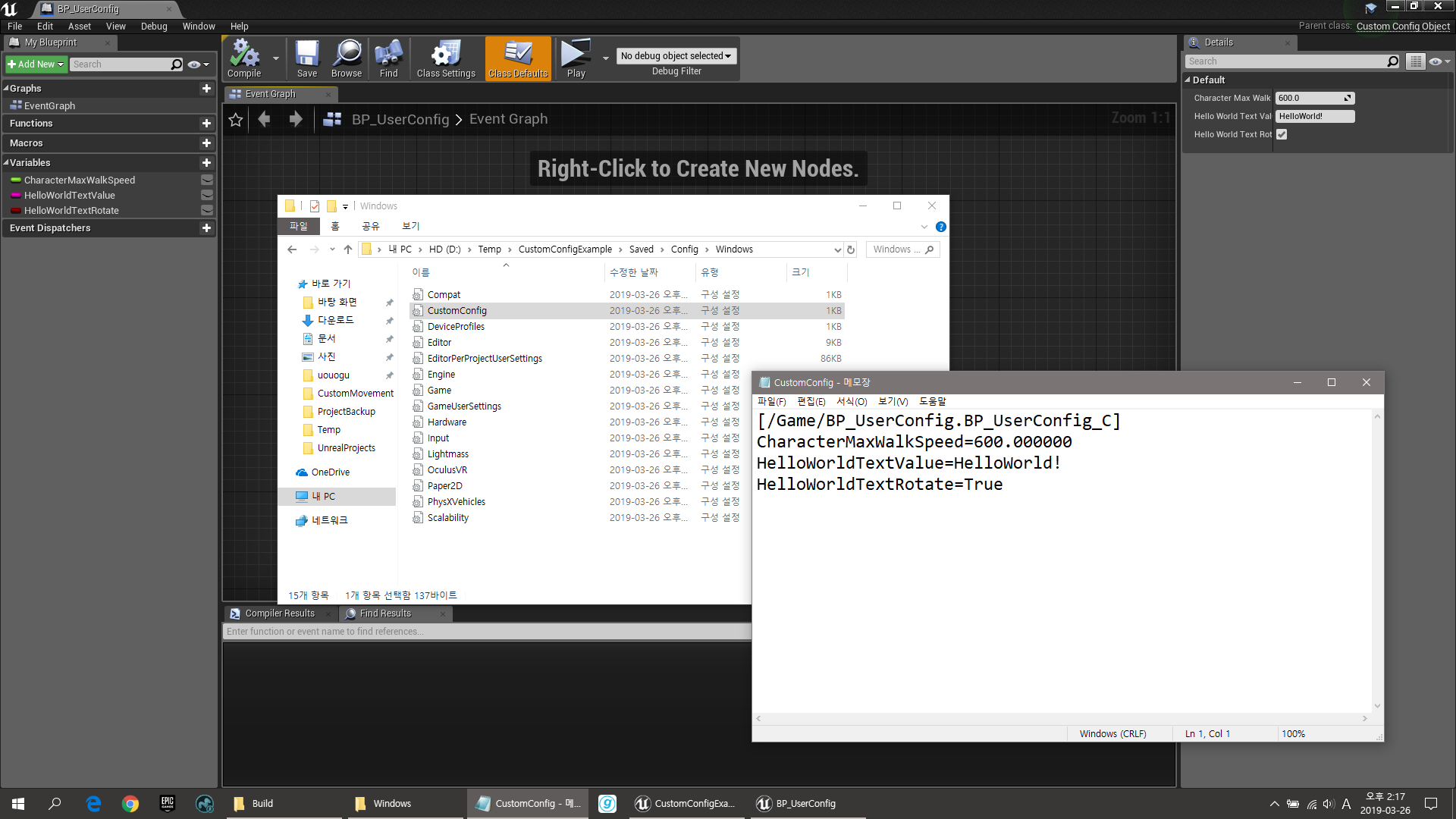
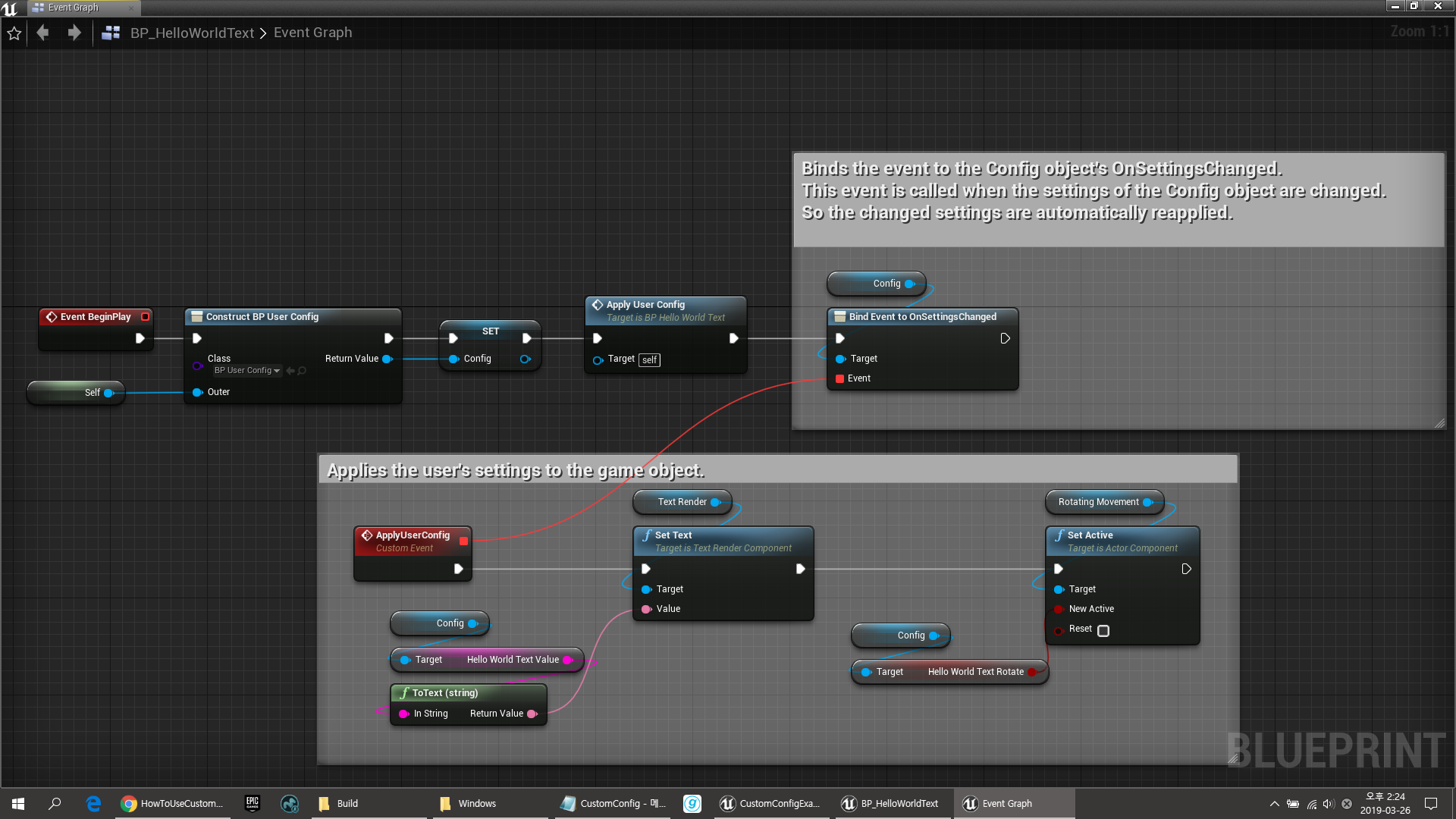
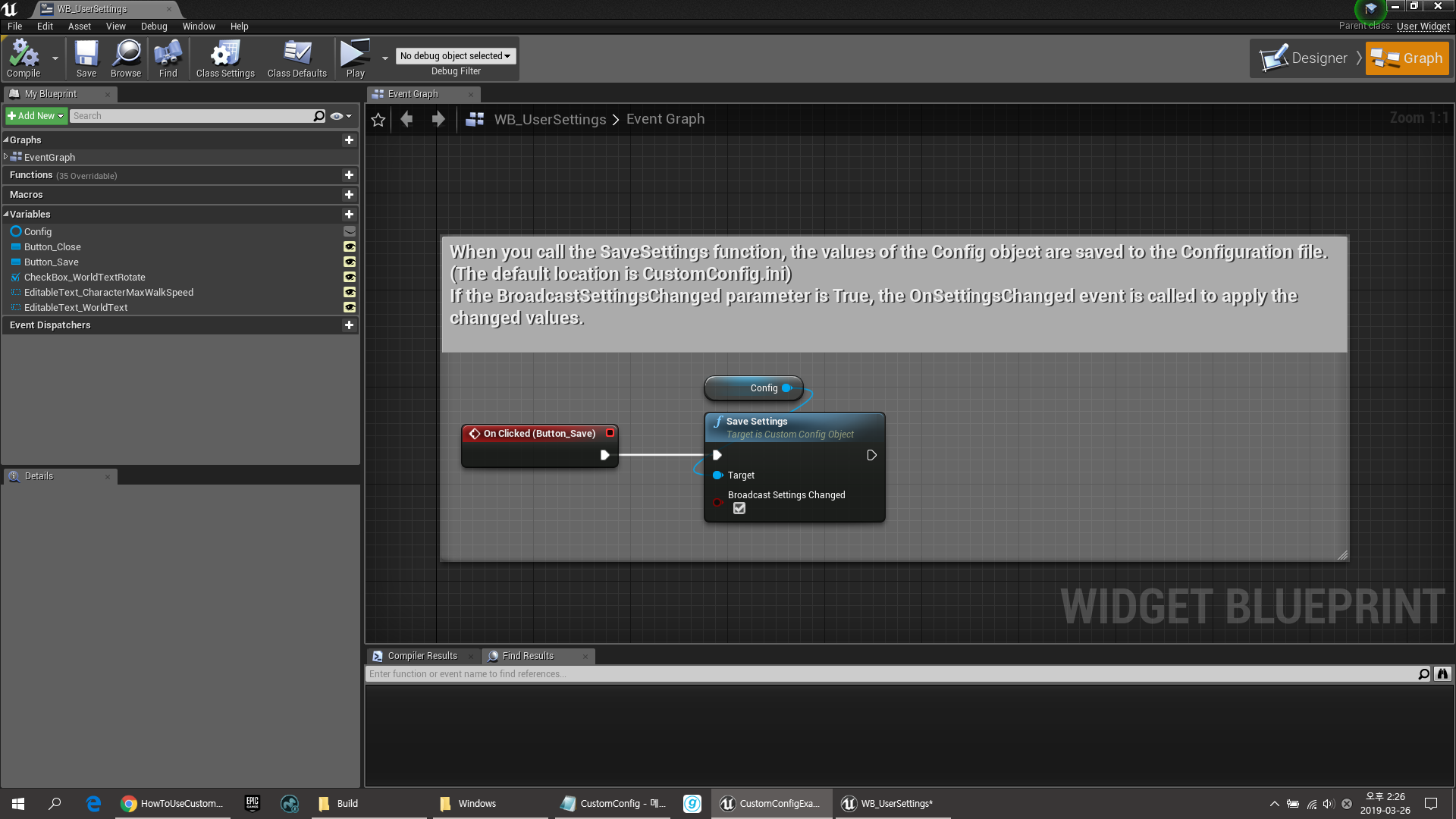
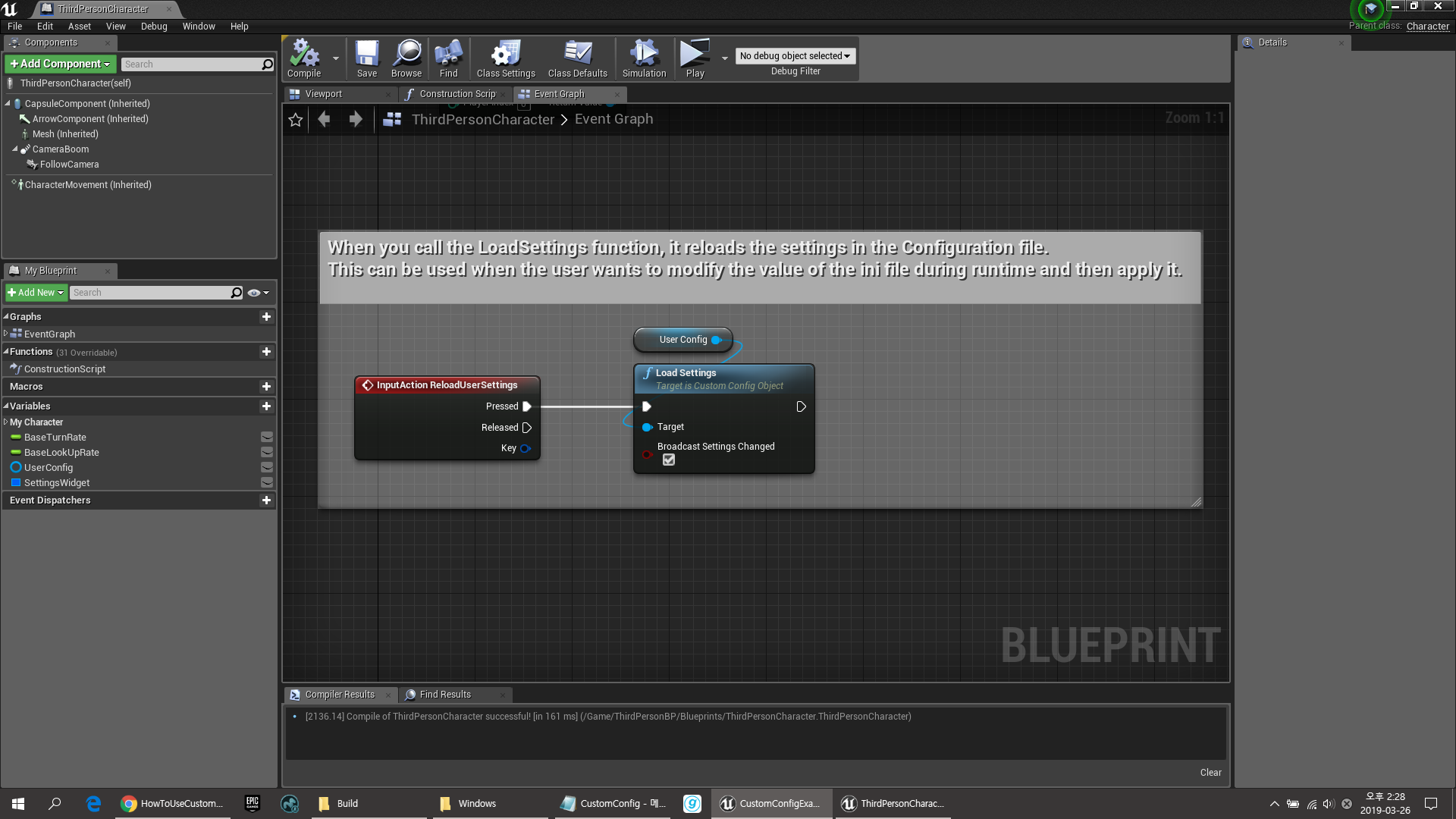
The CustomConfig plug-in provides the ability to save and load the user’s settings into the ini configuration file.
And the CustomConfig plug-in provides a useful feature to synchronize user’s settings.
So it is useful to save the user’s gameplay options.
You can also use it to test the game by modifying the ini file and applying it immediately without restarting the game.
Please check the following documents for further instructions.
How to use CustomConfig : Link
Example Project : Link
Executable Demo : Link
Technical details
Features:
- CustomConfigObject provides the ability to load and save user configuration files from Blueprints and synchronize settings between objects.
Code Modules:
- CustomConfig[Runtime]
Number of C++ Classes: 2
Network Replicated: No
Supported Development Platforms: Win64
Supported Target Build Platforms: Win64
Documentation: Link
Example Project: Link
Important/Additional Notes:
The ini configuration file overrides the default value of the user’s configuration Blueprints. If the default value is overridden and the editor packages it, that value will be applied.
If you want to apply the default values you set in Blueprints, remove the user’s ini configuration file, then run the editor again and package it.
Currently, there is an issue with CustomConfig not working properly in UE5.4 version.
Please check the text in the question tab.
You can contact us at any time and request that the asset you want be added to the site from the Request Asset section.