
Description
DOCUMENTATION | | REPLICATED & READY FOR MULTIPLAYER
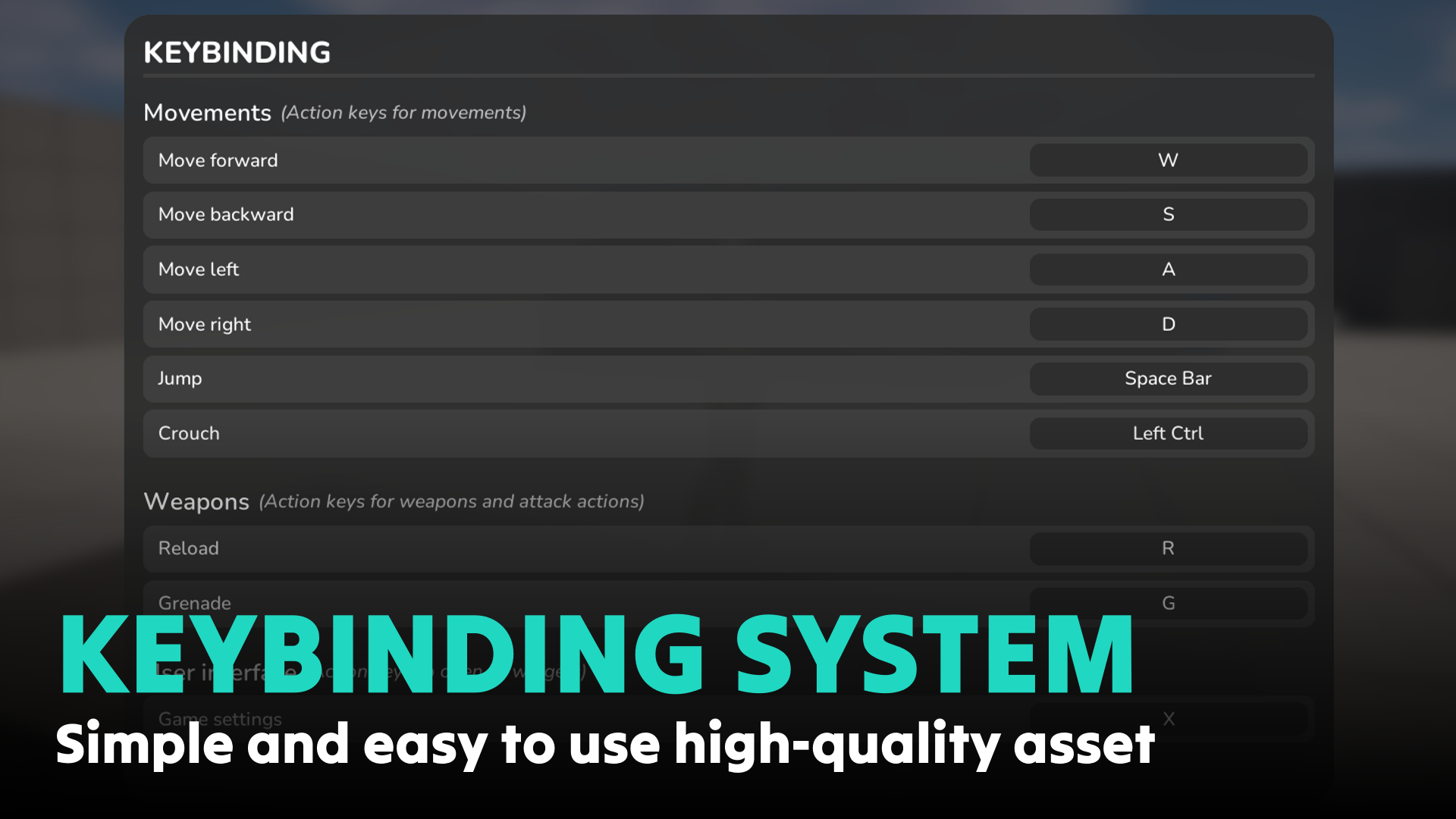
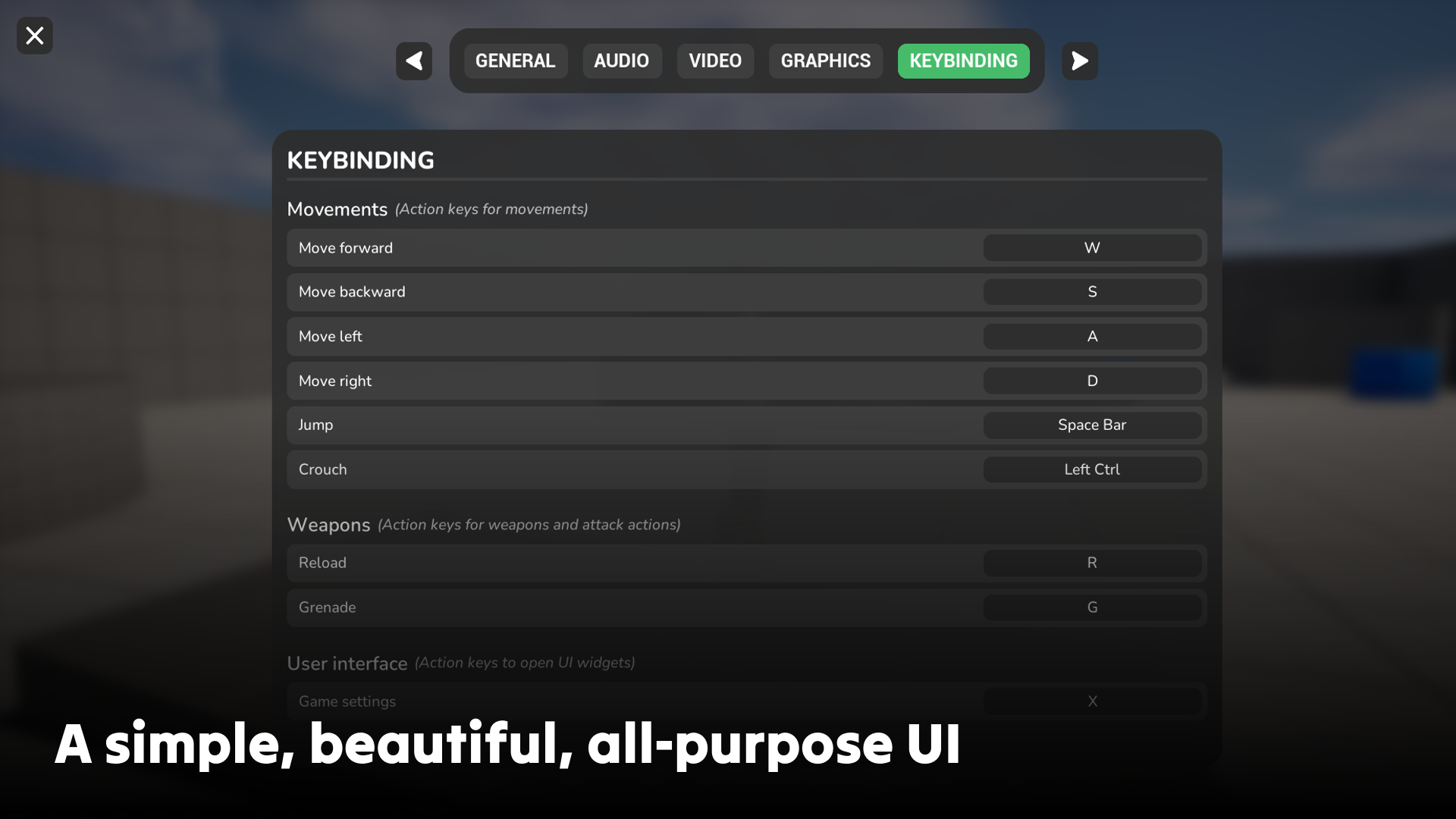
Keybinding System is a simple, beautiful, optimized and high-quality system that lets you instantly implement the ability for your players to change their inputs in your game. No more laborious and complicated setup to code this feature, with this asset it’s possible in just a few clicks!
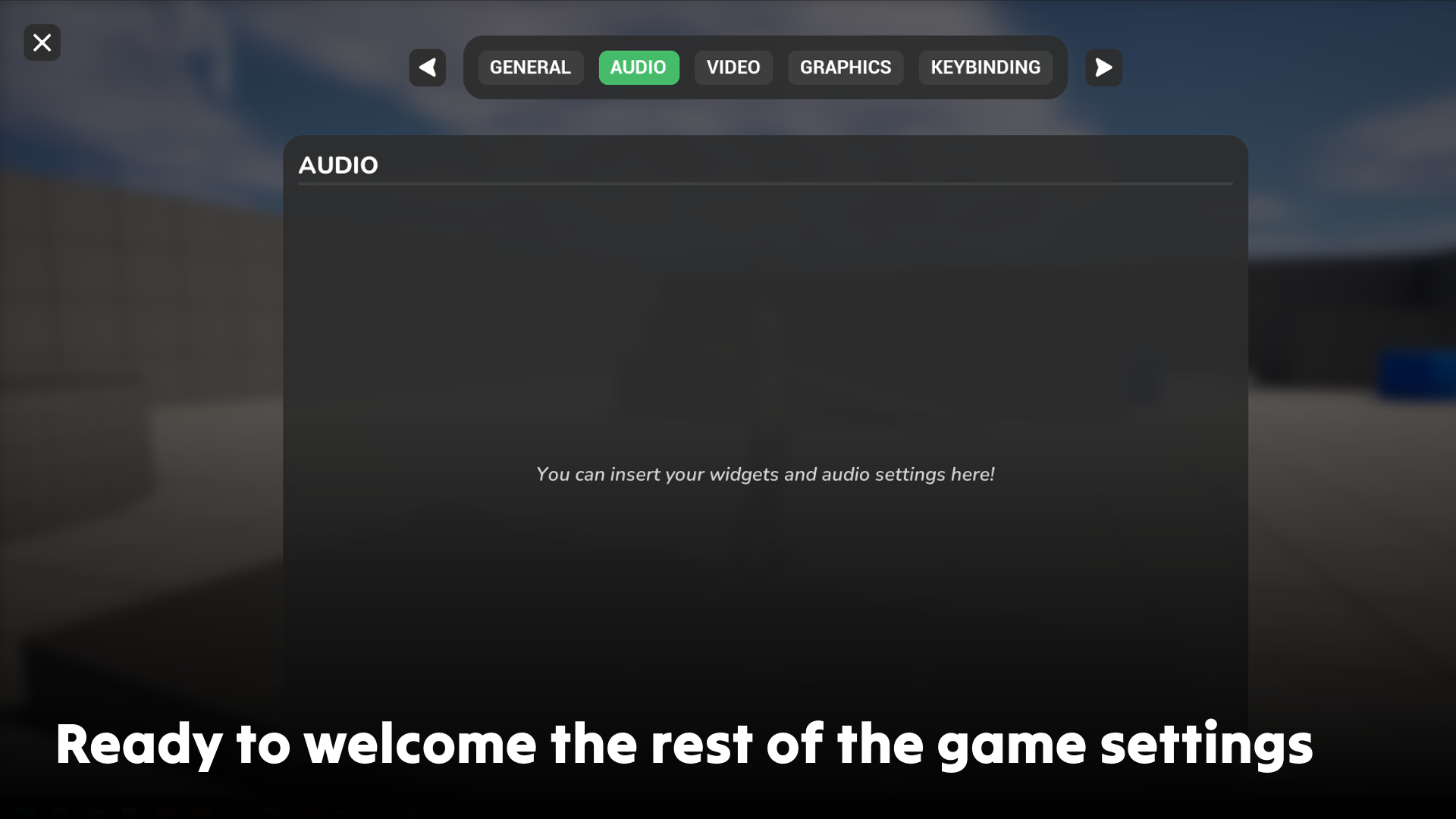
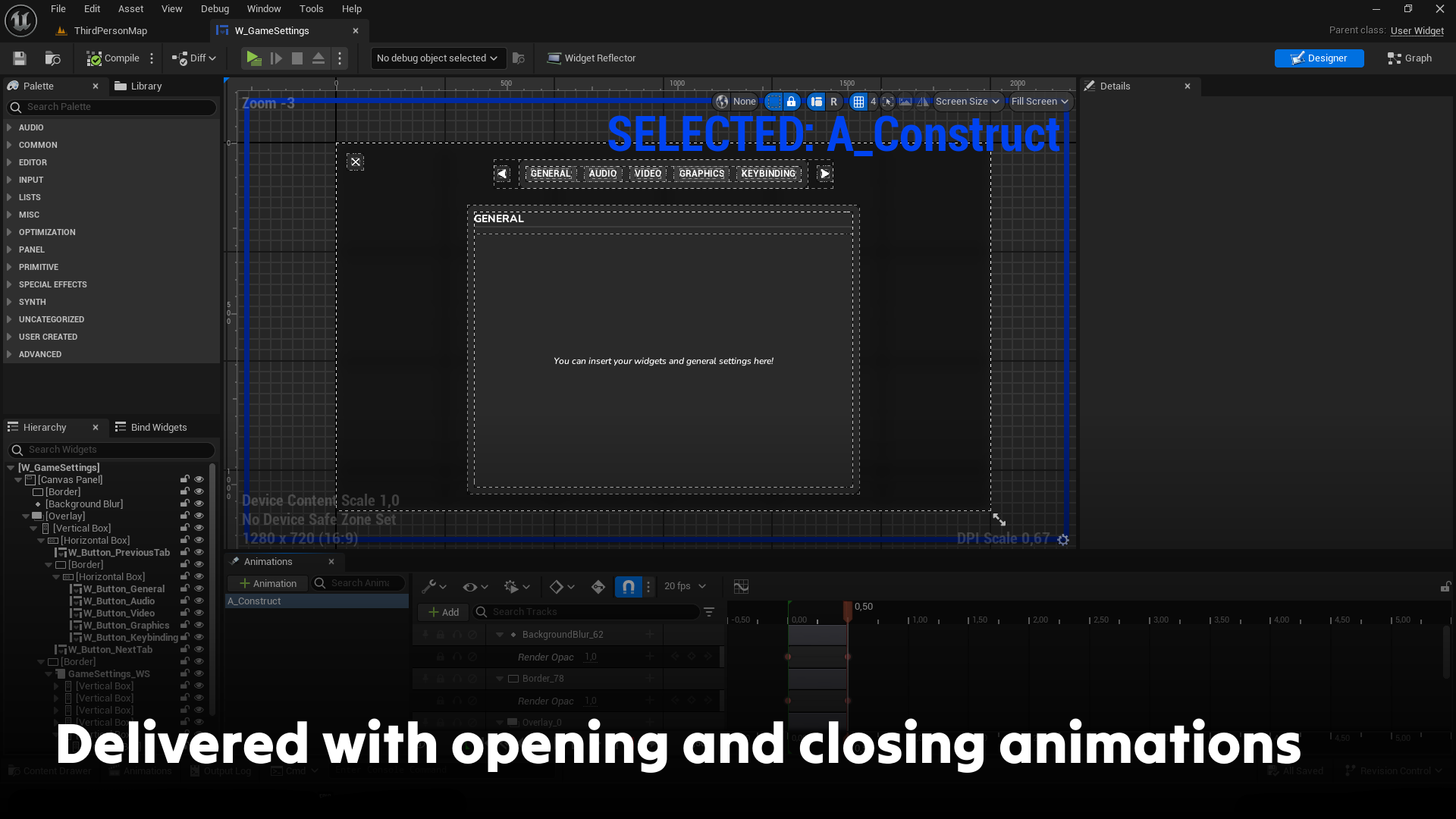
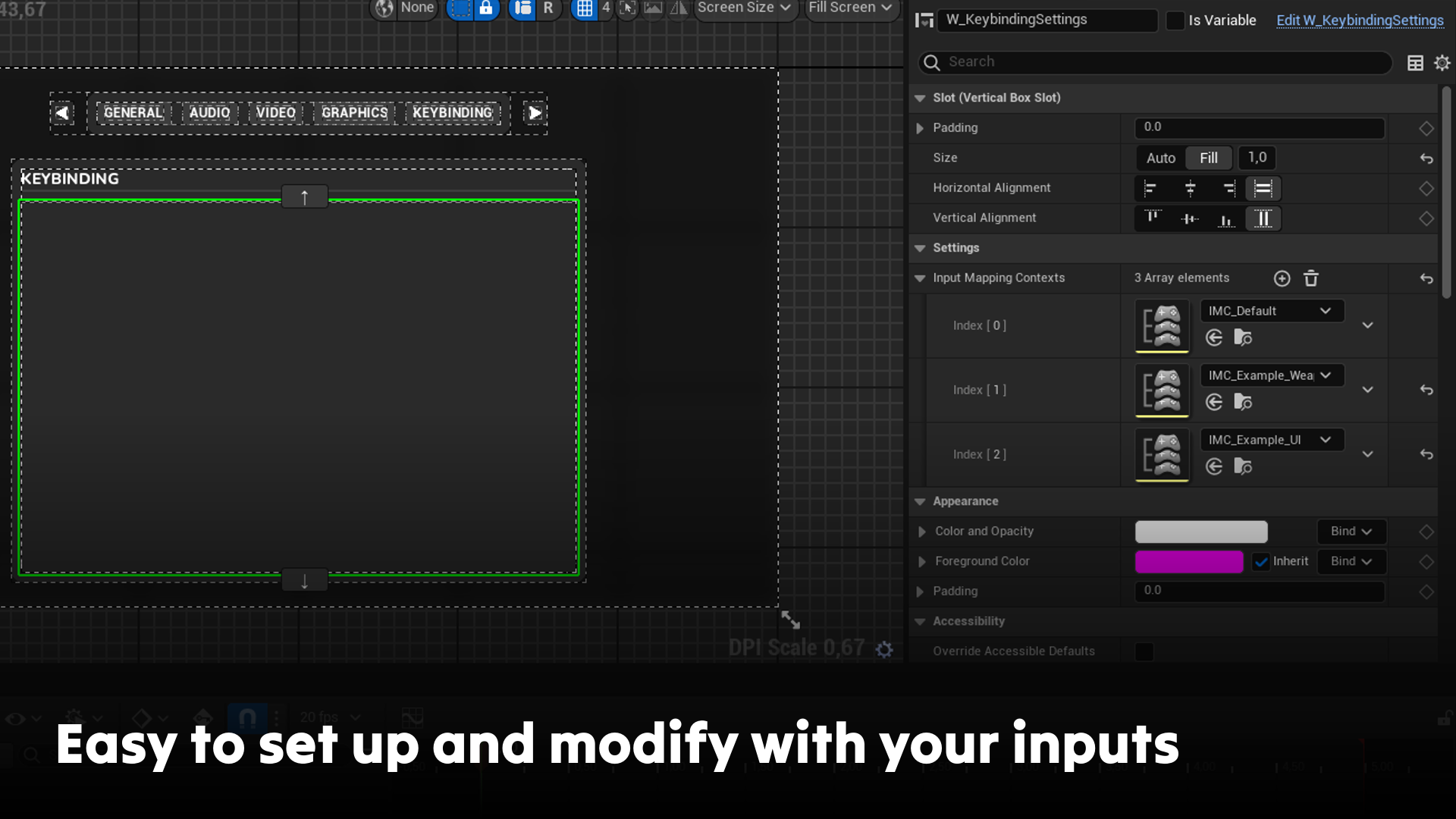
The user interface is designed to be simple to use and easy to extend and enrich! You can add your own game settings to the widget provided, or simply drag and drop the specific keybinding widget into your own widget in just a few seconds.
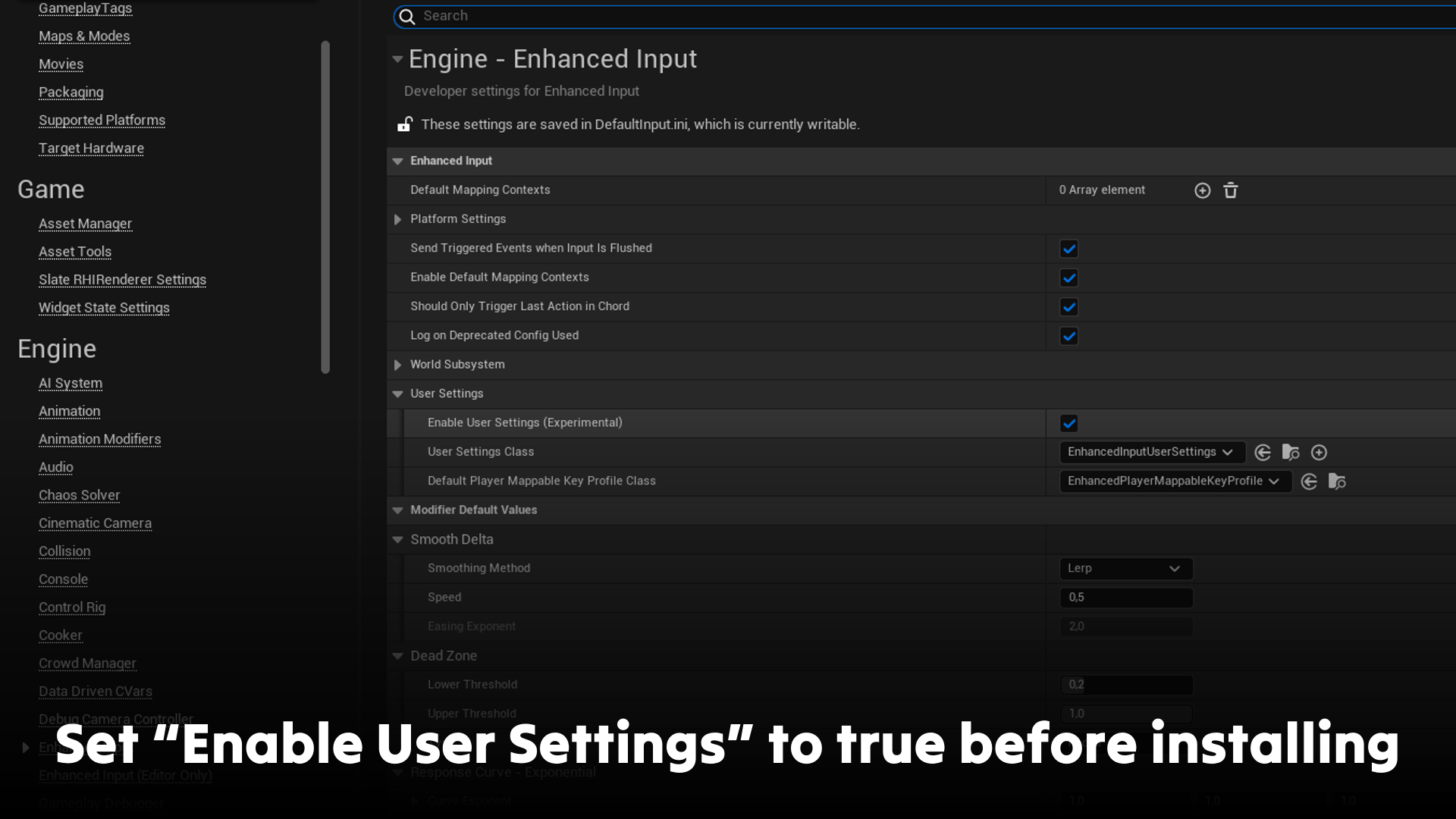
IMPORTANT – For this pack to work in your project, you MUST activate the following option before importing it:
- “Project Settings > Enhanced Input > User Settings > Enable User Settings set to TRUE”
Technical Details
Content:
- 1 actor component to add to your player controller to open and close the game settings widget
- 4 icons in 64×64
- 5 widgets
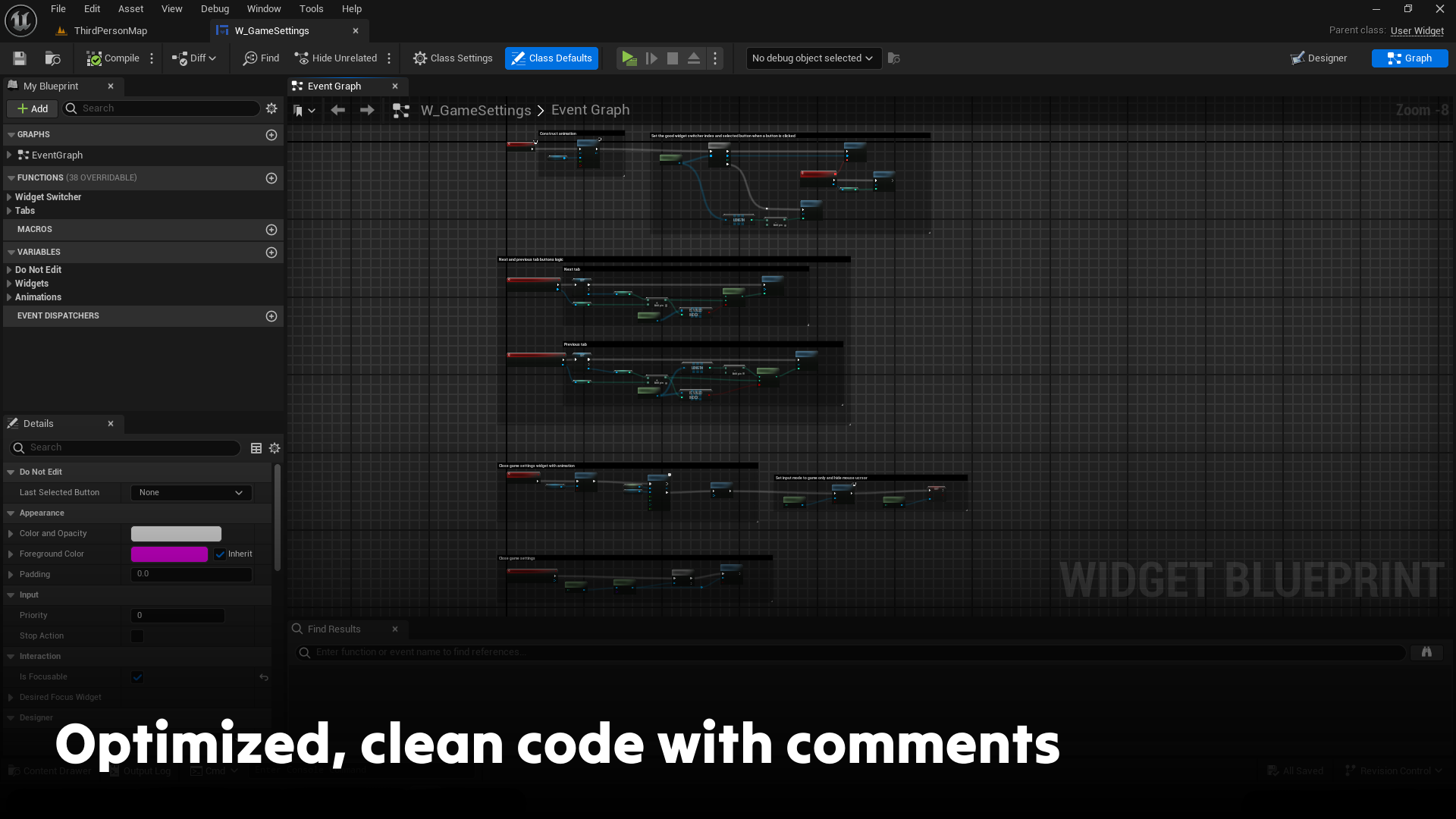
This pack includes Unreal Engine’s third-person demo content. In the player controller, you can see the setup used to open the game settings widget. If you feel you don’t need this content, you can easily delete it!
This pack works in multiplayer mode with no action required on your part, as long as you call up the pack’s native functions to open and close the widget.
Supported Development Platforms: This package only supports keyboard inputs, and has not been tested with controllers or other specific devices. Consequently, this system is officially compatible ONLY with Windows, MacOS and Linux. This pack is also ONLY compatible with Enhanced Input (from UE5.0+) and not with Legacy Input (from UE4).
Documentation Link: The documentation for this pack is available here. For help and support, join the official Discord server.
IMPORTANT – For this pack to work in your project, you MUST activate the following option before importing it:
- “Project Settings > Enhanced Input > User Settings > Enable User Settings set to TRUE”
Login is required to access this download
You can contact us at any time and request that the asset you want be added to the site from the Request Asset section.