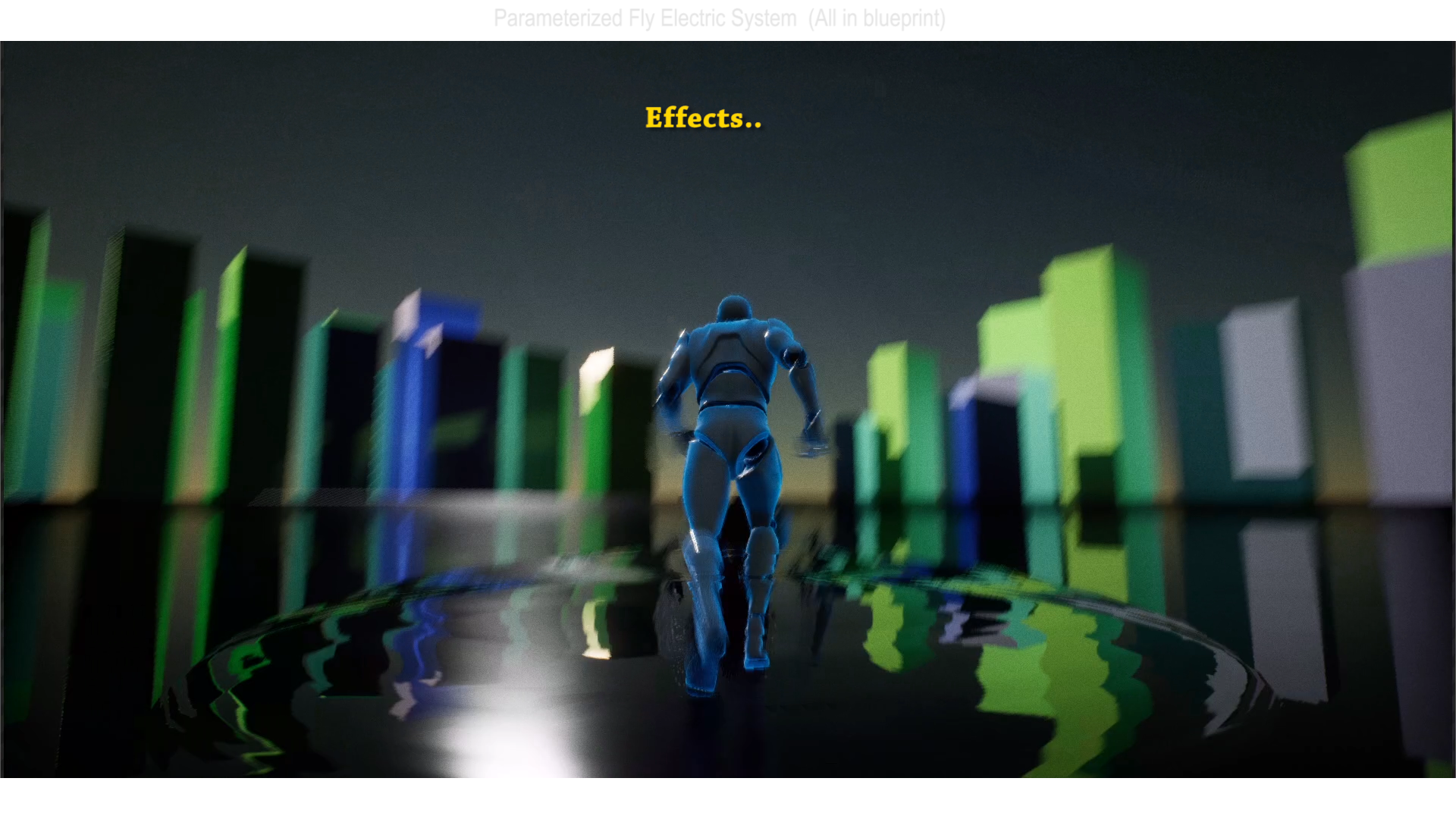
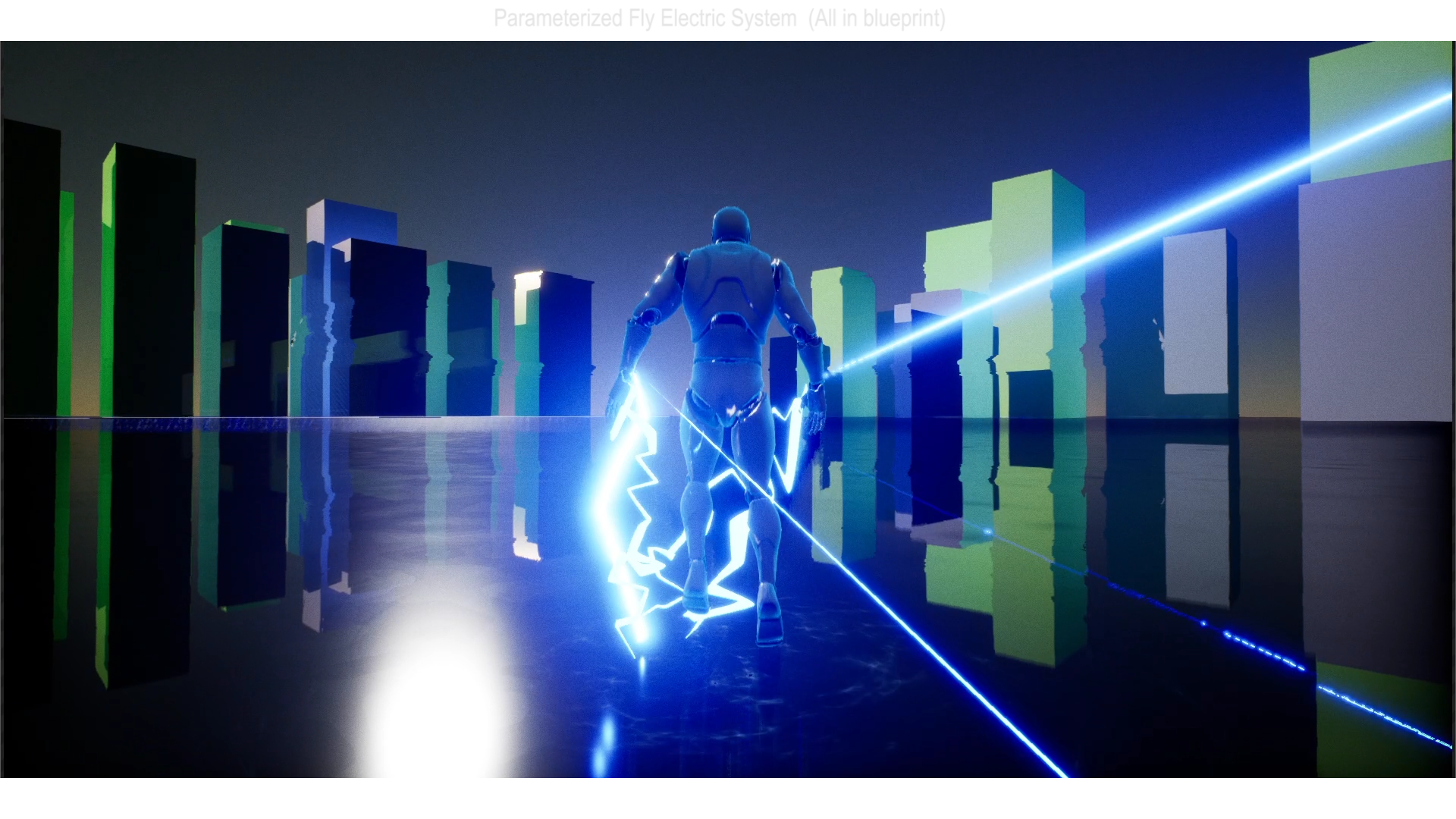
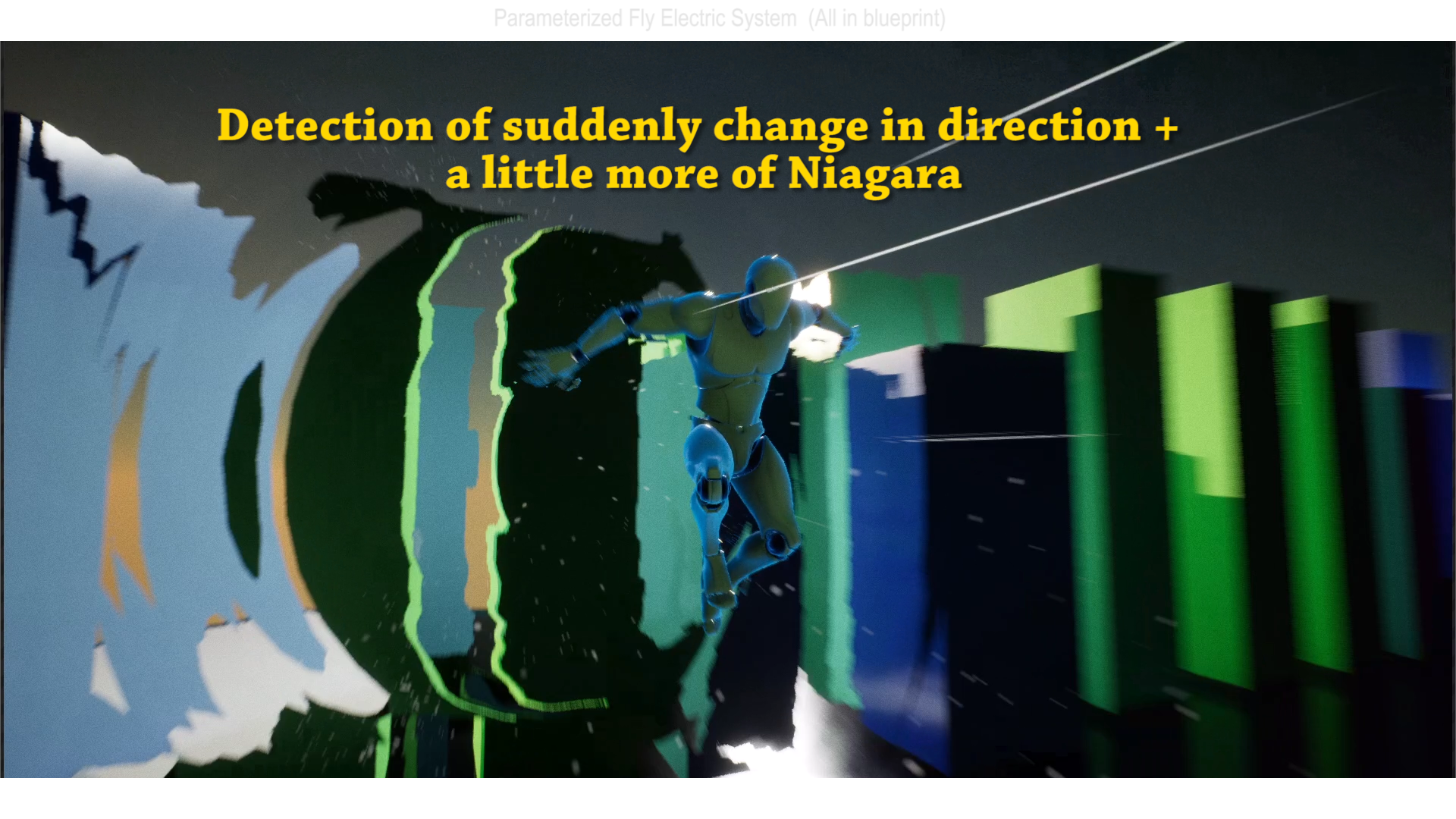
 Description
Video : https://youtu.be/rzZWwPKQW8U
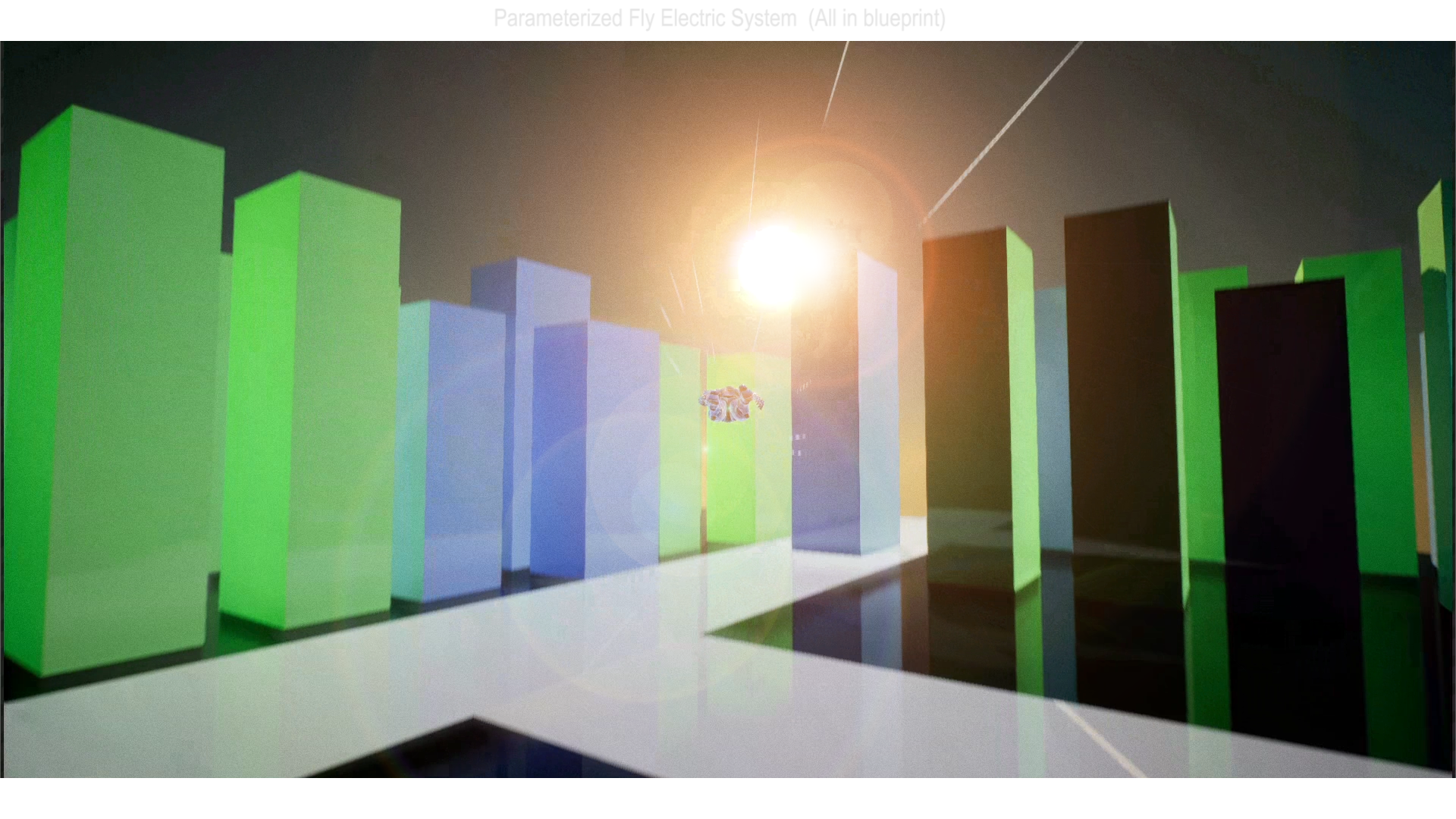
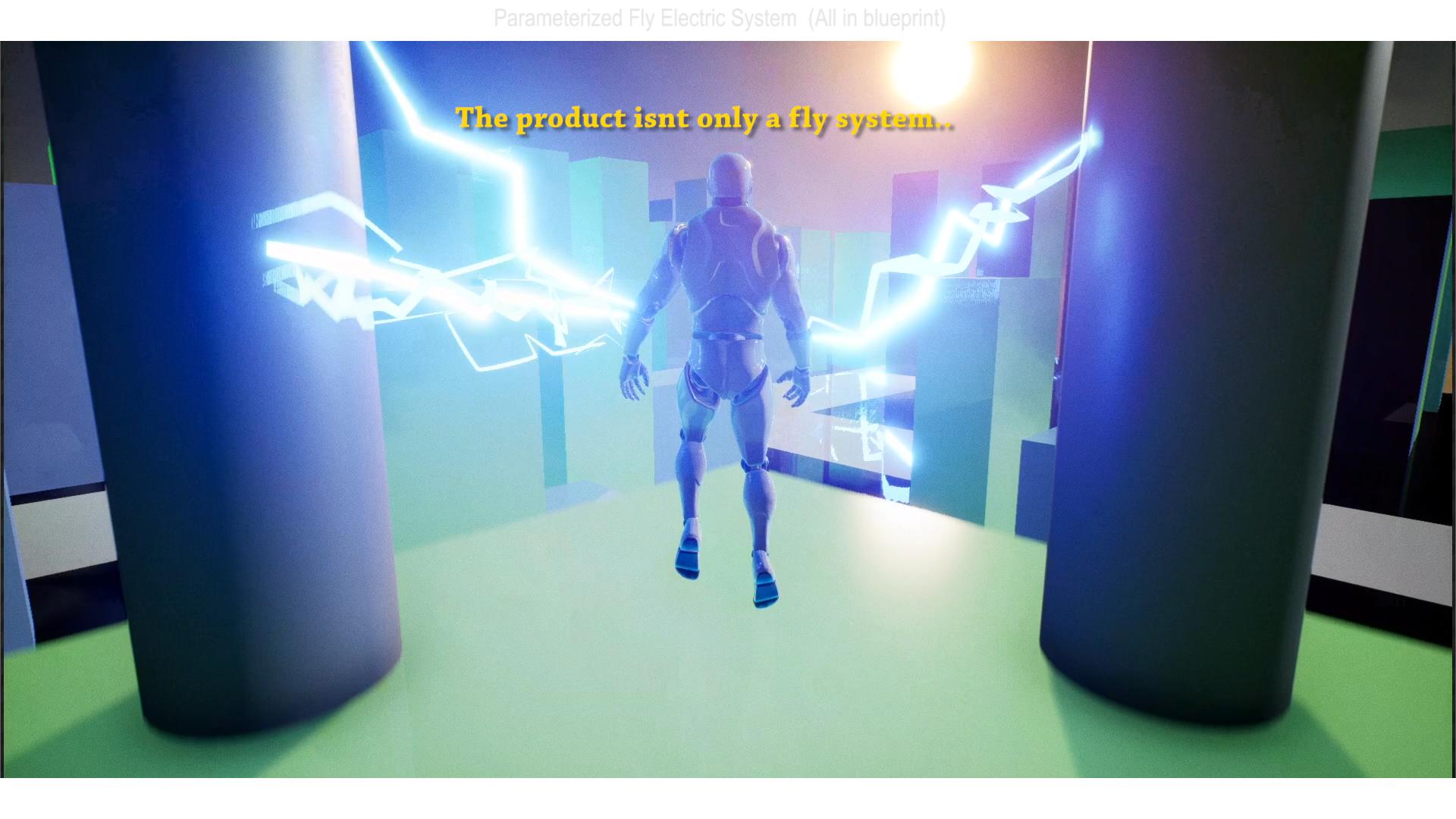
This is not only a fly function.
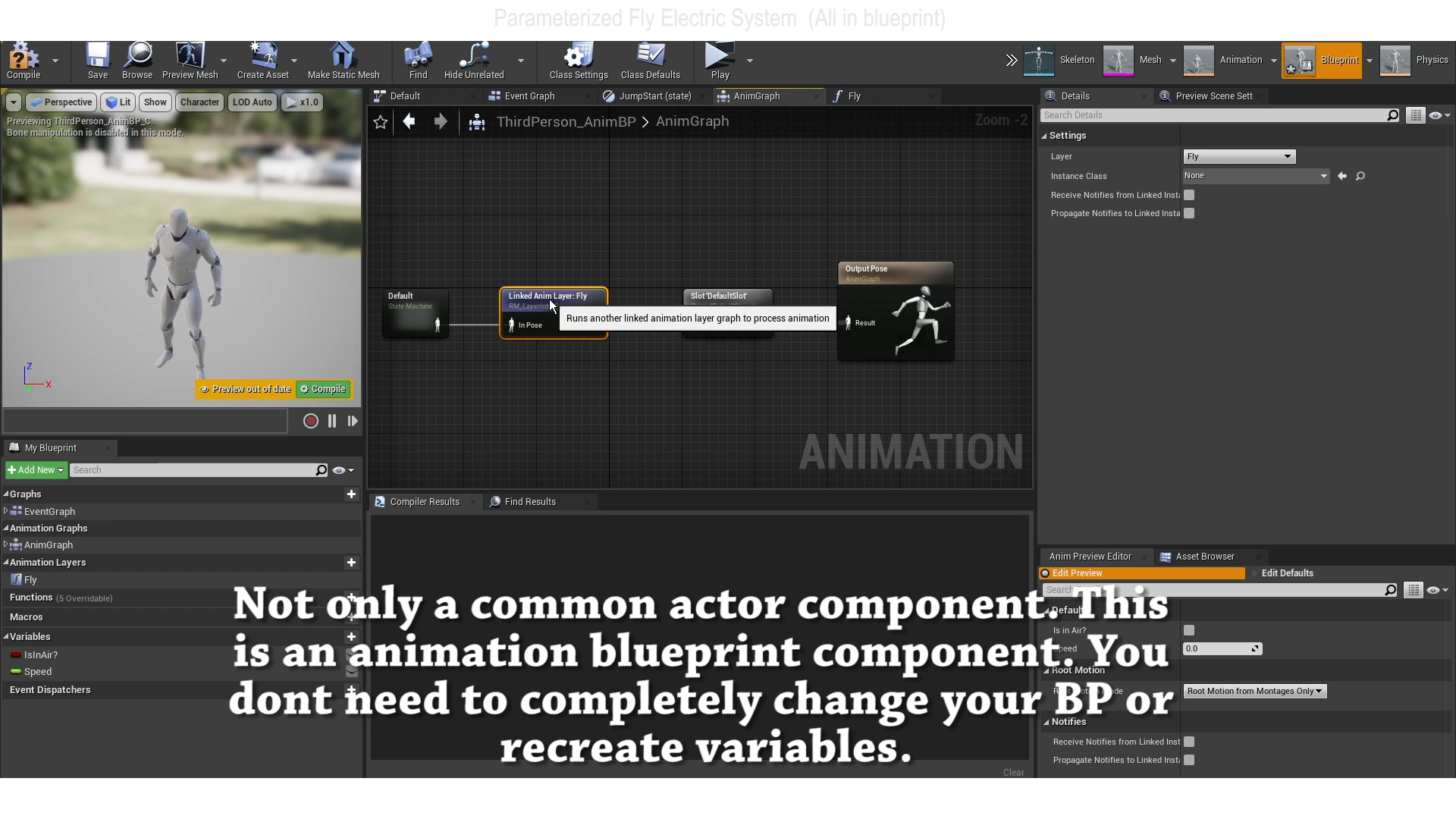
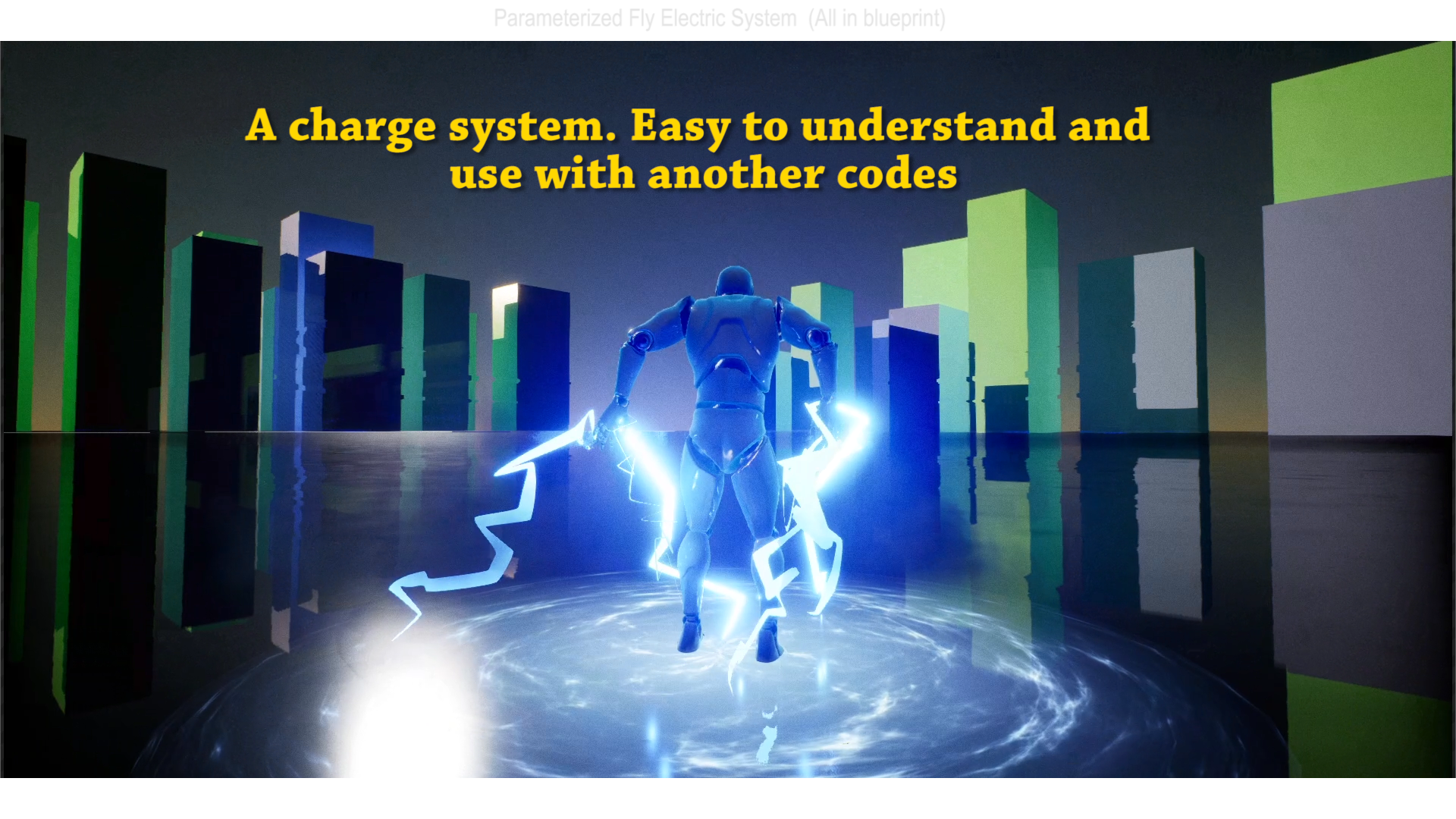
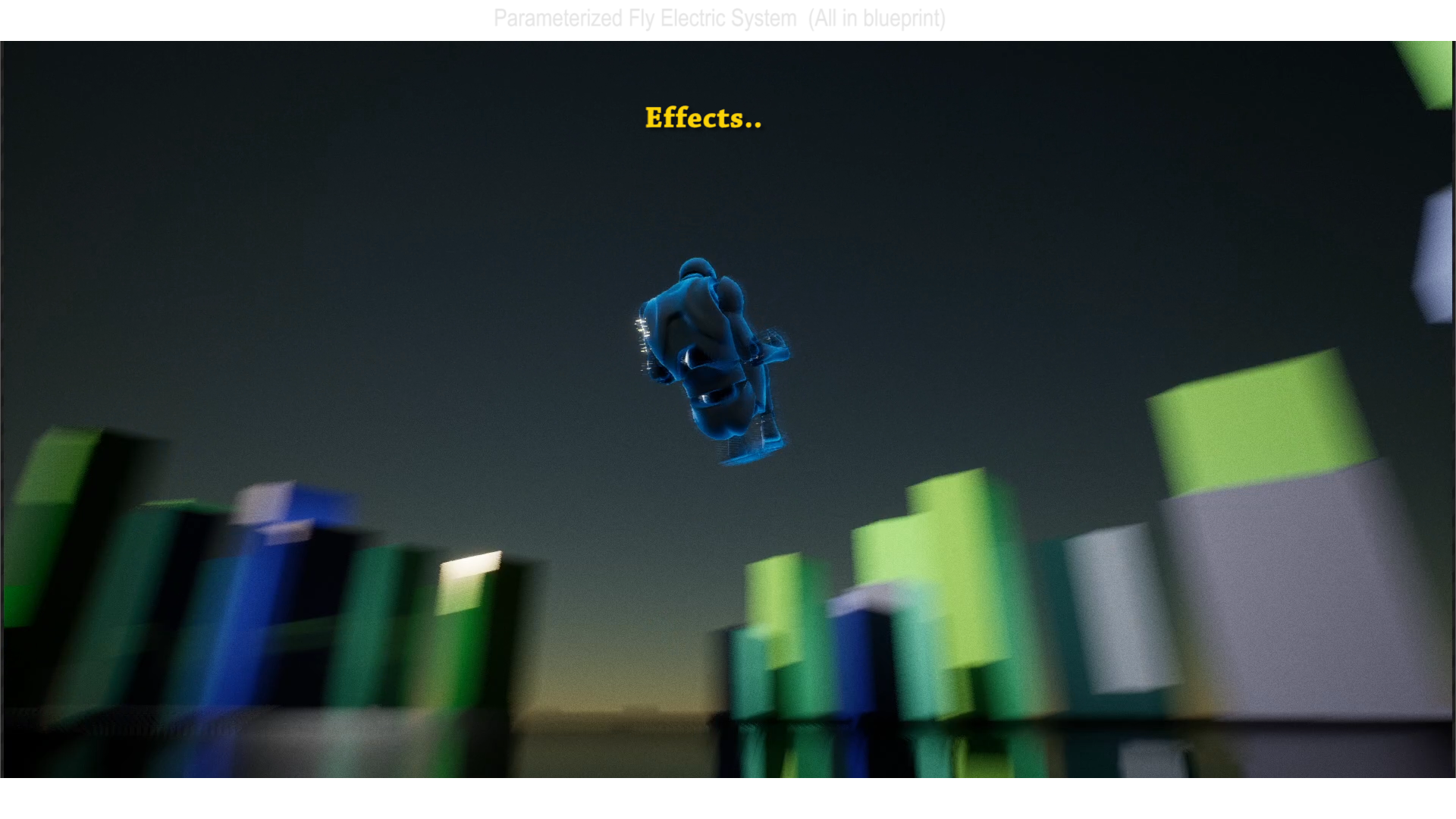
This is an Actor and Anim Blueprint component. The effects, shakes and animations are included in the project.
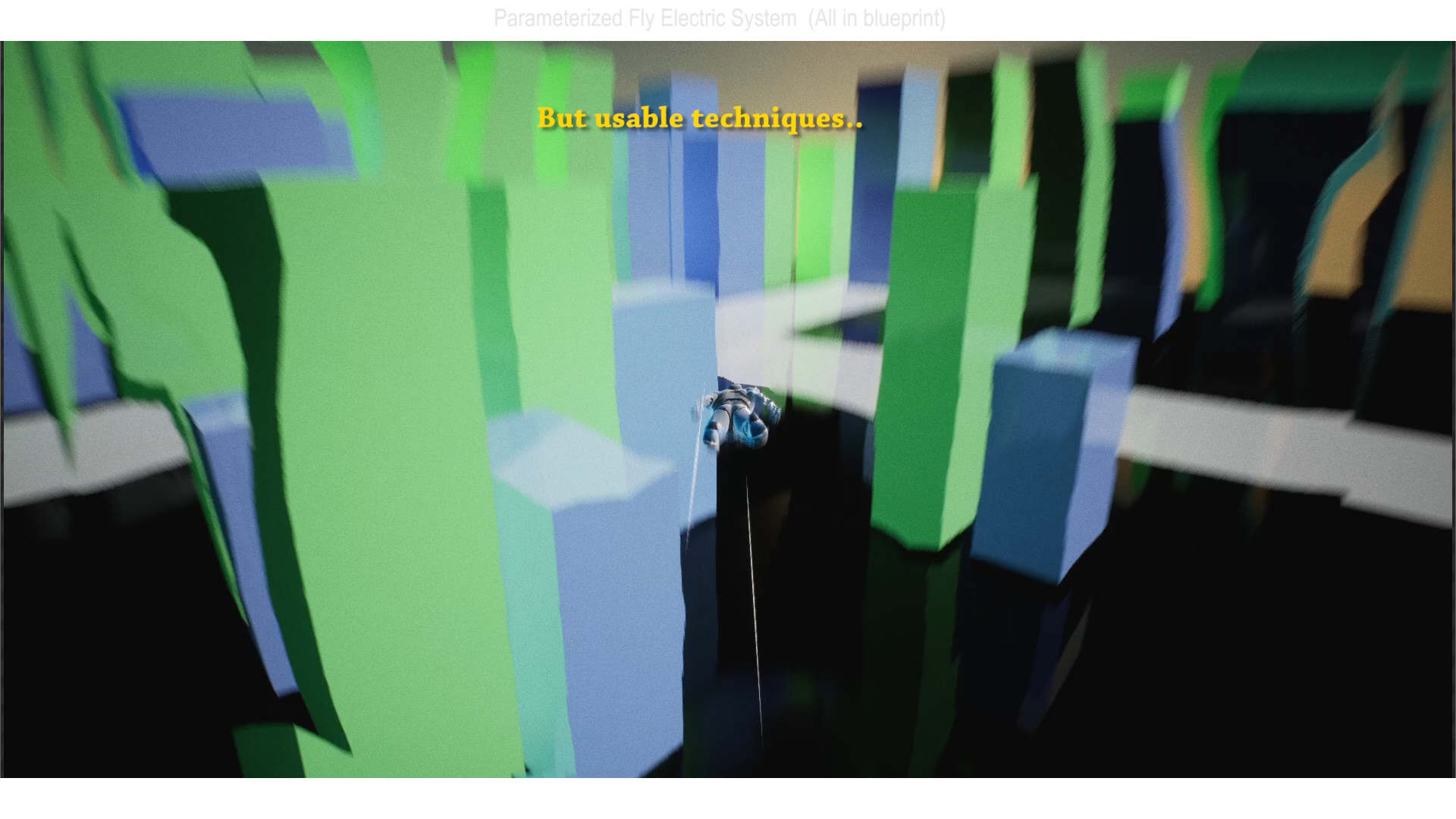
There are a lot of techniques and codes that you can use with another type of projects. And the installation is smart. Take a look at the video.
I’m sure you can use something even if you aren’t doing a “fly” game.
Technical Details
Features:
- 12 Blueprints
- 4 Niagara Systems
- 3 Special Animations (Mortal, Charge, FlyStop)
- 14 Similar Animations (Locomotion)
Number of Blueprints: 12
Input:
Start Fly: “F”
Fly fast in camera direction: “Space”
Fly Slow Up: “Left Mouse”
Fly Slow Down: “Right Mouse”
Do a “Mortal” and start to fly: Walking and with “Left Mouse Button” pressed, press “F”
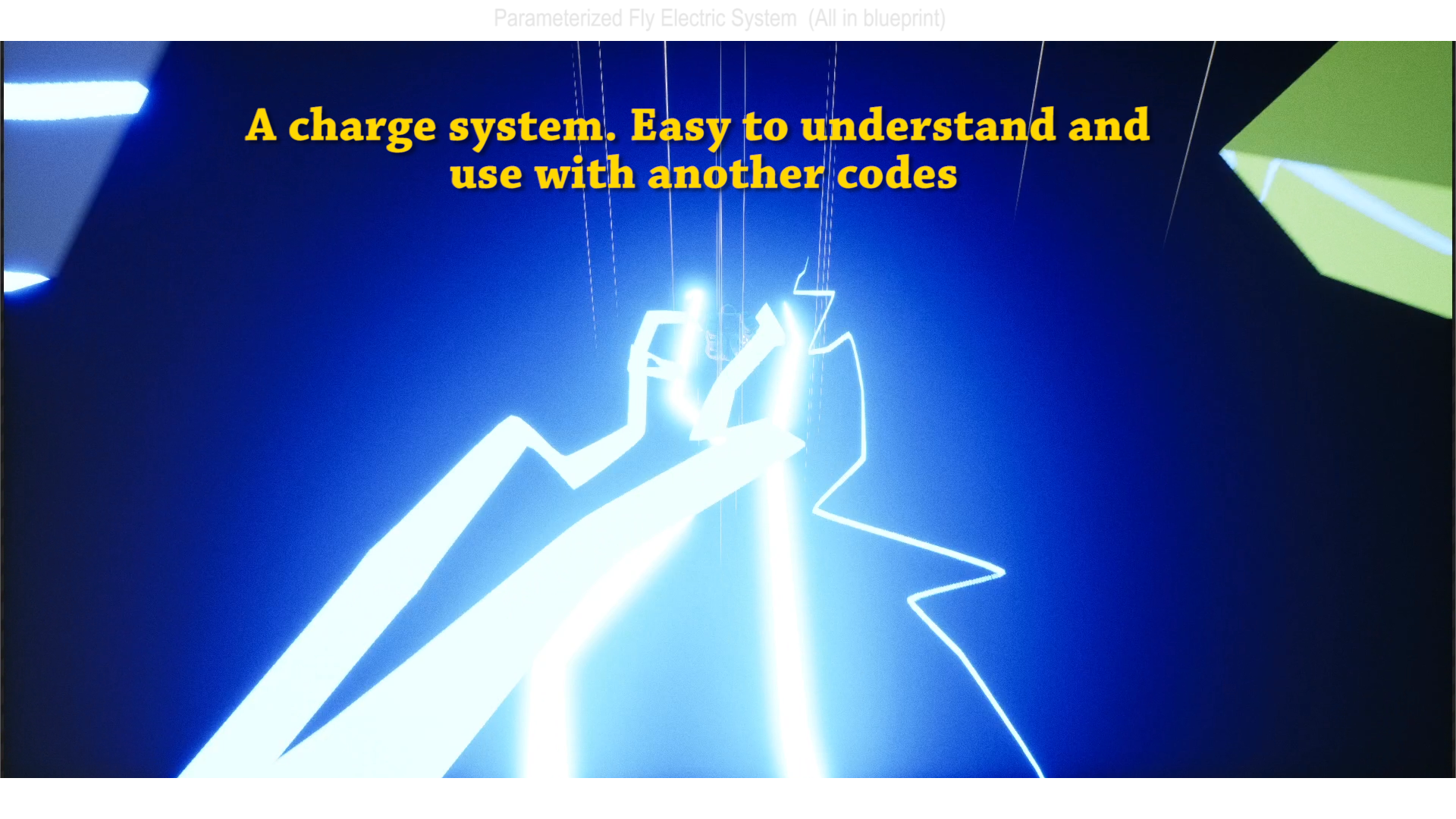
When flying with less than 400 of the ground you can Charge
Press “E” + “Space” and keep both. Then you realease the “E”, but keep the “Space” and with the camera on the direction you want to go fast.
Network Replicated: No
Supported Development Platforms:
Windows: Yes
Mac: Not tested
Documentation: The video has a tutorial and inside the codes there are some texts.
You can contact us at any time and request that the asset you want be added to the site from the Request Asset section.