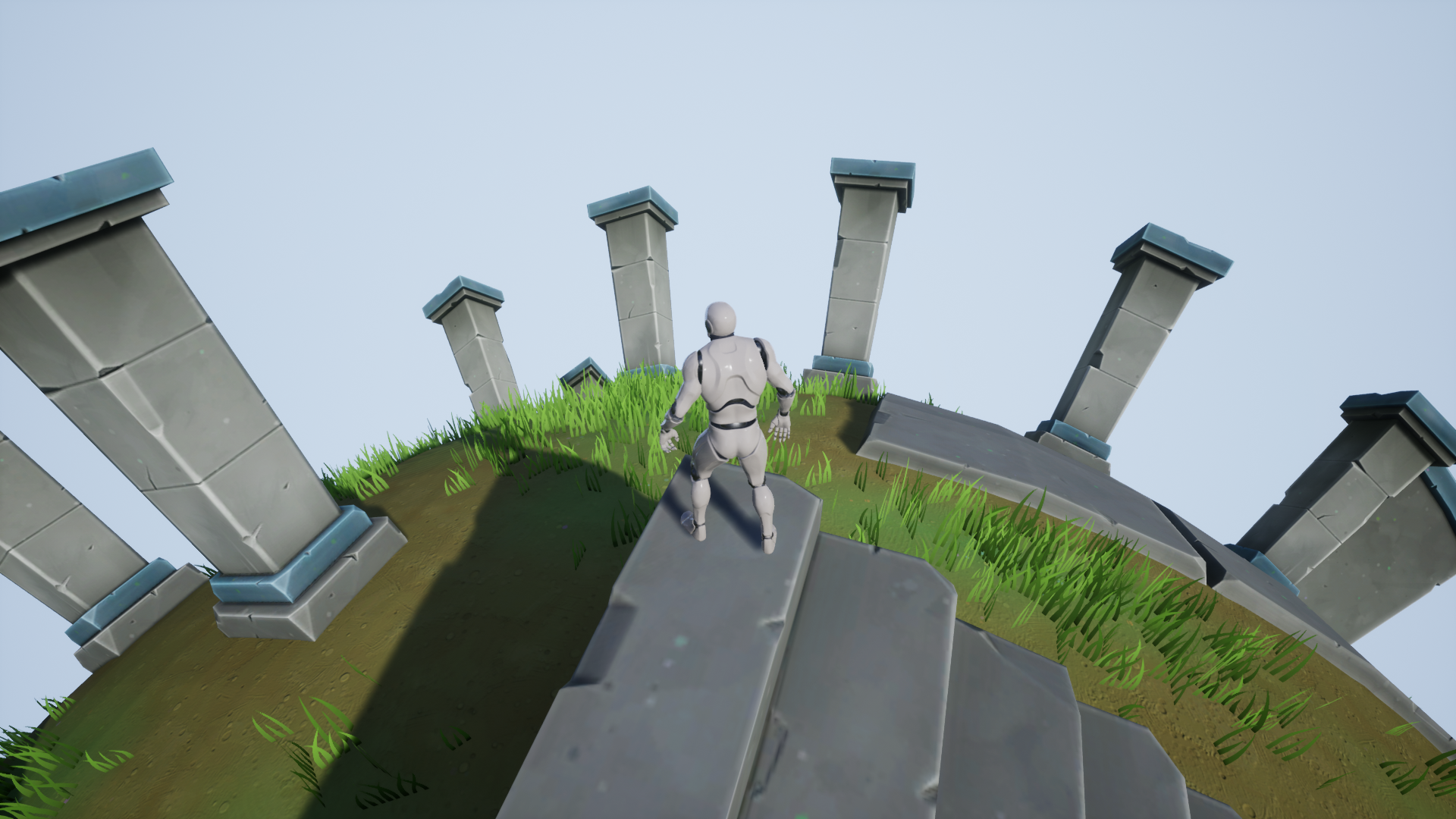
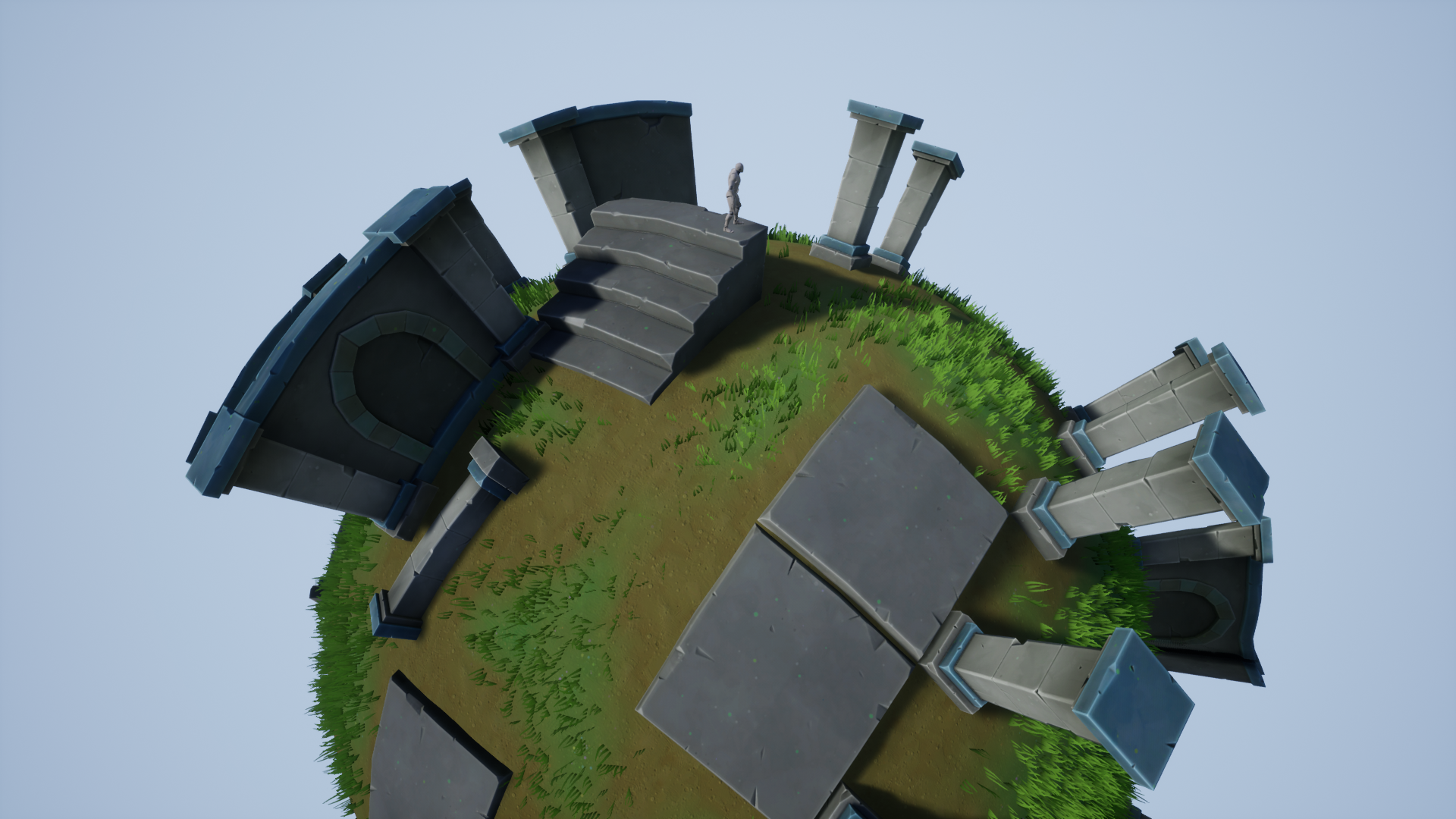
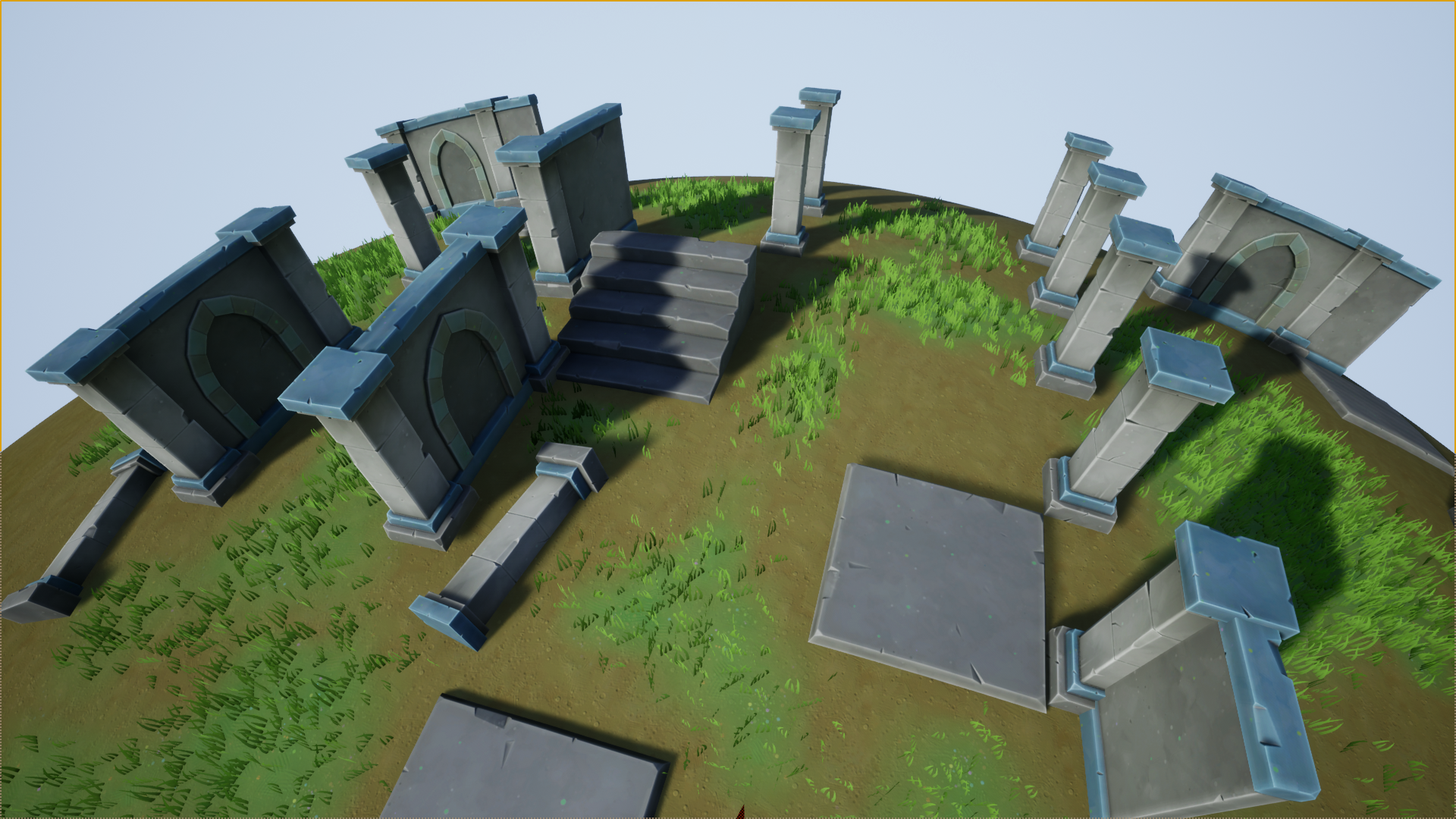
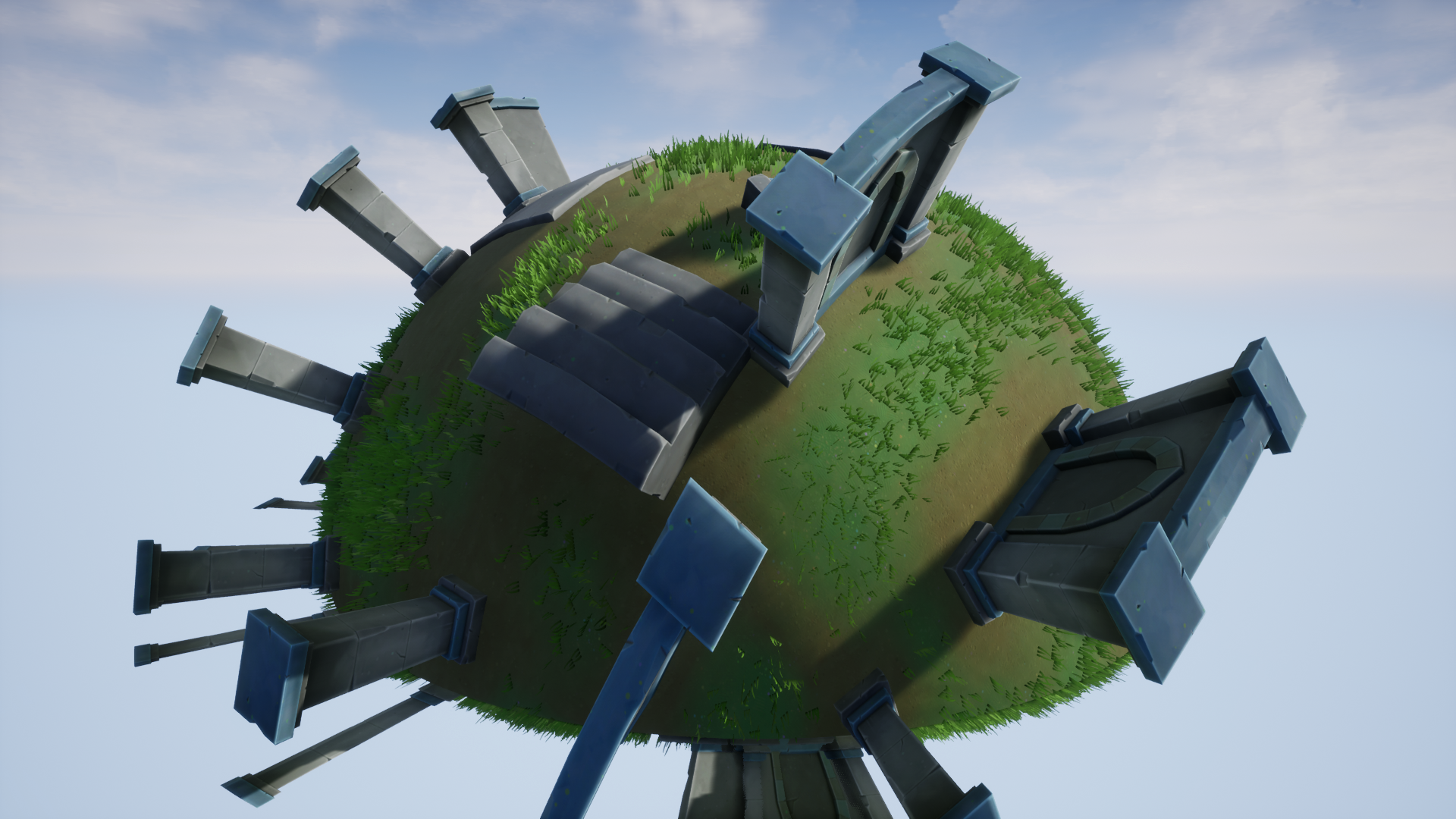
 Description
Preview: https://youtu.be/HVSlC3Dm624
UPDATE: This shader affects the rendering of standard polygonal mesh and is fully compatible with UE4. However, it has known issues with Nanite and is NOT fully compatible with UE5.
Description:
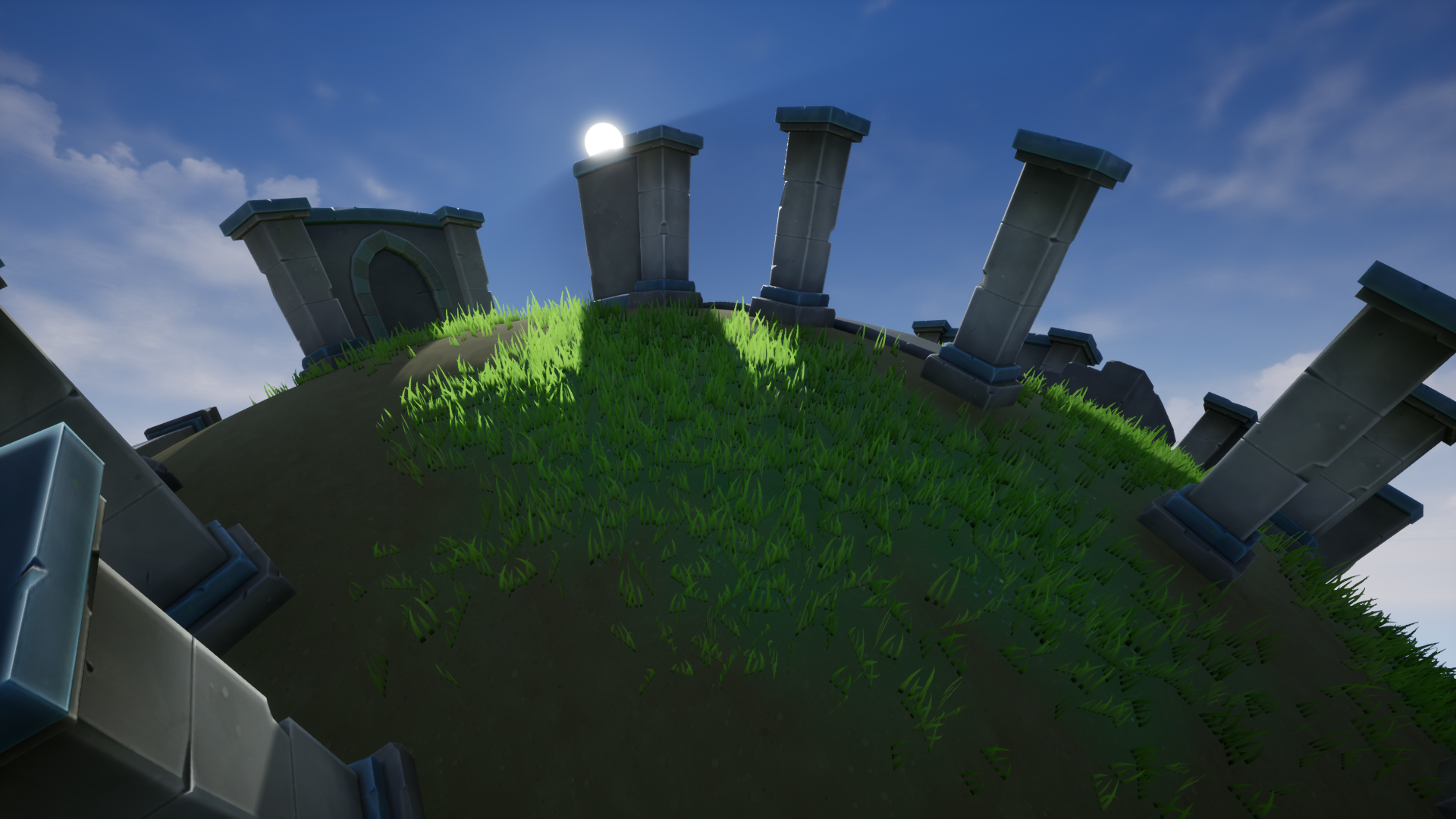
Spherical Shader is a vertex shader that allows you to create the illusion of a spherical world by simply using a Material Function and a Blueprint Component. The curvature is controlled by a Material Parameter Collection, but its parameters do not need to be directly set. They are controlled by the Blueprint Component. (Note: This is a vertex shader which affects the way vertices are rendered and does not affect collision or physics.)
Please note:
- The spherical effect only calculates a hemisphere, the top half of the sphere based on where the player is standing. This is a limitation of the math used and prevents things far away on the horizon from wrapping under and back around behind the player.
- Keep in mind that the actual world, gameplay space and collision, remains flat. This shader simply offsets the vertices at render time to make them appear as if spherical from the player’s perspective.
- This material function affects vertices only and not collision or physics. As such, certain gameplay mechanics, such as those using line traces from the camera, might not appear to match up with geometry when this shader is used.
Technical Details
Includes:
- Material Function with all the logic to create the sphere effect
- Material Parameter Collection that adjusts parameters in the Material Function (though these values do not need to be manually adjusted)
- Blueprint Component which is added to the player character or actor which the sphere effect should move with
Demo Content Includes:
- Demo map with Spherical Shader applied to static meshs, foliage, and landscape
- Static Meshes (1 floor, 1 pillar, 3 walls, and 1 stairs with diffuse and normal textures)
- Foliage (1 static mesh and diffuse texture)
- 2 terrain textures with normal maps
- 3 example materials with Spherical Shader applied
- Spherical Shader blueprint component applied to the player character
To Use the Shader:
- Add the included Material Function to the World Position Offsets of your materials
- Add the included Blueprint Component to your player character
Important/Additional Notes:
- This shader requires enough vertices on meshes to allow them to be deformed spherically. Very low poly meshes such as basic primitives will need extra subdivisions for them to appear round.
- This shader works in Mobile Preview and has been verified to work on several Android devices. It has not been tested on iOS hardware.
Login is required to access this download
You can contact us at any time and request that the asset you want be added to the site from the Request Asset section.