Description
Game UI Scaling Made Easy!
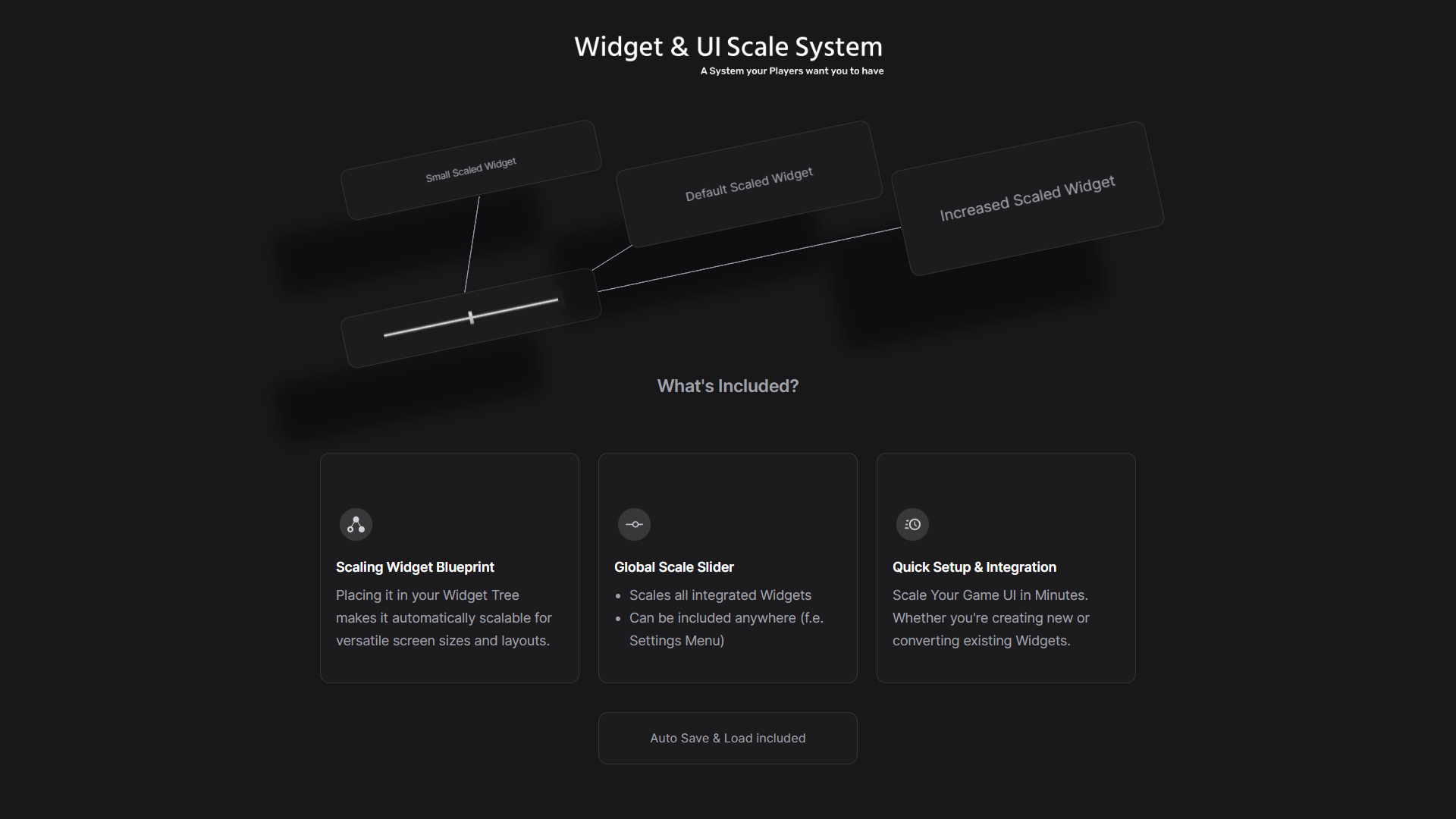
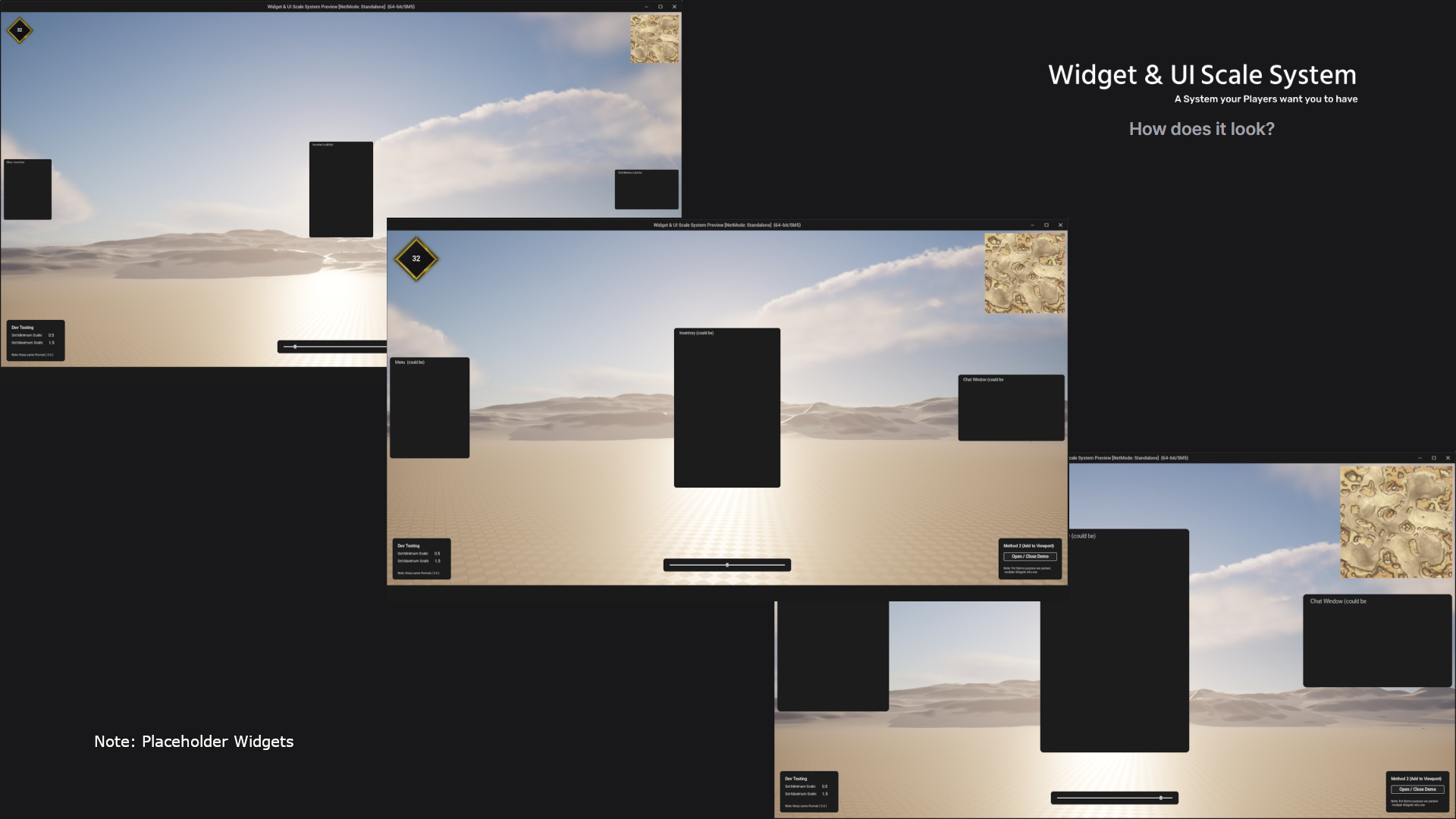
- Empower players to scale their UI with a single slider.
With our Widget & UI Scale System, players can seamlessly adjust the size of their in-game UI elements using just one intuitive slider, putting the power of customization right at their fingertips.
- Instantly integrate UI scaling into existing widgets or create new ones in seconds.
What sets our toolkit apart is its remarkable versatility. Easily incorporate our Widget Blueprint Scaling Widget into your existing game widgets or create brand new ones, all within a matter of seconds. Whether you’re a seasoned developer or just starting out, achieving UI scalability has never been more accessible.
- The global scale slider effortlessly integrates into any menu (widget).
The real gem lies in the global scale slider, a game-changer in UI personalization. This slider can be effortlessly integrated into any menu widget, and it automatically scales all widgets that integrate our Widget Blueprint Scaling Widget, on Player demand.
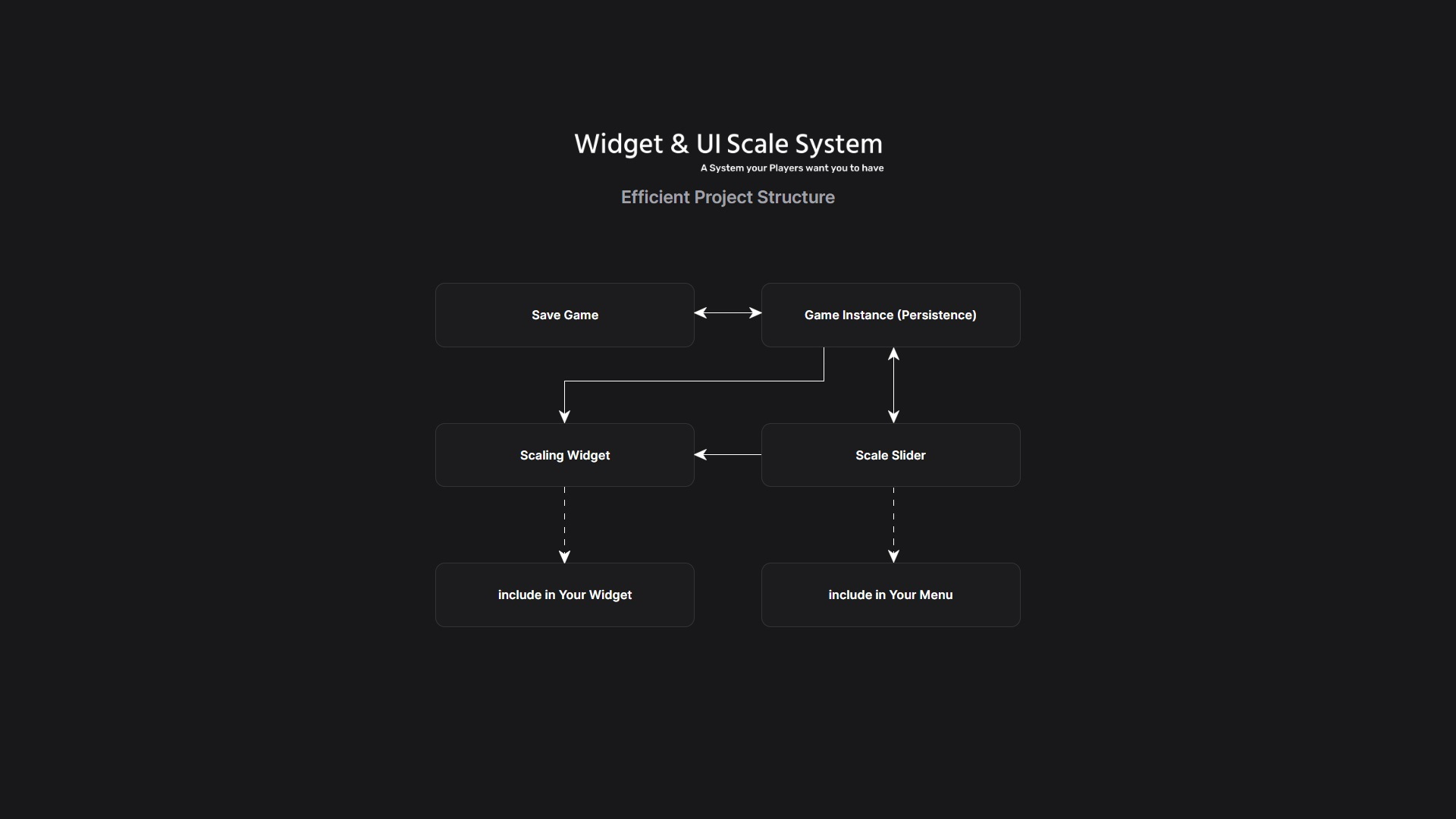
- Scale Value auto-loads on startup , auto-saves on slider destruction, and auto-applies on widget creation
To enhance the user experience further, we’ve designed our system for seamless integration. It auto-loads on initialization, ensuring that your players get the perfect UI from the moment they launch the game. Plus, we’ve streamlined the process by enabling auto-save functionality upon the slider’s destruction, making customization effortlessly convenient.
“Create a more inclusive (eyesight) and enjoyable gaming journey (UI size preference) for your audience.”
You can contact us at any time and request that the asset you want be added to the site from the Request Asset section.