Description
🎥 PREVIEW VIDEO | 🎮 PLAYABLE DEMO | | 📝 PAST REVIEWS/Q&A ON ORBITAL MARKET
📂 Easy Options Menu is also Included in the Easy Game UI asset!
Some engine plugins are required for the pack to work properly, check out the documentation for more details.
📢Update 2.1 is available right now!
Update 2.1 for Easy Options Menu is packed with improvements across the board and easier setup for most systems!
⭐ Enjoying the pack? ⭐
If you are satisfied, please consider leaving a rating to support my work and help me develop high quality updates for the pack! Your support makes a huge difference!
🔎 ABOUT EASY OPTIONS MENU
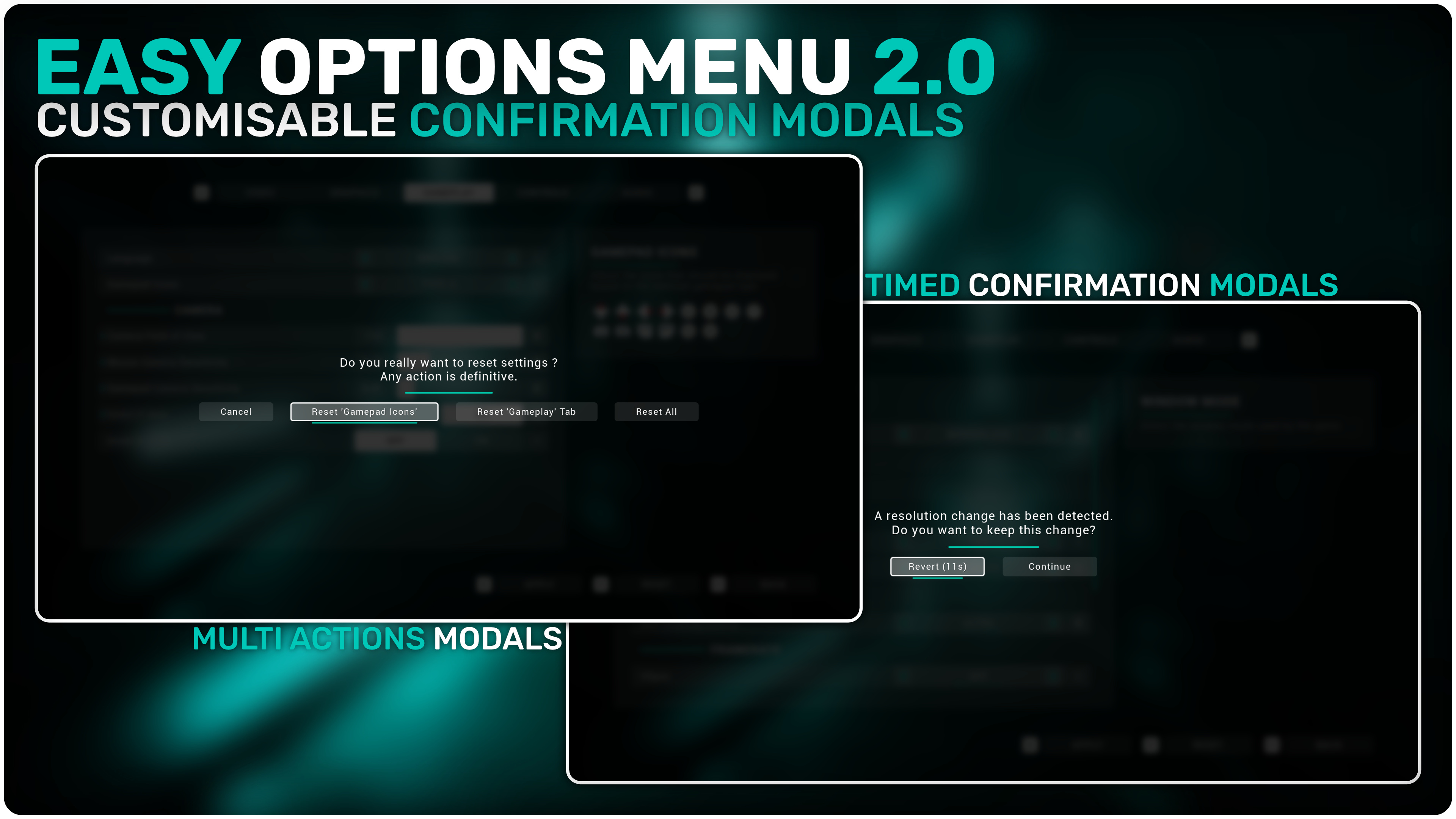
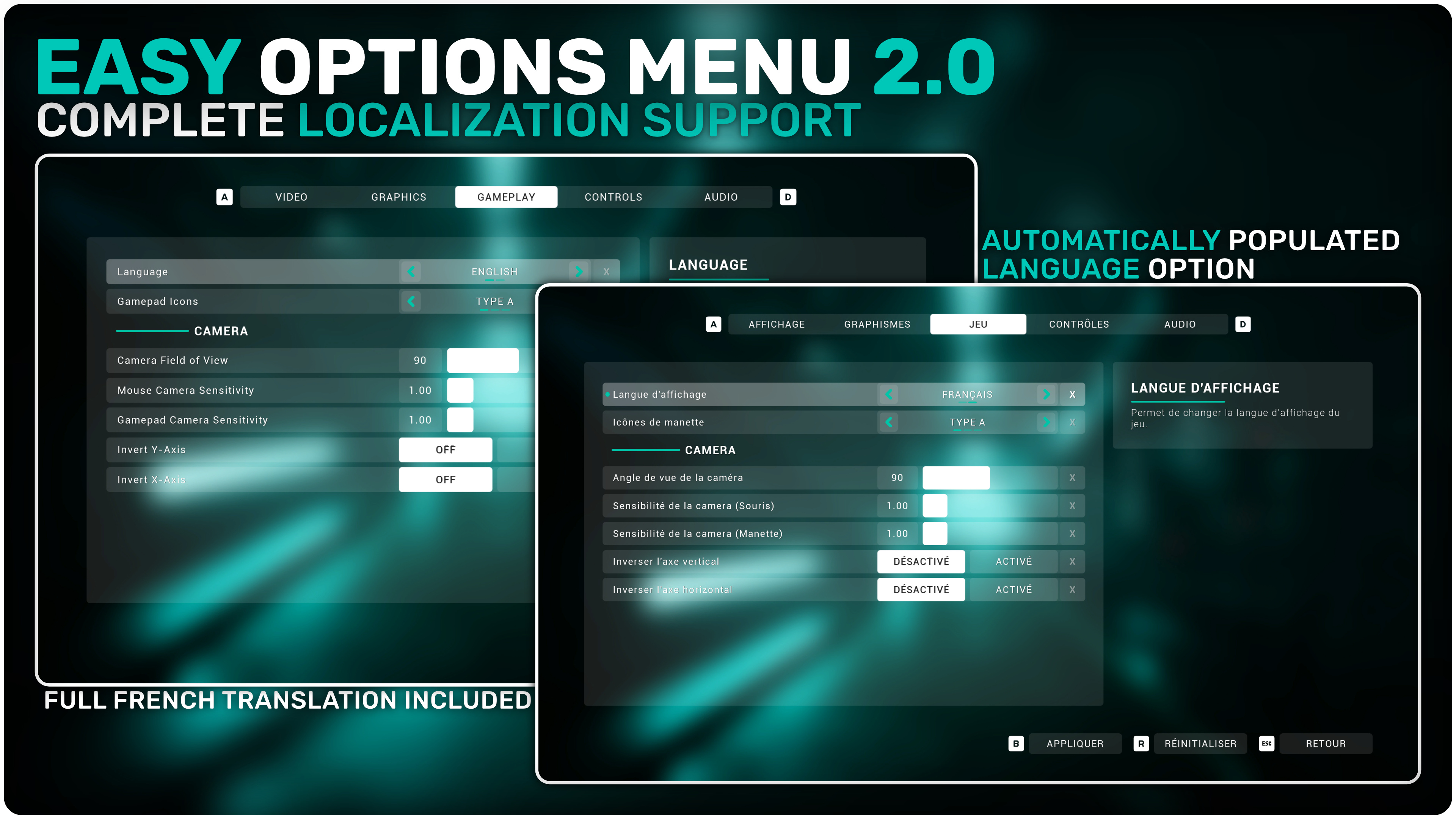
Easy Options Menu 2.0 is a quick and simple way to add an extensive settings menu to your game. It offers a wide amount of industry-standard settings out of the box and deep customisation to fit your project. Get started in under 5 minutes with its very easy setup process!
🔽 What to expect out of the box 🔽
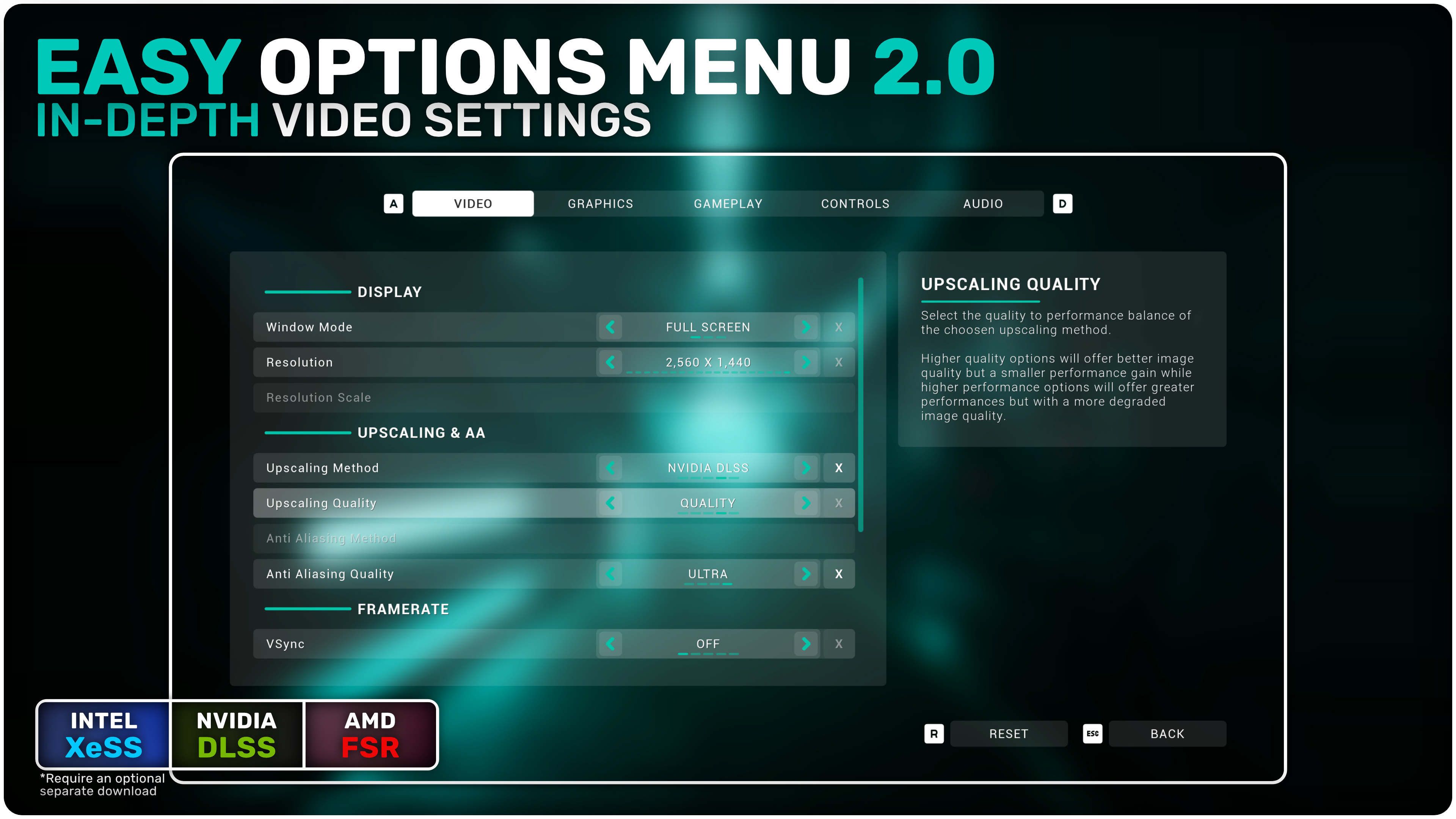
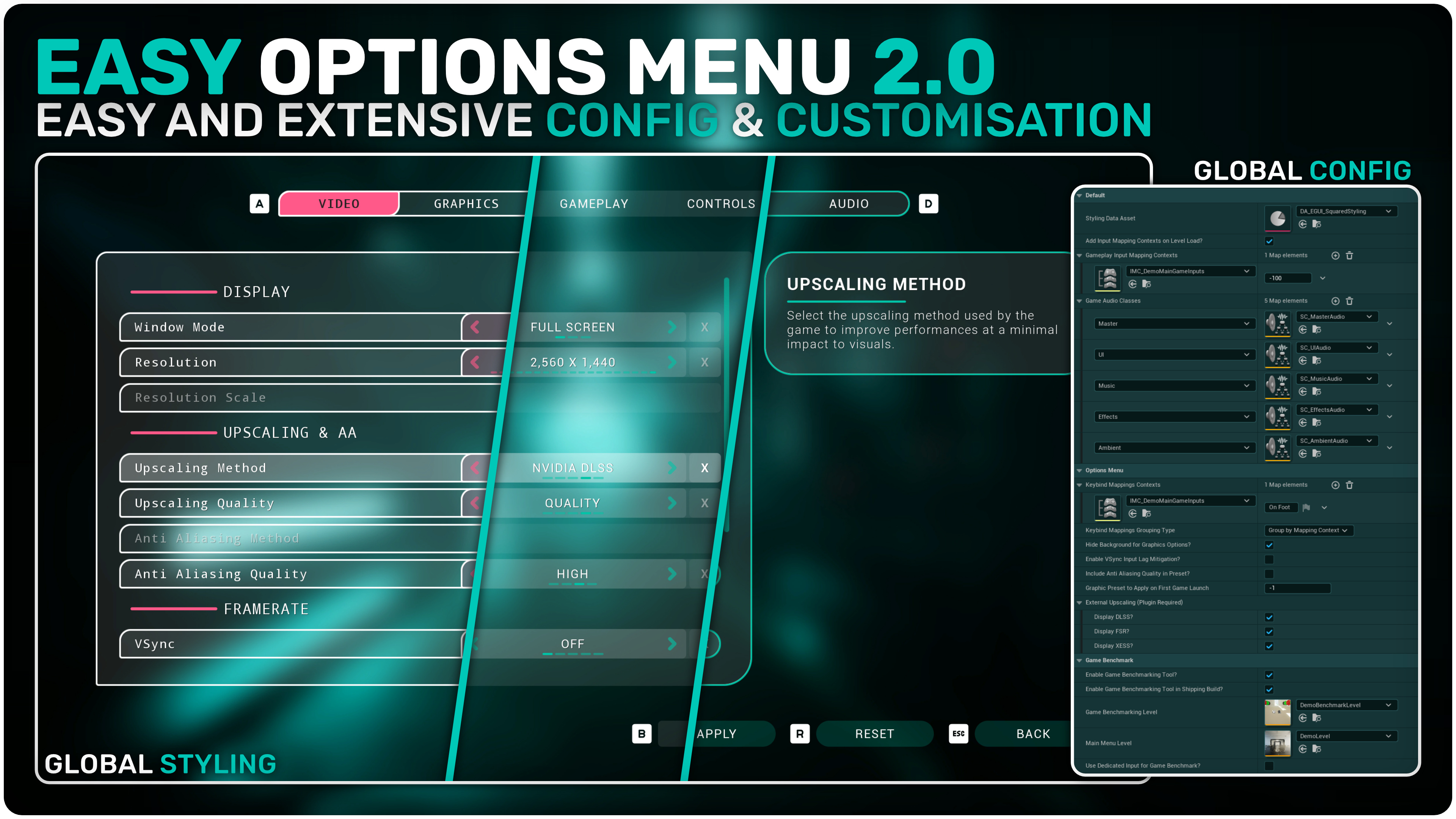
- In-depth video settings with handling of basic options like window mode, resolution, fps cap, gamma as well as more advanced options like Upscaling (DLSS, FSR, XeSS) & Anti Aliasing Method or VSync with support for half, third and quarter rate refresh options
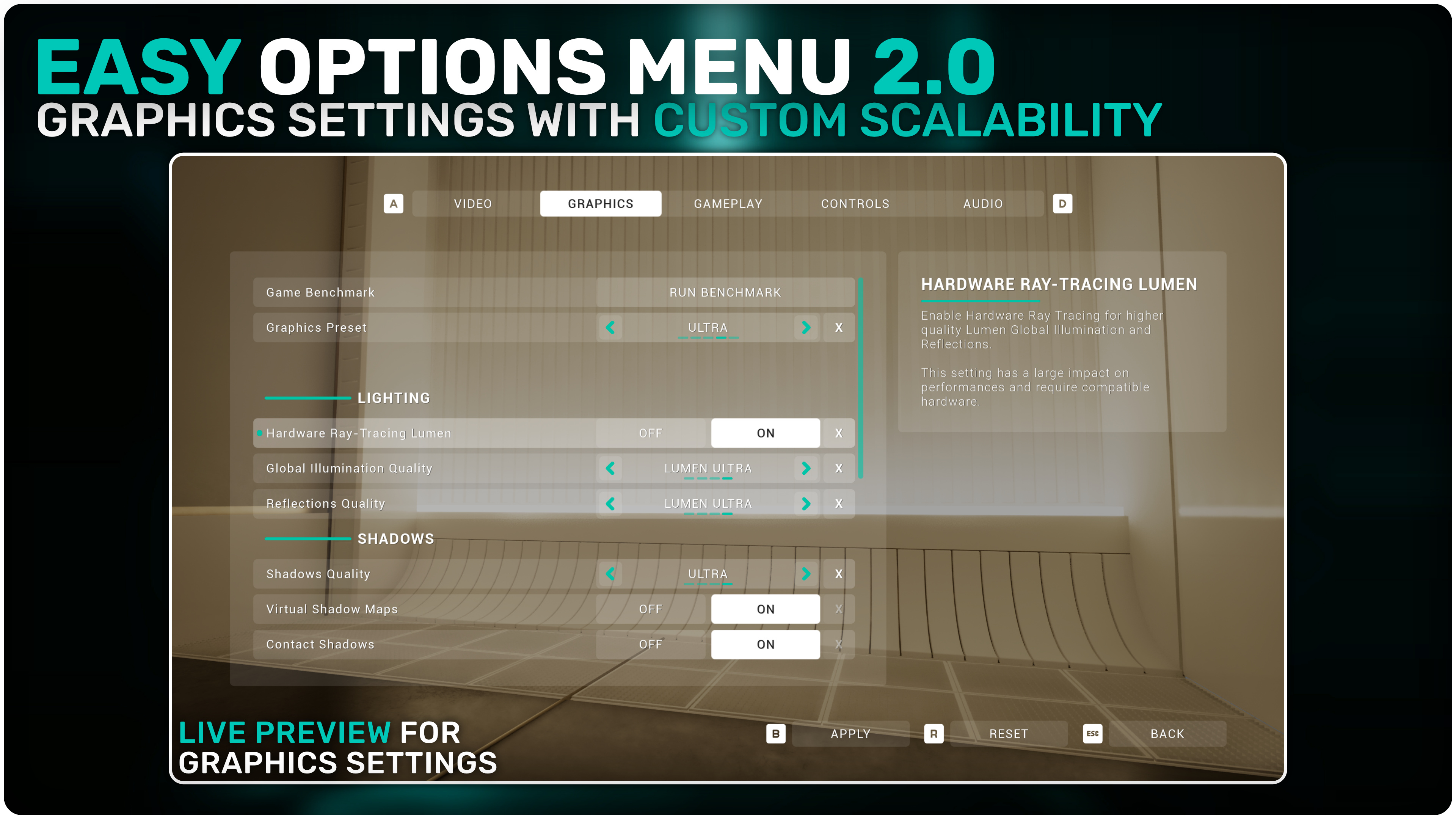
- Graphics settings with customised scalability options and new, non-standard options like a toggle for Hardware Ray Traced Lumen, Virtual Shadow Maps and Volumetrics Quality
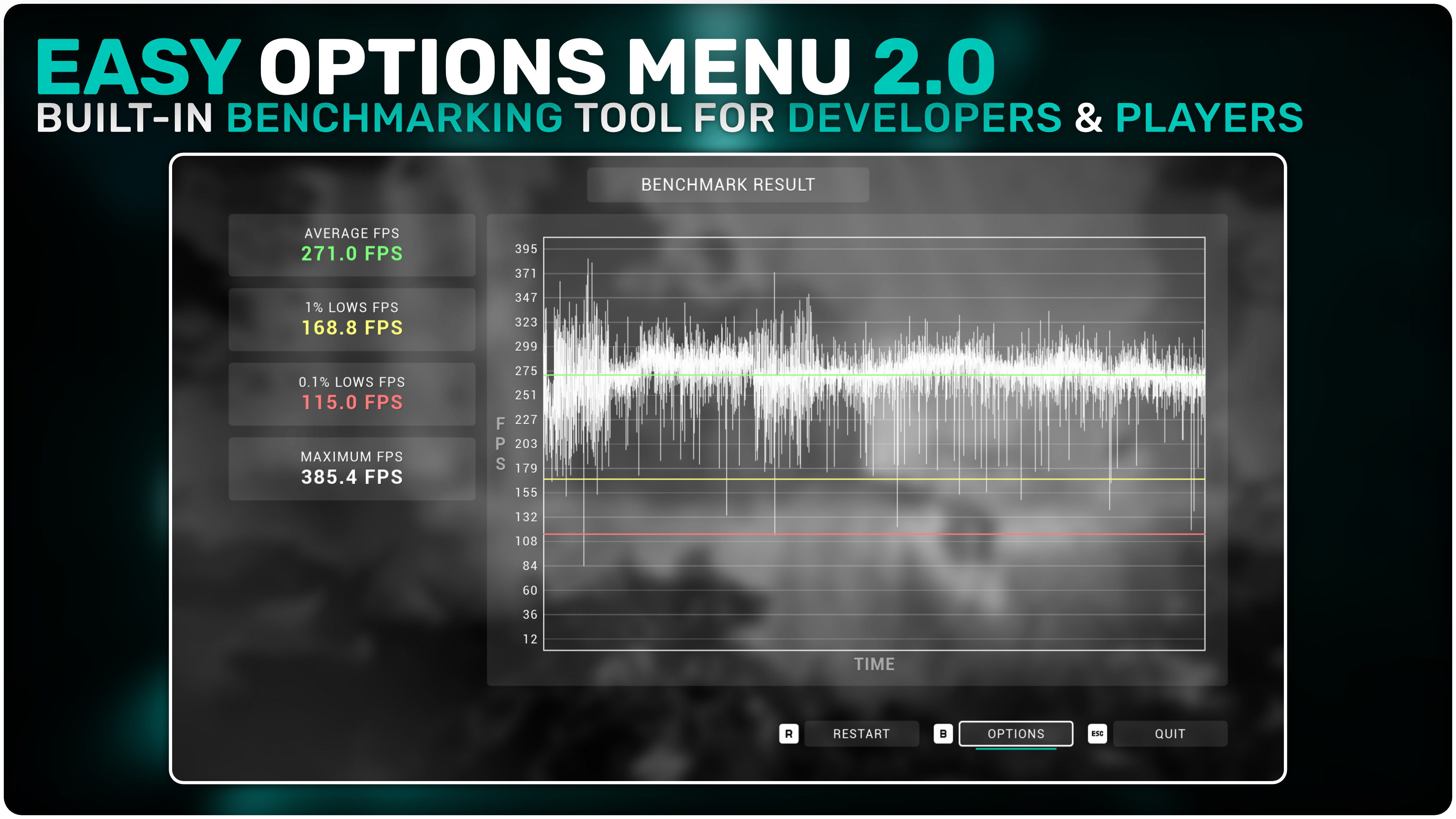
- Detailed Game Benchmarking tool for developpers and players
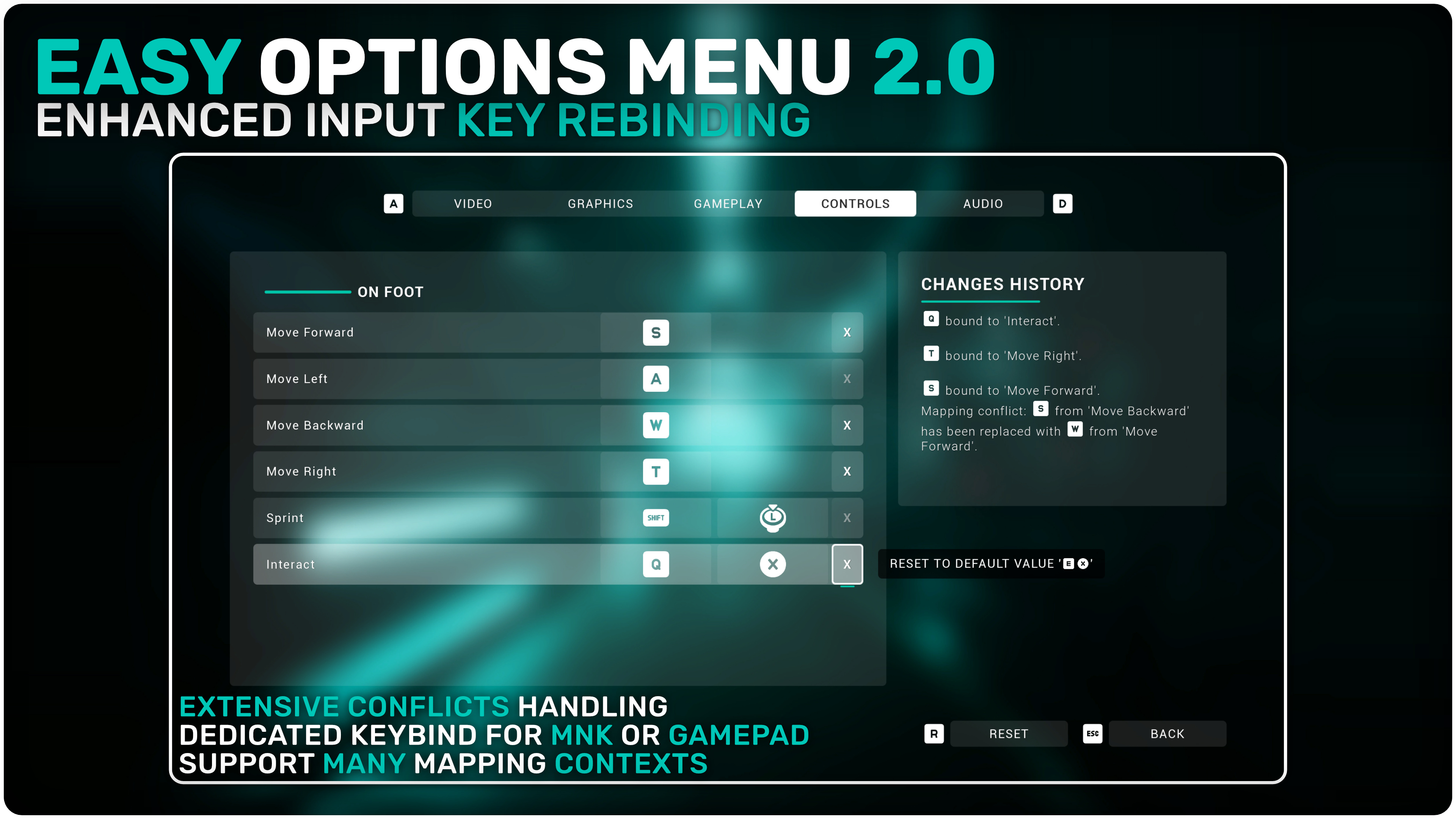
- Extensive yet easy-to-setup key rebinding system with support for multiple mapping contexts, key conflicts handling, key rebind & reset for both gamepad and mouse & keyboard
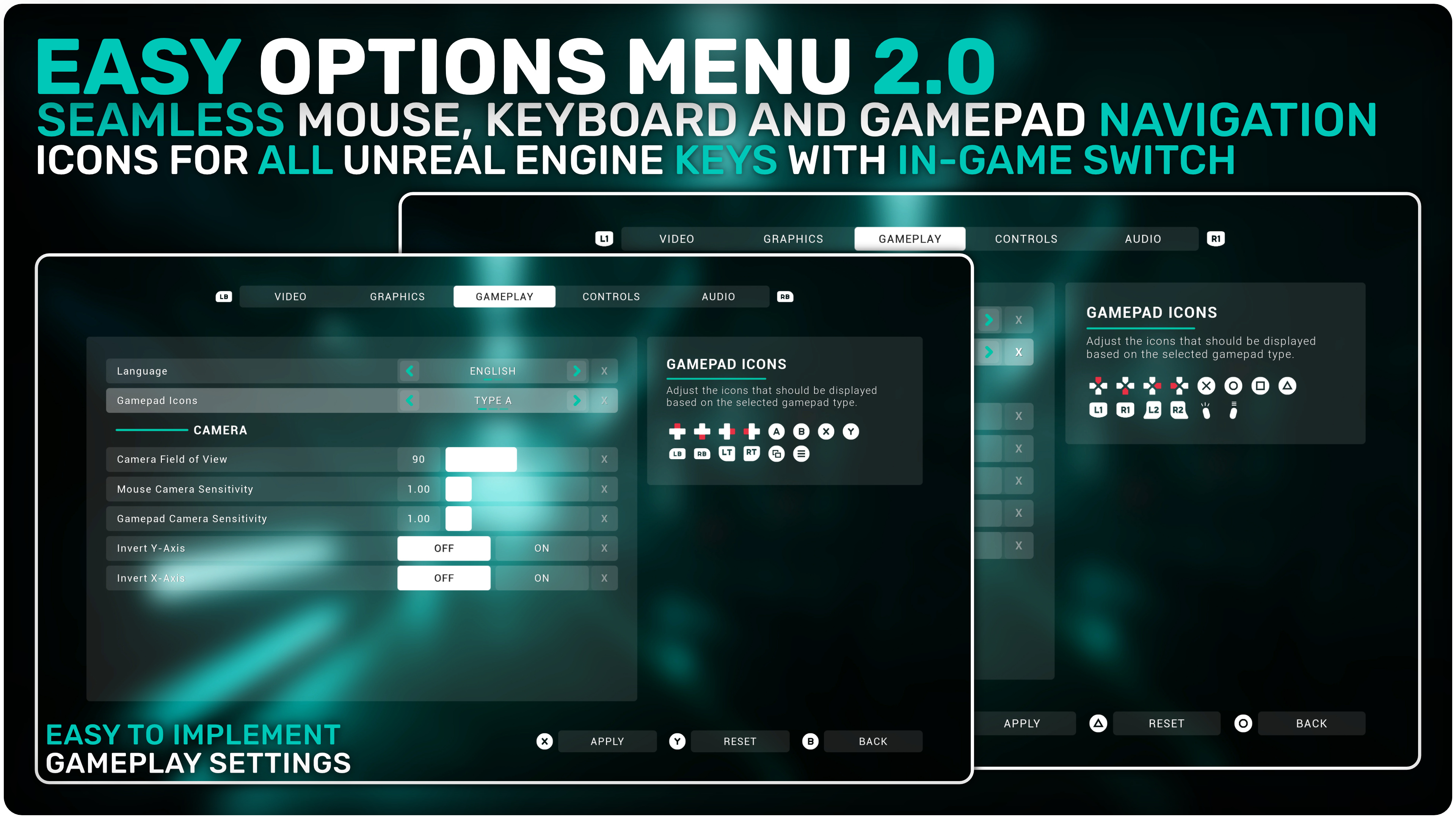
- Easy to implement gameplay options with automatic handling of sensitivity, camera inversion and FOV!
- Audio options available with demo assets which can be easily implemented in your own blueprints
- Seamless UI navigation with gamepad, keyboard or mouse using the native UMG navigation system.
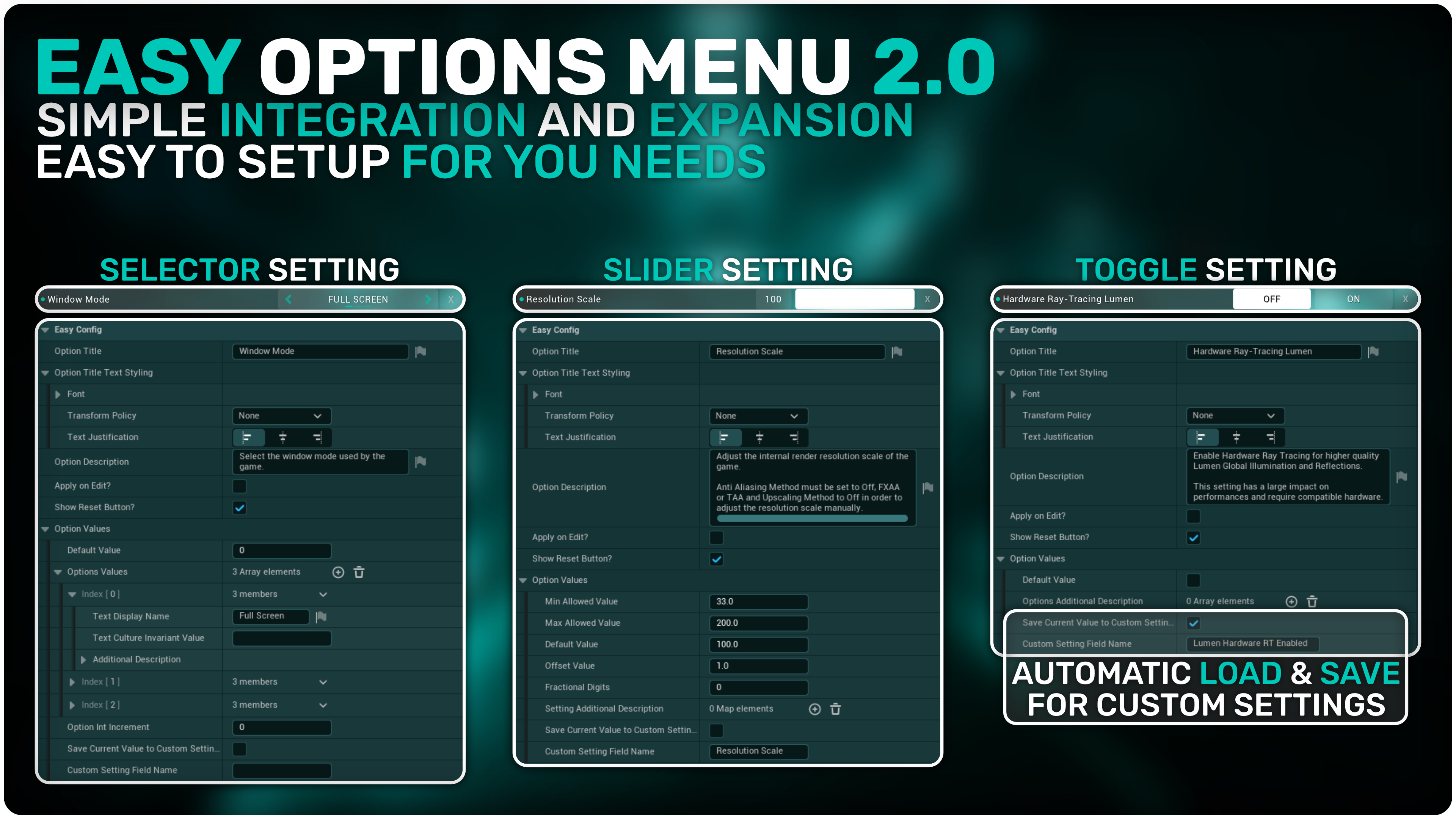
- Easy configuration and styling customization through data assets to tweak all the systems in the pack and the style of the menu to your liking!
- Easily load and save custom settings using the built-in JSON plugin and functionalities
You can contact us at any time and request that the asset you want be added to the site from the Request Asset section.