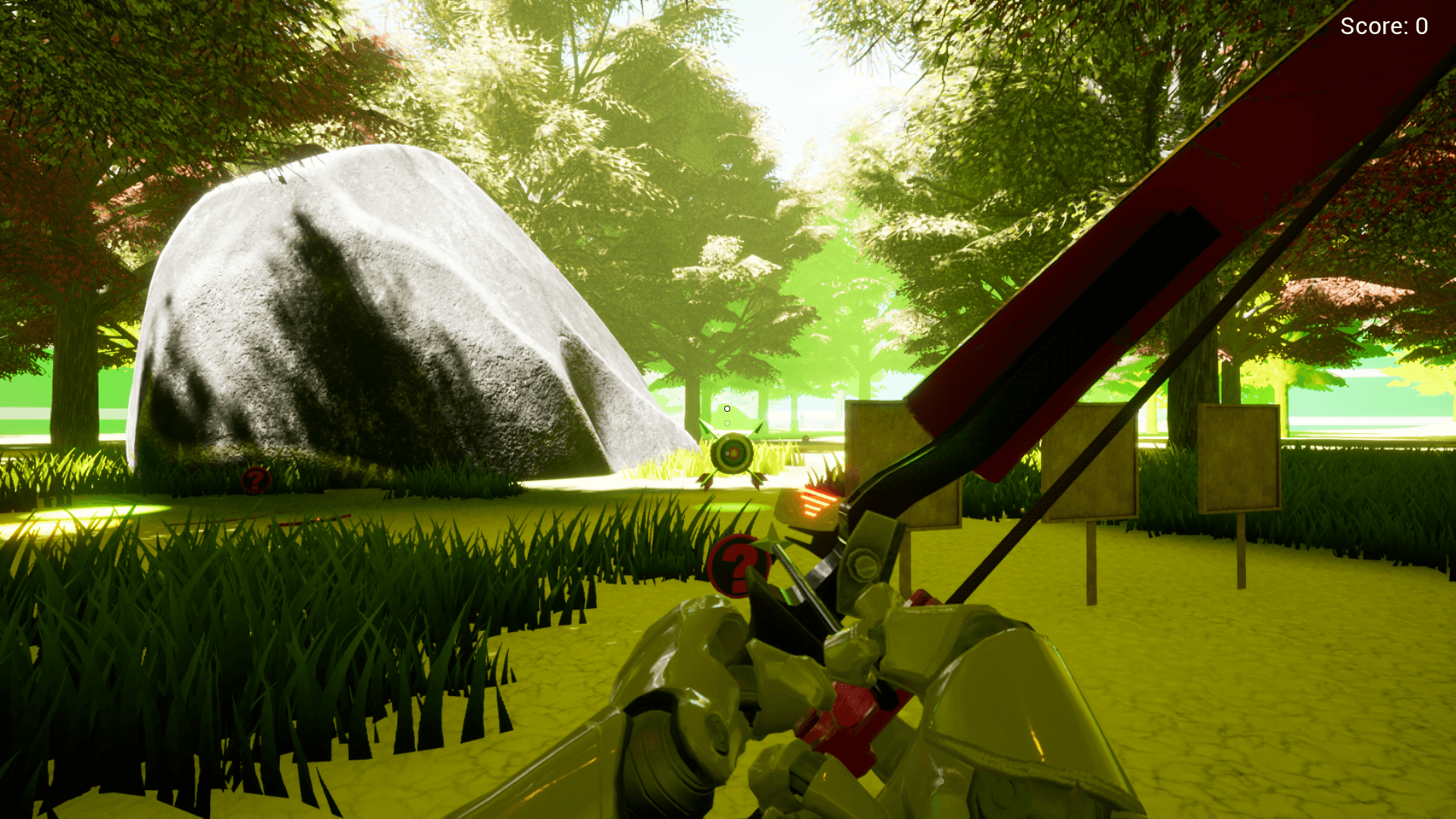
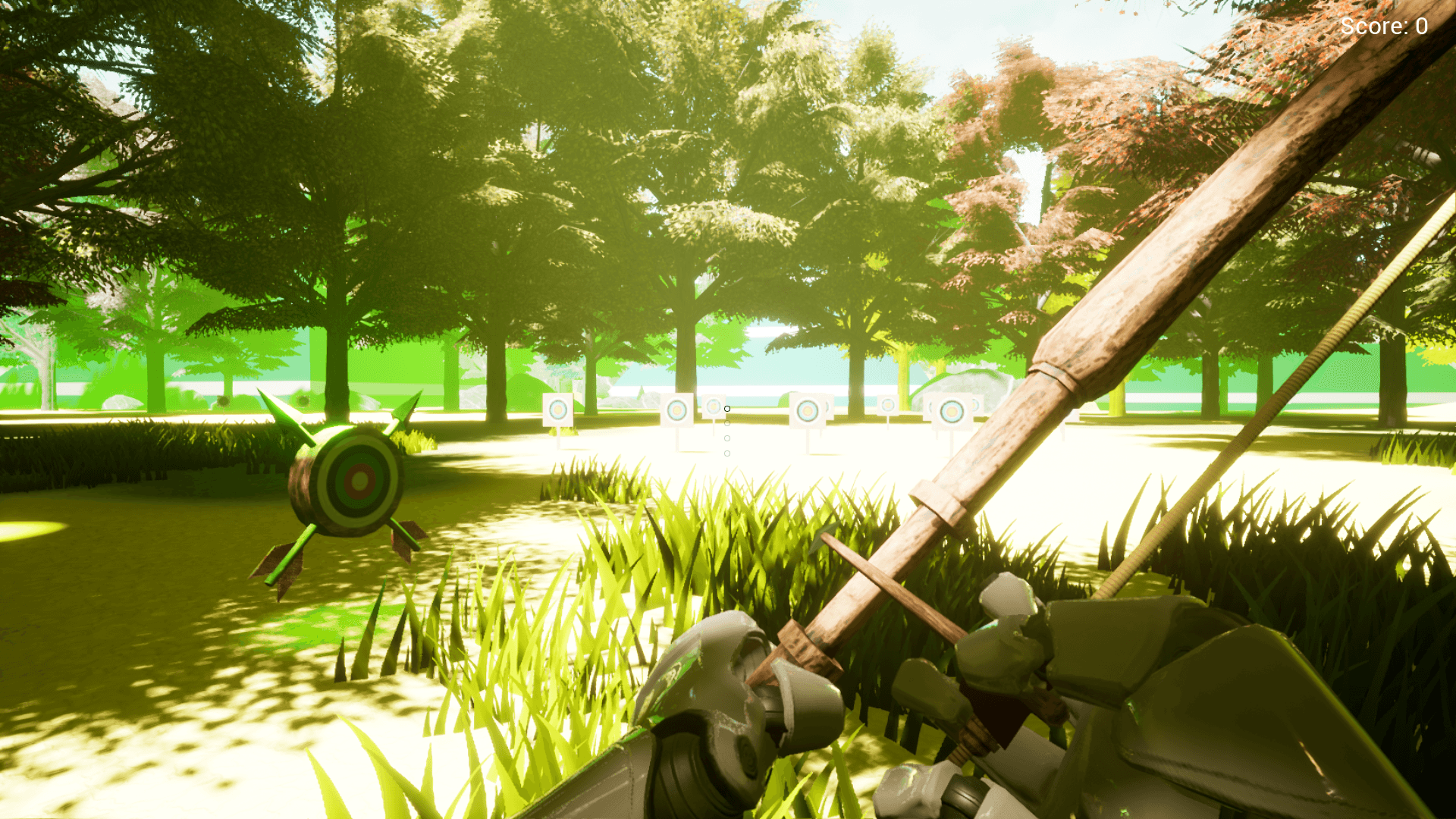
Description
Preview
Video
Migration to existing project:
In Project settings of FirstPersonArchery, Export Input, Collision and Physics as .ini files using the top right button. Import them to your own Project Settings for each of the categories. (This will overwrite the settings for the category, so you may need to add them manually if you have your own Inputs/Collision/Physics)
Then migrate the First Person Archery content to your projects content folder:
https://docs.unrealengine.com/5.2/en-US/migrating-assets-in-unreal-engine/
First Person Archery Blueprints
Features:
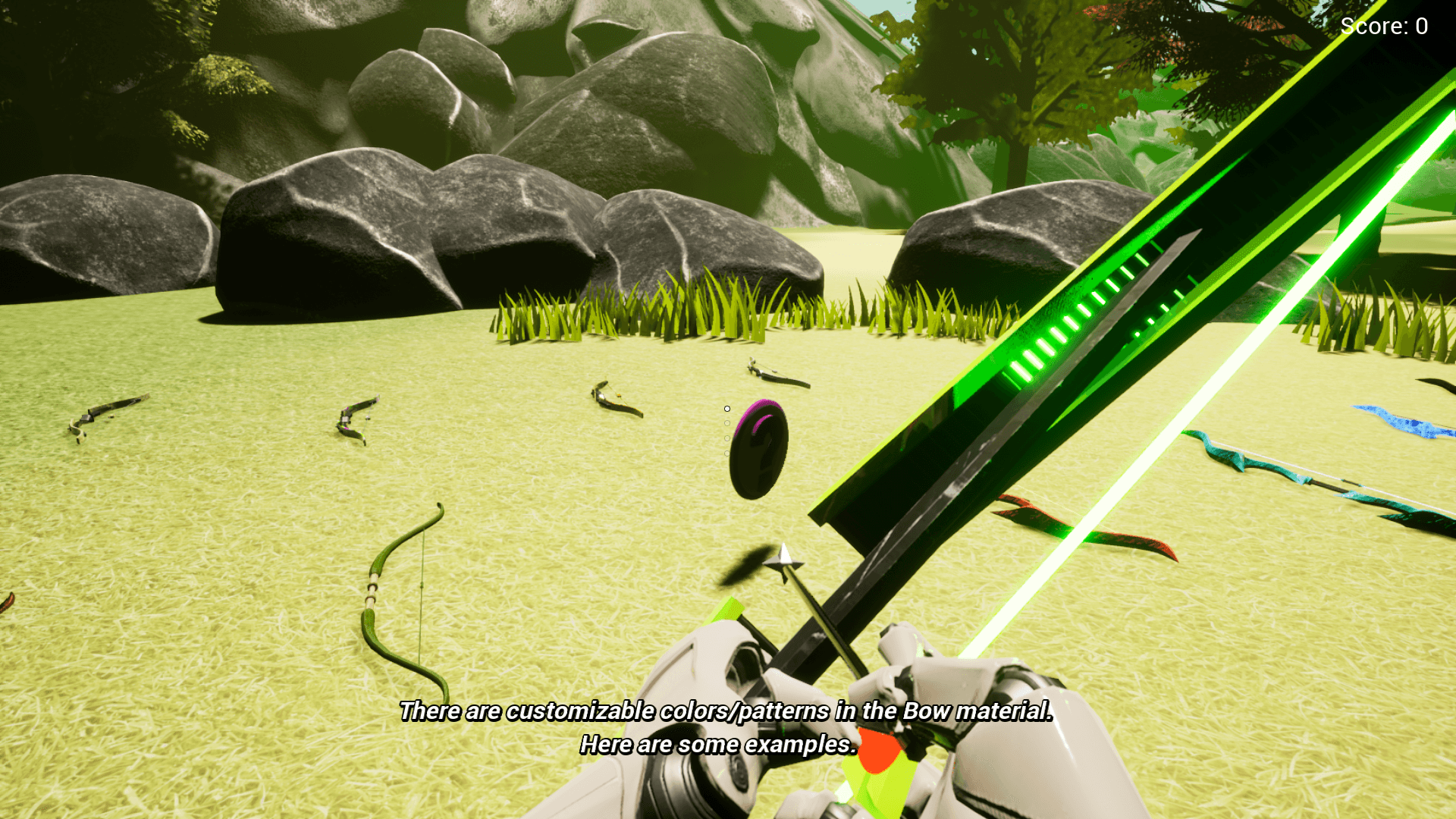
4 bow examples:
Primitive
Modern
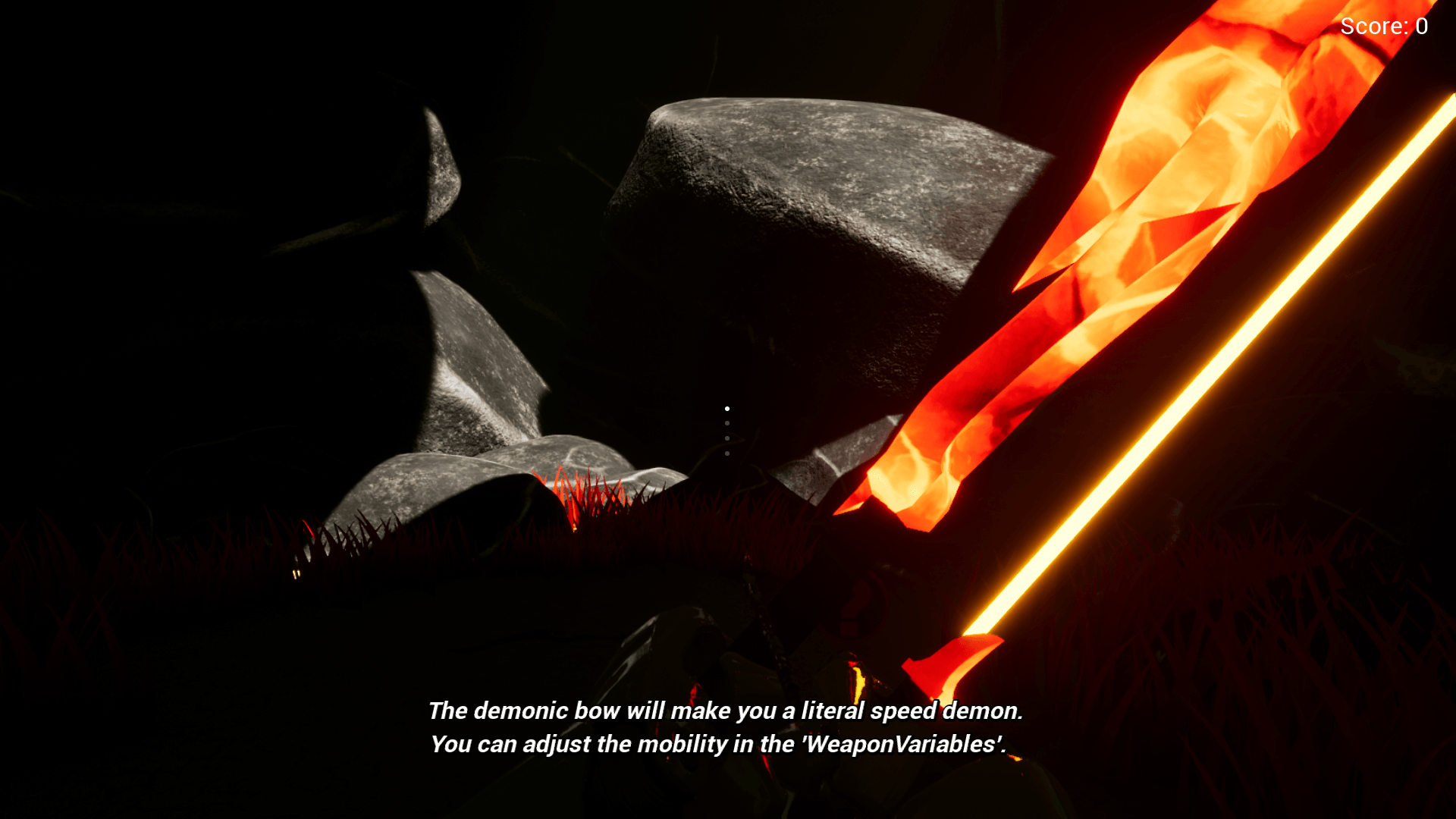
Demonic
Alien
Bow Variables:
Bow Mesh
Bow Materials
String Material
Bow Damage
Arrow Speed
Mobility
Aim Mobility Multiplier
Sprint Mobility Multiplier
Reload Speed
String Thickness
Pullback Distance
Pull Speed
Arrow Variables:
Arrow Mesh
Additional Arrow Damage
Arrow Fall Speed
Penetration Power
Penetration Offset
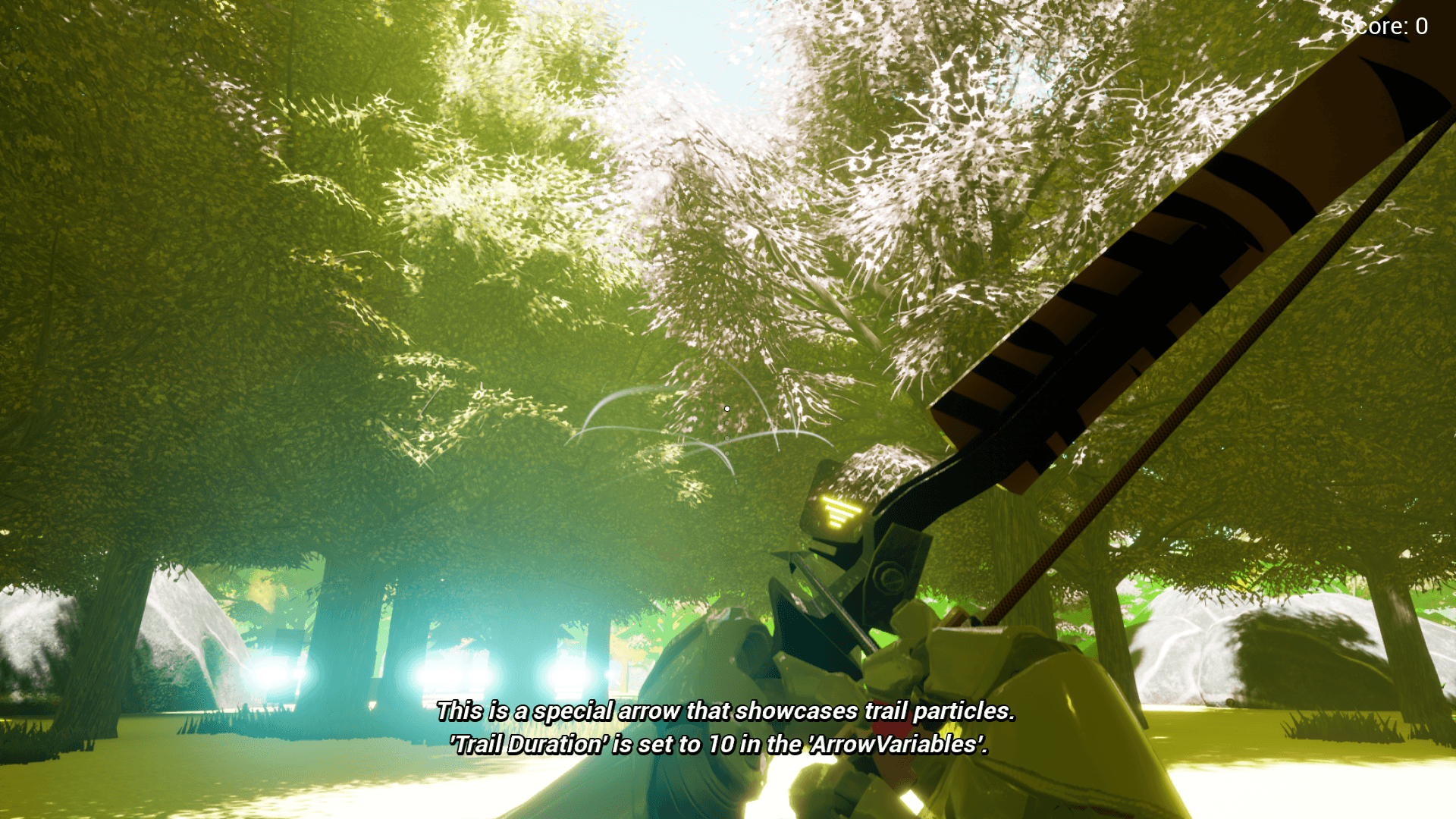
Trail Particle
Trail Color
Trail Duration
Bow and Arrow pickups
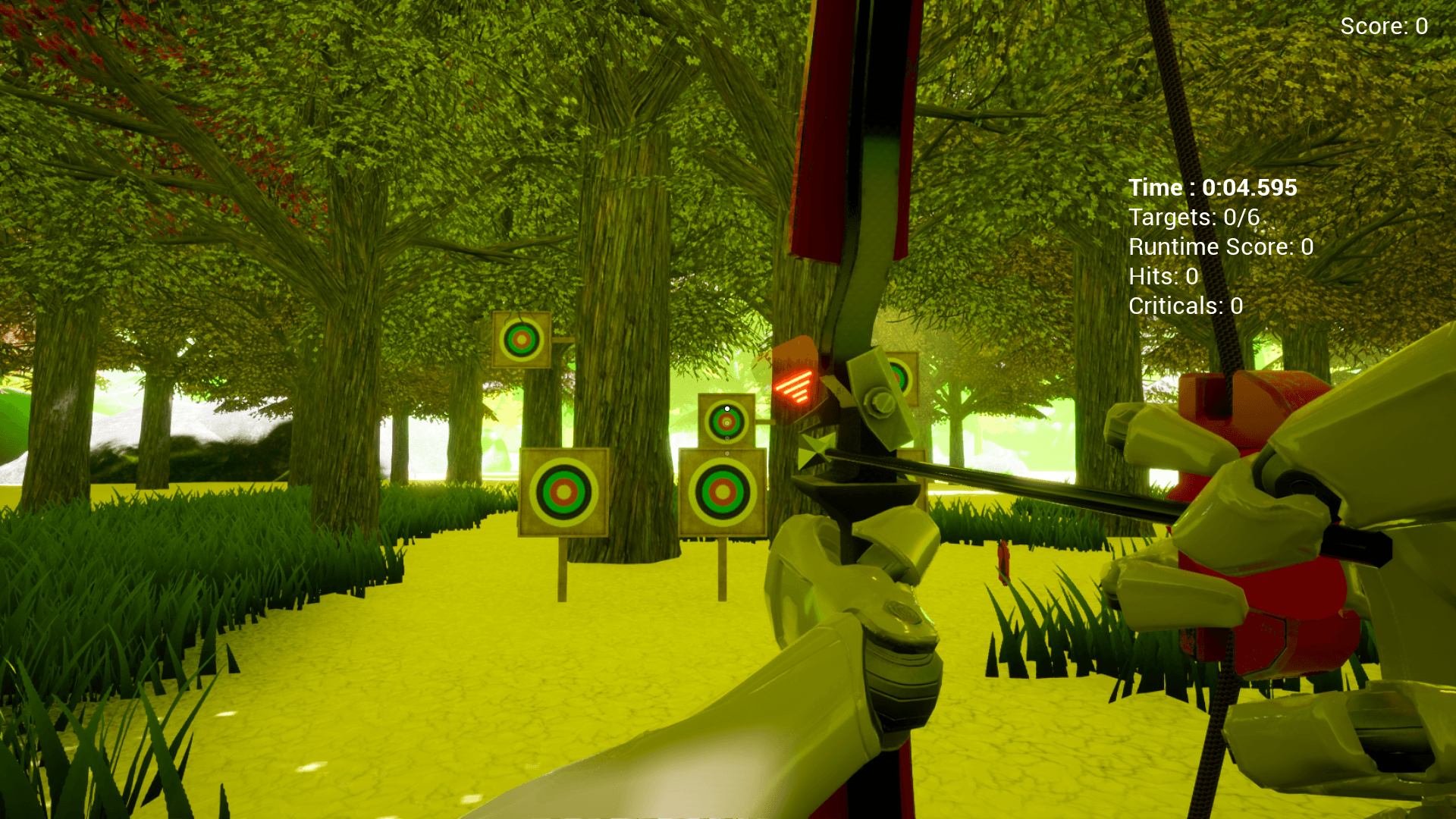
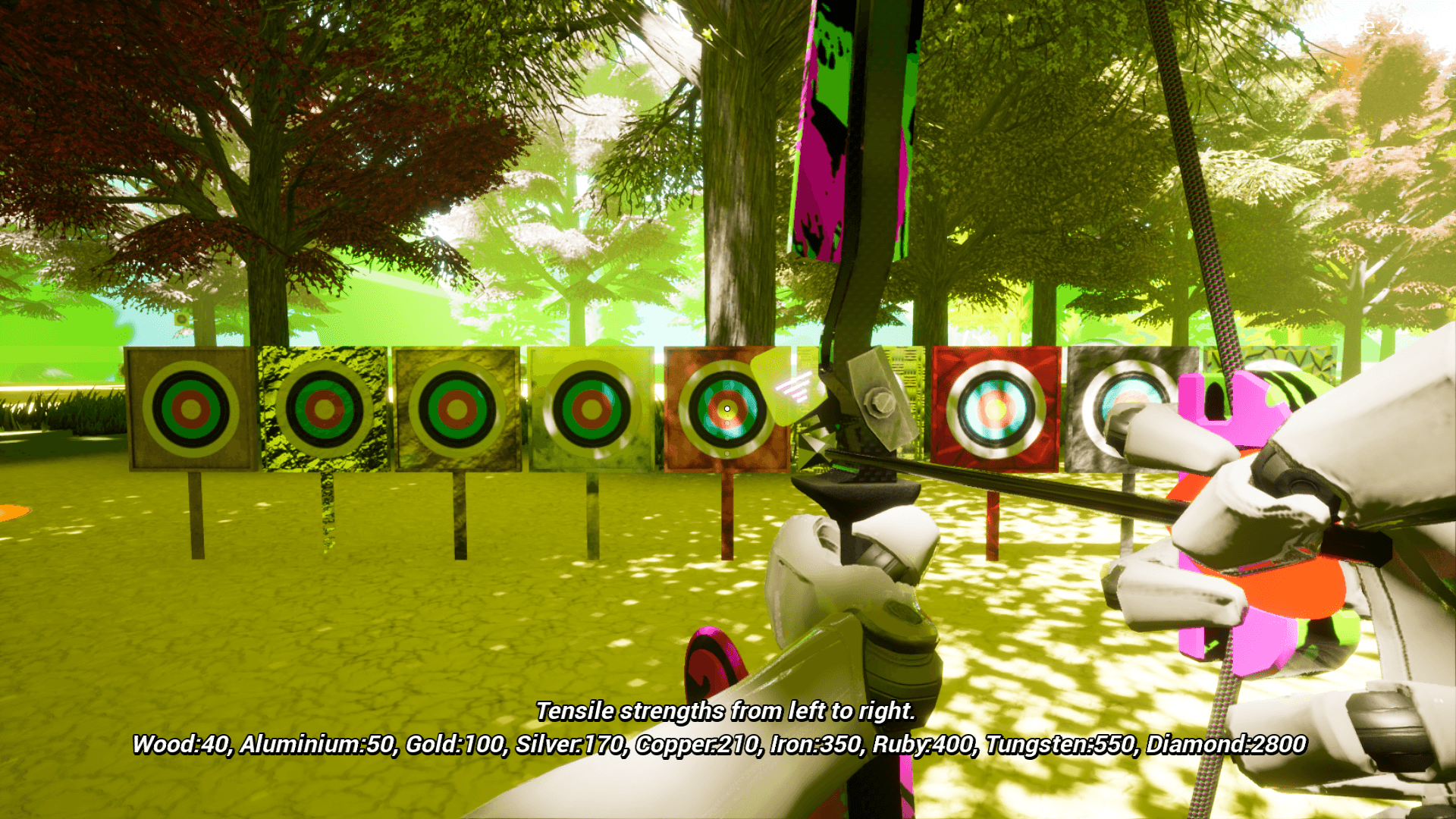
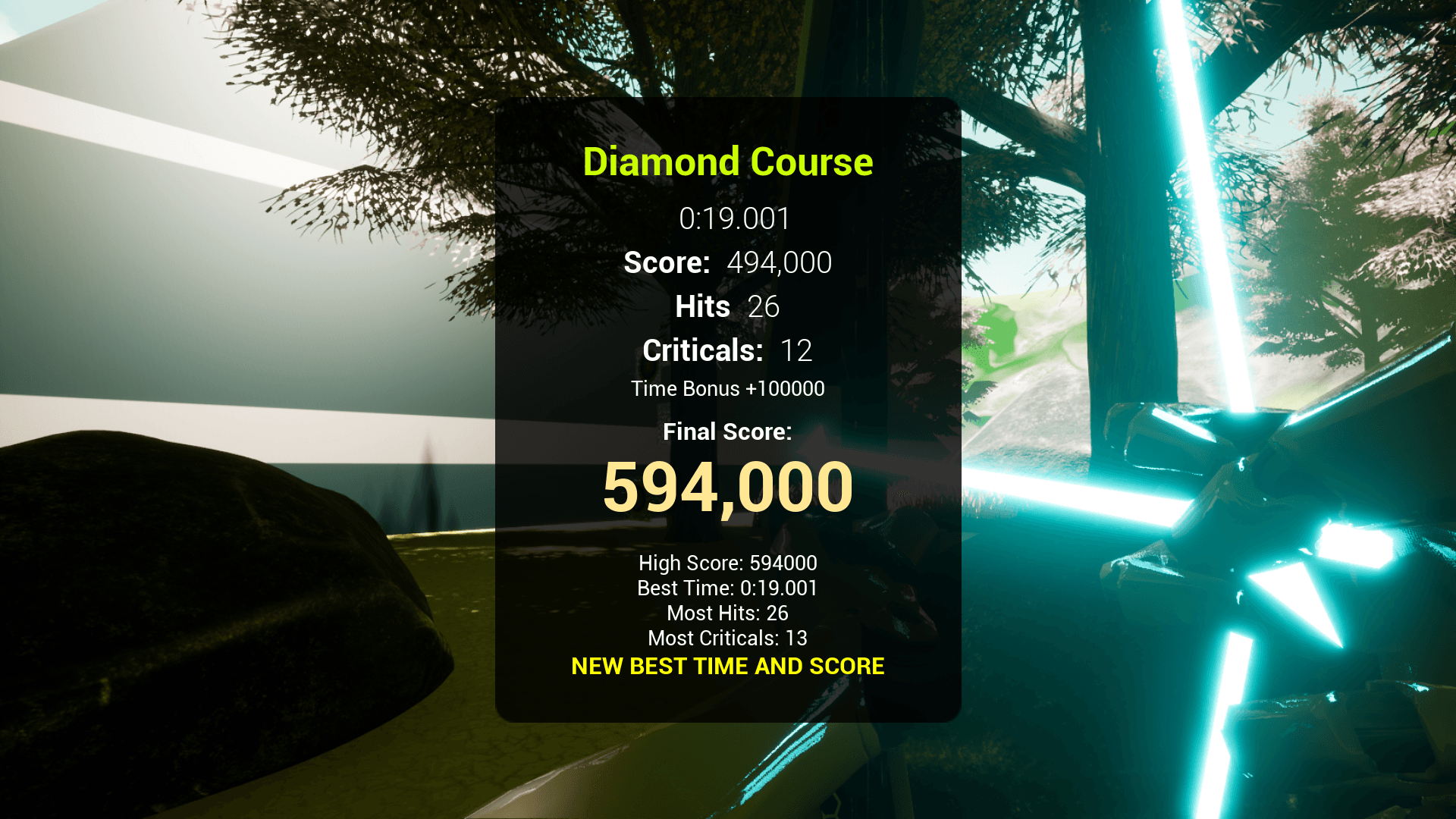
Targets and Target course creation
Targets include material examples
Bow Animations:
Draw
Idle
Land
Midair
Reload
ShootHeld
Sprint
Walk
Withdraw
Note: These animations are intended to work with TwoBone IK/Grip Poses.
Meshes:
Bows for each class
Arrows for each class
Tree
Rock
Grass
Target
You can contact us at any time and request that the asset you want be added to the site from the Request Asset section.