
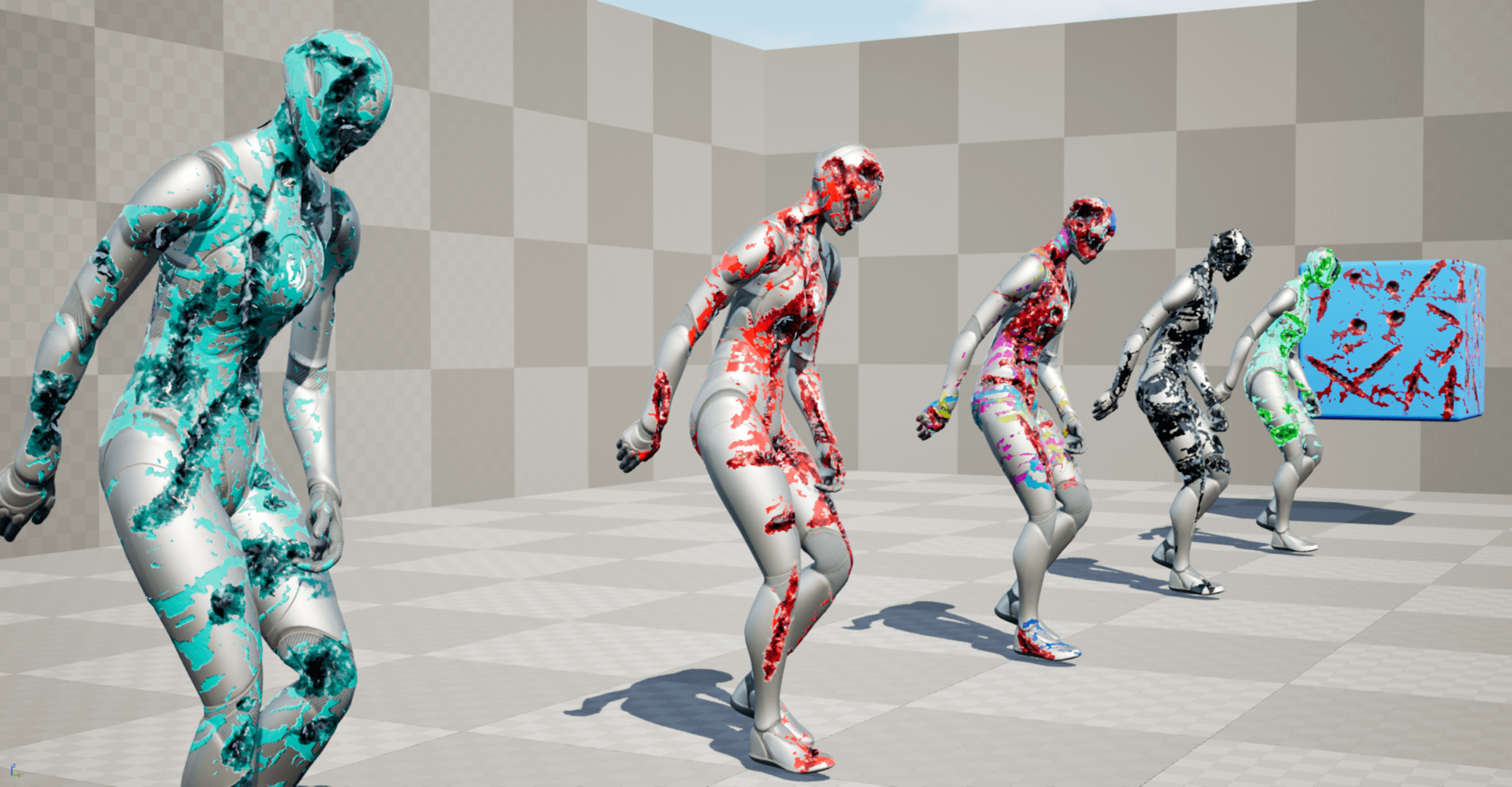
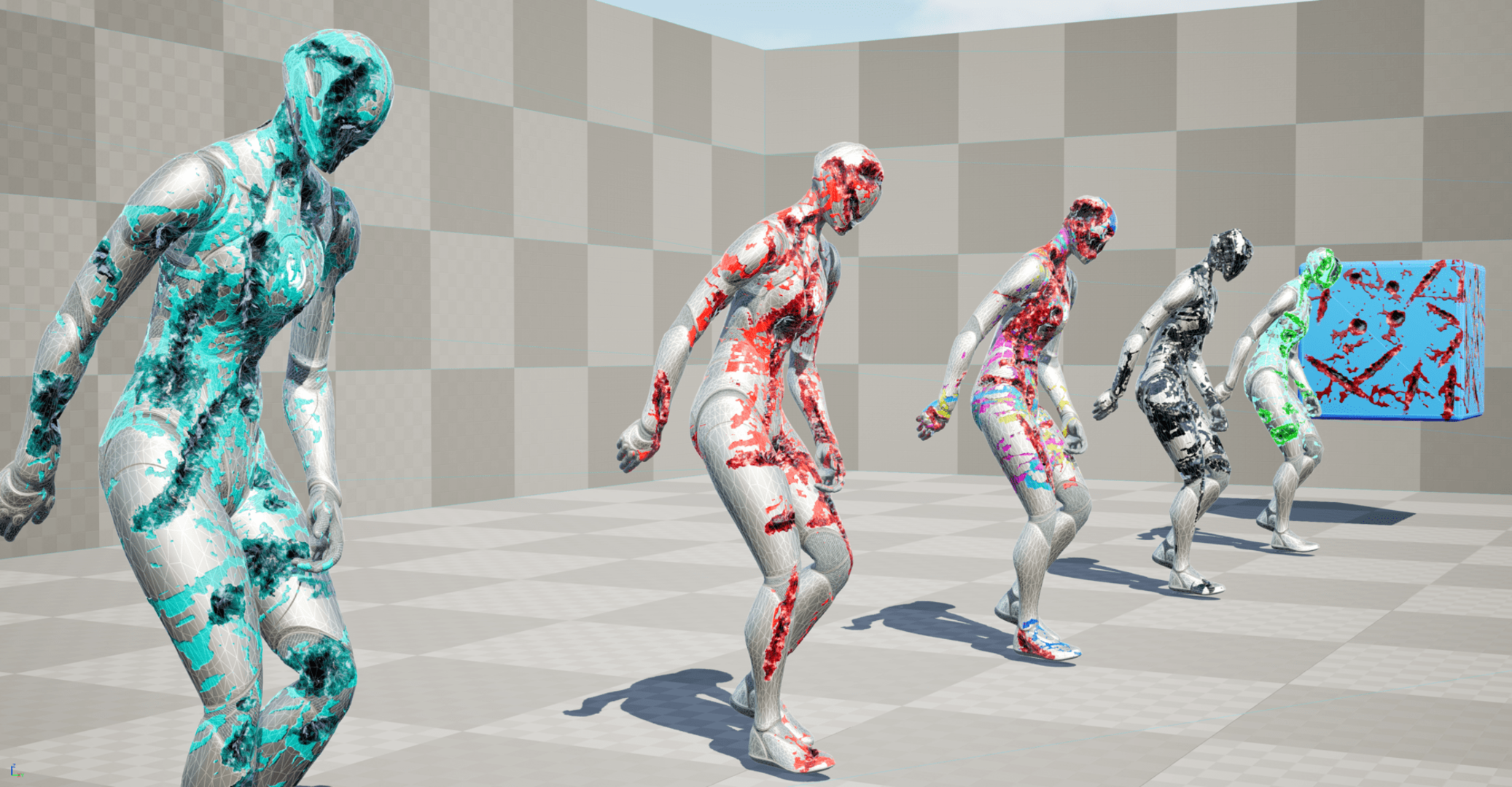
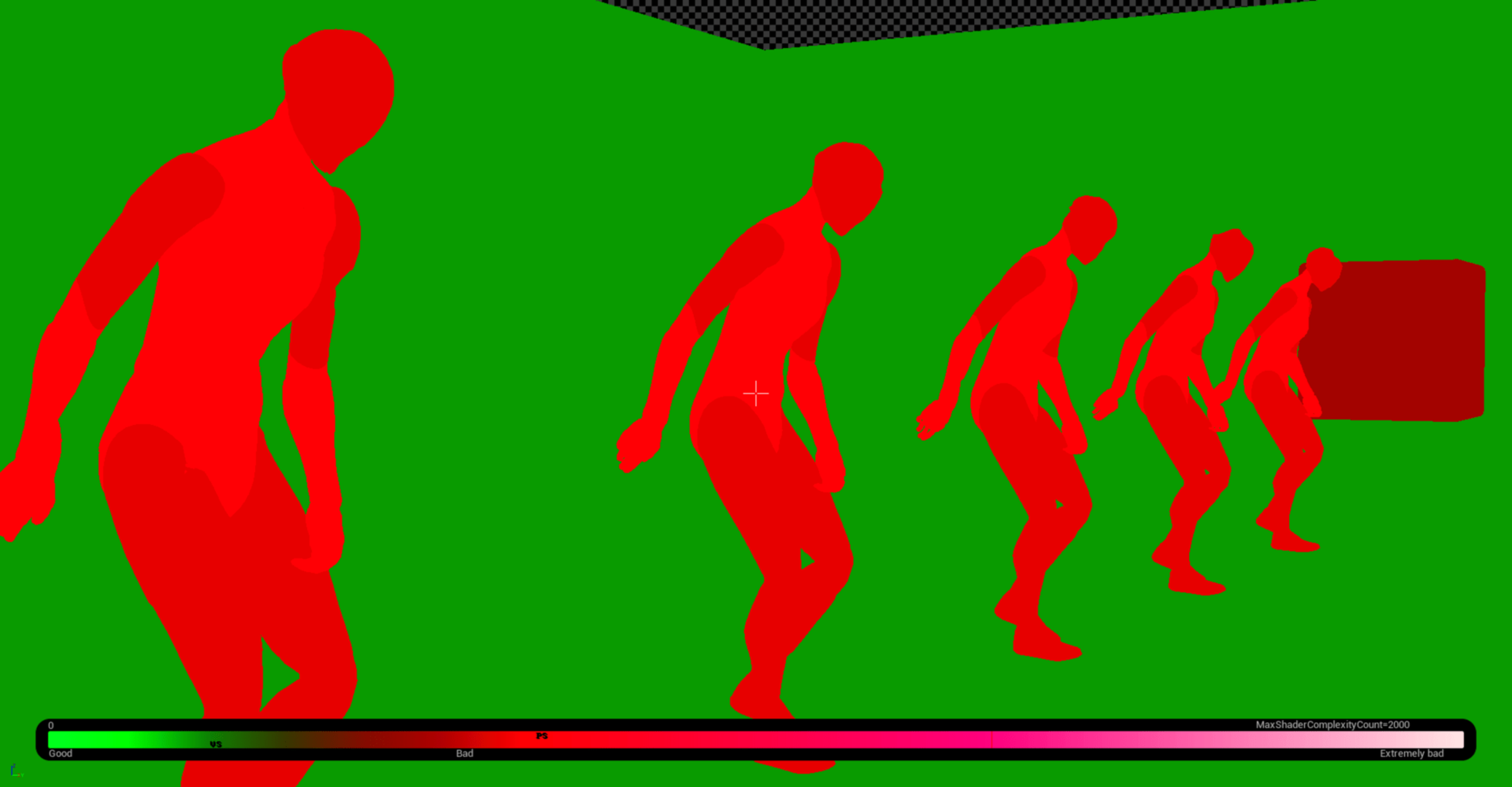
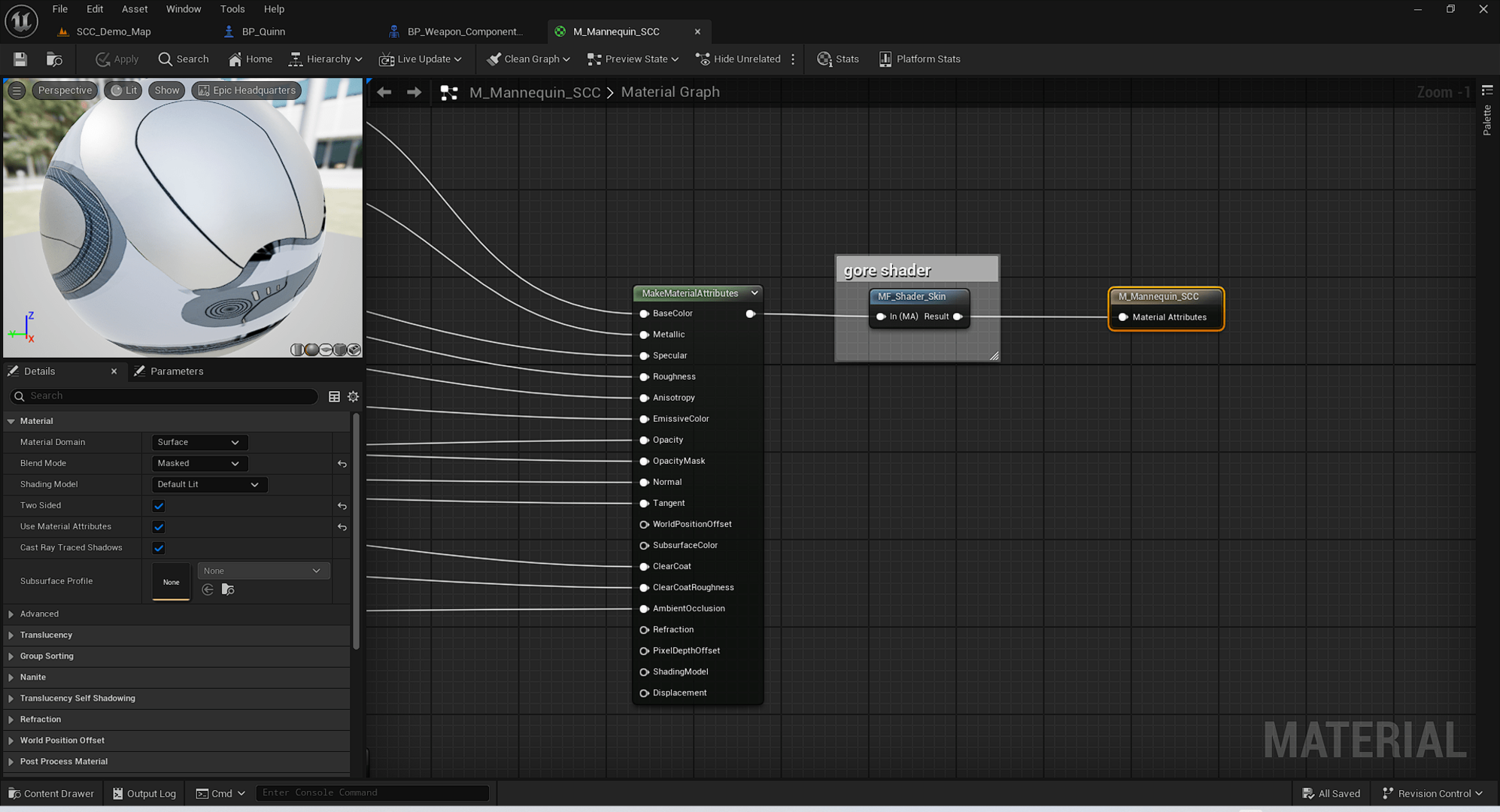
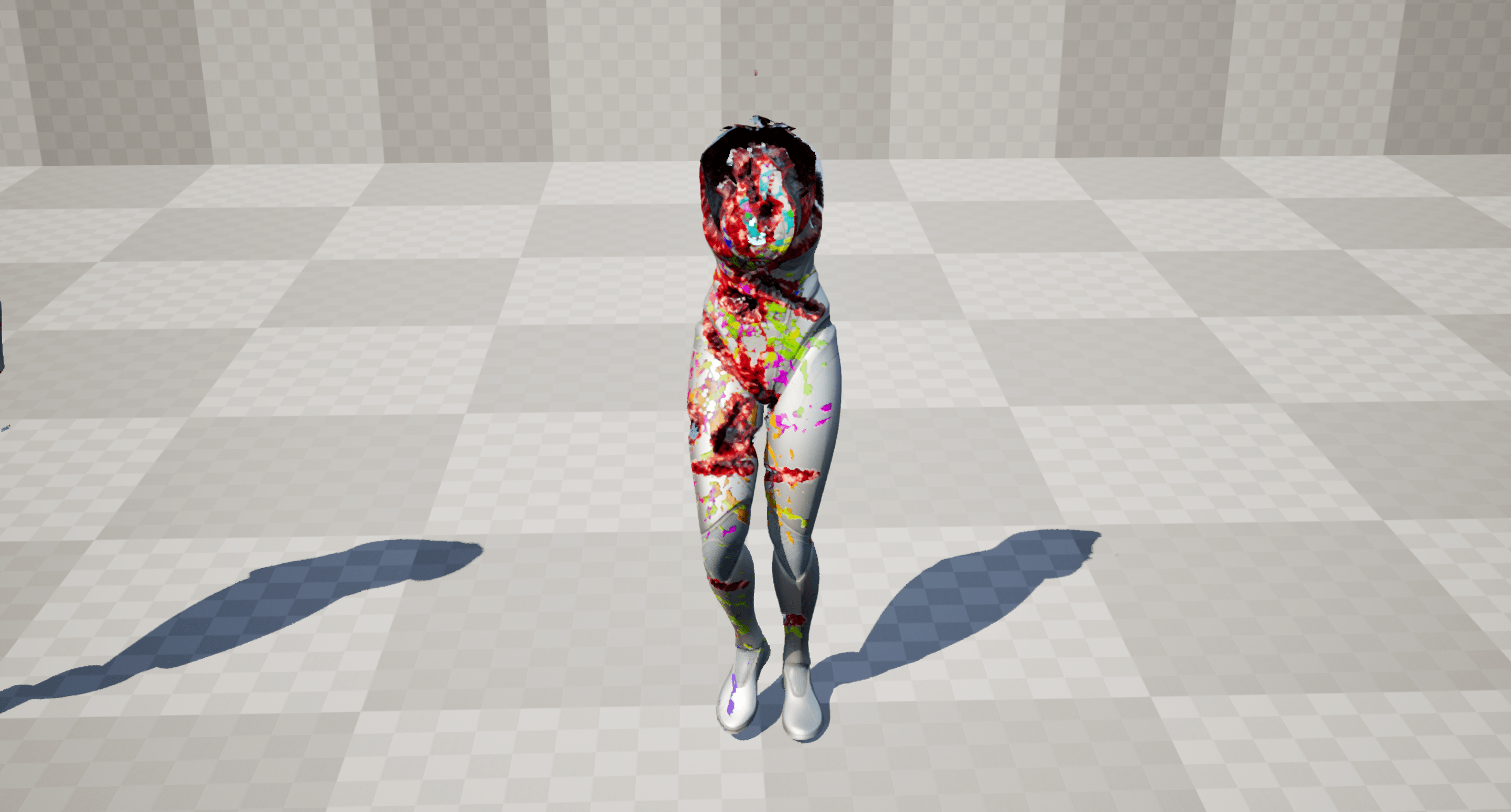
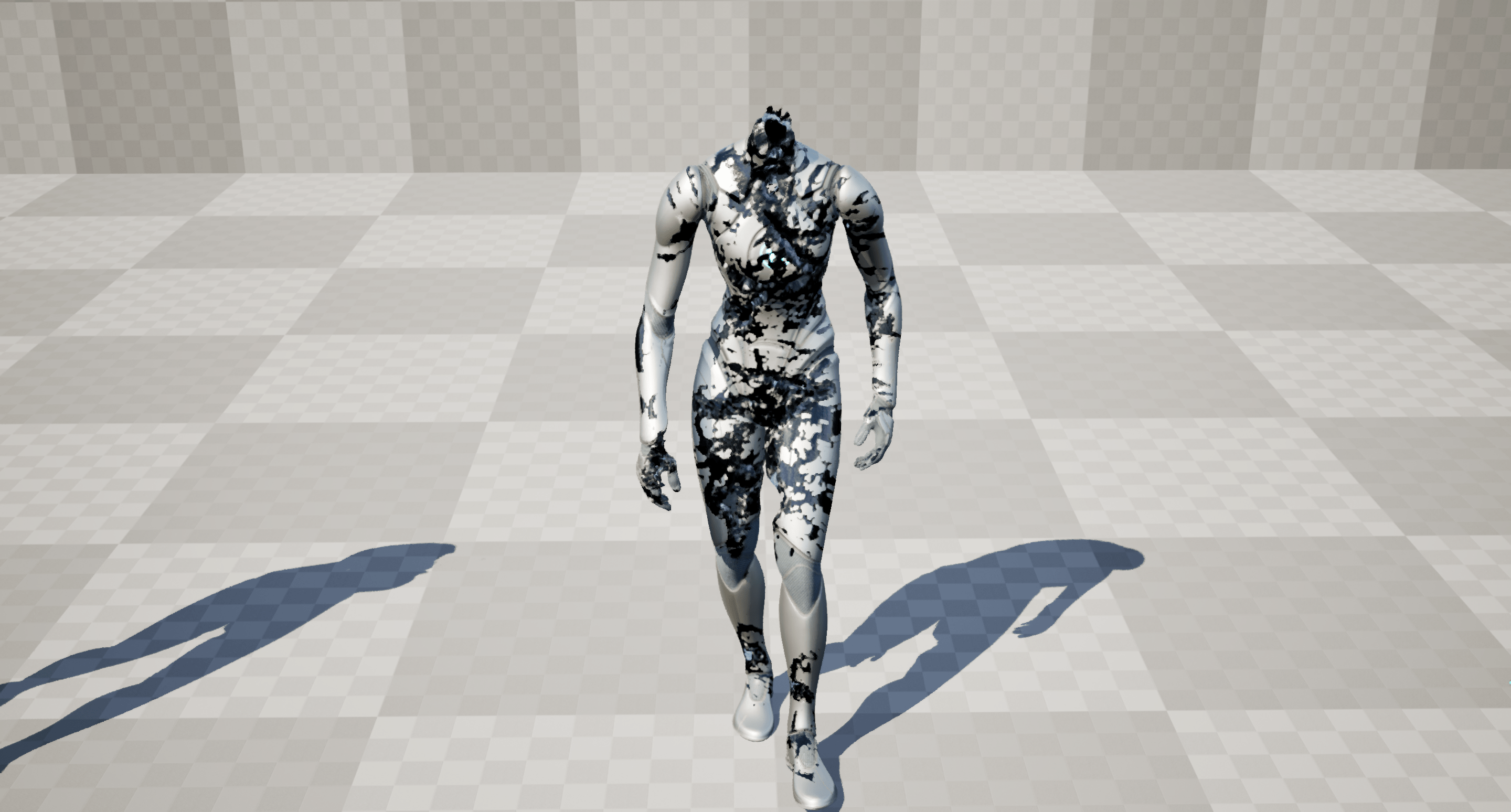
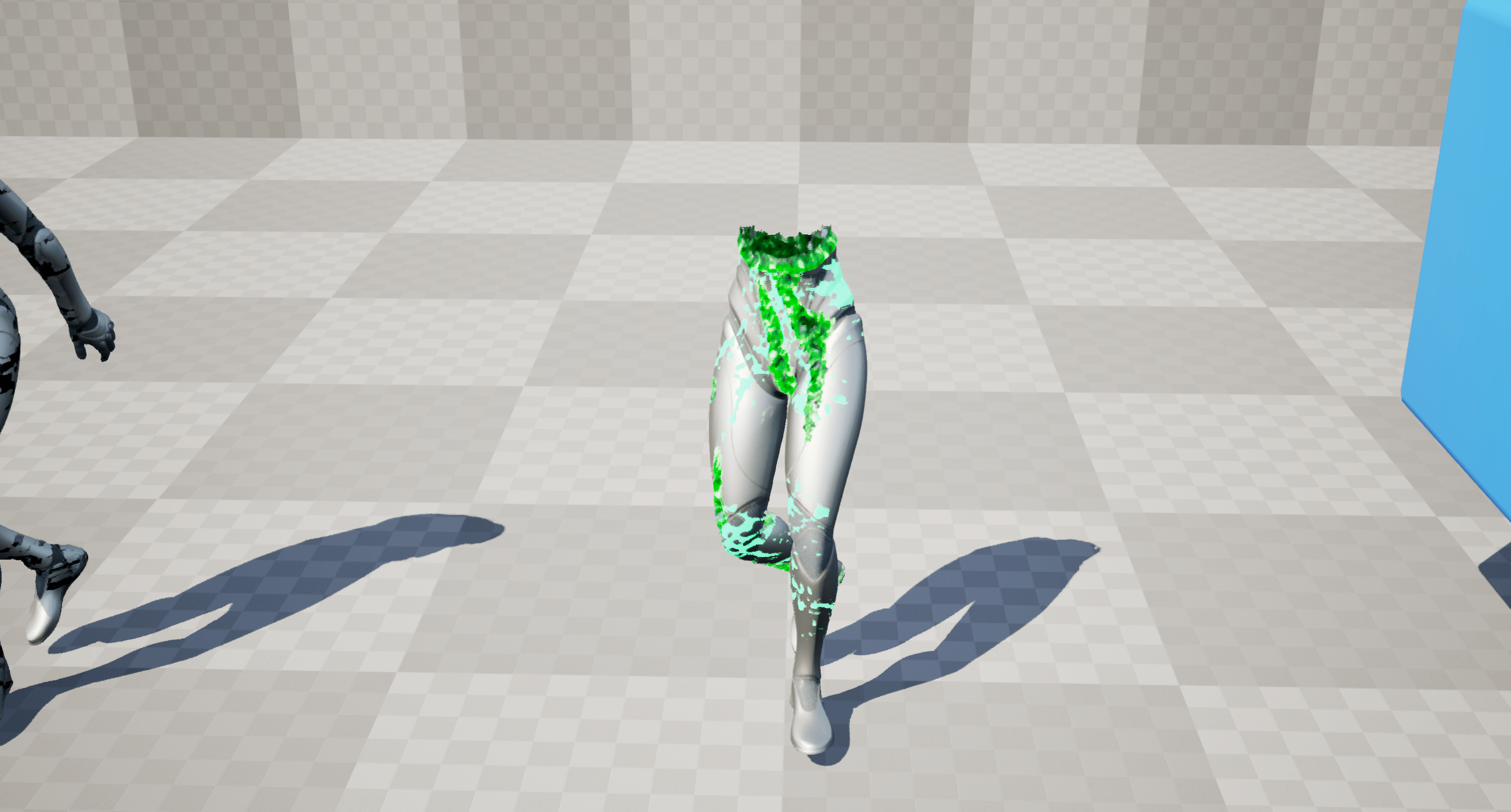
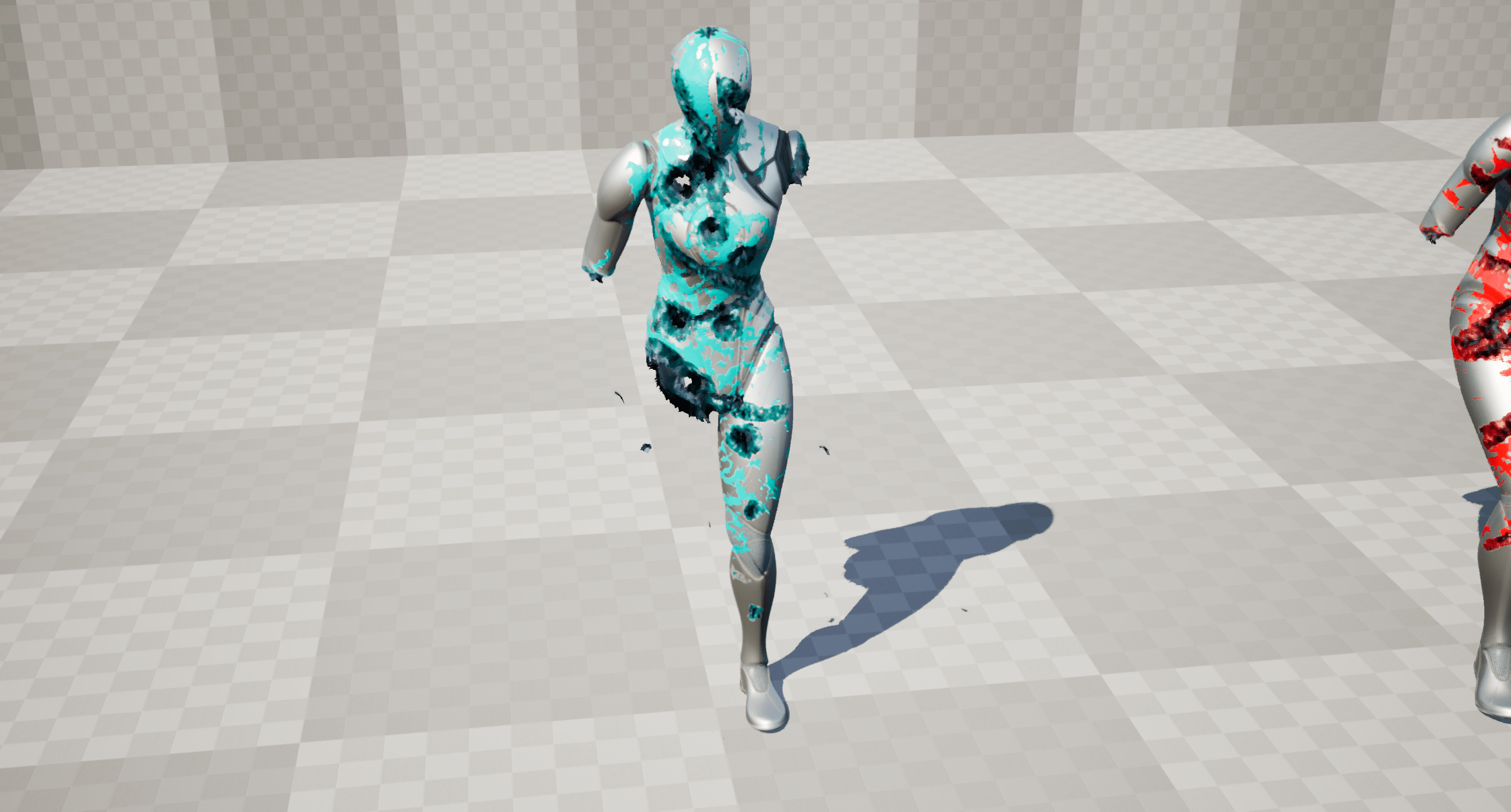
Description
v1.2 update
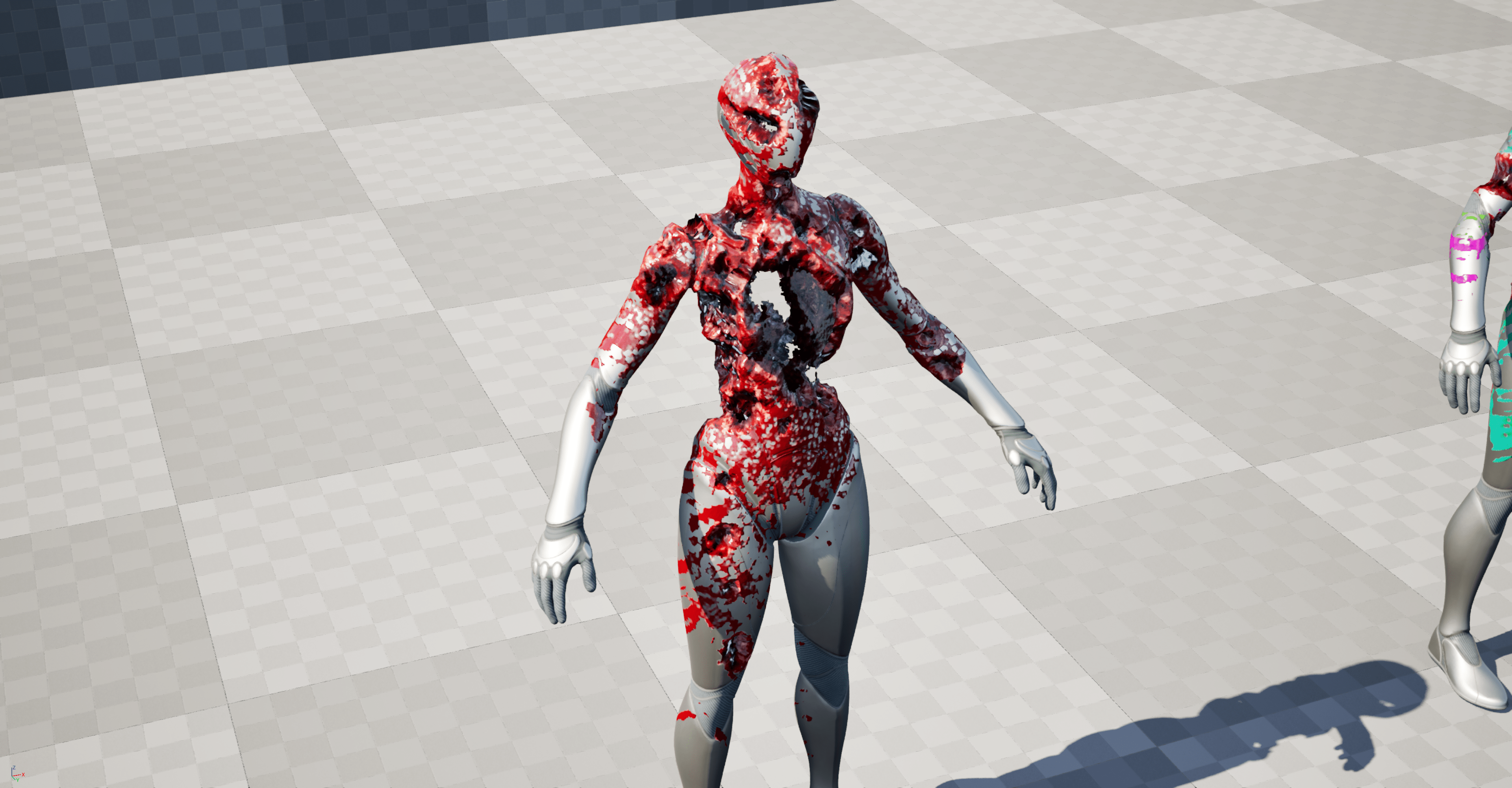
- new “dismember” feature
- rename from “Skin Canvas Component” to “Flesh Surface Component”
Description
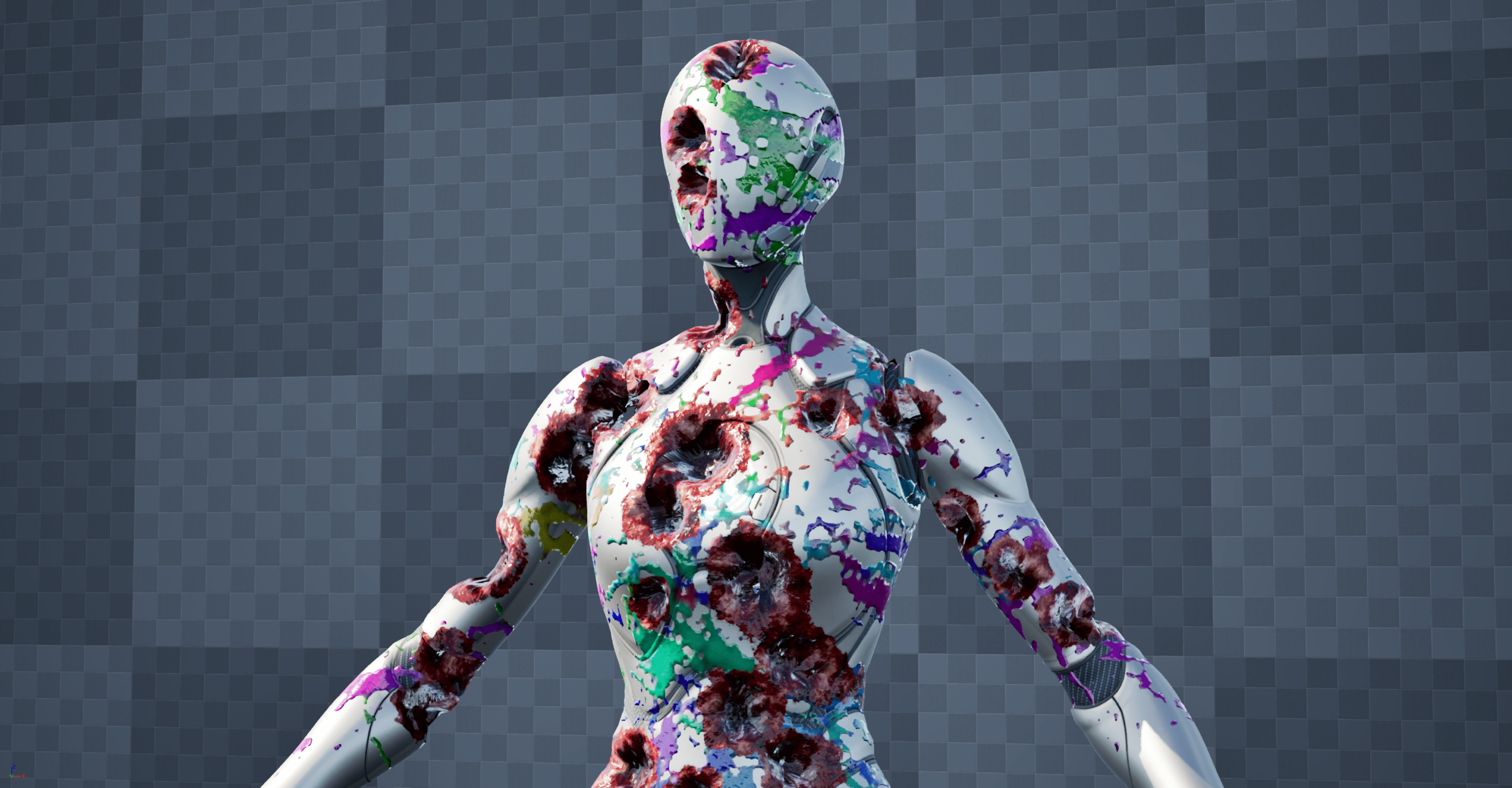
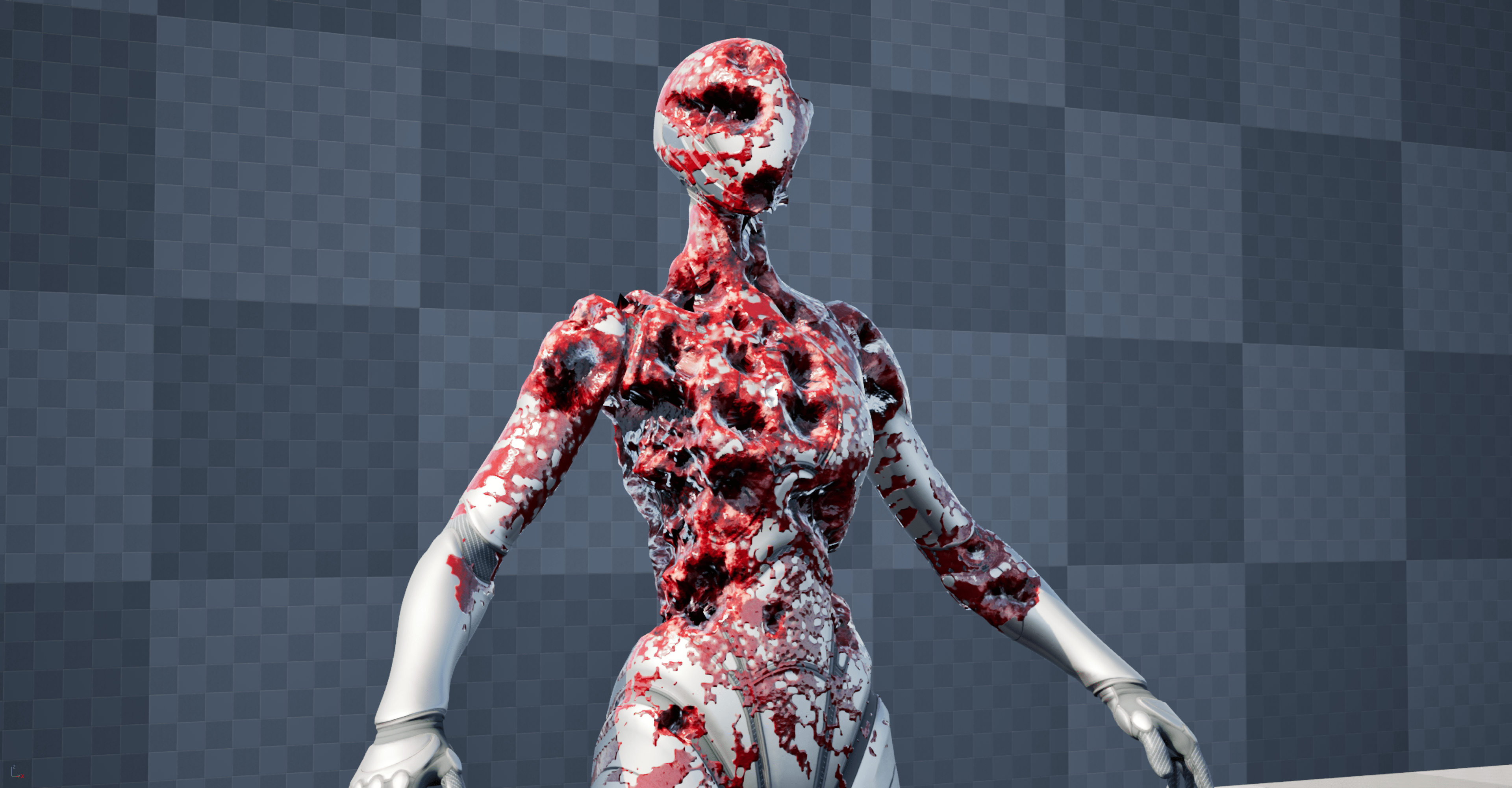
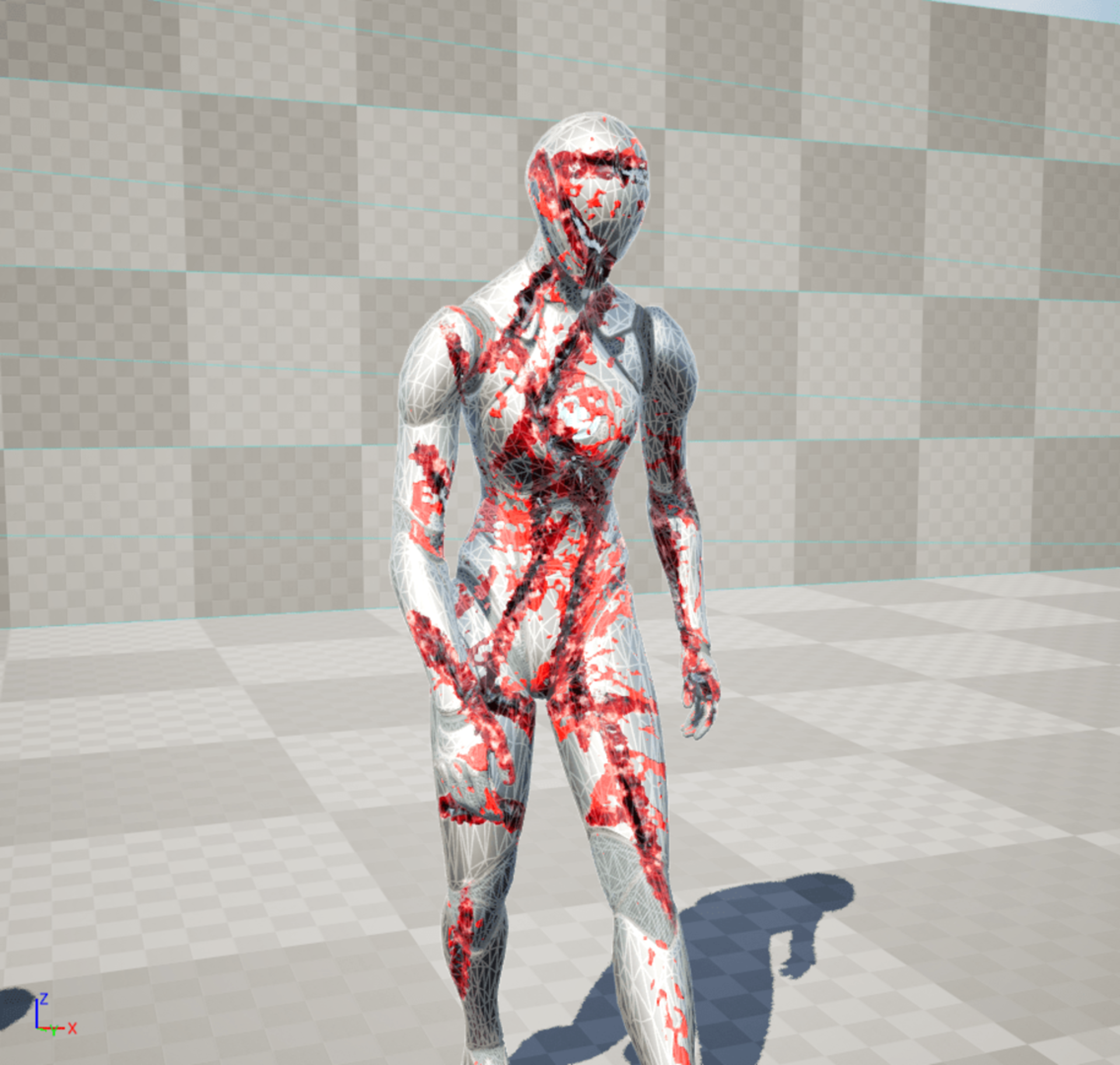
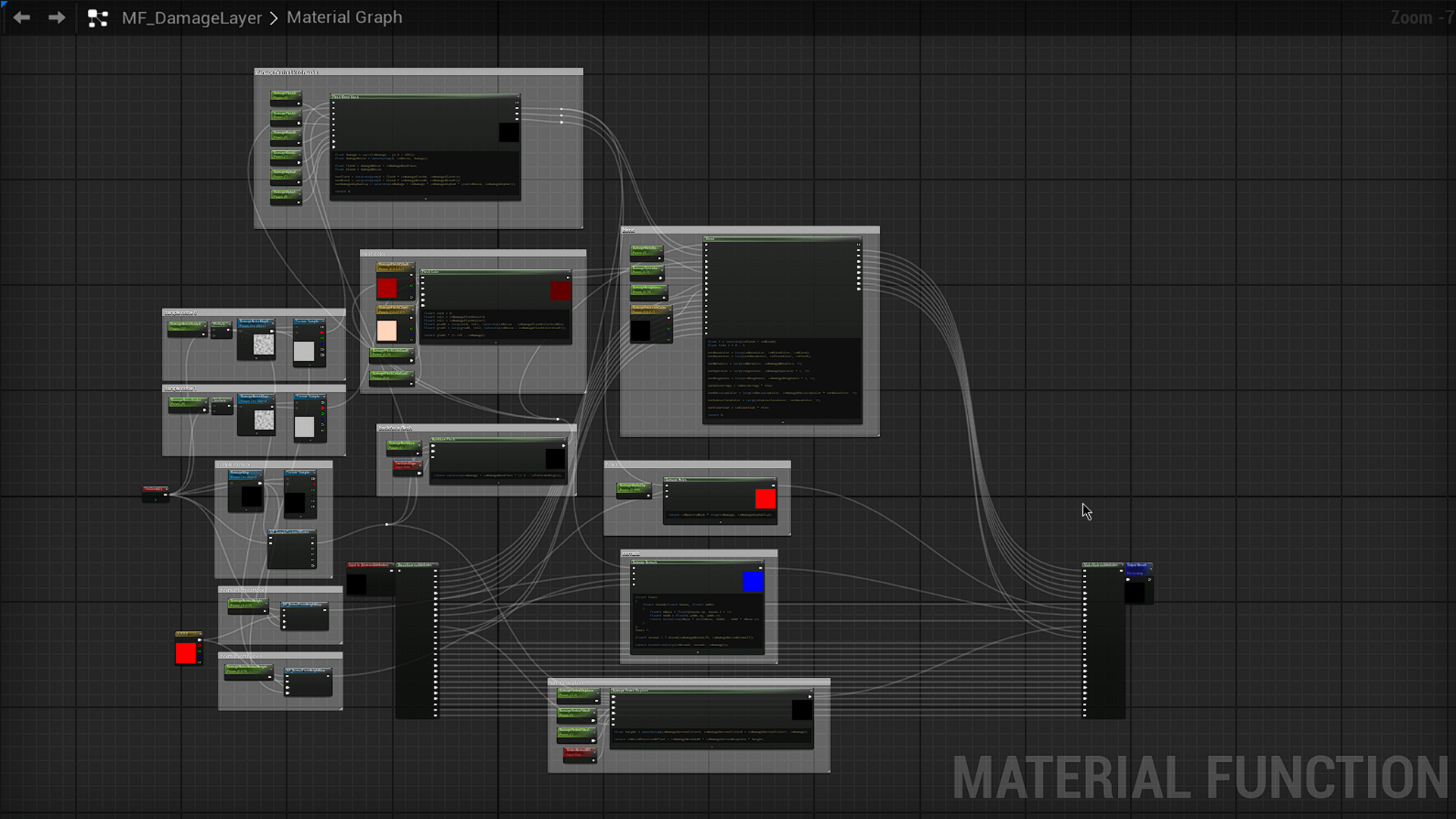
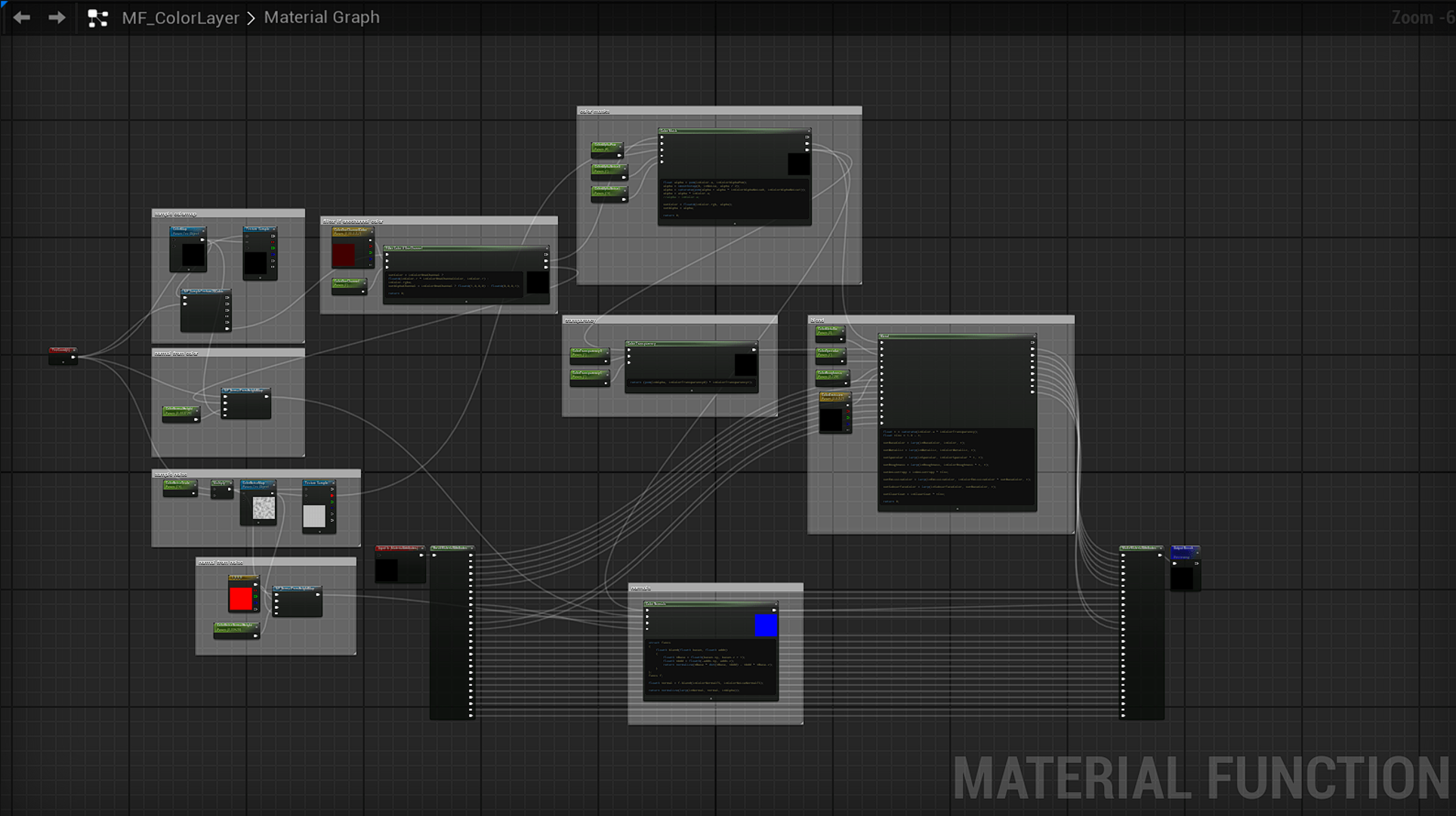
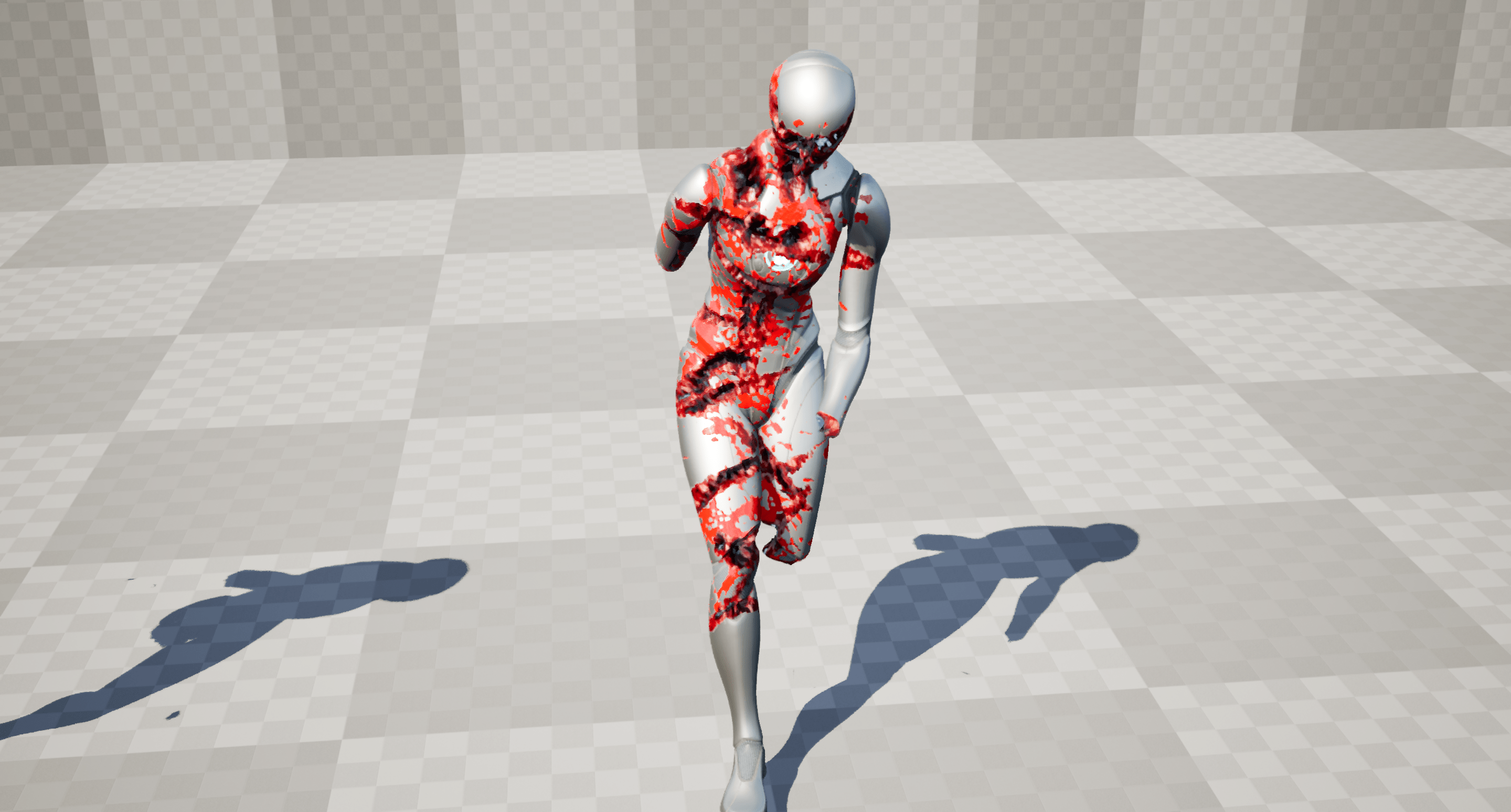
This component aims to provide procedural and dynamic skinned damage and blood decal effects on characters. It is fully blueprint-based and allows for easy customization and extendibility.
Features
- Render Target based
- Skin damage effect (R8 format)
- Skin multi-color stains option (RGBA8 format)
- Skin single-color stains option (R8 format)
- Projection-based solution (mesh unwrapping shader)
- Point and Slash damage (+ Limb mask damage)
- Texture-based color splats
- Dilation solution for UV edges issues
- Supports MetaHumans
- Experimental support for Hair/Groom Component
- Very customizable and modular materials
- Examples provided
- 100% Blueprint
Setup
- Place a FleshCanvasComponent as a child of SkeletalMeshComponent
- Instantiate a global FleshBrushComponent for painting
- Setup your materials with the provided MF_Shader_Skin
- Setup your meshes to have a non-overlapping UV1 or UV0 (on all LODs)
Technical details
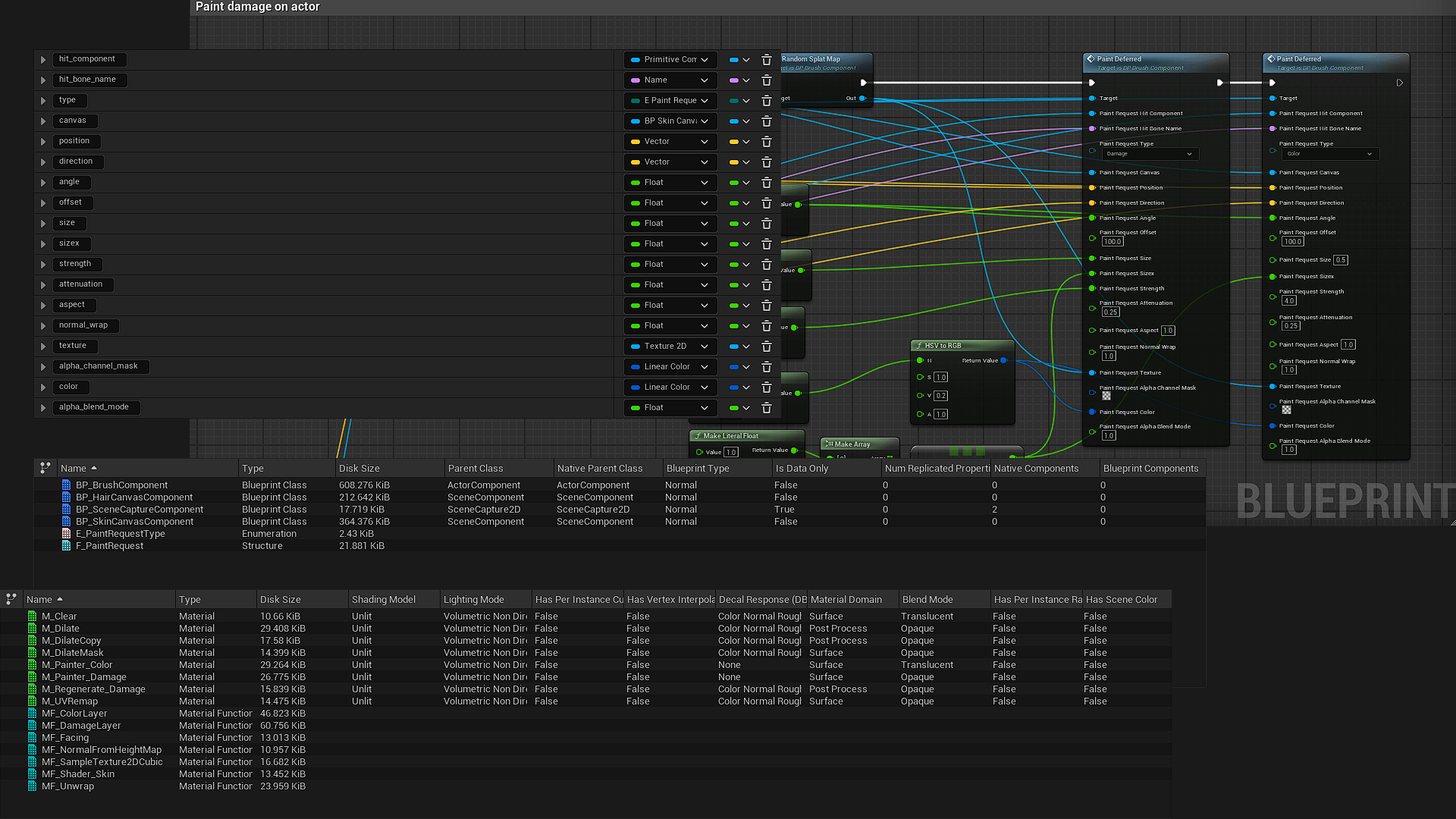
Number of Blueprints: 4
Number of Materials: 8
Number of Material Functions: 8
Number of Textures: 7
Network Replicated: No
Supported Development Platforms:
- Windows: Yes
- Mac: Untested (but should work)
Login is required to access this download
VIP Downloads Today: 0 of 0
You can contact us at any time and request that the asset you want be added to the site from the Request Asset section.