Videos:
[Demonstration of most features]
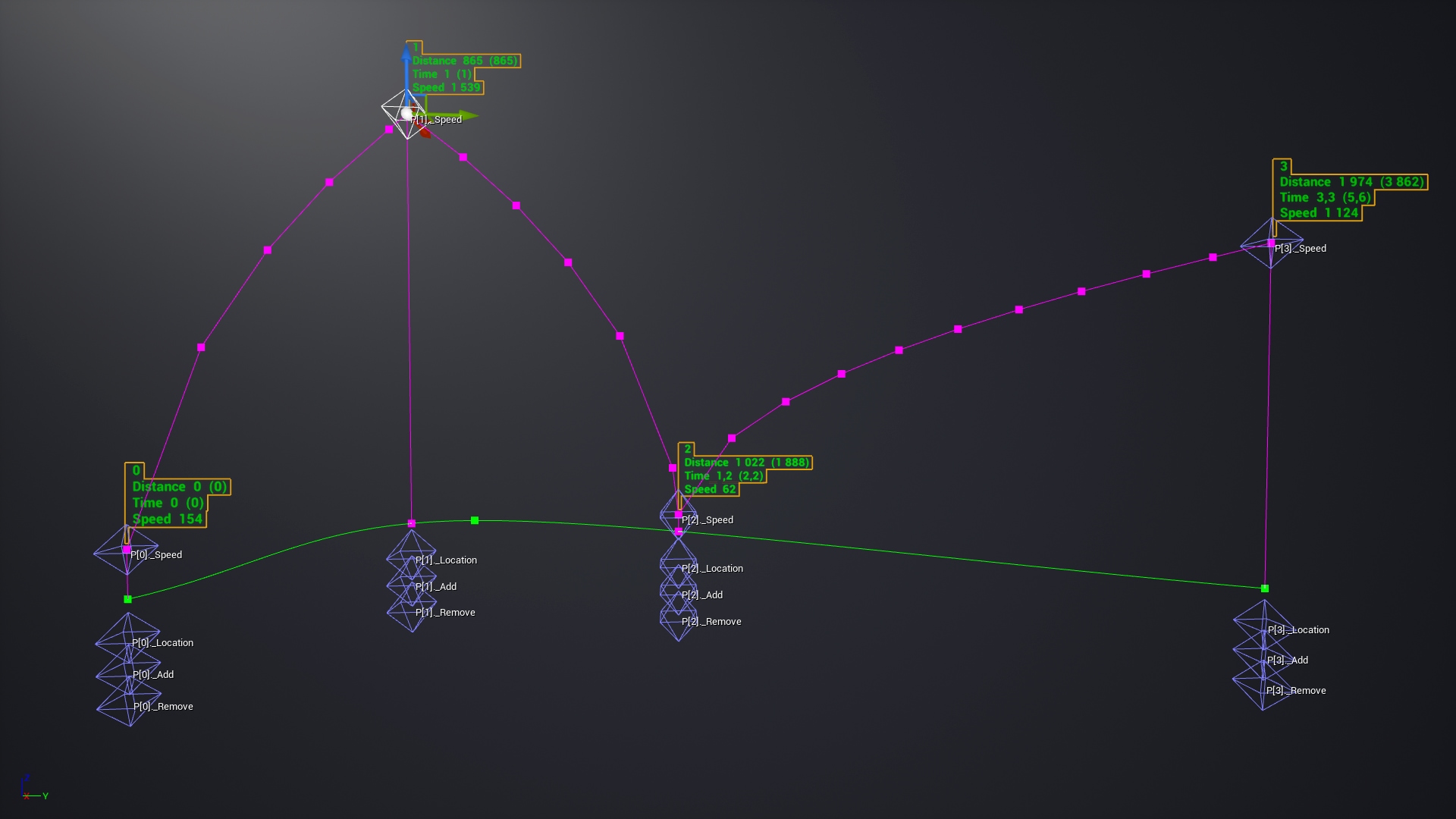
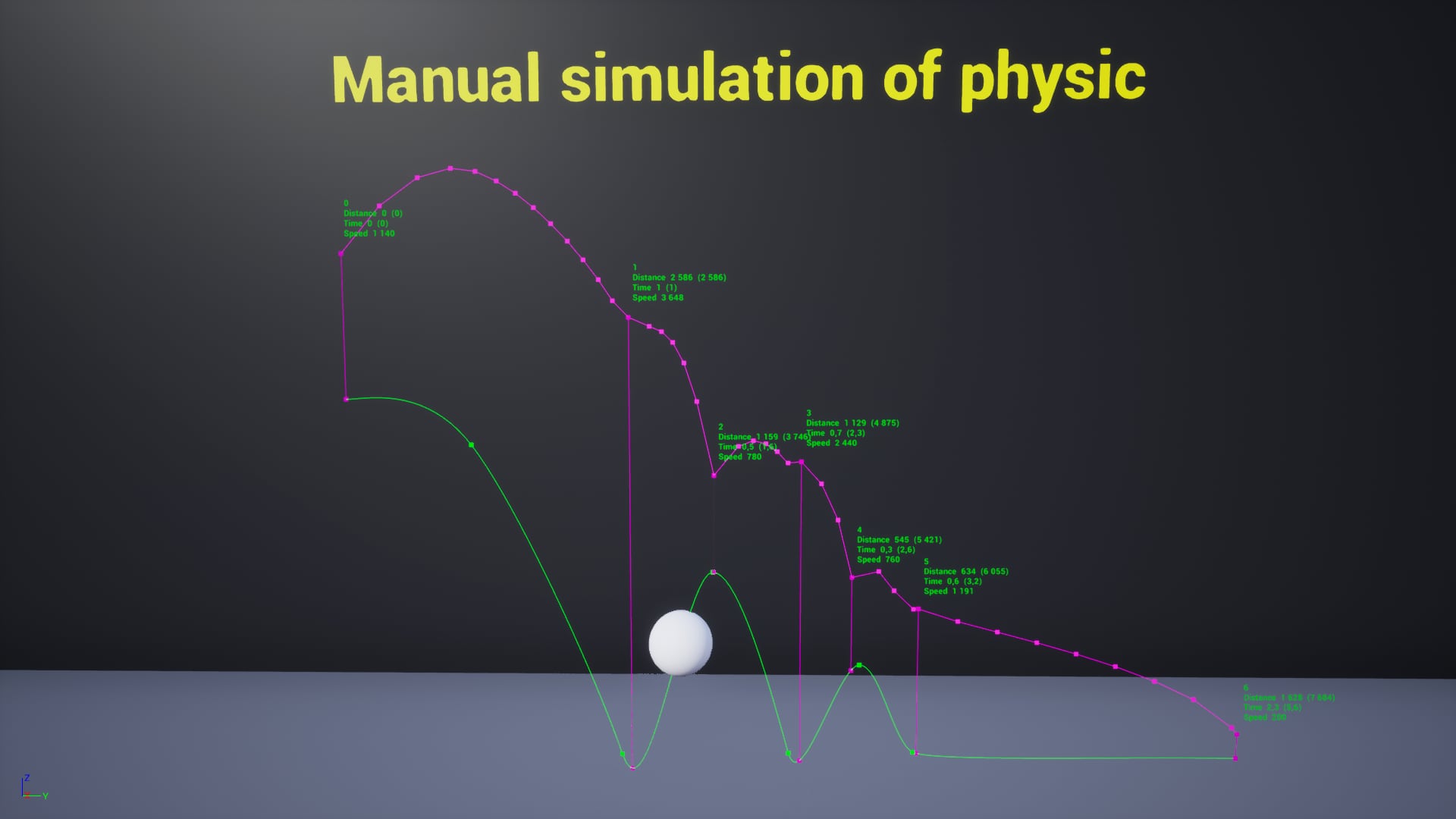
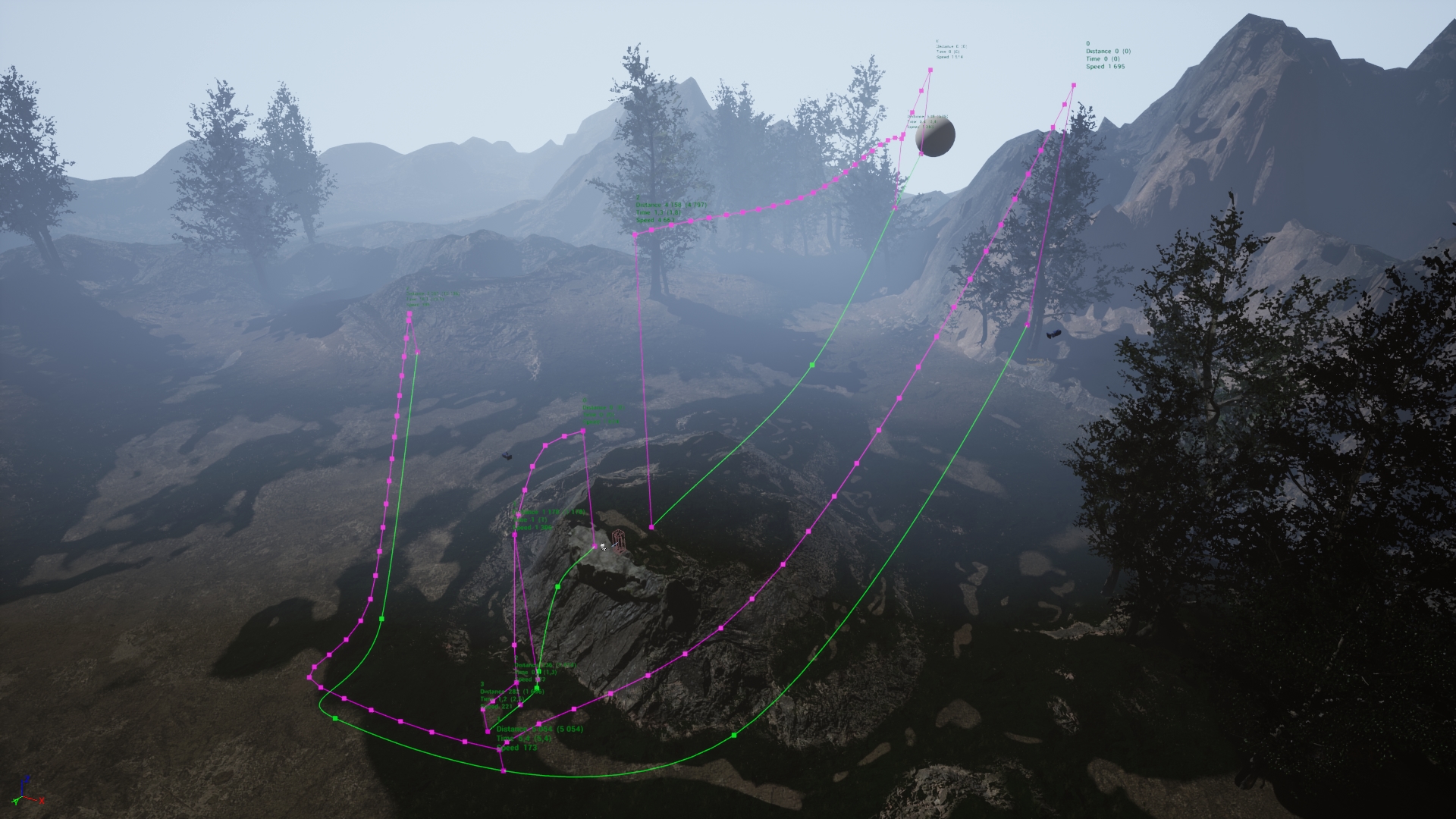
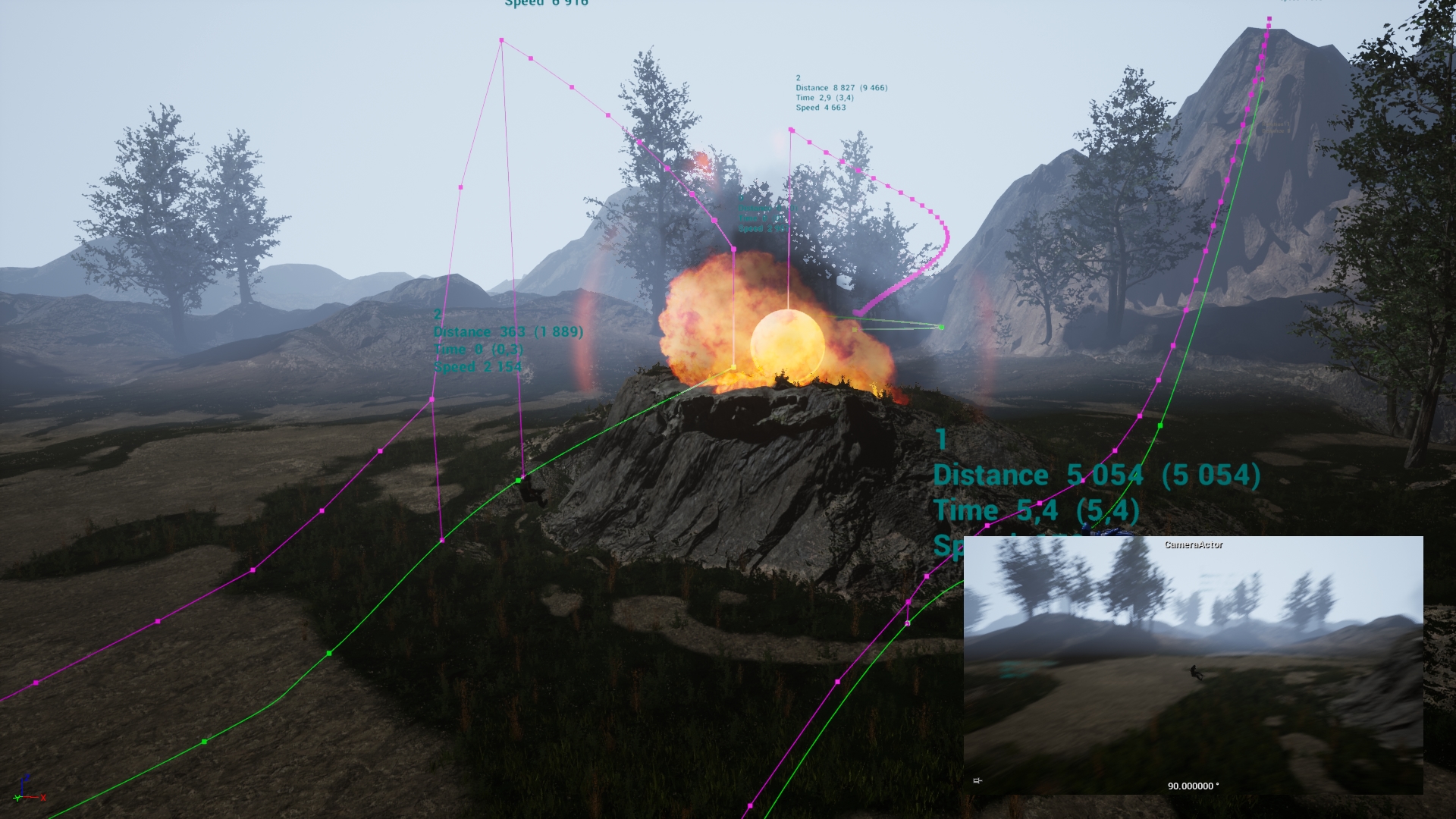
Adjustment is made by moving manipulators directly in the viewport. You can immediately see how long and at what speed the object will move on the specified sections of the spline. More than 80 parameters can be used for a very different settings. Which includes rotations, delays, interactions with triggers, moving exactly over surfaces, tracking other objects (for an example for applying to camera), connecting several Handy Movers to each other, etc. You can also control from blueprints and subscribe to the tool’s events for custom reactions.
Most settings can work at the same time and provide a very variable use. Saves a lot of time.
Updates:
[How to update and save dependencies]
(2021.06.27)
- a small bug fix
- improved inheritance usability
[2021.07.03]
- posted a video with one of the use cases
Technical Details
Features:
- Object attachment
- Closed loop movement
- Backward movement
- Repetitions
- Movement on surfaces
- Camera tracking
- Possible to control in blueprints
- Assign any of the possible directions for the attached actor
- A variety of settings for speed, delays and rotations
- 3 types of movements (set location, add offset, add movement input)
- Different ways of placing the attached object after the end of the movement
- Restore initial location, rotation and max walk speed (use if the attached actor is character)
- Start from a given distance along spline
- Placing tool to the attached actor (with offset assignment)
- Stop conditions (at end of spline, after distance, after seconds)
- Stop or not if the movement of the attached object is blocked
- Interactions with triggers and configuration of actions at begin and end overlap (none, start, restart, stop, suspend, continue, backward movement)
- and much more
Number of Blueprints: 2 (main tool and API examples)
Network Replicated: No
Windows: Yes
Mac: Yes
Important/Additional Notes:
- Set Transform Mobility to Movable for the attached actor
- Pre-install a standard UE template “ThirdPerson” in the project so that examples with characters work in the example map
- If you want to purchase this instrument ONLY to use it in a sequencer, then be sure to read the answer about this here or in the discord. Use with a sequencer is NOT complete due to technical limitations
You can contact us at any time and request that the asset you want be added to the site from the Request Asset section.