
 Description
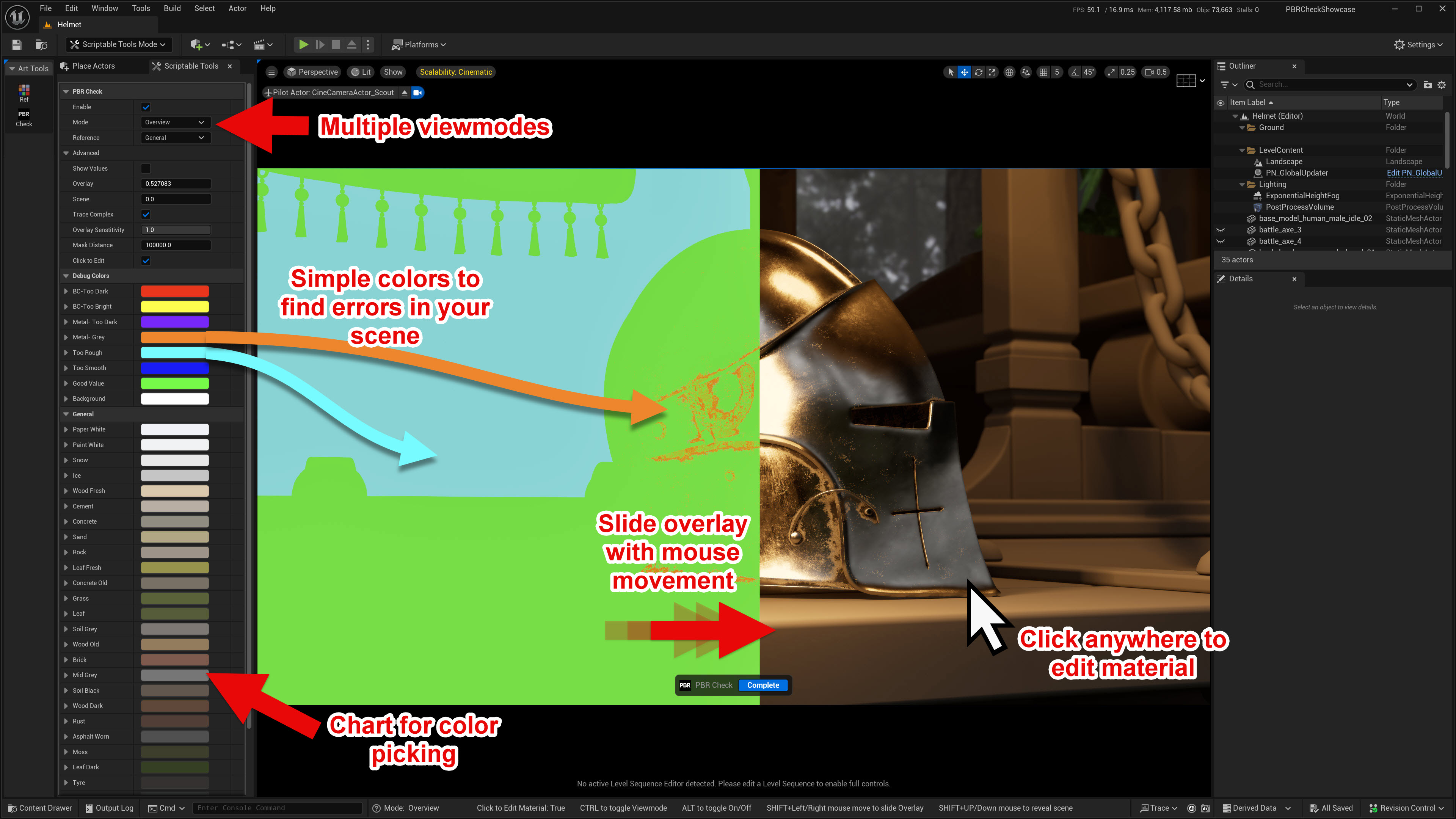
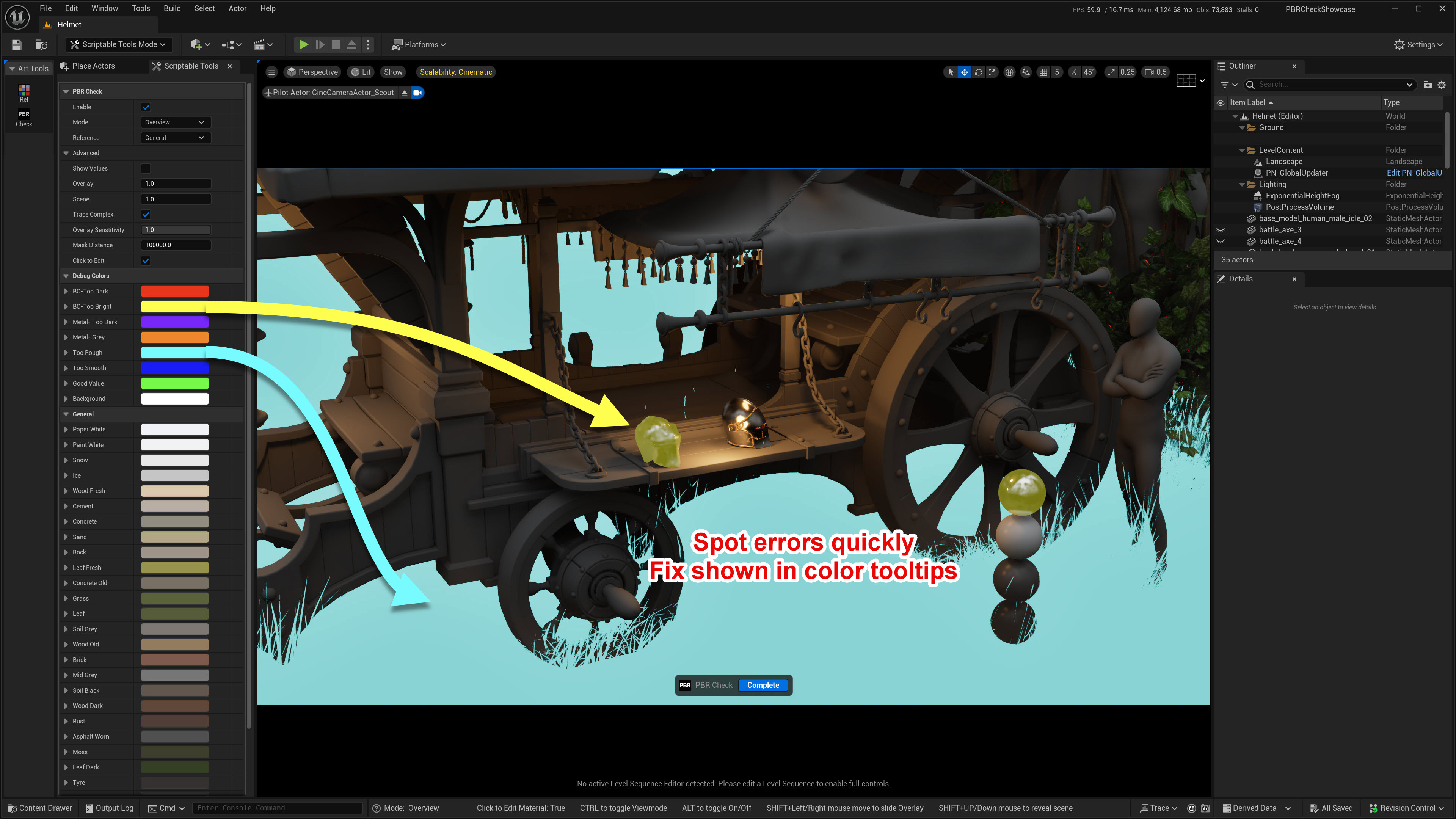
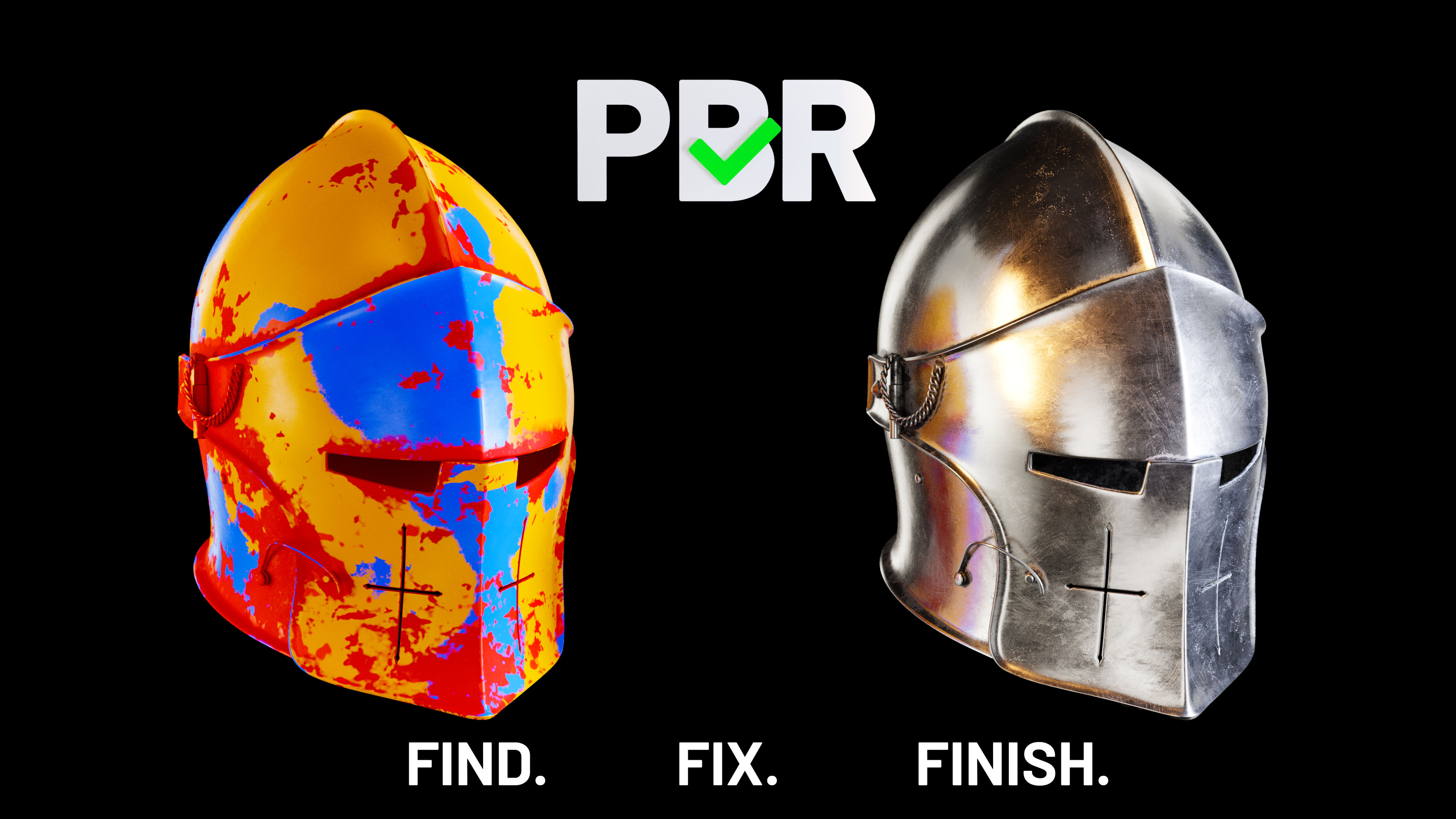
Are your scenes looking flat or broken? Many lighting issues are actually bad PBR values. This tool scans your entire level and highlights invalid materials in bright red, then lets you fix them with one click.
🎬Watch it in action
Key Features:
- Viewport Error Highlight: Instantly see PBR issues.
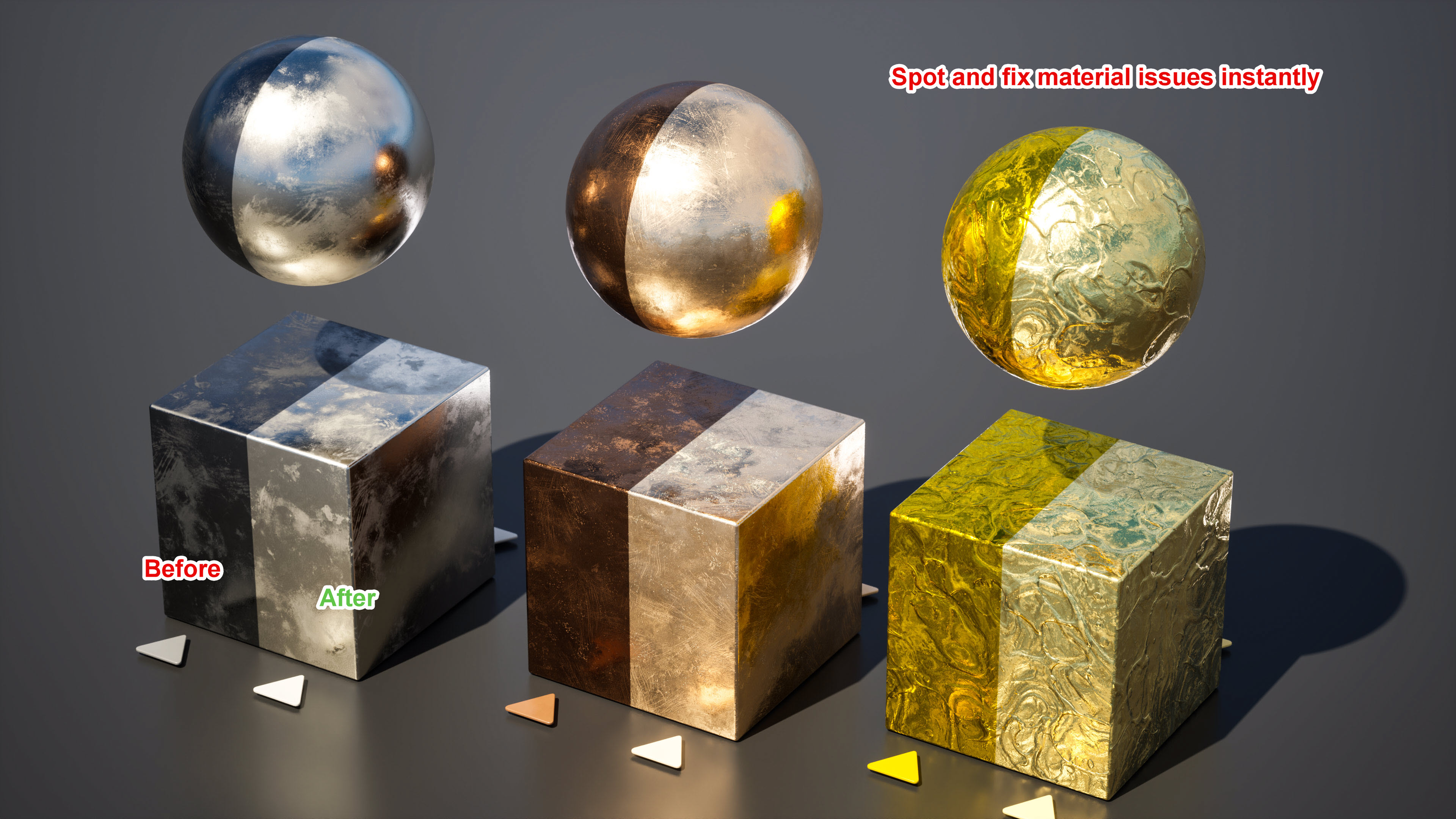
- One-Click Fixes: Find and correct problems with one click.
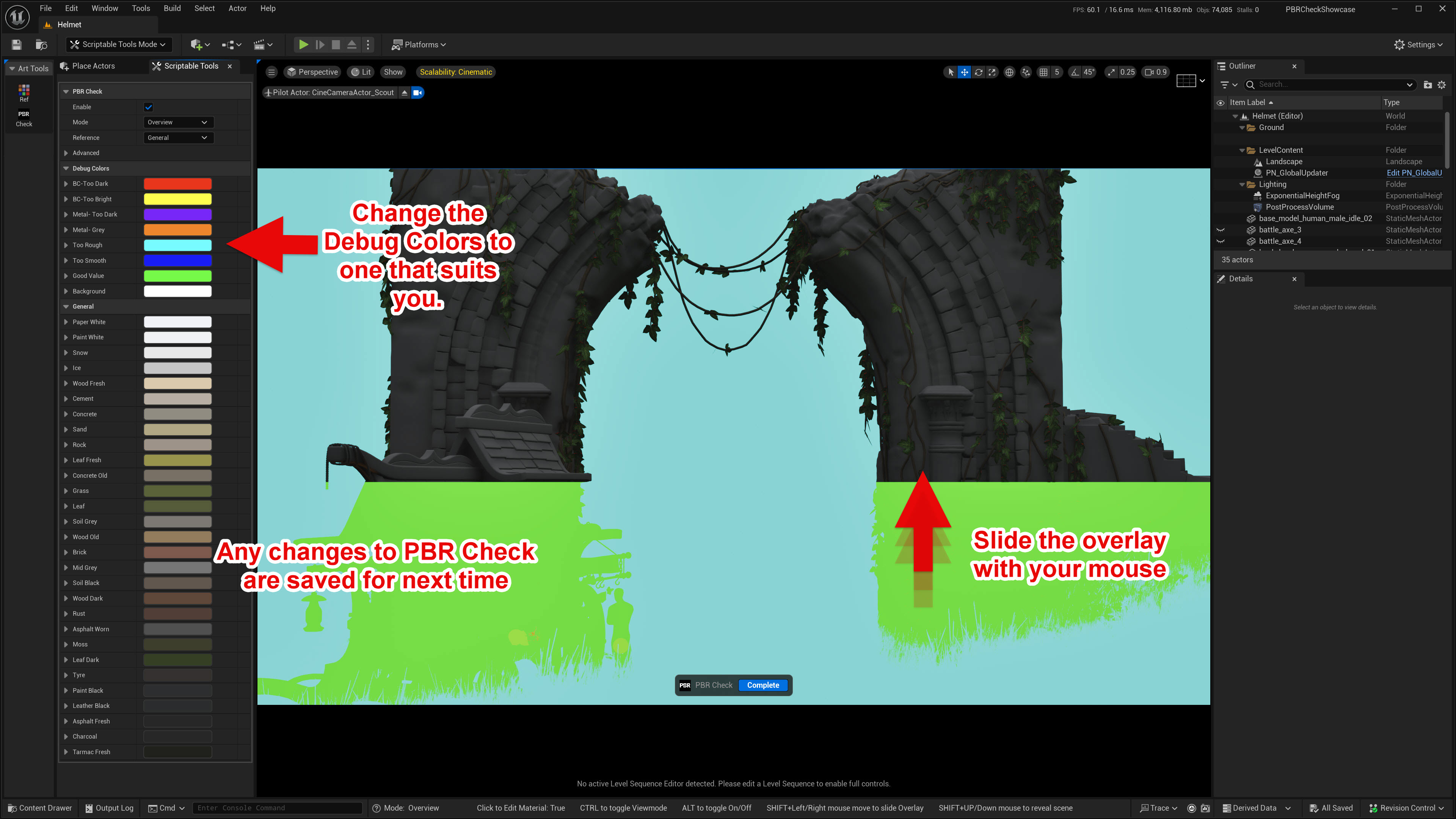
- Clear Visual Feedback: Color-coded overlays for quick diagnosis.
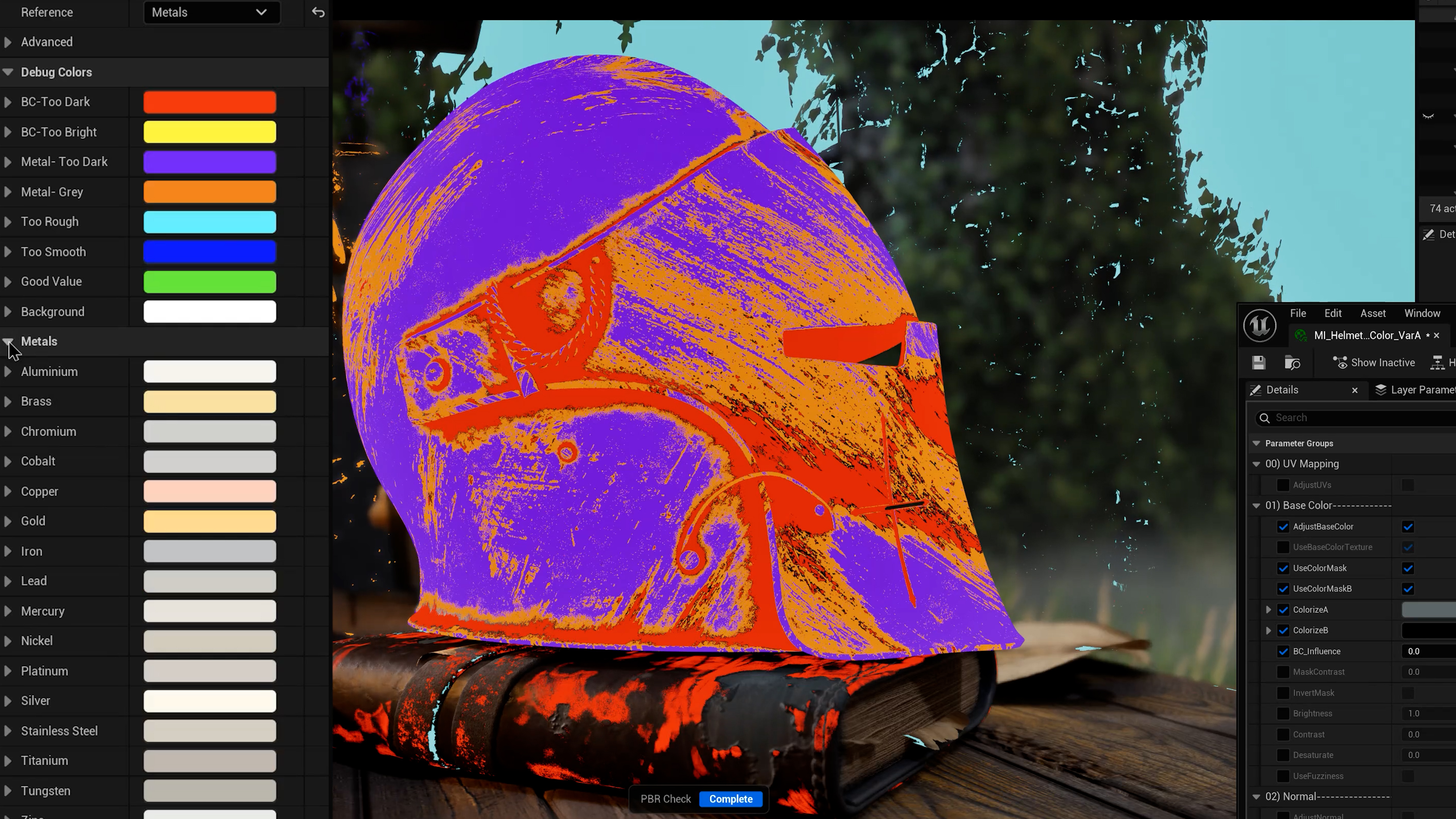
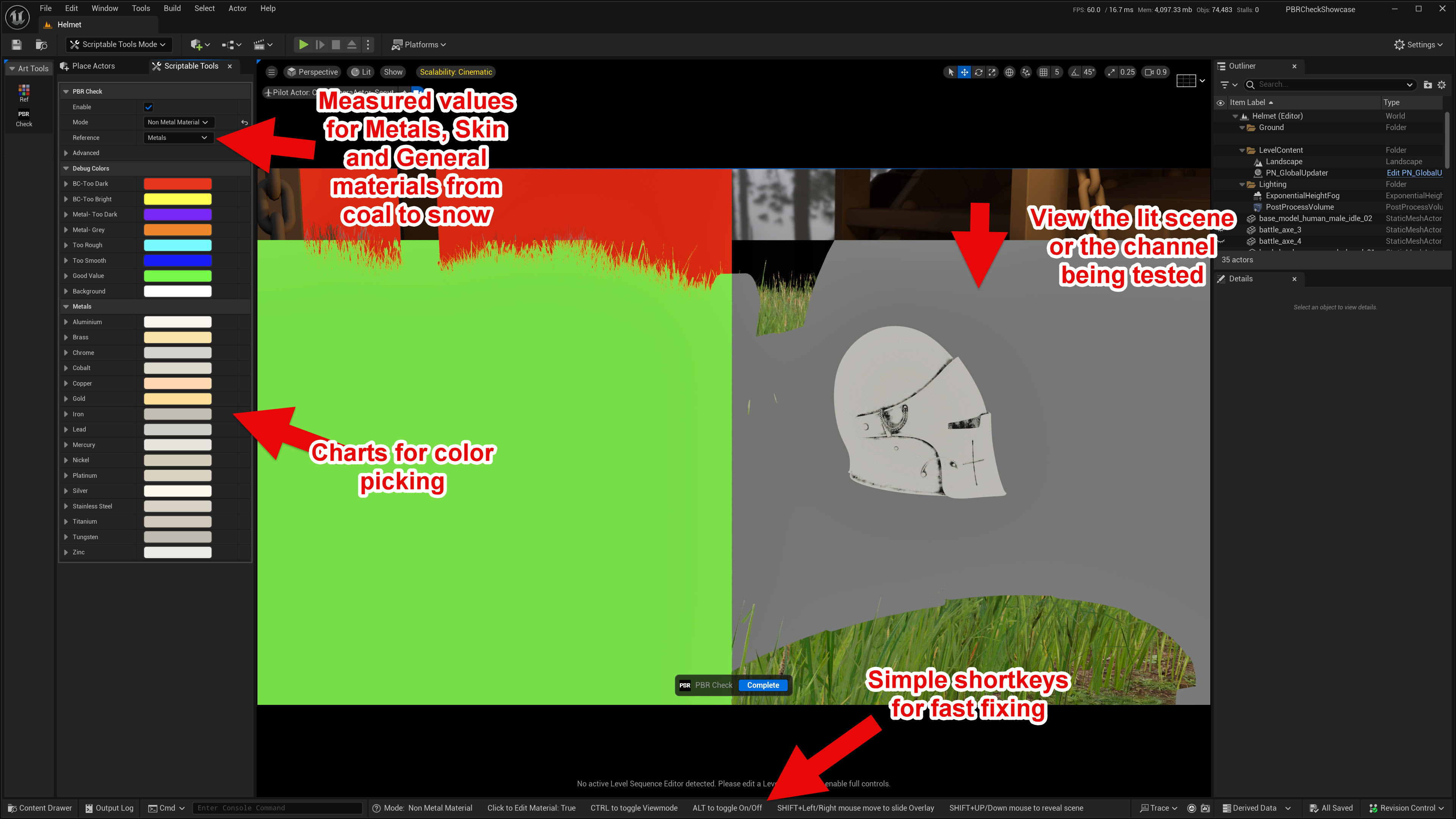
- Material Chart: Easy color picking right in the Editor.
- Flexible for Any Style: From hyper-real to heavily stylized, keep your materials looking great.
- Fast Workflow: Focus on creating, not hunting down errors.
Who It’s For:
Ideal for artists, designers, and visualization pros who want their work to shine.
Don’t let material flaws hold back your project. Spot. Fix. Perfect.
Technical Details
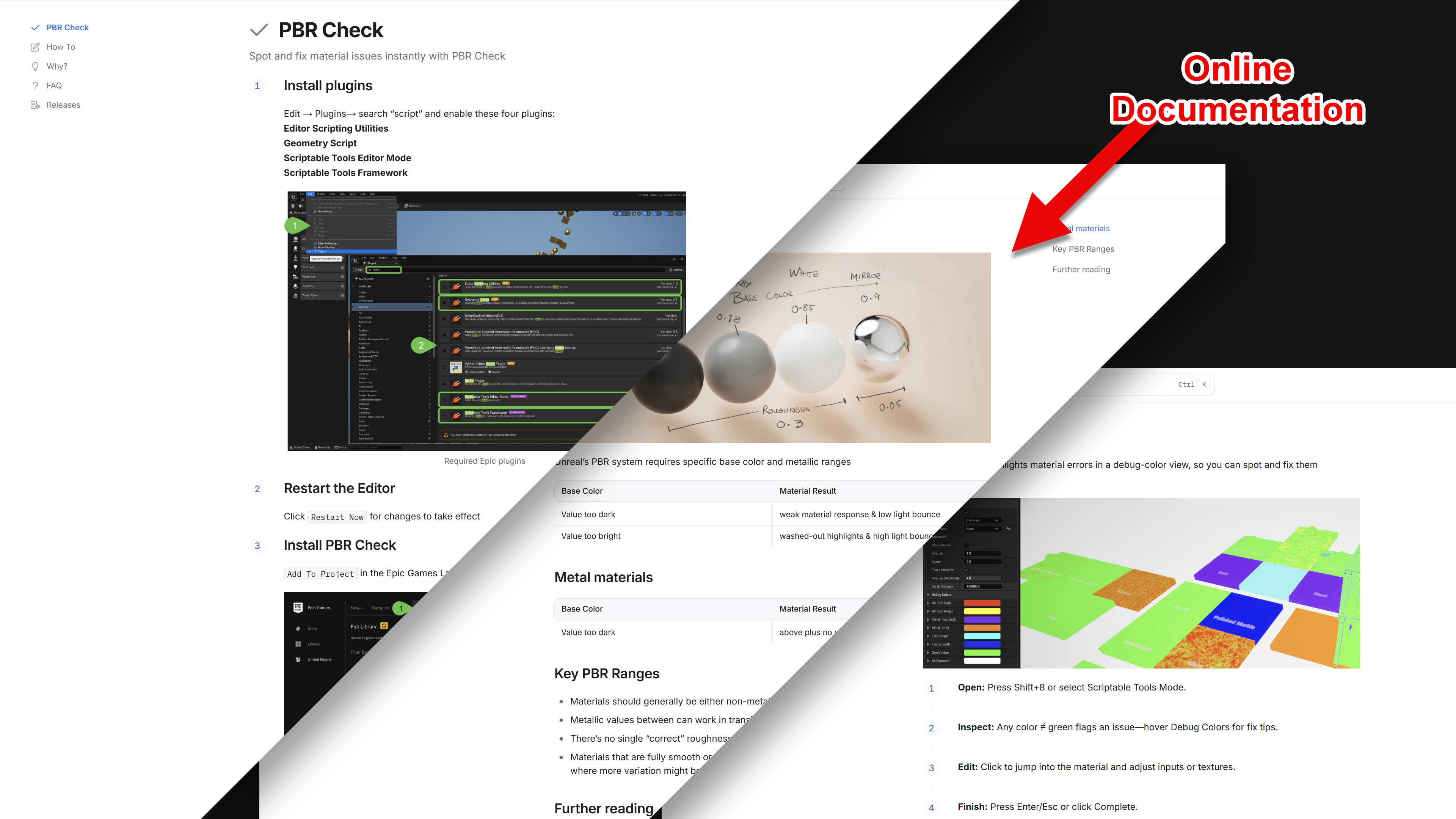
- Viewport Error Detection: Instantly spot issues in basecolor, roughness, metal channels.
- One-Click Fix: Click anywhere there is an issue to bring up that material for fixing.
- Clear Visual Feedback: Color-coded overlays for quick diagnosis and showing the fix, with multiple viewmodes and shortkeys.
- Customizable: Easily adjust the rules and overlay colors to your needs.
Contents:
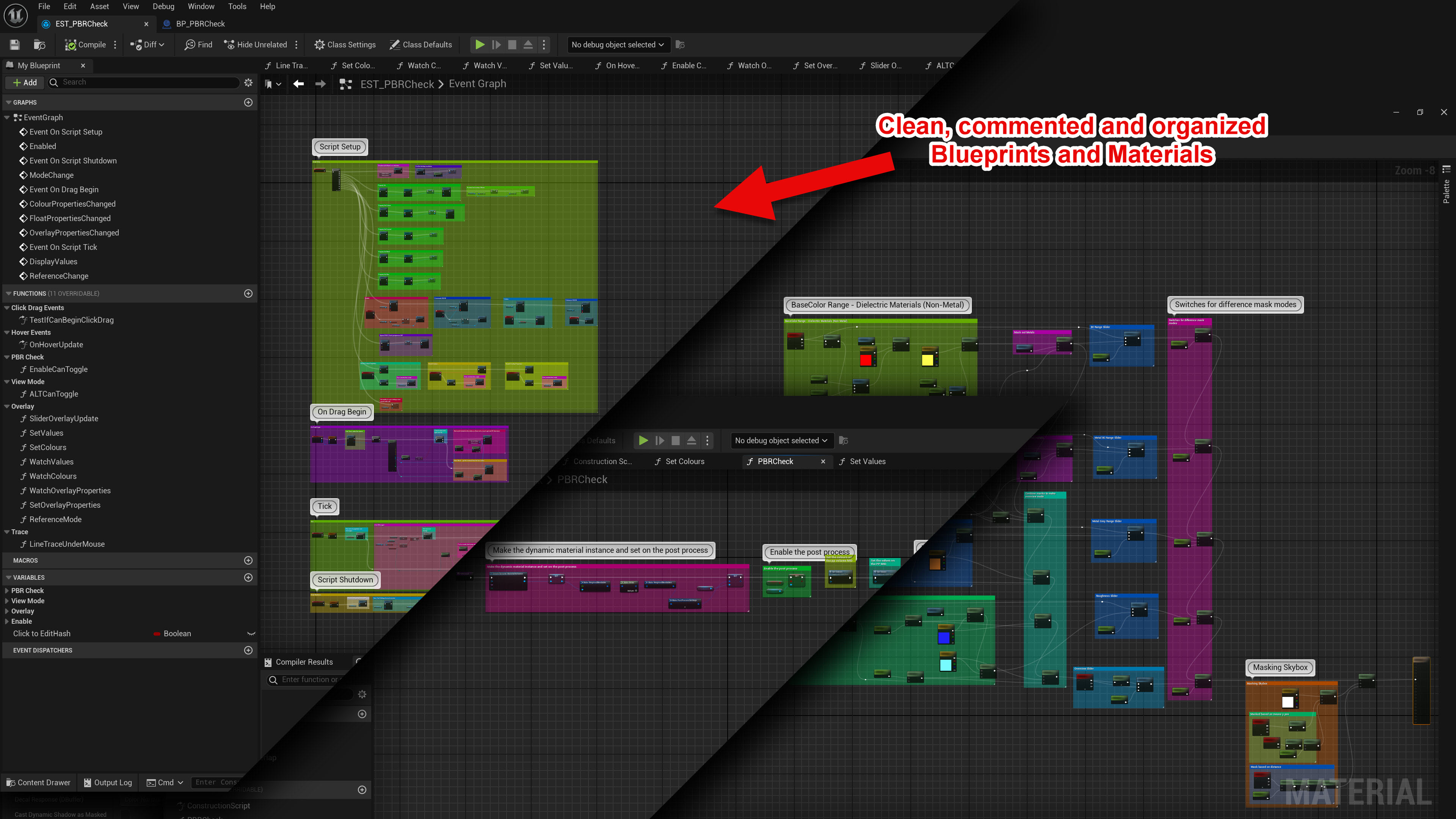
- 1 core Blueprint Scriptable Tool with supporting material and blueprint components. No extra code required, simply drop the asset into your project.
- A PBR chart with measured values for color picking.
- 1 preview map with examples of good and bad PBR values for testing.
Requires: Scriptable Tools, Editor Scripting Utilities and Geometry Script plugins by Epic enabled on your project.
Supported Development Platforms: Windows & Mac.
Login is required to access this download
VIP Downloads Today: 0 of 0
You can contact us at any time and request that the asset you want be added to the site from the Request Asset section.