 Description
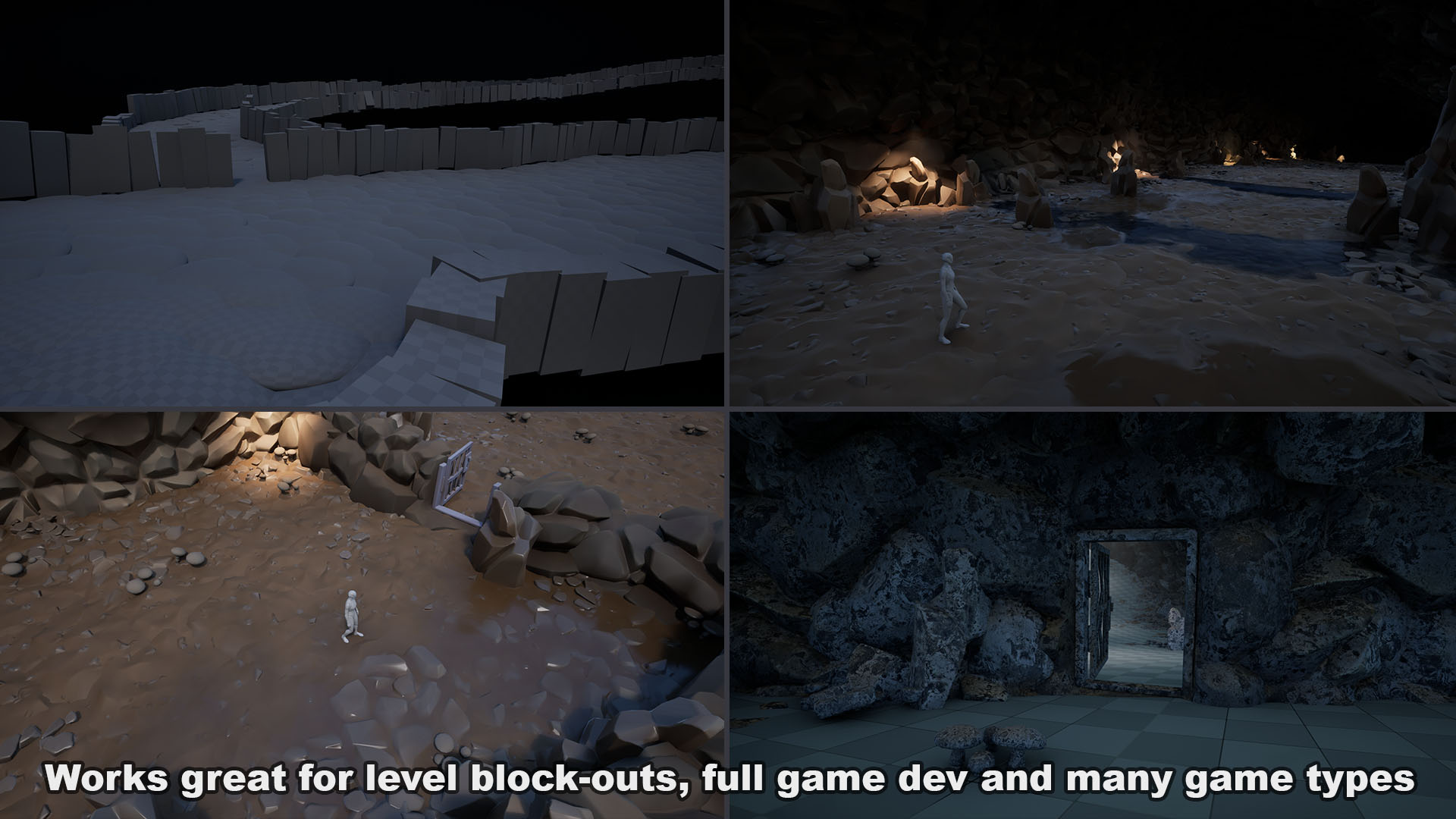
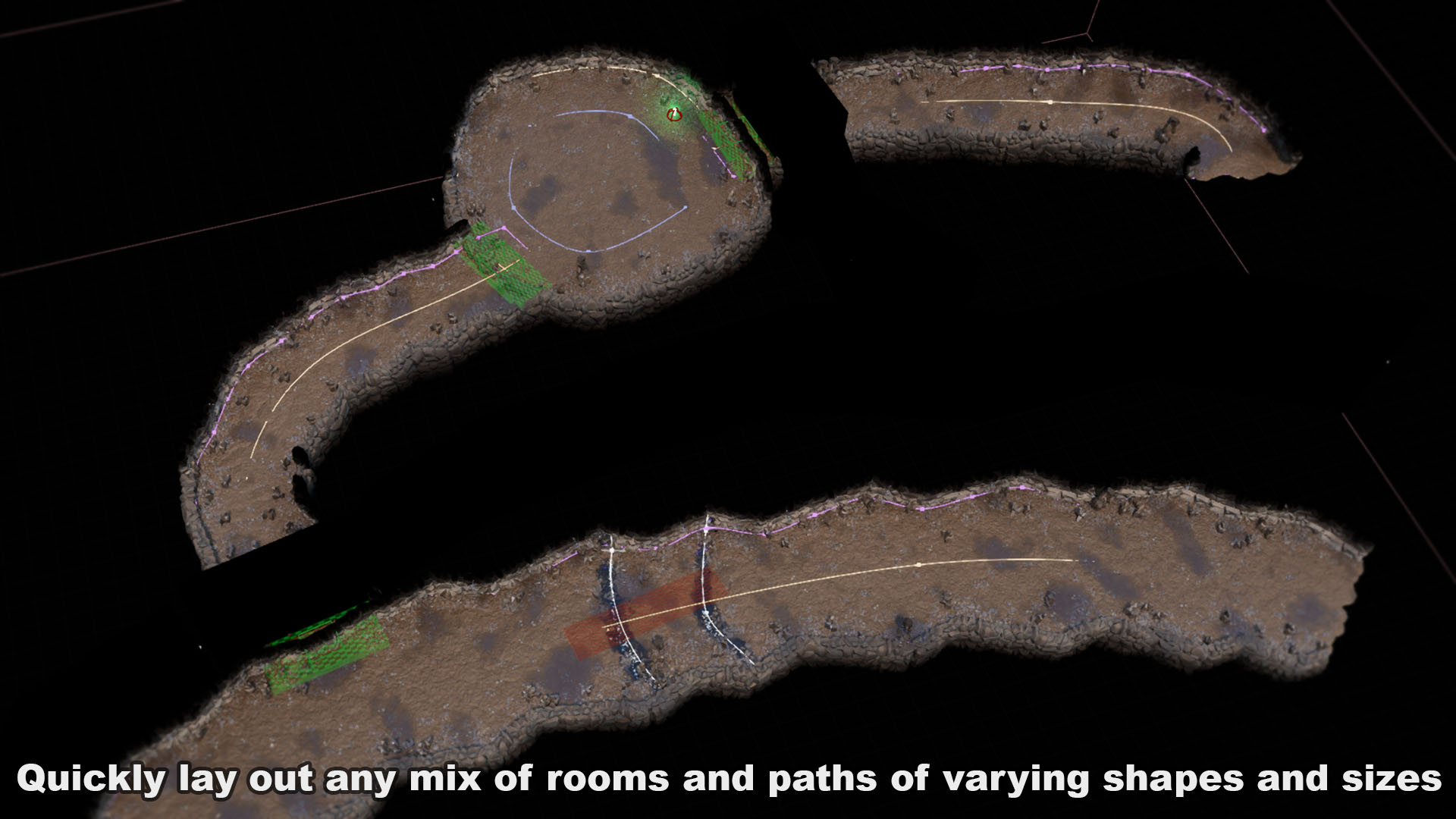
This PCG and blueprint tool set is designed to help you quickly block-out or build entire levels, dungeons, caves and more!
Check-out the demo walk-through and feature videos here:
Demo – https://www.youtube.com/watch?v=S9Rr1l6uliw
Features – https://www.youtube.com/watch?v=F2TpbhDtjE0
Updated & New Features – https://www.youtube.com/watch?v=fLwTubp1JgM
For more man-made types of levels, the Facility Designer PCG tool has a ton of options.
Update 1.03 is live with the addition of a Structure Blocker. Use this to prevent PCG from spawning wall, floor or ceiling meshes where you need an opening. An example using this is in the demo map.
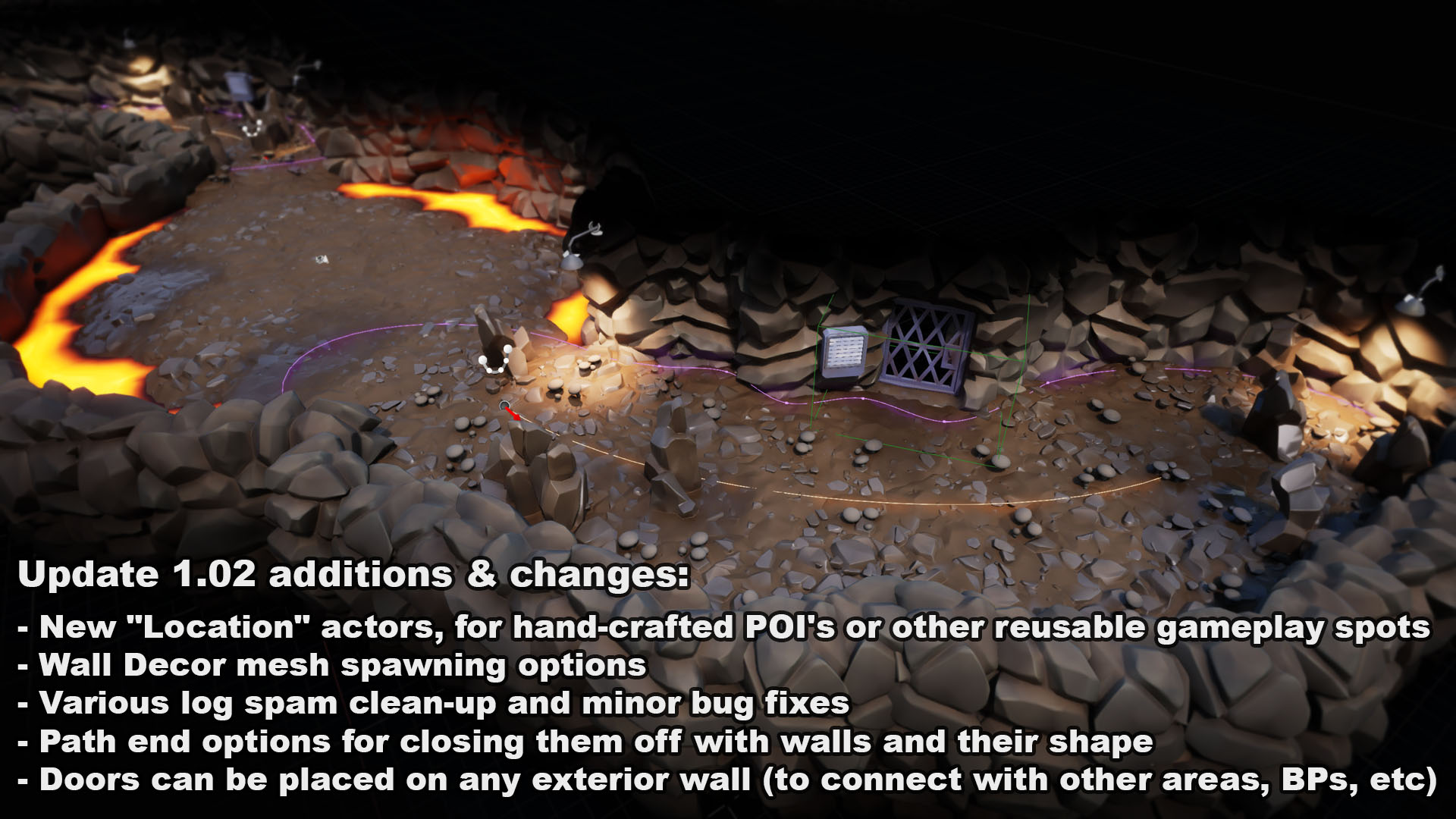
*Versions 1.02 and up require Unreal 5.5 or higher.
_____________________________
This pack includes the following:
- 2 PCG graphs
- 10 PCG blueprint elements
- 1 Blueprint controller for the PCG graphs and most of the options
- More support blueprints for creating and placing paths, rooms, doors, lights and rivers.
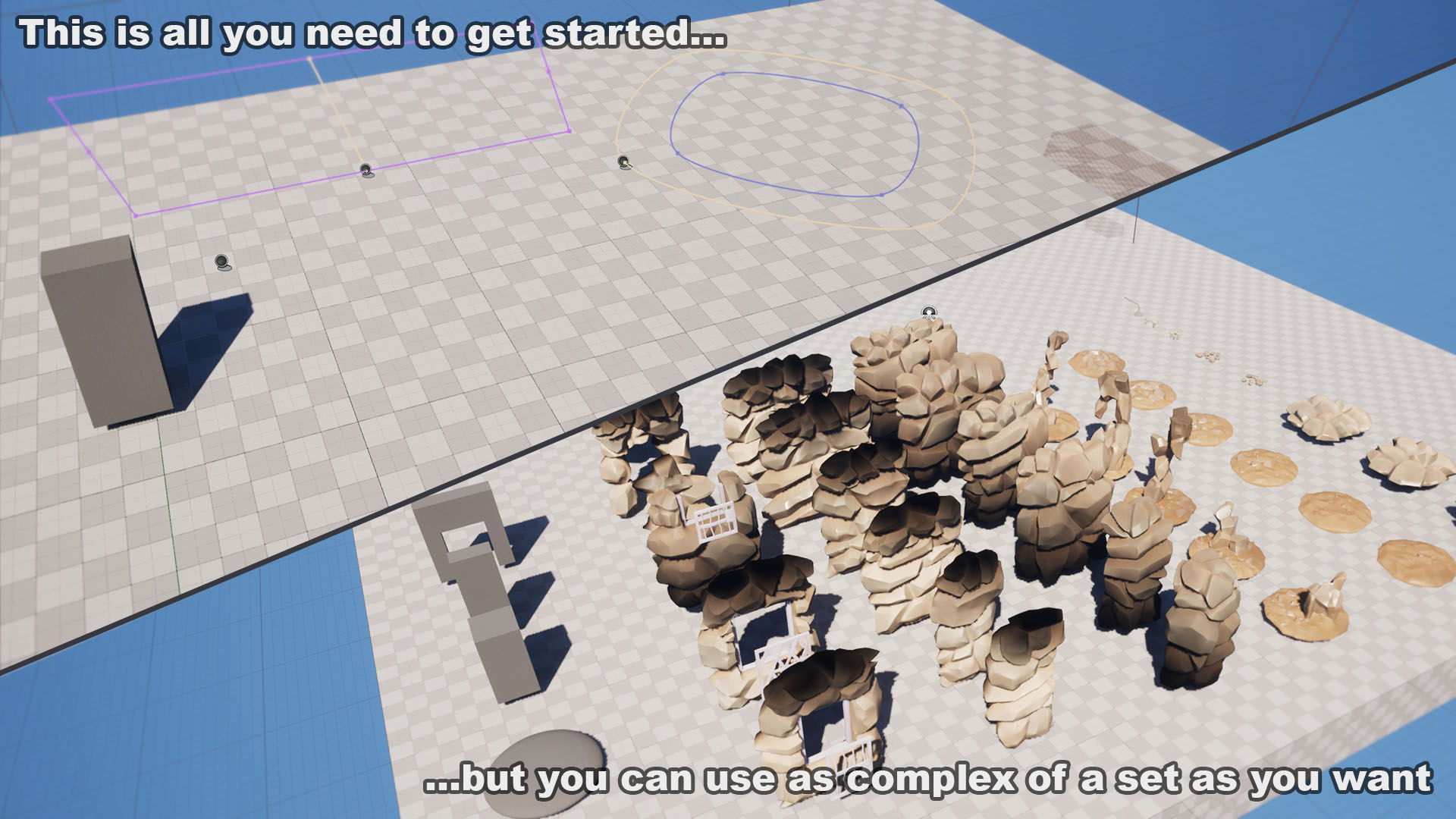
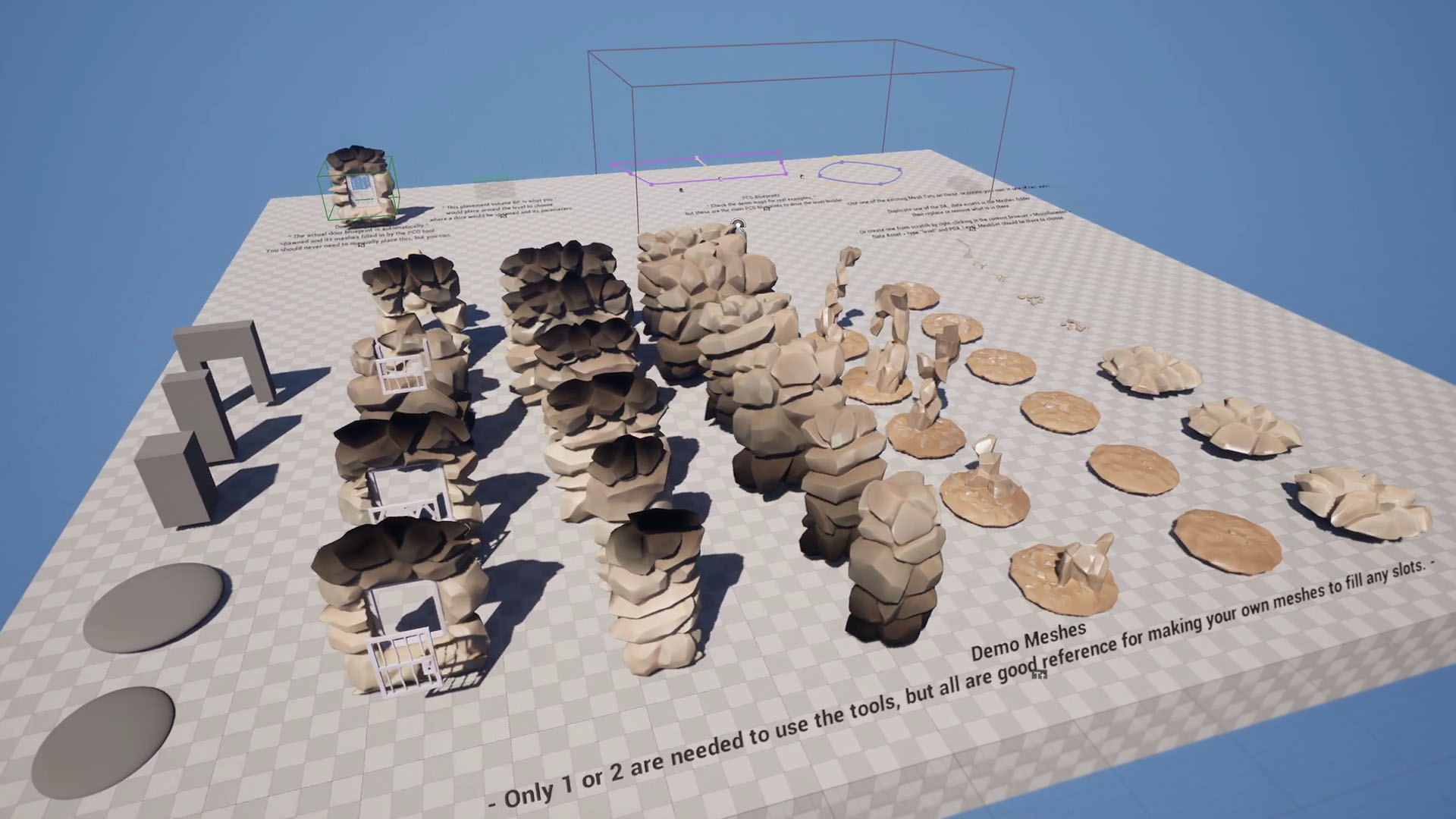
- 5 simple greybox meshes for size reference and level block-outs
- 41 rocky cave demo meshes, doors and lights
- 2 spline meshes
- 6 master materials for the environment, fluids, and lights
- 3 maps including the overview map, a general demo and a landscape demo
_____________________________
If you have any ideas for additional features or options, or if you find any bugs, please send those into the support email listed in the maps.
You can also post those to the demo video comments, but the support email will get you a quicker response.
Technical Details
Features:
- Build as many mesh sets you want and quickly swap between them like presets.
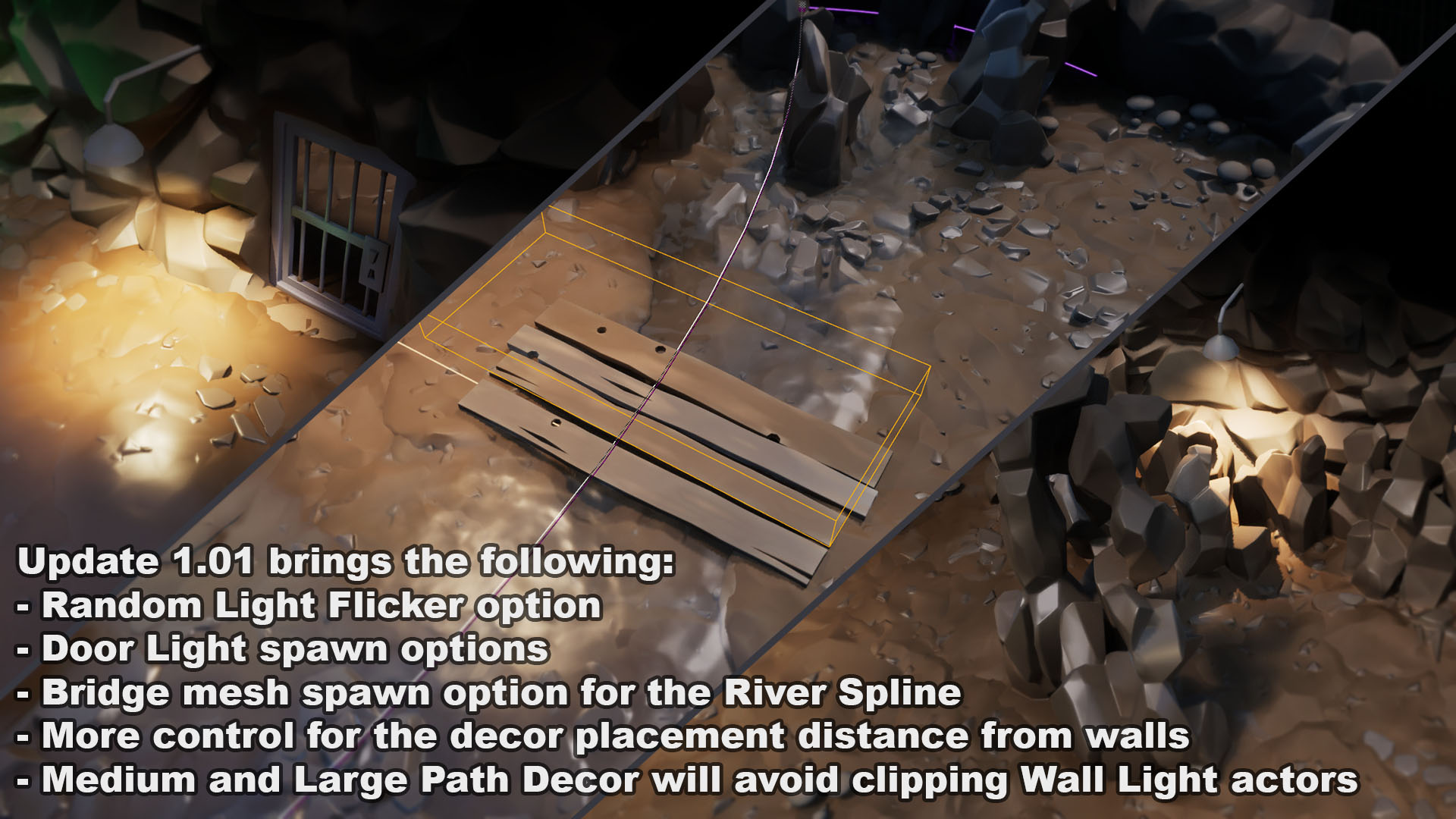
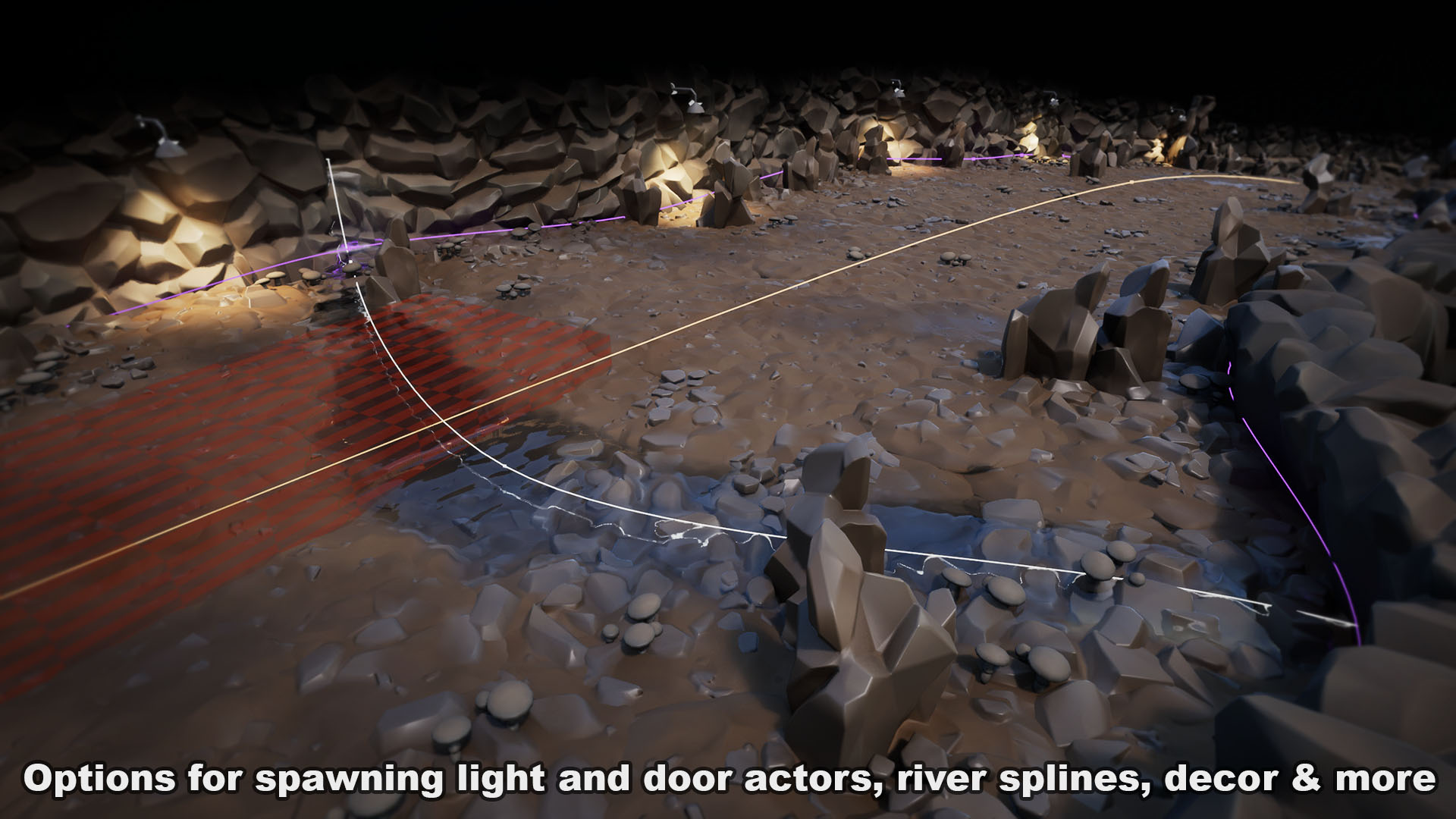
- Add doors, lights, streams or rivers.
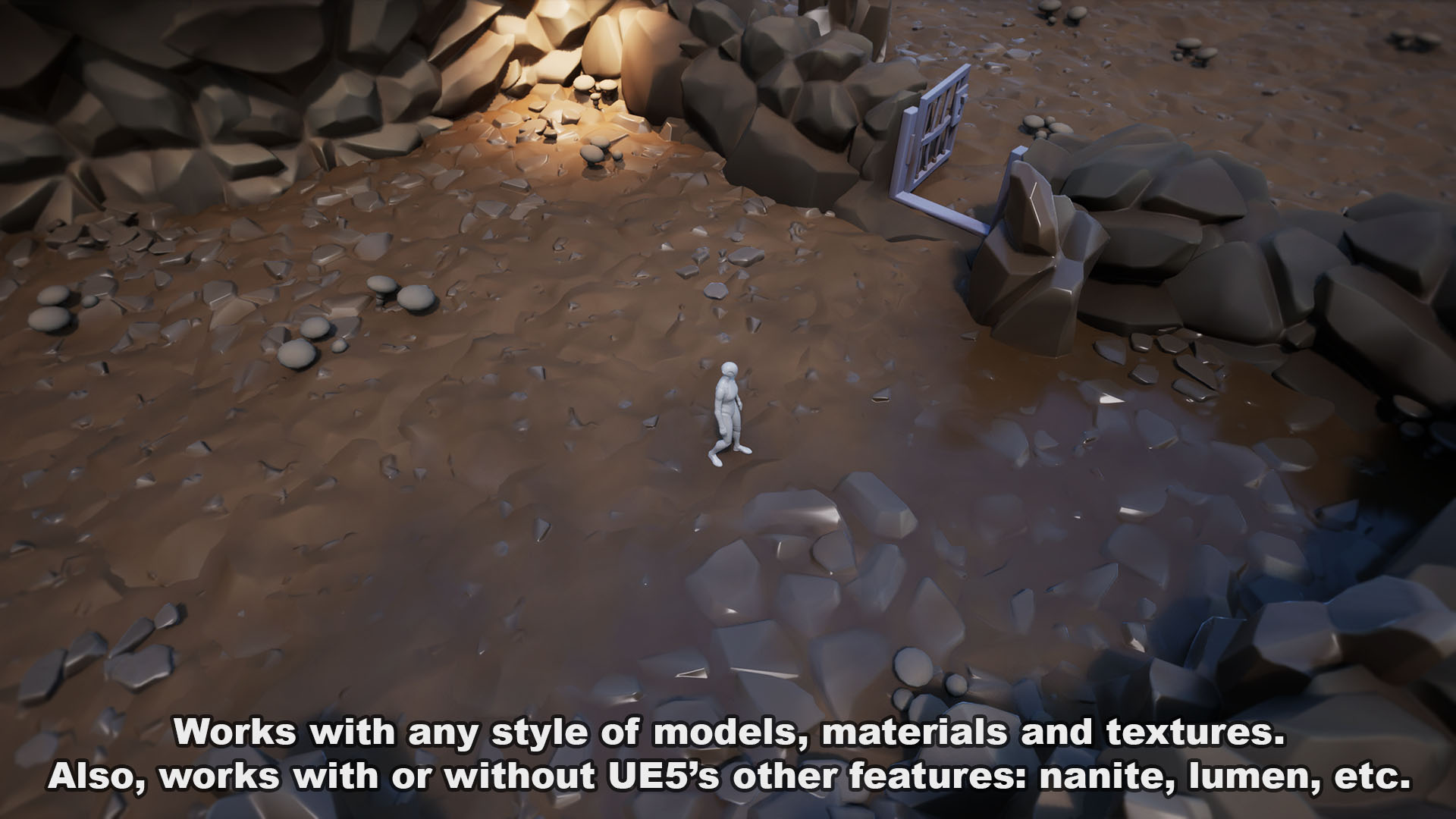
- Works with or without other UE5 features like nanite, lumen, megalights, etc.
- Works on its own or with a landscape underneath.
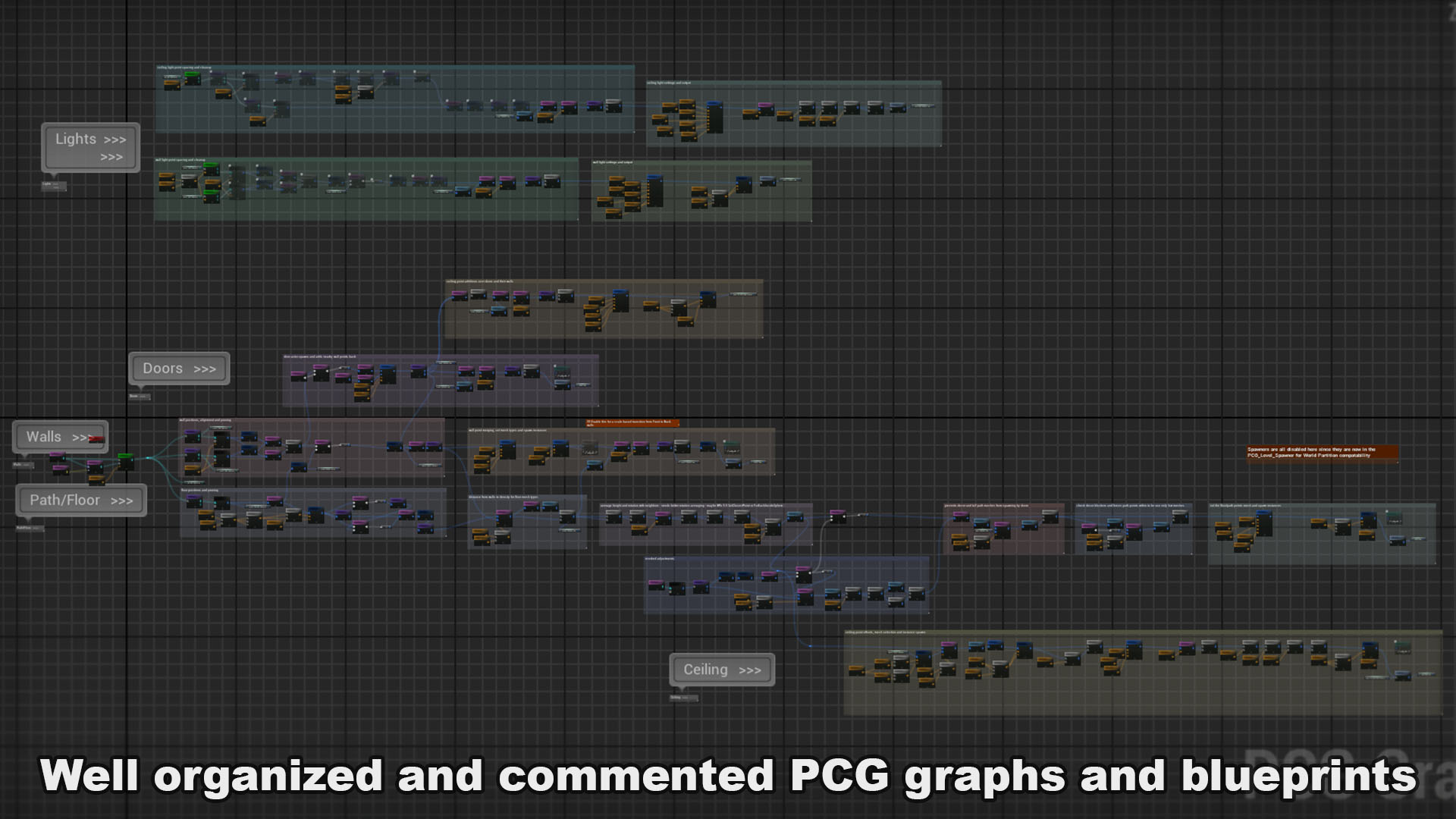
- Well organized and commented PCG Graph and Blueprints.
Number of Blueprints: 12
Input: Any
Supported Development Platforms:
- Windows: Yes
- Mac: Yes
Documentation Link: The demo levels have a lot of notes and tips included, but these videos are the best reference:
Demo and Walkthrough – https://www.youtube.com/watch?v=S9Rr1l6uliw
In-Depth Features – https://www.youtube.com/watch?v=F2TpbhDtjE0
Important/Additional Notes: This pack requires the PCG plugin, which must be enabled in your own project for it to fully work.
You can contact us at any time and request that the asset you want be added to the site from the Request Asset section.