Description
Basic Blueprint Functionality
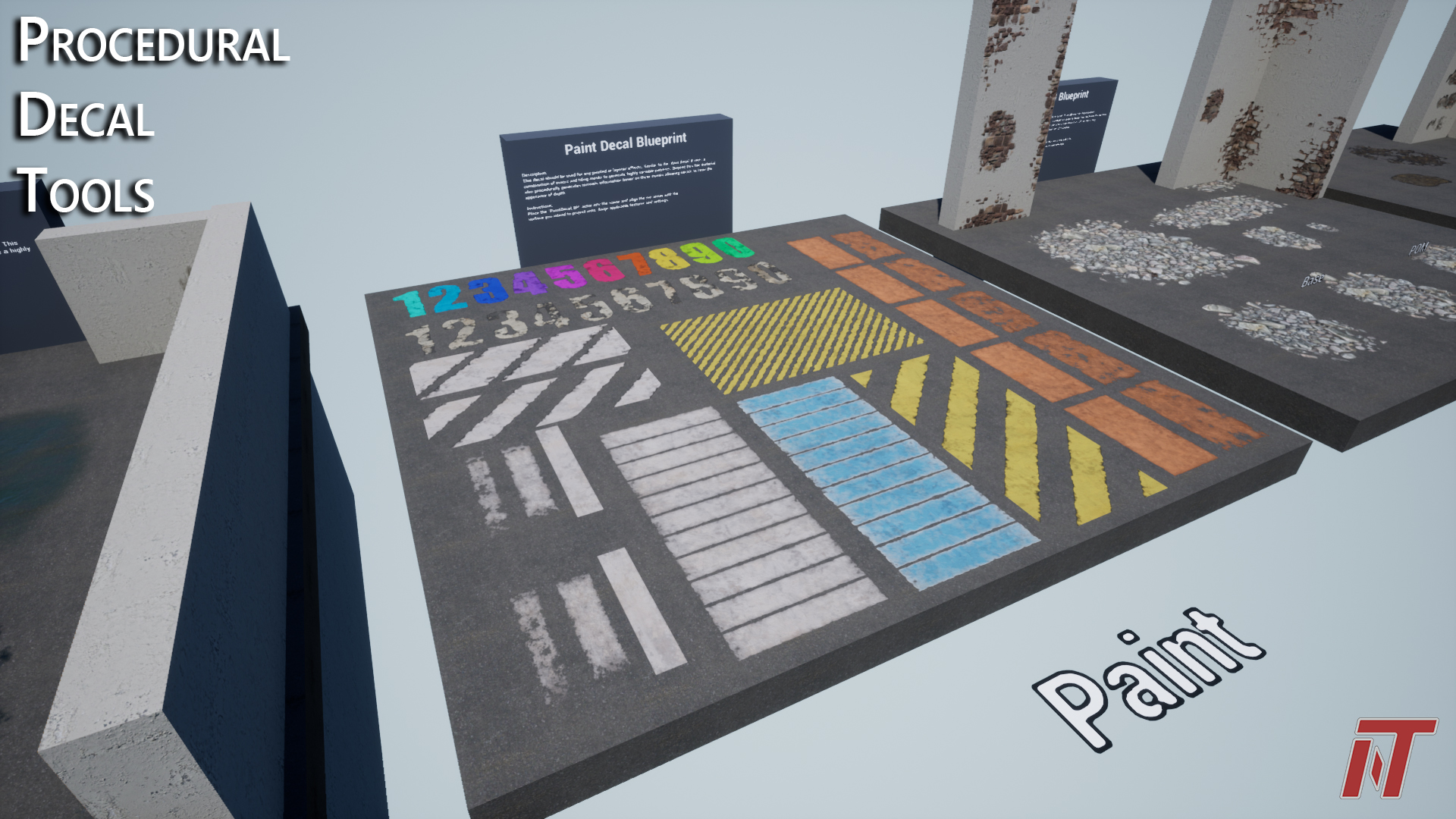
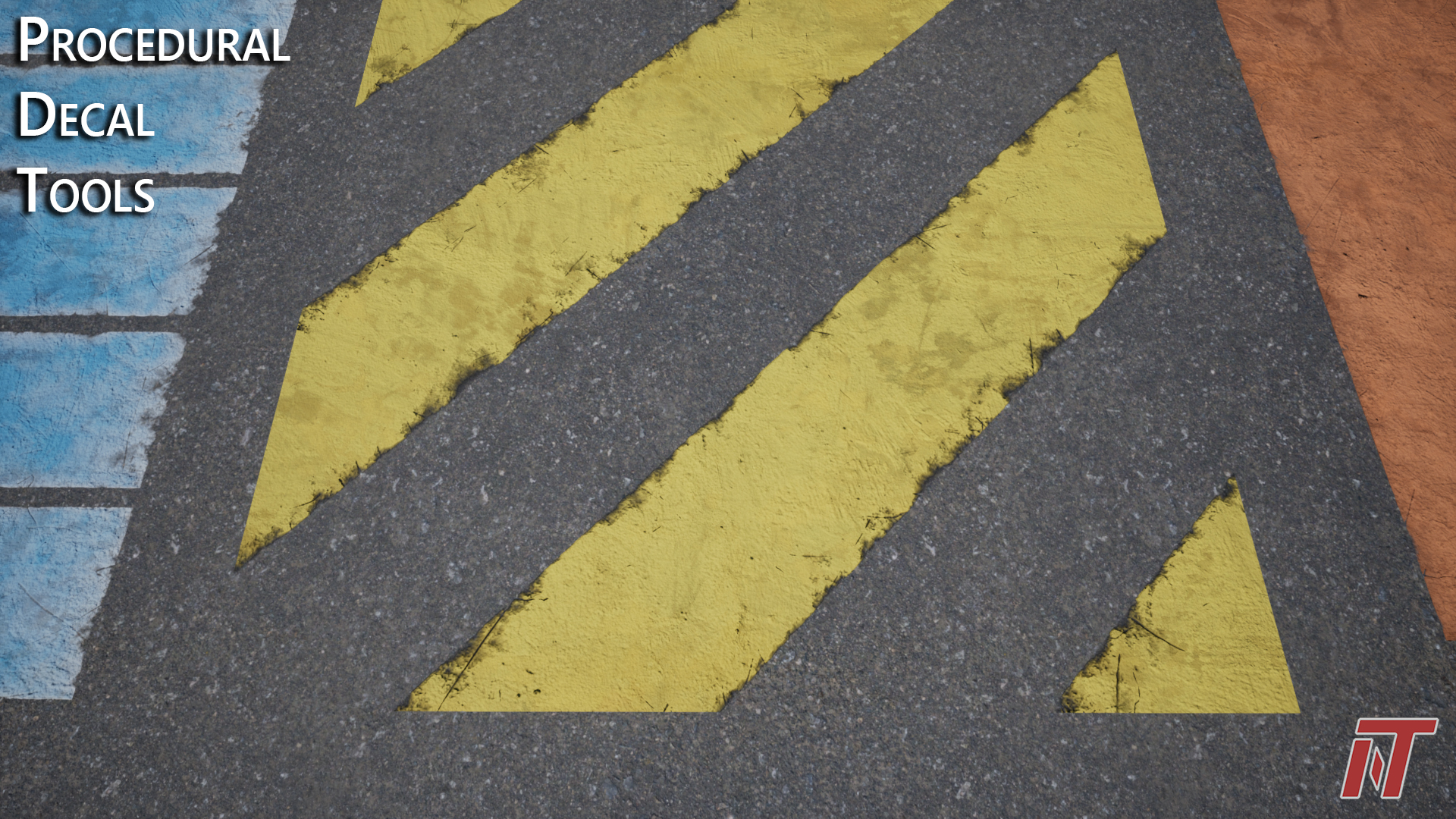
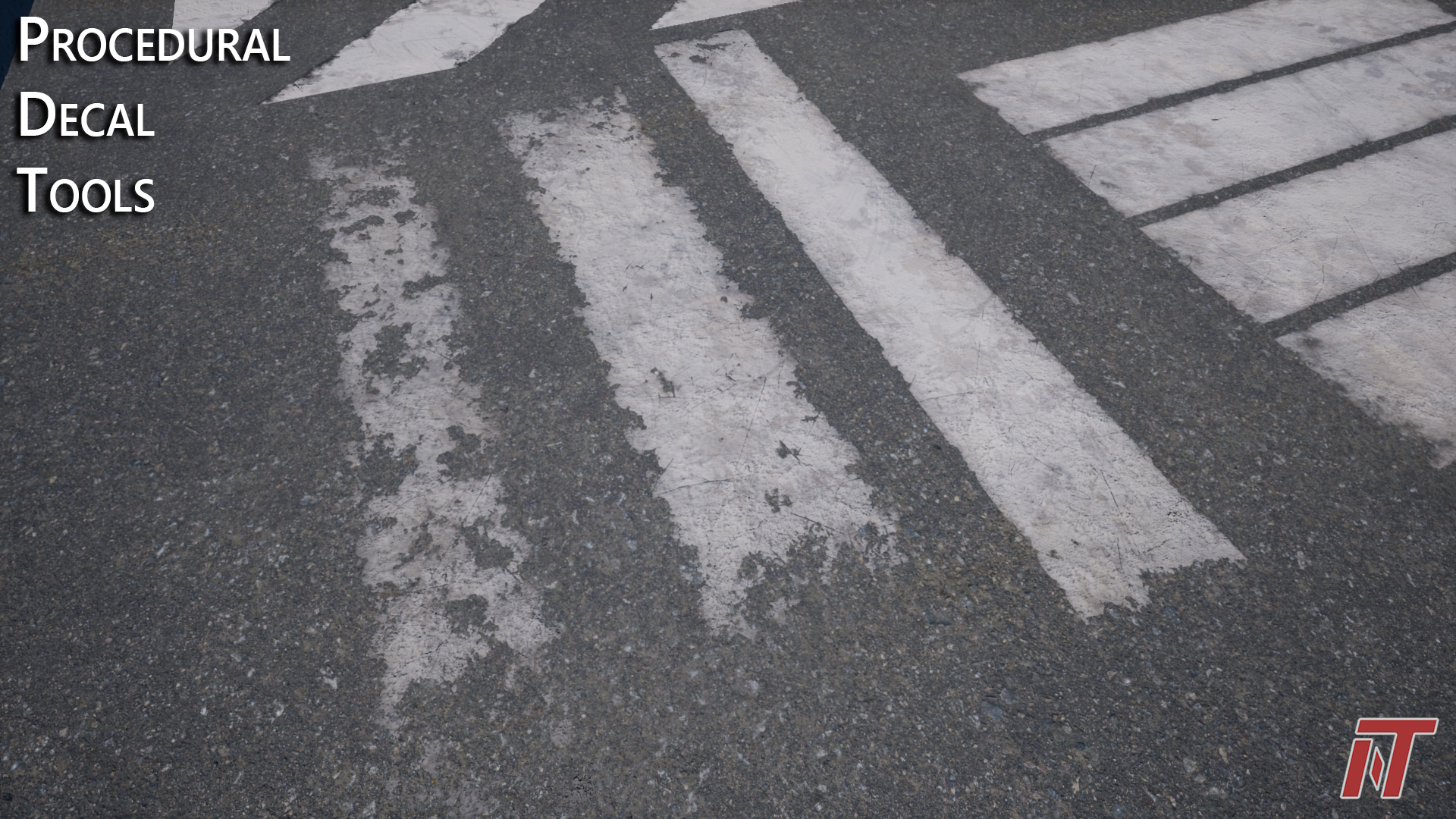
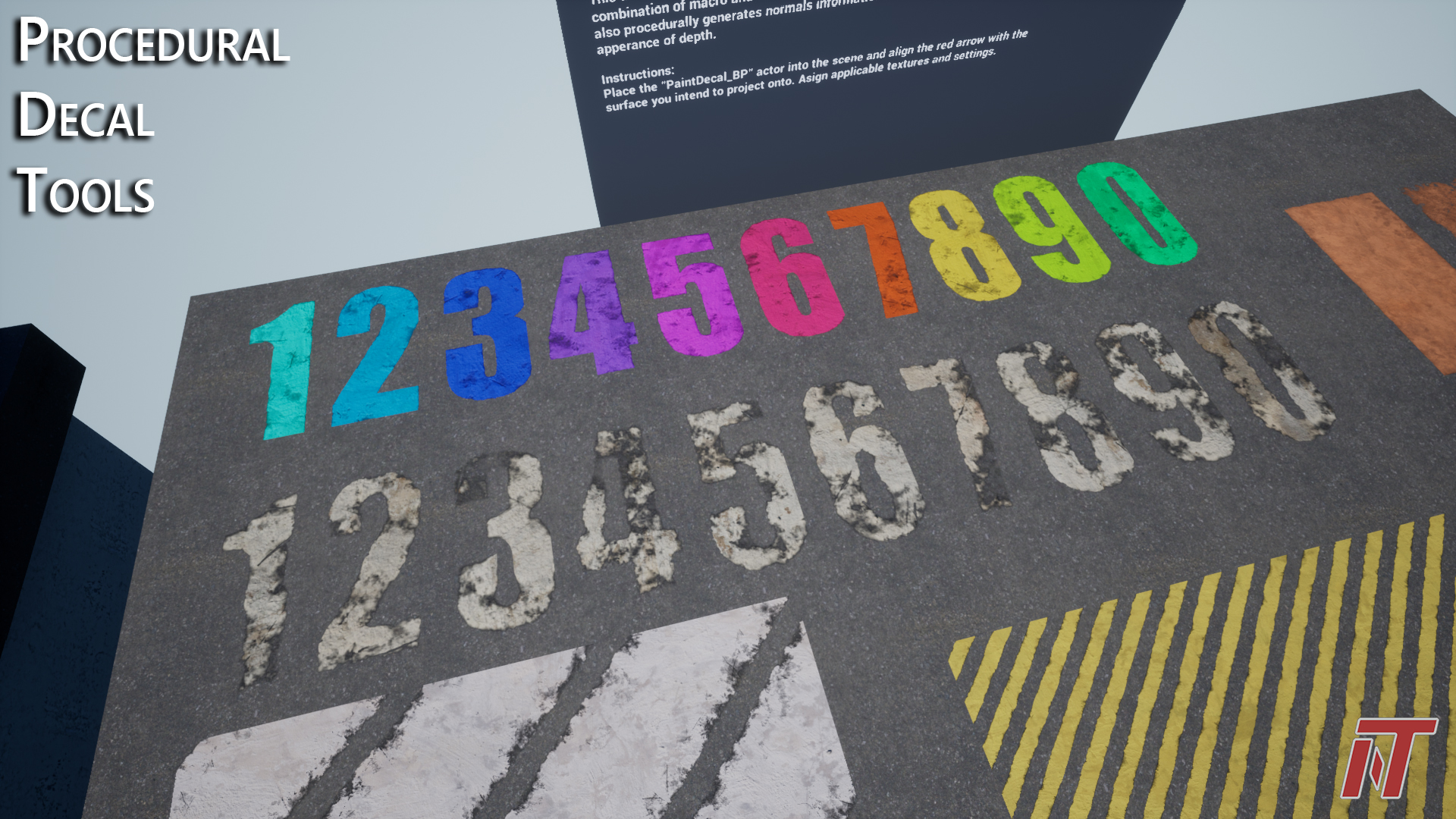
Paint Decal Blueprint Example
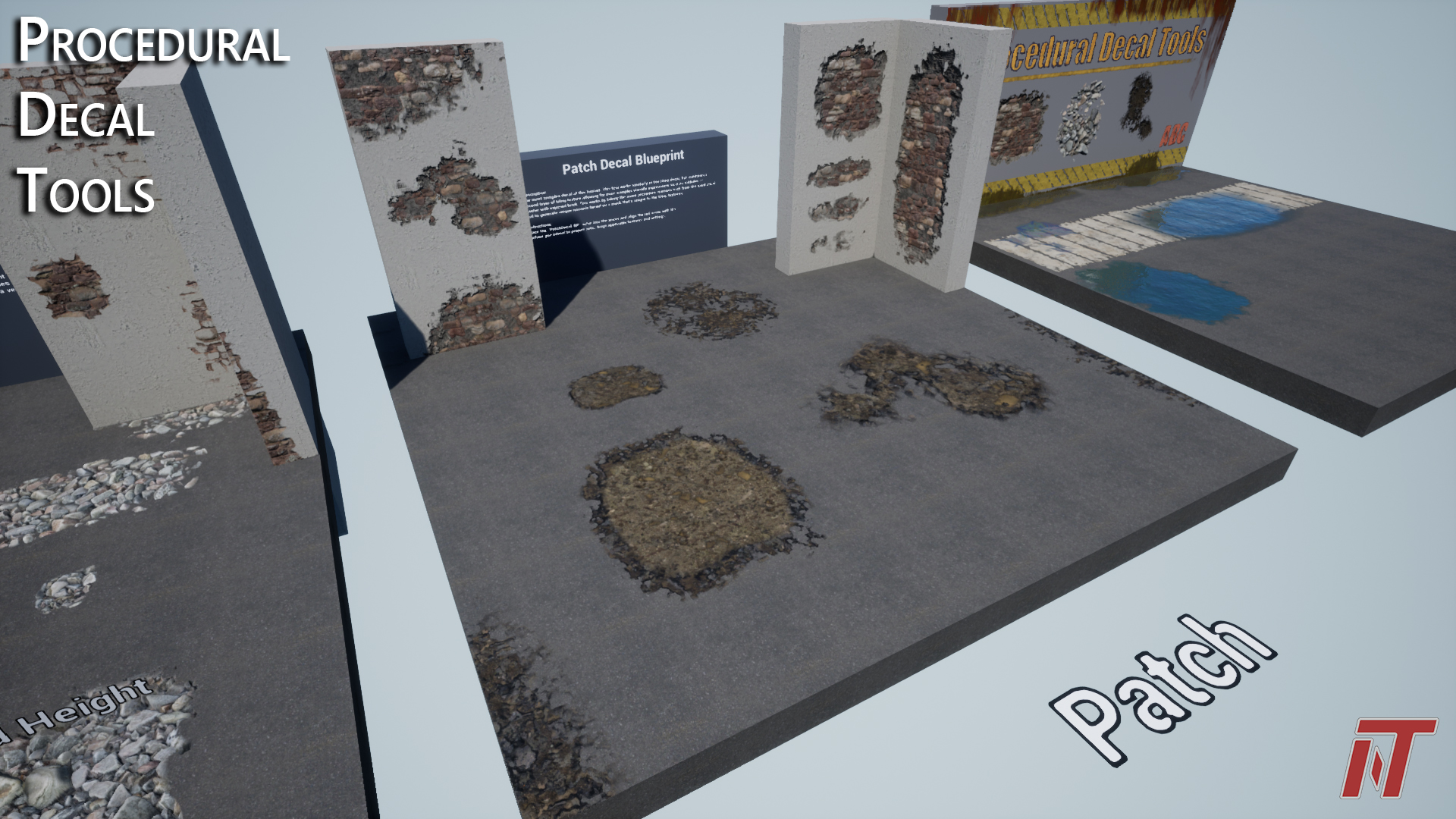
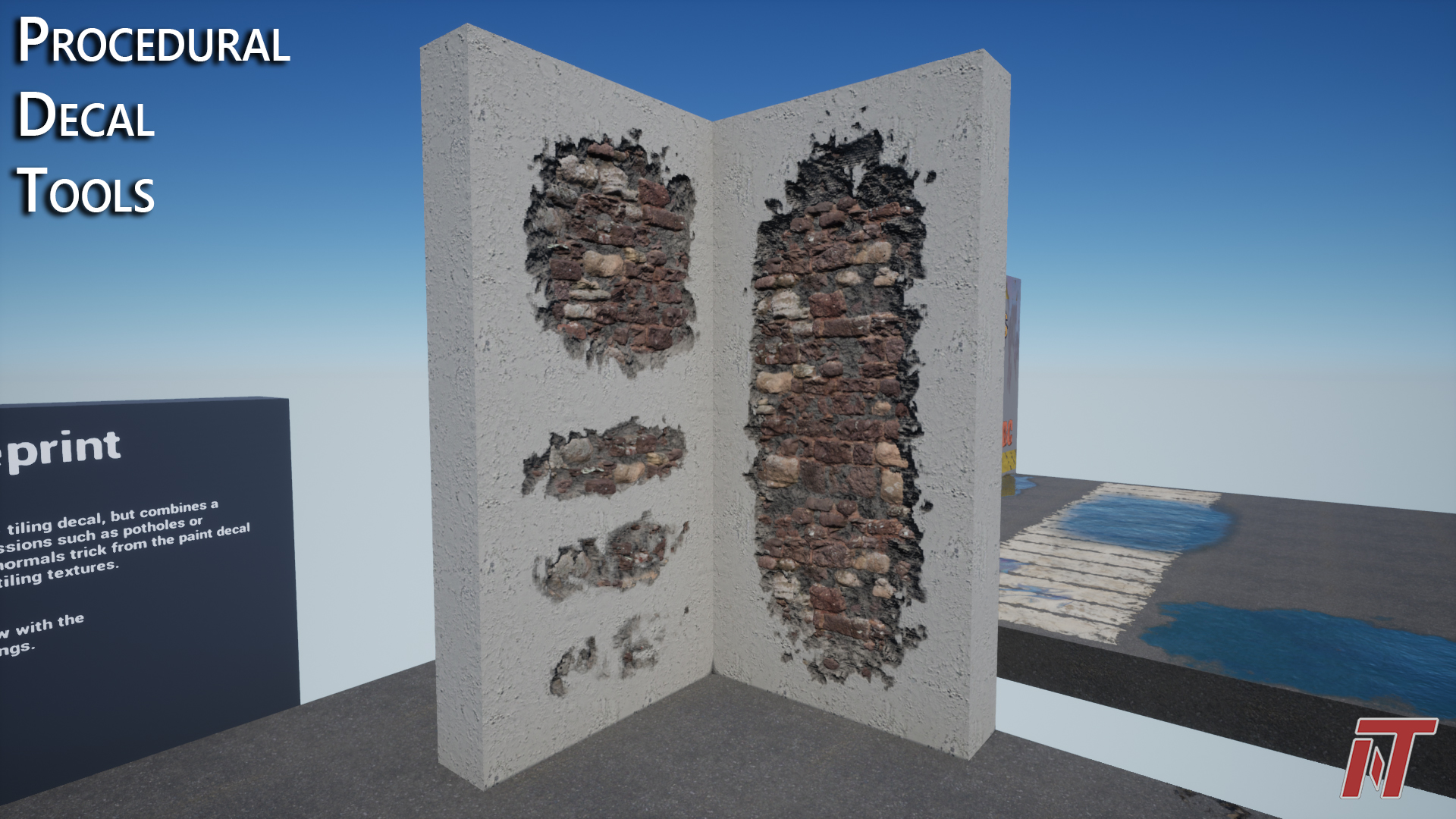
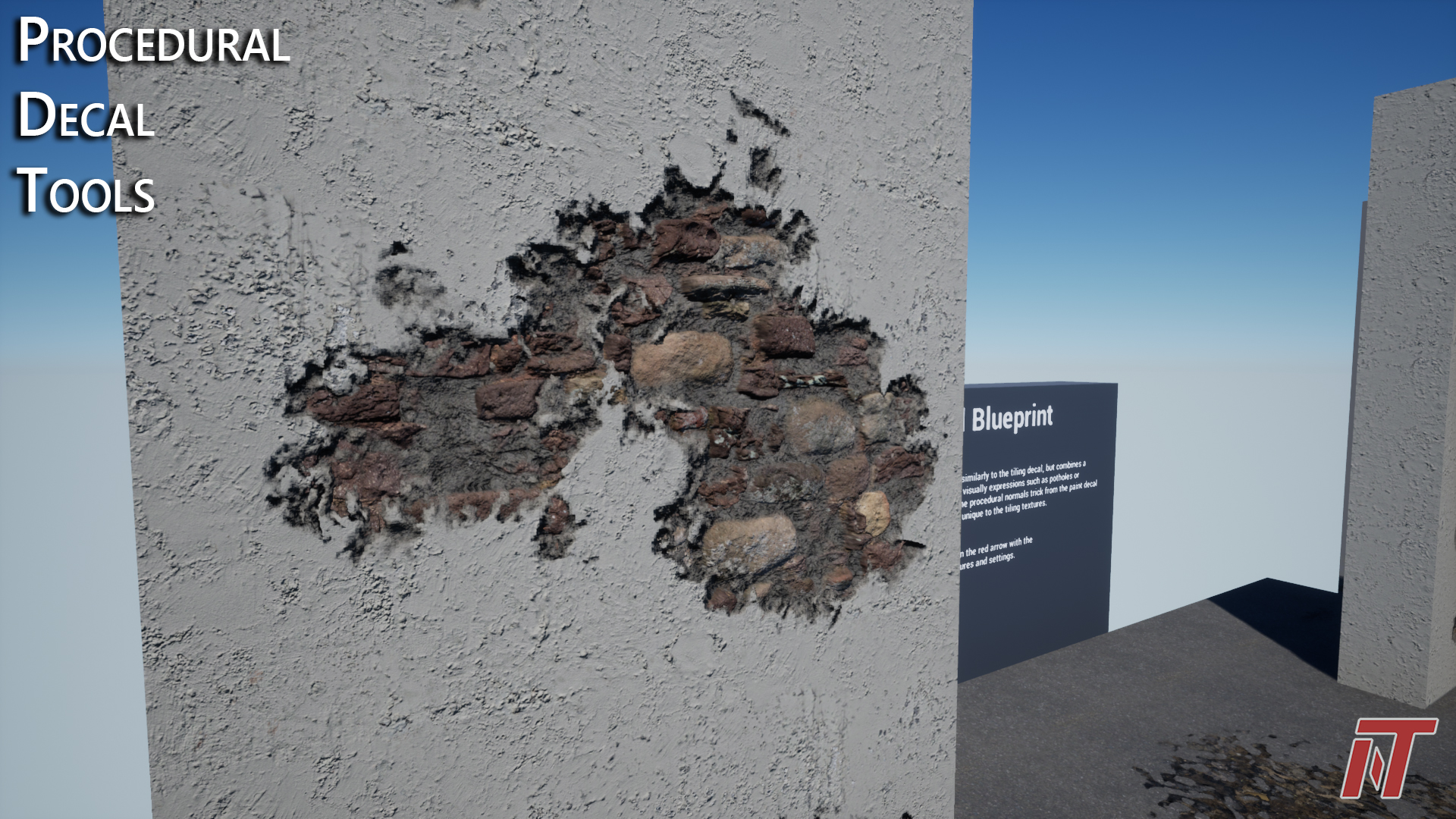
Patch Decal Blueprint Example
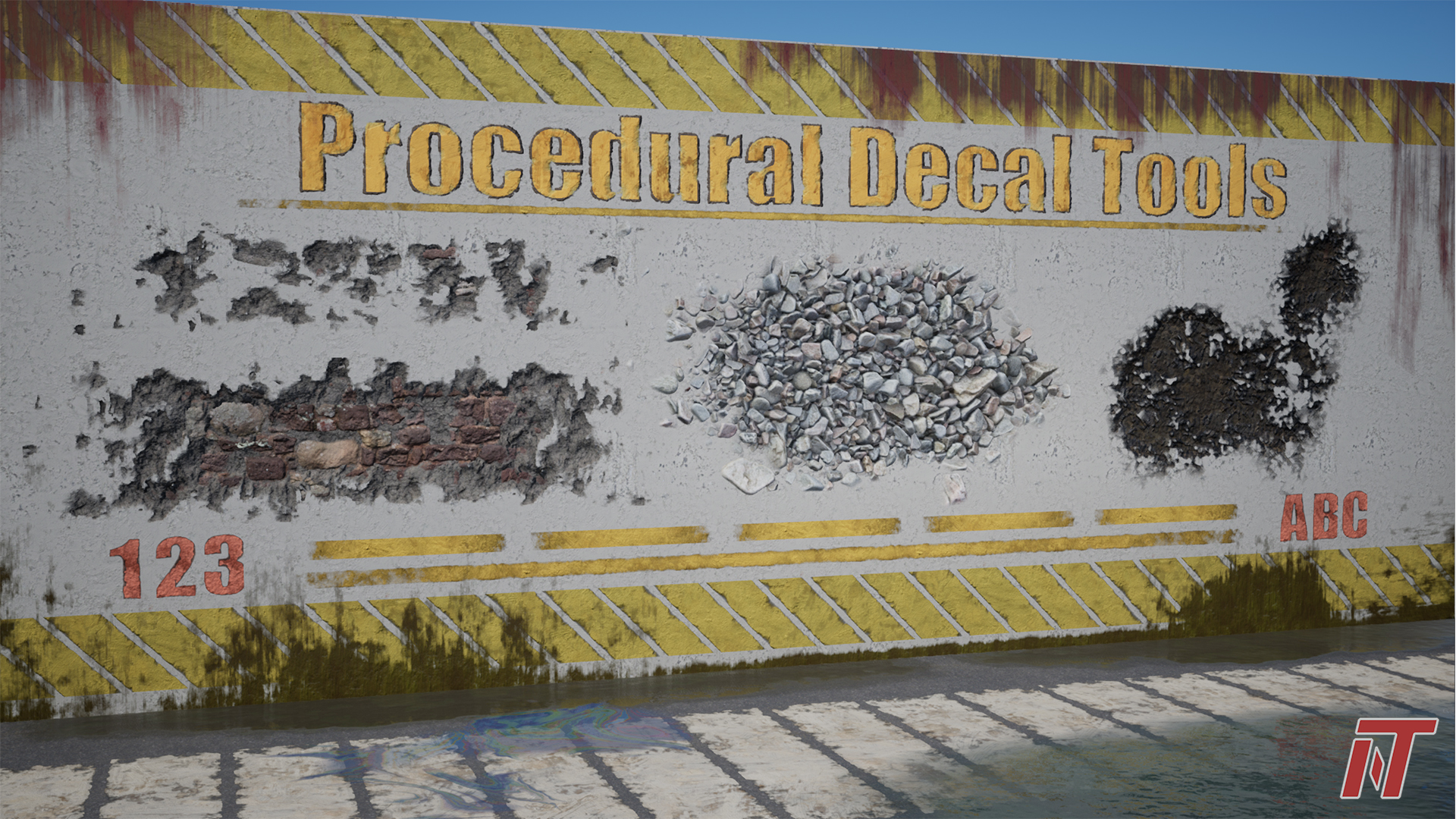
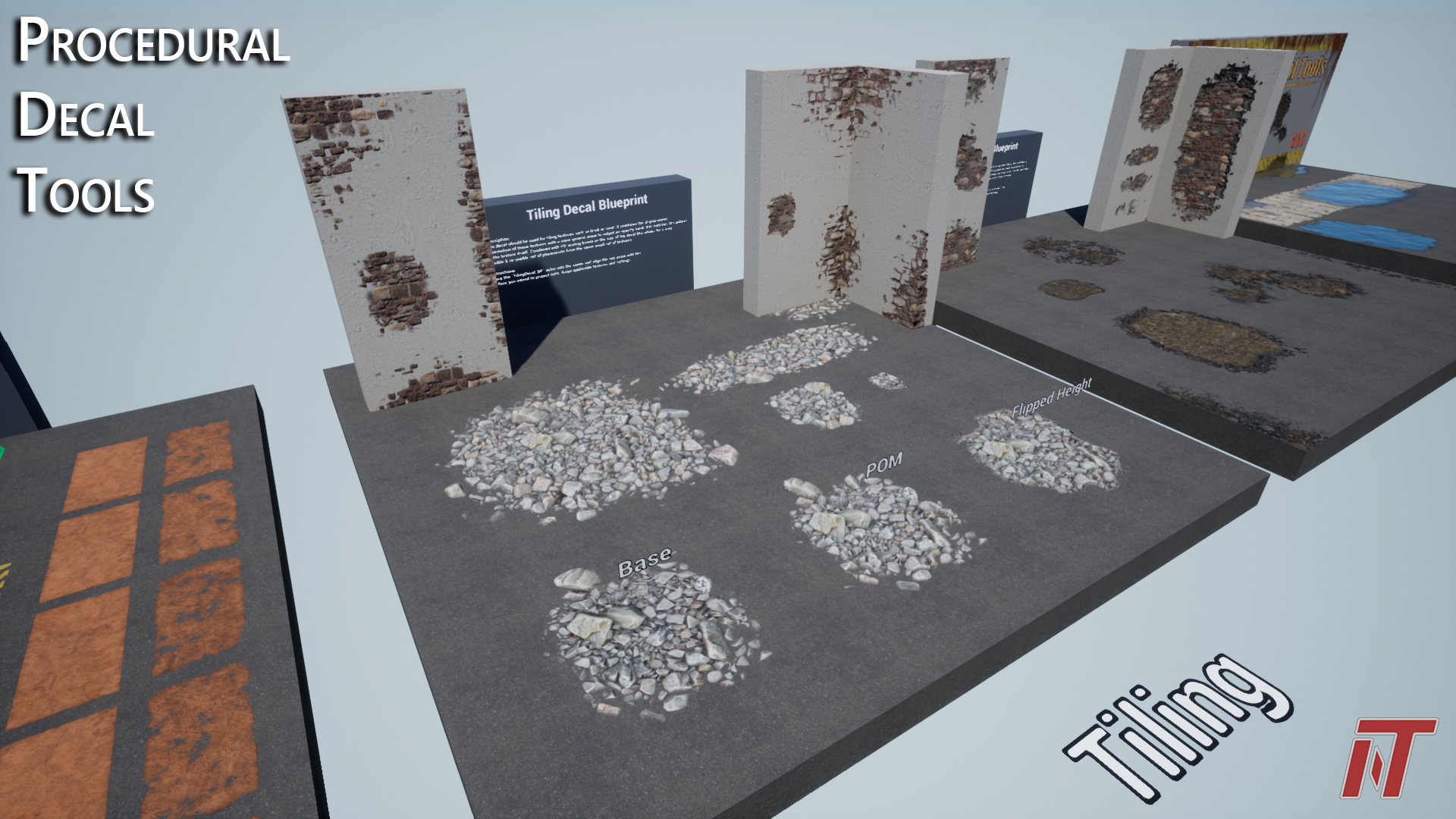
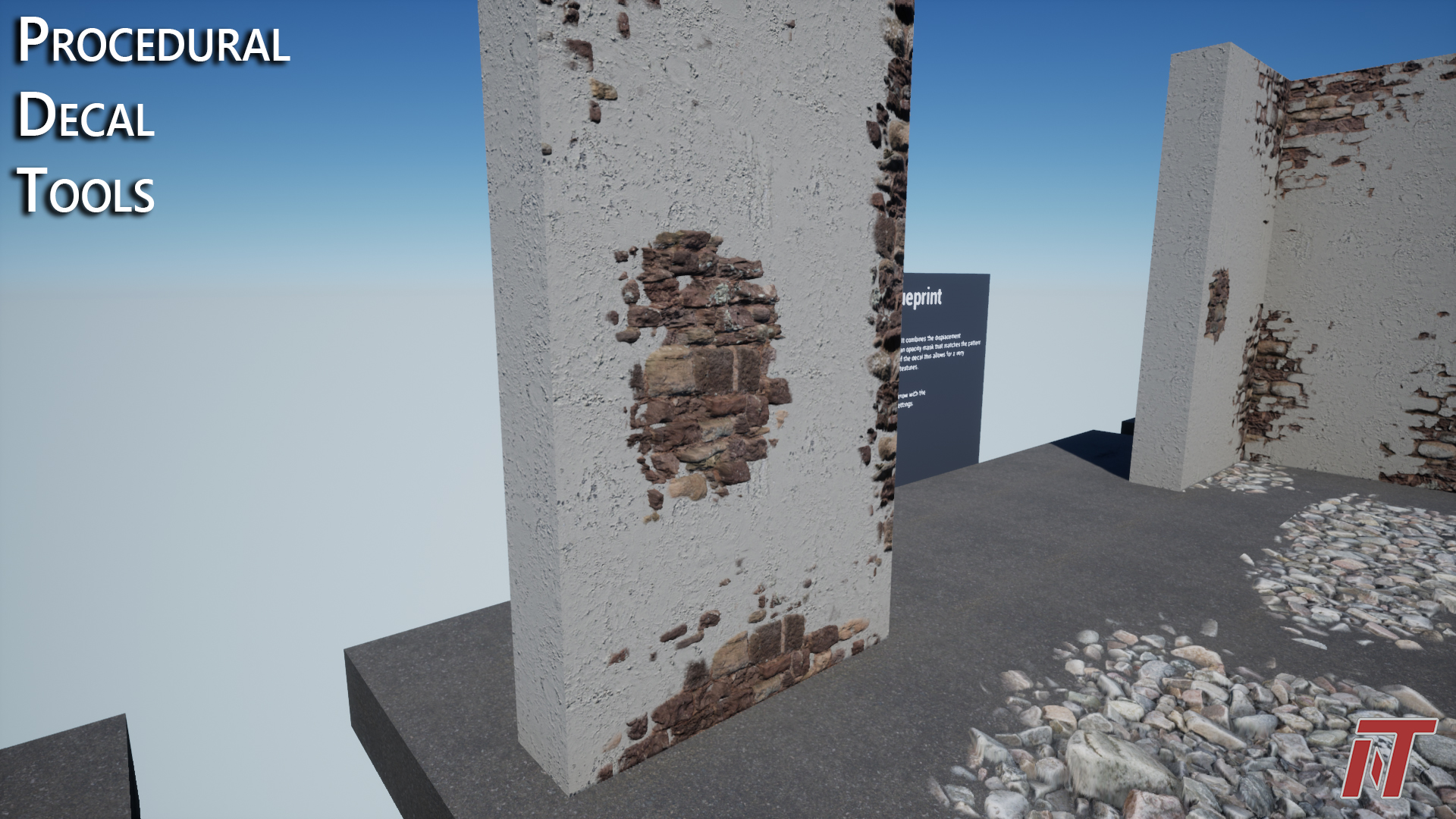
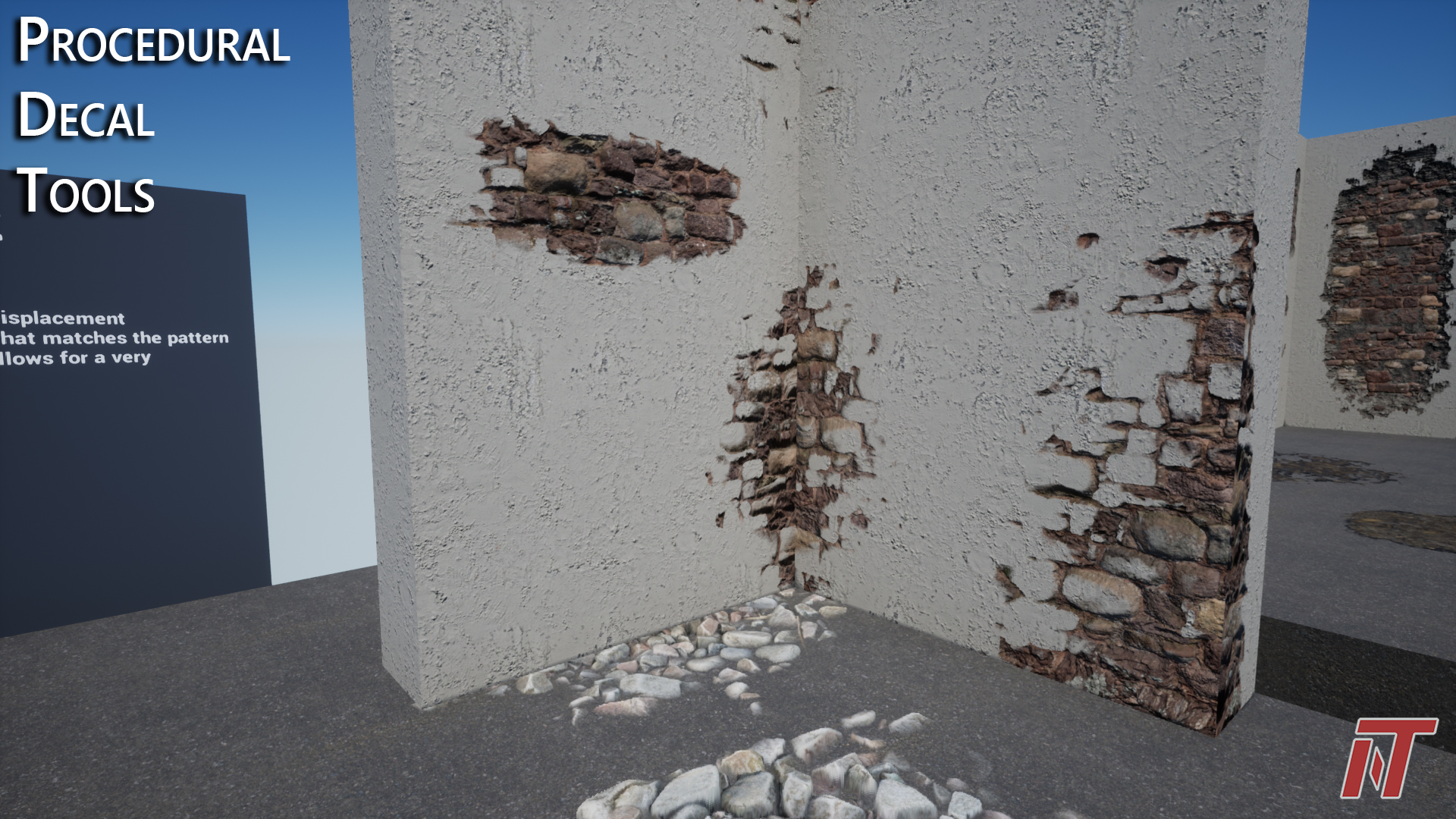
These blueprint tools take in sets of tiling & non-tiling textures and generate highly diverse, reusable decal content based on those inputs. Parametric controls are customizable based on the user’s needs and can be utilized across a broad spectrum of content targets.
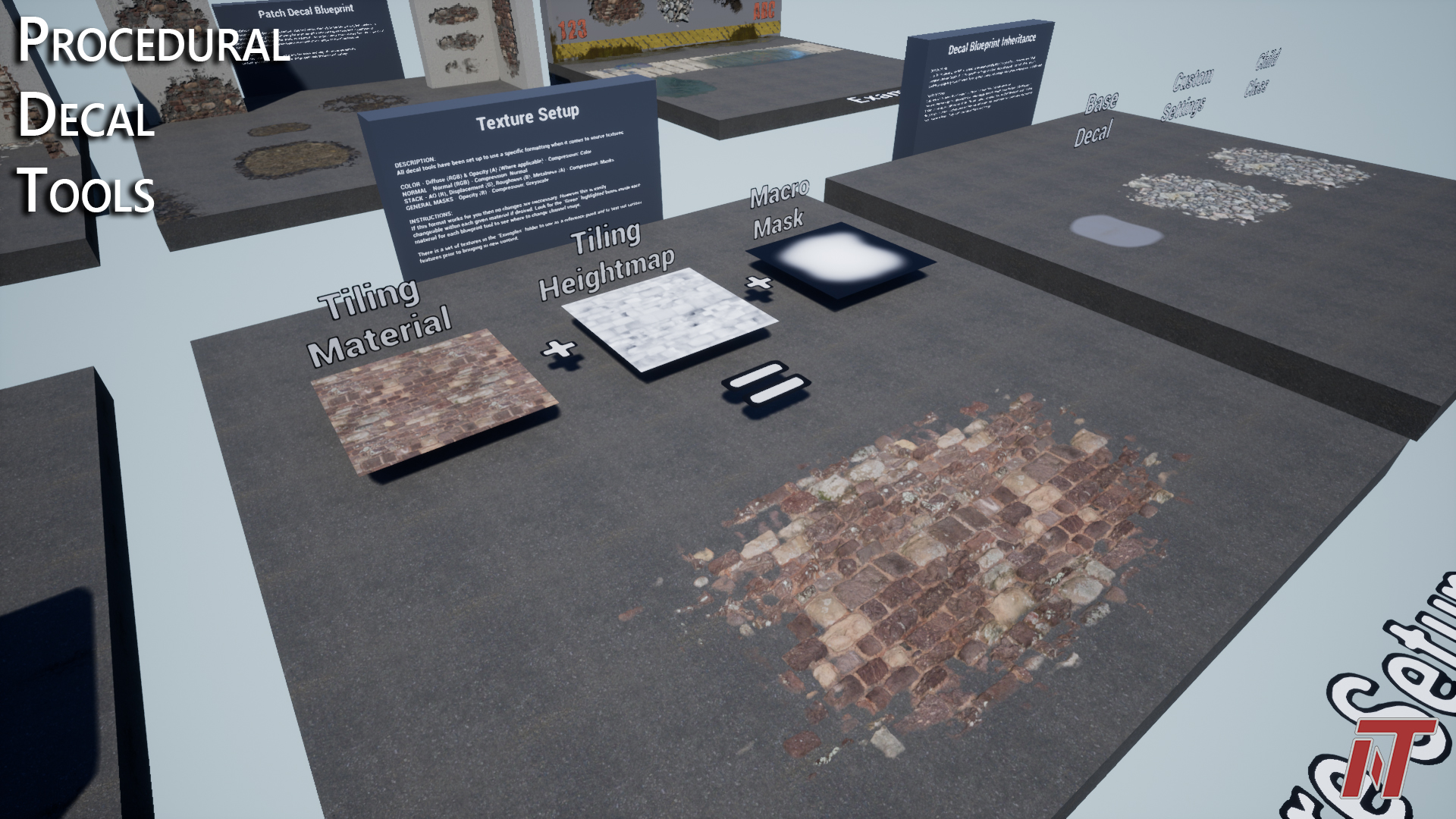
- Uses blueprints and dynamic material instances to combine tiling textures with custom masks to generate infinite variation across each placement instance. The feeling of custom content generation in a fraction of the time.
- Fast, intuitive user controls
- Contains demo content, but can be used with custom authored textures & masks as well as source content from popular services like Megascans.
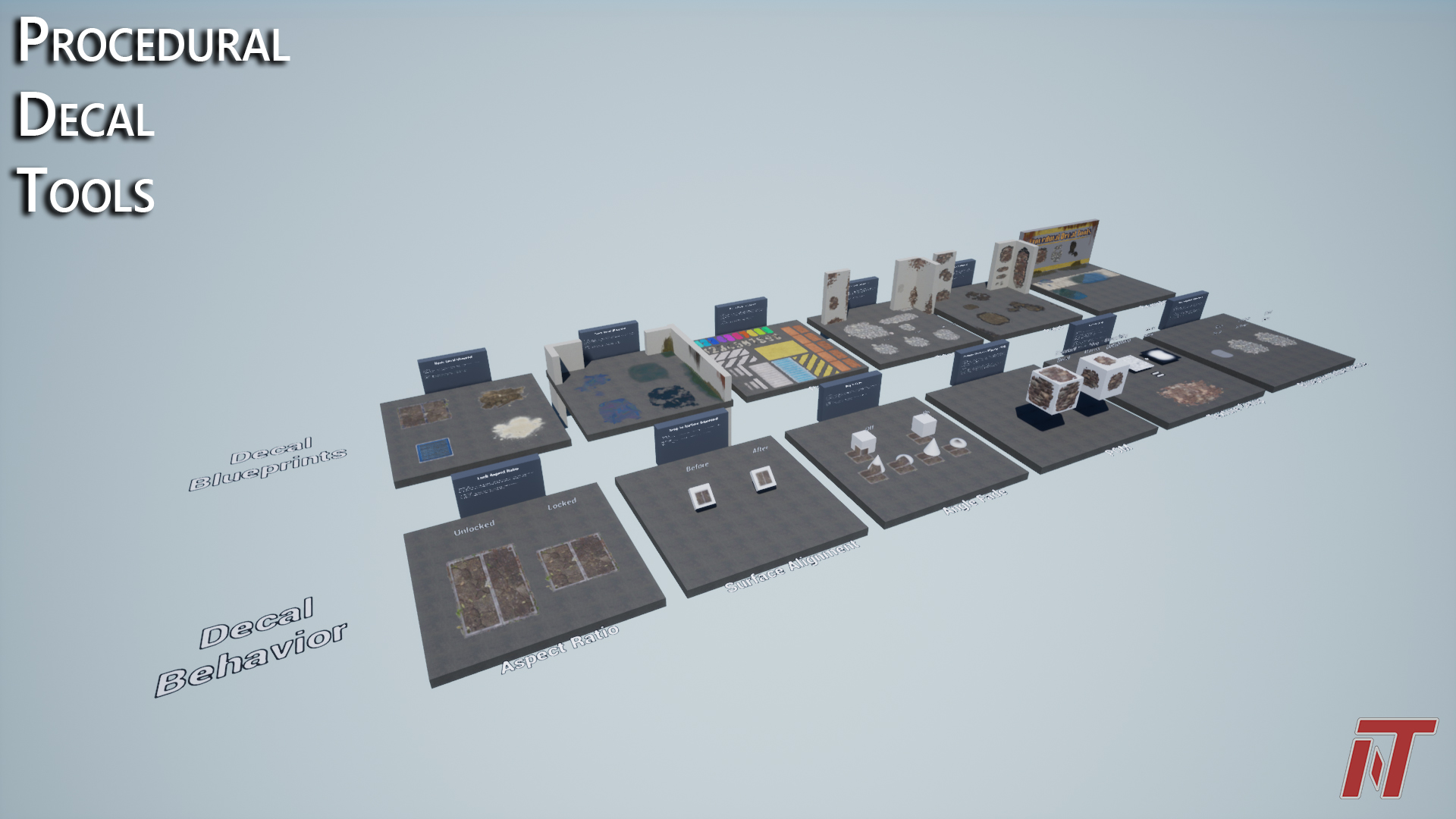
- In-engine documentation: Examples and demos of all blueprints and features inside package
Features:
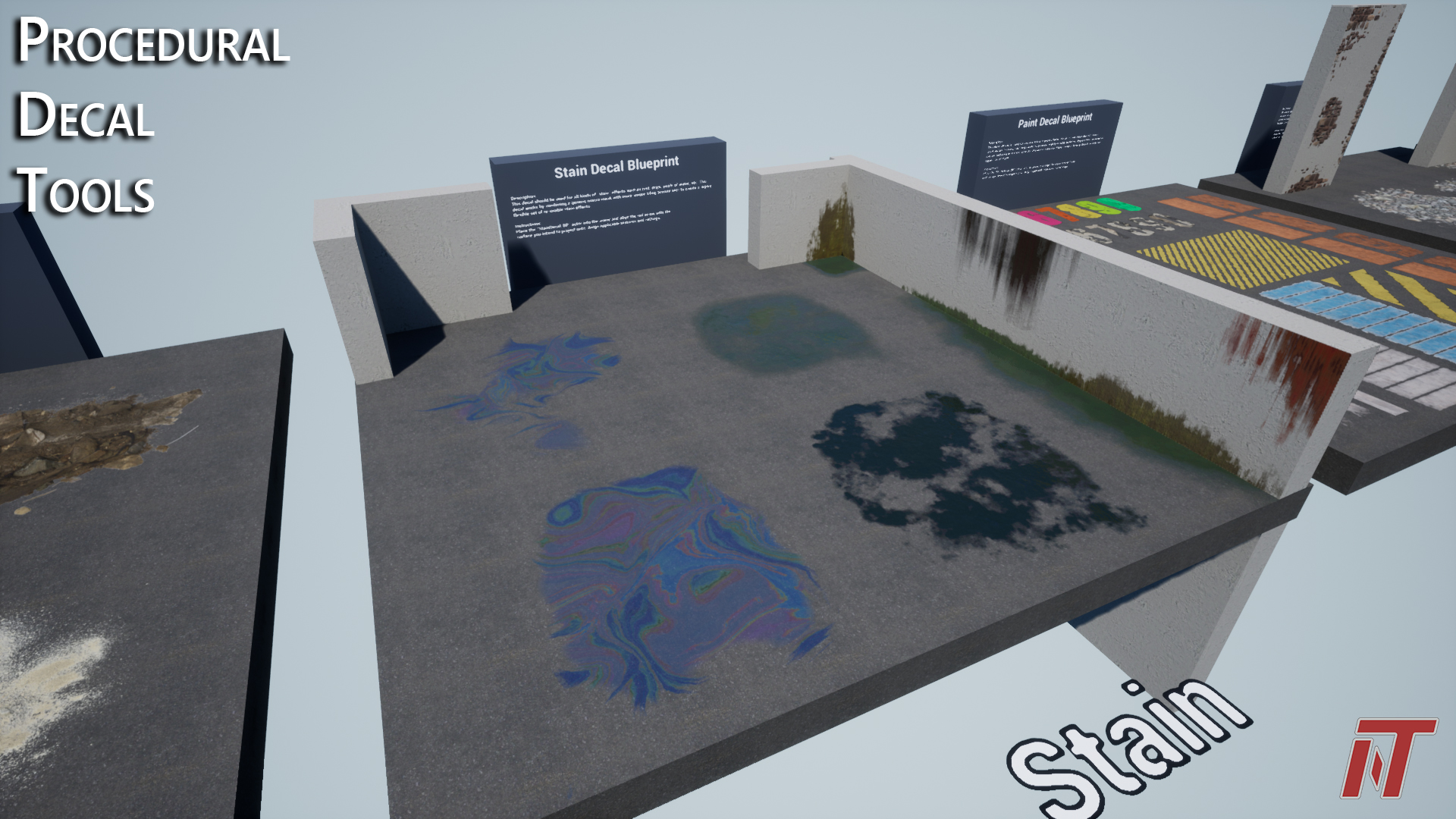
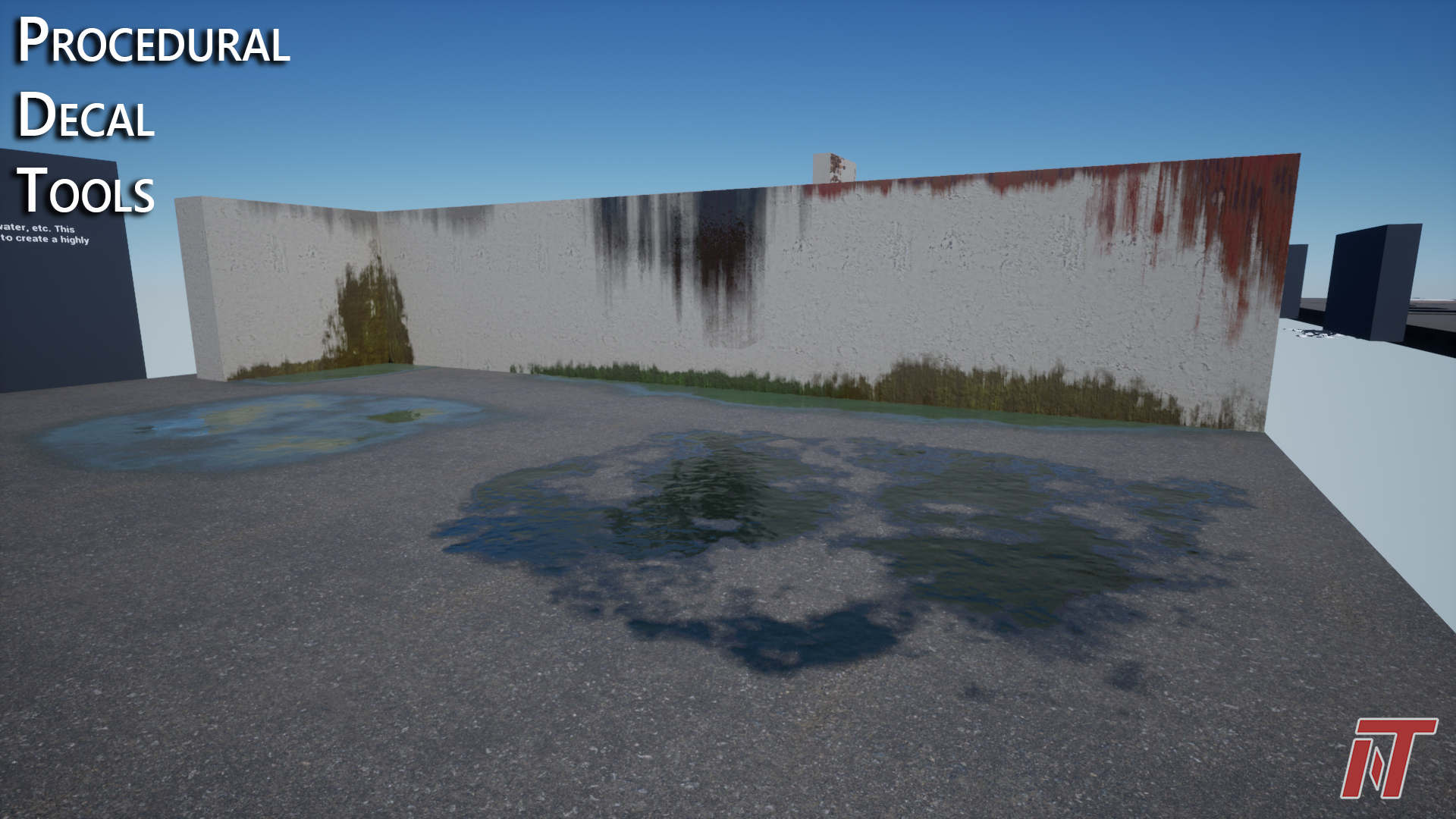
- Decal Types: Basic Decal, Tiling Decal, Stain Decal, Paint Decal & Patch Decal
- Large set of highly tunable parameters to customize each decal type to exact specifications
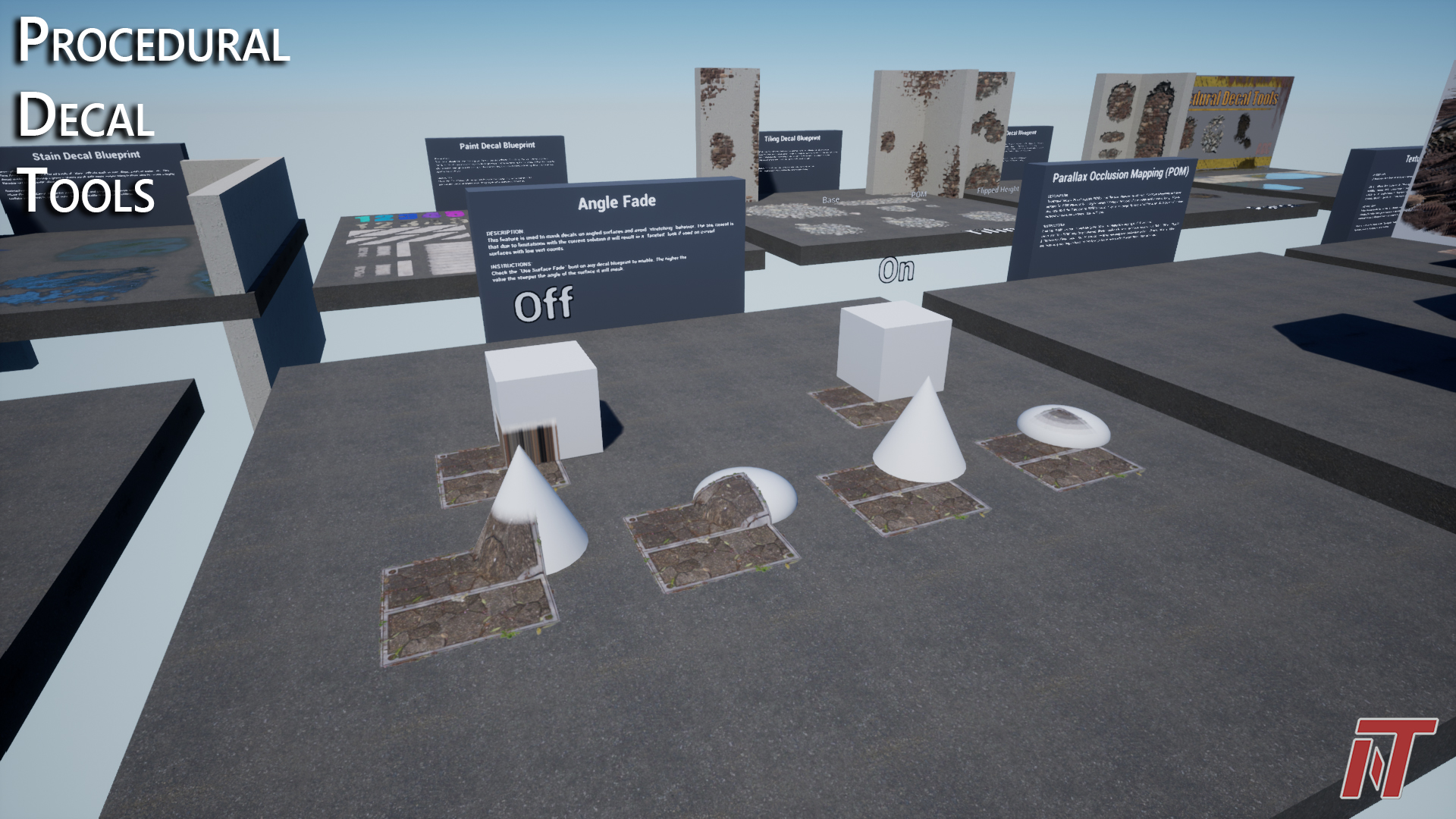
- Angle fade masking to remove decal stretching
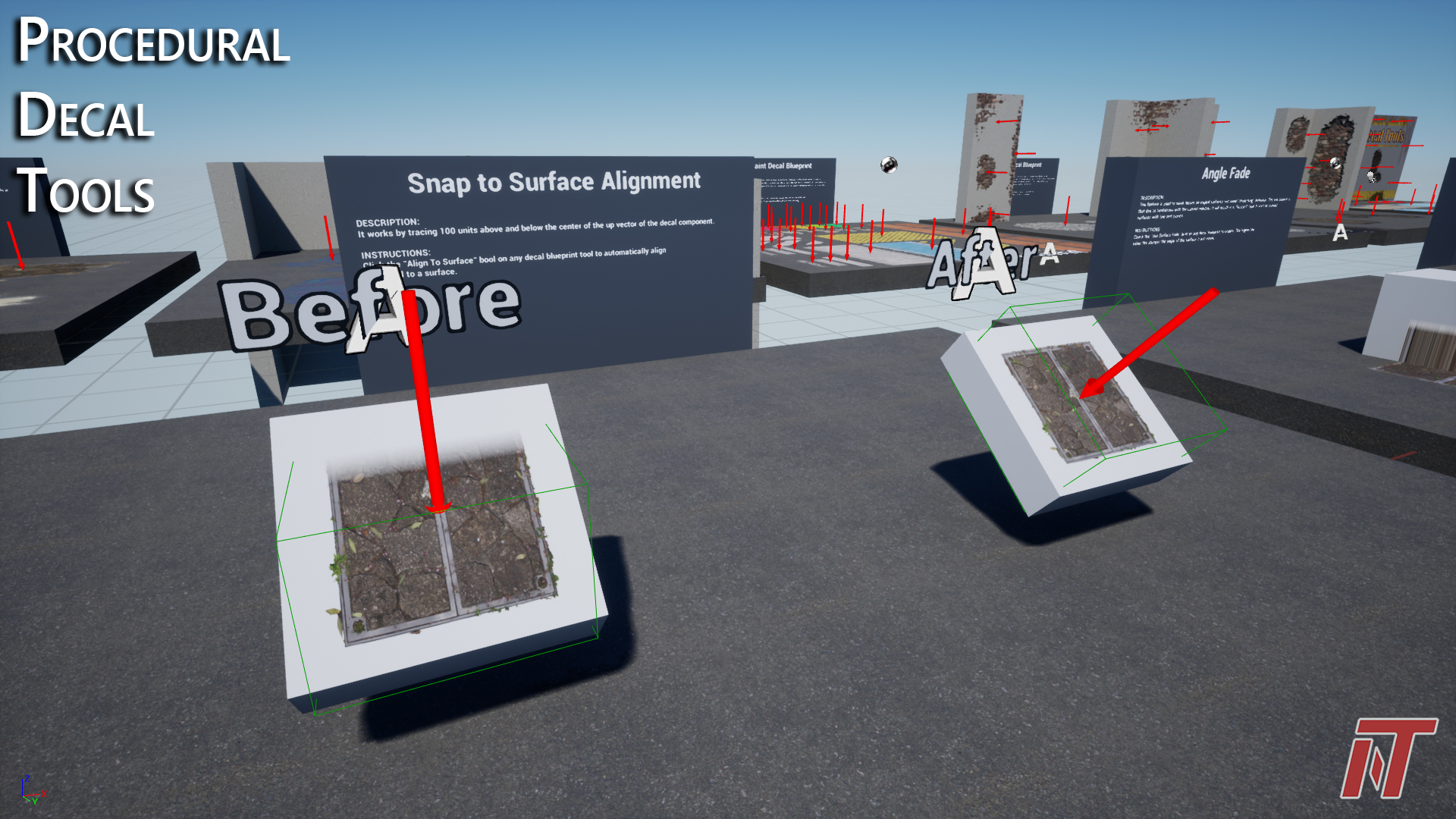
- Auto alignment of decals to nearest surface at the click of a button
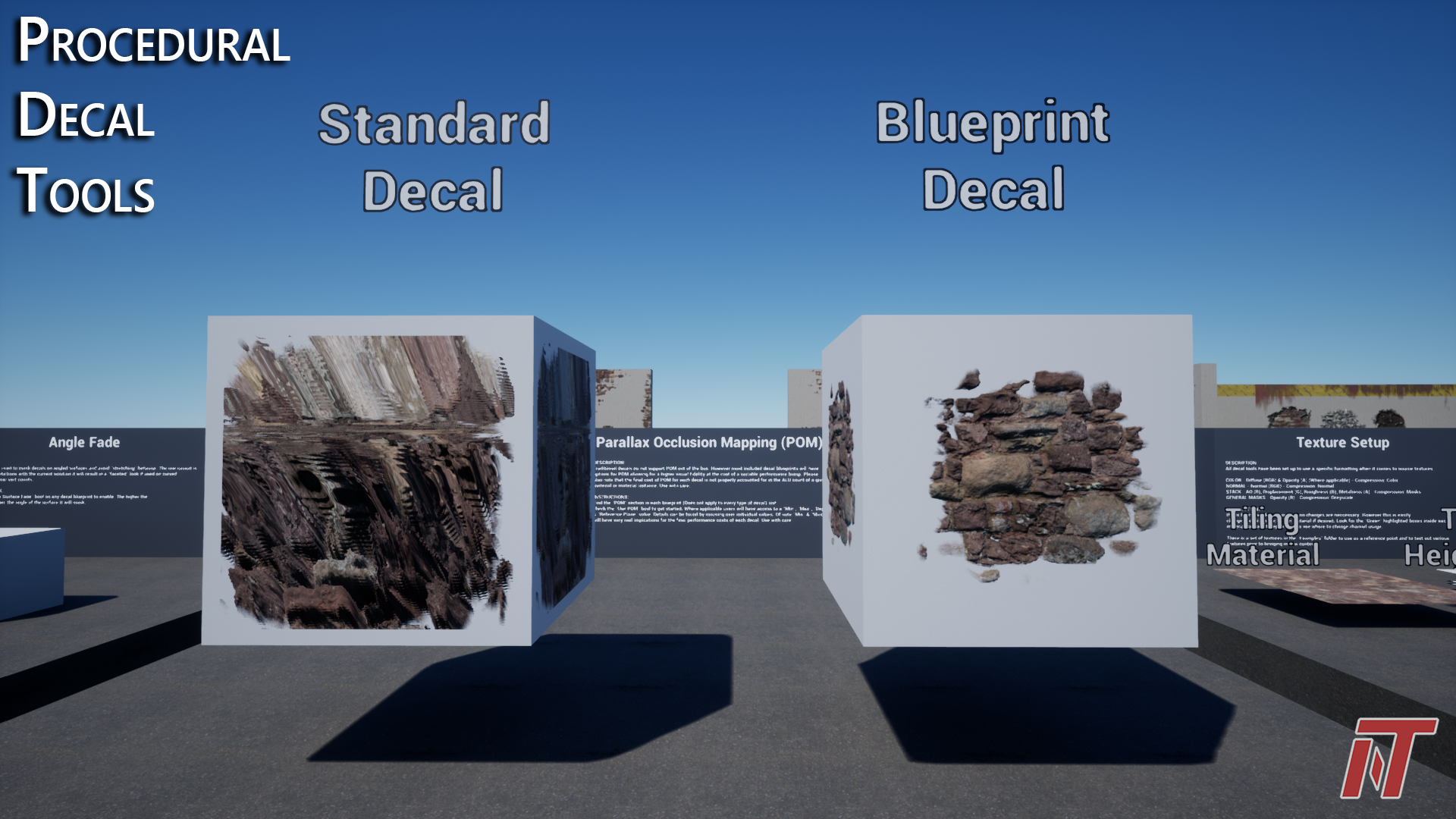
- Supports parallax occlusion mapping based on decal actor alignment
- Generates proceduralized normal edges on some decal types
- Aspect ratio locking on decal actor scale
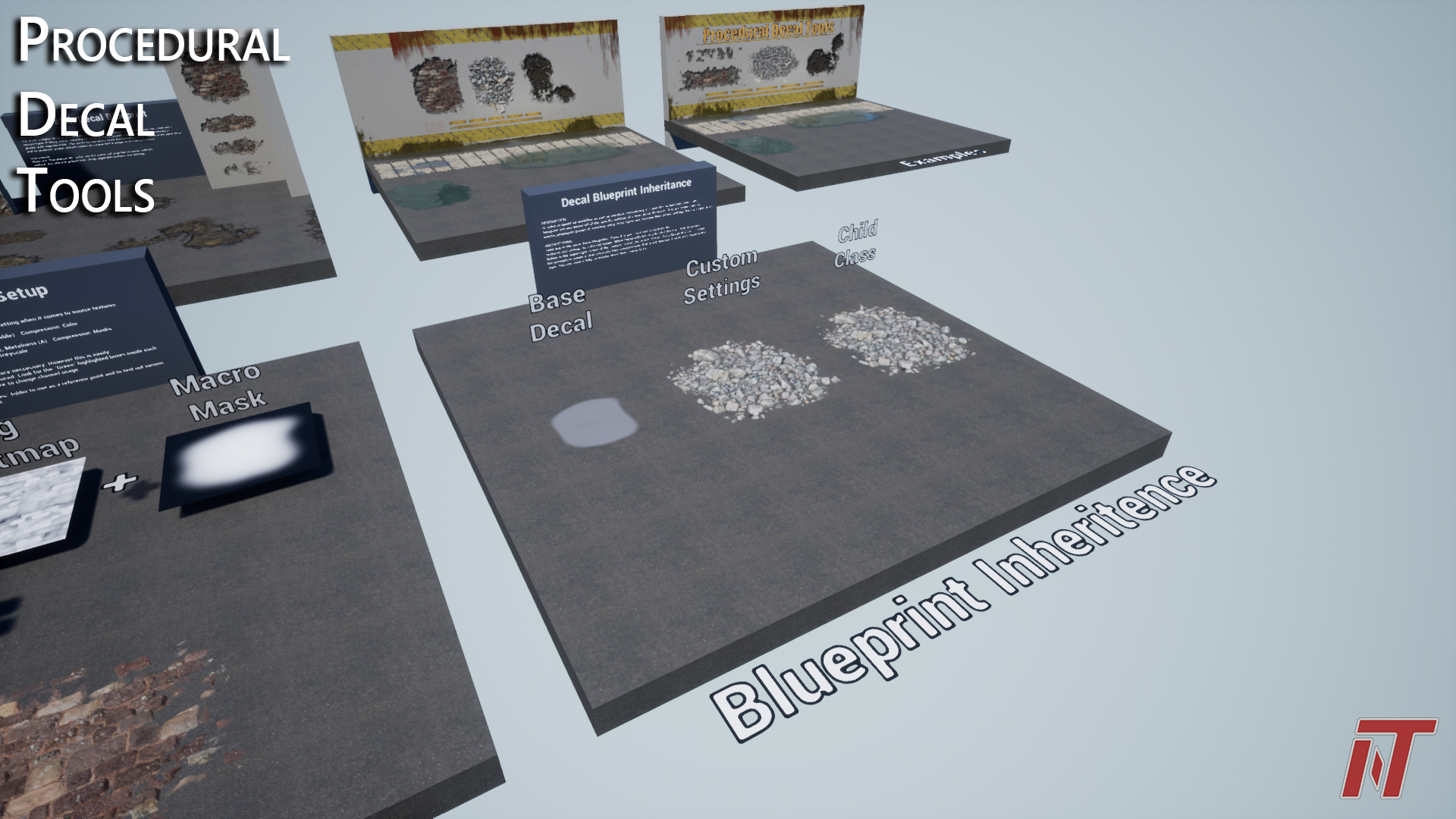
- Inheritable blueprints for saving custom settings for quick re-use.
- RGBA packed textures & materials are set up to support AO(R), Displacement (G), Roughness (B), Metalness (O). Materials have been commented to allow for easy adjustments to this framework.
Technical details
Number of Blueprints:
- 5 Main decal blueprints (Includes supporting decal material)
- 1 Demomap billboard blueprint
- 1 Blueprint function library
Demo Textures:
- 12 Tiling texture sets (Color/Alpha, Normals, Stack) 2048×2048
- 4 Non-tiling texture sets (Colors, Normals, Stack) 2048×2048
- 7 Tiling noise masks (Greyscale) 2048×2048
- 23 Non-tiling masks (Greyscale) 2048×2048
- 2 Tiling masks (Greyscale) 2048×2048
- 1 Default texture set (Color, Normals, Stack) 256×256
Maps:
- 1 Demo map
Performance
- Base pass shaders range from ~90 – 190 ALU’s depending on which decal & settings are used
- For the most optimized performance…
- Reduce the number of overlapping decals (Depends on target platform, but 2-3 layers of overlap max is a good place to start)
- Scale macro masks in decals to reduce empty space as much as possible
- Reduce the X-Axis scale of decal boxes to align as closely to a surface as possible
- When applicable reduce the min, max step counts for POM or turn off completely. Keep in mind that UE’s POM is not well reflected by ALU counts as it uses custom HLSL loops.
Intended Platforms: All
Platforms Tested: Windows
Documentation Included: All features explained in demo level
Login is required to access this download
VIP Downloads Today: 0 of 0
You can contact us at any time and request that the asset you want be added to the site from the Request Asset section.