Description
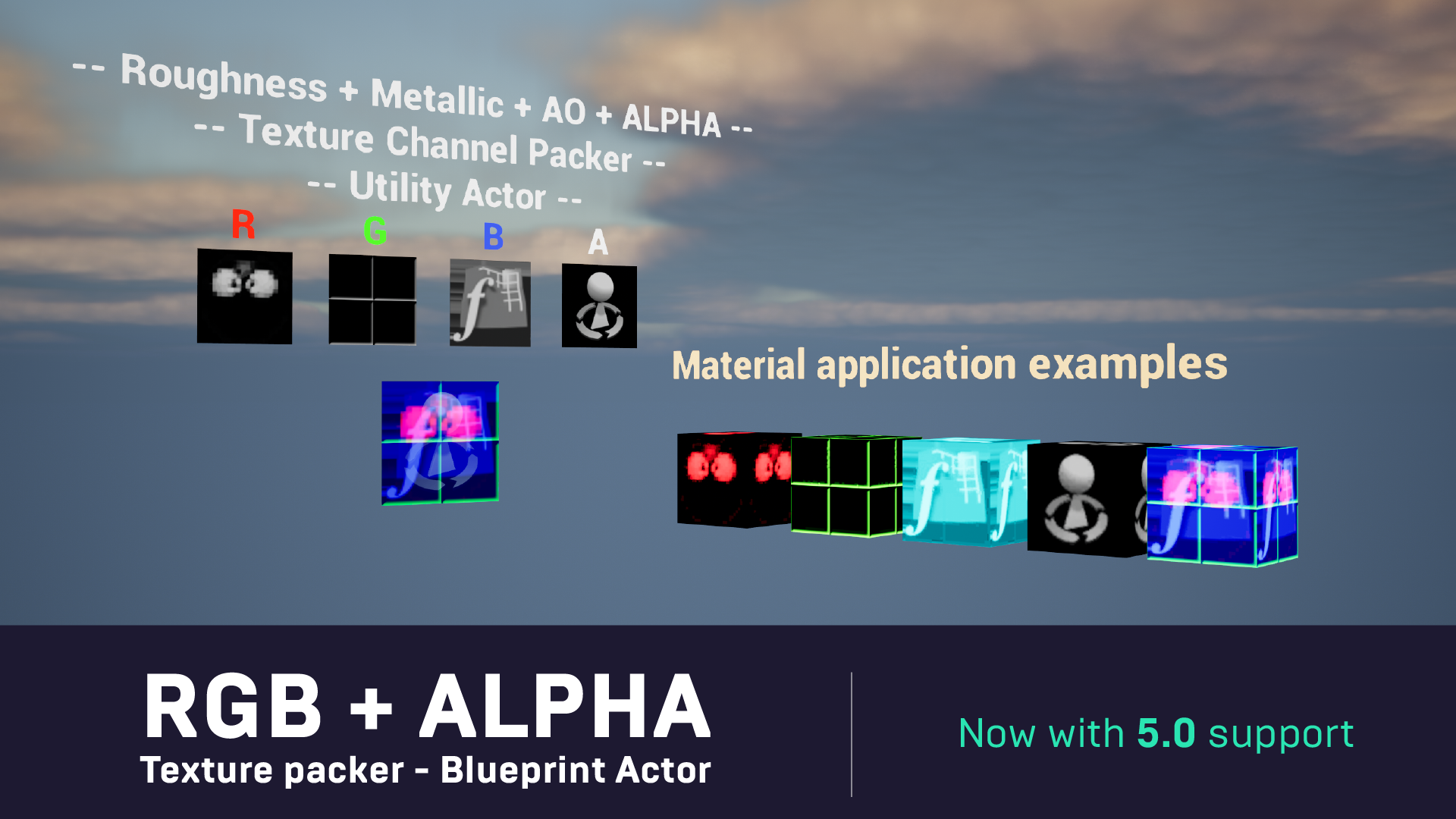
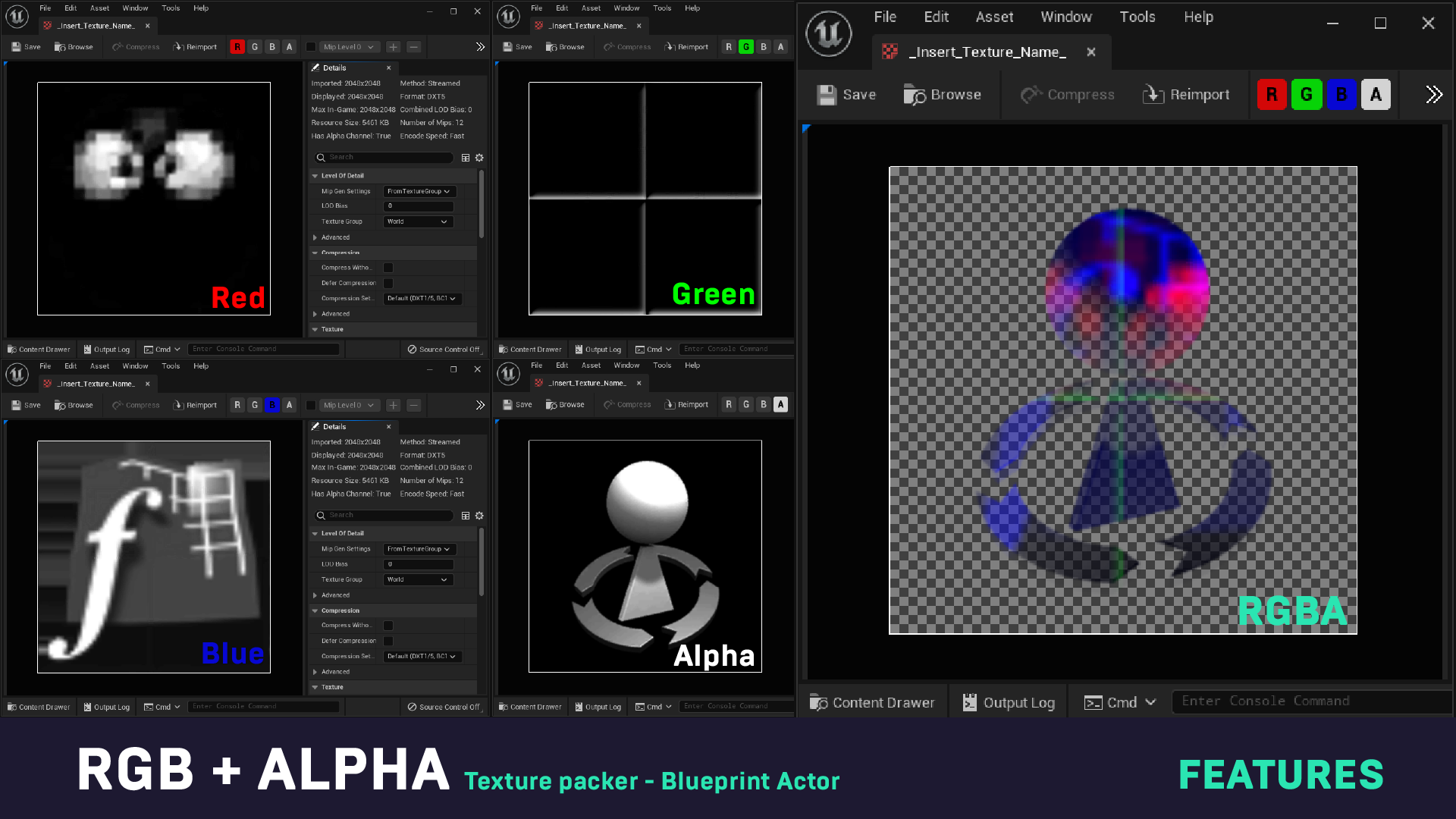
This tool was created for quick and easy RGB+A texture packing.
No need to use third-party software, drag and drop textures (even normal maps), extract any color channel you’d like from the selected texture and assign it to a channel of your choice.
No need for heavy plug-ins or addons, just drag and drop the BP_ChannelPacker actor into the scene, and start packing!
Quickly and intuitively create you own packed textures!
Packing Crashes Fixed for v5.1
Technical details
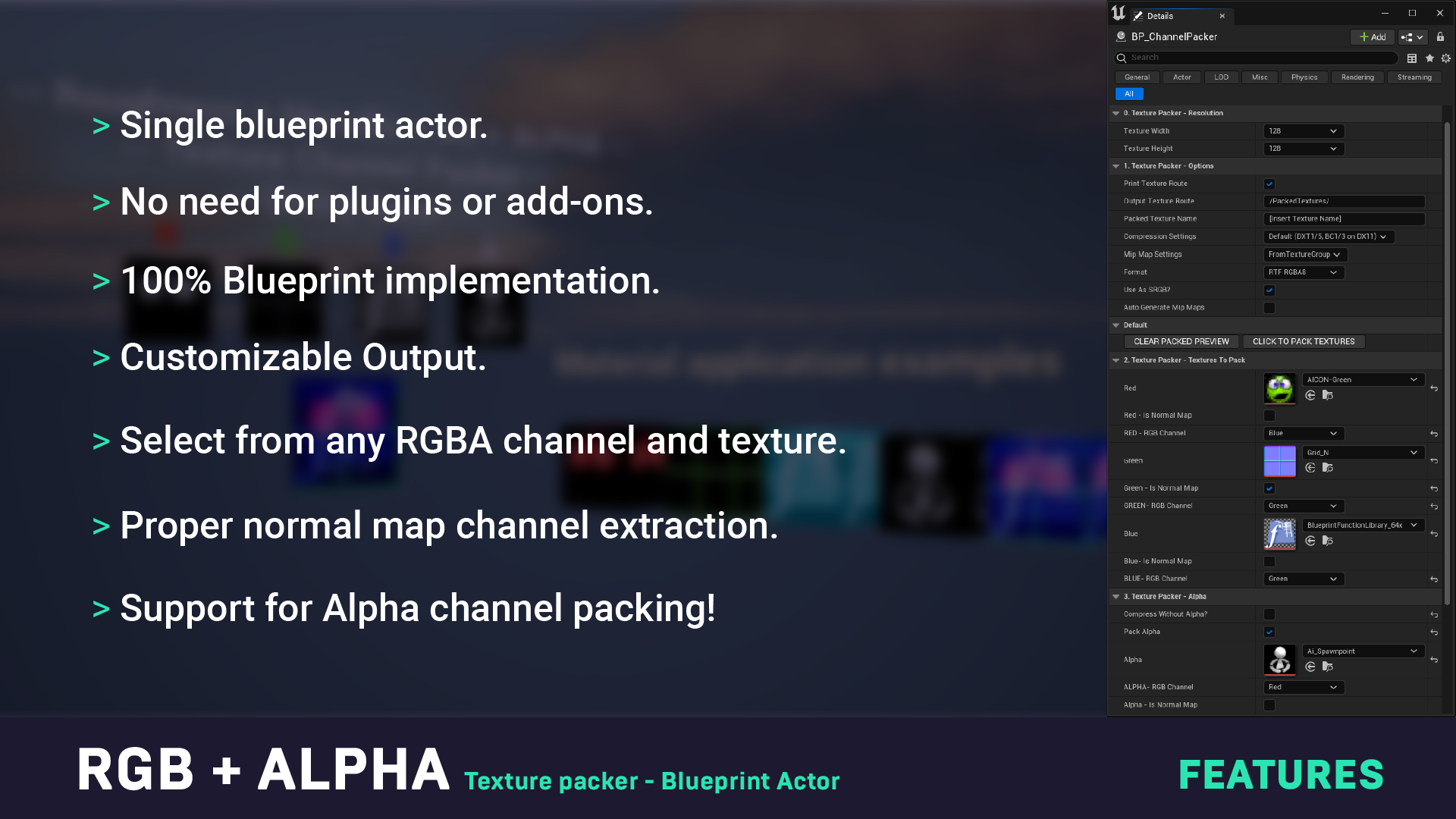
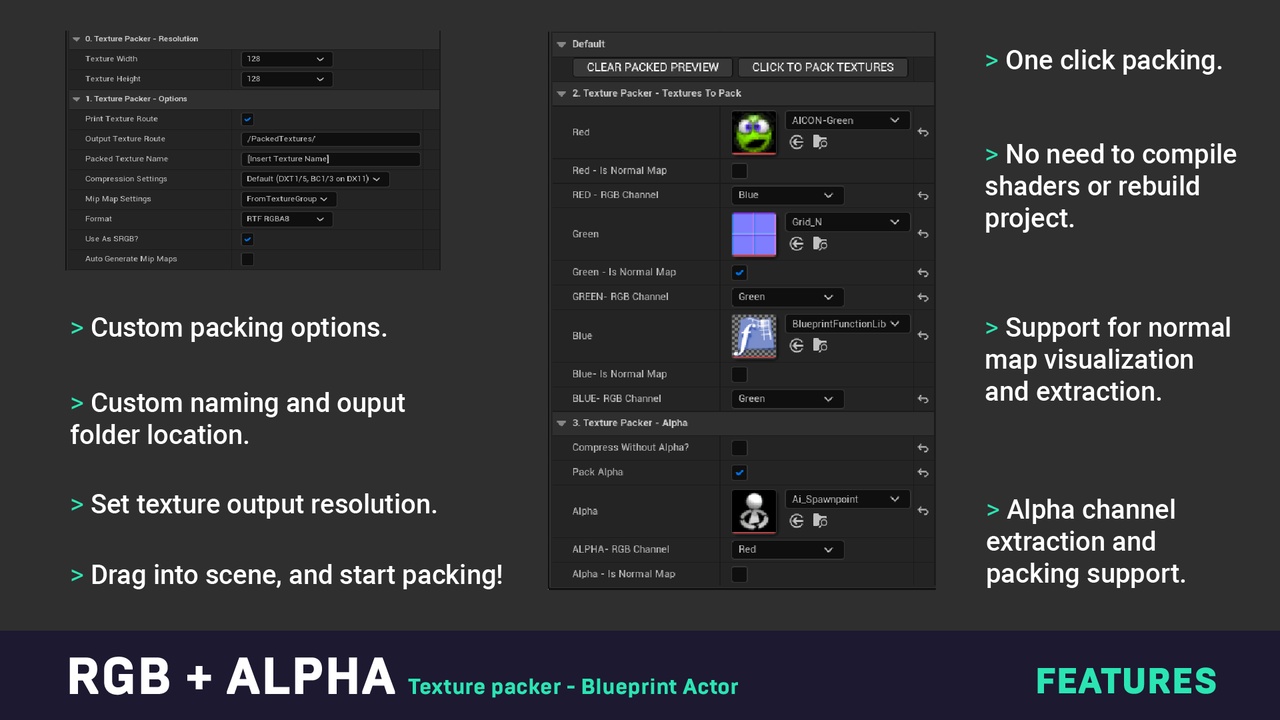
Features:
- Quick channel extraction from RGB and Normal textures
- Custom packed texture size
- Custom creation path
- Asign custom name to your packed texture
- Viewport visualizer for each channel
- Custom compression settings
- One click generation
- Easy to use
Number of Blueprints: 1
Number of Materials: 1
Number of Material Functions: 1
Input: None
Network Replicated: No
Supported Development Platforms:
Windows: Yes
Mac: Yes
Documentation: https://www.youtube.com/watch?v=eejd2uQKzIg&feature=youtu.be
Important/Additional Notes: Output resolution must be a power of two texture, due to how the main function works and it’s hard coded into UE by default.
You can contact us at any time and request that the asset you want be added to the site from the Request Asset section.