——————– Update 1.1 ————————————————————-
- Box Selection
- Different unit classes for unit variations rather than keeping stats in parent class
- Multiple weapons for different units
- Camera moves faster when zoomed out
——————————————————————————————–
The RTS Shooter template is designed to give a solid foundation to work from for any combat-based RTS. This template will save you hours of work, and it is easy to integrate with other asset packs, particularly the RTS packs with building systems. This project will run smoothly without affecting your game’s quality, even with 200+ soldiers on screen it stays above 60 FPS. Each soldier and each squad has fully customizable stats, and every value used in the computation of the game is a variable that can be tweaked in development to suit your game-style. The soldiers’ stats are:
- Health
- Damage
- Accuracy
- Range
- Rate Of Fire
- Movement Speed
- Squad Capacity
- Magazine Size
- Reload Time
You can create your own units with their own custom stats
DOES NOT INCLUDE PARTICLES AND SOUND – Guns and FX used in promo video are from this FREE PLUGIN
Technical Details
Features:
- Click to move in and out of cover
- Friendly and enemy squad spawning with custom squad sizes
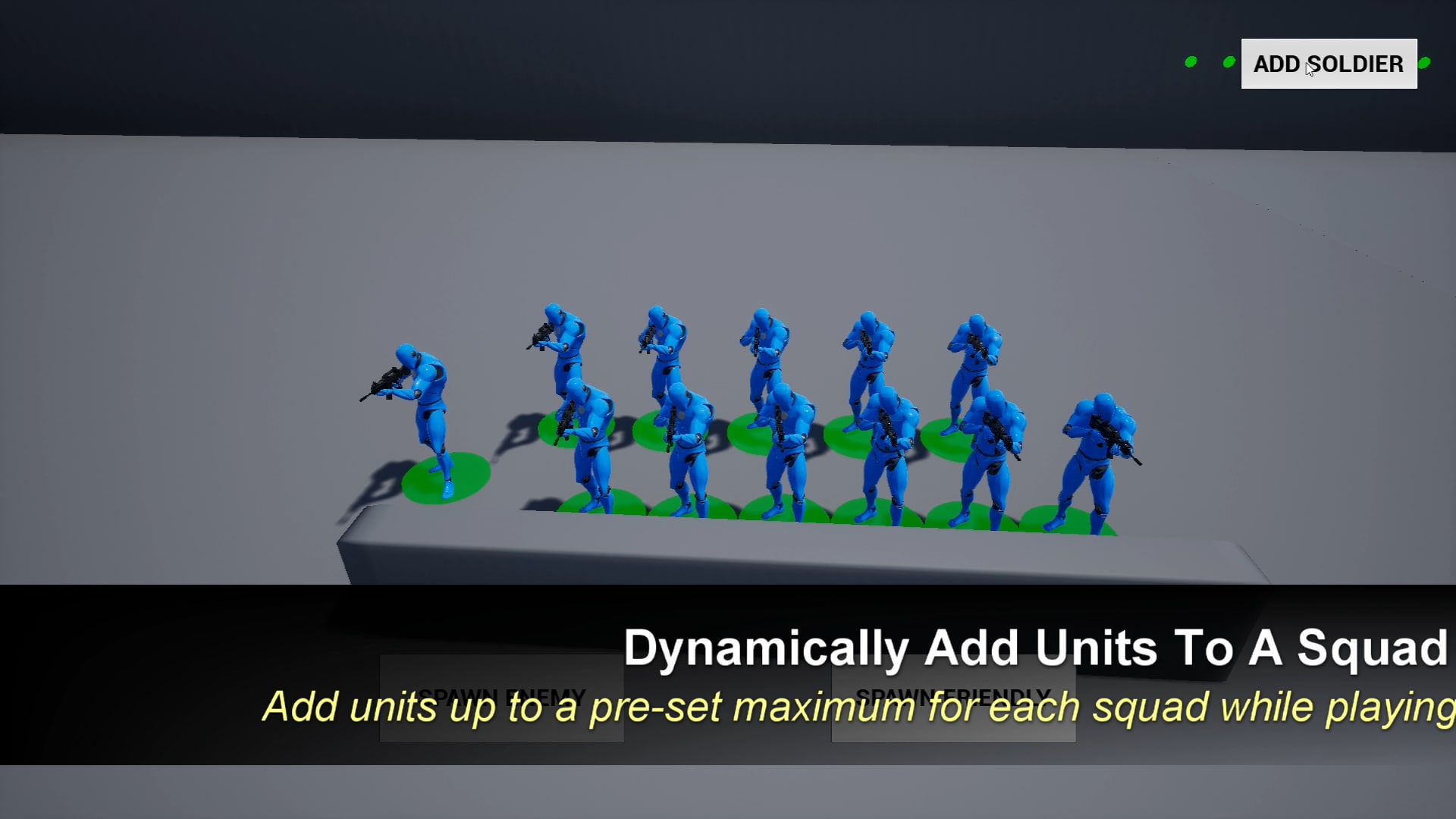
- Can add soldier(s) to squad at run-time
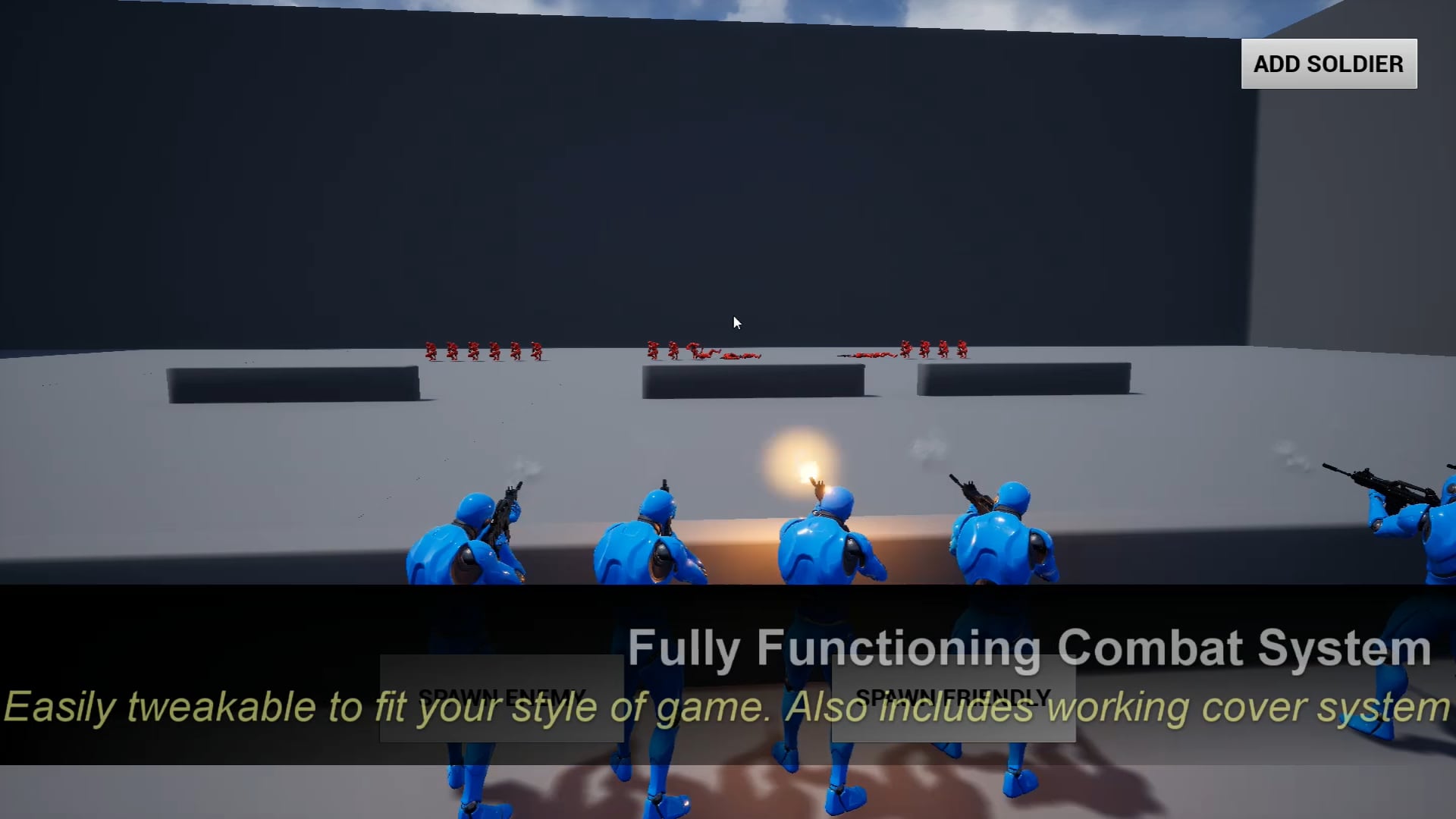
- Working cover system for friendly and enemy soldiers
- Attributes for all soldiers (full list of attributes above)
- Green spheres to indicate where soldiers will move
- Movement snaps to cover when mouse is near a compatible cover source
- Fully customizable – All values used in game are variables that can be changed in development
- Multiple preset squad types to choose from
To add your own weapons and fx, simply go to the Soldier_Character Blueprint and set the “Gun” component’s mesh to your skeletal mesh asset. Then change the “Firing Animation” and “Reload Animation” variables to your gun animations (also add particle notifies to your animations).
NOTE: YOU MUST PLACE AT LEAST ONE SPAWN POINT FOR EACH TEAM AND ONE COVER SPOT FOR EACH TEAM (they both have a variable called “Friendly” exposed on spawn, you need to tick one of each) FOR THE SPAWN AND COVER SYSTEMS TO WORK
Camera Controls:
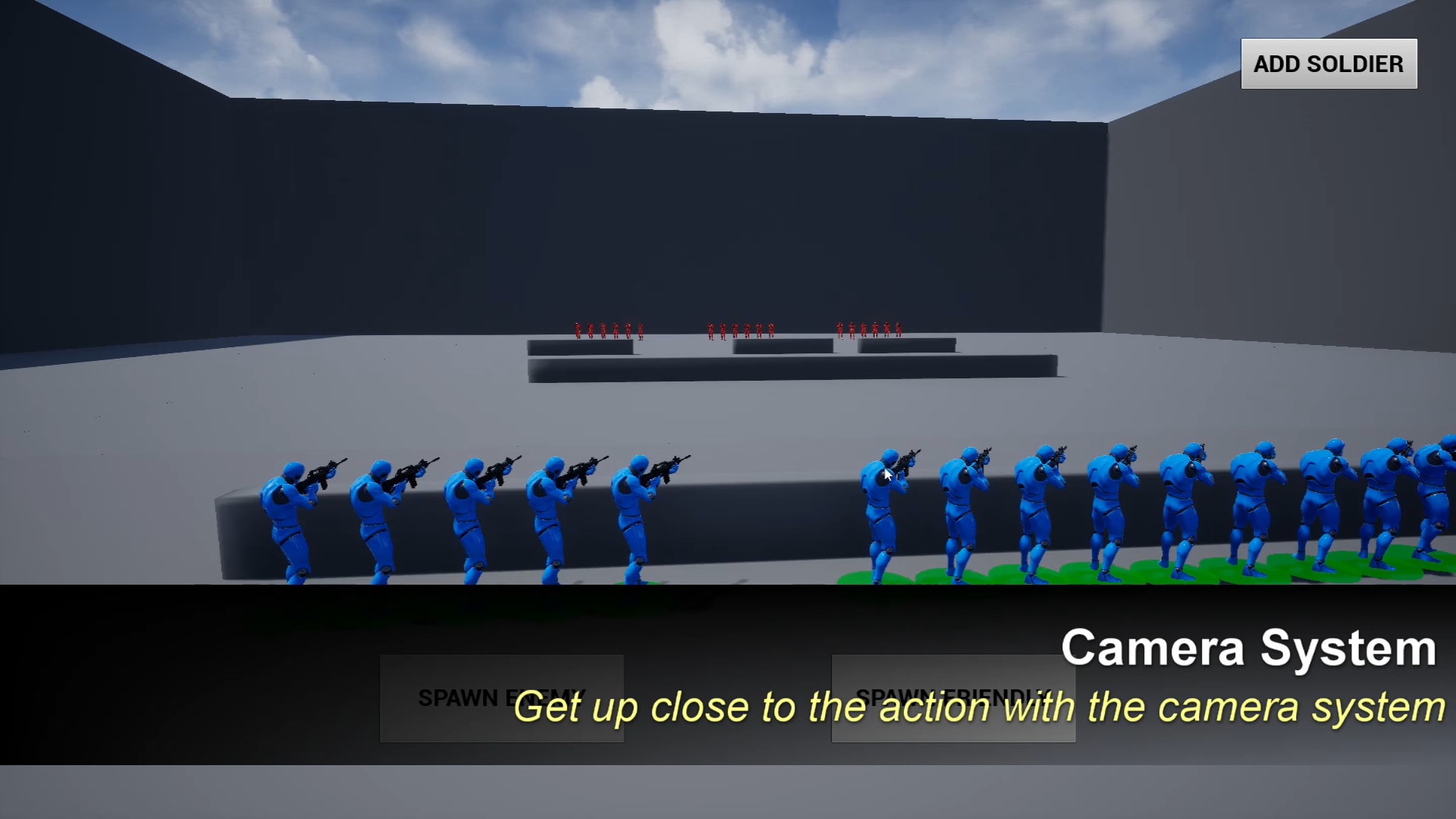
Middle mouse button – Rotate Camera
Mouse Wheel – Zoom In/Zoom Out
WASD – Move Camera
Number of Blueprints: 14
Input: Mouse
Network Replicated: No
Supported Development Platforms: Windows, MacOS
Supported Target Build Platforms: Windows, MacOS, Android, iOS
You can contact us at any time and request that the asset you want be added to the site from the Request Asset section.