Description
Operation Video Preview:
https://1drv.ms/v/s!Av1jGRJe_XxgilhaaBgW13_1wMac?e=QWZ0br
Update Function:
https://1drv.ms/v/s!Av1jGRJe_Xxgiw2Xm1z8ryW_EpmL?e=j4fuxN
Interactive clock with different functionalities:
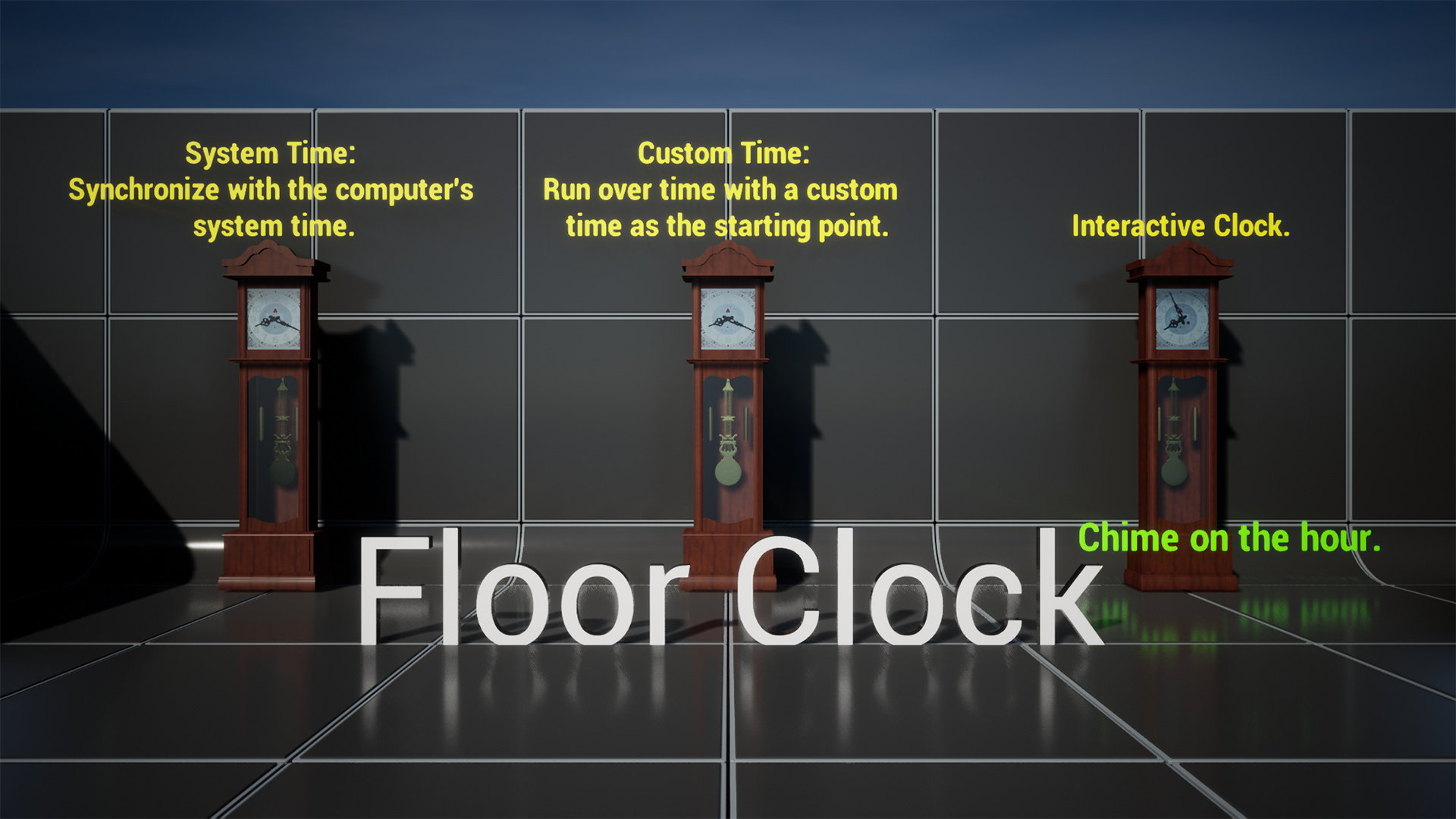
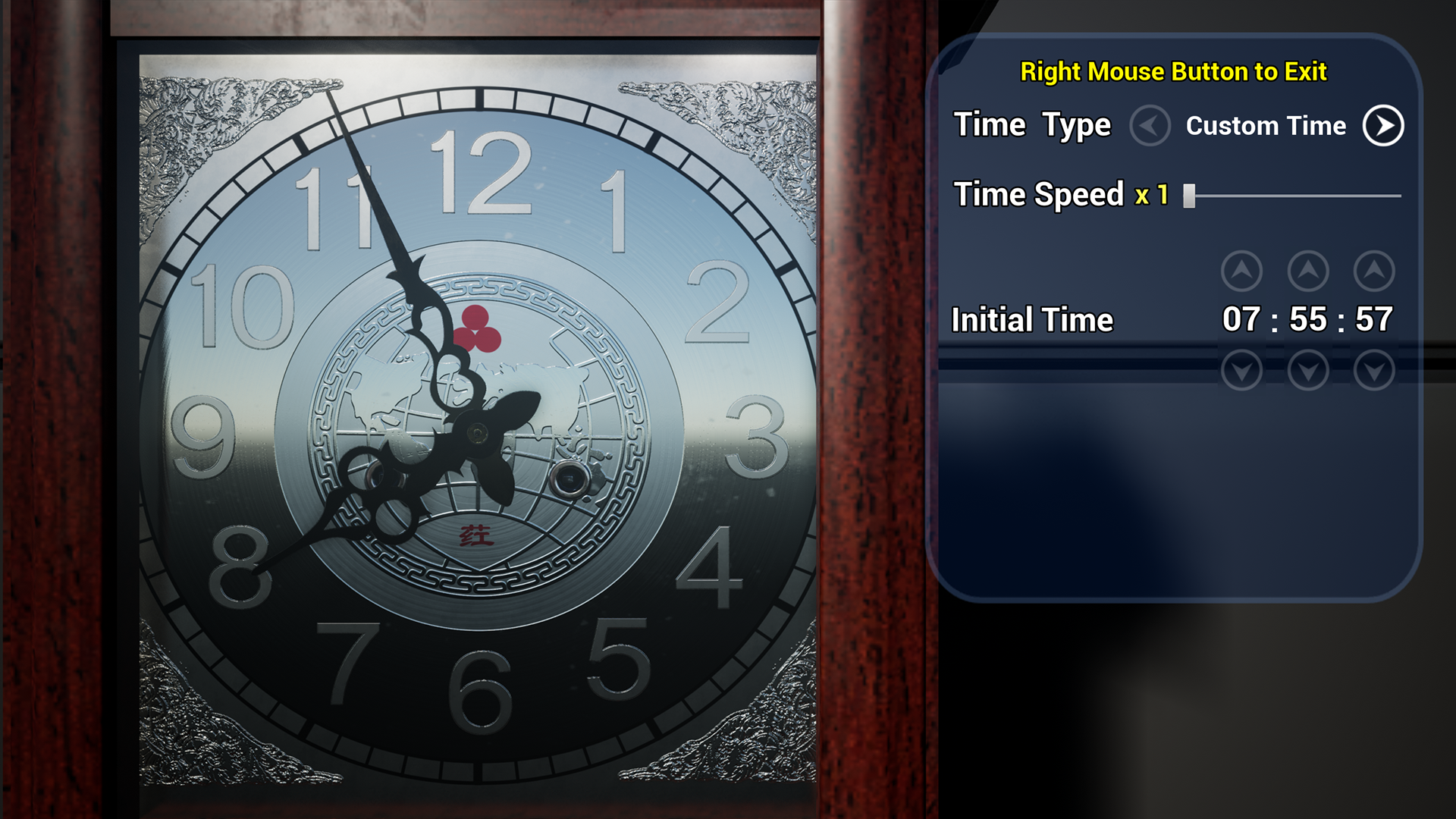
- Floor clock
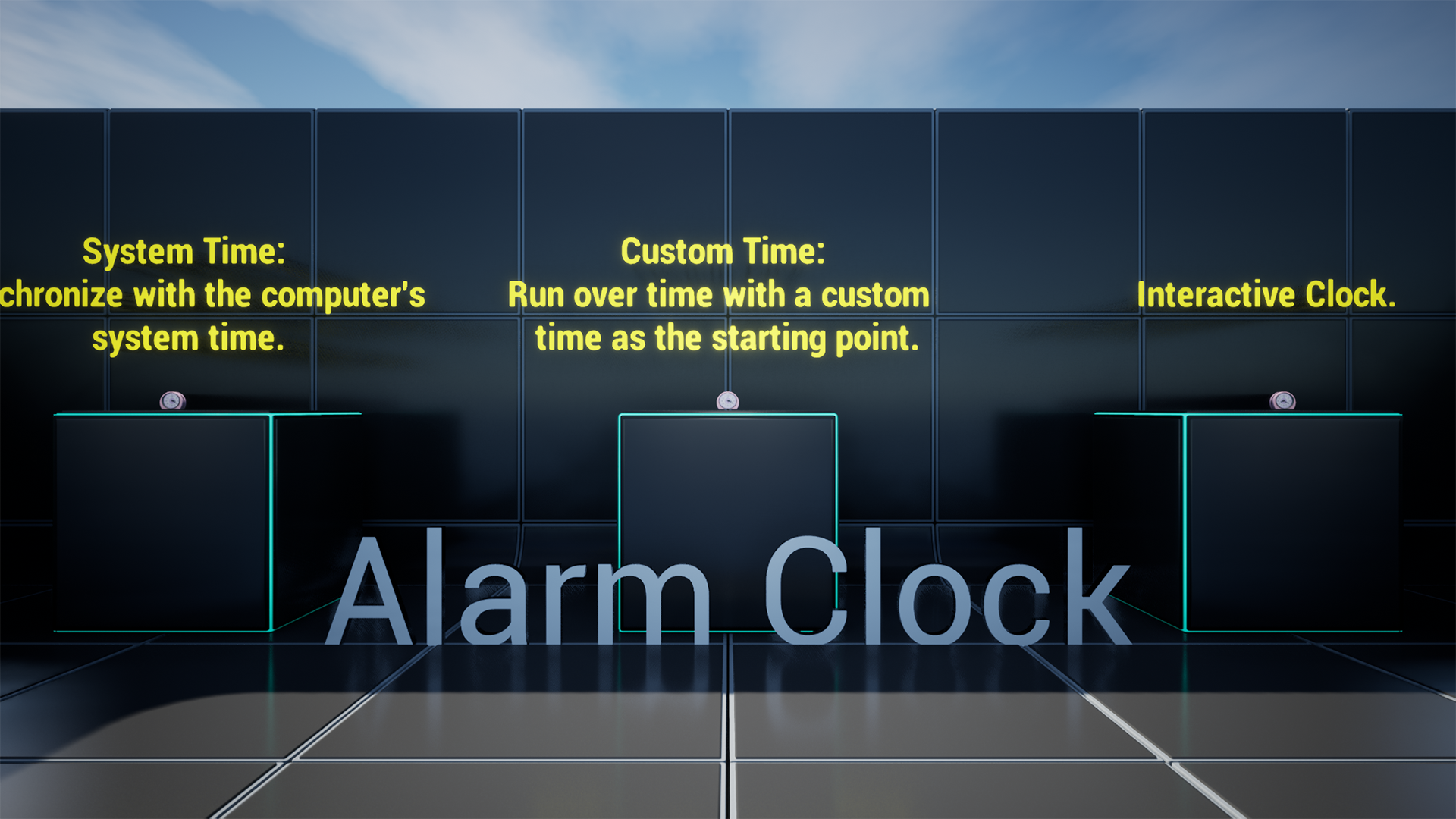
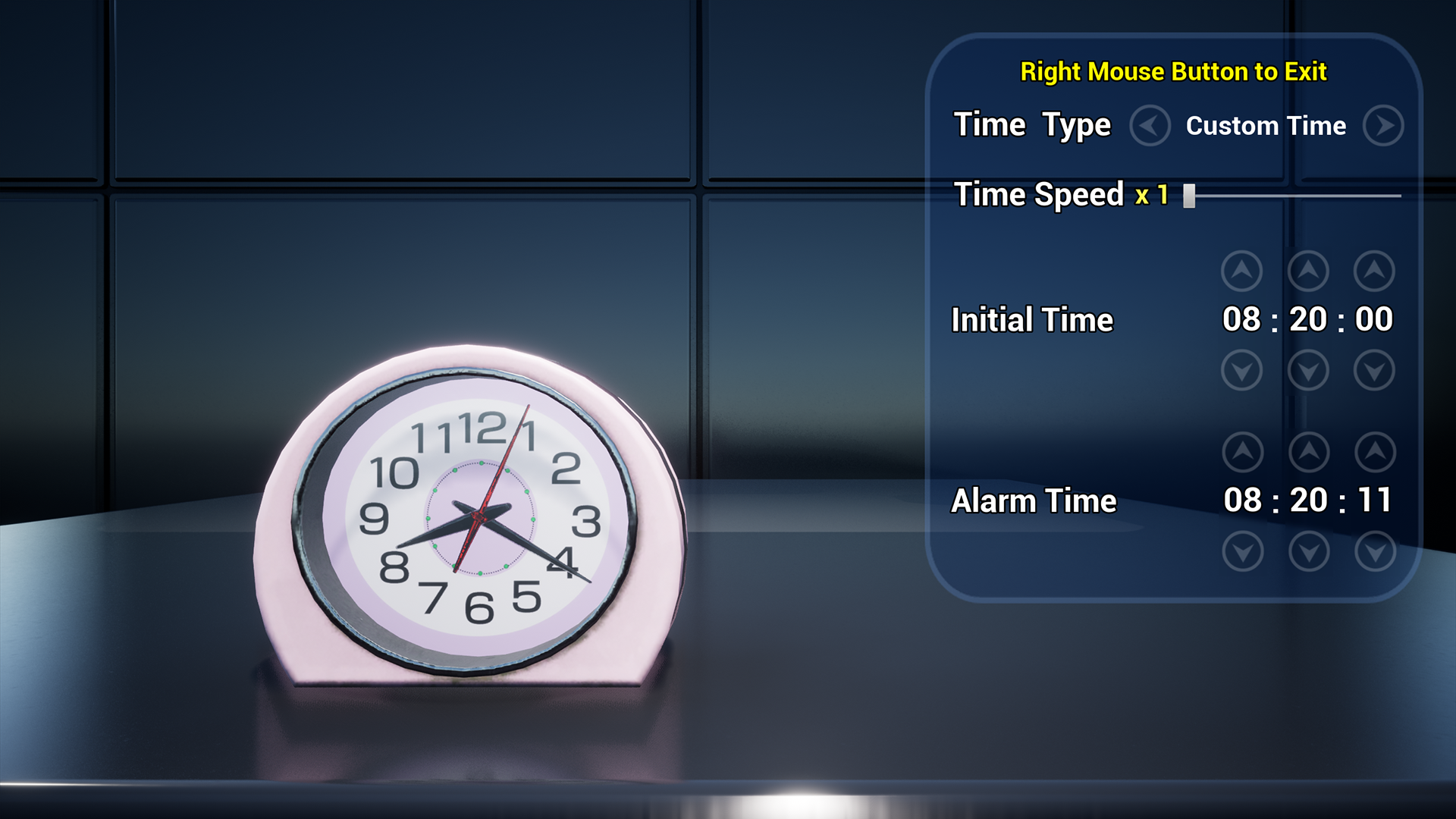
- Alarm clock
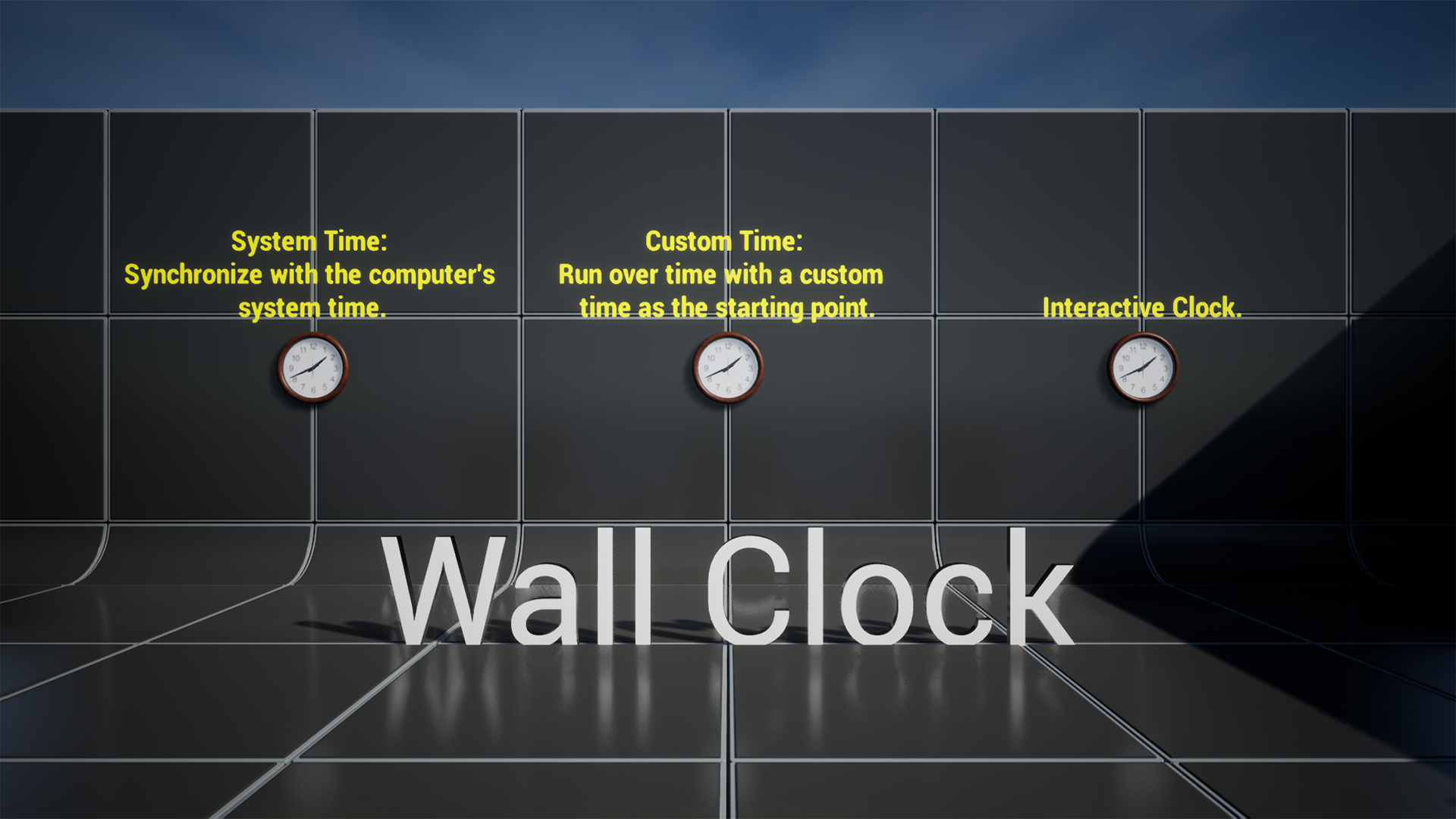
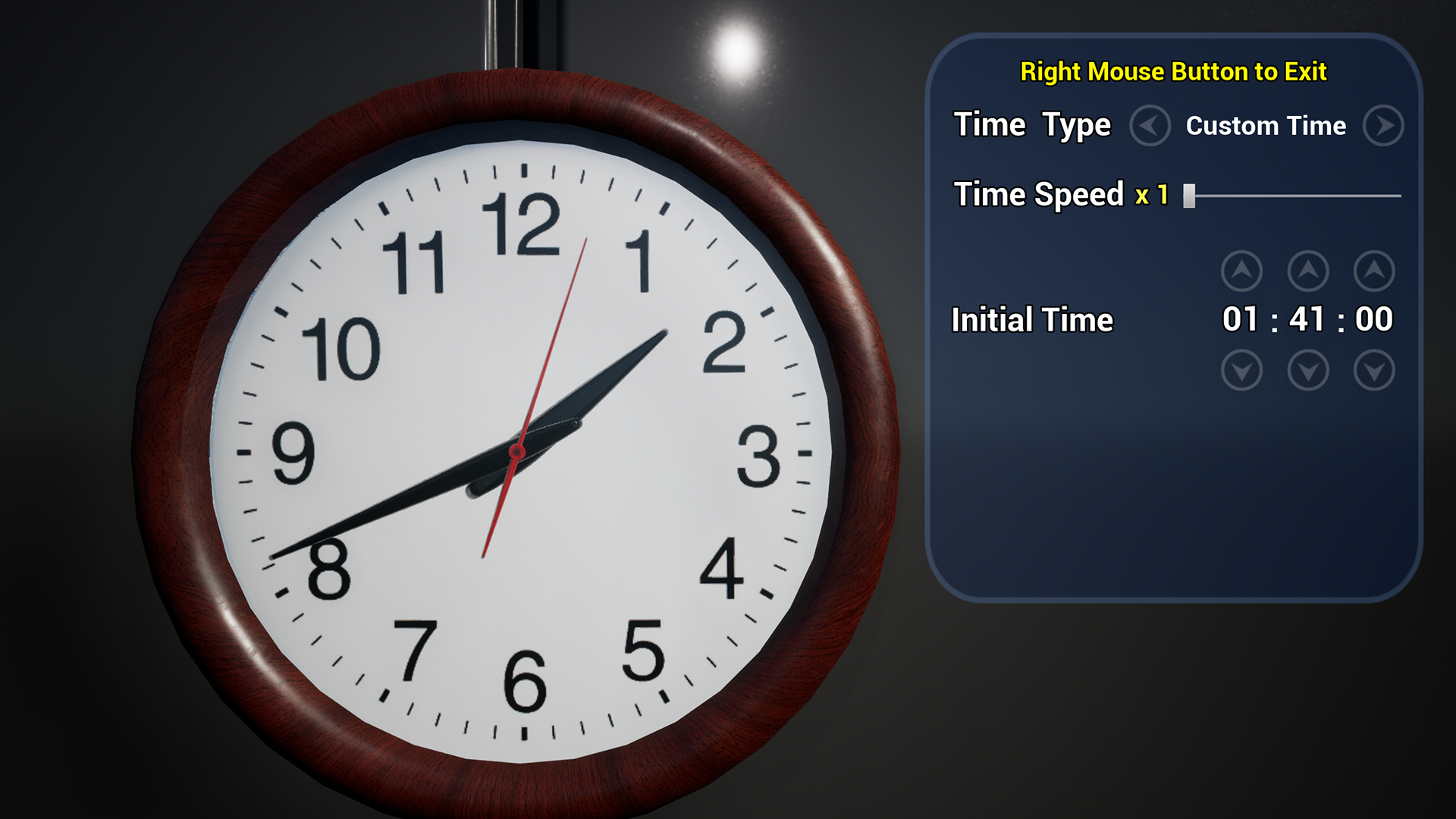
- Wall clock
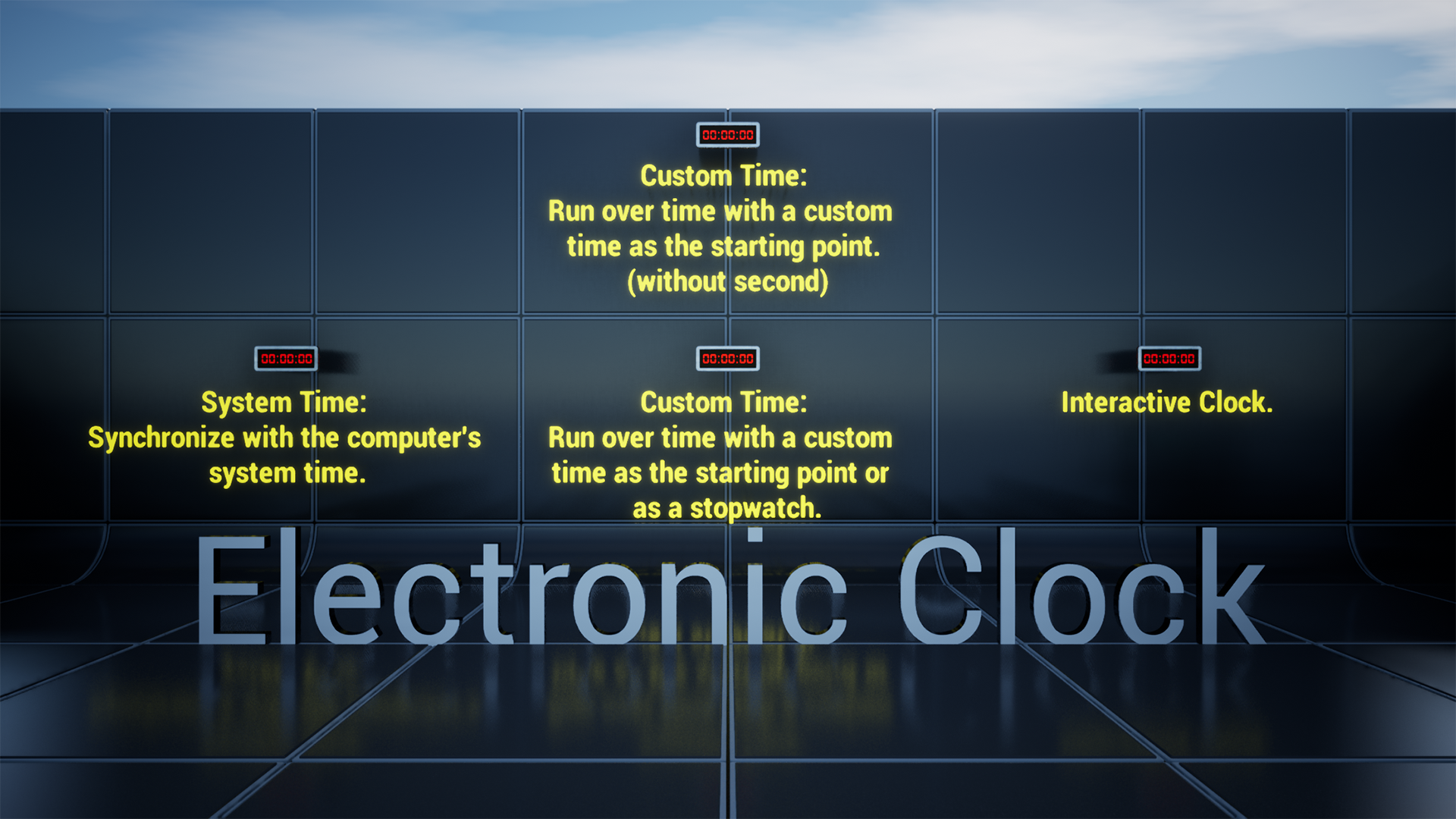
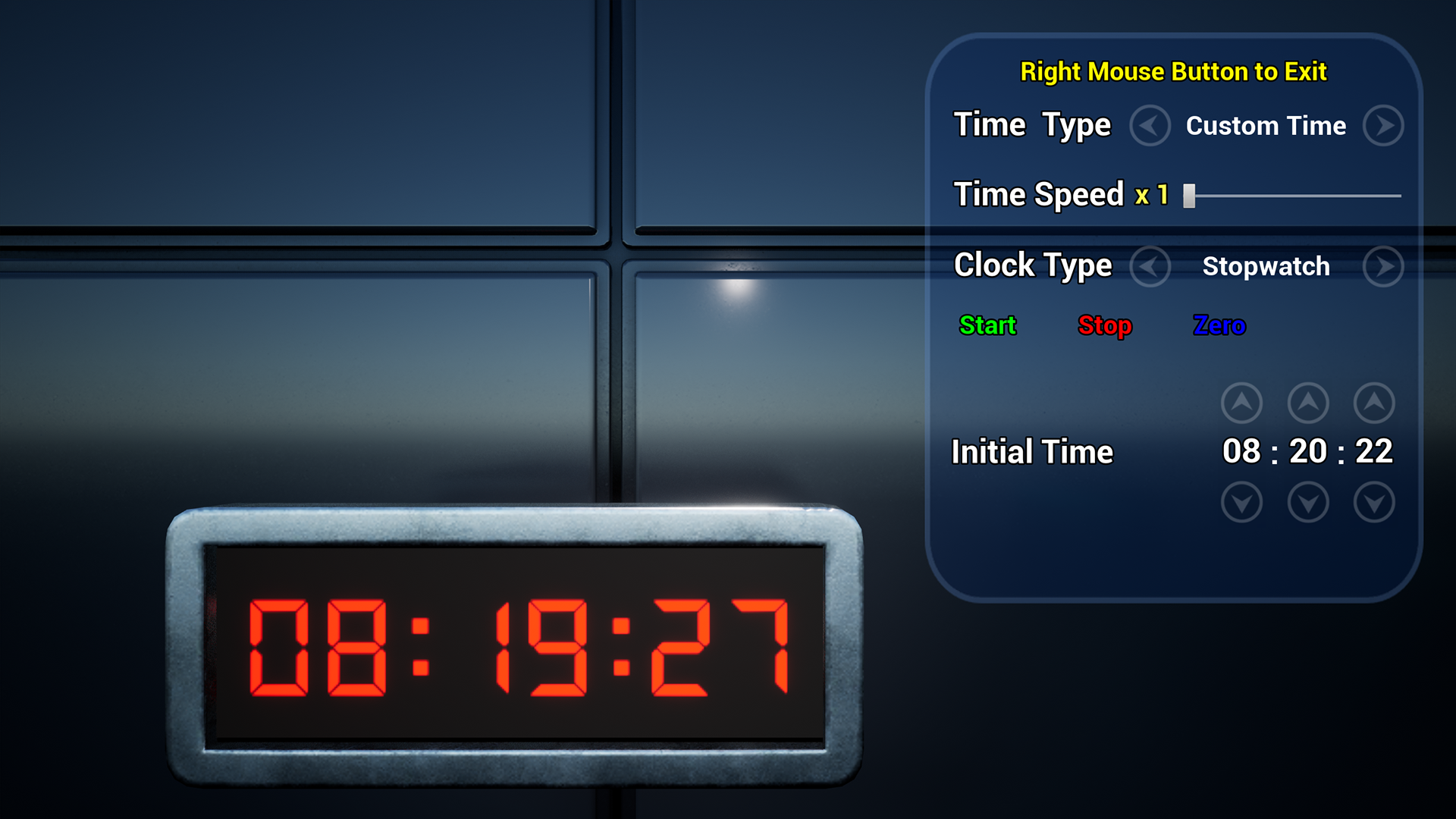
- Electronic clock
- Timer
- Stopwatch
By changing the parent class of your Character to BP_first_person_use_01 in the Blueprint class settings, you can enable your Character to interact with the Blueprint actors in this project. It is recommended to make a backup before reassigning the parent class. Only proceed with using it after compiling and running without any bugs.
Features:
• Floor clock
• Time from operating system or custom time(interactive in the game)
• Custom speed and sound effects (adjustable volume)
• Chime on the hour
• Pendulum (adjustable angle)
• Alarm clock
• Time from operating system or custom time(interactive in the game)
• Alarm at the set time(interactive in the game)
• Custom speed and sound effects (adjustable volume)
• Wall clock
• Time from operating system or custom time(interactive in the game)
• Custom speed and sound effects (adjustable volume)
• Electronic clock
• Time from operating system or custom time(interactive in the game)
• Timer(interactive in the game)
• Stopwatch(interactive in the game)
• Initial time(interactive in the game)
• With or without second
• Custom speed and sound effects (adjustable volume)
Update:
1.2.0
-Bug fixs and enhancements
-Modify widget style
Number of Blueprints: 13
Input: Keyboard, Mouse.
Supported Development Platforms:
• Windows
Network replication: No
Documentation: No
UE shared files:
https://drive.google.com/drive/folders/1D7DJRRYb8_dW8_jXgvlxJM8rBc5V0dJ5?usp=drive_link
The demonstration level has used some VR Basic assets from the Unreal Engine Content.
You can contact us at any time and request that the asset you want be added to the site from the Request Asset section.