Description
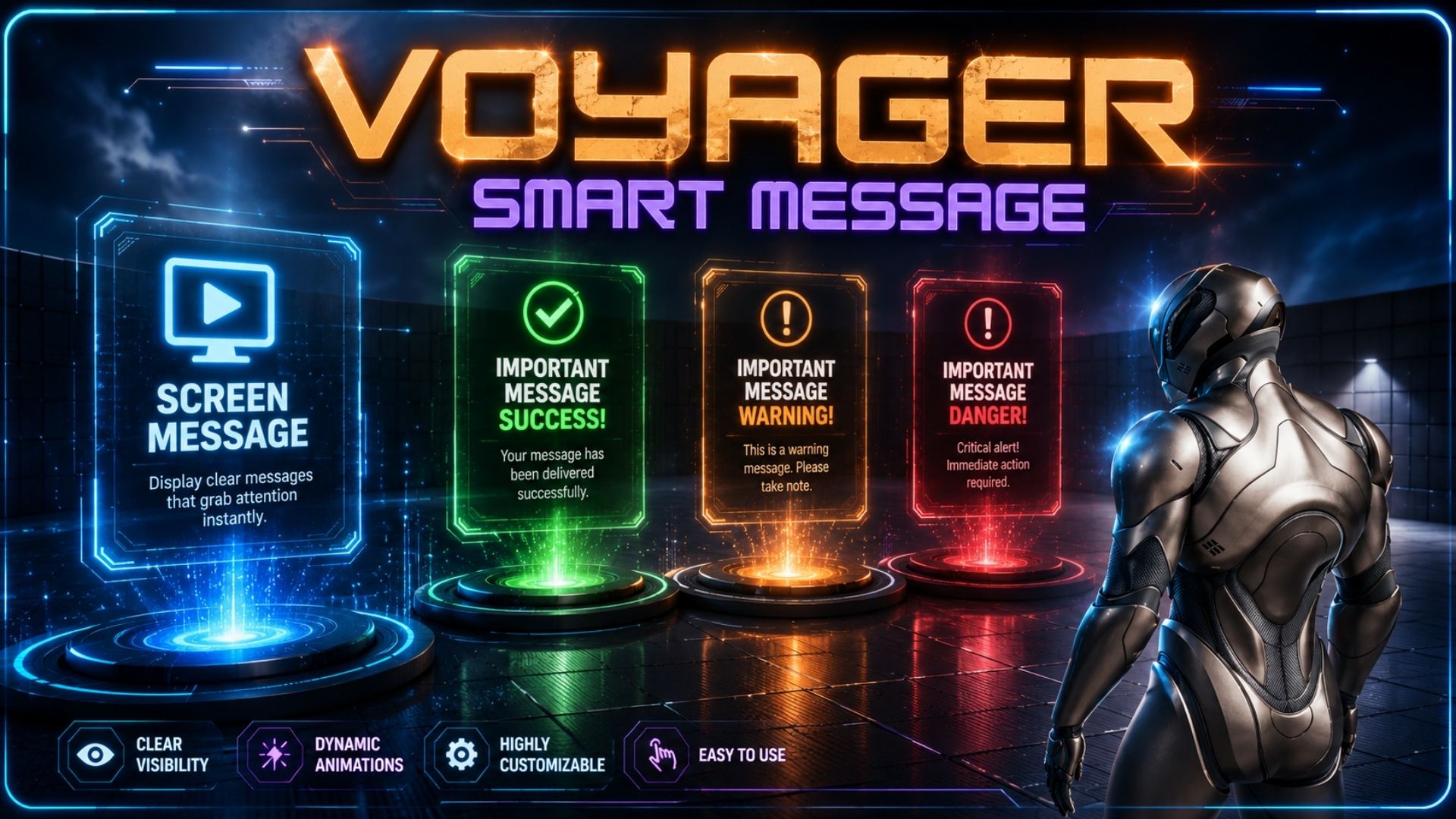
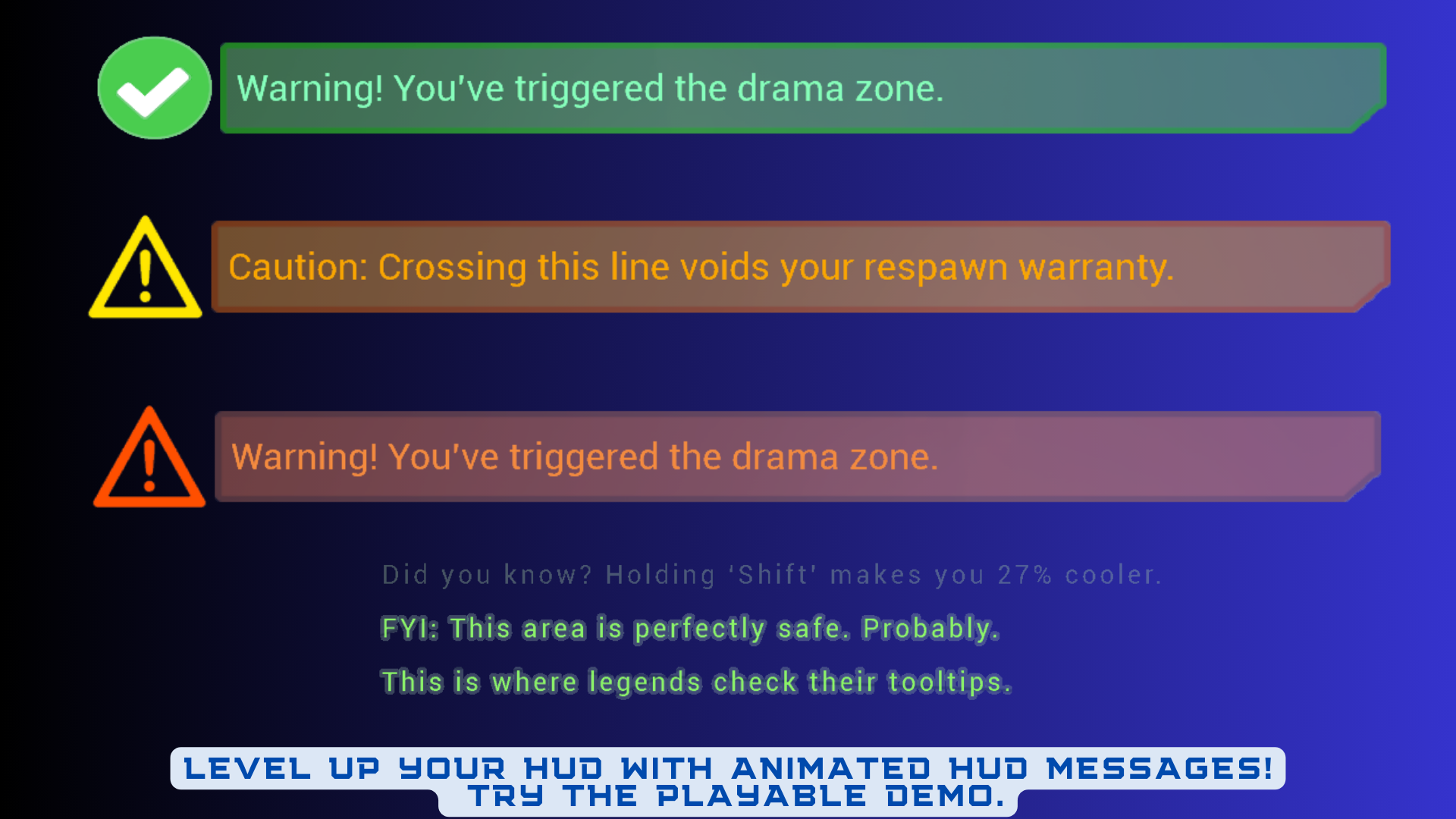
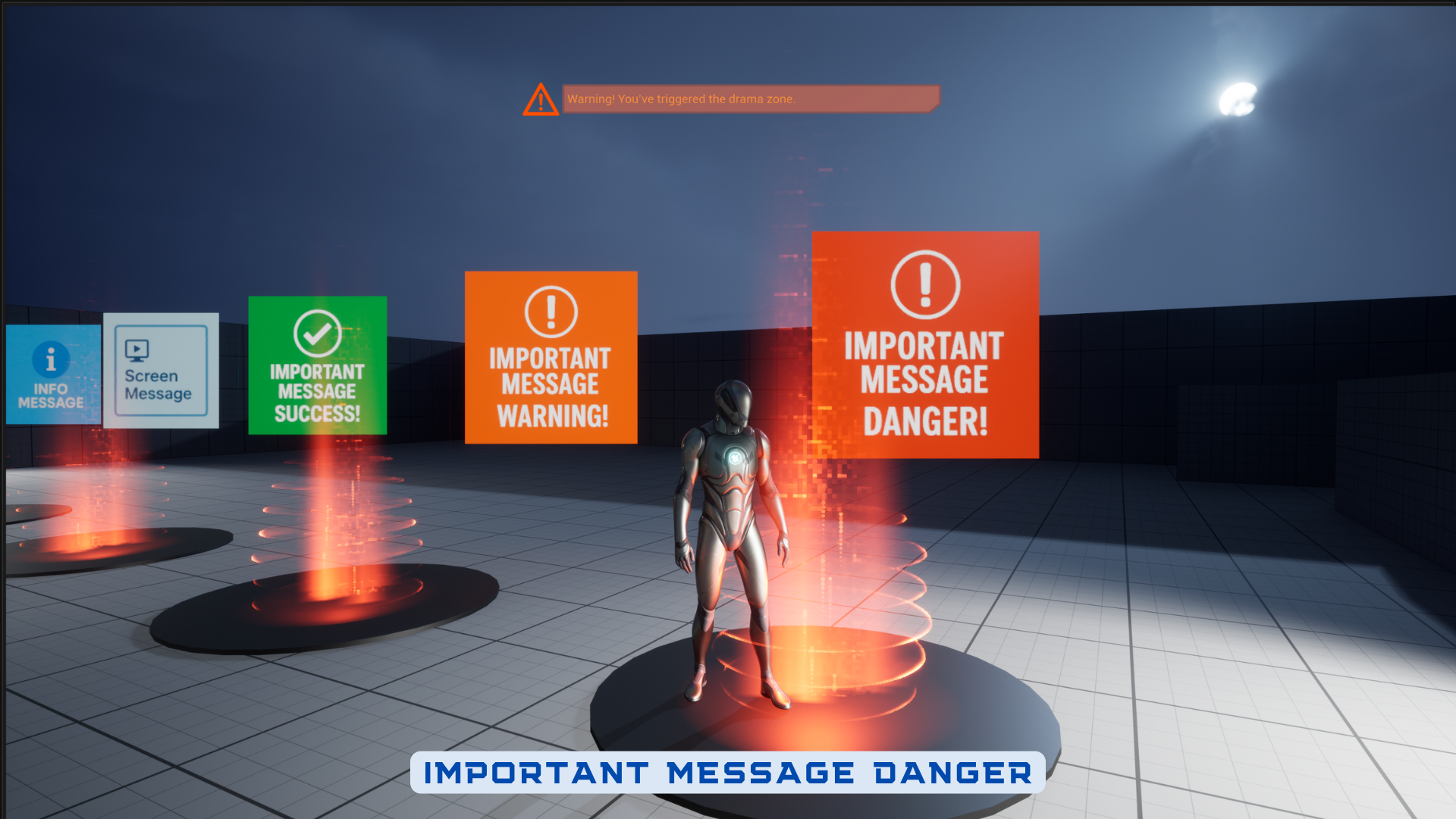
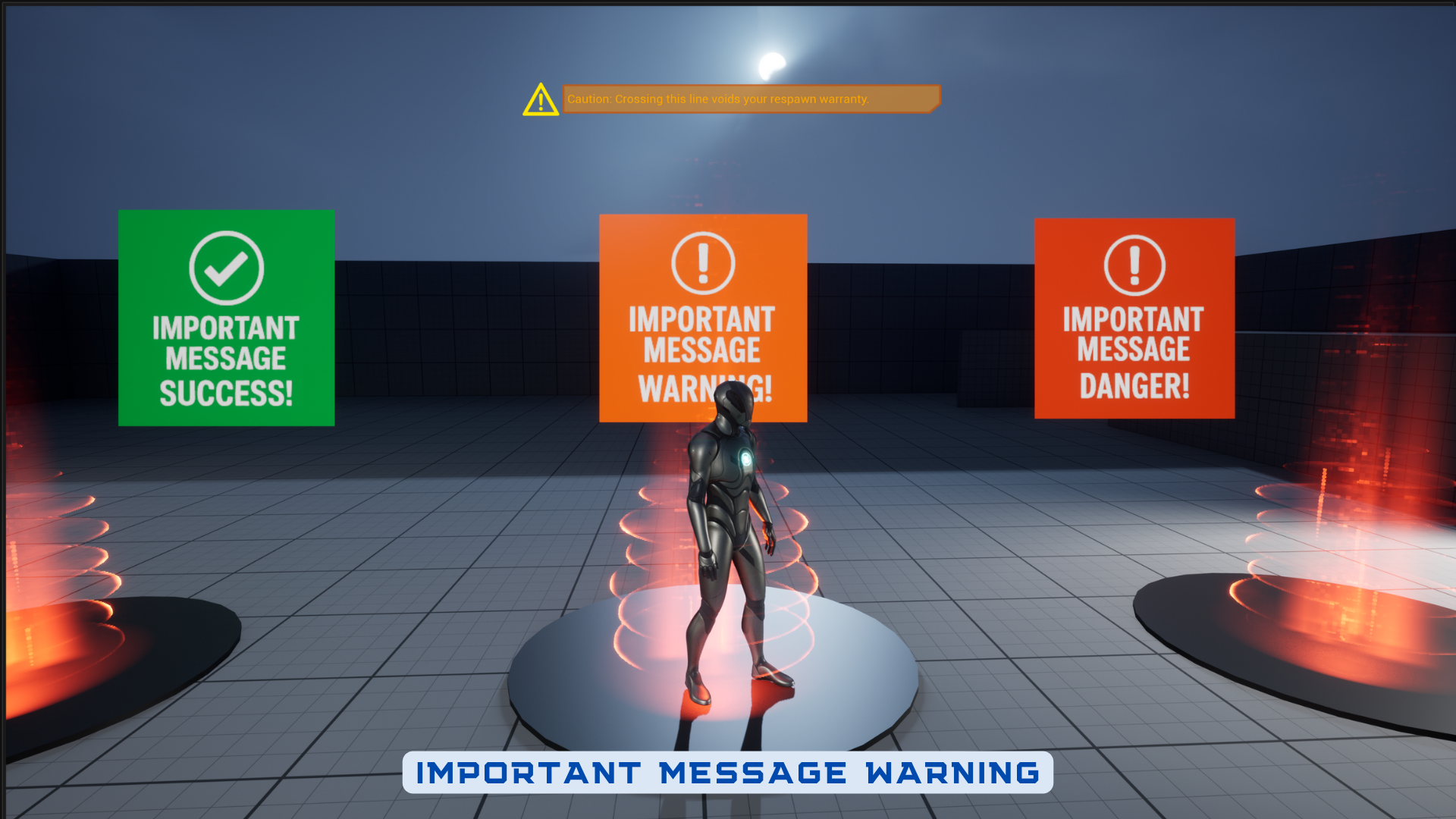
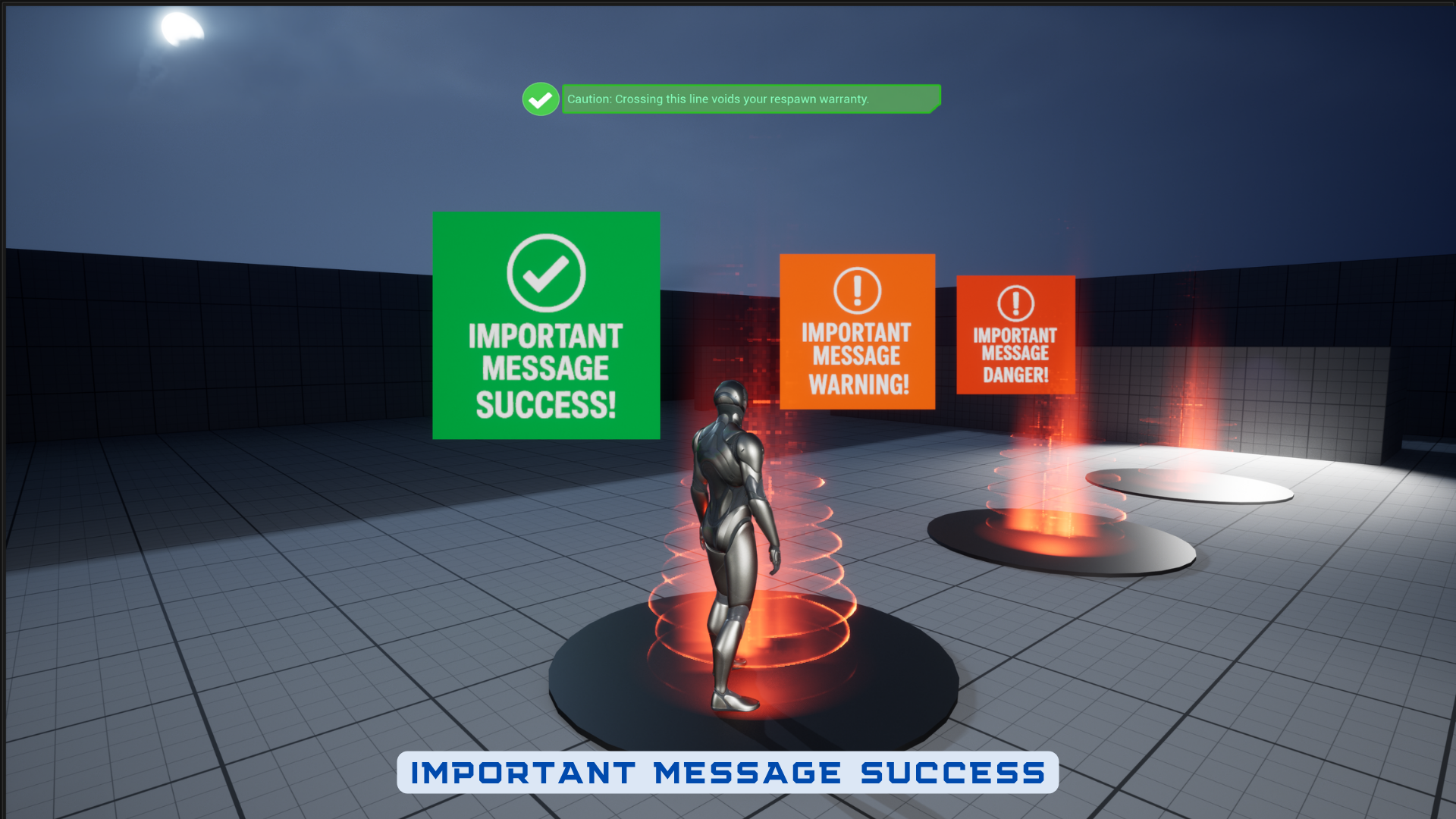
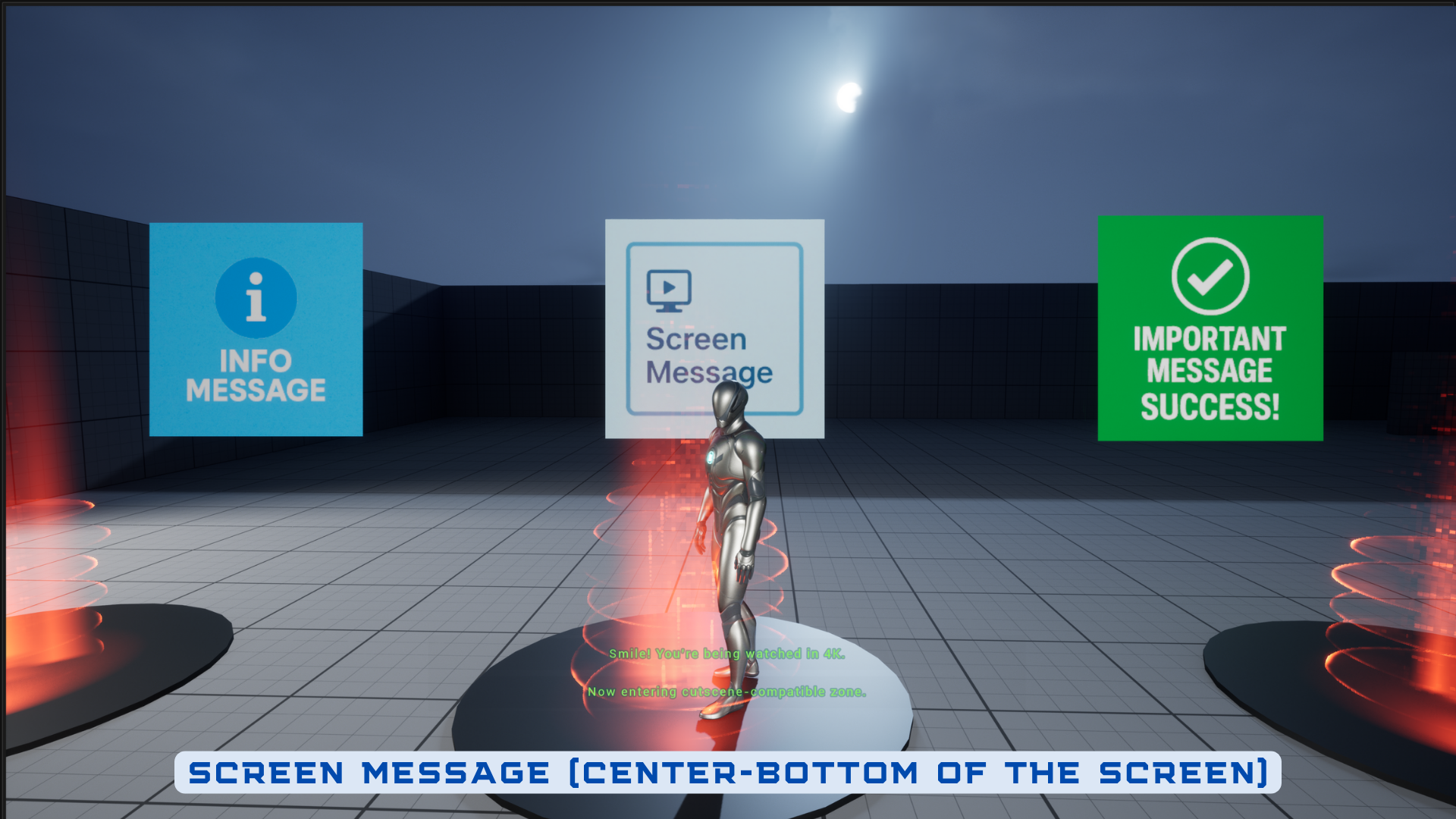
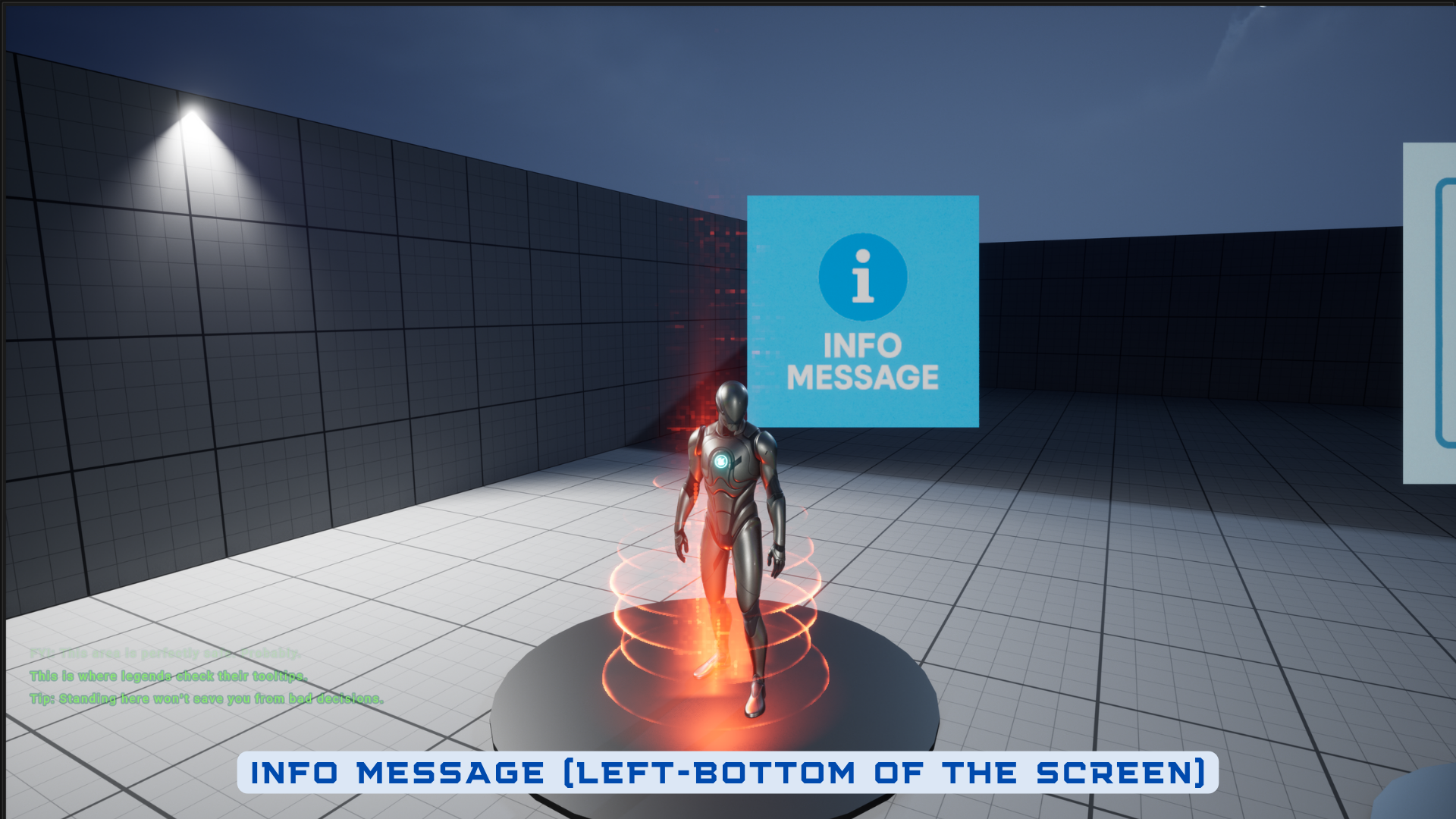
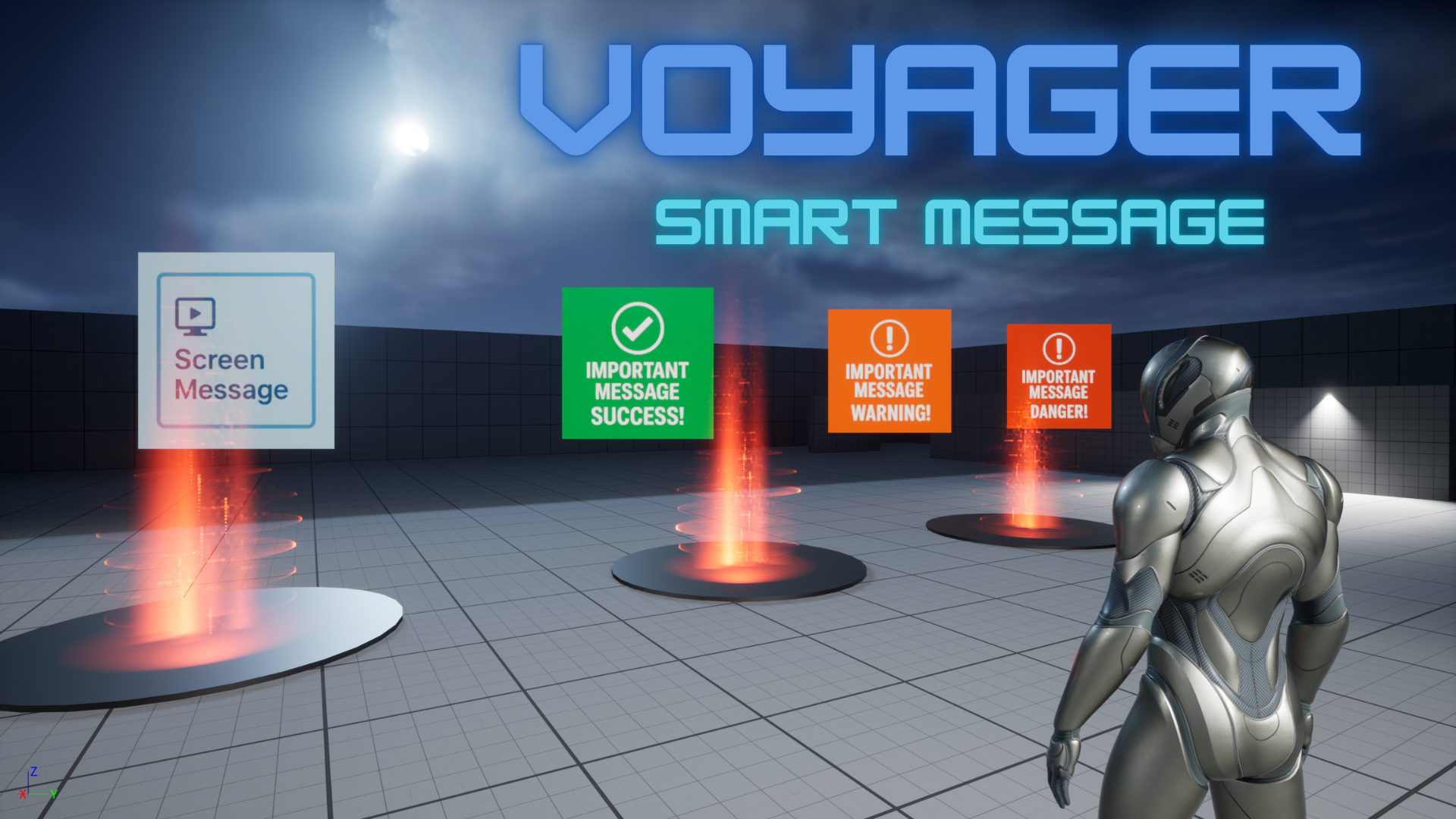
A modular Blueprint addon to show stylized messages such as Info, Warning, Success and more, directly on-screen. Only 2 MB and fully lightweight. Easy integration in 2 minutes.
- Battle-tested inside our Voyager and Defender game templates.
- Optimized for clarity, modularity, and fast integration into any project.
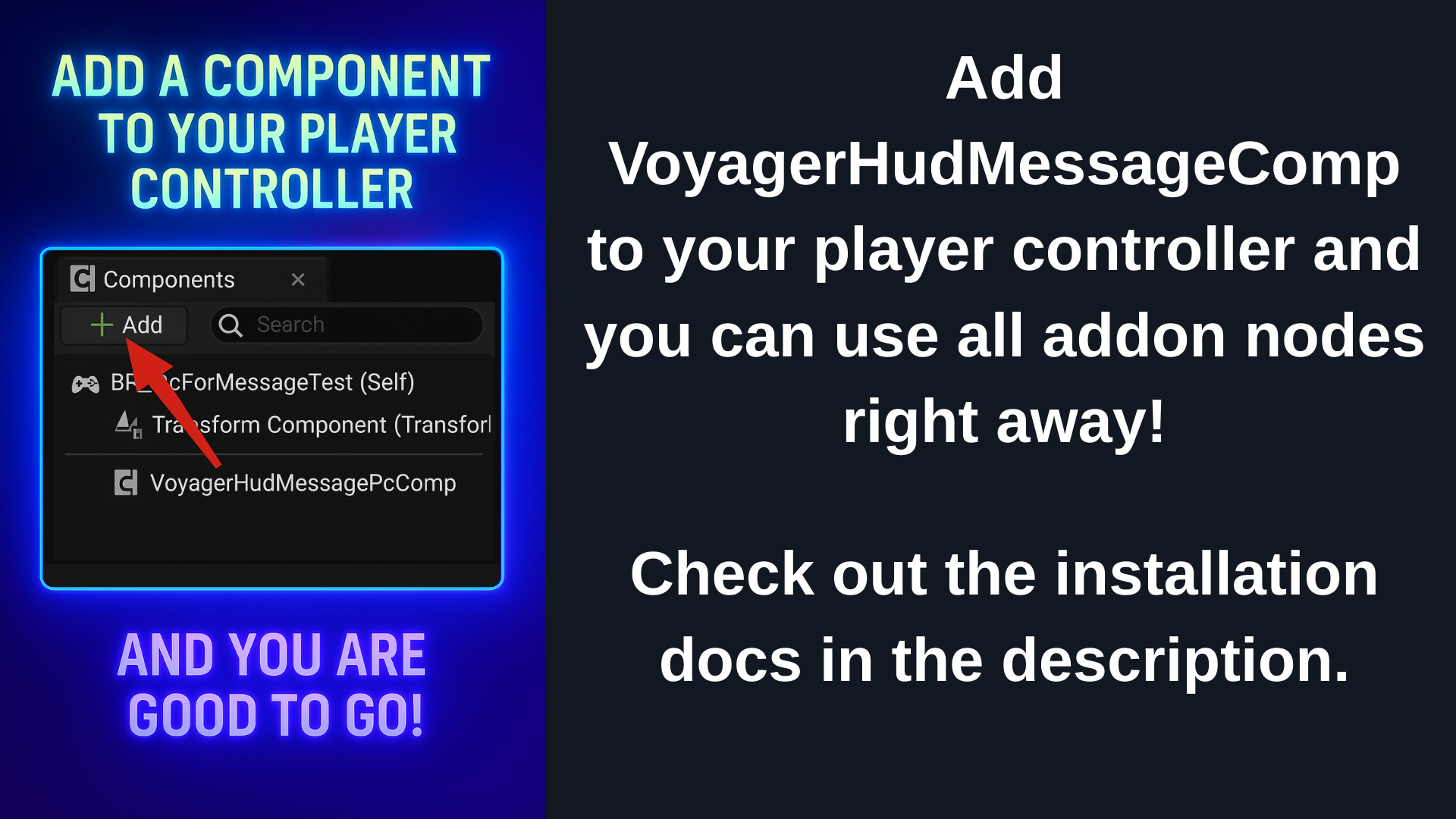
- Easy installation. Add a component (VoyagerHudMessagePcComp) to your player controller and you are good to go!
- Support mail: [email protected]
🎮 Playable Demo & Docs
📦 Download Playable Demo: https://drive.google.com/file/d/1wtAmb1EGizuwb8Pmfe50EBN11snxiGJd/view?usp=sharing
📄 Installation: https://docs.google.com/document/d/1sUt0dXk3_gSNkH7E1aRQB1pM-AKFXiSqZH2IAL_p0TQ/edit?tab=t.0
▶️ Other products: https://www.fab.com/tr/sellers/Game%20Dev%20Voyager
Message types:
– Info
– Screen
– Important (Success, Warning, Danger types)
## Features
– Modular & lightweight
– Blueprint accessible
– Customizable UI
## Setup
- Migrate the WB_MessagesMain into your project’s Content directory.
- Add VoyagerHudMessagePcComp component to your player controller.
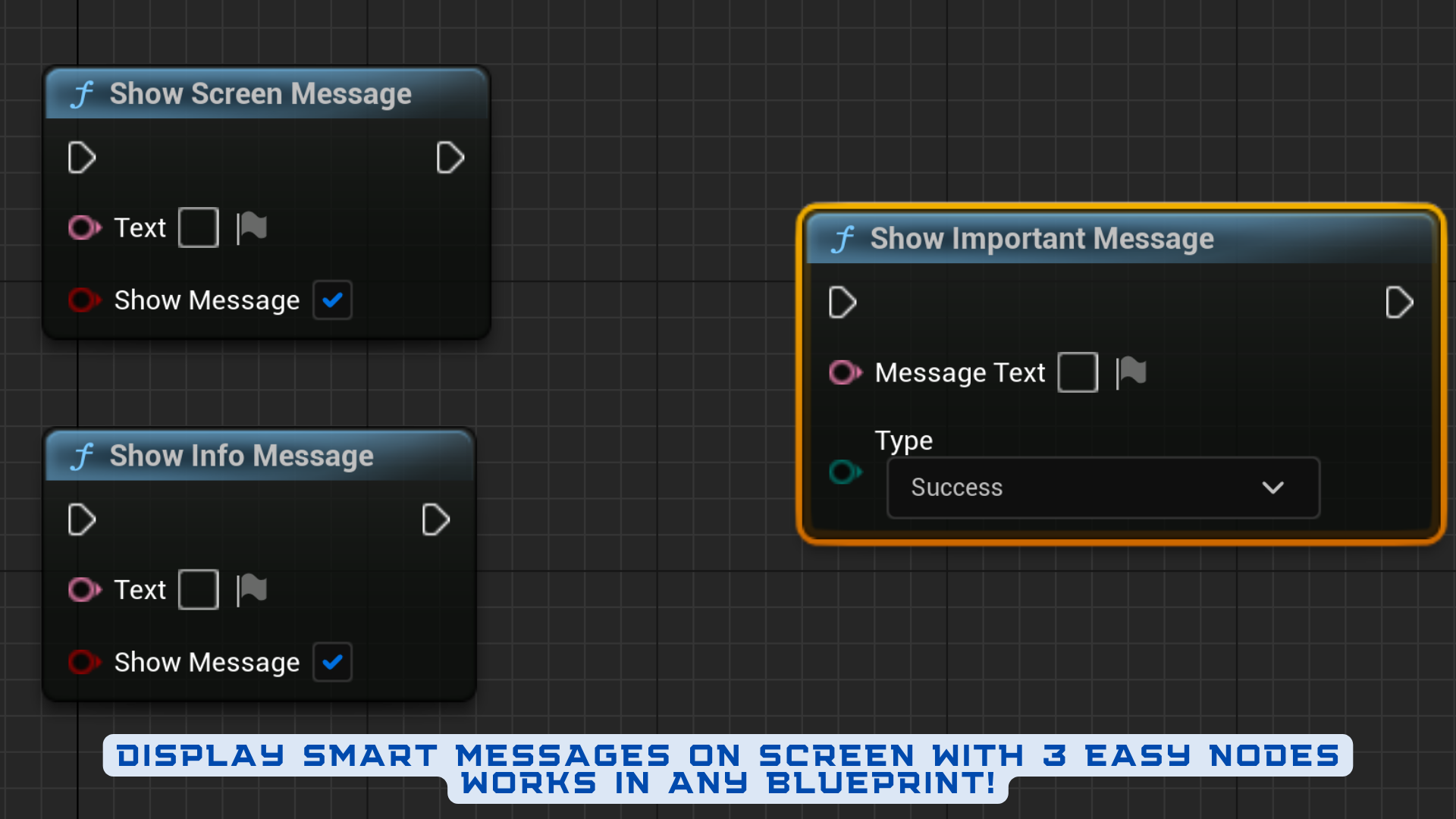
- Call ShowInfoMessage, ShowScreenMessage, ShowImportantMessage from any blueprint!
Technical details
Features:
• Show important messages with style (Success, Warning, Info)
• Built-in support for screen space messages
• Fully customizable visuals with UMG
• Lightweight and modular (Only ~2MB)
• Blueprint-only, no C++ required
Code Modules:
• None (This is not a plugin. It is a Blueprint-only addon.)
Number of Blueprints: 5
Number of Wdiget Blueprints: 4
Number of C++ Classes: 0
Network Replicated: No
Supported Development Platforms:
• Windows: Yes
• Mac: Yes
Supported Target Build Platforms:
• Windows
• Mac
• Linux
Documentation Link: https://docs.google.com/document/d/1sUt0dXk3_gSNkH7E1aRQB1pM-AKFXiSqZH2IAL_p0TQ/edit?tab=t.0
Example Project:
https://drive.google.com/file/d/1wtAmb1EGizuwb8Pmfe50EBN11snxiGJd/view?usp=sharing
Important/Additional Notes:
This is a Blueprint-only addon. Migrate the `WB_MessagesMain` widget to your project’s Content directory to use.
You can contact us at any time and request that the asset you want be added to the site from the Request Asset section.