
Description
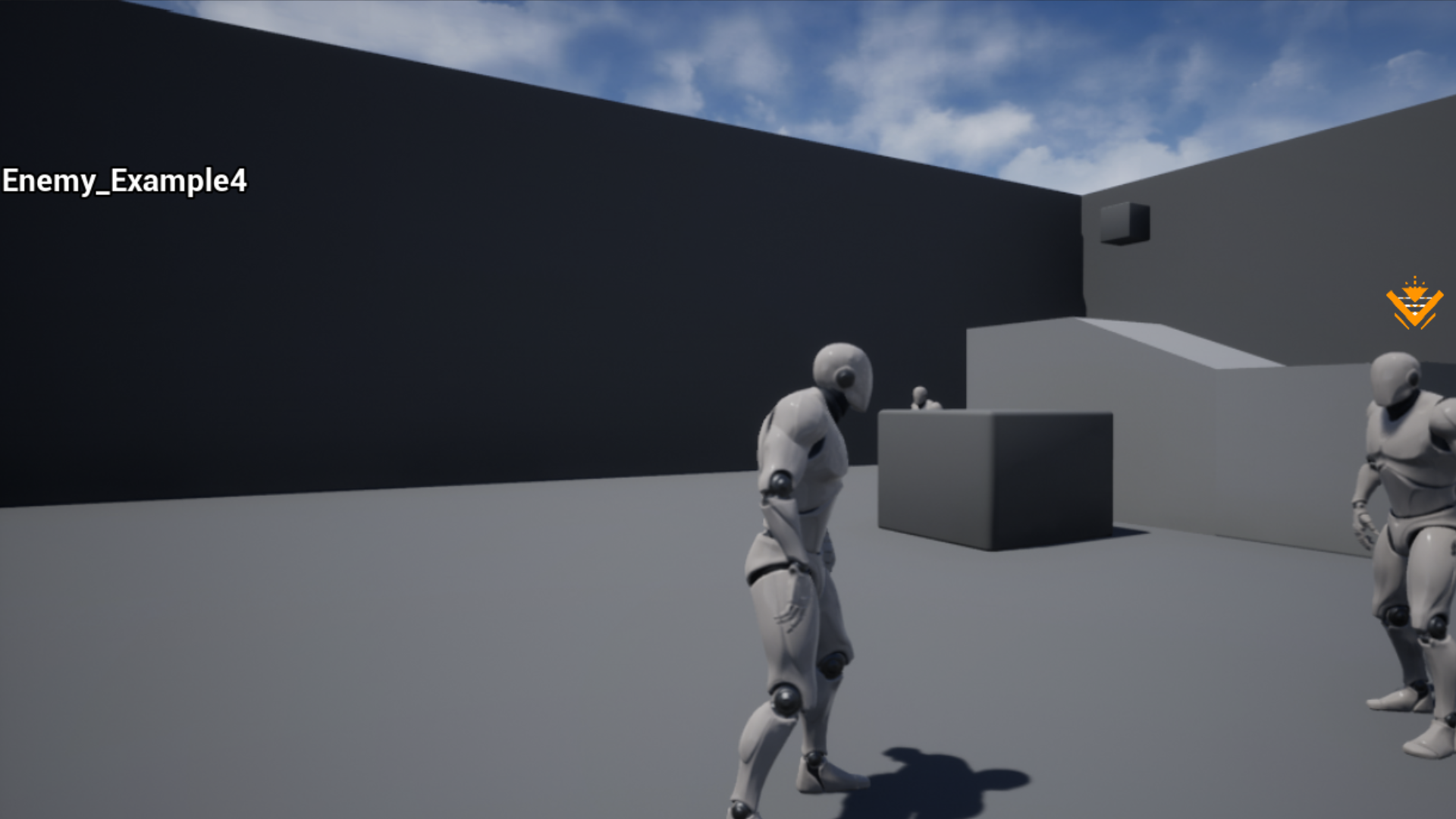
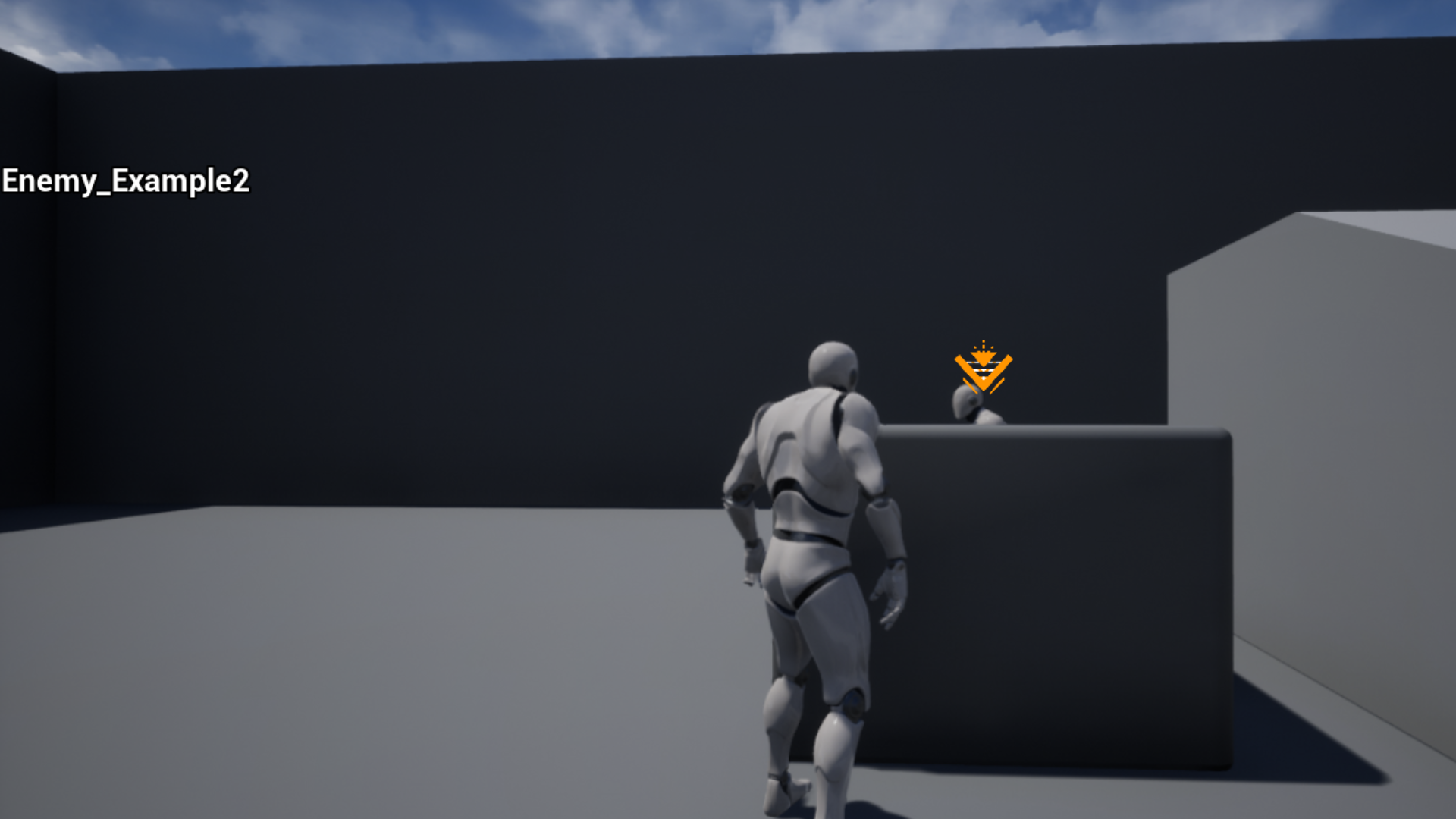
Using the Z Targeting Component you can Target Actors simply by Adding the Targeting Component to your Character and the Targetable Component to any Actor you want to Target with a simple setup
Chose Between Hold to Target (Hold your Input down to Target the Closest Actor) or Toggle Targeting (Input switches to targeting mode and a second press of that input switches Target to the second closest Target if available another input is required to exit Targeting mode)
Technical details
- Can be added to any Actor with little Setup
- Toggle and Hold targeting input
- Can Switch targets when enemy is defeated when using Toggle Targeting
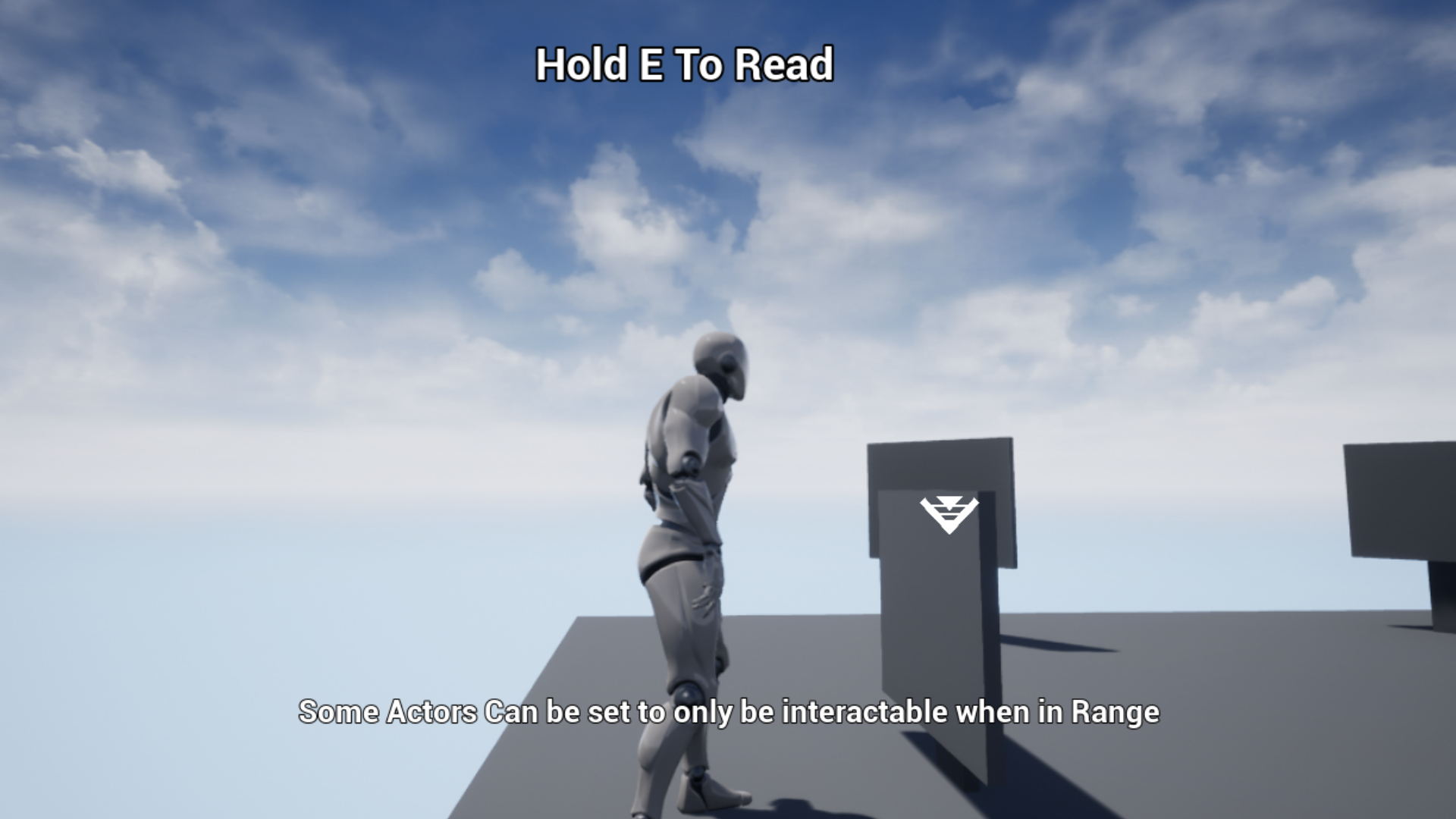
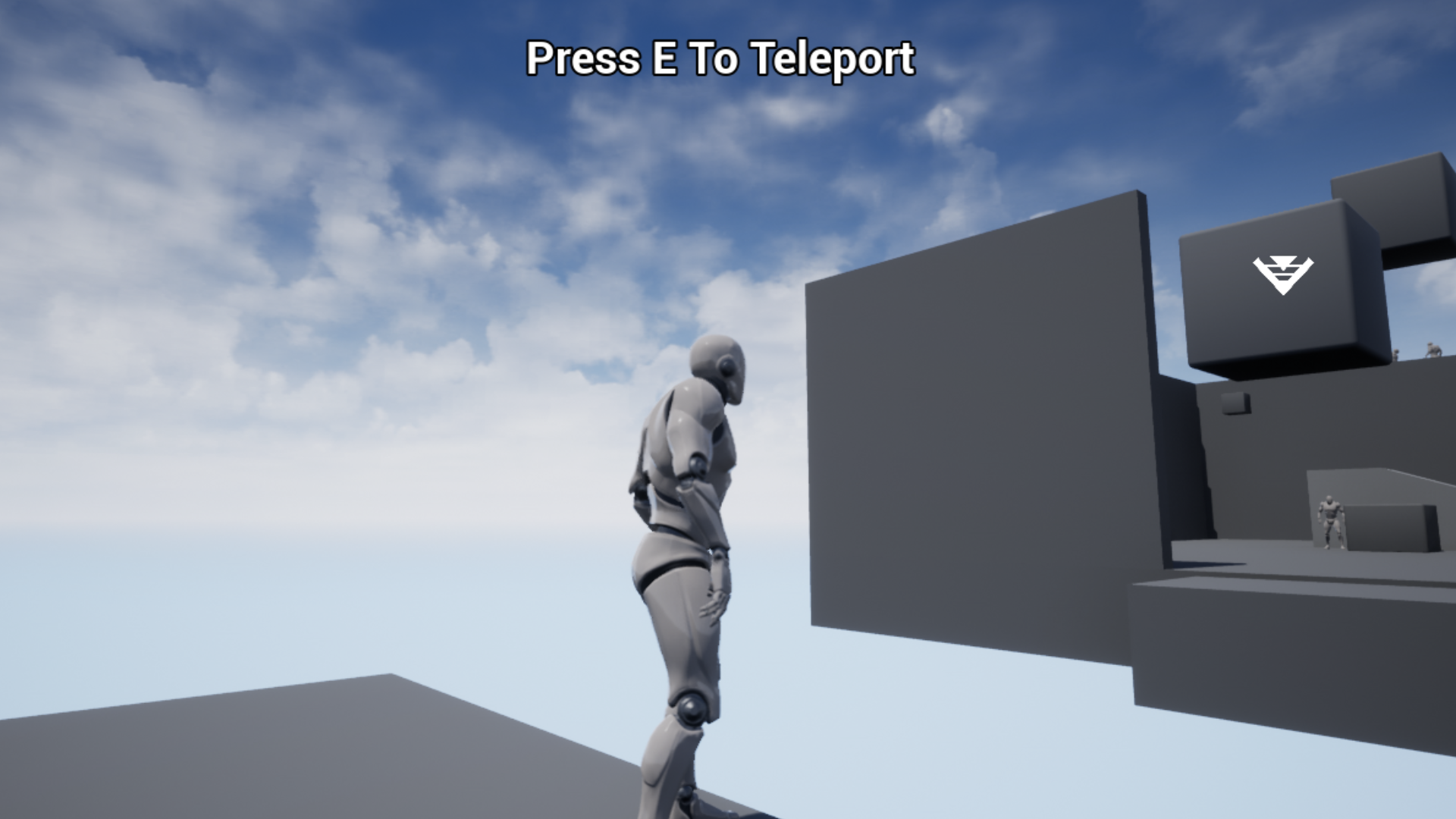
- Allows you to input on Targeted actors
Number of Blueprints: 2 Component Blueprints and 3 Example Blueprints
Input: Keyboard, Mouse
Network Replicated: No
Supported Development Platforms:
Windows: Yes
Documentation: Setup Examples and Explanations for Targeting component and Targetable Component and can be found in the Example Blueprints Folder including some examples of how the Component can be used
You can contact us at any time and request that the asset you want be added to the site from the Request Asset section.