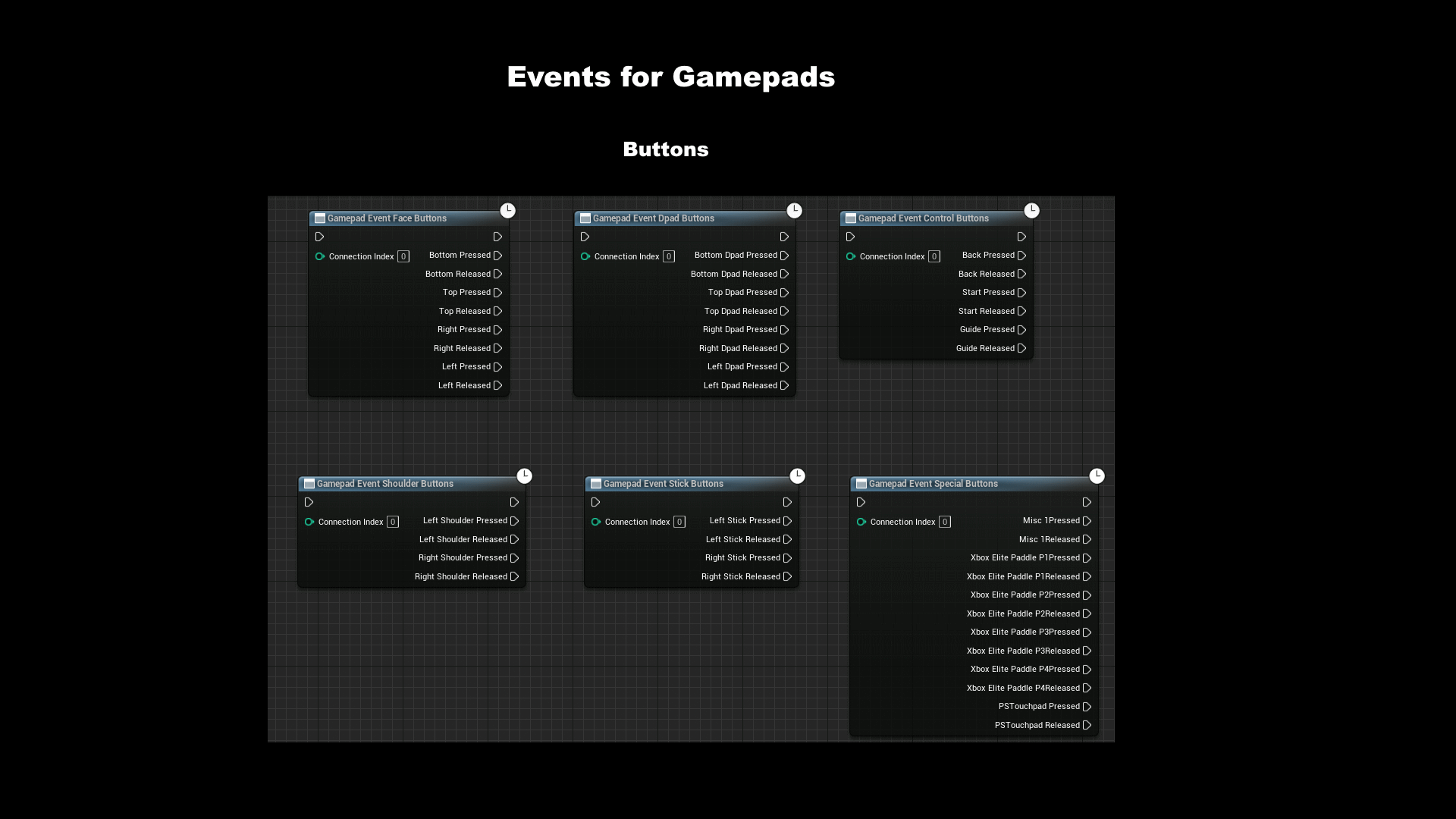
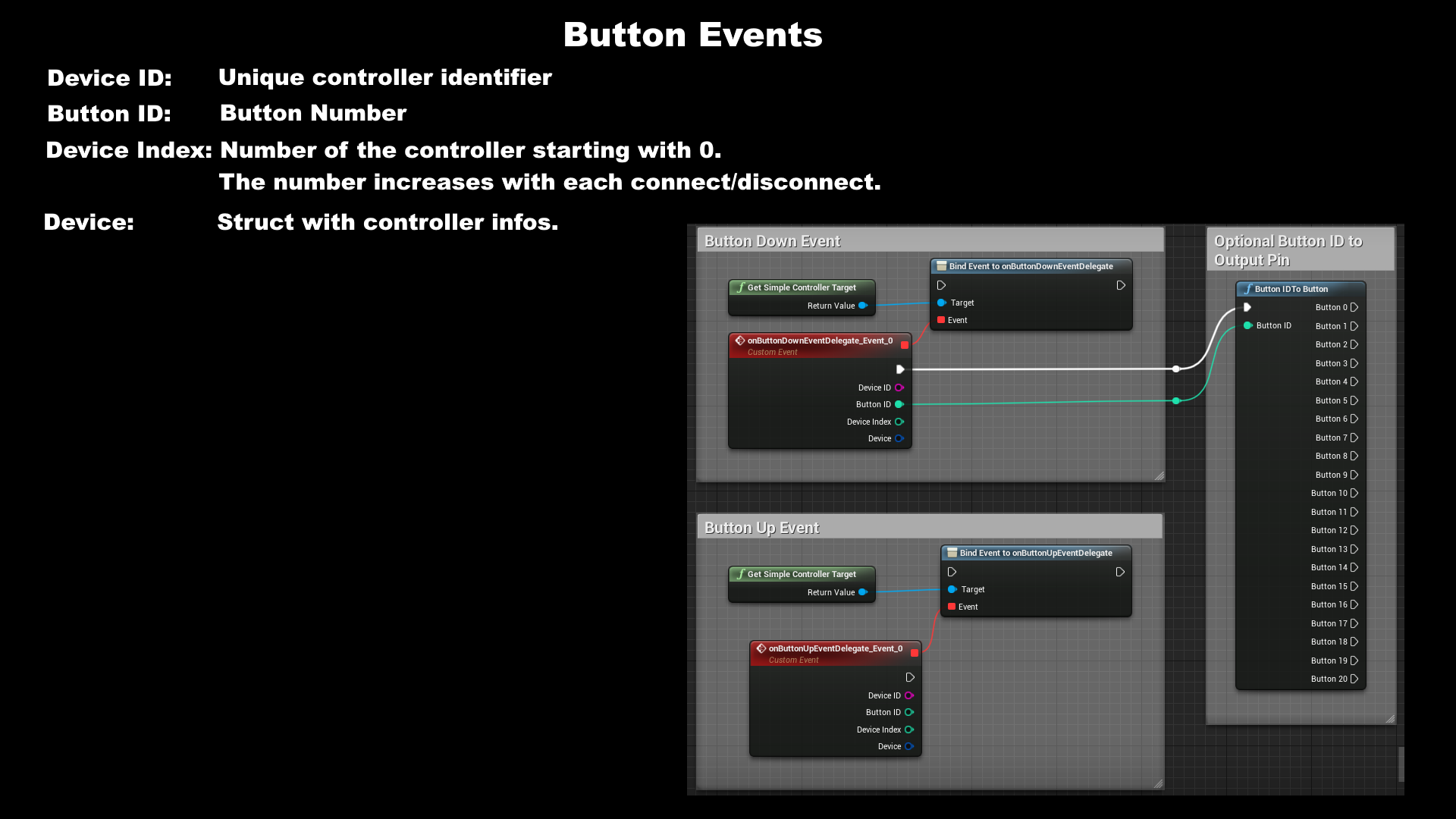
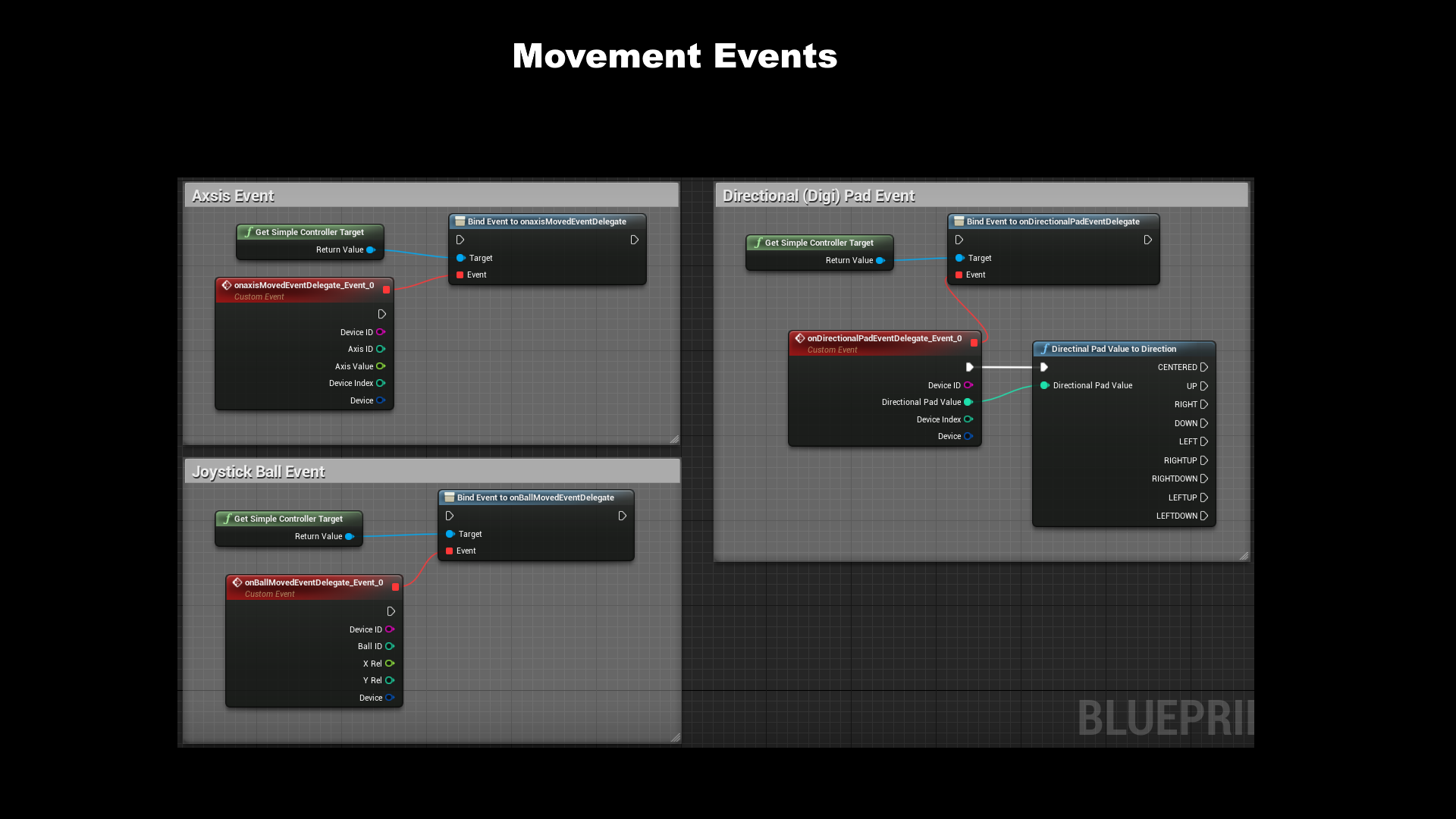
 Description
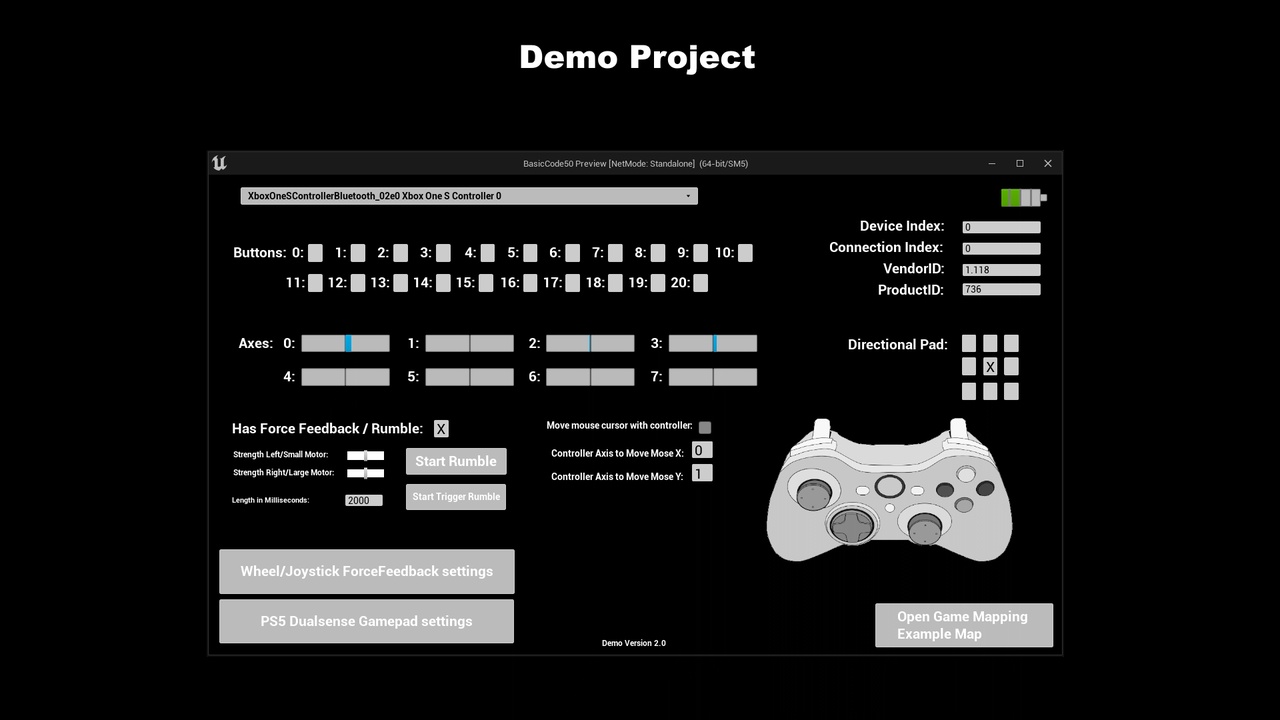
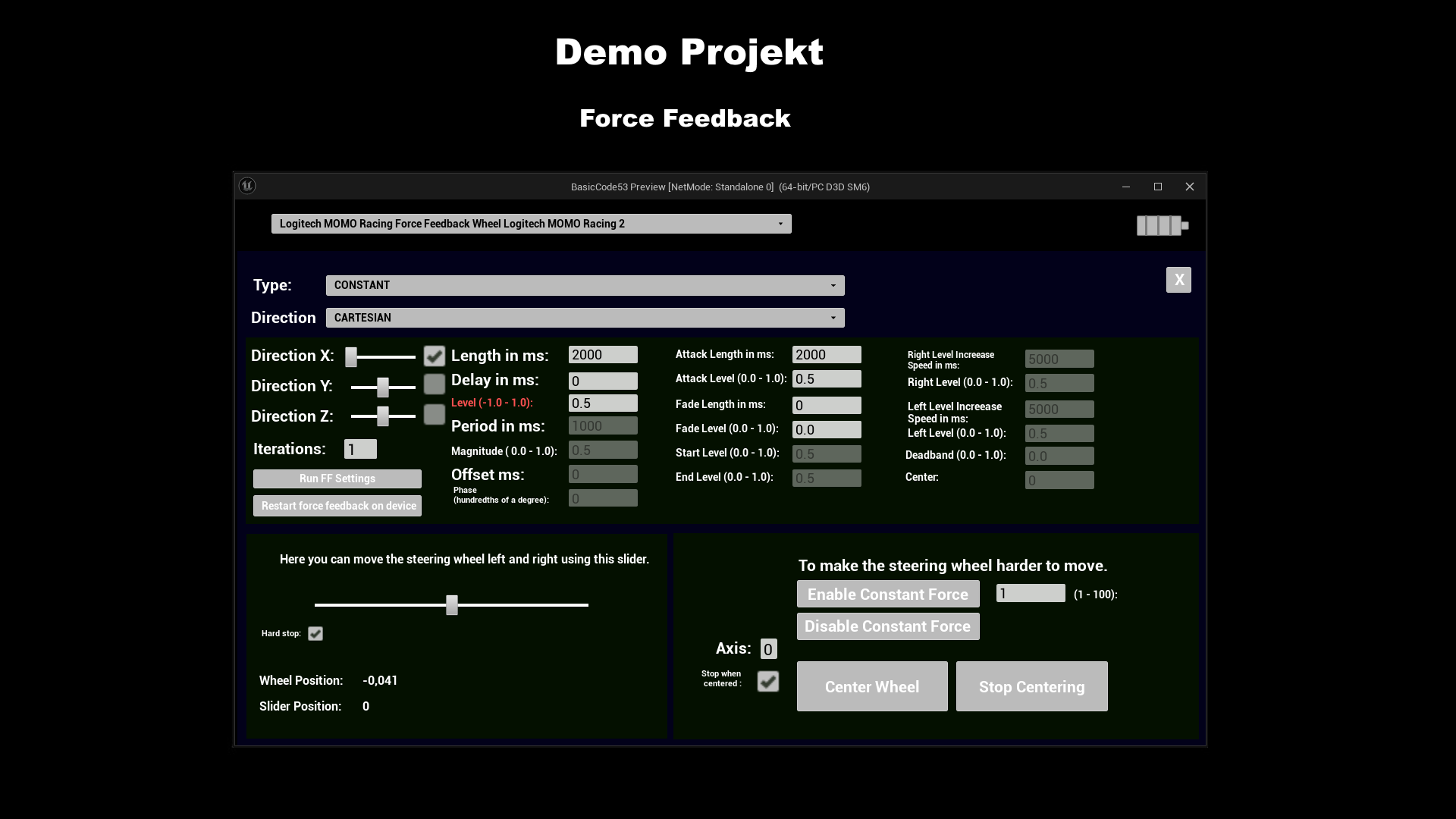
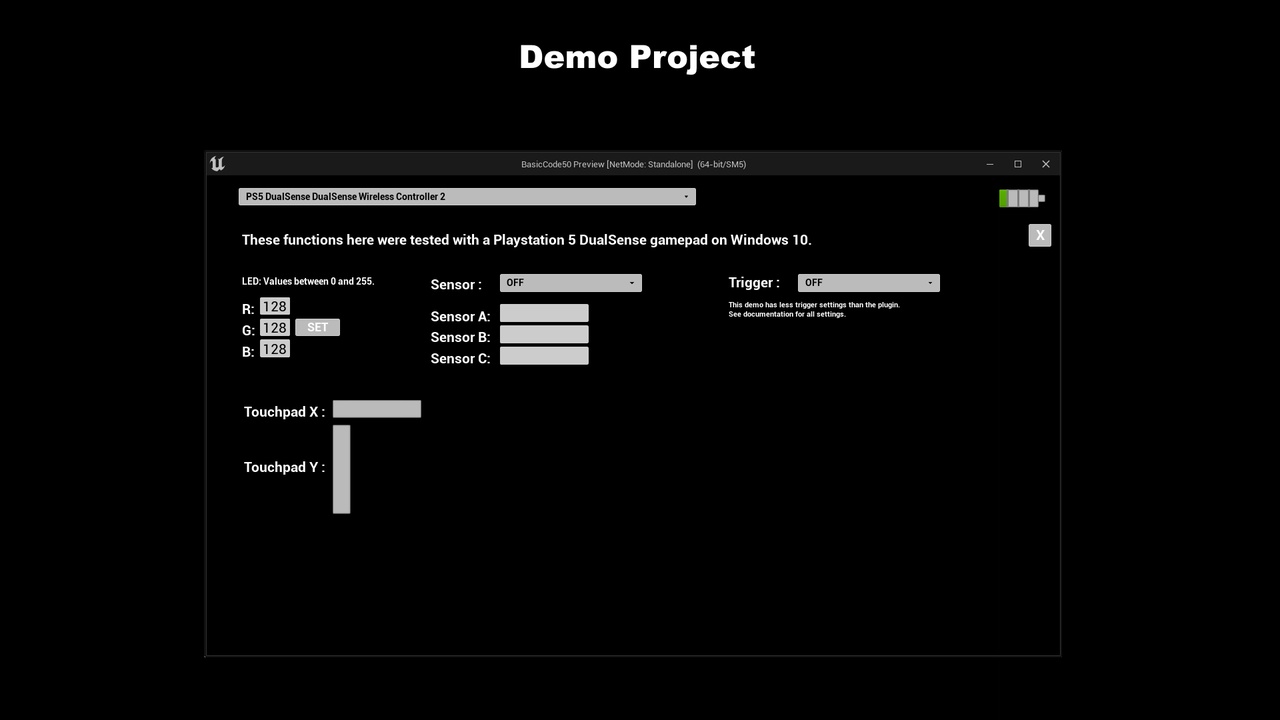
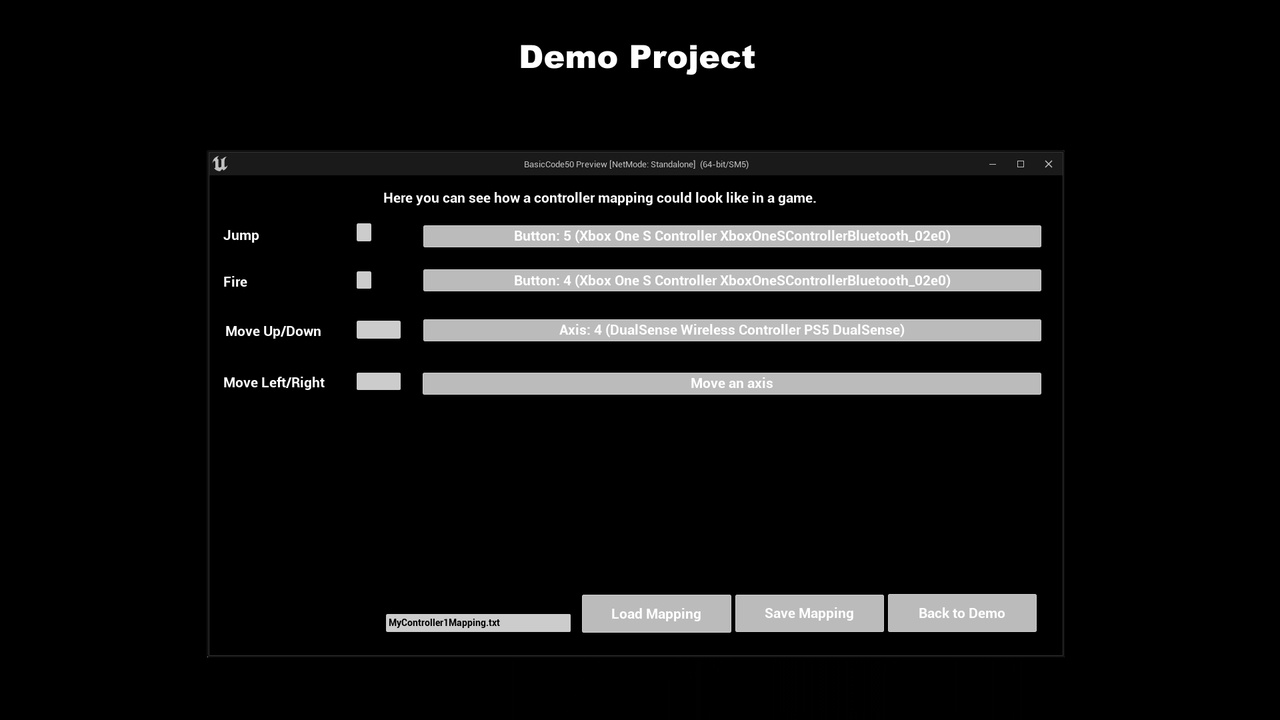
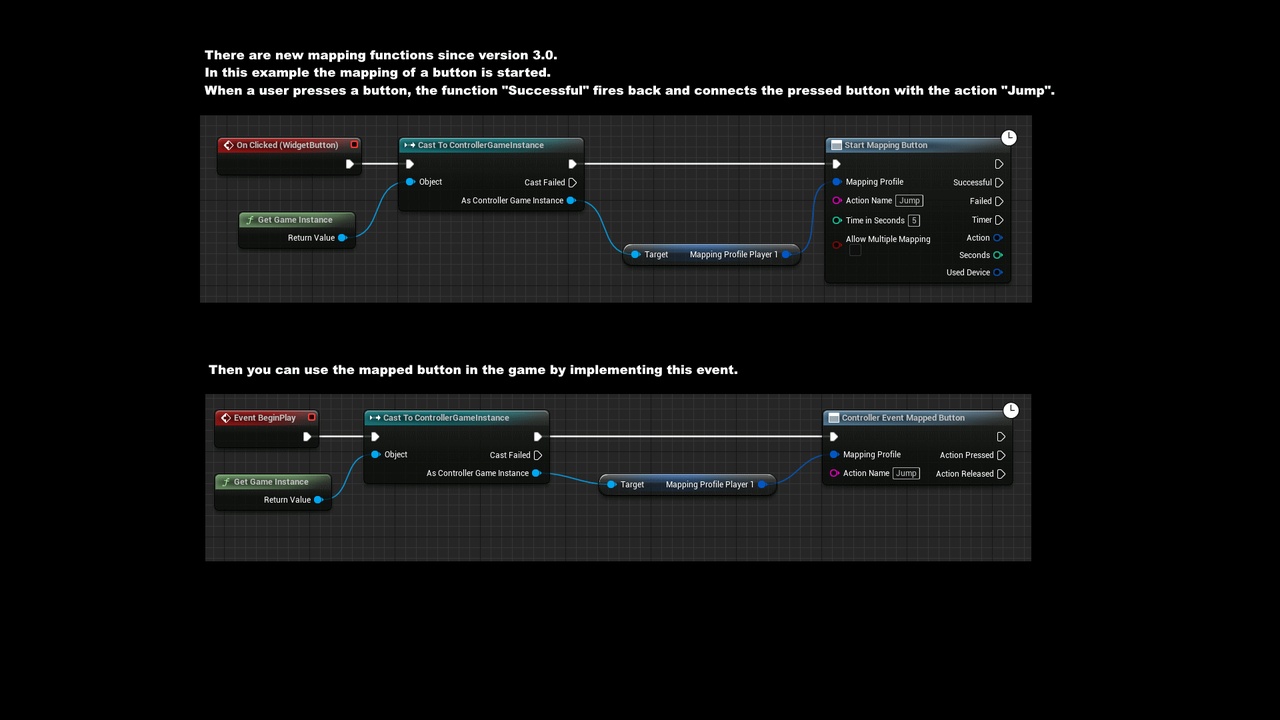
Documentation, Old reviews and questions, This plugin is based on the SDL Framework (on desktop platforms) and allows the use of much more controllers under Unreal. It supports DirectInput, XInput and RawInput Controllers. It runs independently of the Unreal controller settings. Controller inputs are fired via new Events. You can use these Events in almost all Blueprints. Not only in the Player Controller Blueprint. They work independently of the Focus. Rumble is supported. Force Feedback since Version 1.5. Most PS5 DualSense functions are available. You can move the mouse cursor with a controller. Since version 3.0 simple mapping of buttons and axes possible. Keyboard and Mouse emulation. (Keyboard/Mouse) Button events can be triggered via functions. Mouse cursor can also be controlled via functions.
Linux users need UE5.7 from plugin version 4 onwards.
Video of a customer demonstrating the mapping of a steering wheel.
For the Mac version since UE5.1, see Troubleshooting in the documentation.
Nativization in UE4 may cause problems and should be disabled in BPs that use this plugin.
Changelog 5.1 – 5.7)
- (04/11/2026) Version 4.3: Fixed additional issues related to a missing SDL3.dll file. Added the getSDLVersion function.
- (04/04/2026) Version 4.2: The “MoveWheel” function has been removed. Please use “MoveWheelTo” instead. Stability improvements have been made to the FF Wheel functions. Missing DLL issues should now be resolved. Mac users will now need to take action themselves. See the documentation.
- (03/05/2026) Version 4.1: Stability improvements for FF steering wheels.
- (01/19/2026) Version 4.0: Switch from SDL2 to SDL3 (3.4.0). I recommend deleting the old SDL2.dll. Linux users need at least UE5.7 from this version onwards.
Changelog (4.27, 5.1 – 5.7)
- (01/16/2026) Version 3.58: Hotfix
- (01/07/2026) Version 3.57: When loading the mapping, the connections to the mapping AsyncNodes are now disconnected so that the GC can clean them up. For other AsyncNodes, there is the function “setAsyncNodesReadyToDestroy”. Minor changes to two force feedback effects, and the Constant Force on Wheel function now uses the friction effect by default.
- (11/13/2025) Version 3.56: There were still problems with the Dpad mapping, which should now be fixed.
- (11/03/2025) Version 3.55: Bug fix: DPad mapping did not function correctly when a second DPad button was pressed without releasing the previous one. New: Button mapping now includes a whitelist and blacklist.
- (10/25/2025) Version 3.54: Bug fix: Loading the mapping with the “By device” option did not work correctly when the same axes and button ID were mapped.
- (10/12/2025) Version 3.53: Bug fix: There were problems with persistent axis functions when the death zone function was used.
- (09/28/2025) Version 3.52: Bug fix: Detach events did not function correctly with web controllers.
- (09/25/2025) Version 3.51: In addition to stability improvements, a bug has been fixed that deleted the previous mapping when loading a second one. The plugin no longer starts on dedicated servers. New “getSystemType” function added.
- (09/11/2025) Version 3.50: The initial axis value was not set in the mapping axis event function. Values were always 0 until the axis was moved for the first time.
- (08/06/2025) Version 3.49: Bug fix while mapping the Dpad.
- (08/06/2025) Version 3.48: Compatibility of some FF effects improved. New FF function MoveWheelTo added. This allows you to move the wheel to a specific position. When loading the mapping, you can now select “byDevice”. This causes the plugin to attempt to assign the mapping to the connected devices using the product ID and vendor ID instead of just using the stored order. Stability improvements.
- (07/15/2025) Version 3.47: Bug fixes in the “Update Autocenter” function and in the Mobile Web Controller.
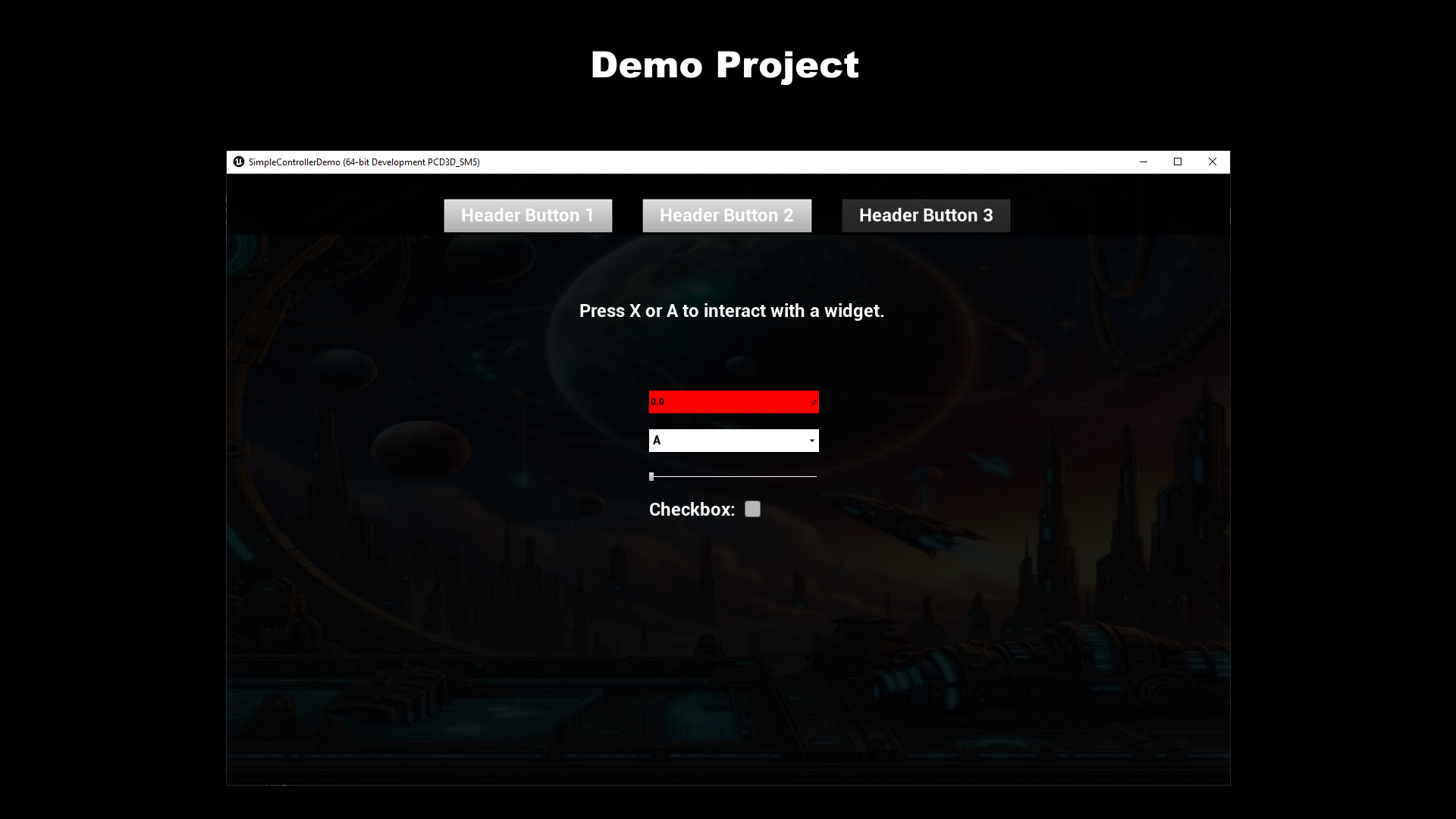
- (07/09/2025) Version 3.46: Xinput determination is back. Should now be more accurate. Function “disableUIVirtualKeys” added. This allows you to disable the face buttons in the Unreal UI control. This means that nothing happens in the UI when you press X, for example.
- (07/07/2025) Version 3.45: Bugfix. Mapped axes with persistent settings did not work after loading a previously saved profile.
- (07/03/2025) Version 3.44: Button up mapping now also works with the dpad.
- (06/26/2025) Version 3.43: Mapping can now optionally be done via Button Up instead of exclusively via Button Down.
- (05/25/2025) Version 3.41: Force feedback improvements.
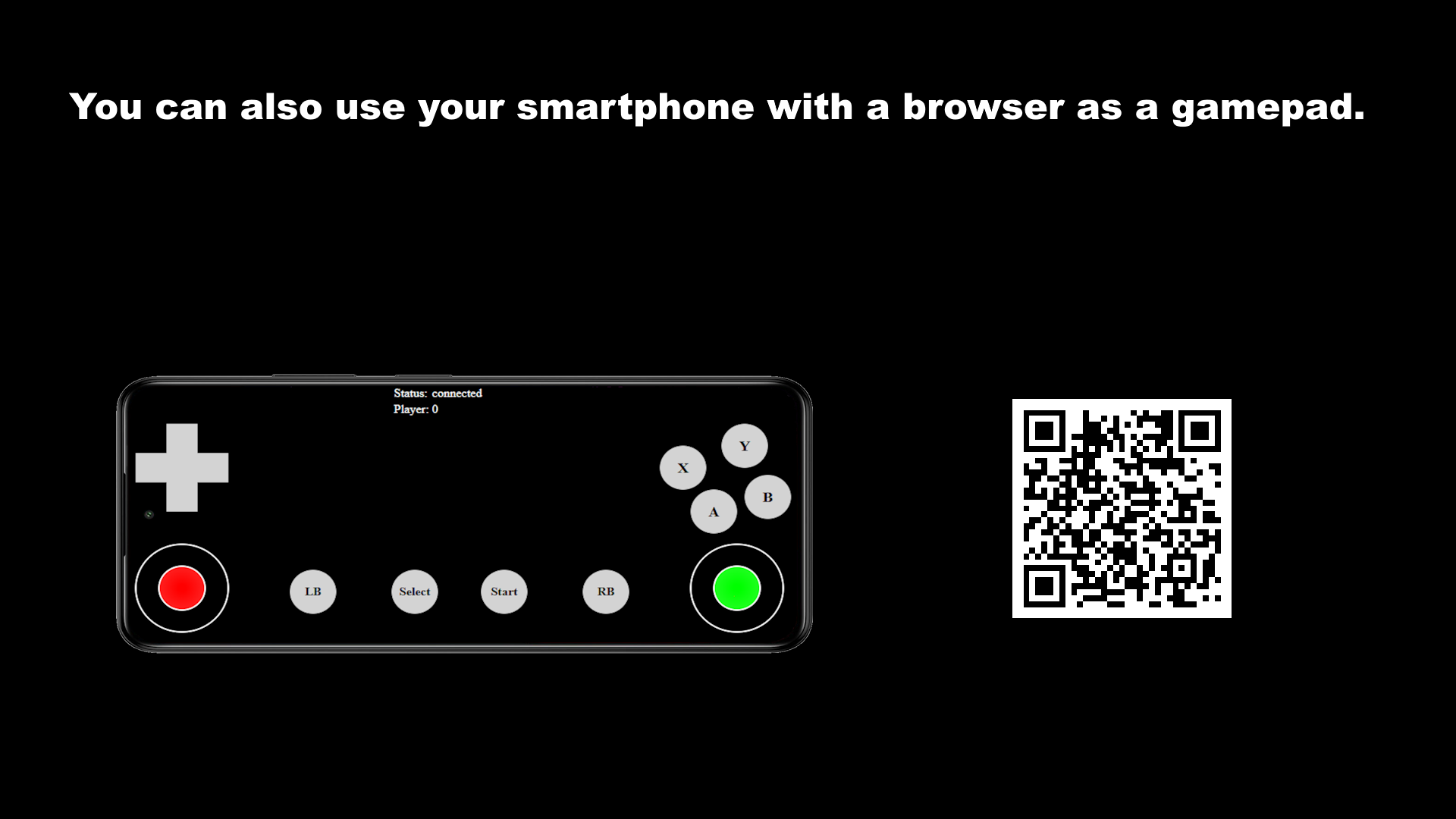
- (03/02/2025) Version 3.40: New: You can now use your smartphone as a gamepad. Minor bug fixes and changes to the FF.
- (01/20/2025) Version 3.38: Problems under Linux with older UE versions fixed.
- (12/17/2024) Version 3.37: Bugfix: The SDL2.dll file was not copied automatically because Epic always names the plugin directory differently since Fab.
- (11/05/2024) Version 3.36: Bugfix: The death zone function had no effect in some events. Old UE versions now also get updates back to UE4.27.
Changelog (5.2, 5.3, 5.4)
- (09/14/2024) Version 3.35: Android: Rumble support via Bluetooth. Tested with Android 14, but according to the API at least Android 12 is required.
- (09/04/2024) Version 3.34: Bugfix. Plugin could no longer be compiled for Android.
- (08/16/2024) Version 3.33: Bugfix. If you first loaded a mapping profile and then added a persistent axis event, the event did not work.
- (08/10/2024) Version 3.32: Hotfix: The mapping did not work anymore in version 3.30 when using the tick event path.
- (08/01/2024) Version 3.30: Events are now determined per tick by default. This increases compatibility with certain systems. Linux benefits the most. Can be switched back to thread-based events in the settings.
- (07/06/2024) Version 3.23: Stability improvements.
- (06/10/2024) Version 3.22: UI functions added so that a menu can be controlled via the plugin. Source code is again compatible with UE4.27. Compatibility with Android increased and the Android path starts automatically. When connecting a steering wheel, FF settings are tested and set via a short FF effect. Can be deactivated via the settings.
Changelog (5.1, 5.2, 5.3)
- (02/21/2024) Version 3.20: The “Fire Keyboard Button Event” function has been added. This can be used, for example, to emulate the keyboard in order to control the UI via a gamepad. Android: Attach and Detach events work now. Controller Name, VendorID and ProductID are now read out. Battery is read out (Android 12). Rumble works partially. I will try to improve it.
- (02/12/2024) Version 3.19: The controller inputs on Android are now read out via the Android NDK instead of Unreal. This increases compatibility and flexibility. Rumble not yet possible. Variable “Tag” added to the action profiles. This allows you to search for them using the “getMappingActionsByTag” function and thus sort them better. More gamepads now fire the “DirectionalPad” event.
Technical Details
Epic only allows updates for the newest three engine versions. There might be features missing in older engine versions. Contact me if you are unsure.
-
- DirectInput, XInput, RawInput
- Hot Plugging
- Force Feedback
- Battery status
- Support for more than 4 XInput Gamepads
- PS5 Dualsense functions. Adaptive trigger, LED, touchpad, acceleration and gyro sensors
- Keyboard and Mouse support *¹
- Android and IOS *²
- Designed for Blueprint Users
- Works in almost all Blueprints
- No problems with focus. Events are always fired (controllers on desktop)
- Include C++ Source for C++ Projects
*¹ (Keyboard/Mouse) Events are received and can also be sent. The mouse cursor can be moved. No SDL functions are used but the Unreal functions for mouse and keyboard. Therefore you have to pay attention to the correct input mode and focus. Button mapping from the project settings will be overwritten when using the keyboard/mouse functions (only in RAM).
*² The Android path runs via the NDK. Most functions are available. Rumble depending on the Android version. Rumble via Bluetooth requires at least Android 12 and plugin 3.35. The IOS path runs via Unreal. Untested and only basic functions like buttons and axes available. Think of it as “better than nothing”.
You can contact us at any time and request that the asset you want be added to the site from the Request Asset section.