 Description
Roadmap | Videos
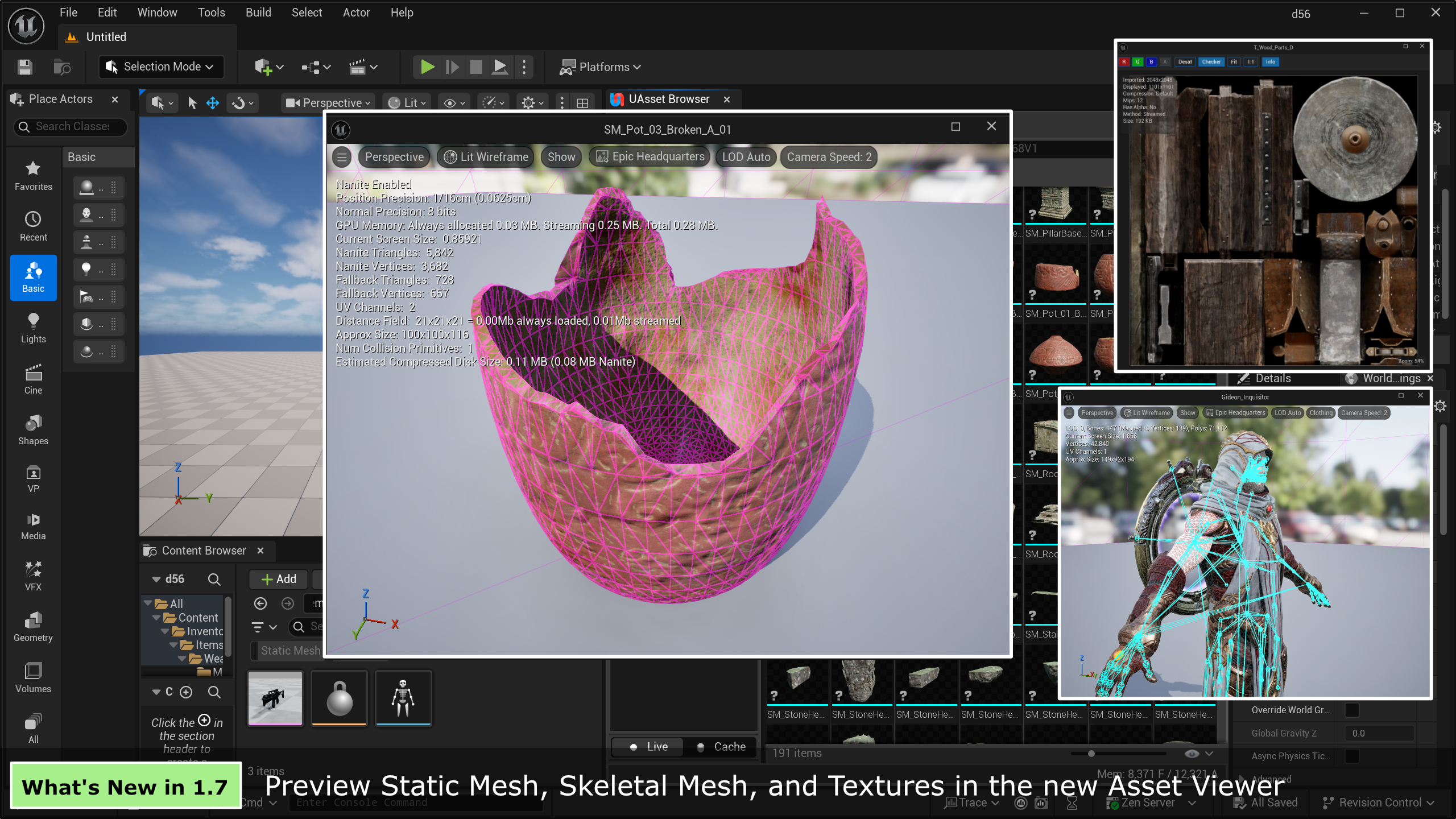
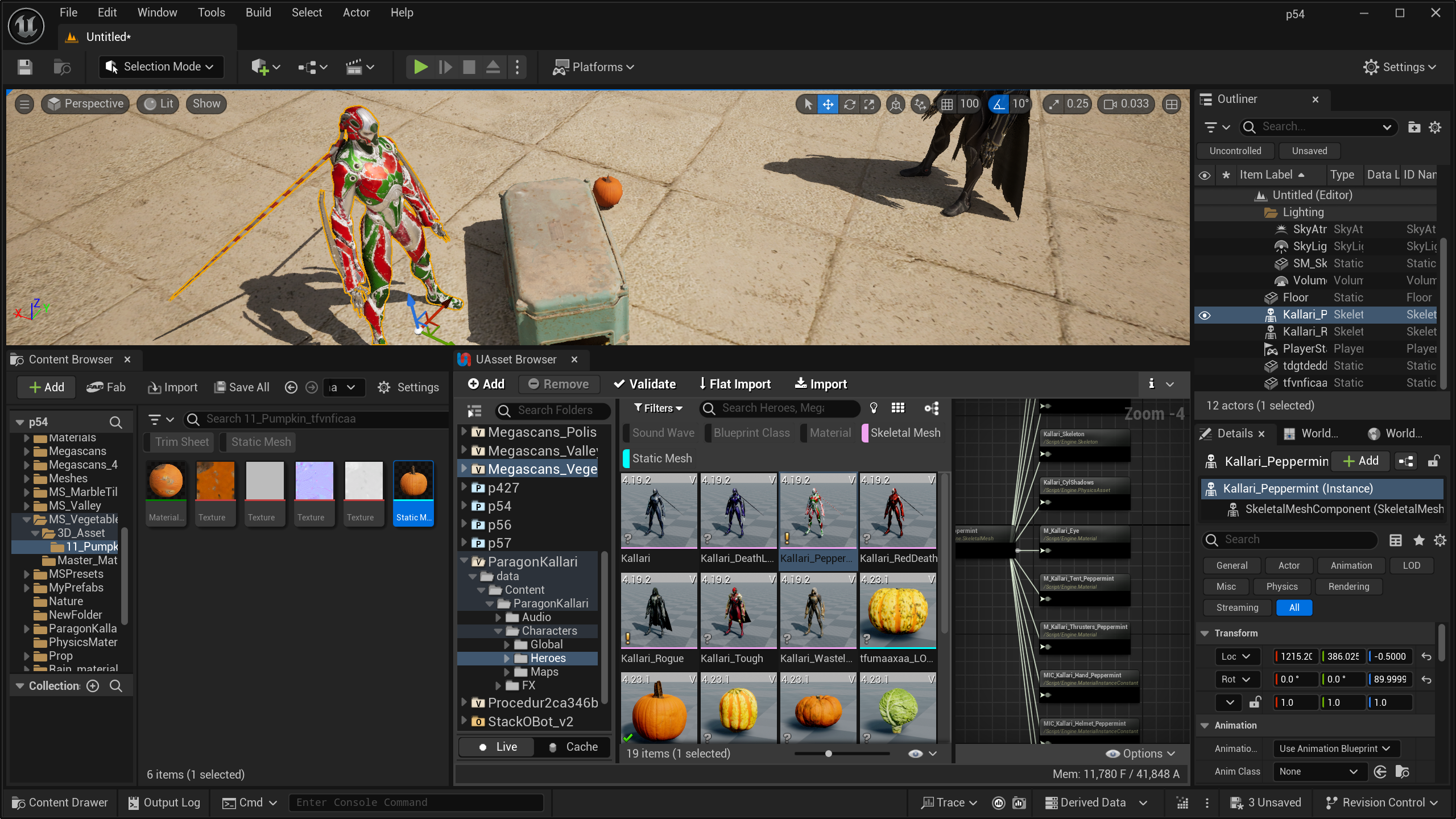
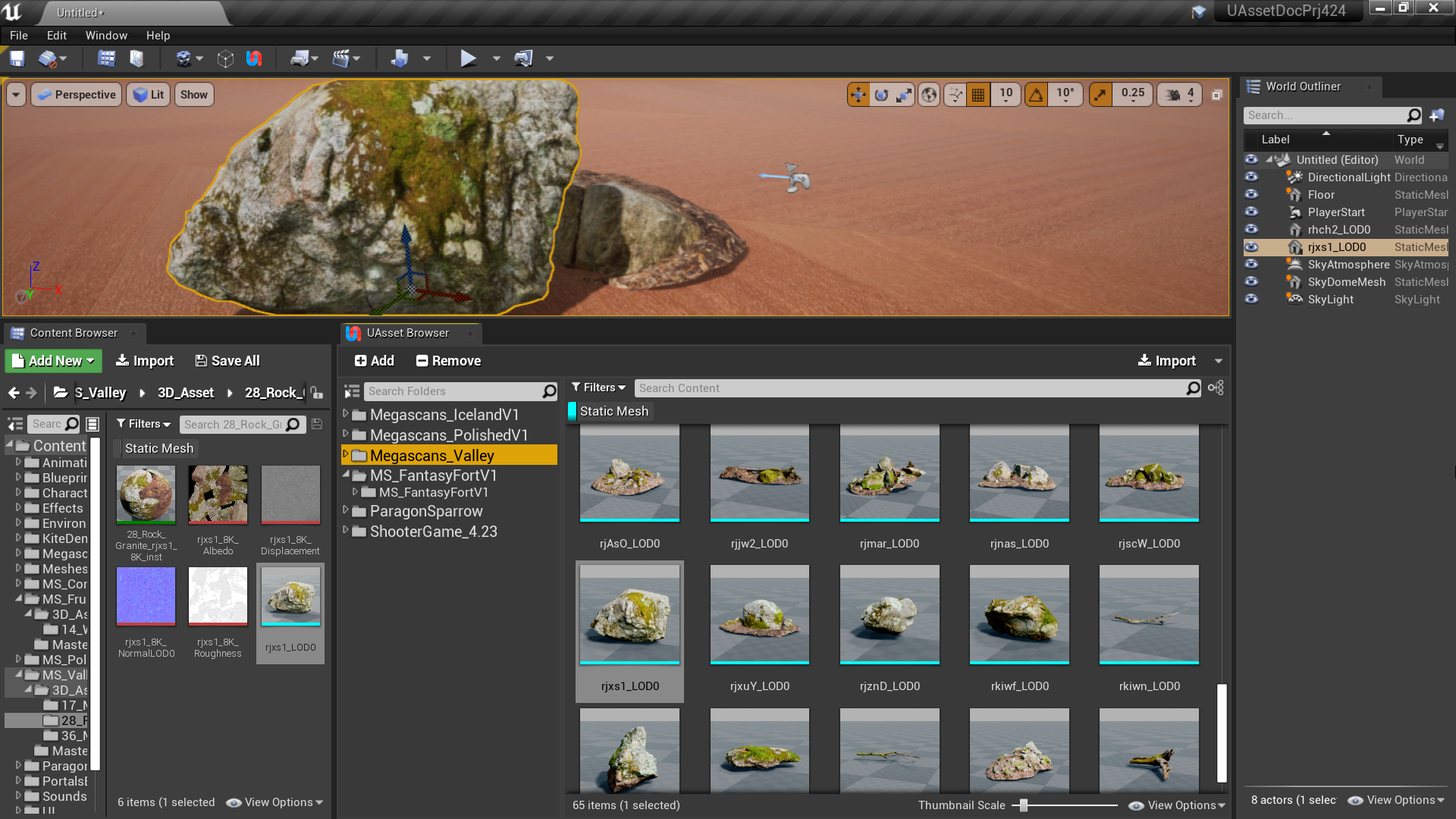
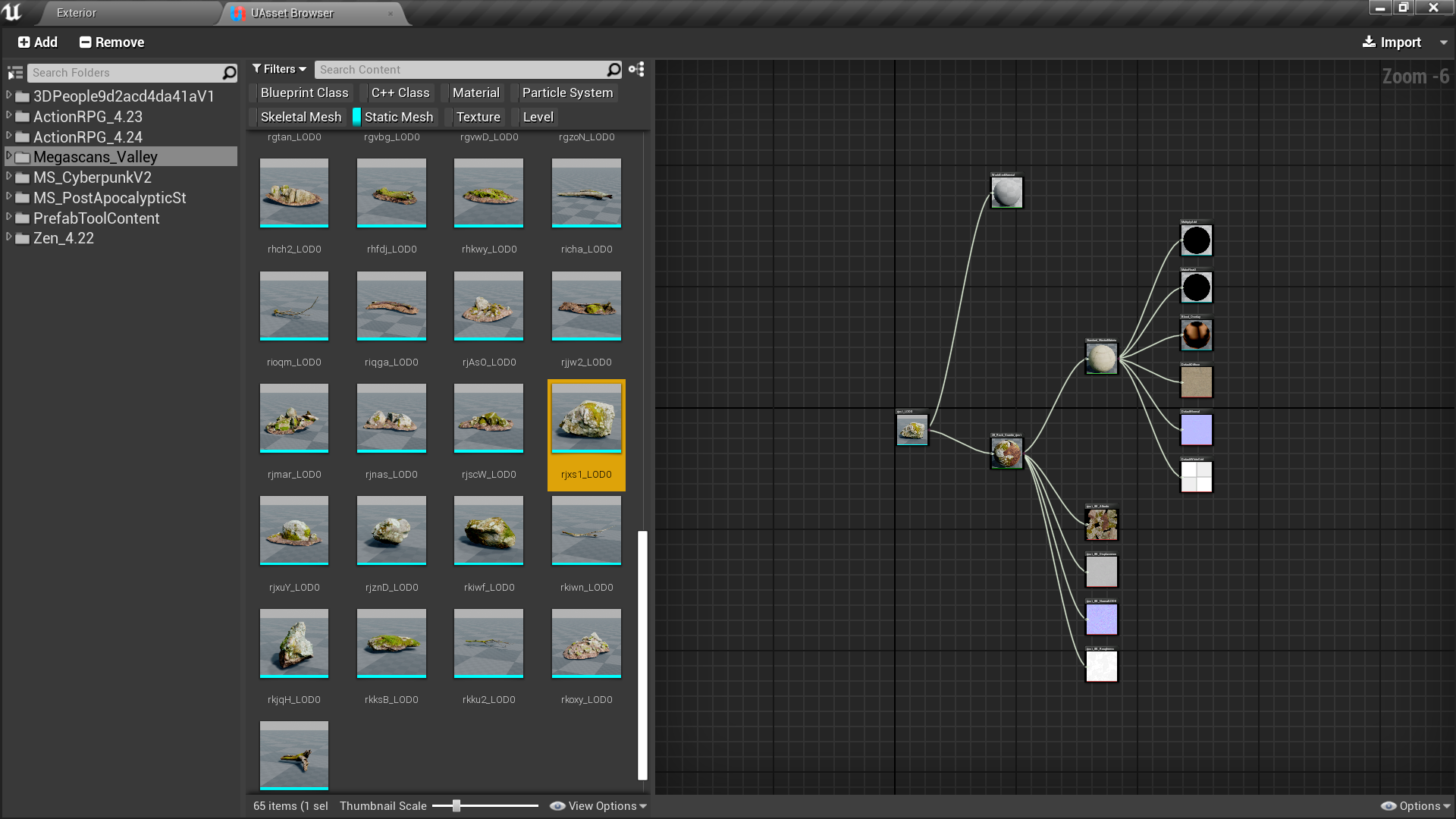
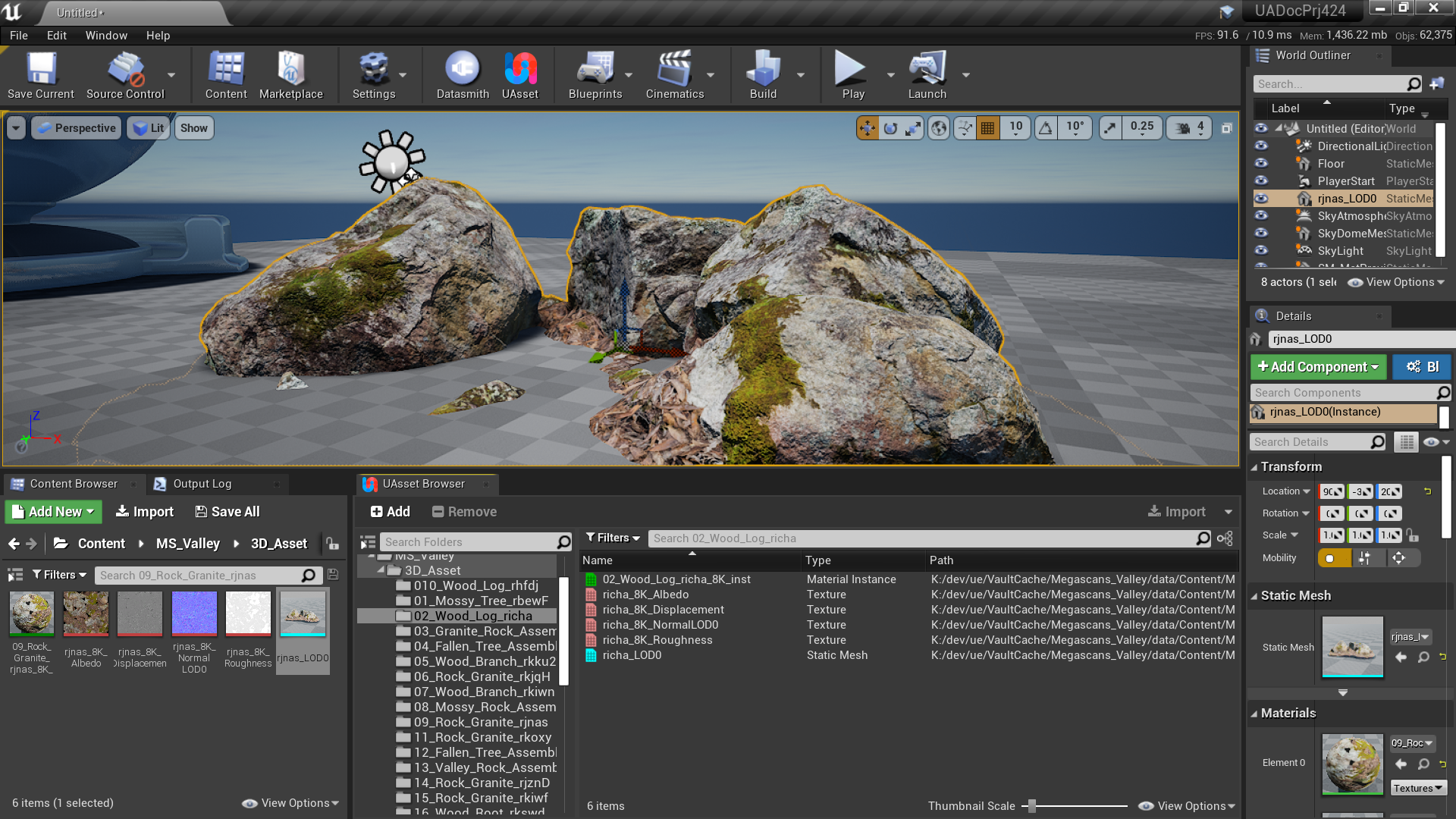
With UAsset Browser, you can preview uasset thumbnail, view dependency graph between uasset files, inspect/search/filter uasset meta data, and then import uasset file with all it’s dependencies including hard or soft references.
UAsset Browser looks and works similar to Content Browser, the difference is that instead of working with internal content, UAsset Browser works with external content (from other projects or from marketplace vault cache content folders).
UAsset Browser works as a uasset file importer. Dependencies between uasset files will be gathered and imported together to avoid missing dependencies when copying uasset files manually into your project.
Different from existing Migrate Asset workflow, instead of opening multiple external projects to migrate selected assets to your current project, with UAsset Browser you always stay in the current working project, browsing and importing the assets you want from any external projects or vault cache content into the current project.
Cooked uasset files from packaged games are not supported.
—
What’s New:
v1.5 Updates
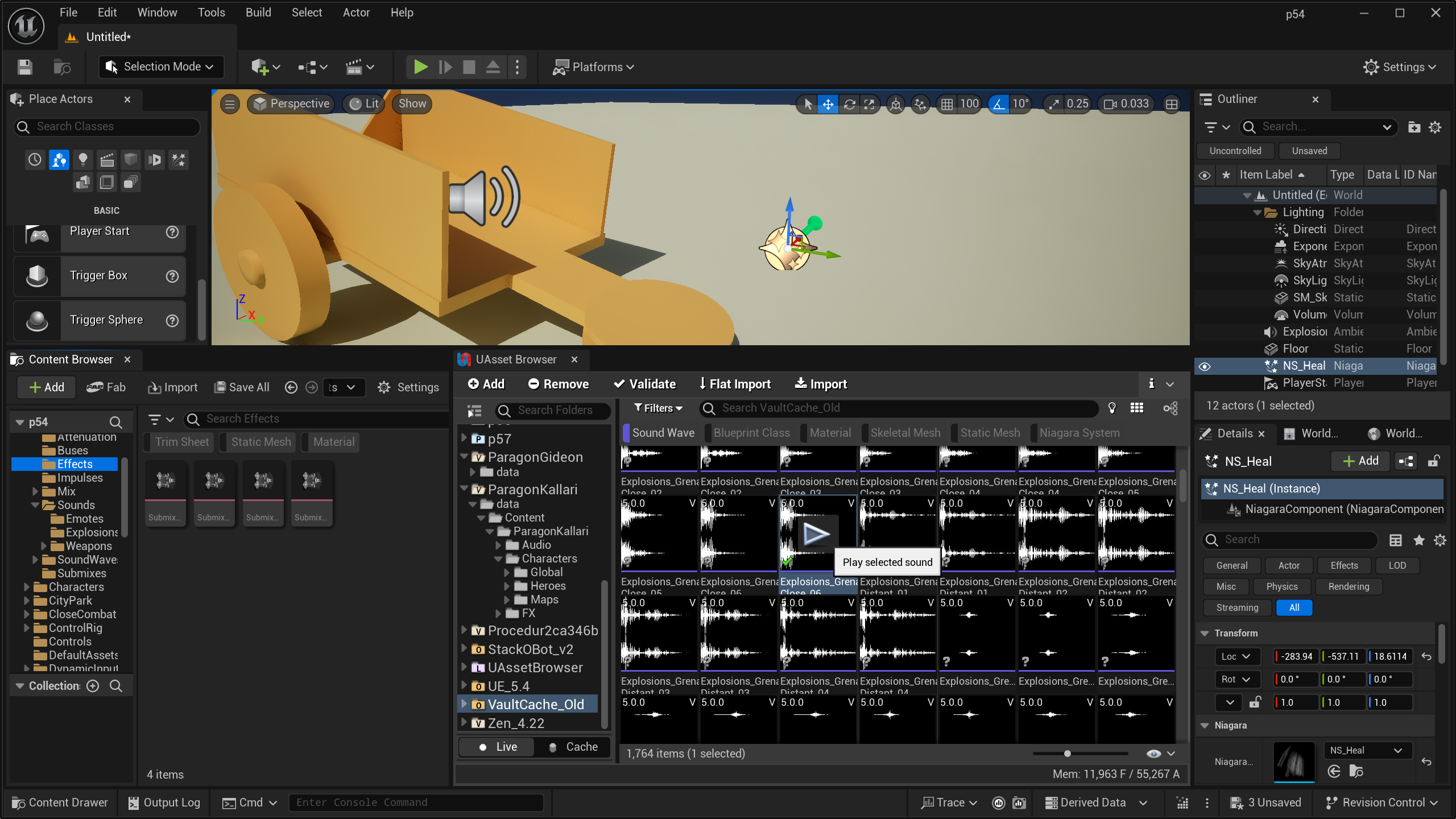
- Audio Preview: Play SoundWave assets directly without importing.
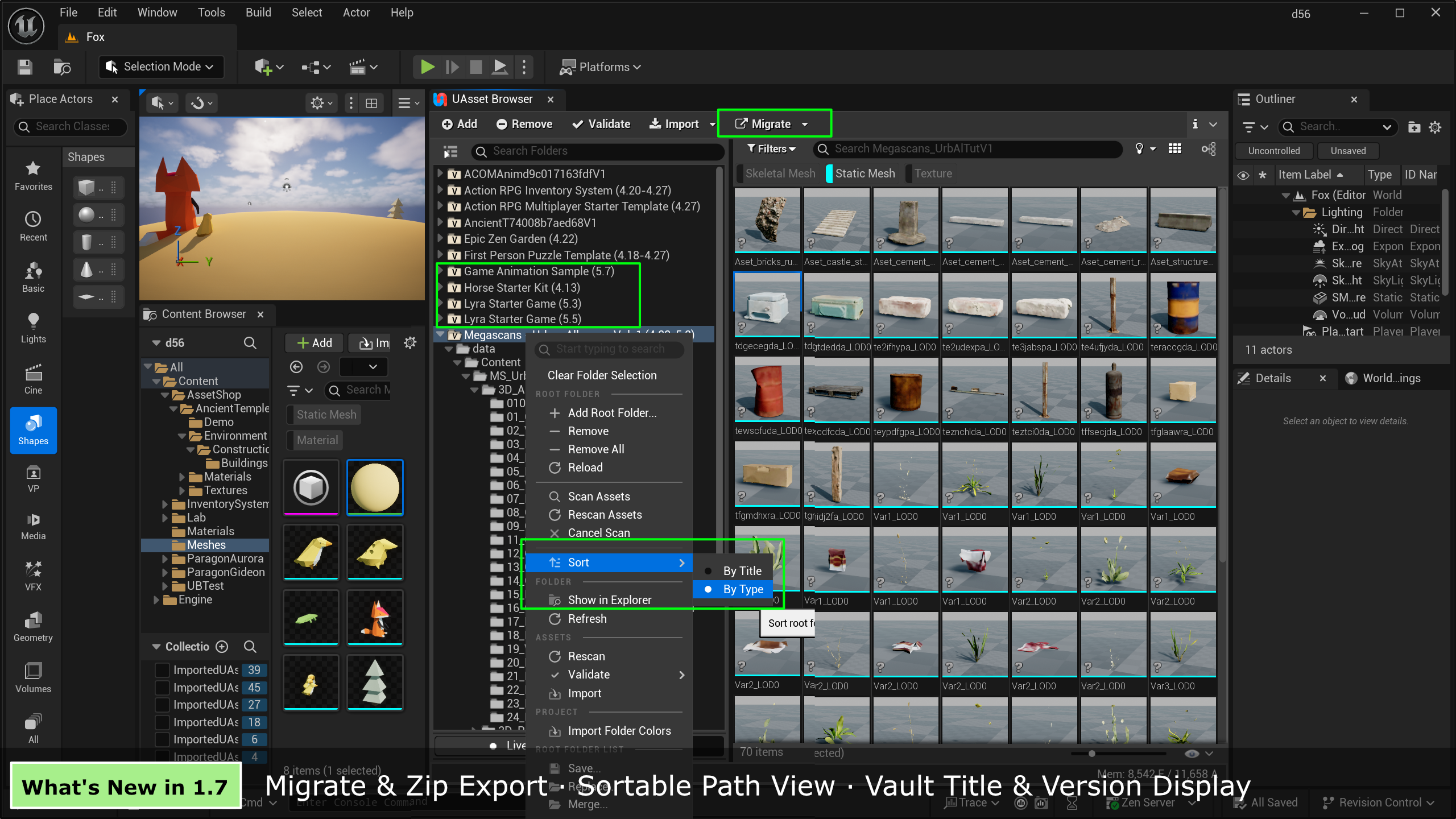
- Visual Organization: Root folders are now color-coded by type (Project, Vault, Plugin, etc).
- Also: Async asset validation, Cache Mode toolbar, and recursive revalidation options.
v1.4 Updates
- Background Scanning: Async ssset scanning/rescanning, better state preservation between Live/Cache modes, and status bar indicators.
v1.3 Updates
- Cache Mode: Introduces a local database mode for instant, offline browsing.
- Also: Thumbnail overlays
v1.2 Updates
- Async Gathering: Major performance boost to gather assets without blocking the UI.
- Blueprint Support: Added a Blueprint Function Library for scripting imports.
- Also: “Direct Copy” mode (skips dependency checks) and support for importing folder colors.
v1.1 Updates
- Dependency Viewer: Visual graph to inspect recursive dependencies and hard/soft references.
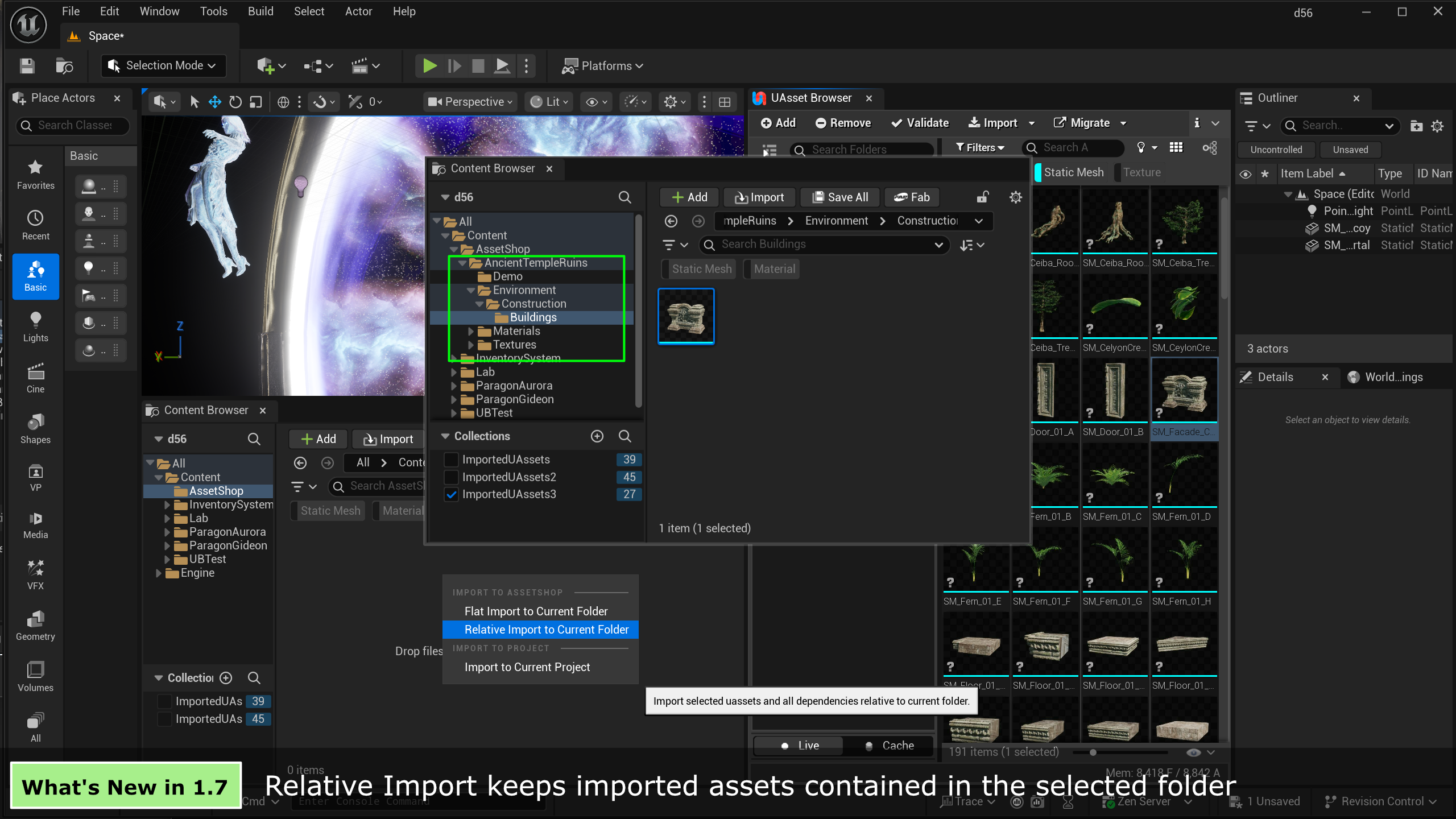
- Enhanced Workflow: Added Drag-and-Drop import and Flat Import (consolidates files into one folder).
- Also: Import options for overwriting, rolling back errors, and finding imported assets.
Technical Details
Features:
- Browse uasset files inside editor
- One click import uasset file with all dependencies
- View dependency graph of uasset files
- Support both hard dependency or soft referenced assets
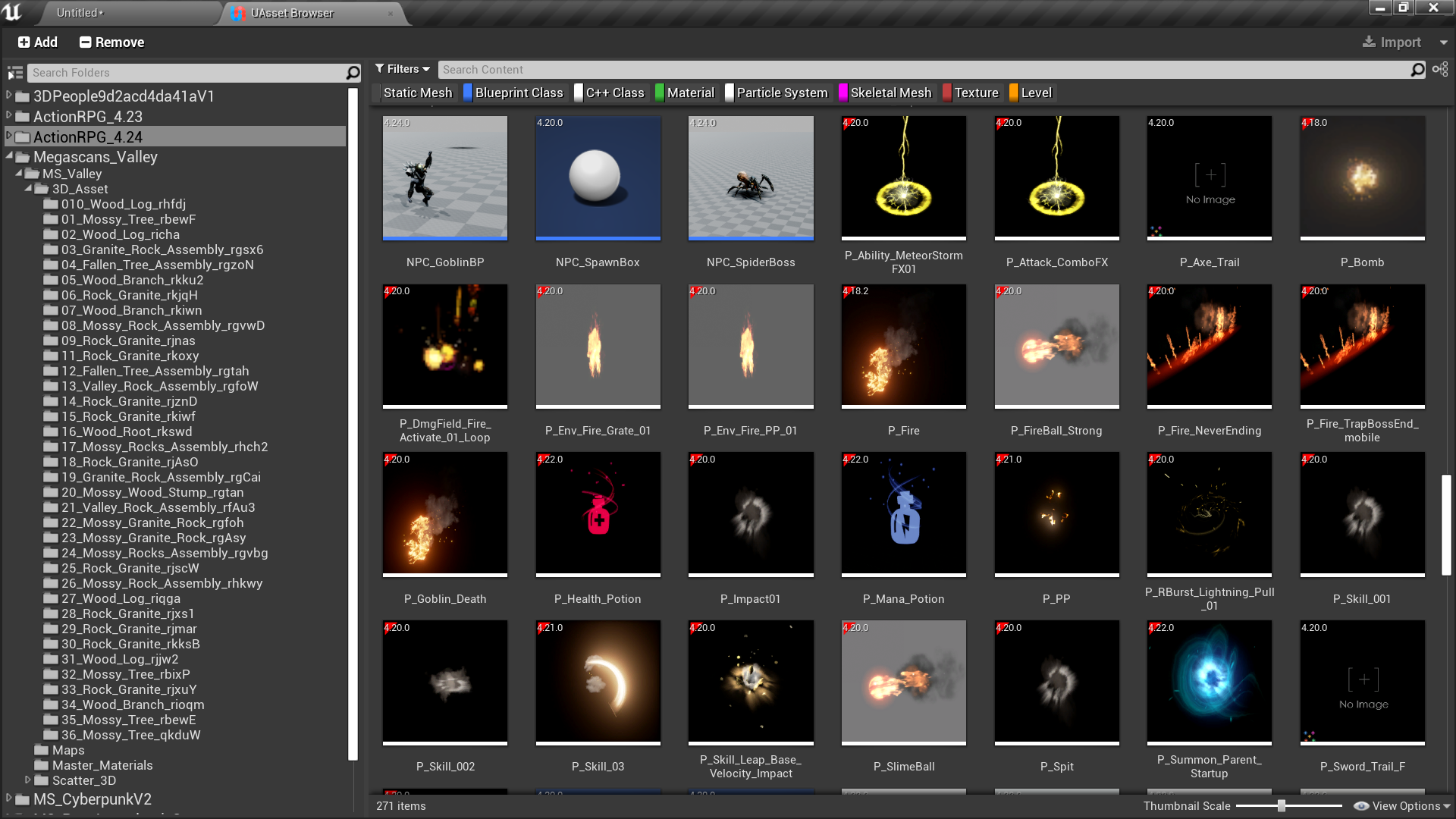
- Preview uasset content thumbnail
- Inspect uasset meta information
- Display uasset engine version as thumbnail overlay
- Filter uasset files by asset type
- Search uasset files by name, by asset registry tags (e.g. triangles > 1000; materials == 1)
- Display uasset files in Tile, List or Column view
- Manage mulitple projects / valut cache content folders in one panel
- Familiar content browser UI
Code Modules:
- ExtContentBrowser (Editor)
Number of Blueprints:
Number of C++ Classes: 61
Supported Development Platforms: Windows
Supported Target Build Platforms: Windows
Documentation: https://marynate.github.io/uasset-browser/
Video: https://www.youtube.com/watch?v=DCCd6gdBZ30
Supprot:
You can contact us at any time and request that the asset you want be added to the site from the Request Asset section.