 Description
VIDEO | DEMO | | MIGRATION TUTORIAL (Fixes white-screen issue)
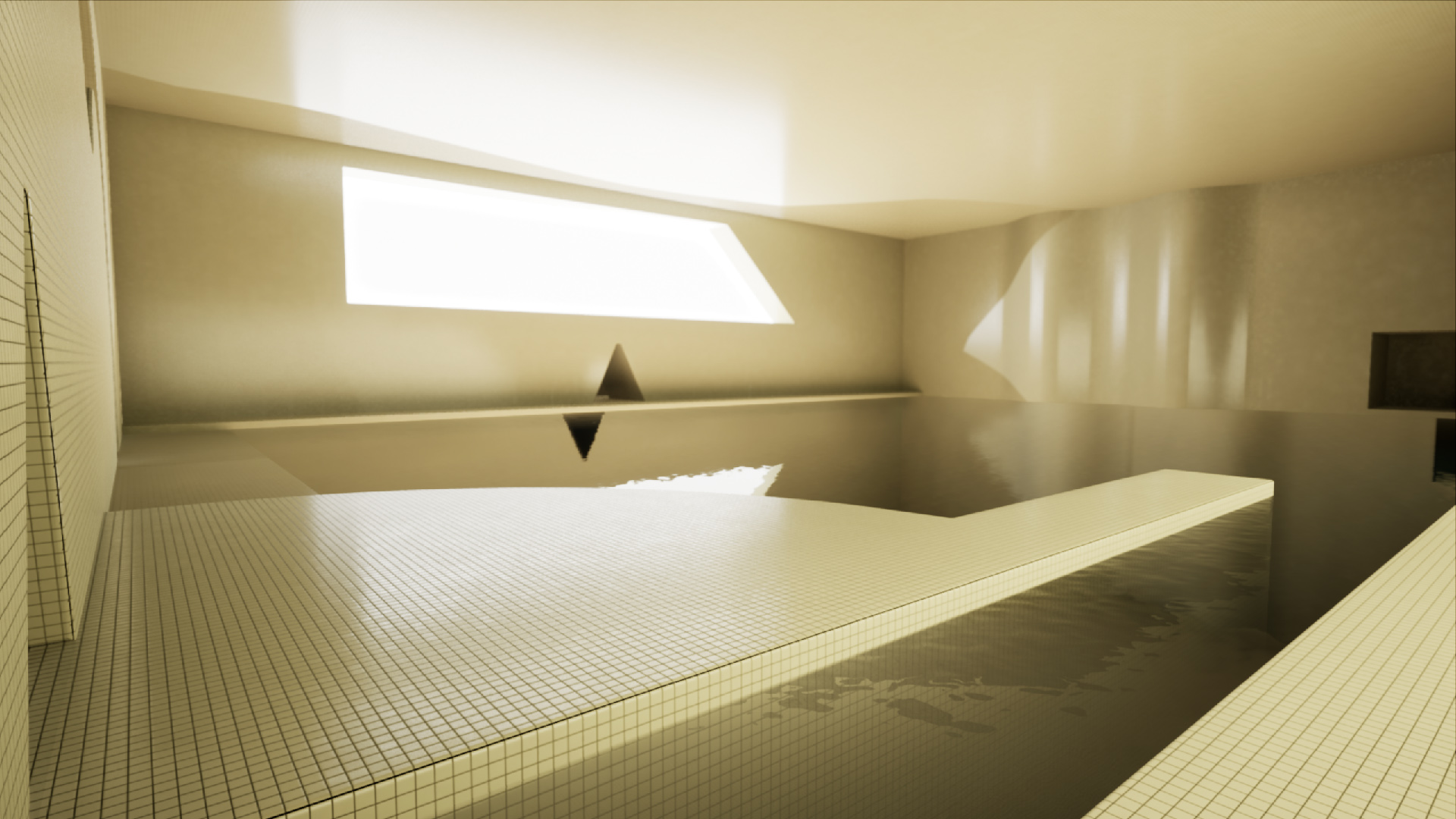
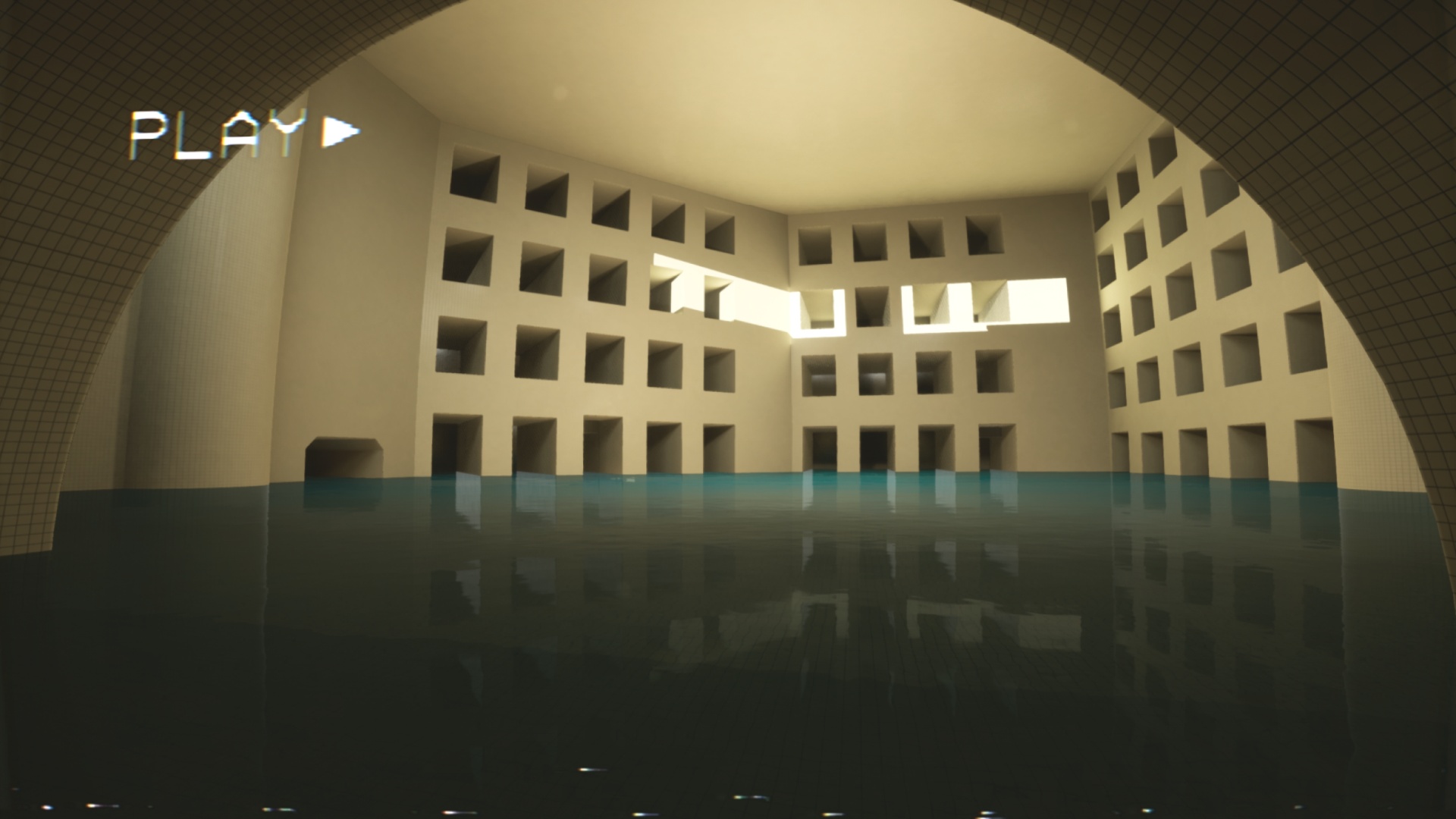
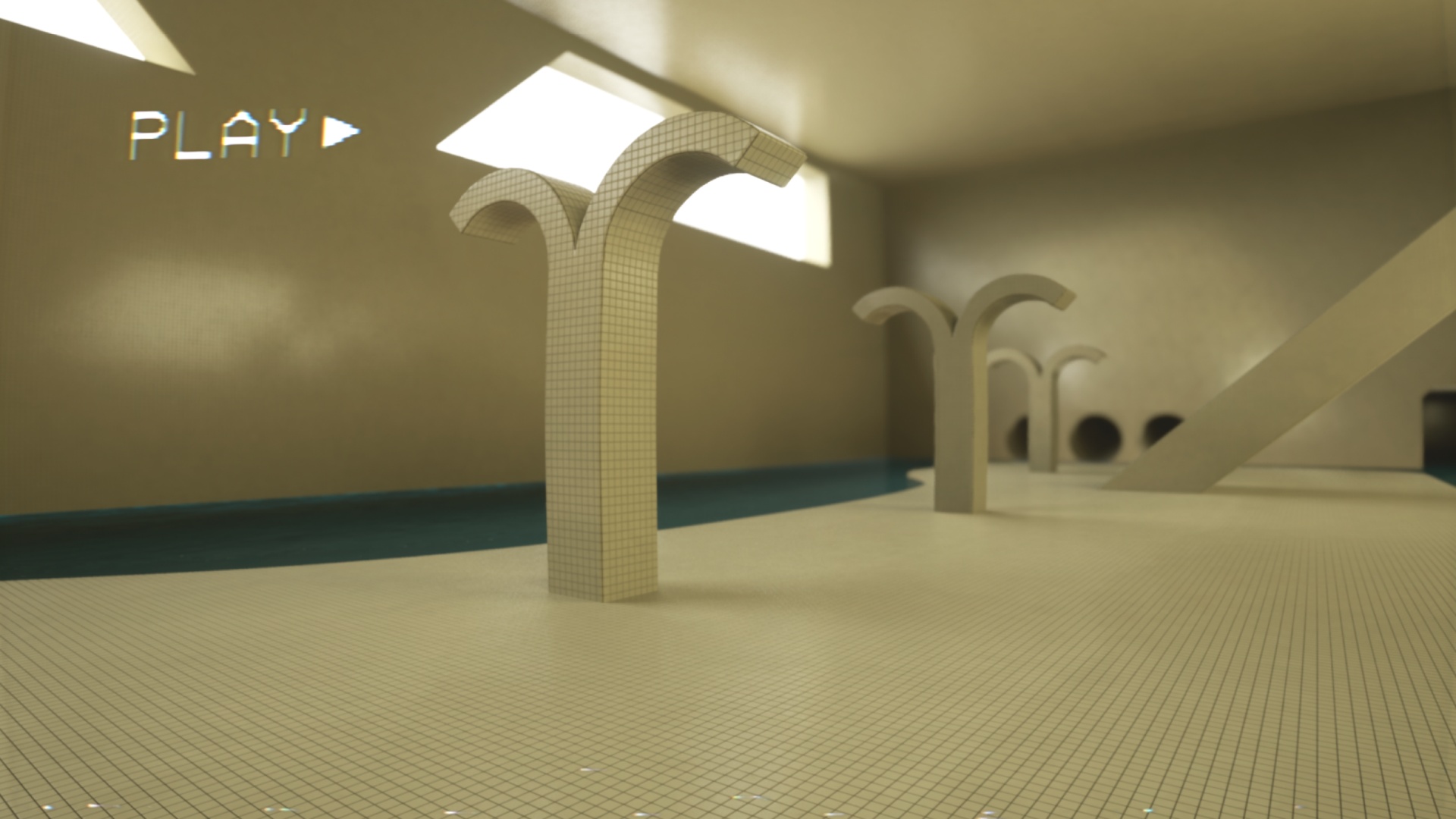
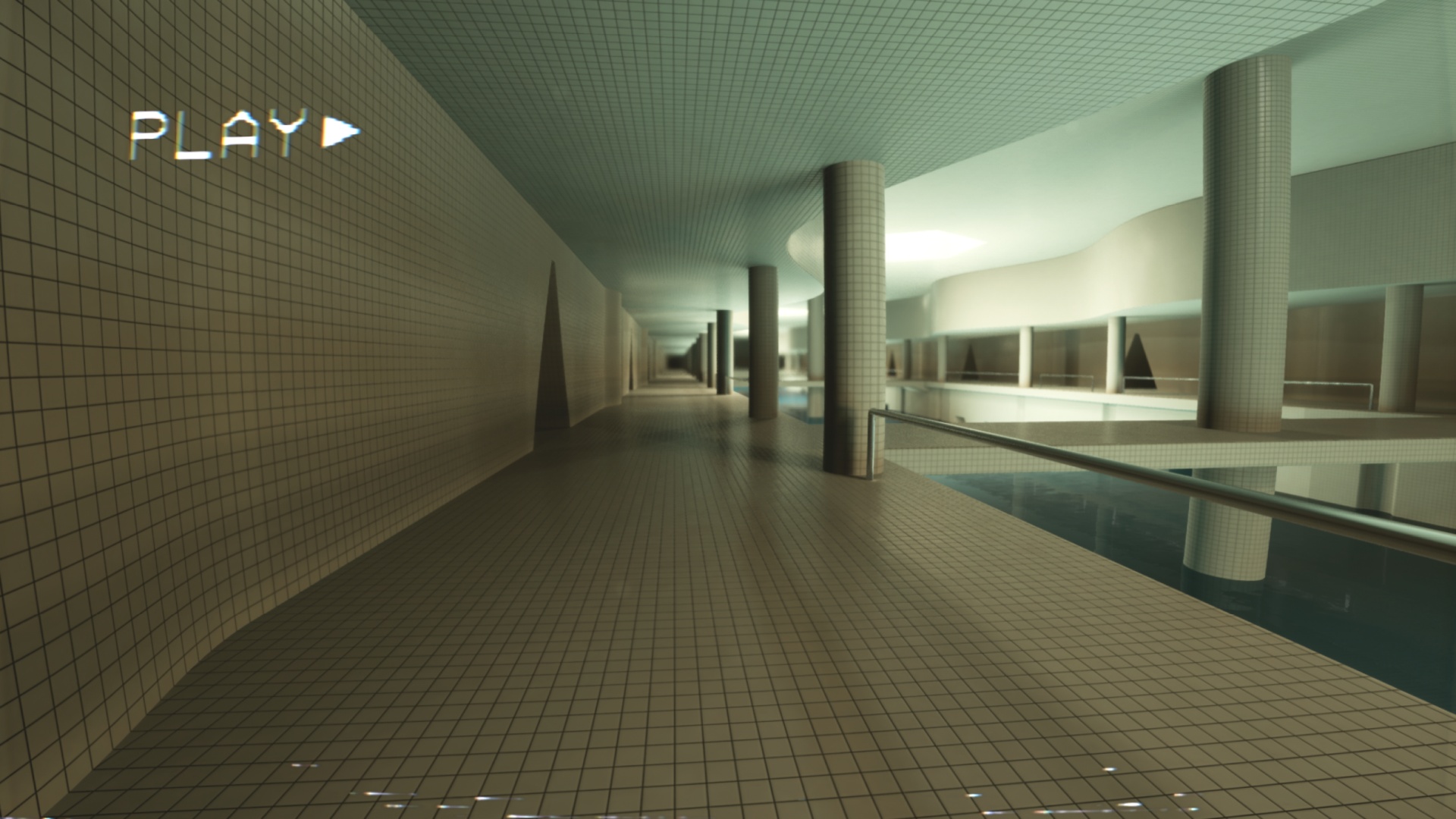
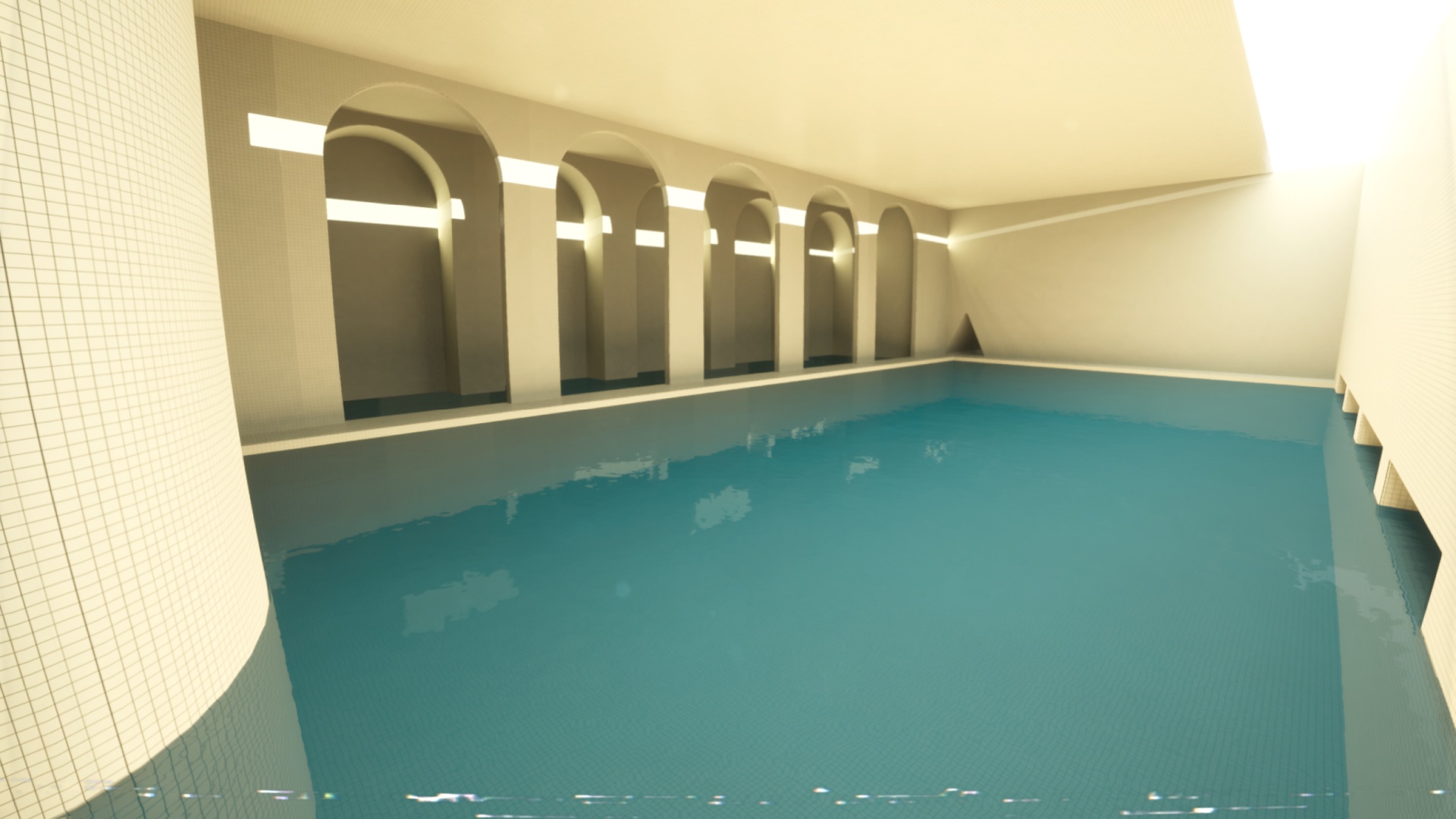
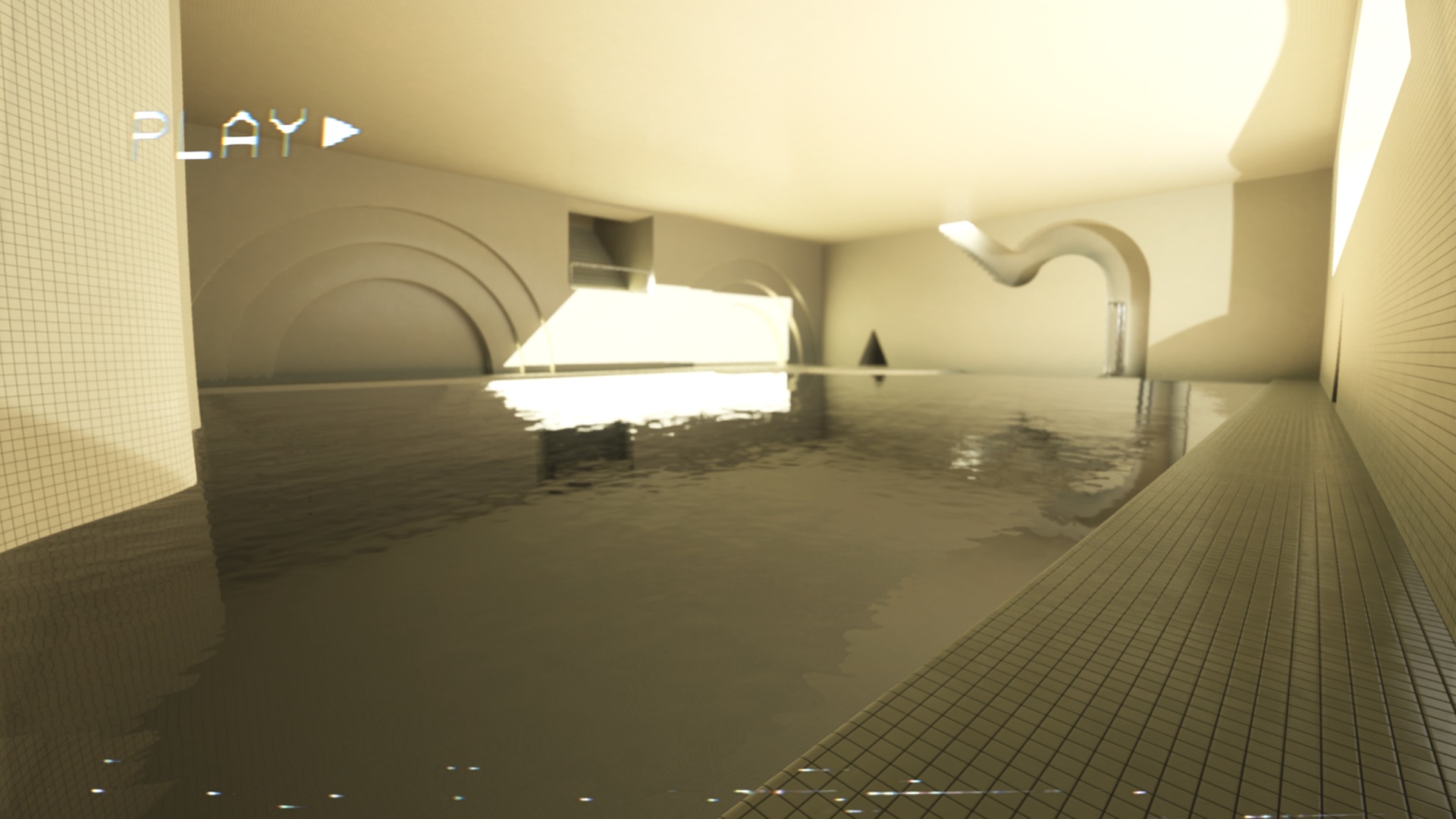
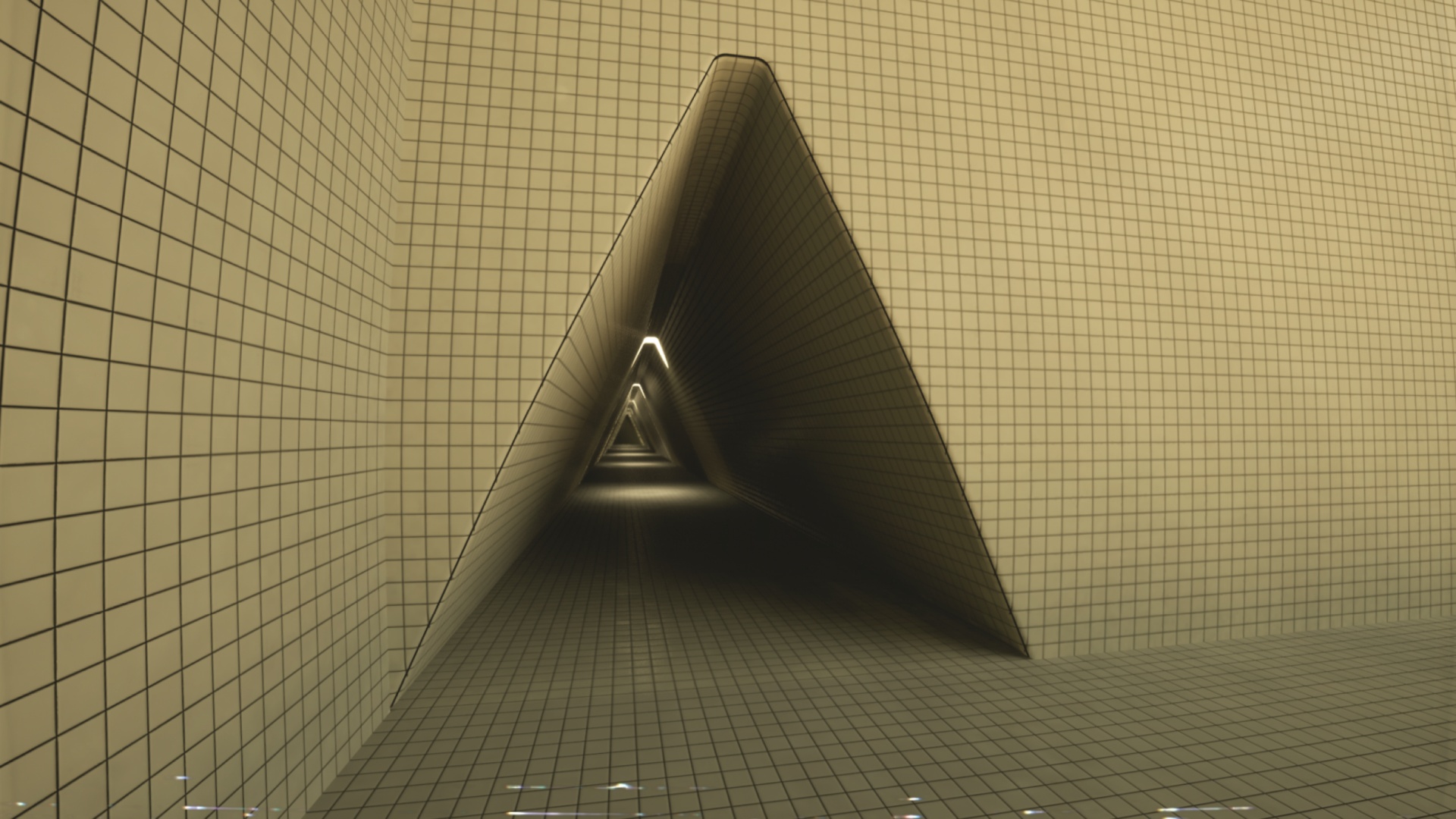
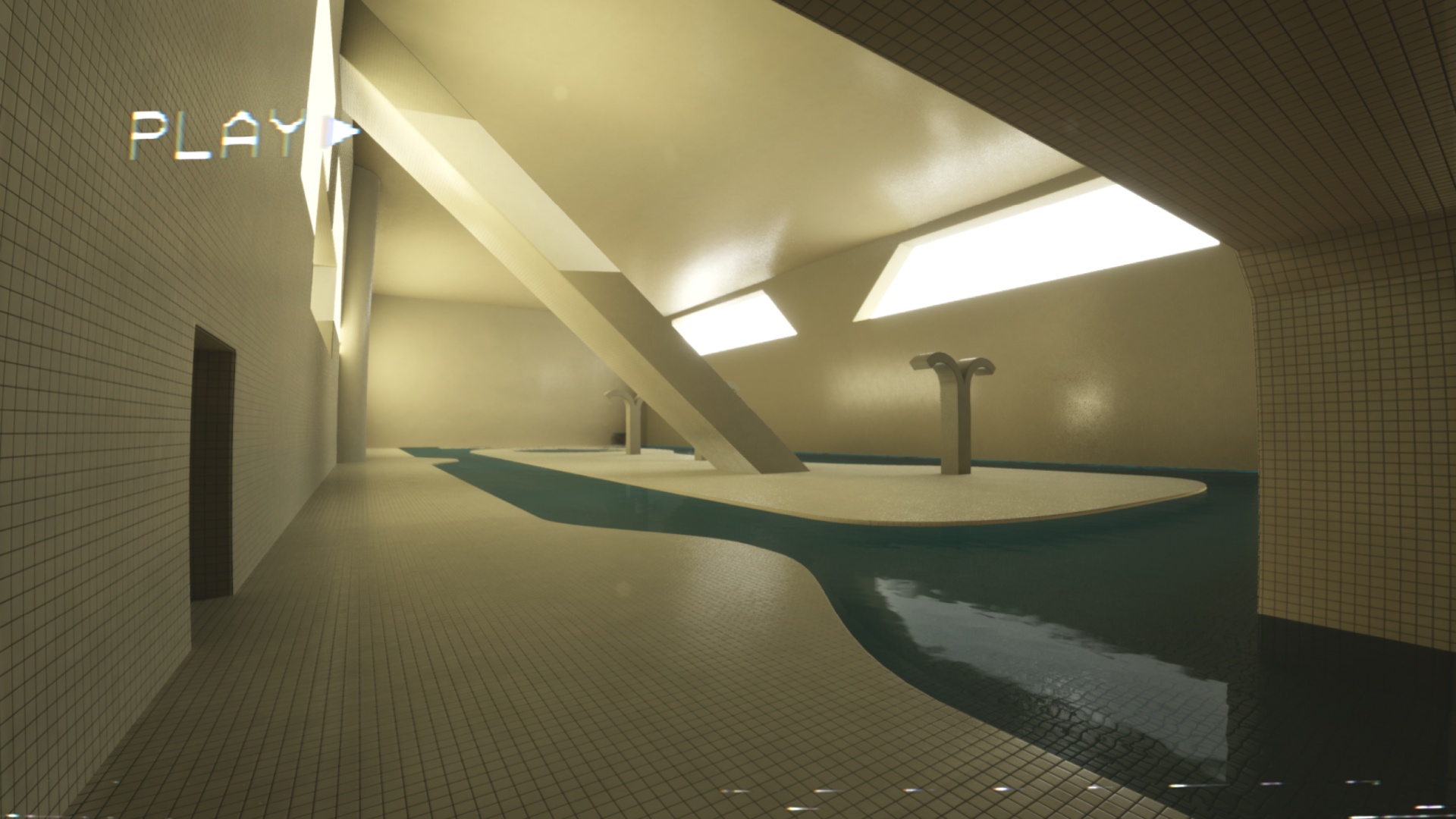
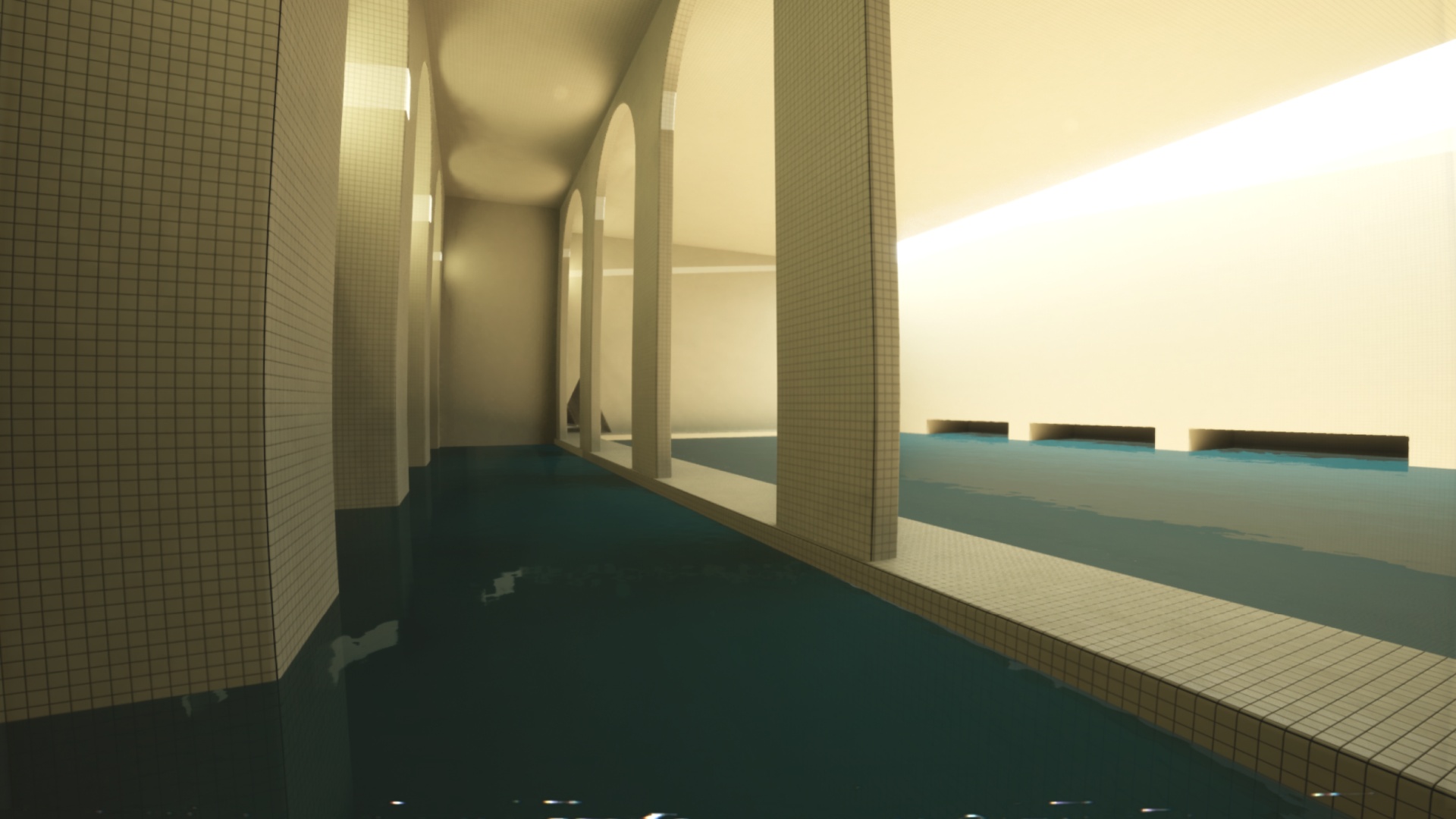
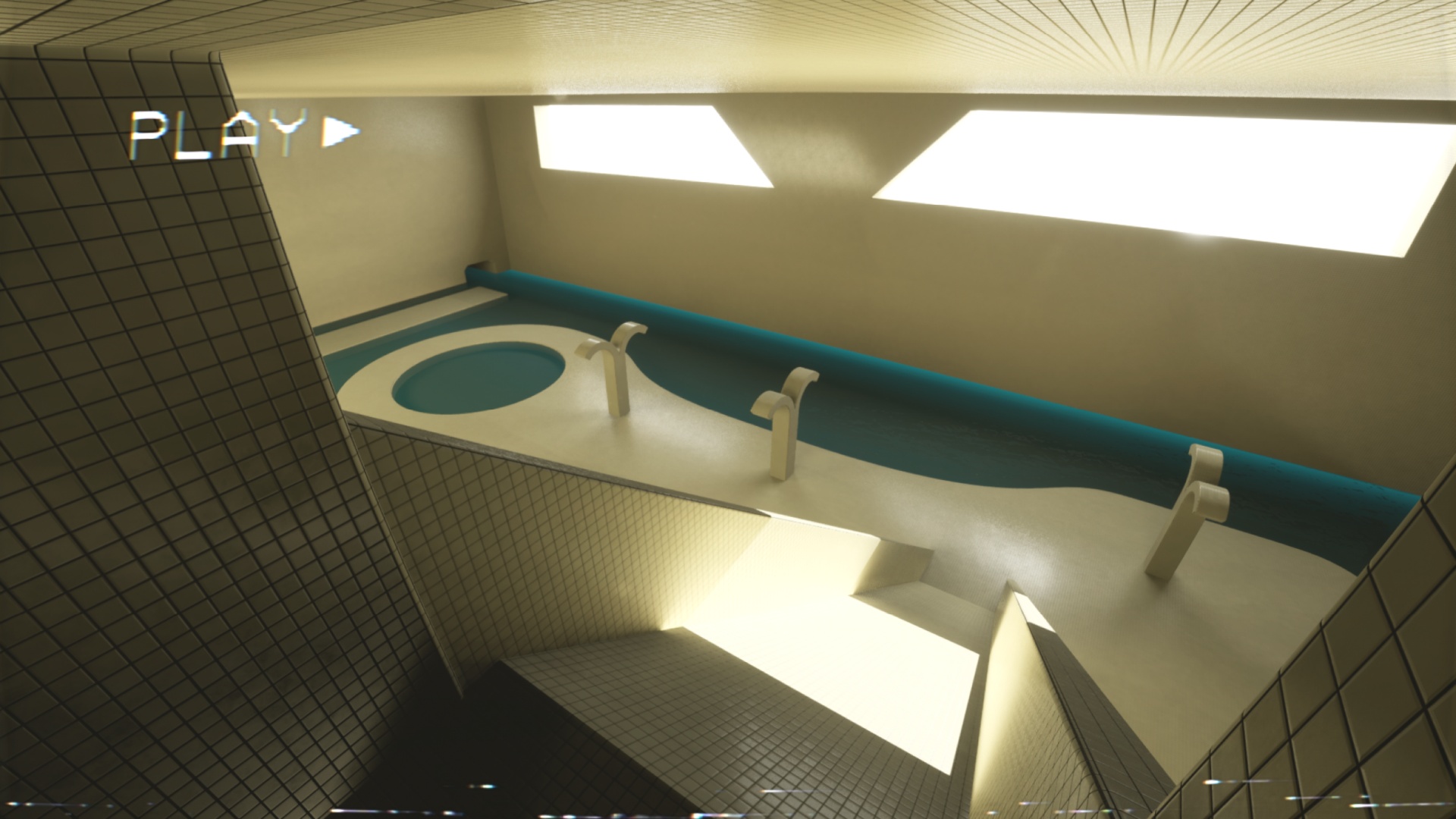
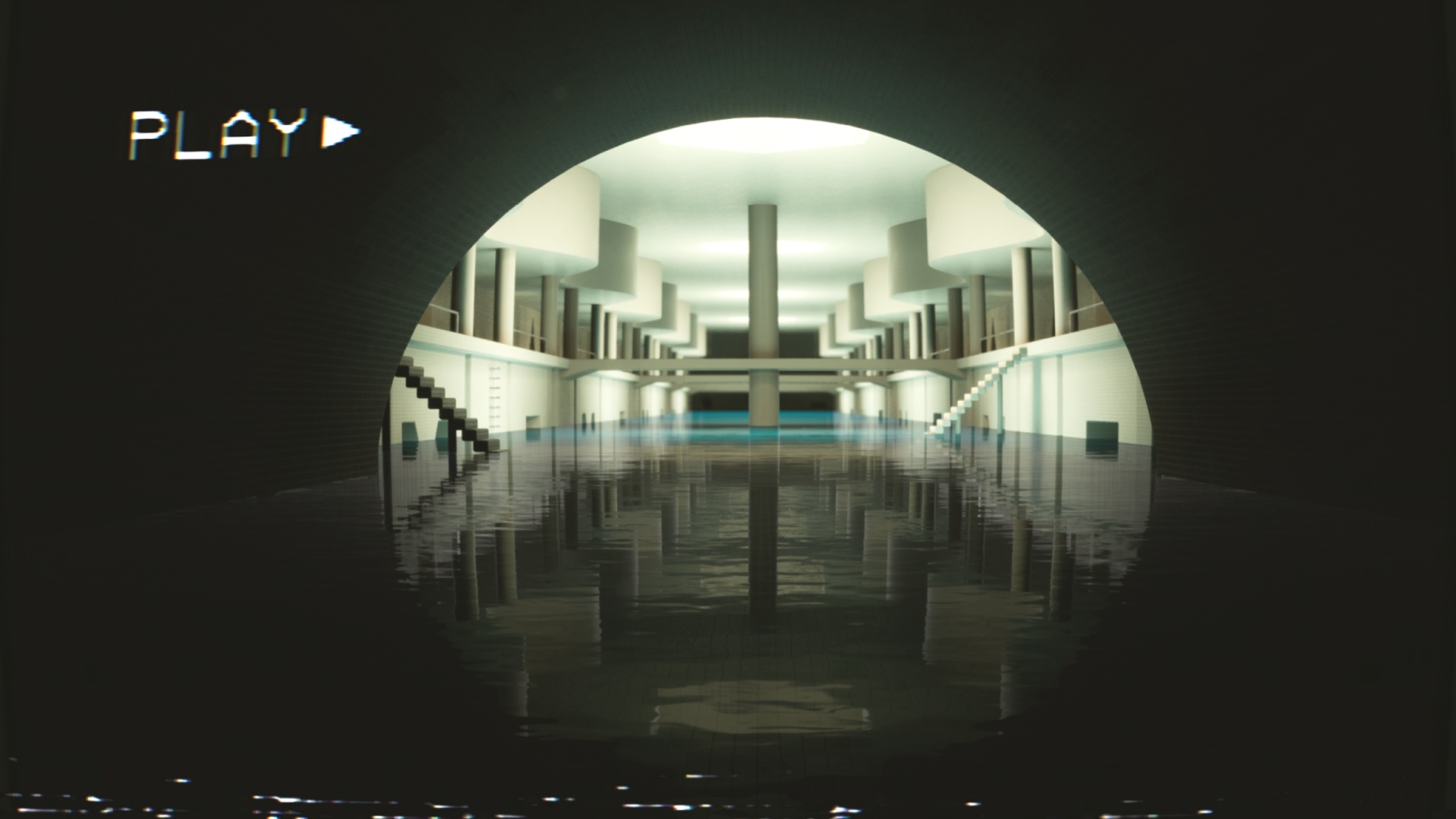
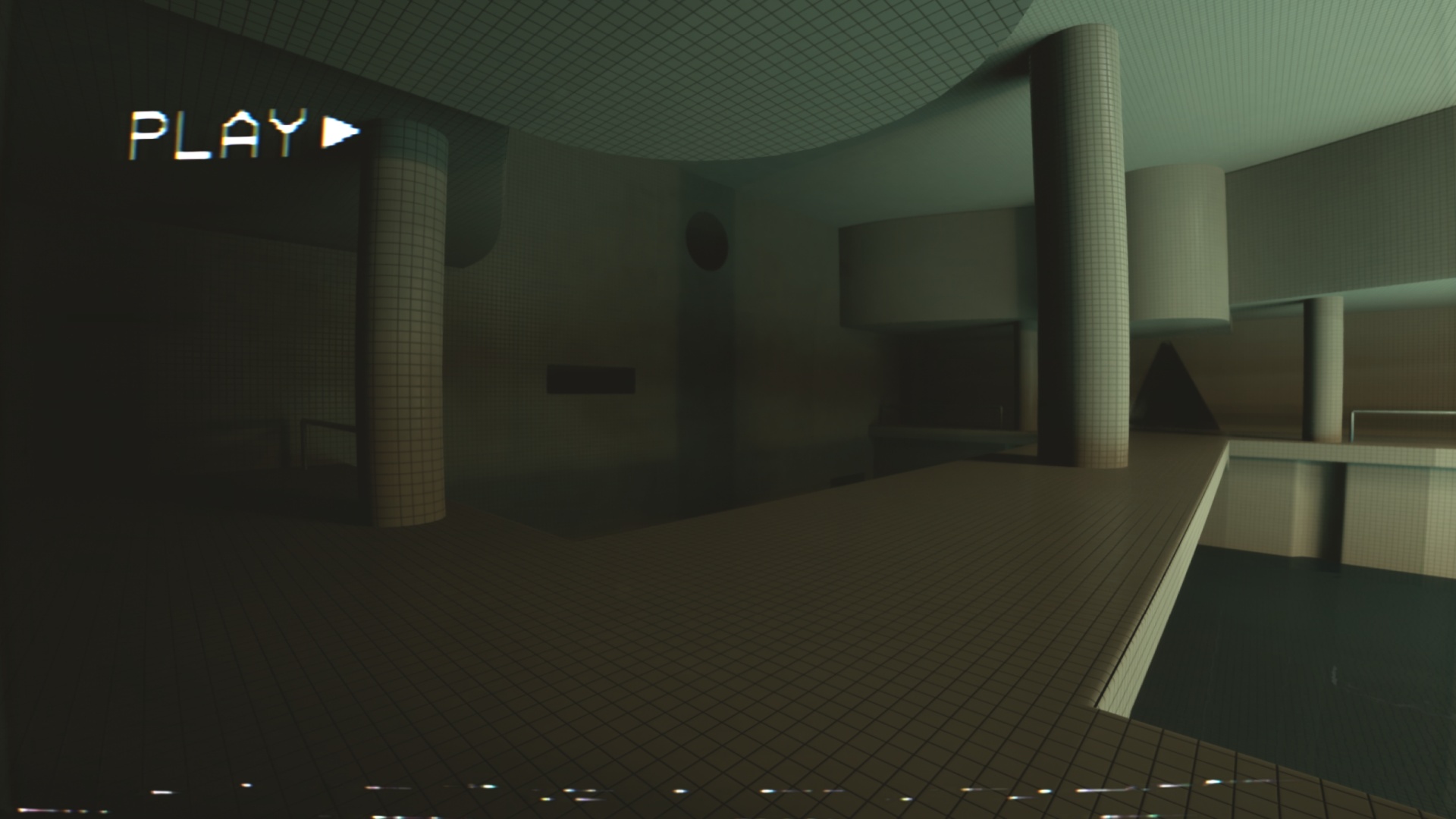
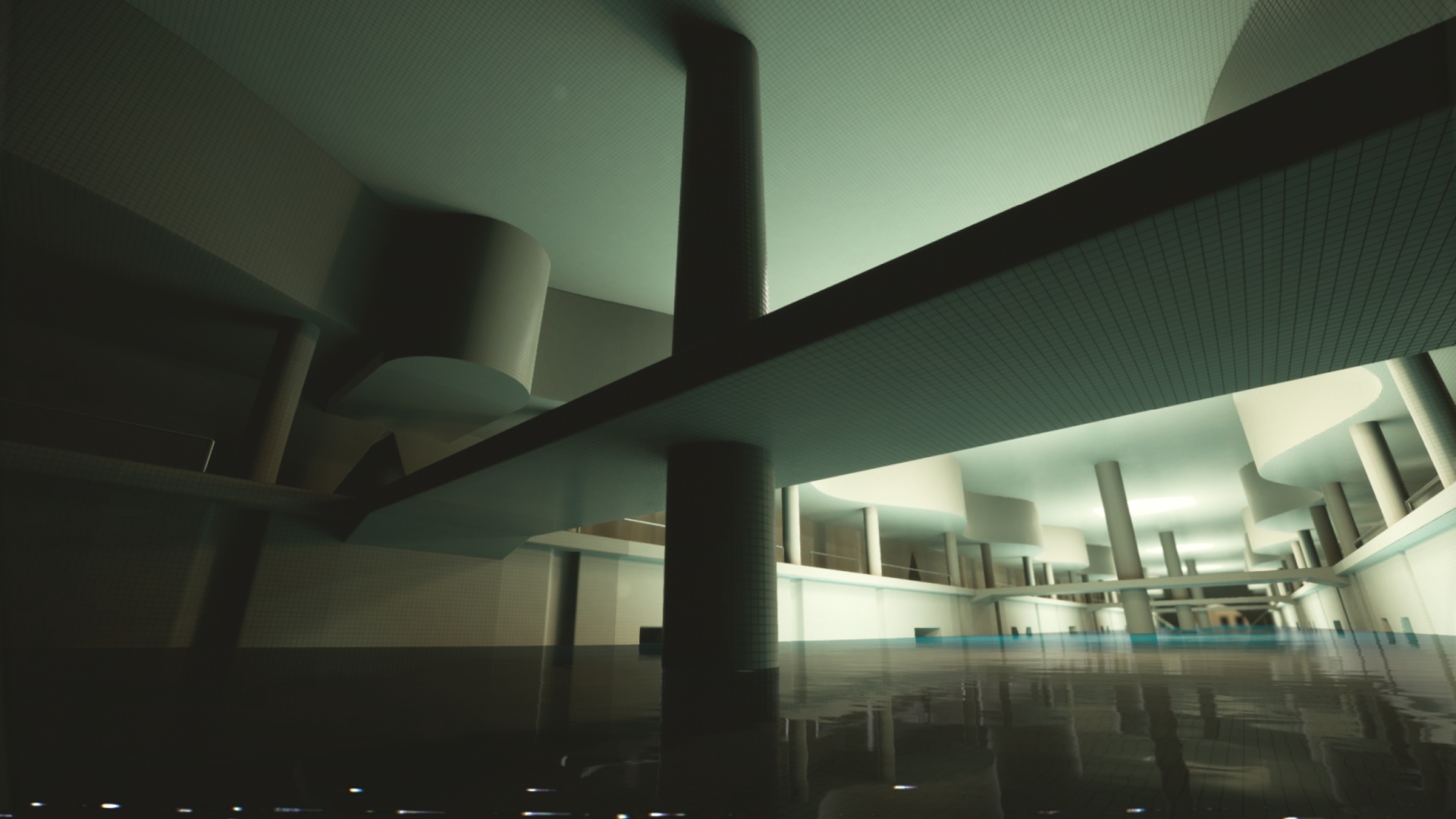
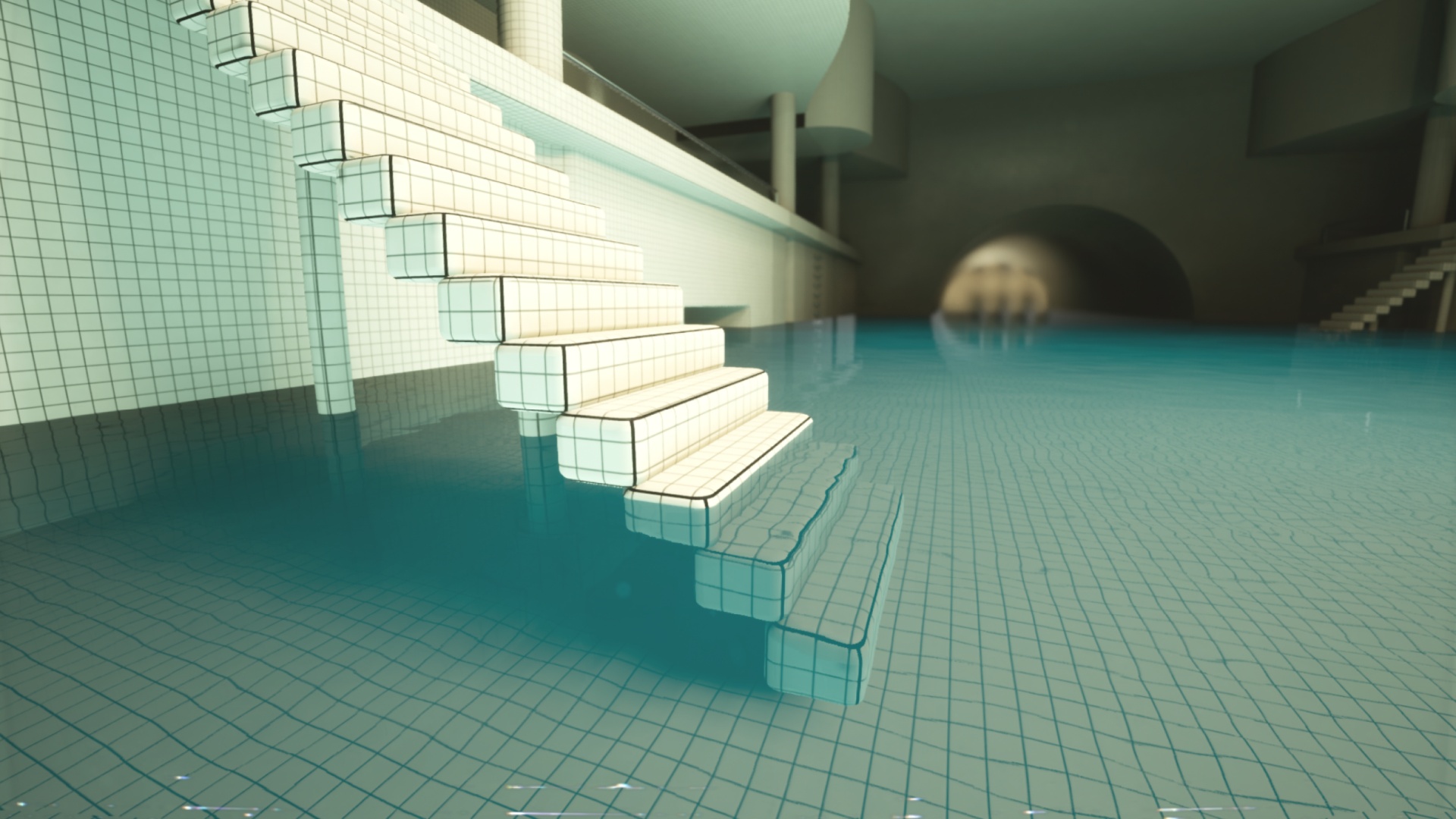
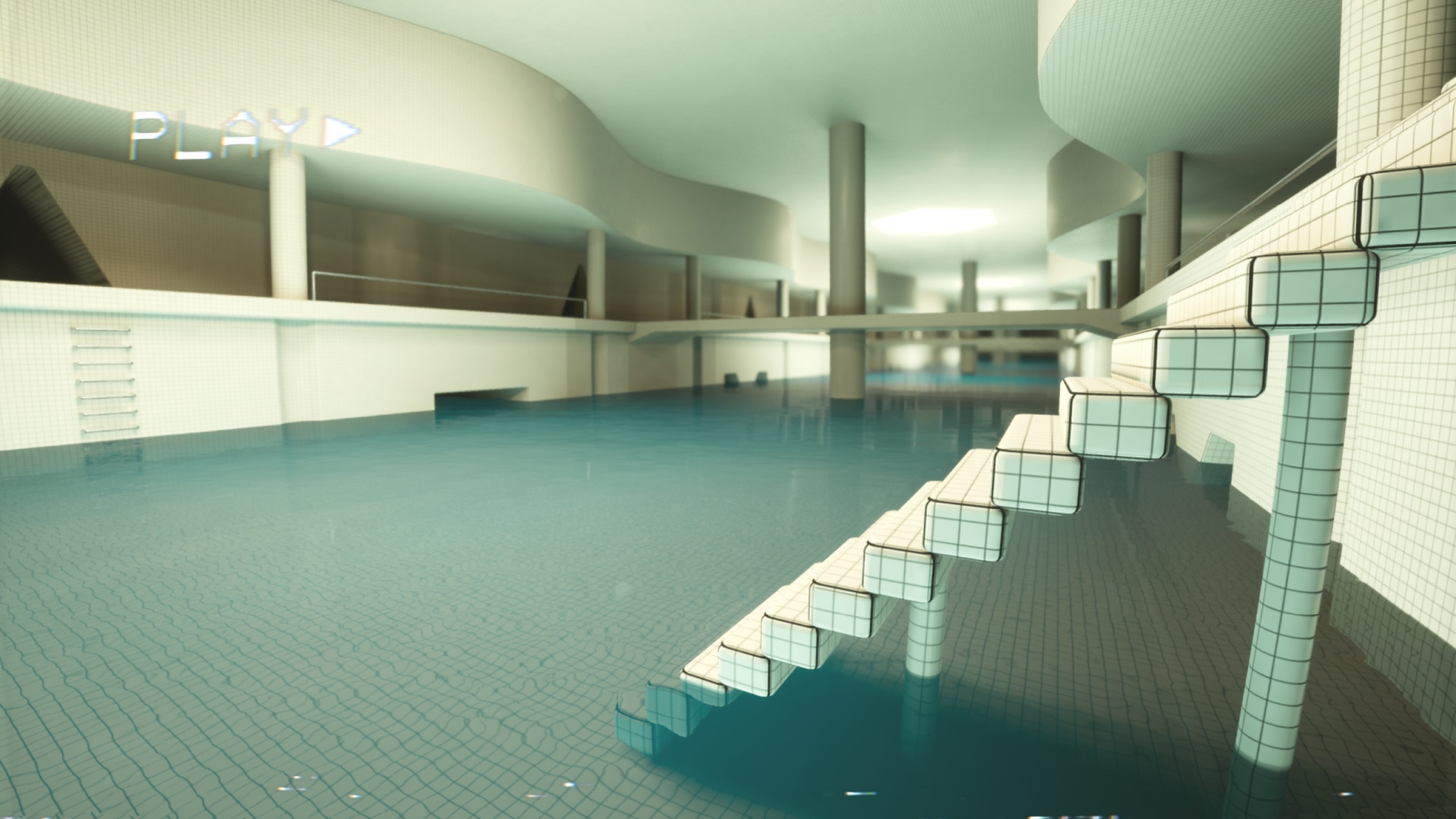
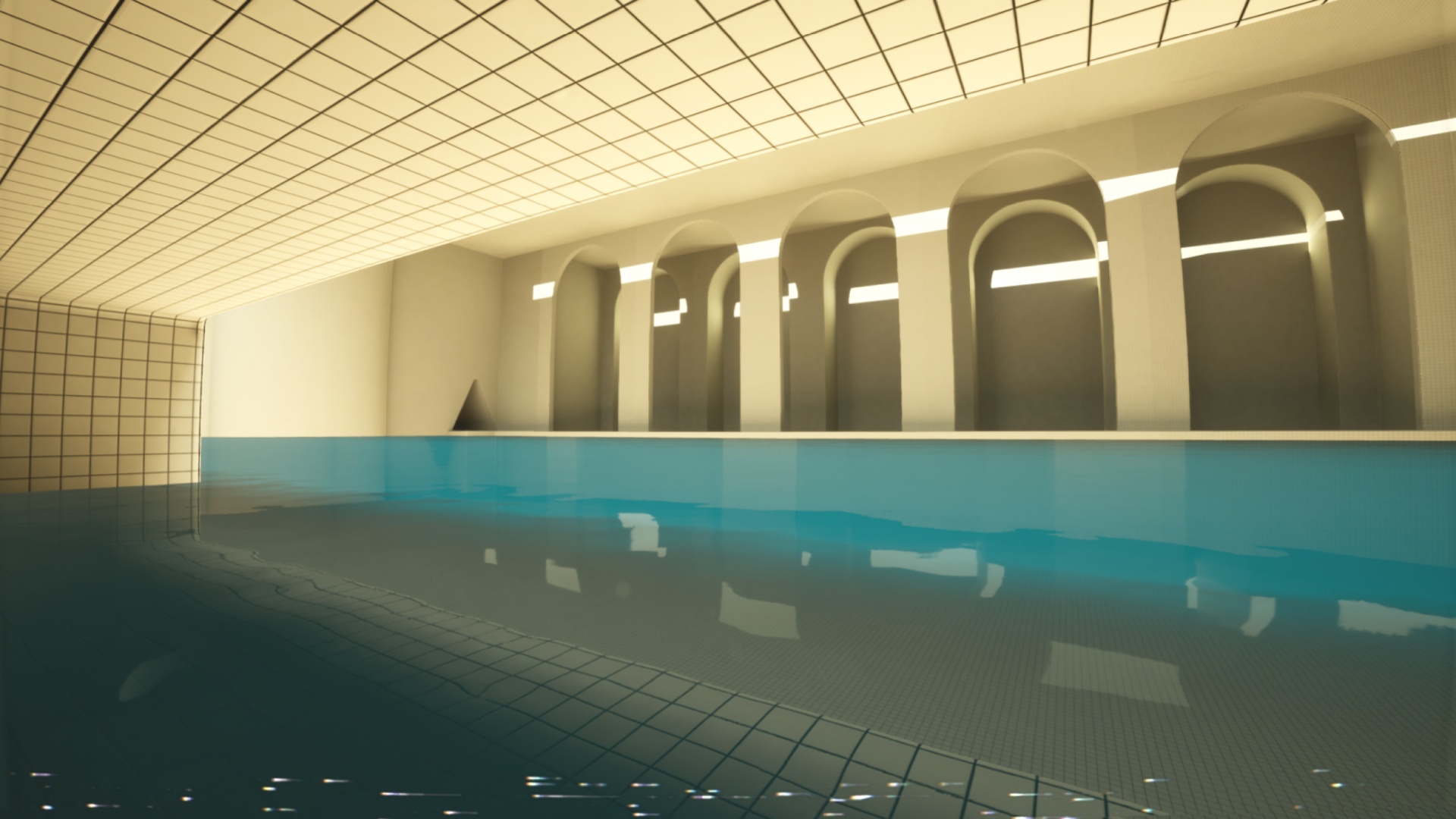
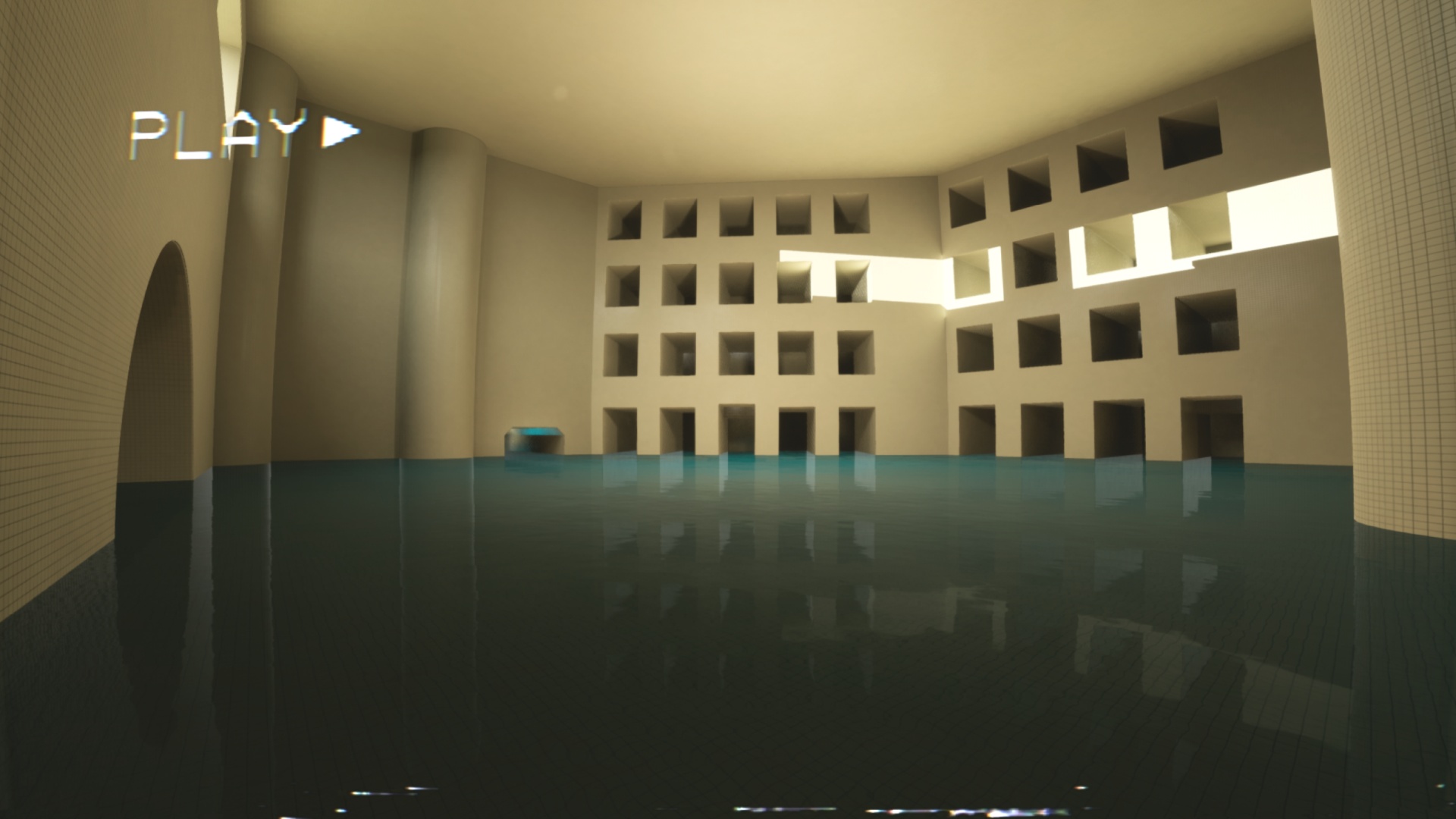
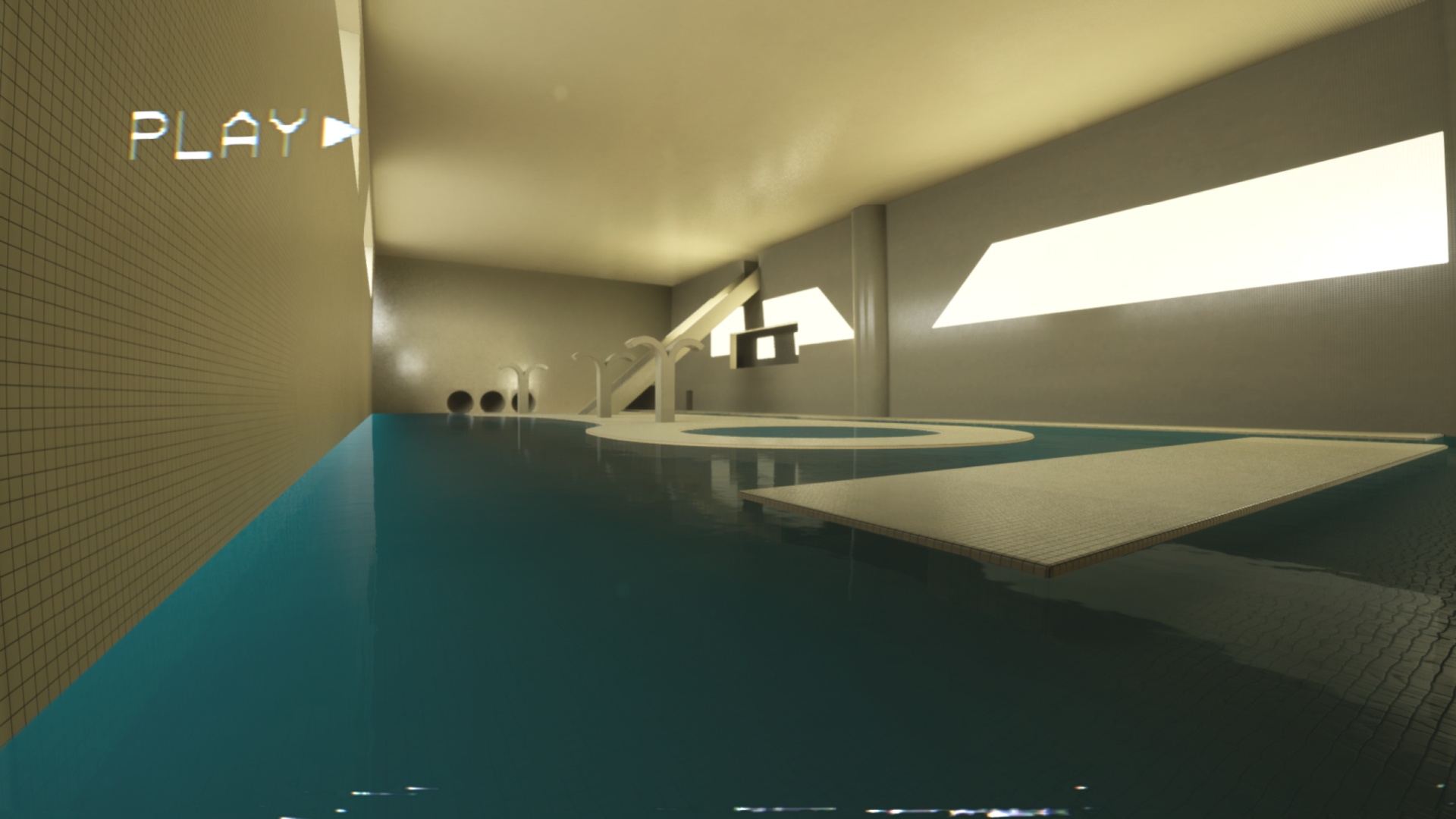
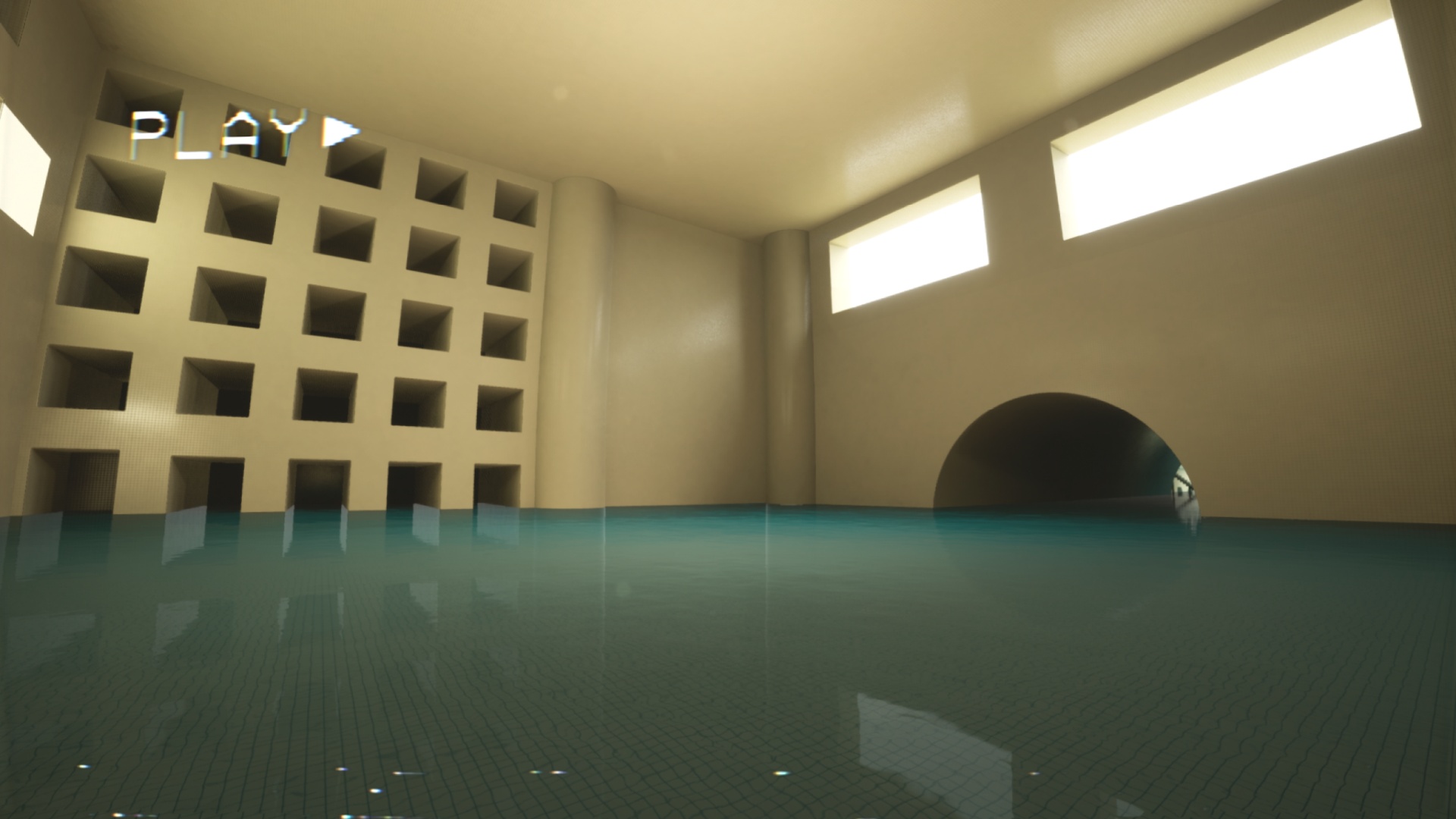
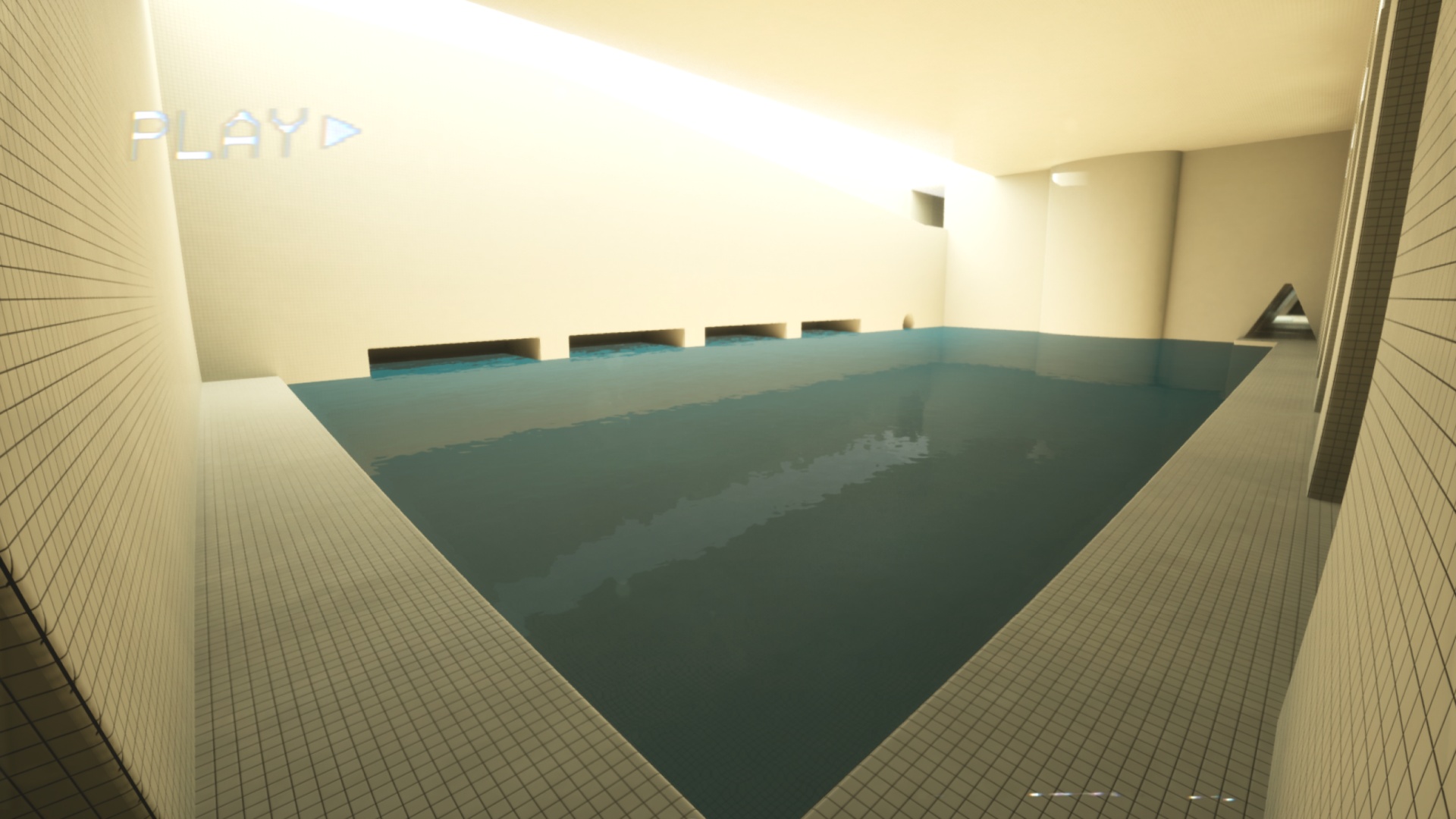
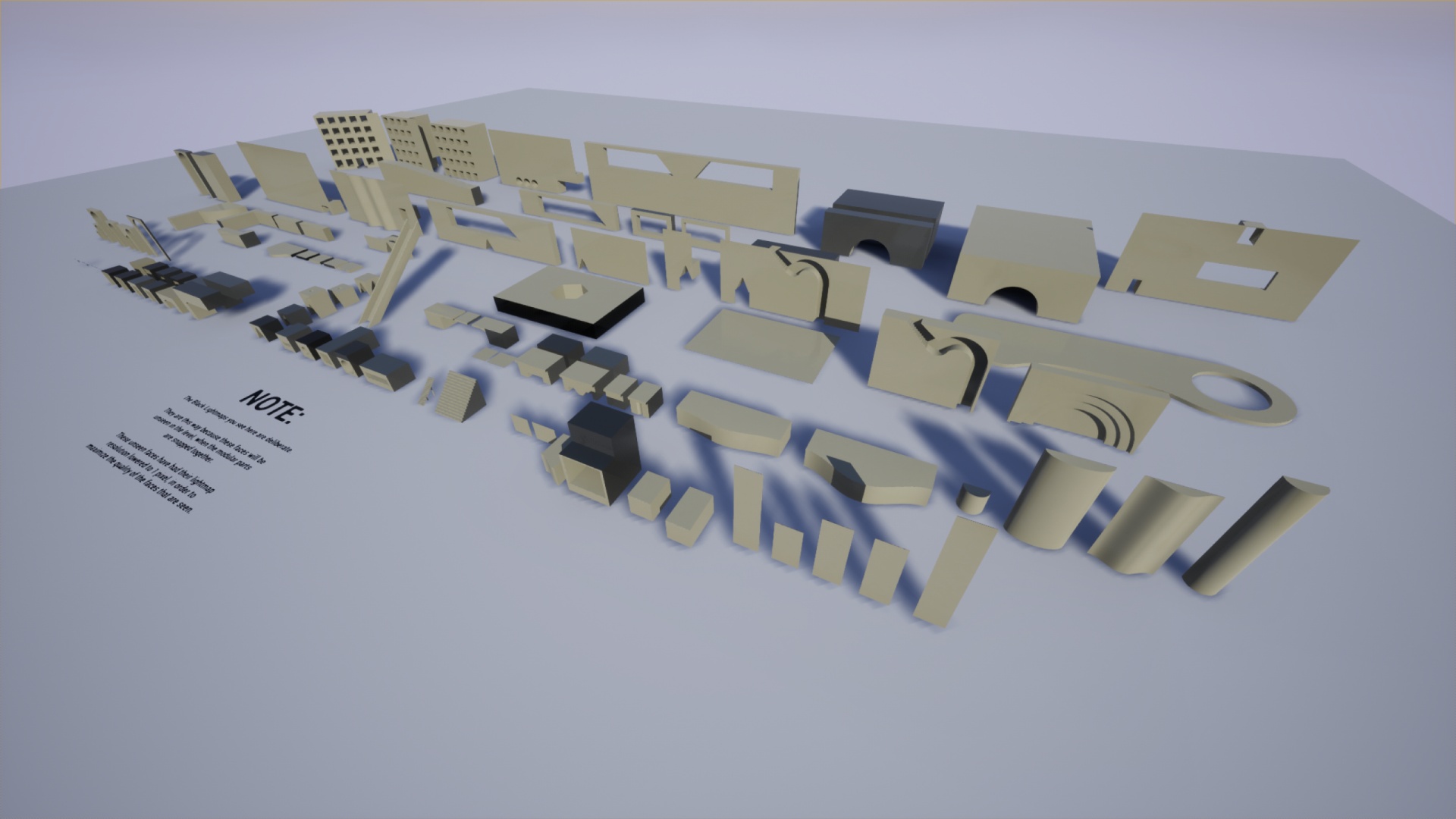
Get lost in the Poolrooms with over 100 Modular Meshes!
This modular environment is grid-snap friendly, with most meshes operating within the 50cm & 10cm grids (5cm minimum).
For a breakdown of features, please read the following lists:
Meshes
- 28 Wall Meshes
- 25 Floor Meshes
- 20 Gate Meshes
- 14 Assembled Wall Meshes (For better lightmaps)
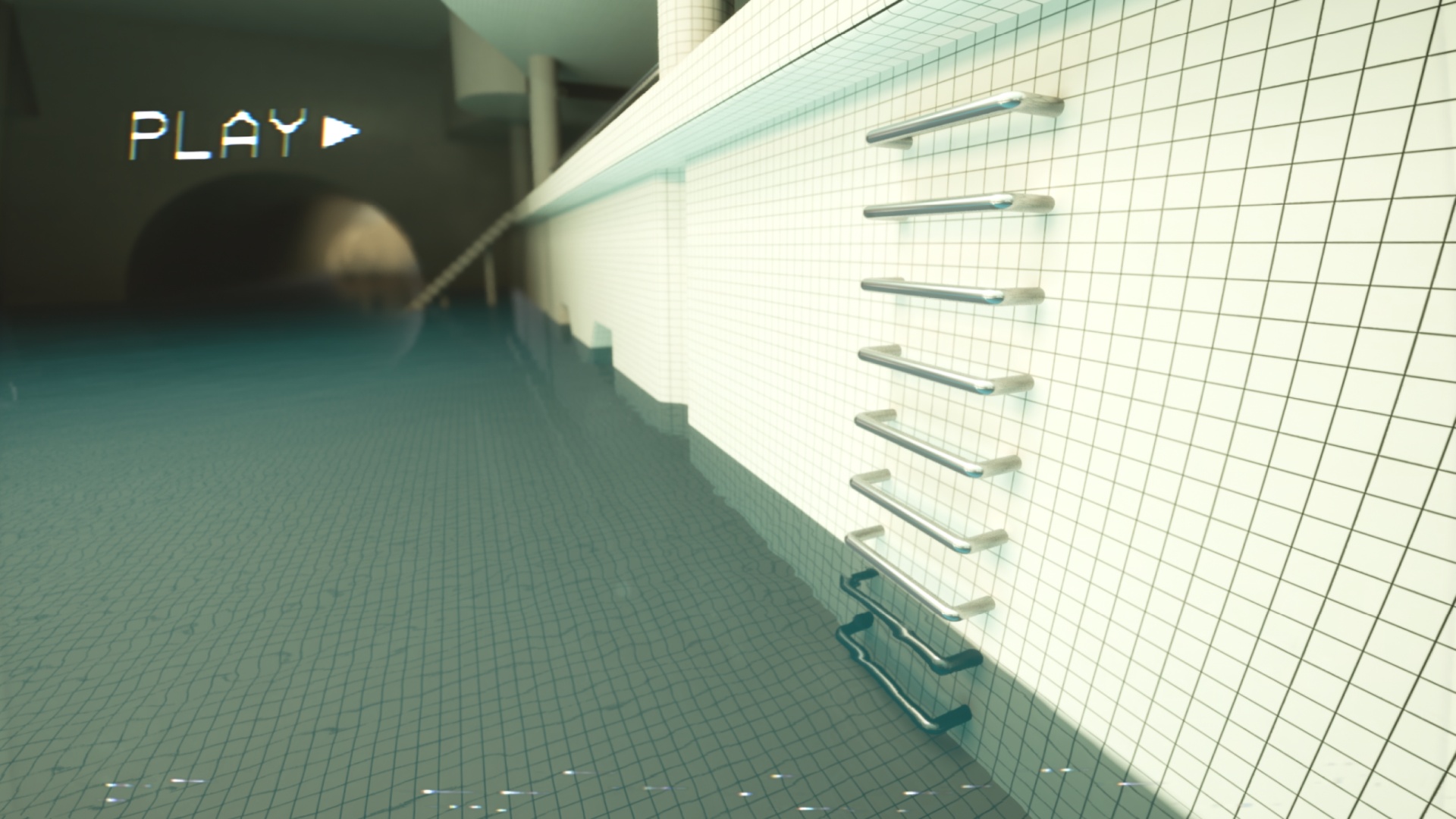
- 6 Metal Railing Meshes
- 6 Arches
- 3 Stair Meshes
Materials
- Poolrooms tile material with distance fade effect for mitigating mip-map issues.
- Realistic Water effect with 5 Variations.
- Fish-Eye Lens post-process Material
- VHS / VCR Video player effect (This is a Postprocess material – see Level Blueprint for how to play the media file)
Sound Effects
- 5 Shallow Water Footstep Sound Effects
- 5 Deep Water Footstep Sound Effects
Baked Lighting
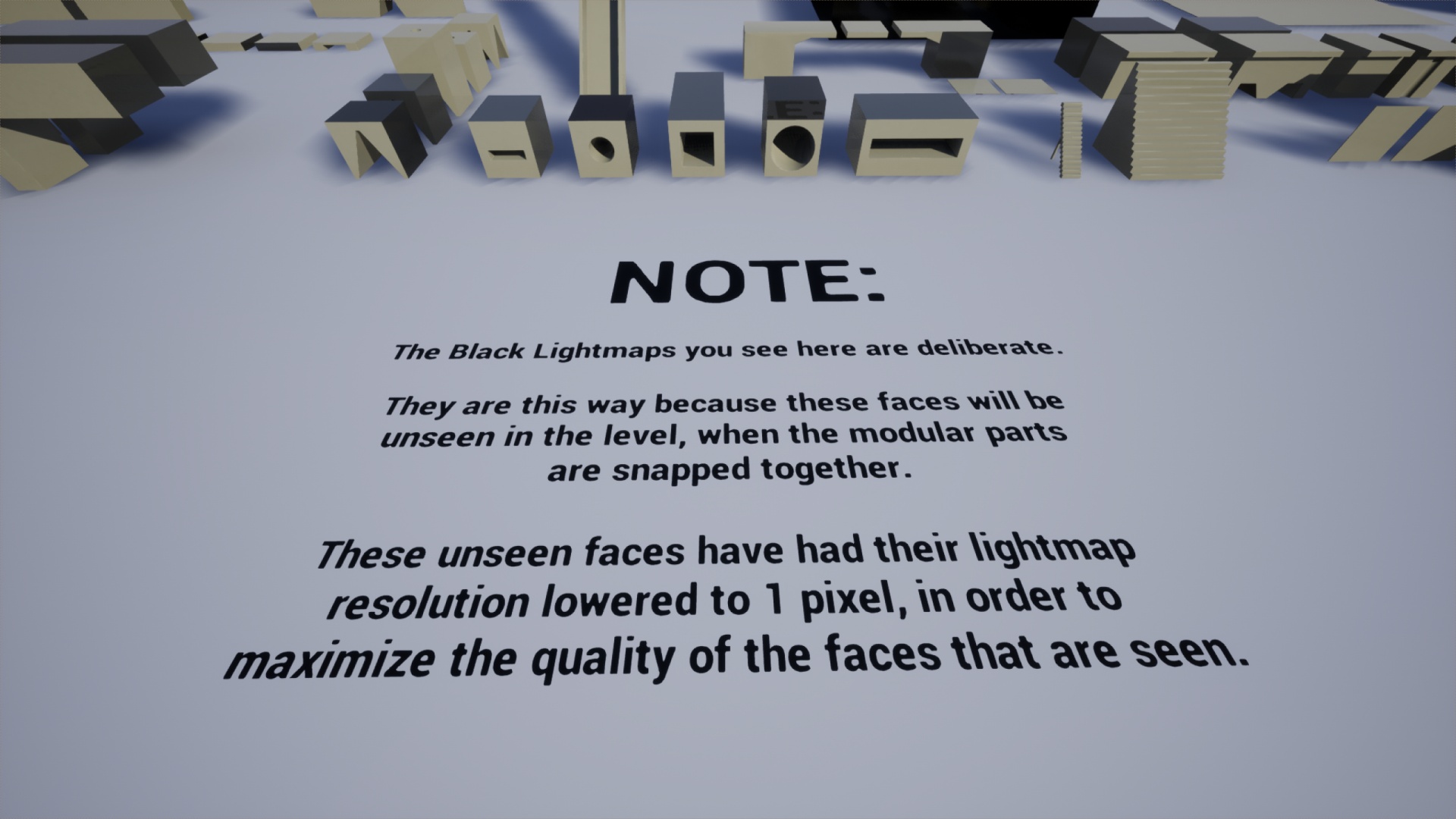
Each mesh comes custom lightmapped, with the unseen faces of each mesh having their lightmaps reduced to increase quality.
The floor of each water section has a specific floor Reflection Material. This material is used to help improve the Baked Lighting Global Illumination of the room – since transparent water materials dont contribute to GI. Each mesh with this material applied has a tag called “WaterFloor” – which the level blueprint uses to detect the appropriate meshes and swap out their material with the standard Tiled material upon BeginPlay. Open the Level blueprint to see how this works.
Technical Details
Features:
- 106 Meshes
- 5 Shallow Water Footstep Sounds
- 5 Deep Water Footstep Sounds
- 2 Sound Cues
- 3 VHS Video Variations
Number of Unique Meshes: 106
Collision: Yes, per-poly
Vertex Counts:
- 32k = 1
- 2000 to 10k = 11
- 1000 to 2000 = 18
- 200 to 1000 = 40
- Under 200 = 36
LODs: No
Number of Materials and Material Instances: 30
Number of Textures: 5
Texture Resolutions:
- 4096 = 2
- 2048 = 2
- 1024 = 1
Supported Development Platforms: Windows and Mac
Important/Additional Notes: The Player Pawn seen in the Demo and Video is not included with this environment. To purchase that player pawn, please see the Horror Game Template – Backrooms Environment
Additional Notes: Planar Reflections recommended for this environment. Please turn it on in the Project Settings.
You can contact us at any time and request that the asset you want be added to the site from the Request Asset section.