Description
Preview: youtu.be/YKNLQrQHe4M
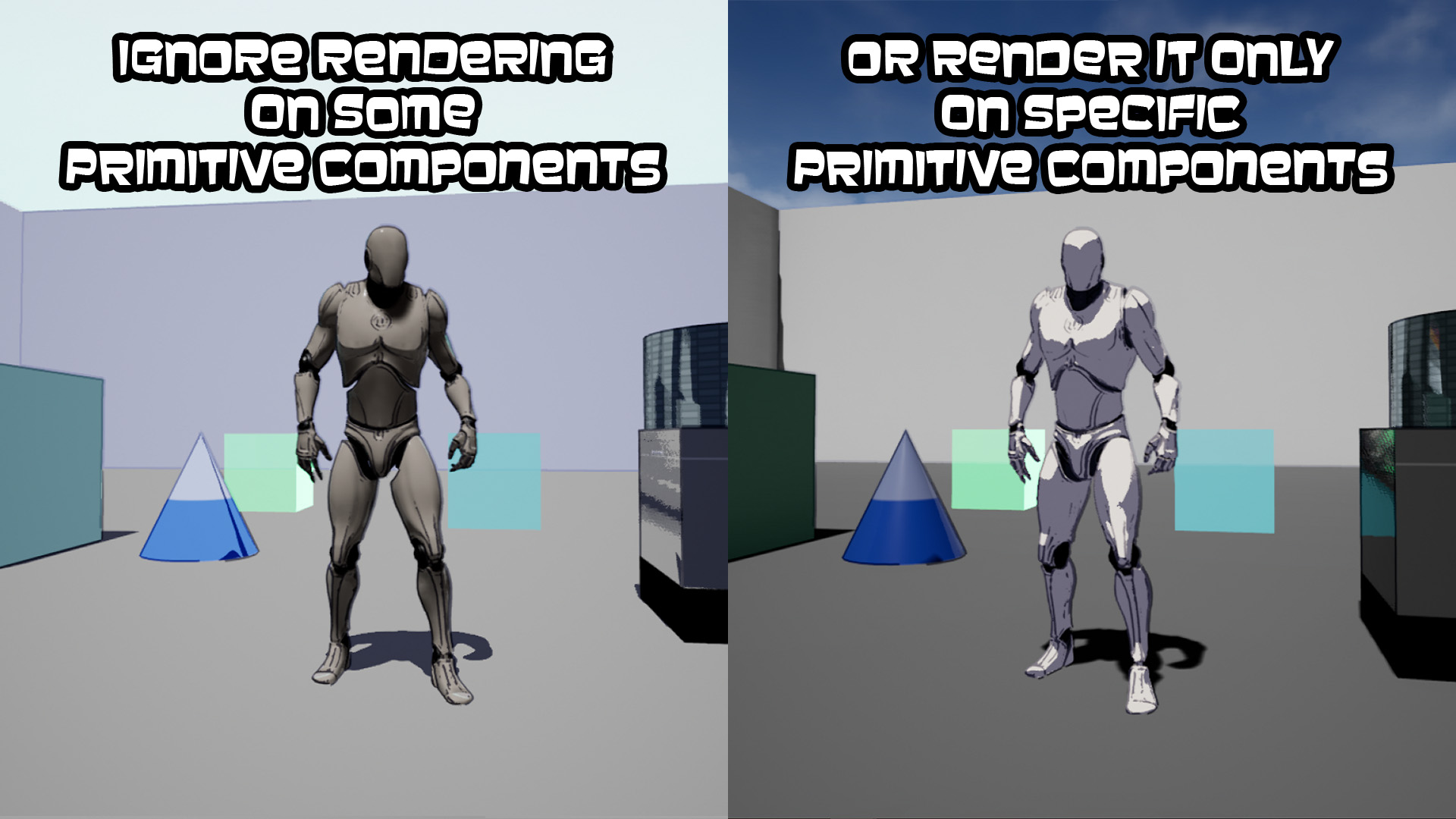
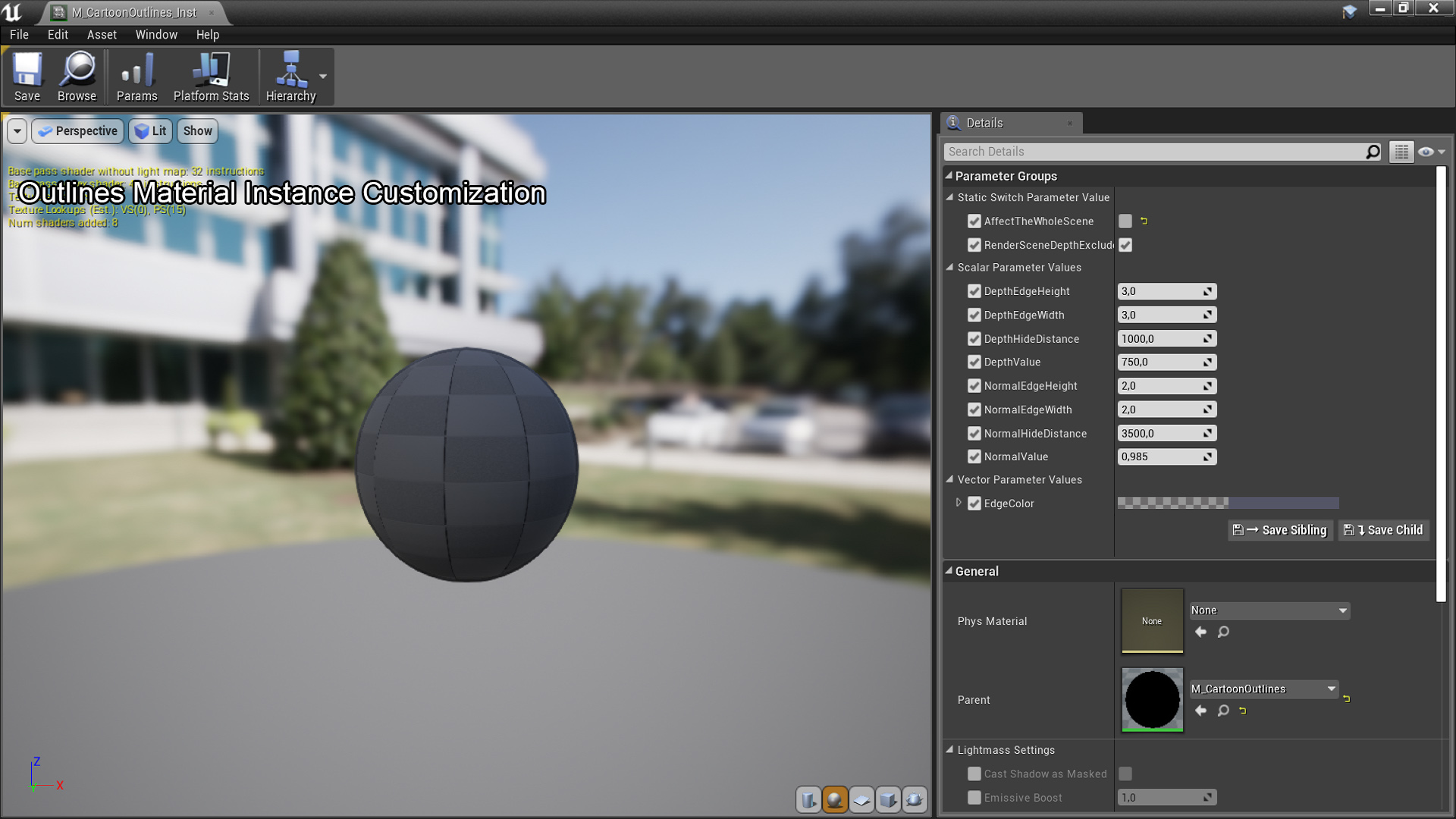
Ignoring cel shading rendering tutorial: youtu.be/Qi-2v3rEh_8 (Ignoring outlines works the same way. However, an ‘AffectTheWholeScene’ variable in the outlines material must be set to false first.)
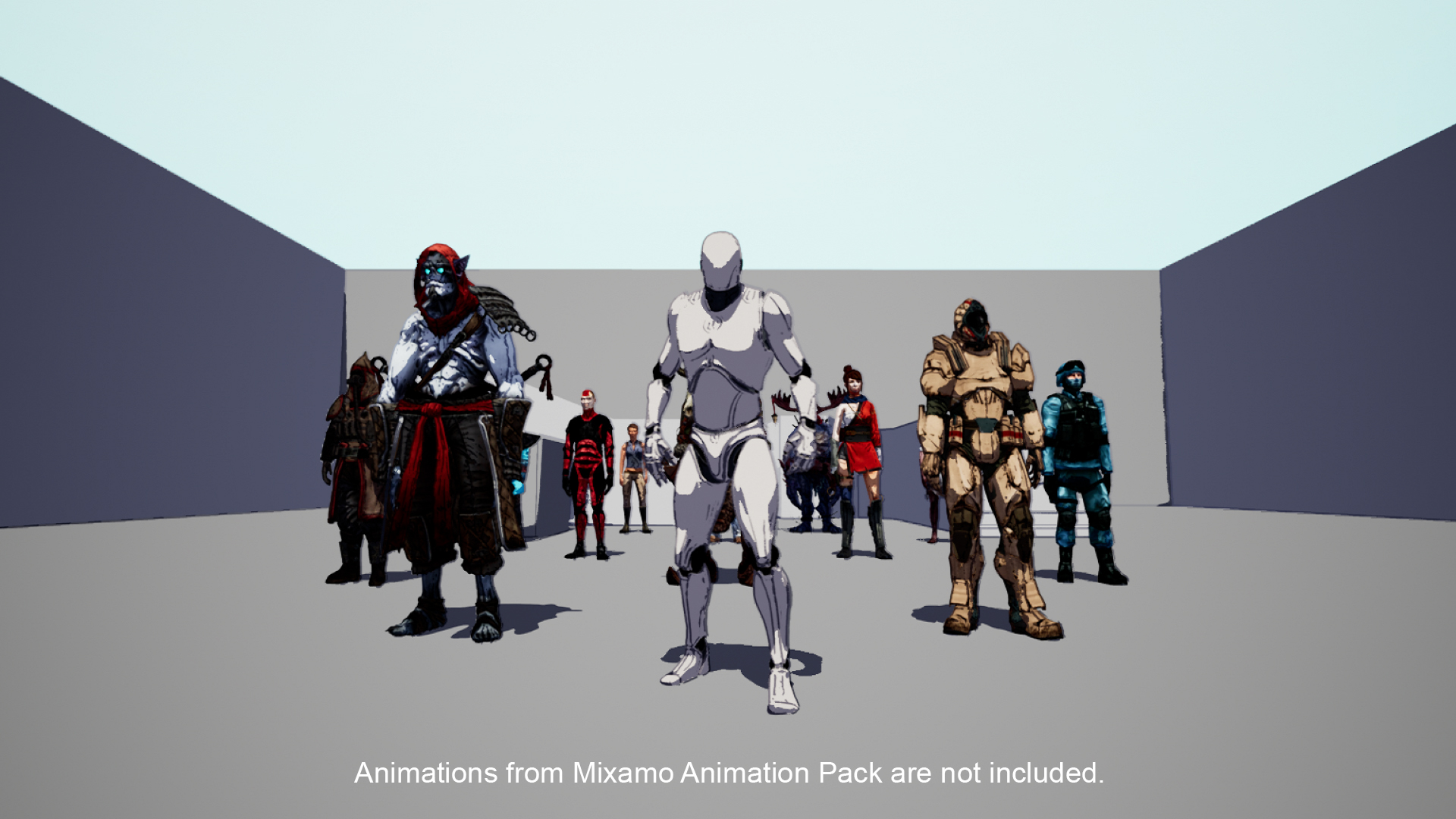
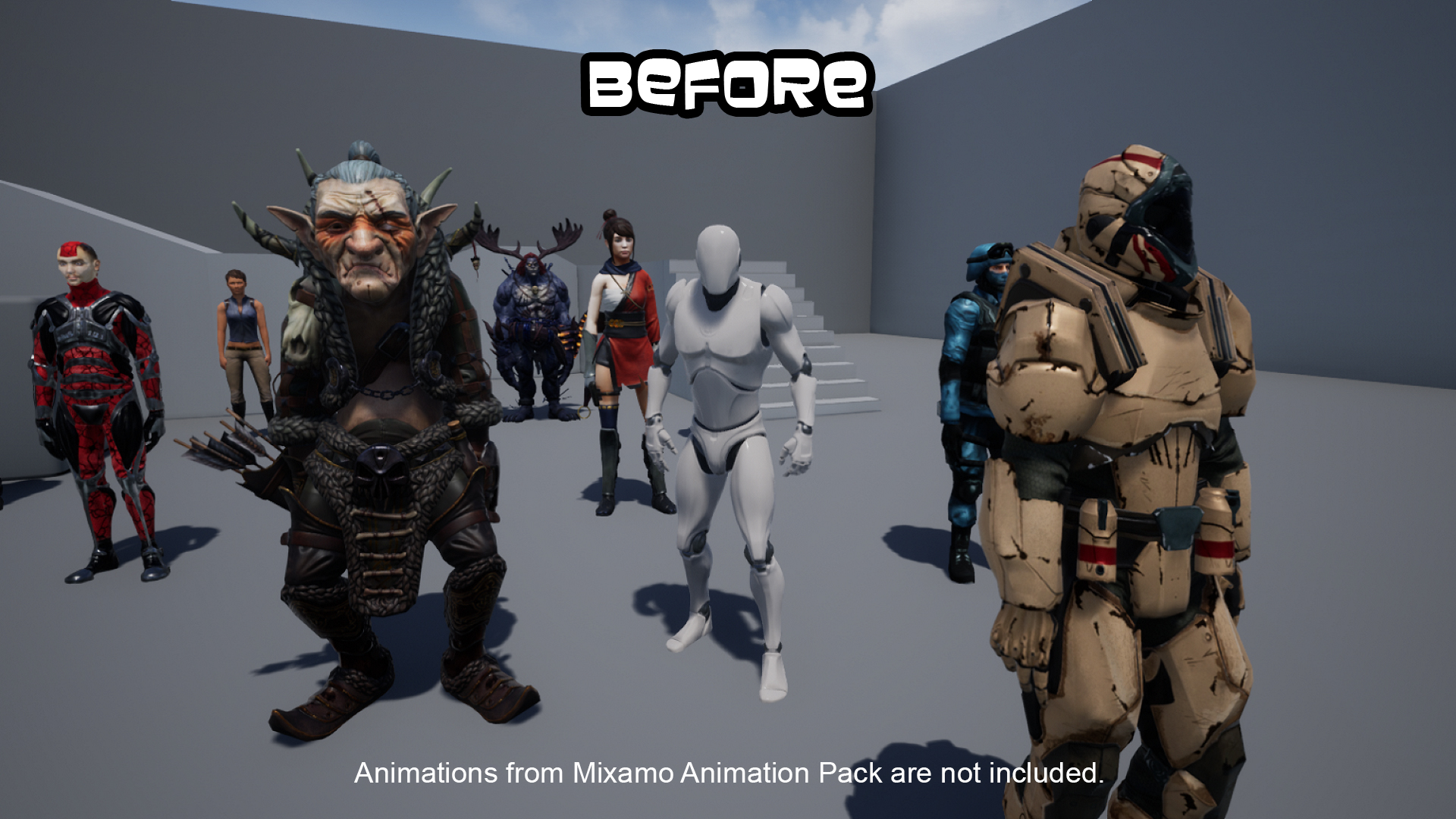
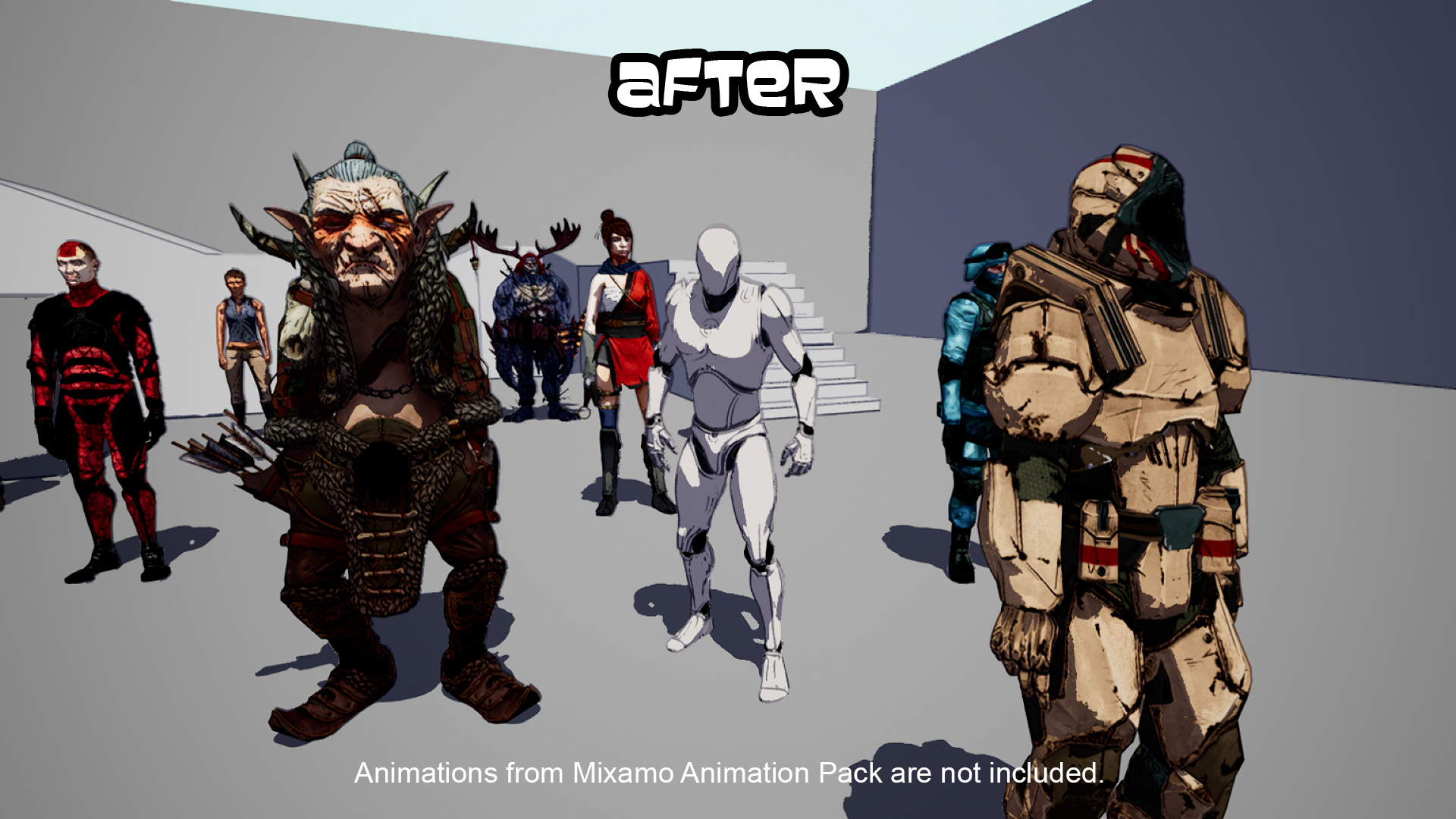
With this post process, you can easily create a cartoon or anime environment for your game.
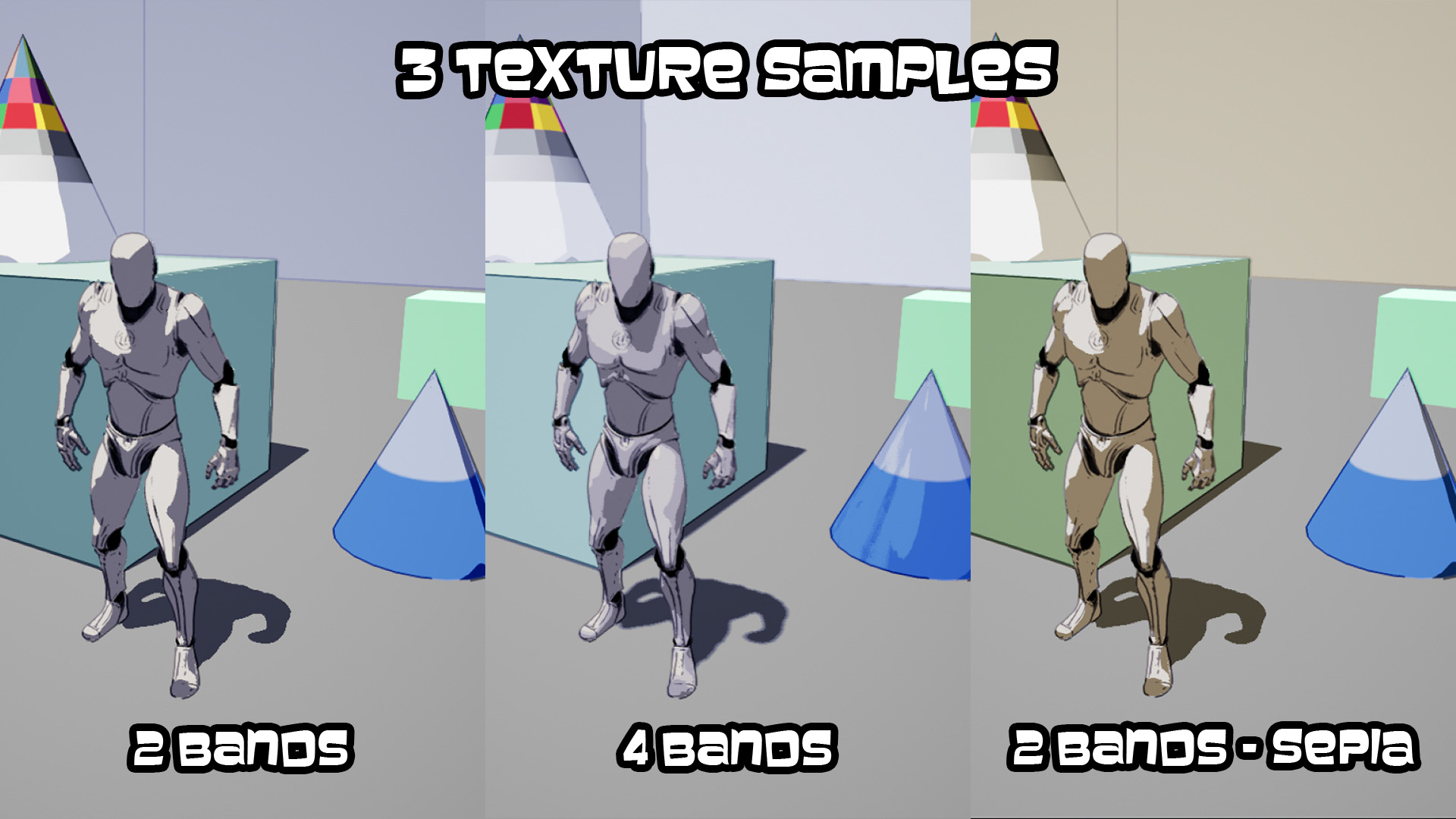
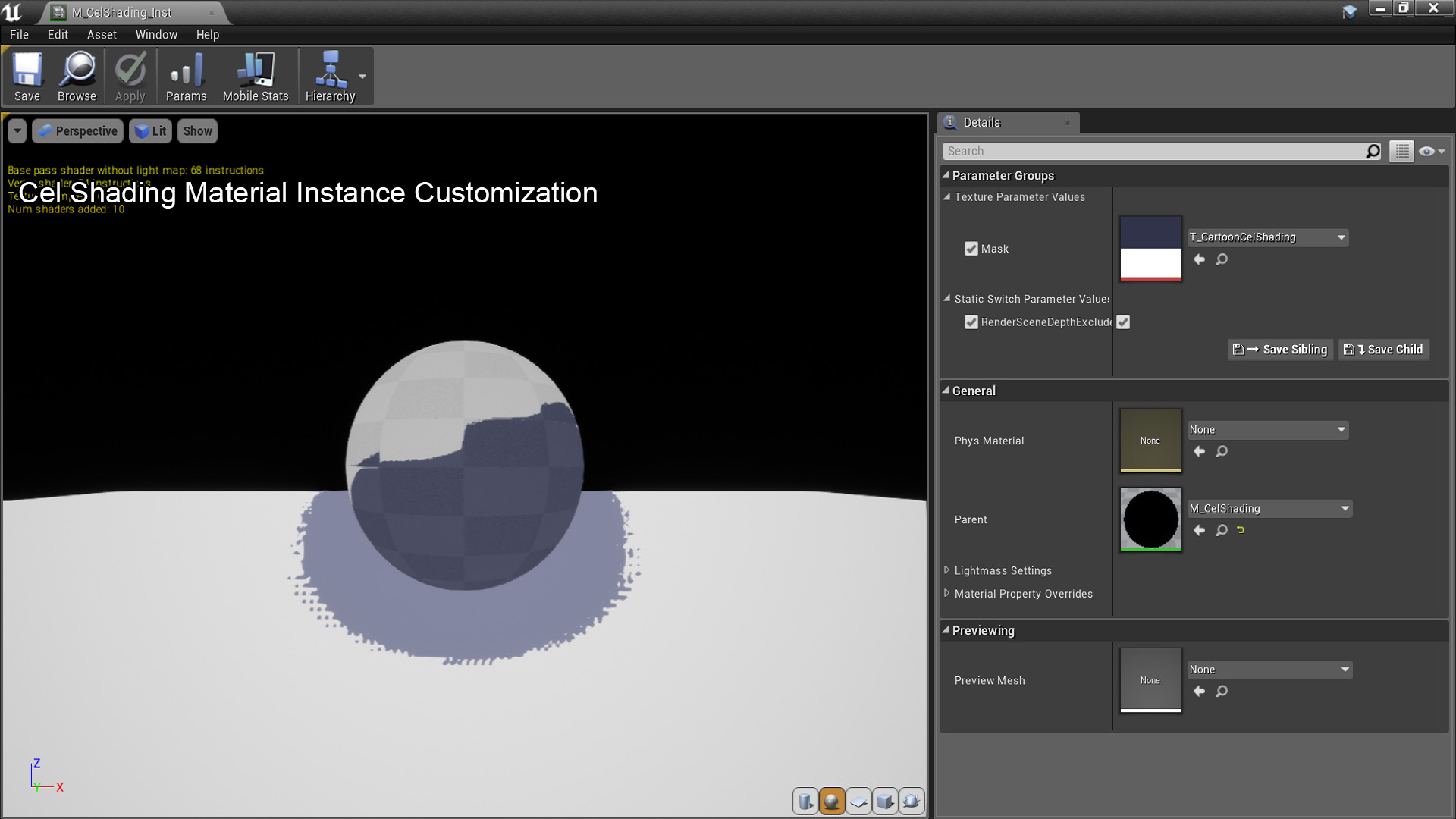
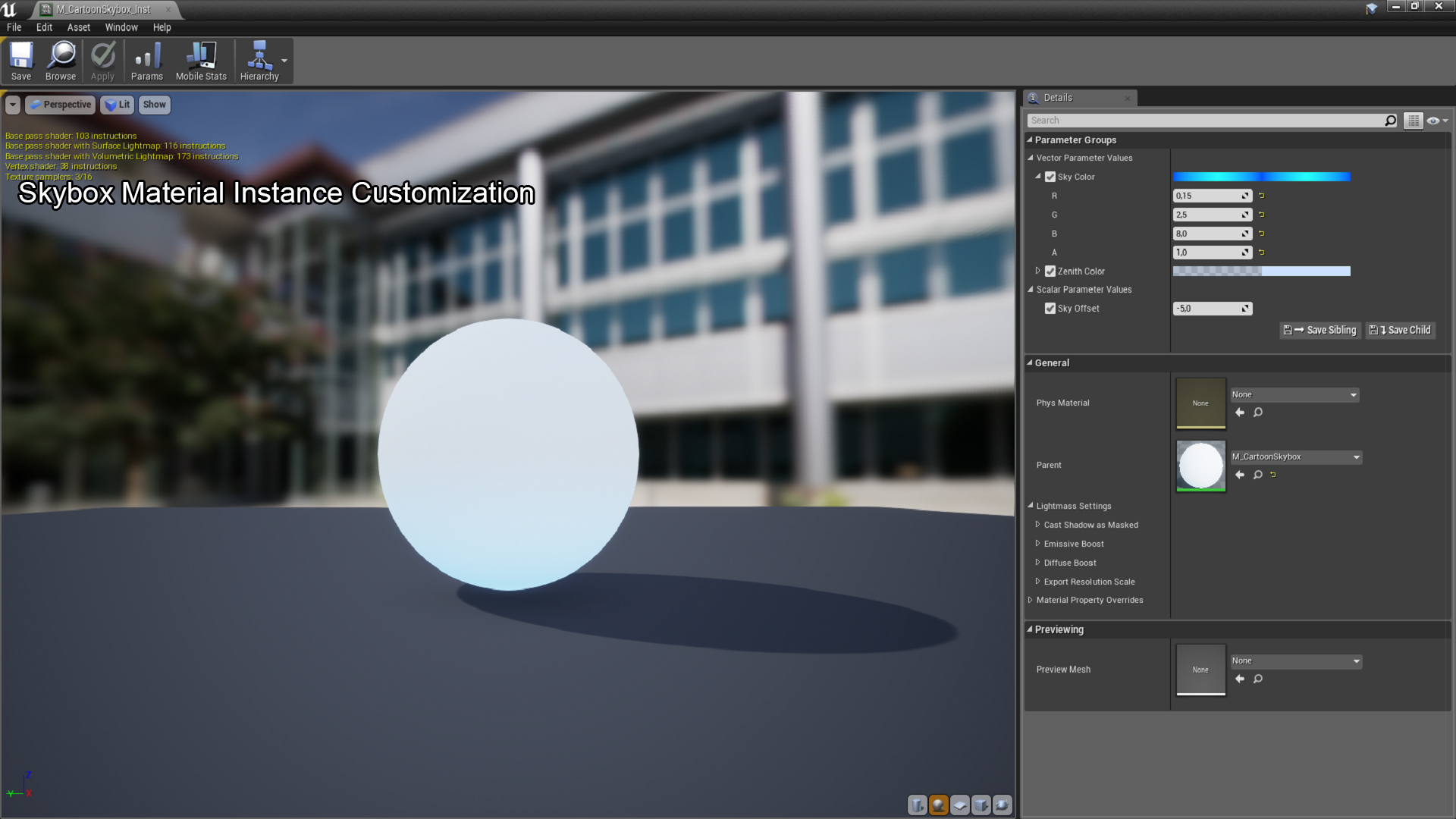
To use it, simply drag and drop the CelShadingPostProcess into your level. You can customize it if you want (for instance, you can create your own masking texture with different colours or different amount of colour layers), but it is ready to work by default. This is a non-emissive shader, so use a CelShadingSkybox as a Skybox in your levels and customize it at your discretion.
You can contact us at any time and request that the asset you want be added to the site from the Request Asset section.