Description
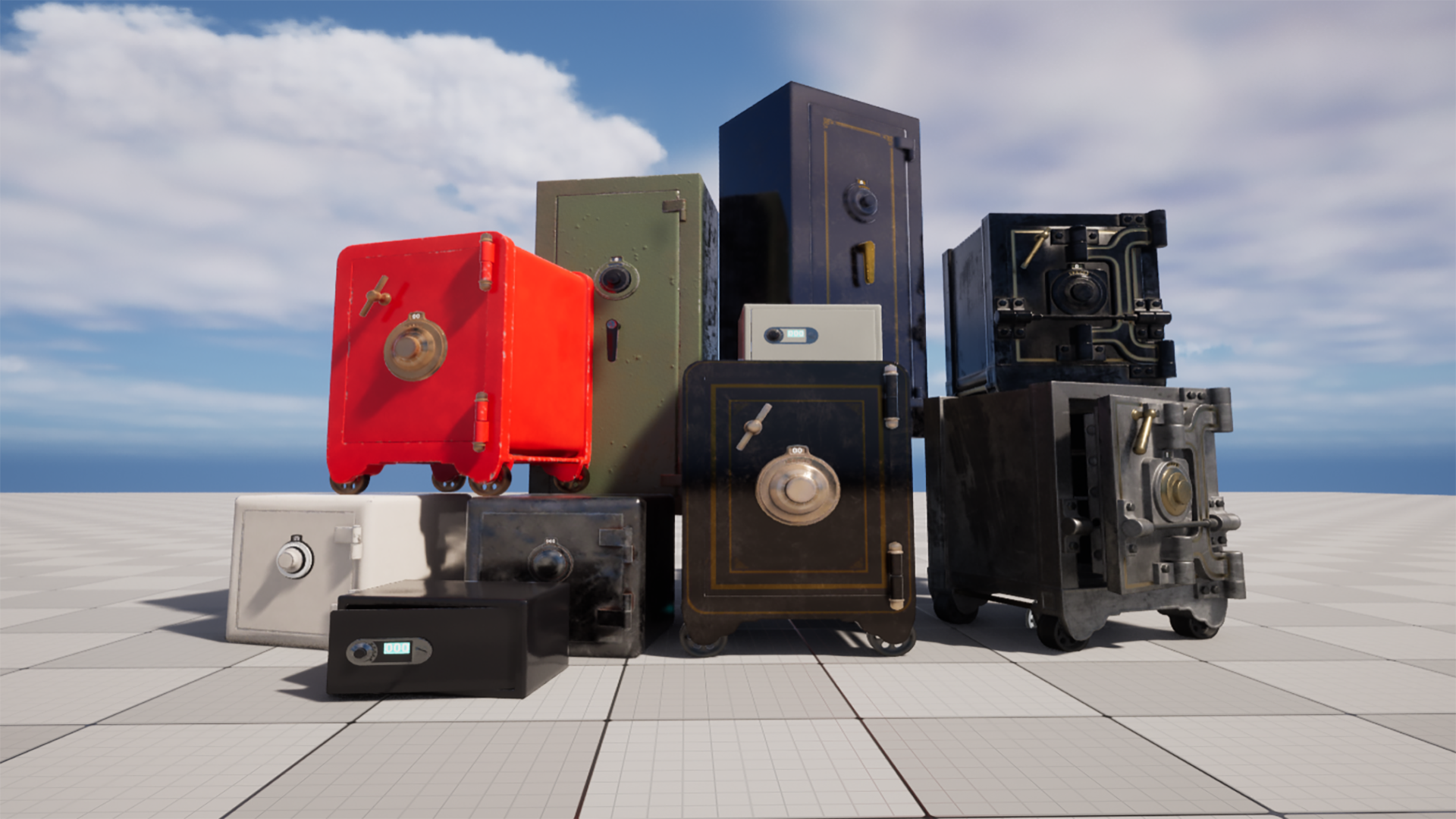
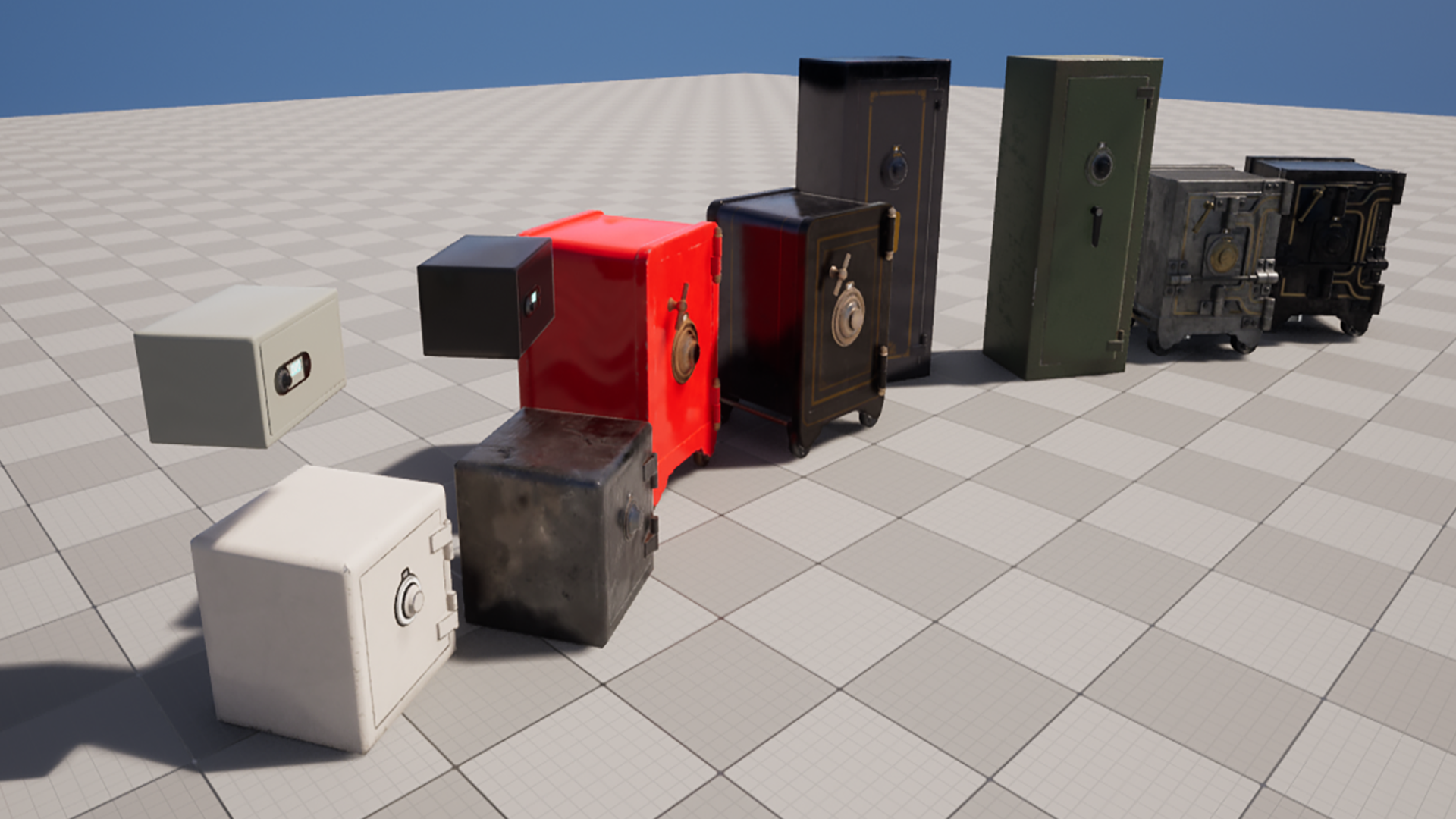
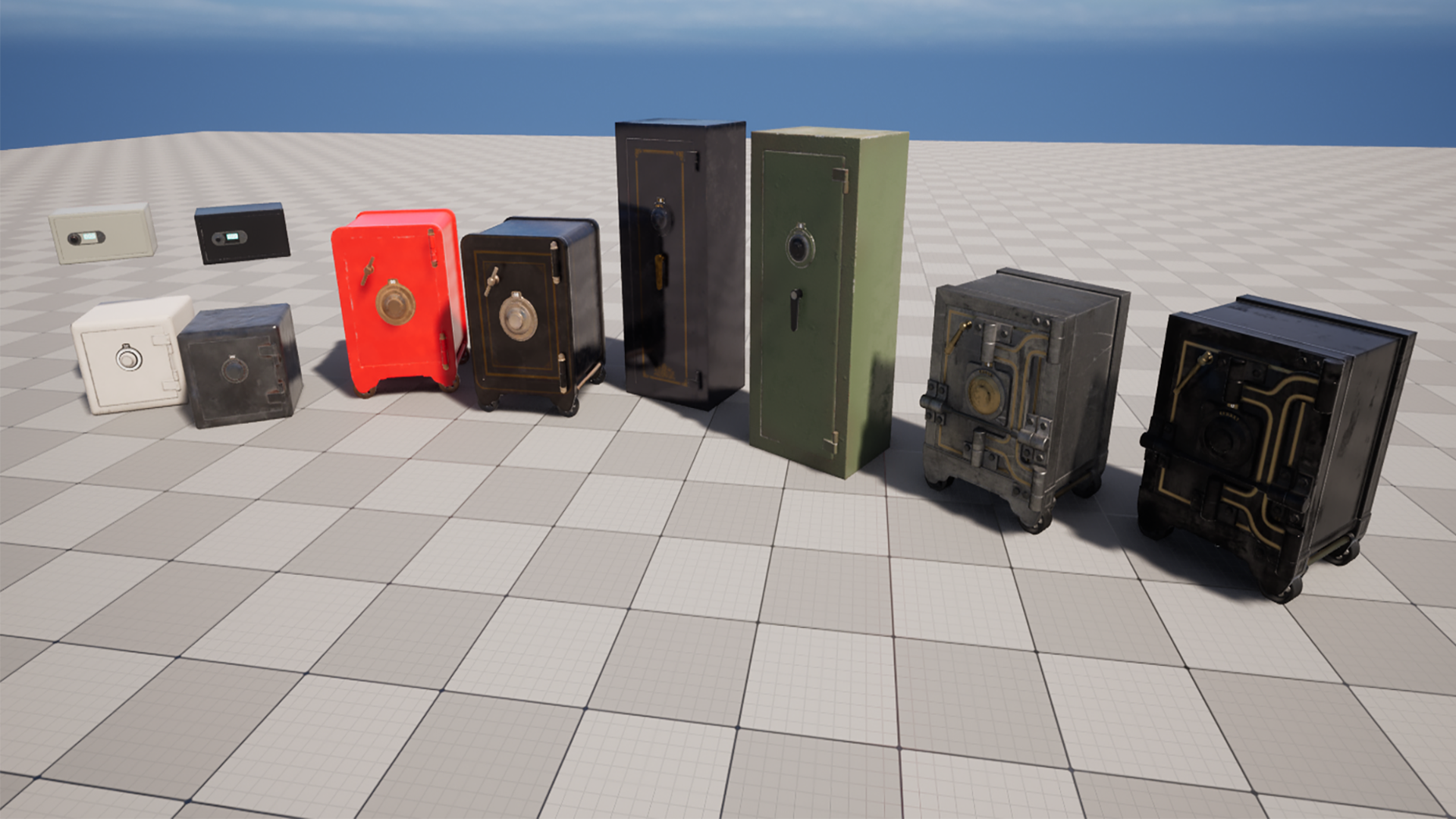
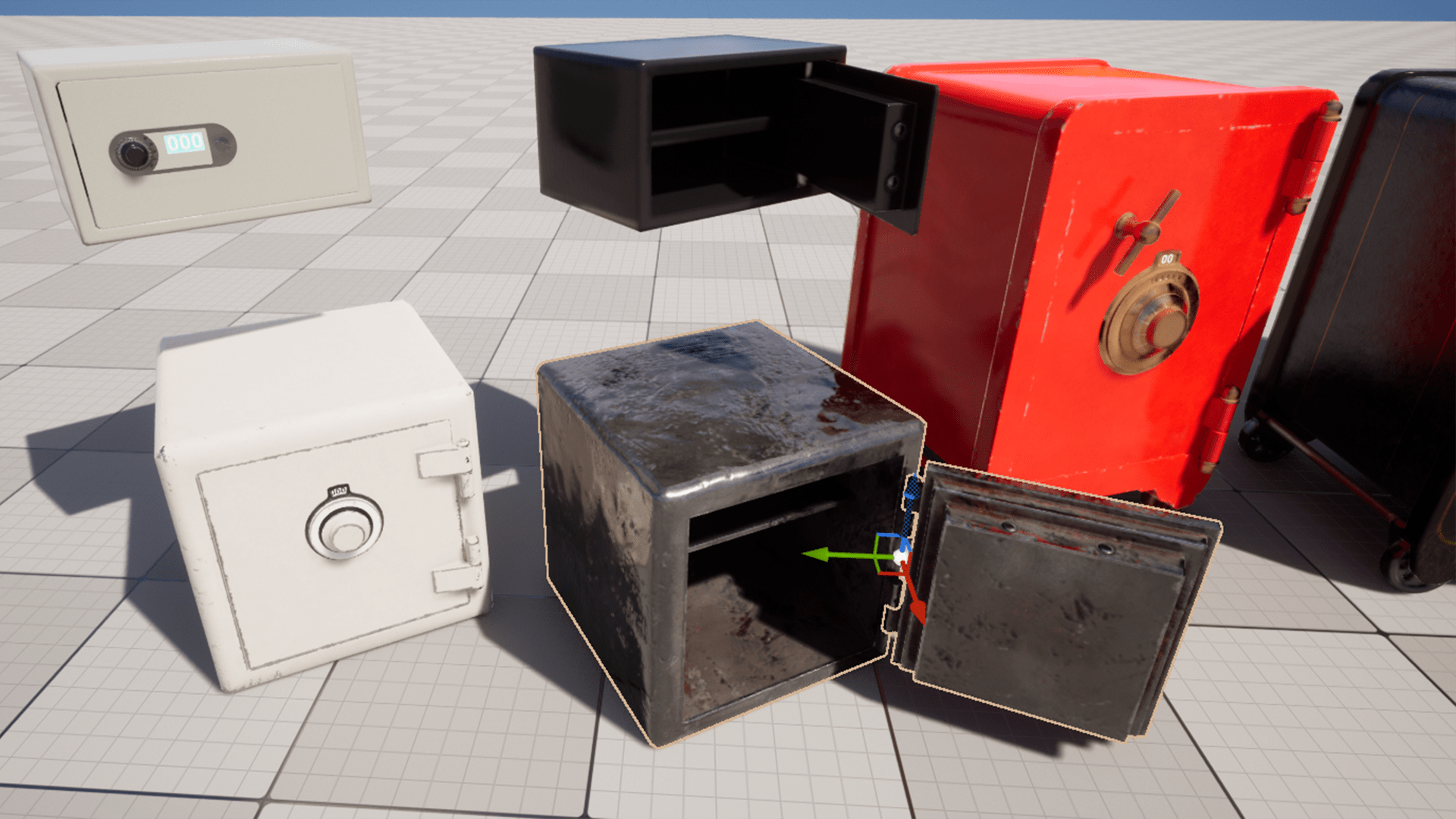
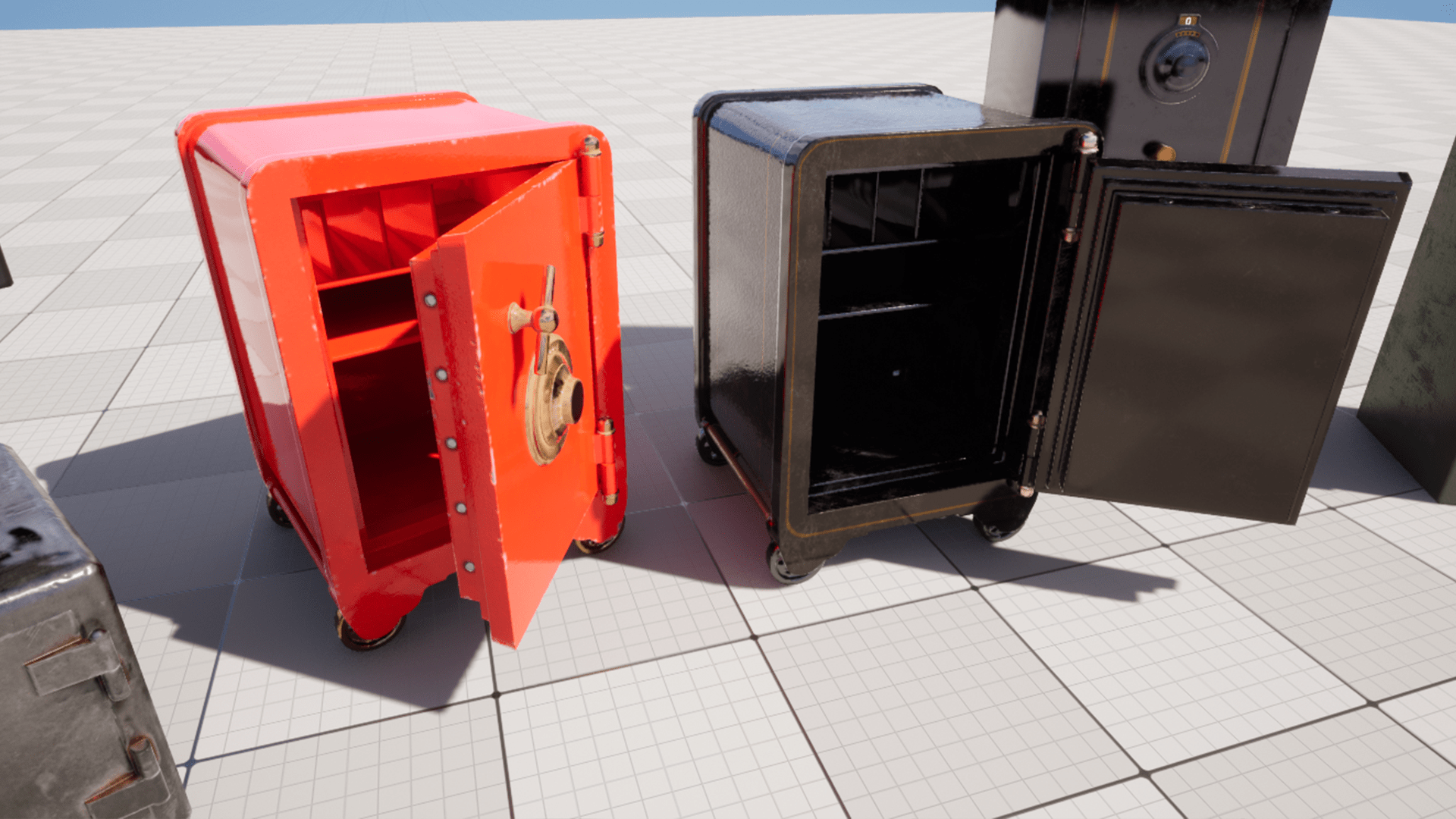
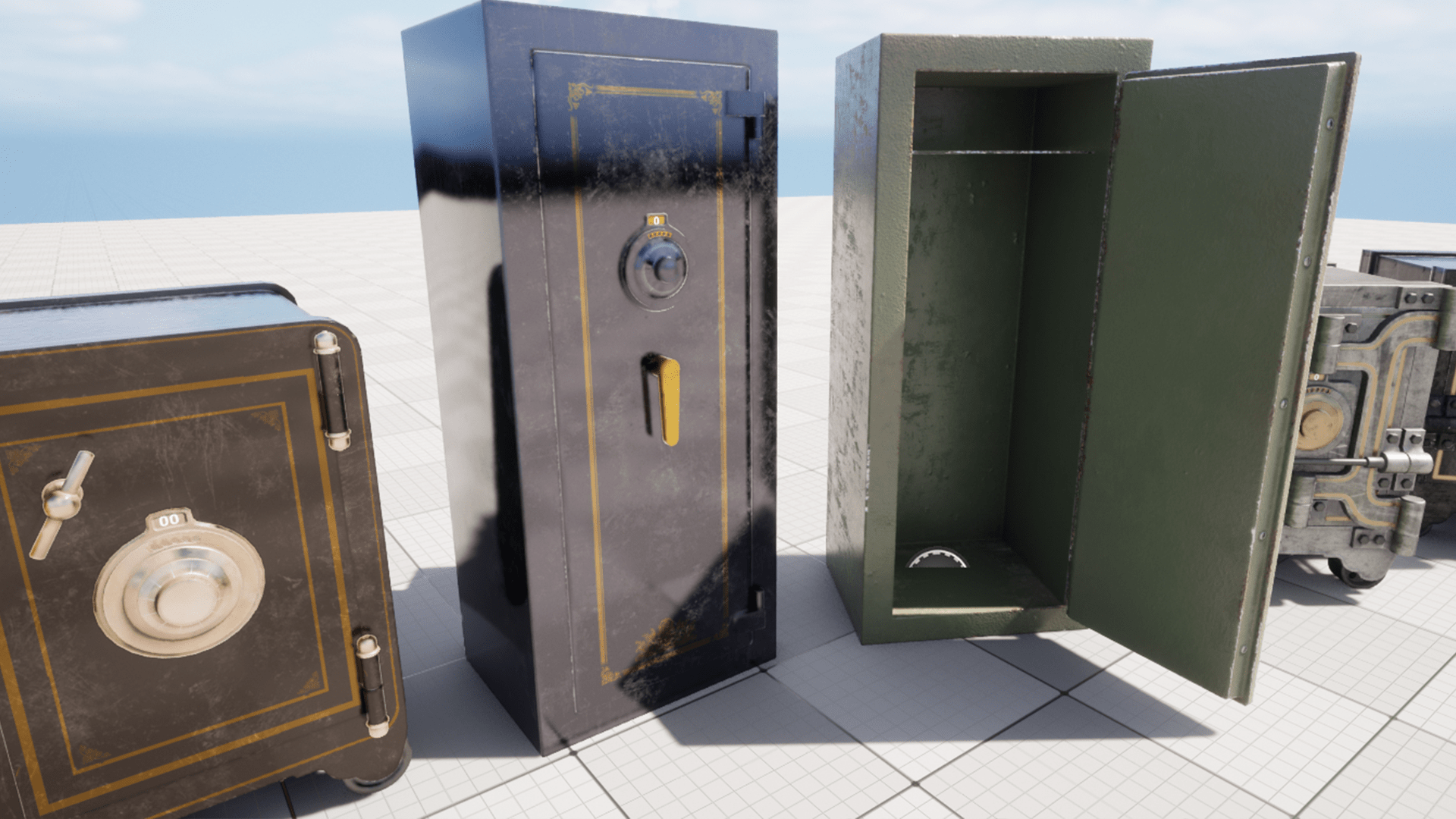
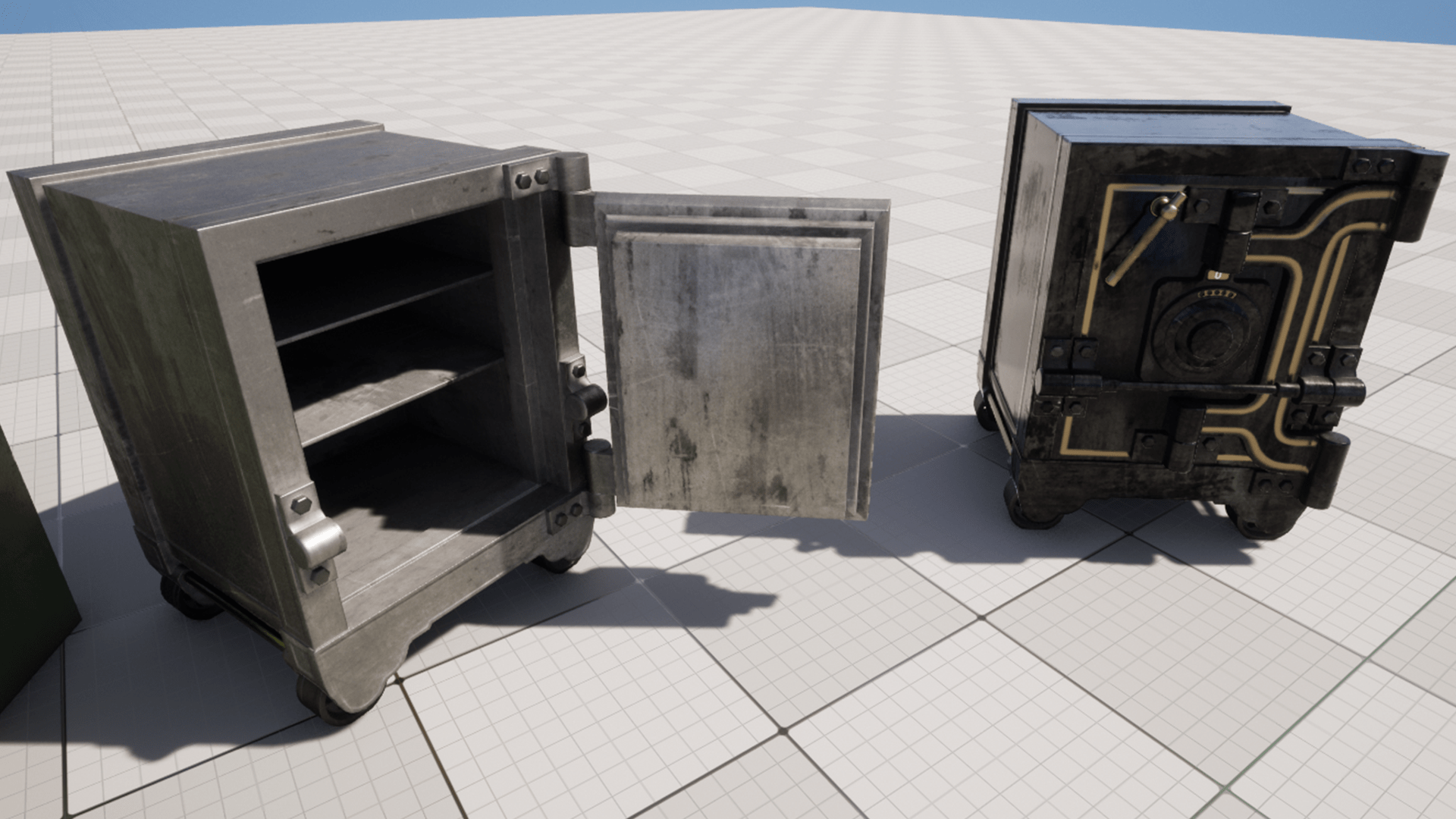
Super simple safes for your game worlds.
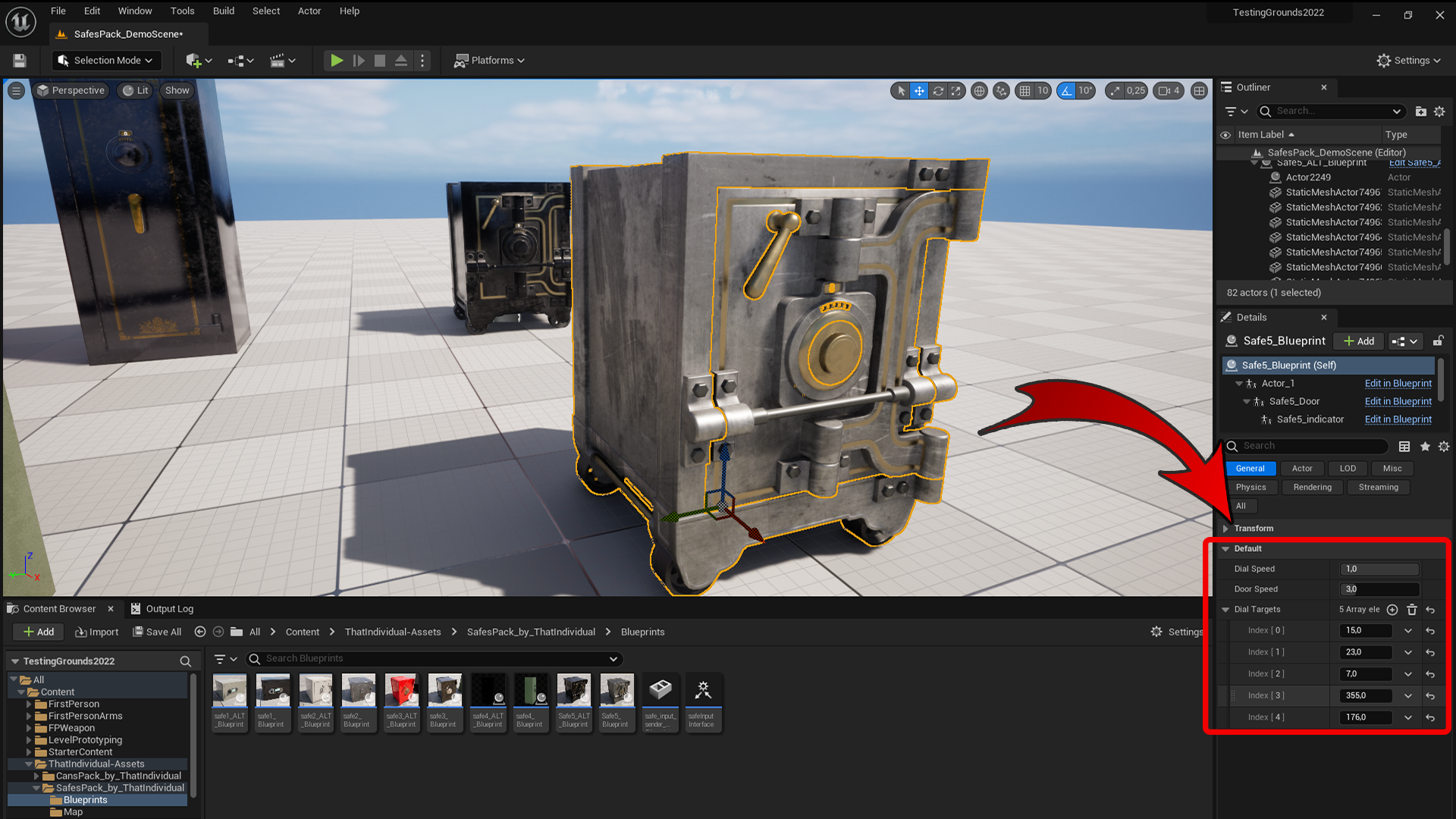
Easy and fast way to setup working safes in your scenes, no need to edit in blueprints just drag & drop and you are done !
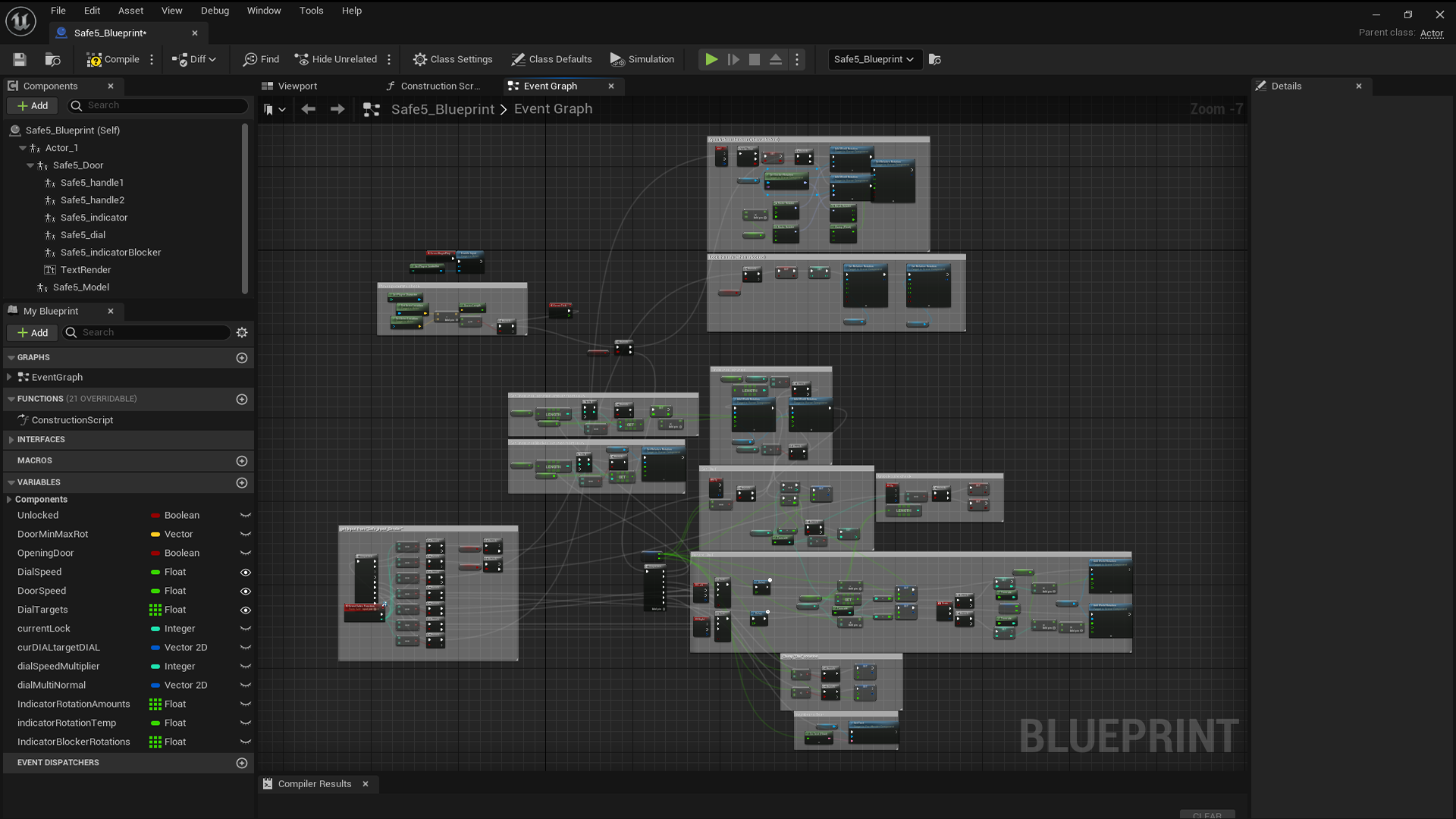
Although you dont need to edit blueprints at all, everything is commented for your convenience.
Trailer/VideoTutorial: https://youtu.be/wq9xwCkN8YM
Included:
- 10 premade safes
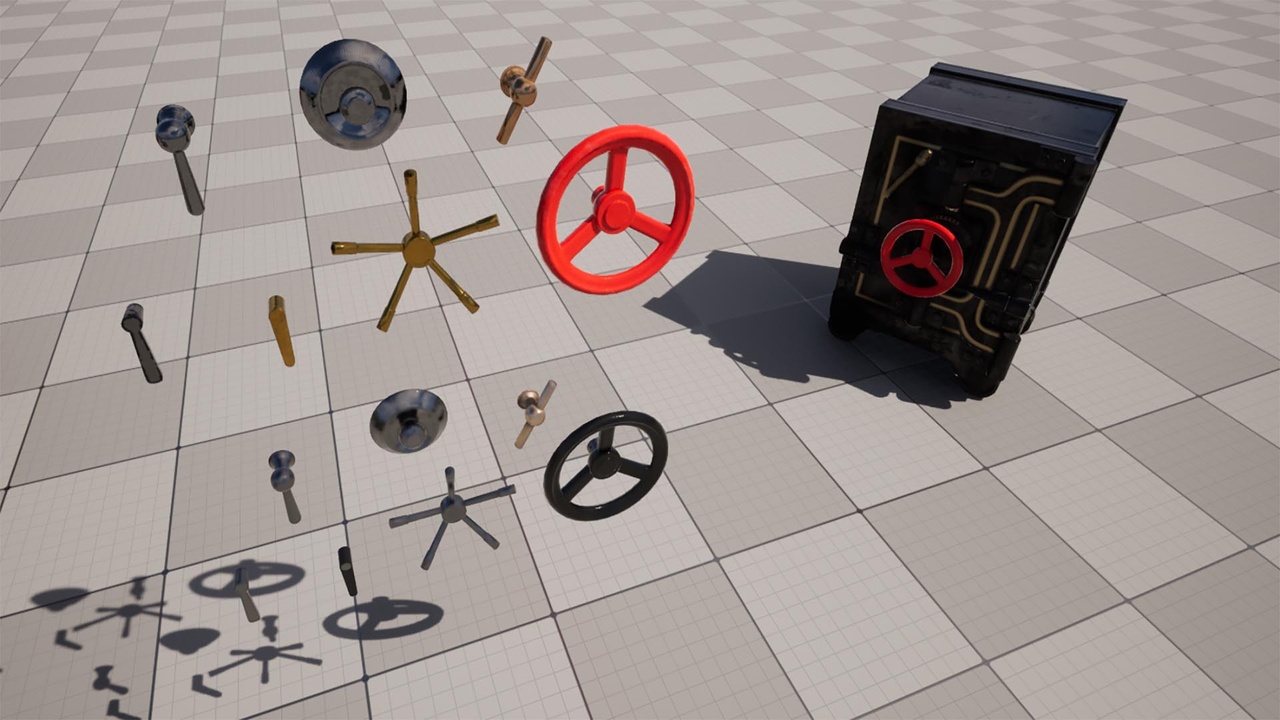
- 7 extra parts (dials & handles)
- 1 “safe_input_sender”-blueprint
- 1 safeInputInterface
- 4 materials ( 4K )
Setup:
- drag “safe_input_sender”-blueprint to your scene, anywhere is fine (you can change inputs by editing this blueprint)
- drag any safe (or many) from “Blueprints”-folder to your scene
- edit dial & door speeds to your liking
- set dial target amount (max 5) and set them to the numbers you want player to guess for (use whole numbers)
- NOTE !!: for the demo scene, arrow inputs were removed from FirstPerson > input > IMC_Default
Operation:
- get close to a safe (with a player controller)
- press left & right arrow keys to move dial number (range 0 – 360)
- while safe is still locked pressing down arrow key will move the dial faster
- when dial number is same as “dial target” press up arrow key to change “dial target” to the next one ( wrong number moves “dial target” back by 1)
- when all “dial targets” have been guessed correctly dial won’t move anymore and safe is unlocked
- pressing F key will open or close the safe now that it is unlocked and if you want, pressing down arrow on your keyboard will lock the safe again.
Login is required to access this download
VIP Downloads Today: 0 of 0
You can contact us at any time and request that the asset you want be added to the site from the Request Asset section.