Description
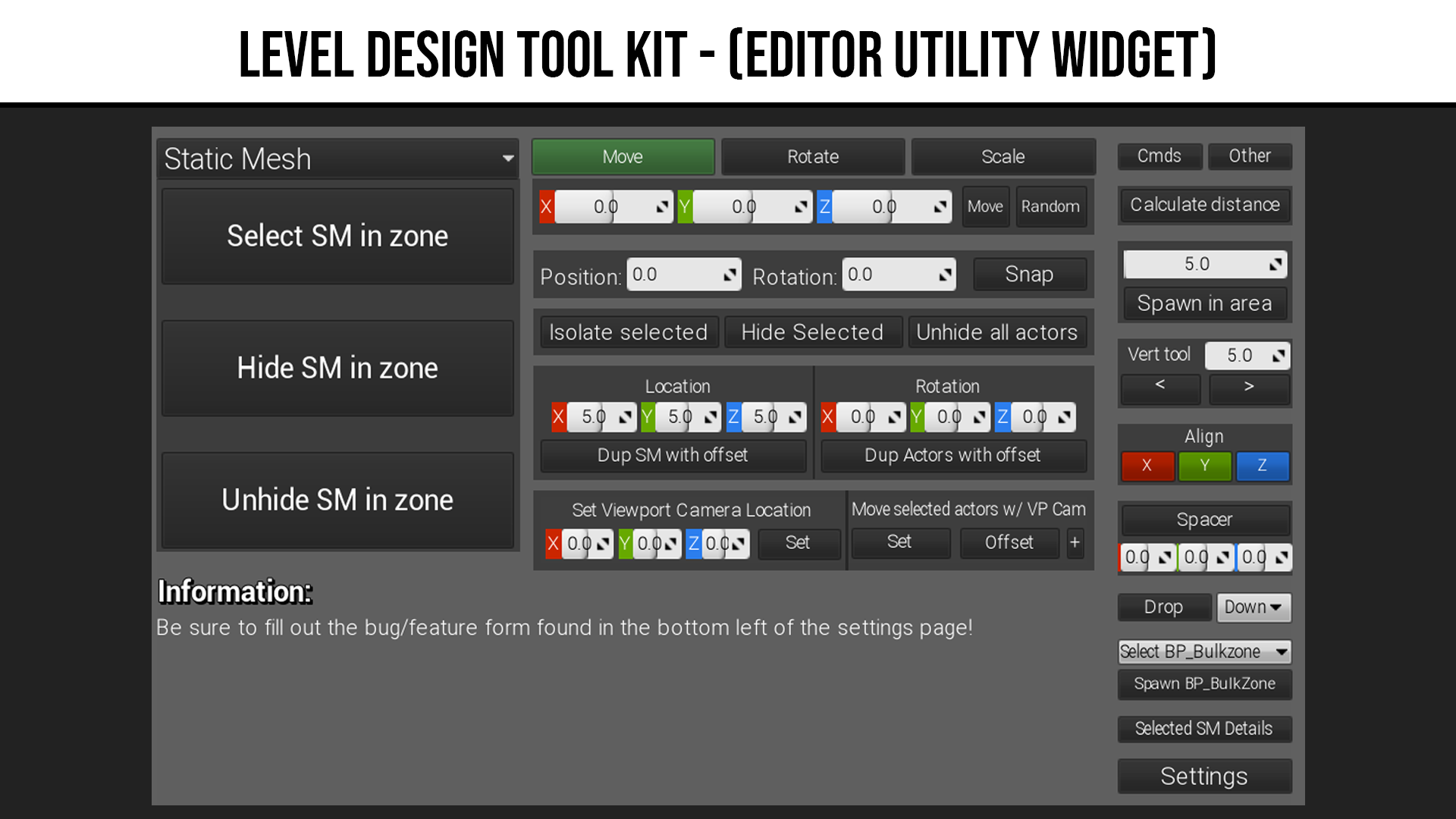
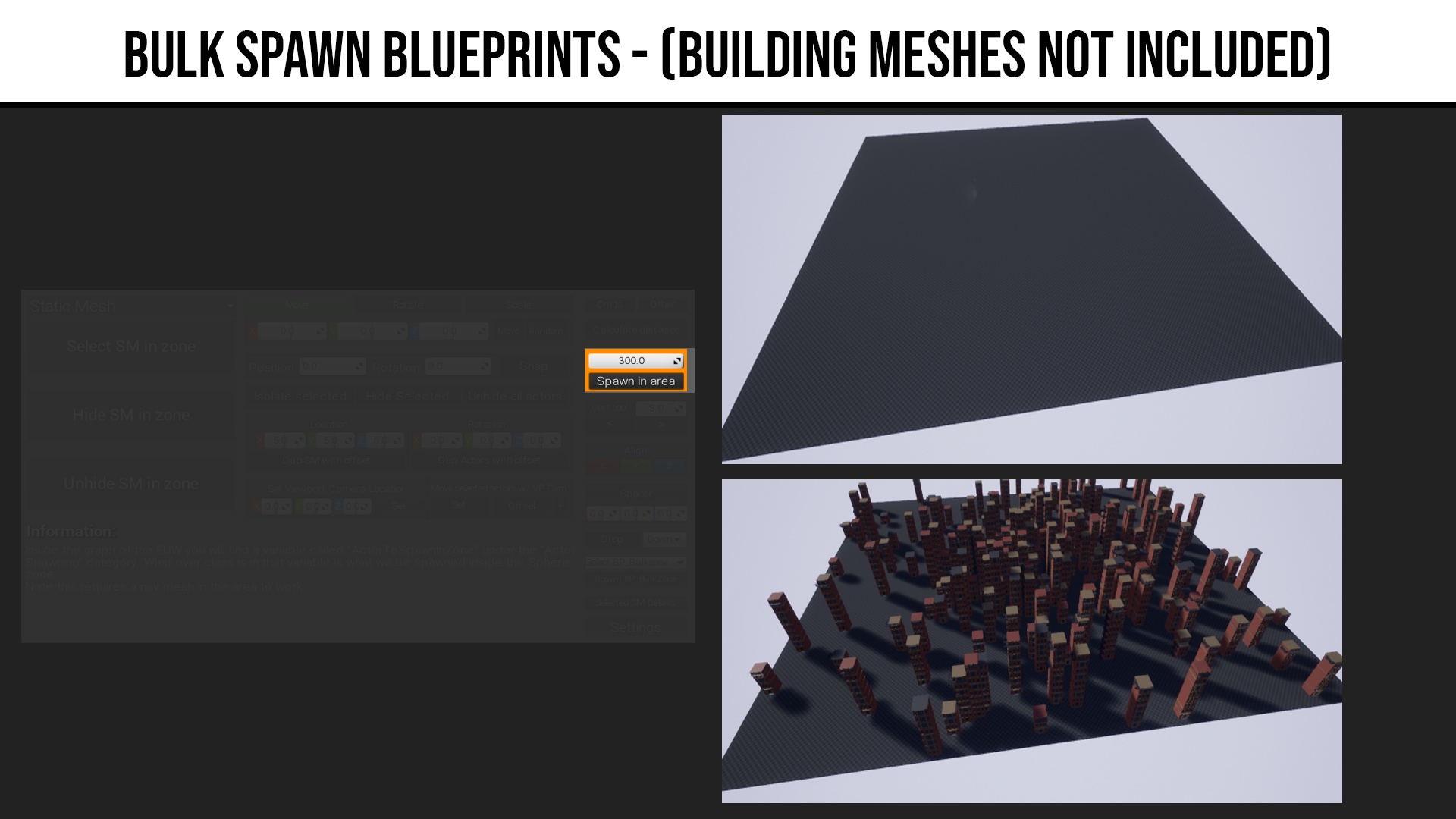
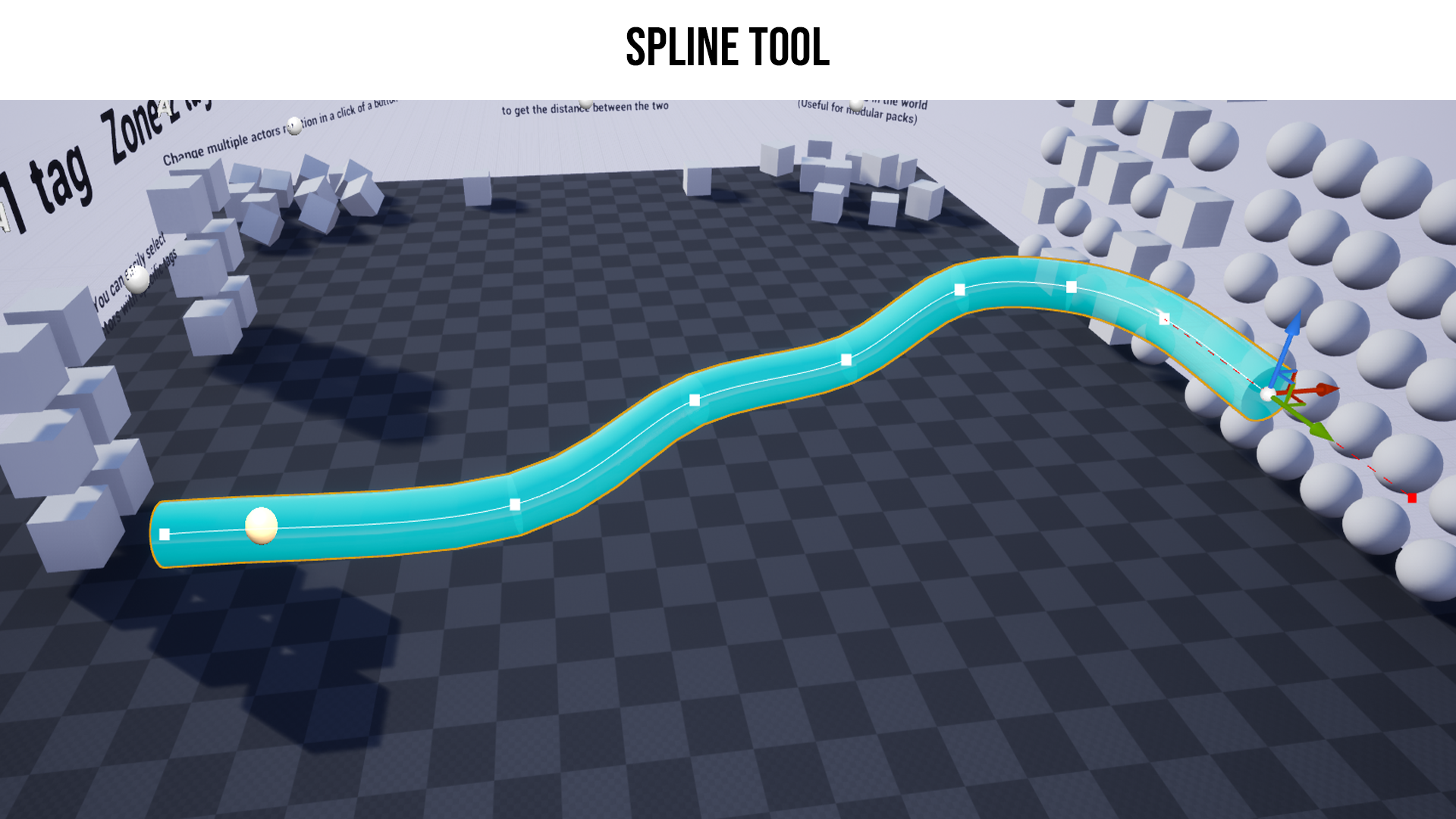
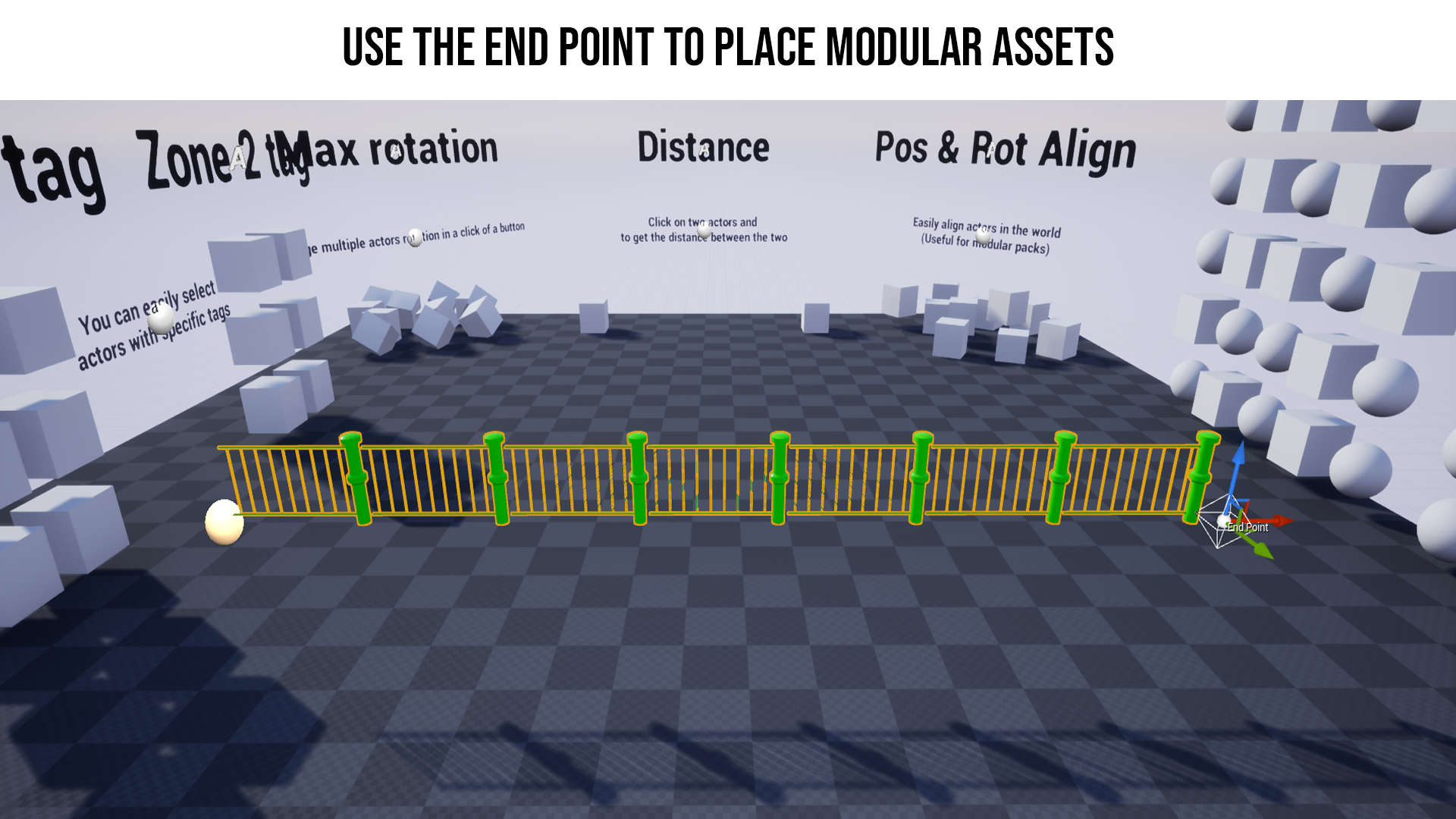
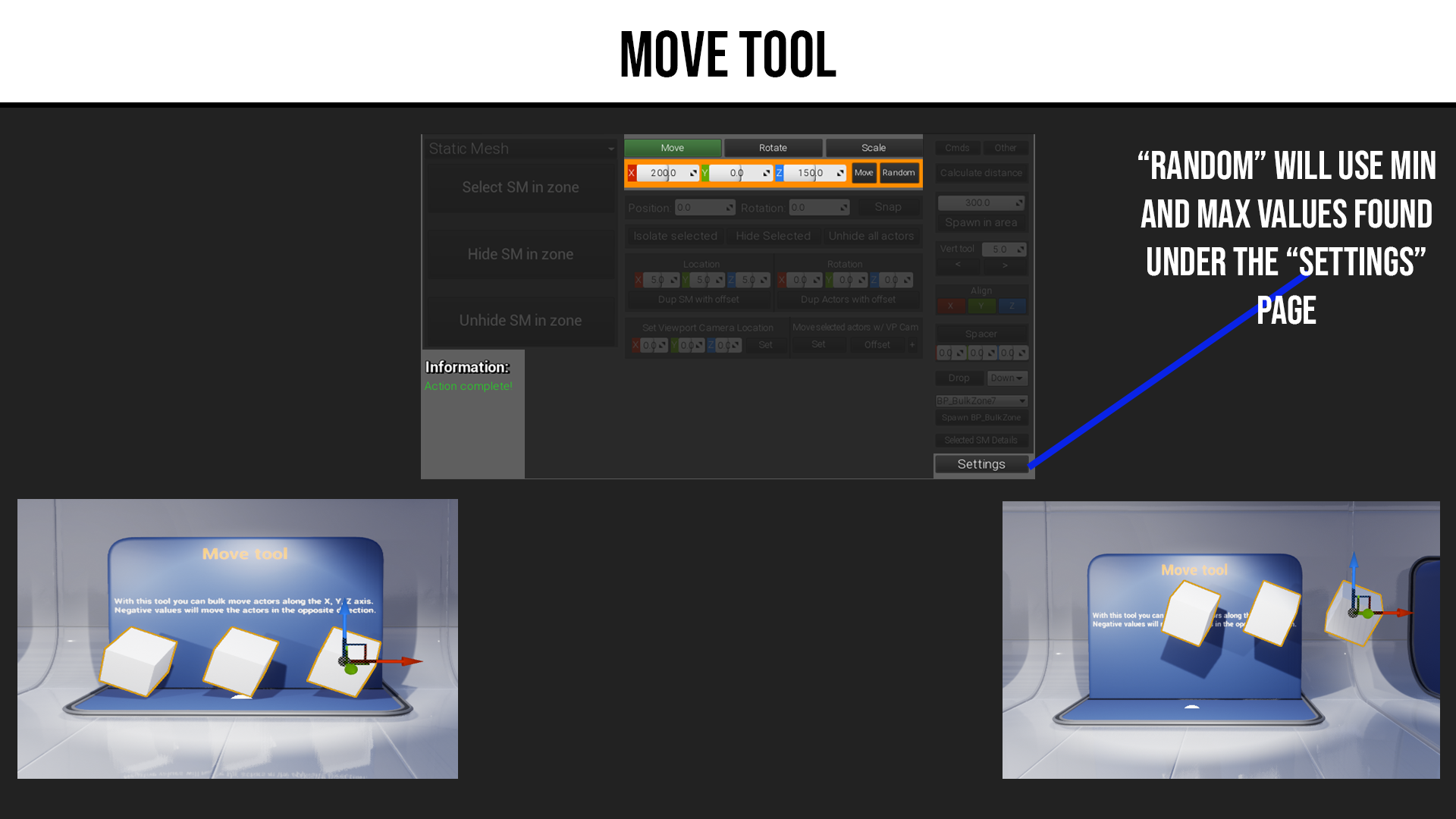
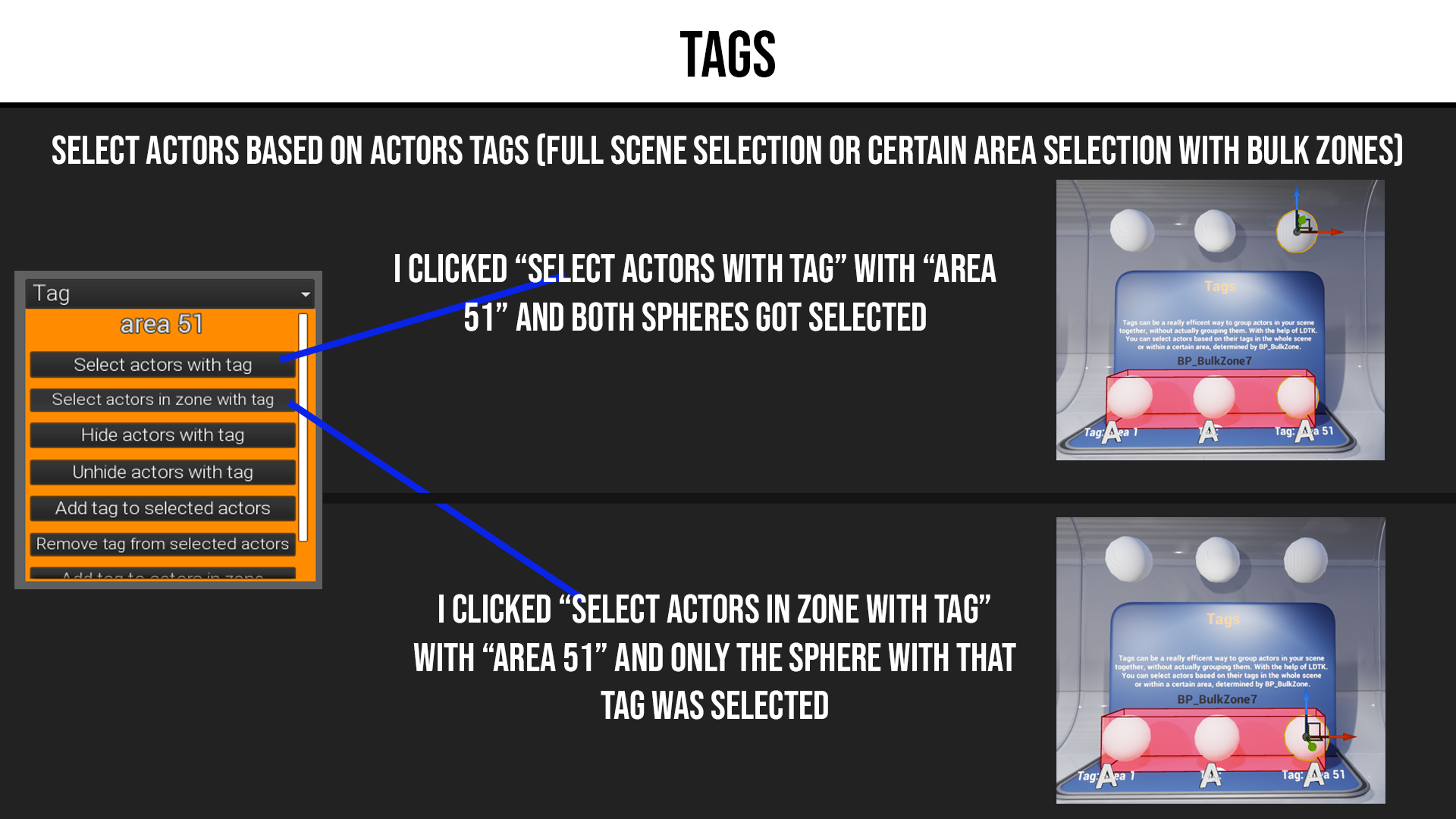
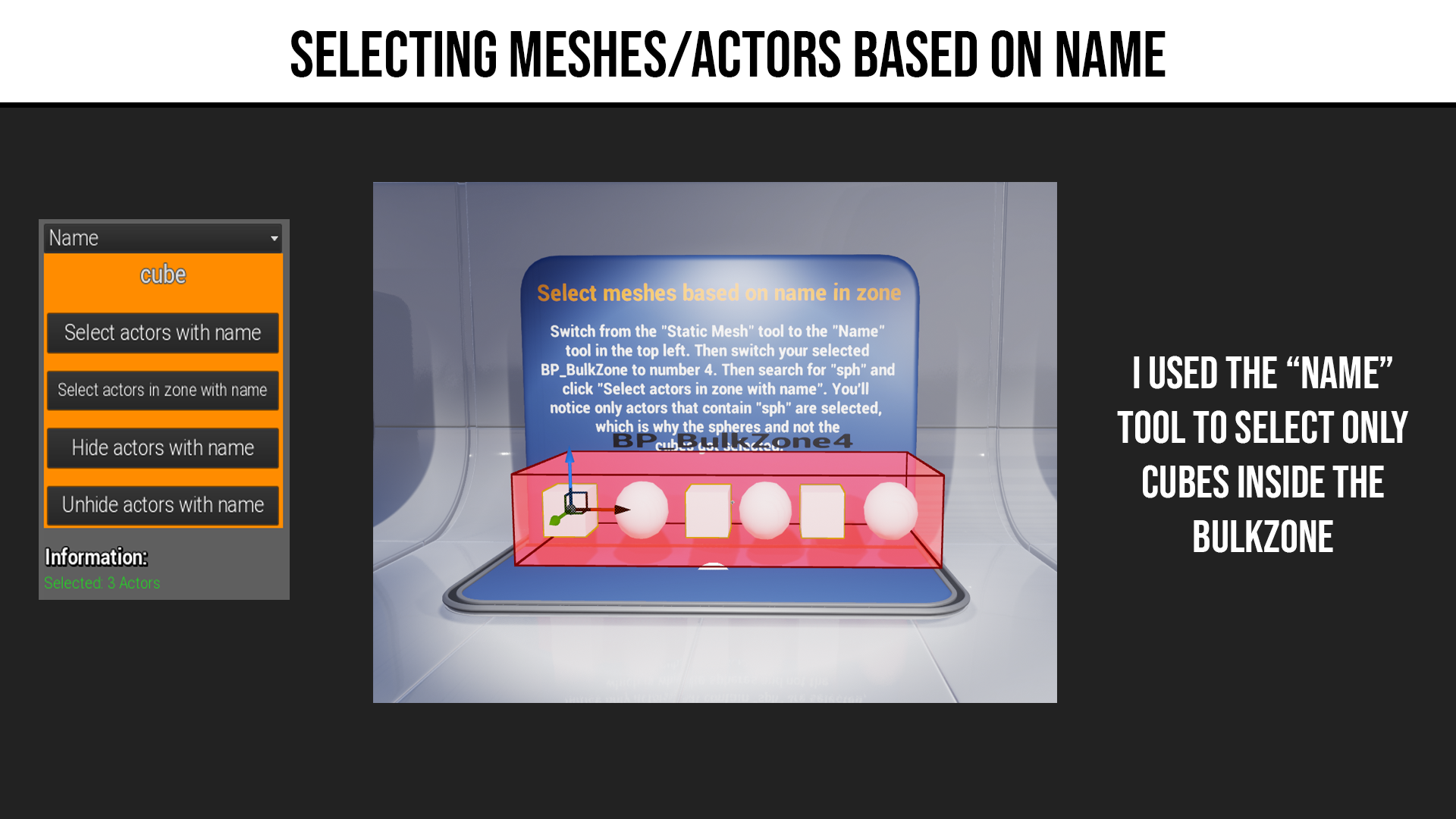
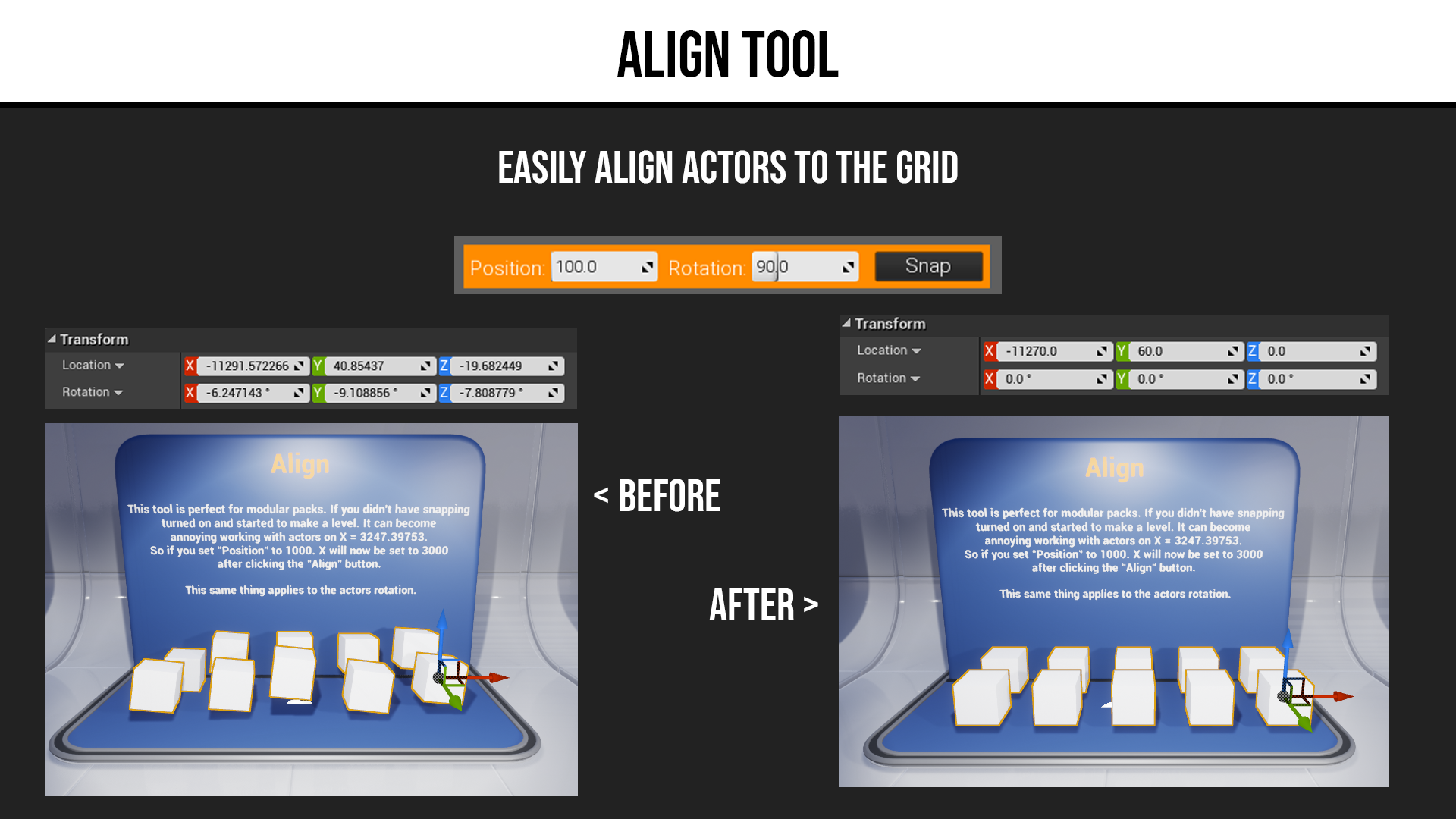
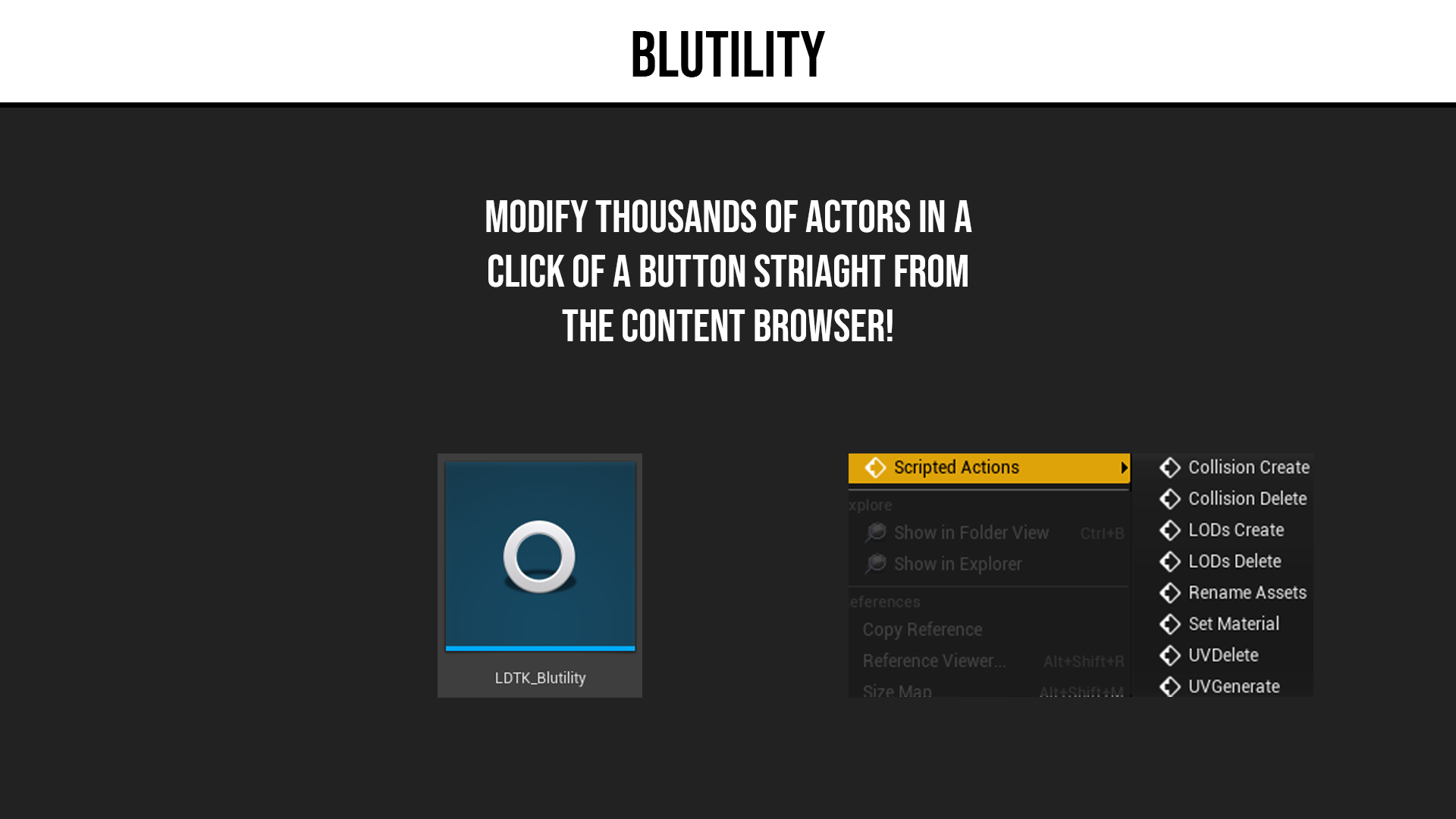
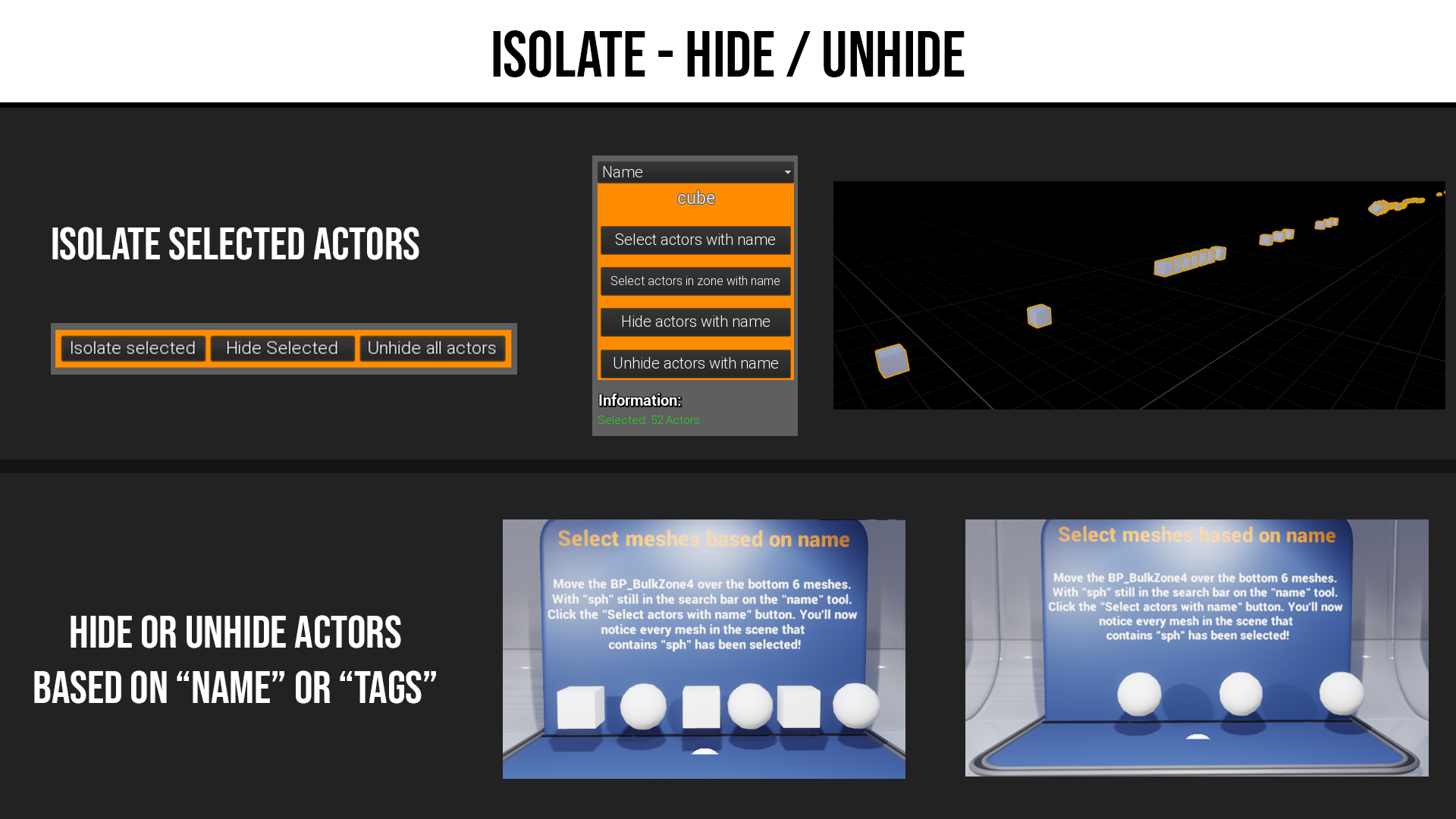
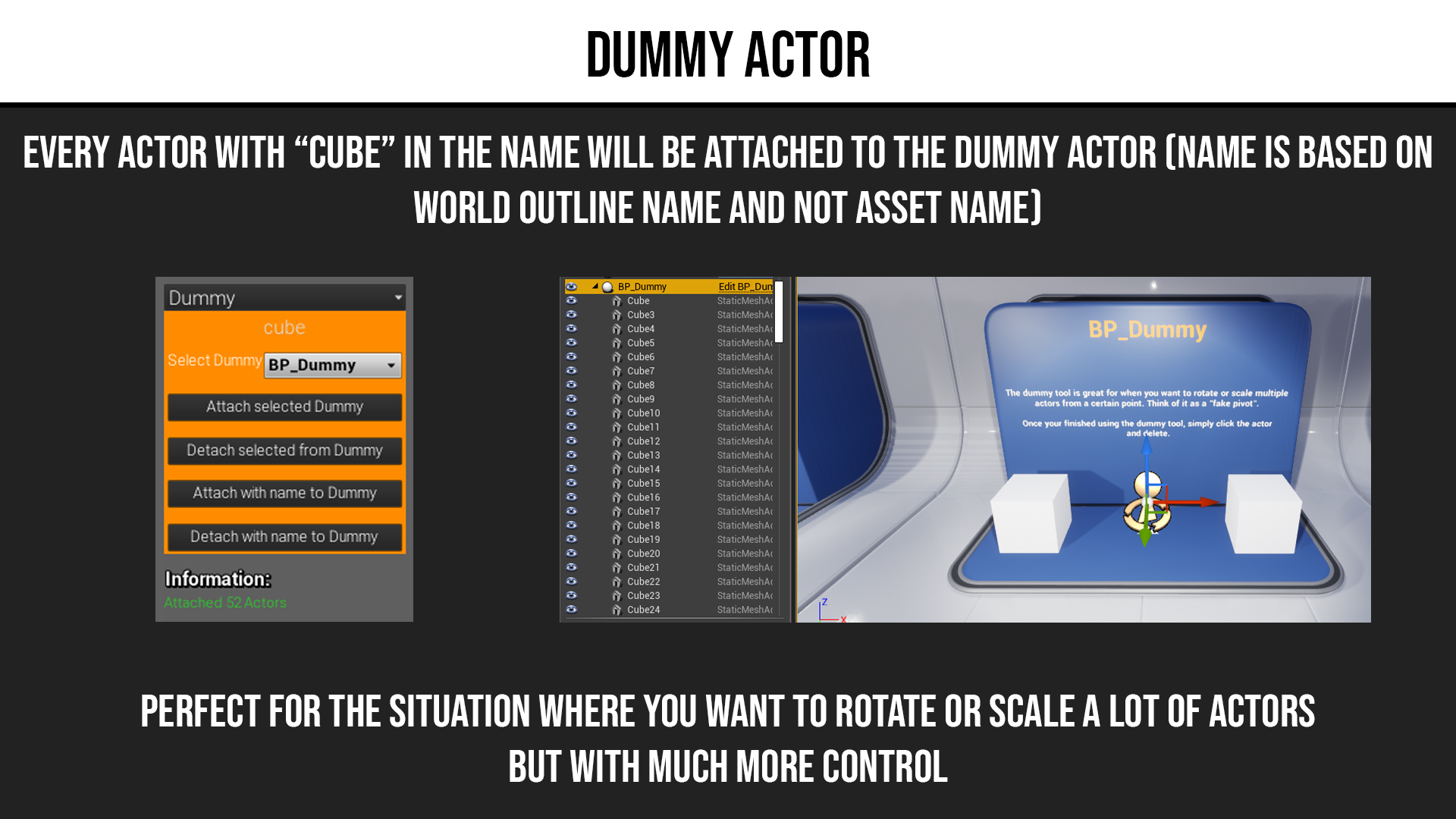
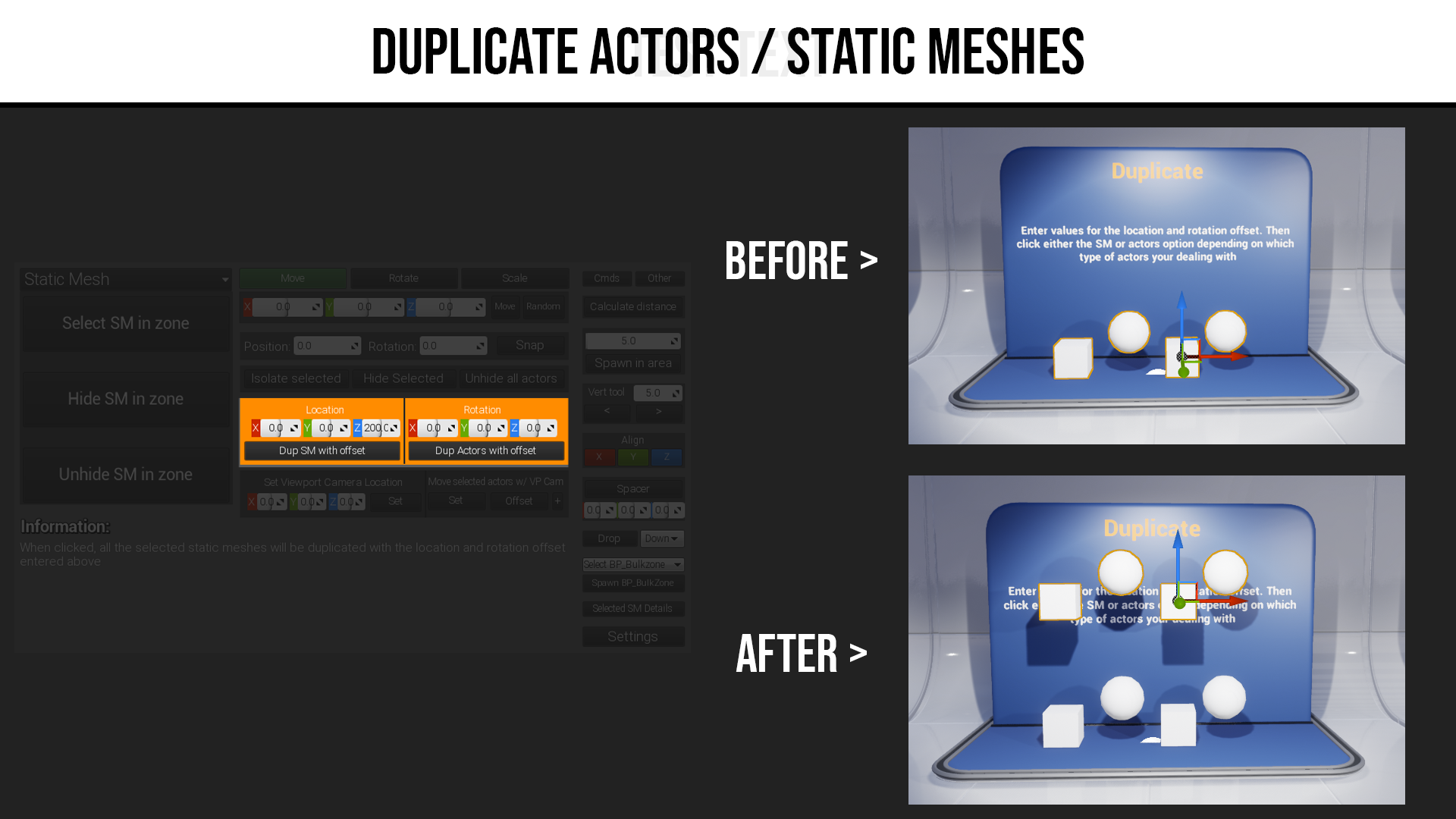
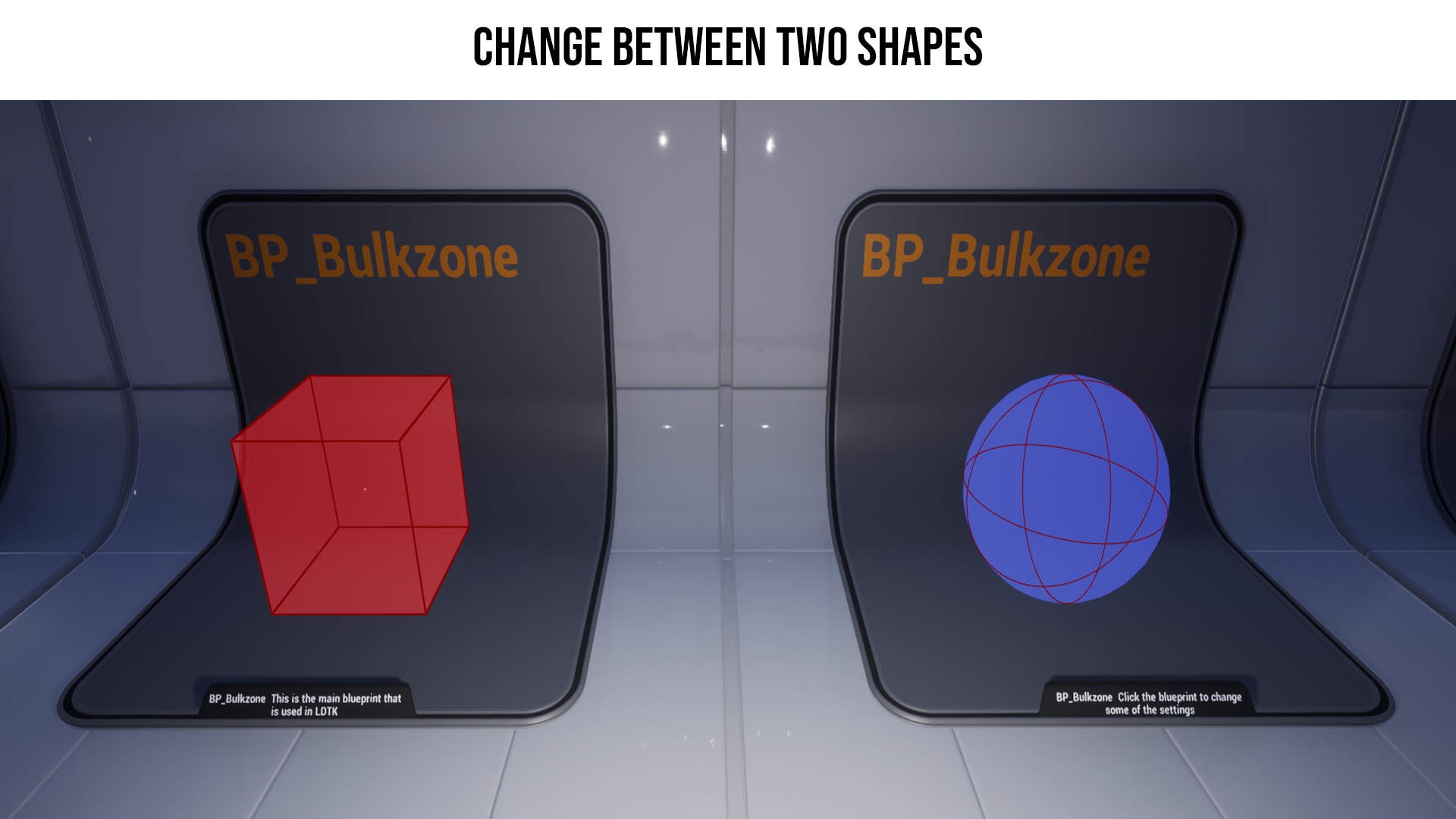
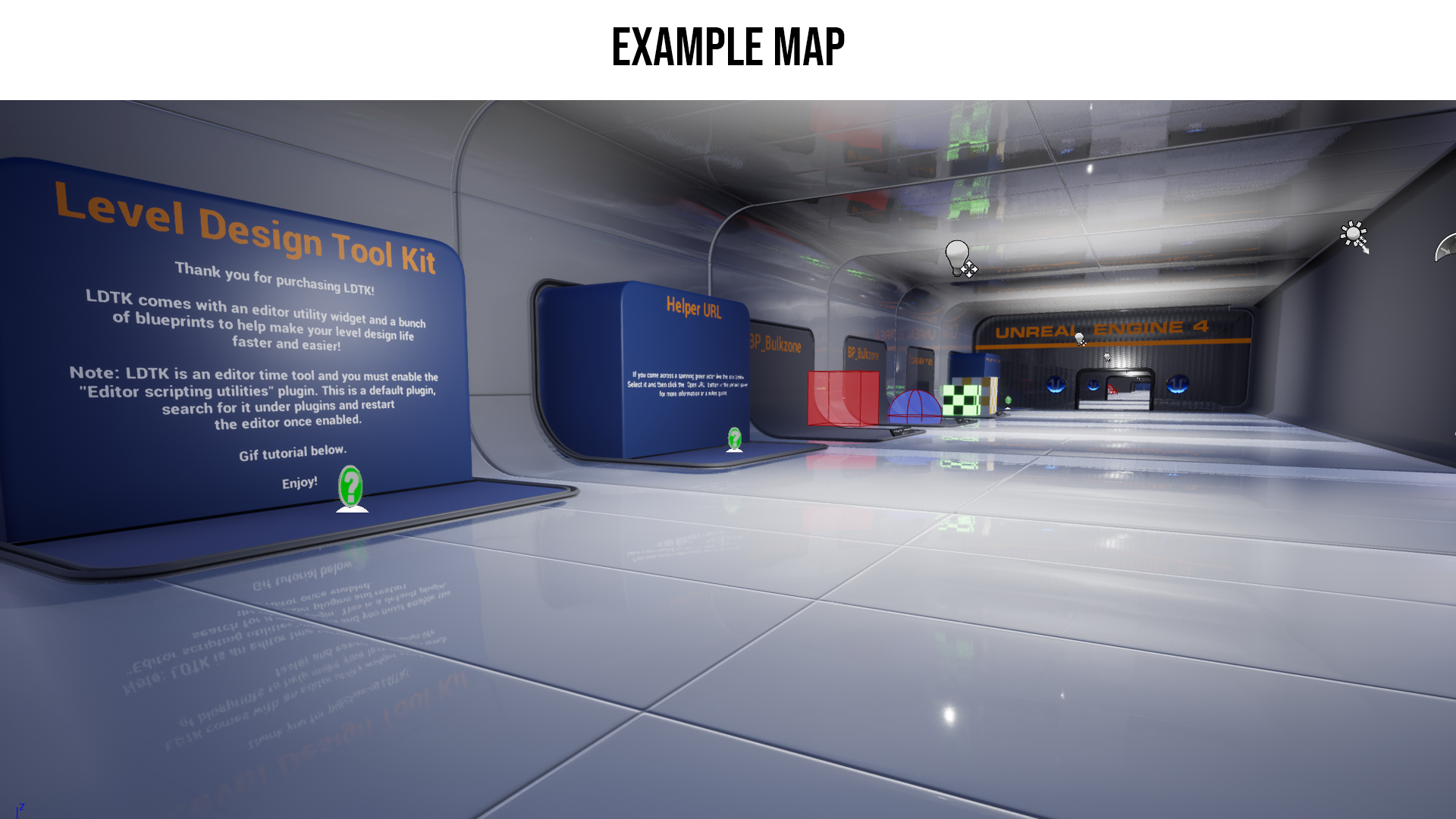
Level Design Tool Kit has a lot of great features that can speed up your level design workflow! Say goodbye to CTRL clicking on multiple actors that you want to move or group up. With LDTK you can simply put a box or sphere around a zone and with a click of a button select everything within that zone! You can also hide or unhide them static meshes or actors. You also have the ability to select static meshes or actors by a tag or name. As well as using construction blueprints to place meshes along a spline path or attach multiple actors to a dummy actor. Plus much more!
Login is required to access this download
VIP Downloads Today: 0 of 0
You can contact us at any time and request that the asset you want be added to the site from the Request Asset section.