Description
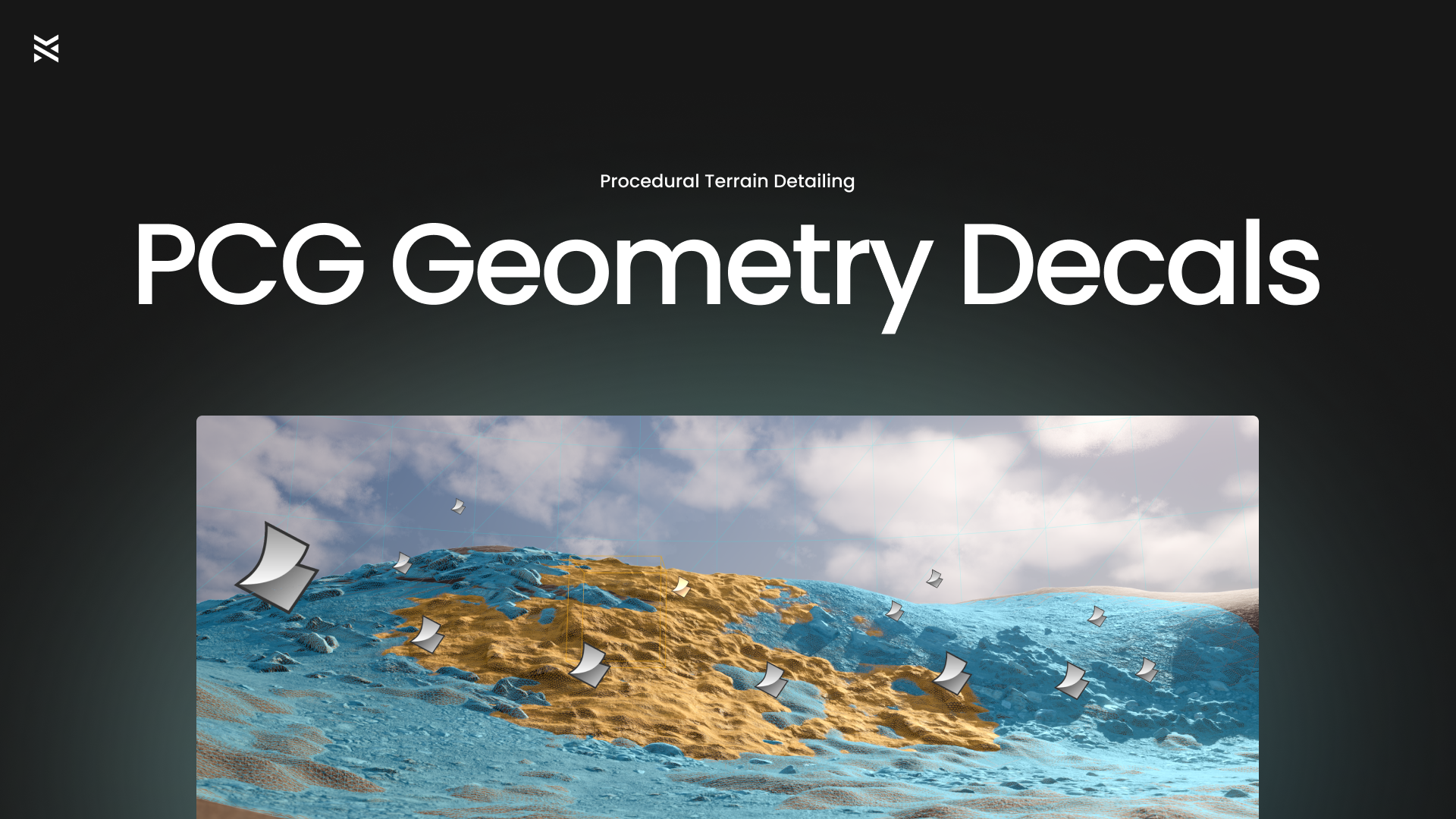
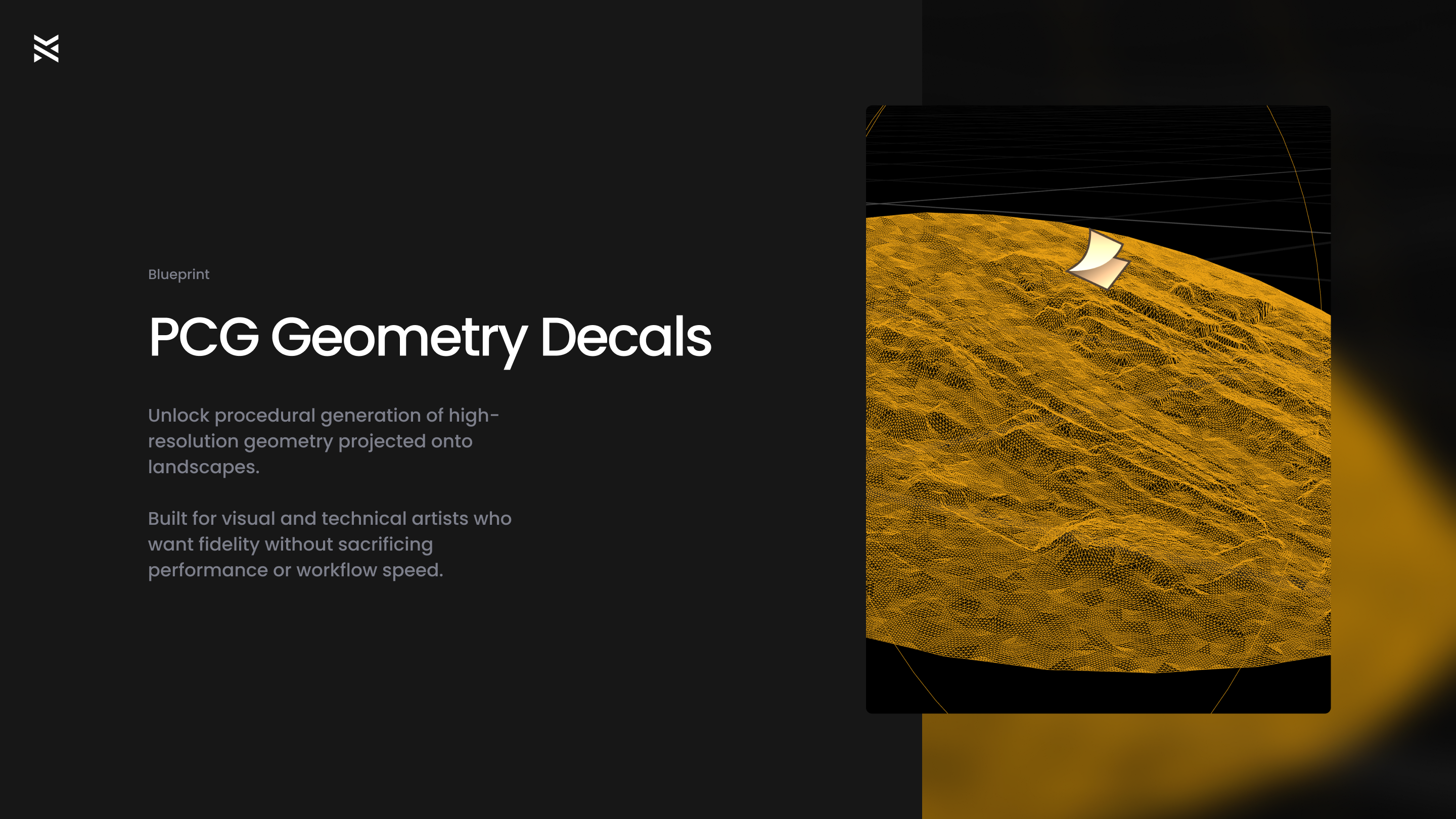
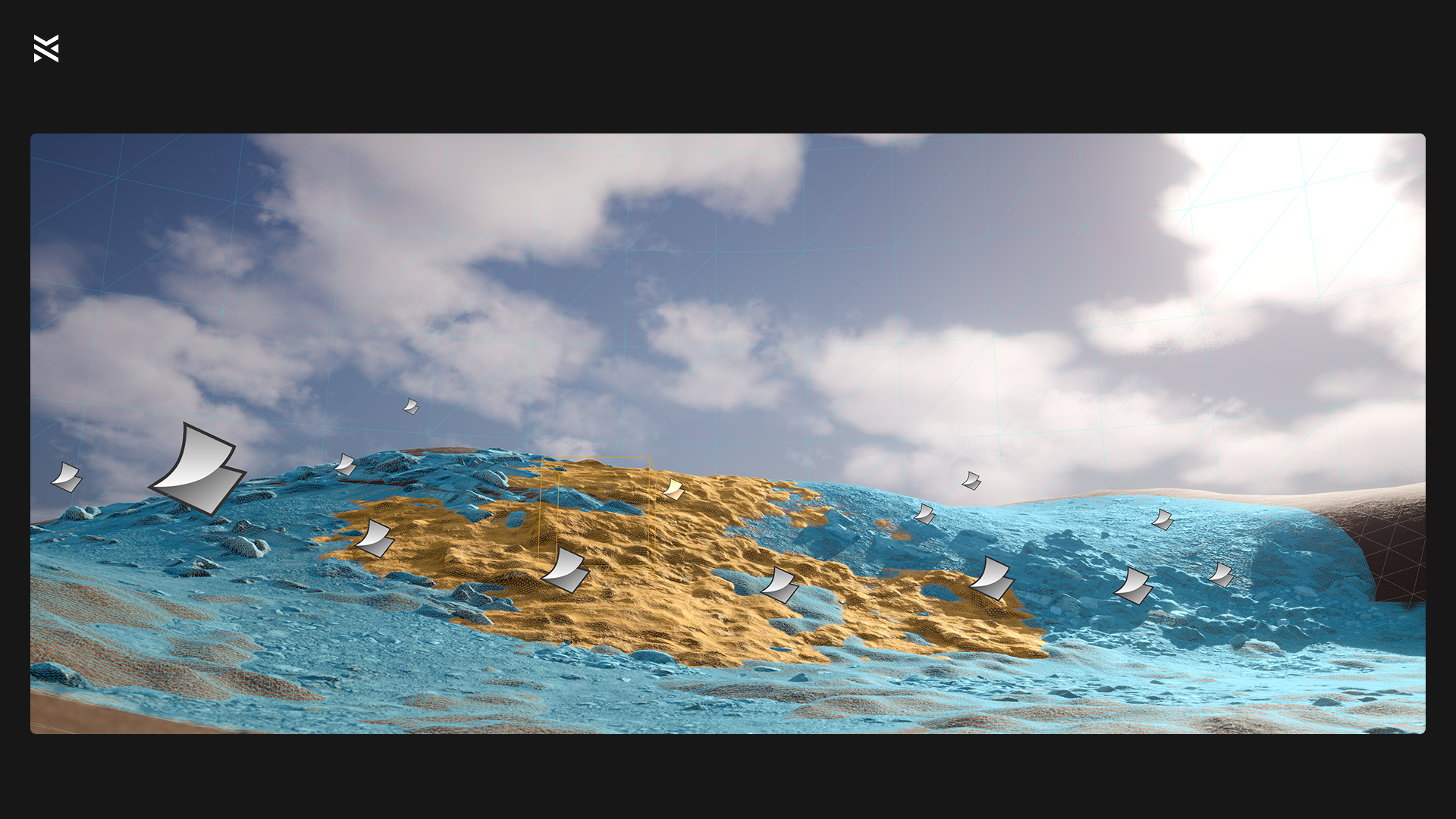
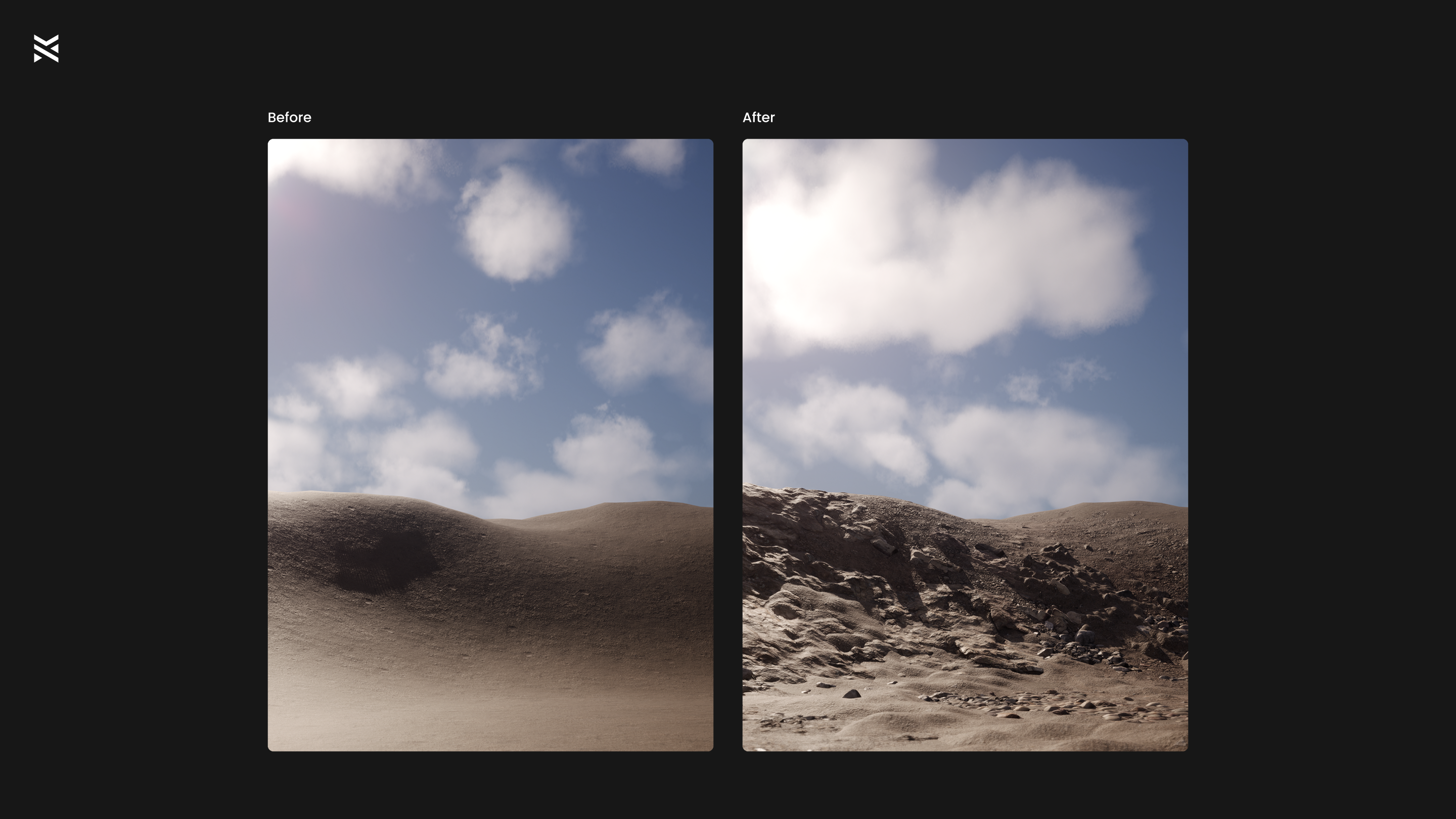
Place high-fidelity geometry decals directly onto Unreal landscapes—automatically conforming, displacing, and blending into terrain with Nanite-ready results.
Perfect for photogrammetry workflows, stylized terrain detailing, and cinematic-quality environments.
[Showcase Video] | [Documentation] | [Join the Discord]
Features
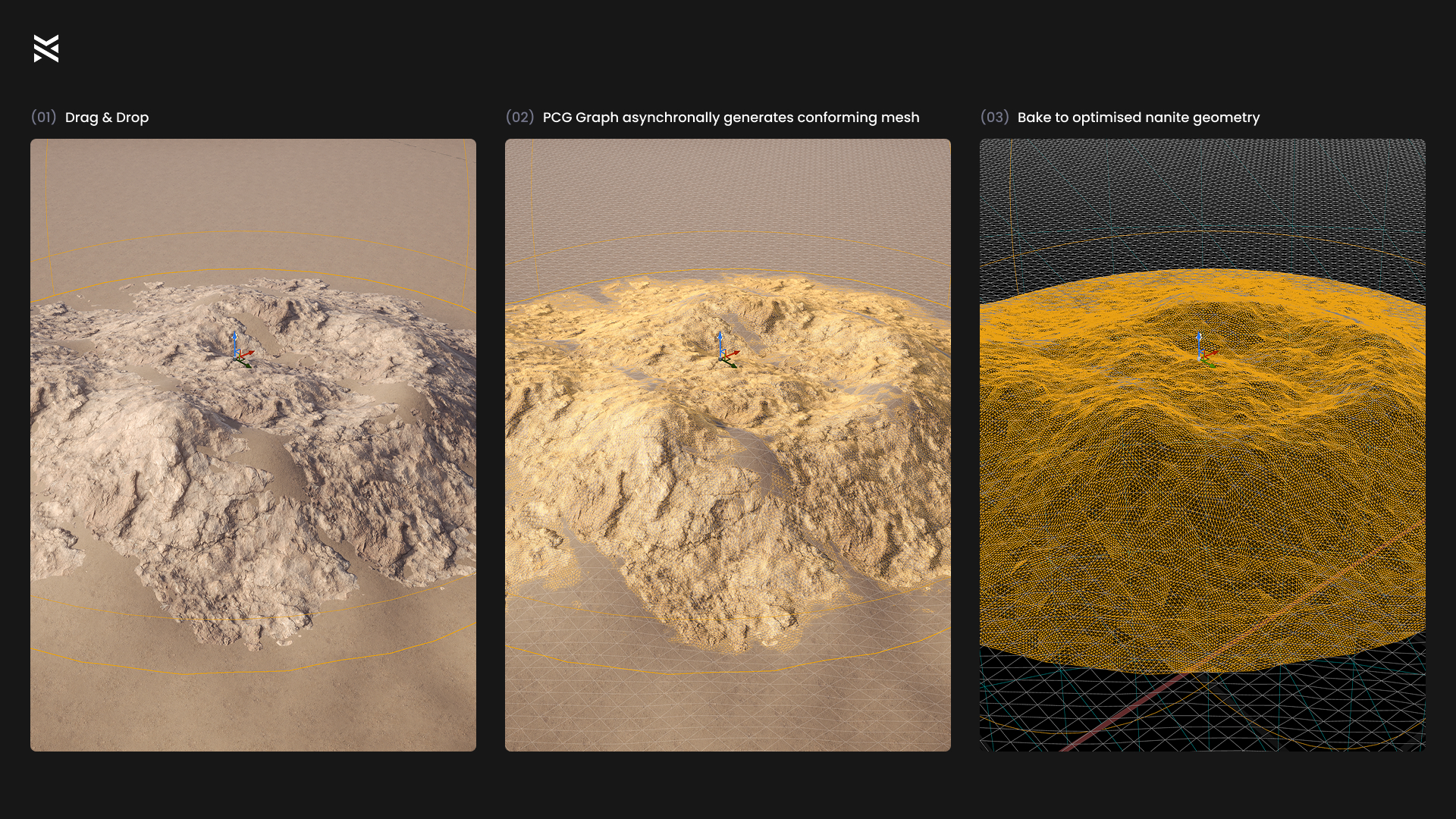
✅ Drag & Drop — add actors to your scene that auto-generate PCG-driven geometry on placement.
✅ Terrain-Conforming Geometry — decals snap to the underlying landscape.
✅ High-Resolution Displacement — sculpt layered surface detail using real heightmap-driven geometry.
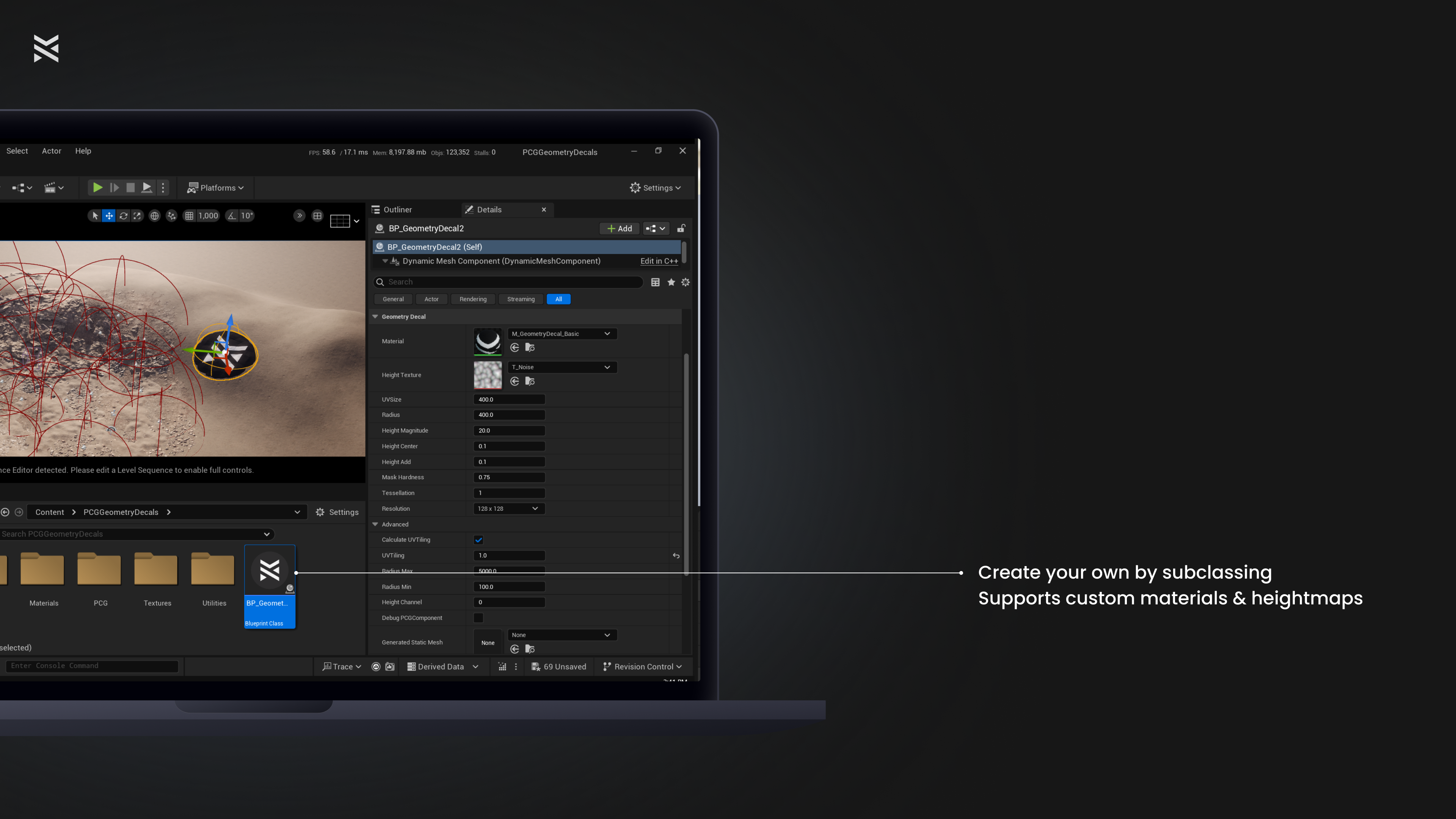
✅ Full Artistic Control — customize material, displacement, falloff, radius, UVs, and resolution—directly from the Details panel.
✅ Nanite Baking — convert decals to optimized Nanite-ready static meshes for runtime use.
✅ Lightweight & Fast — async PCG means instant feedback and non-blocking edits.
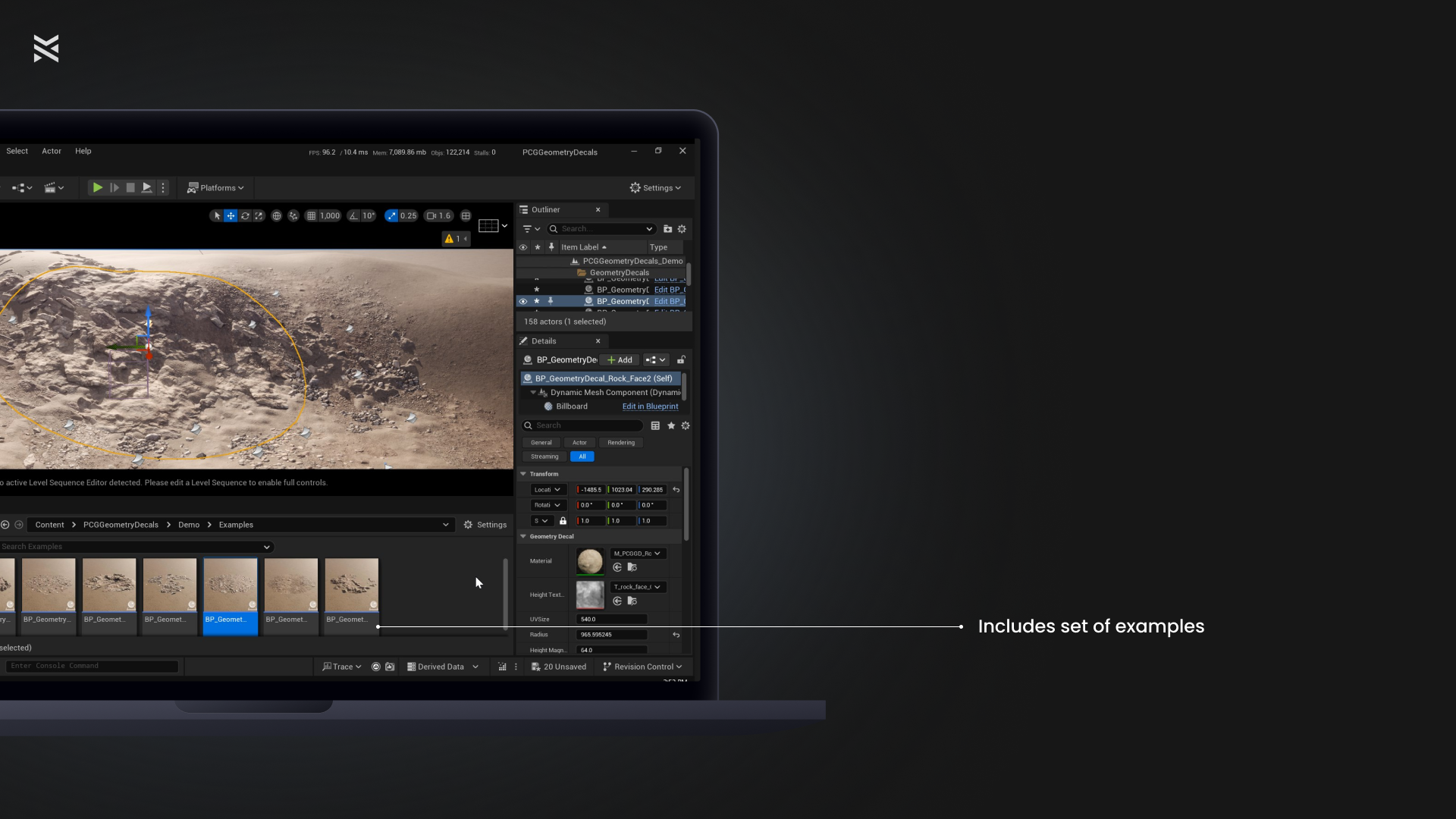
✅ Ready-to-Use Examples — includes master material and preconfigured child blueprints for fast iteration.
Use Cases
Photoreal terrain stamping — add cliffs, soil, or gravel with full geometric depth.
Stylized environments — create layered terrain elements with clean artistic direction.
Lookdev and kitbashing — iterate terrain compositions quickly and visually.
Games and cinematics — add micro-terrain variation without touching the landscape material.
Quickstart
- Make sure to go to Edit->Plugins and enable:
- GeometryScripting
- PCG
- PCGGeometryScriptInterop
- ModelingToolsEditorMode
- Restart your project
- Drag a BP_GeometryDecal_* actor from /Game/PCGGeometryDecals/Demo/Examples/ into your level (these are ready-made variants with materials and textures preassigned) -or- Subclass BP_GeometryDecal and assign your own material + height texture.
- Adjust radius, height intensity, falloff, UV tiling, resolution, etc.
- Select one or more decals and right-click → Scripted Actor Actions → Bake to Static Meshes.
- Enable Nanite on the resulting mesh if needed in the popup window settings.
This blueprint is Editor-only.
To ship in-game, bake all decals to Nanite static meshes.
Credits
Demo content includes textures from PolyHaven (CC0 license).
Please consider supporting them on Patreon.
Technical Details
Features
- Procedural decal placement
- Editor‑time terrain-conforming geometry
- Heightmap-driven displacement with accurate normals
- Async PCG workflows for instant feedback
- Nanite baking to optimize runtime meshes
- Full customization through master and child blueprint system
Blueprints Included
- BP_GeometryDecal (abstract base actor)
- Example Decals: 7
- PCG graph assets: 7
- Editor Utility: 1 (for bake-to-mesh actor right-click functionality)
Materials & Textures
- Master Materials:
- M_GeometryDecal_Master
- M_GeometryDecal_Basic, M_GeometryDecal_Height
- Instance Materials matching each example decal
- ARM/BC/D/N textures for each decal (4 maps per decal type)
- Utility Textures: 2
Sample Map & HLOD Layer
- Demo Map: PCGGeometryDecals_Demo
Blueprint vs. C++
- Entirely Blueprint-driven: no custom C++ classes (all geometry logic via PCG and dynamic mesh actors)
Dependencies
- Unreal Engine 5.5+ (requires PCG and Nanite support)
- Plugins to enable: ModelingToolsEditorMode, GeometryScripting, PCGGeometryScriptInterop, PCG
Login is required to access this download
You can contact us at any time and request that the asset you want be added to the site from the Request Asset section.