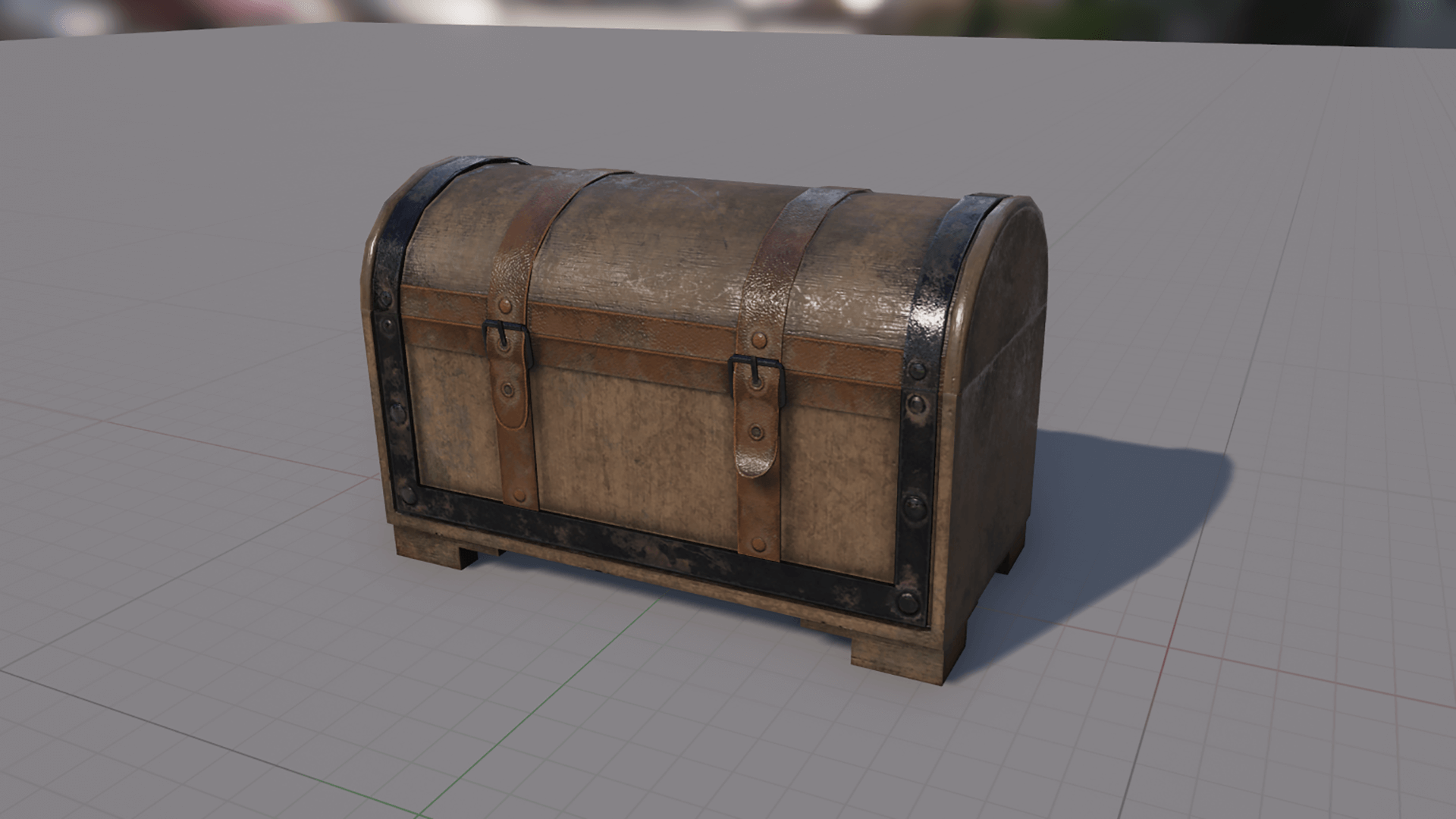
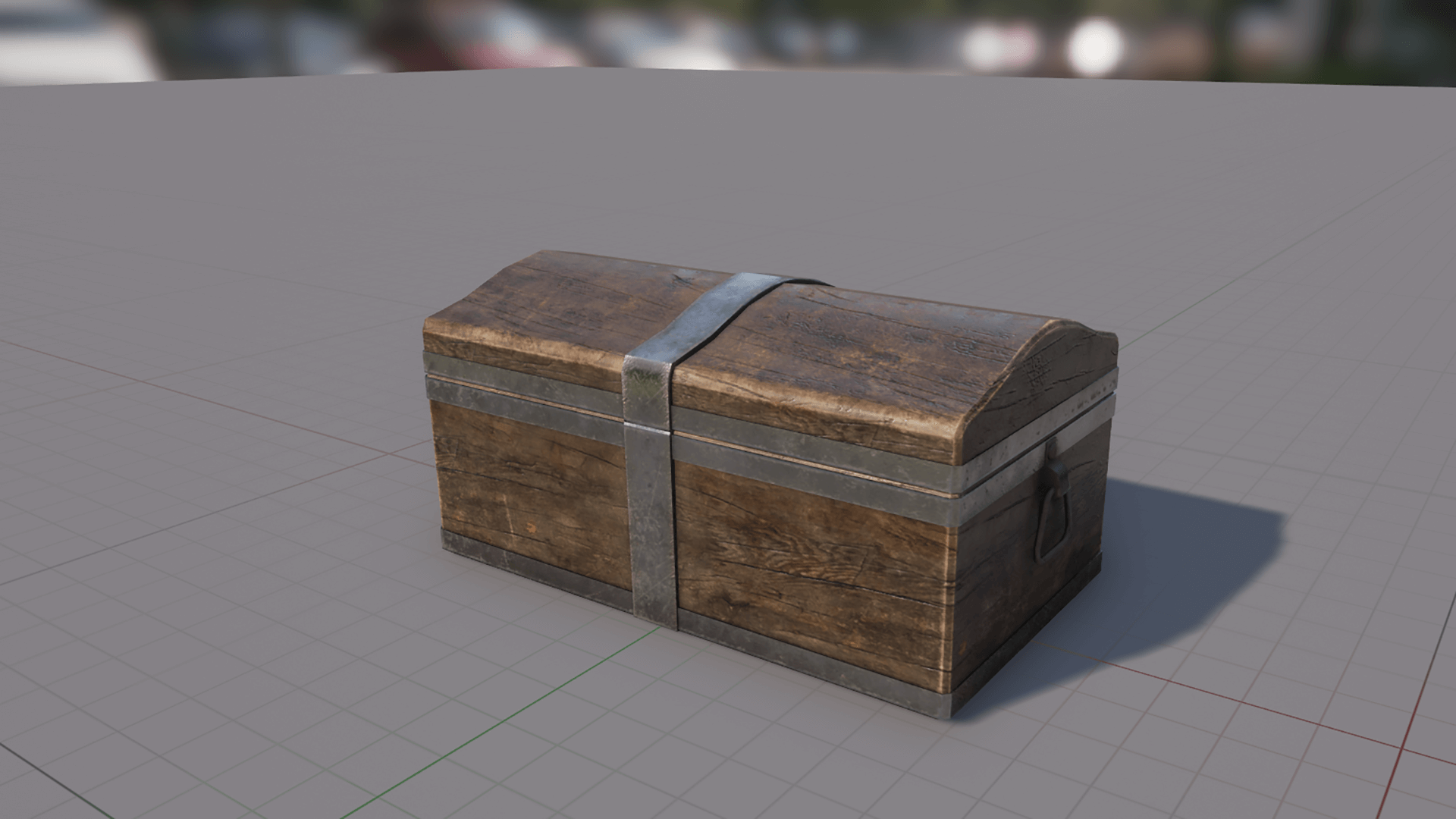
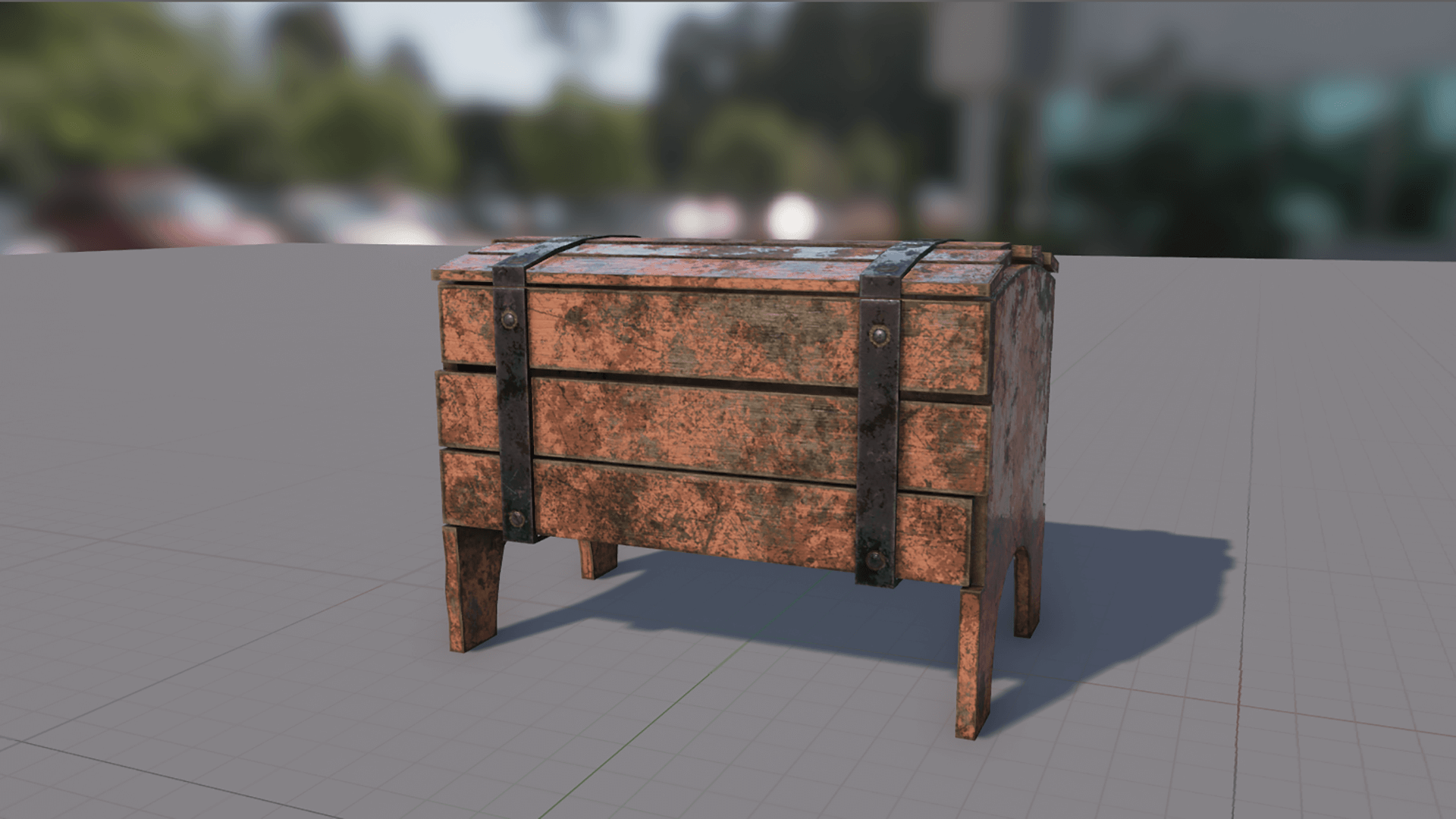
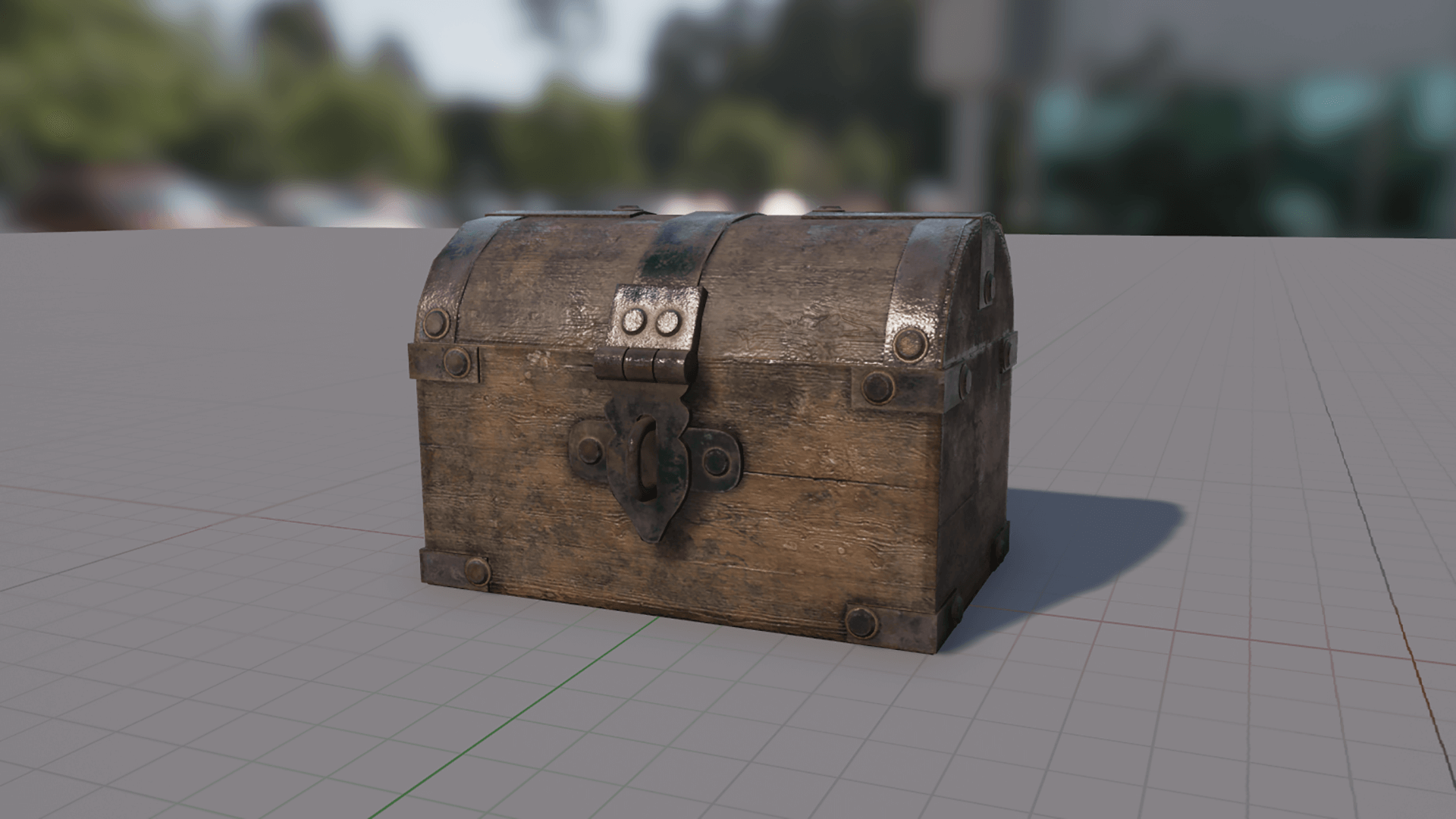
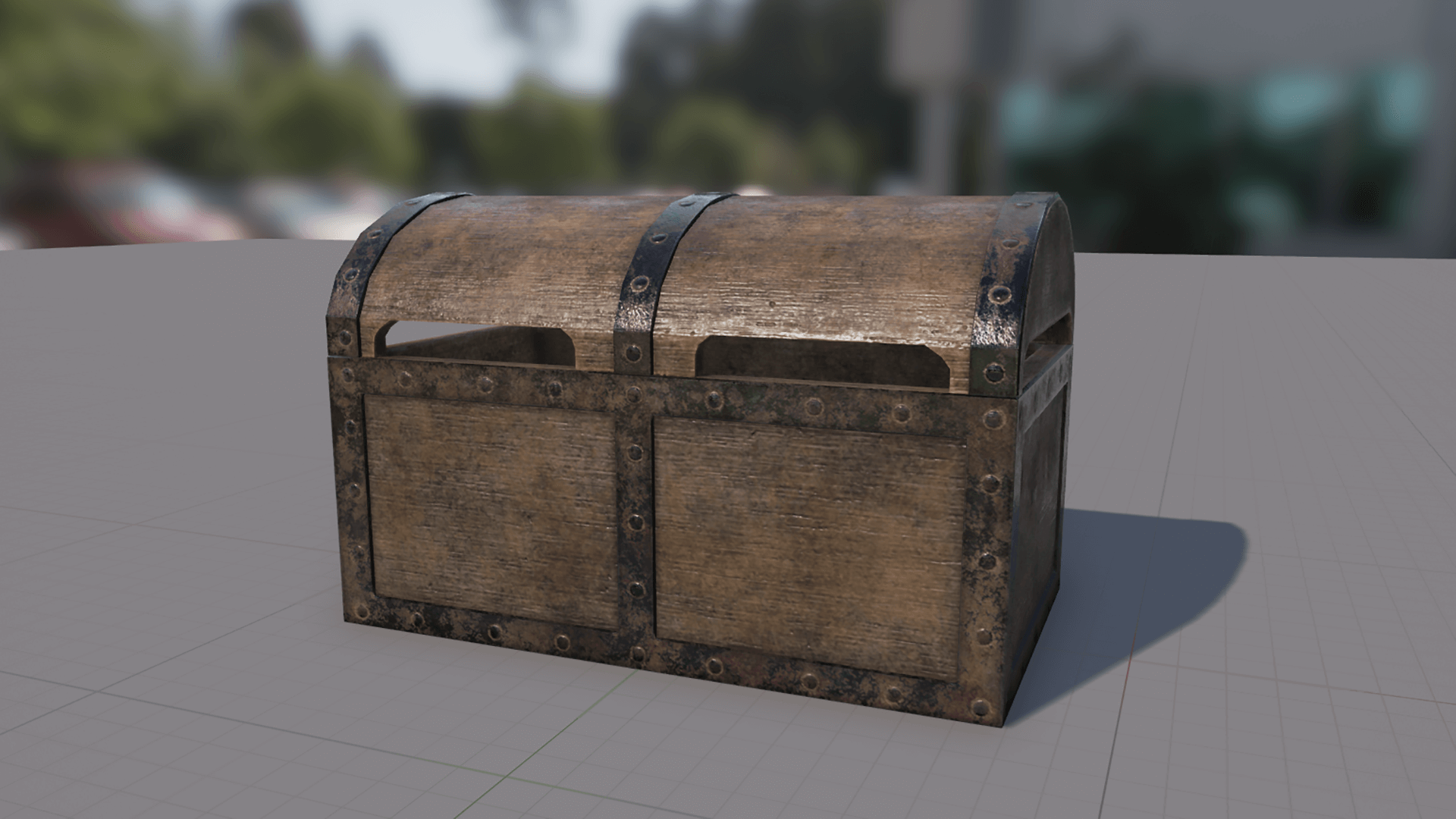
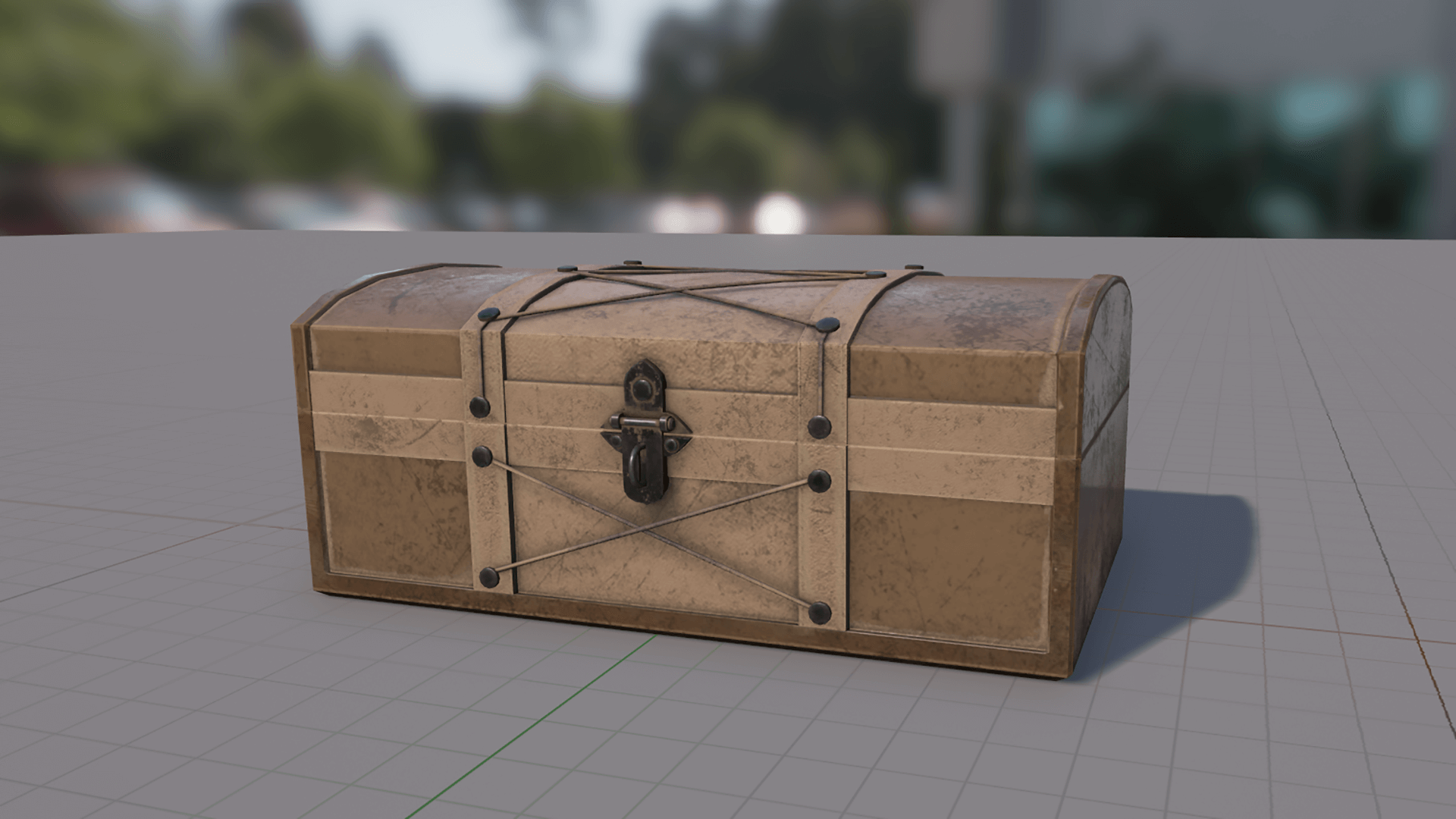
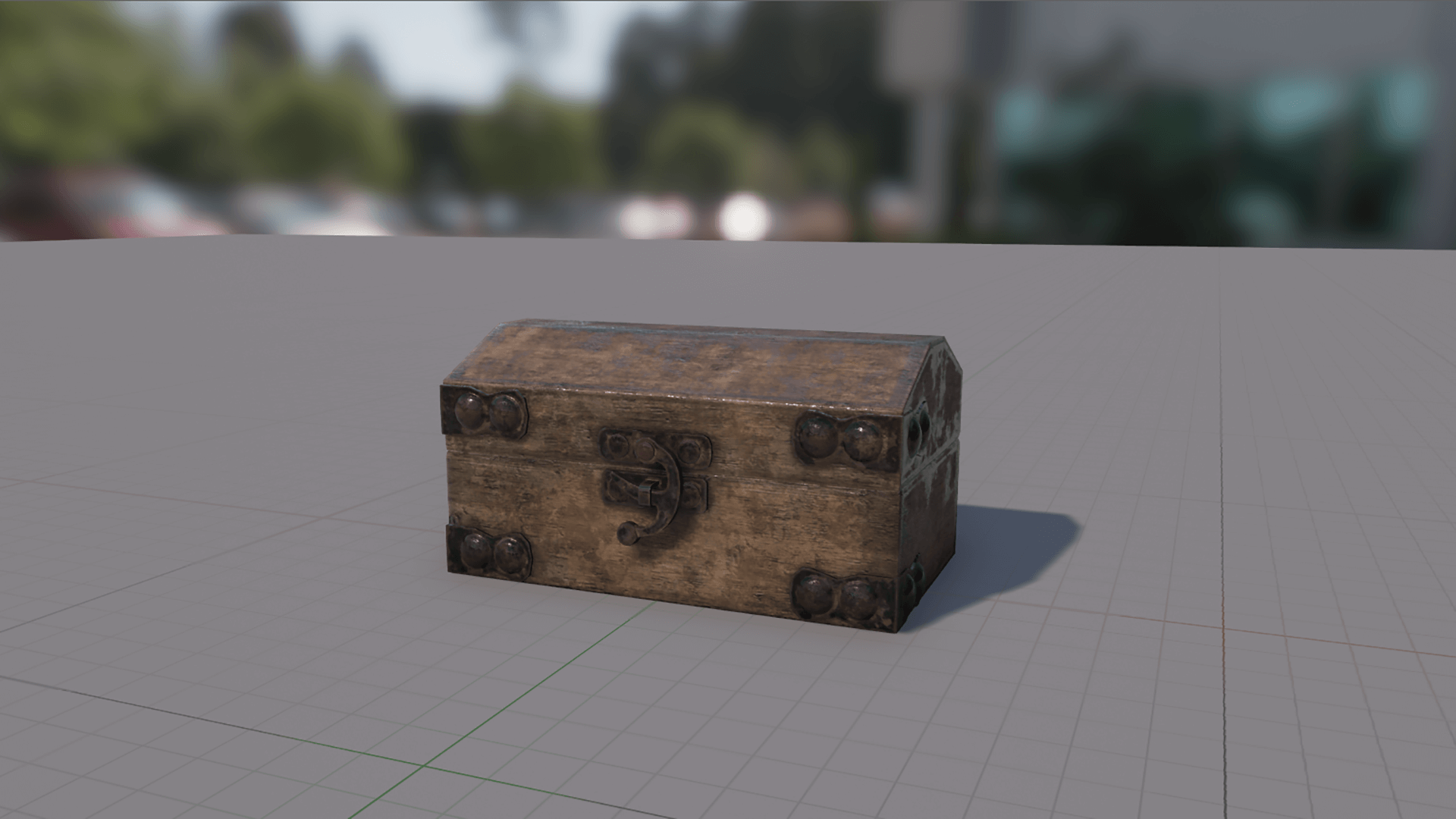
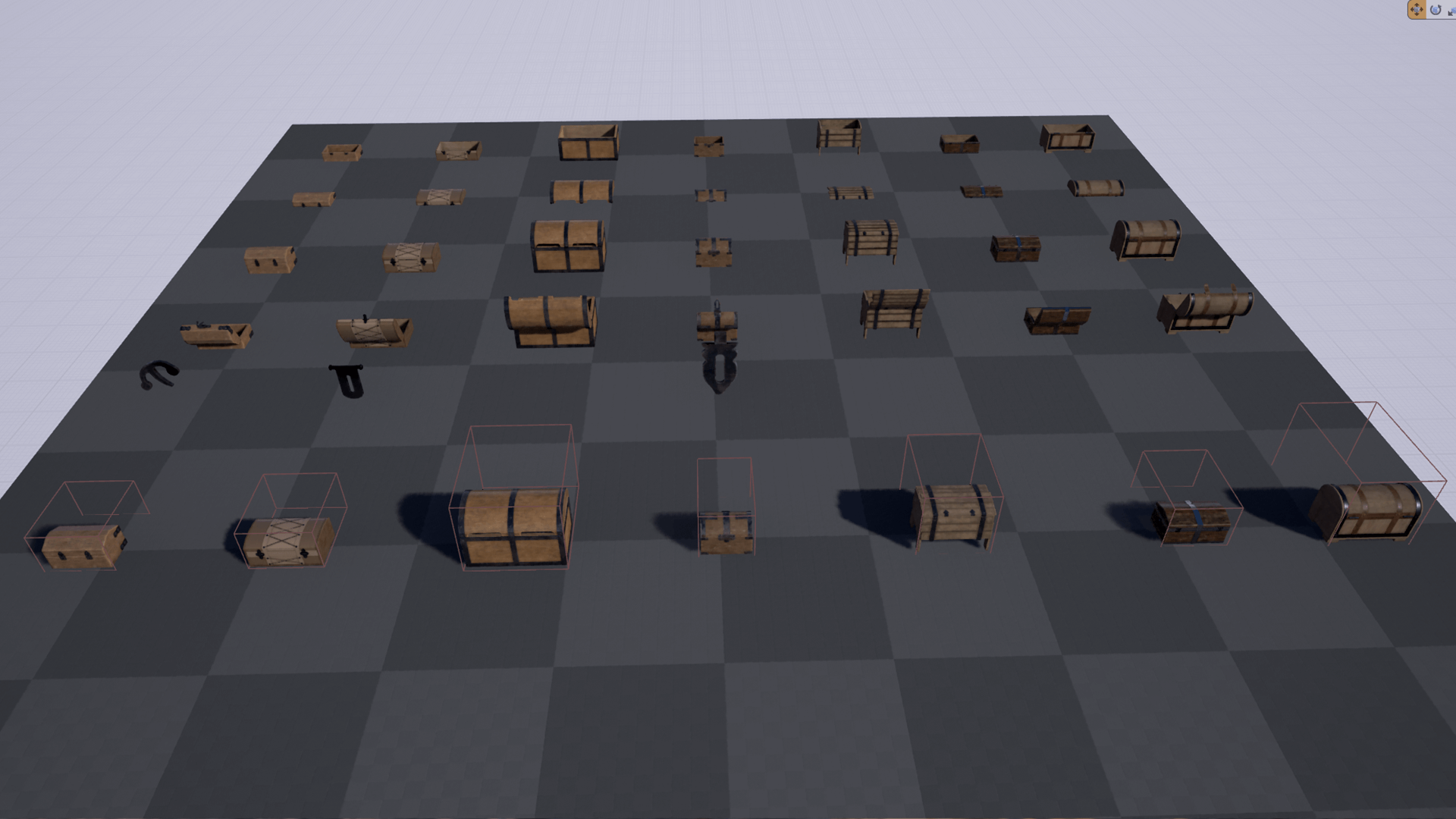
 Description
Preview: youtube.com/watch?v=c6lGyuf7tmE
1. convenience
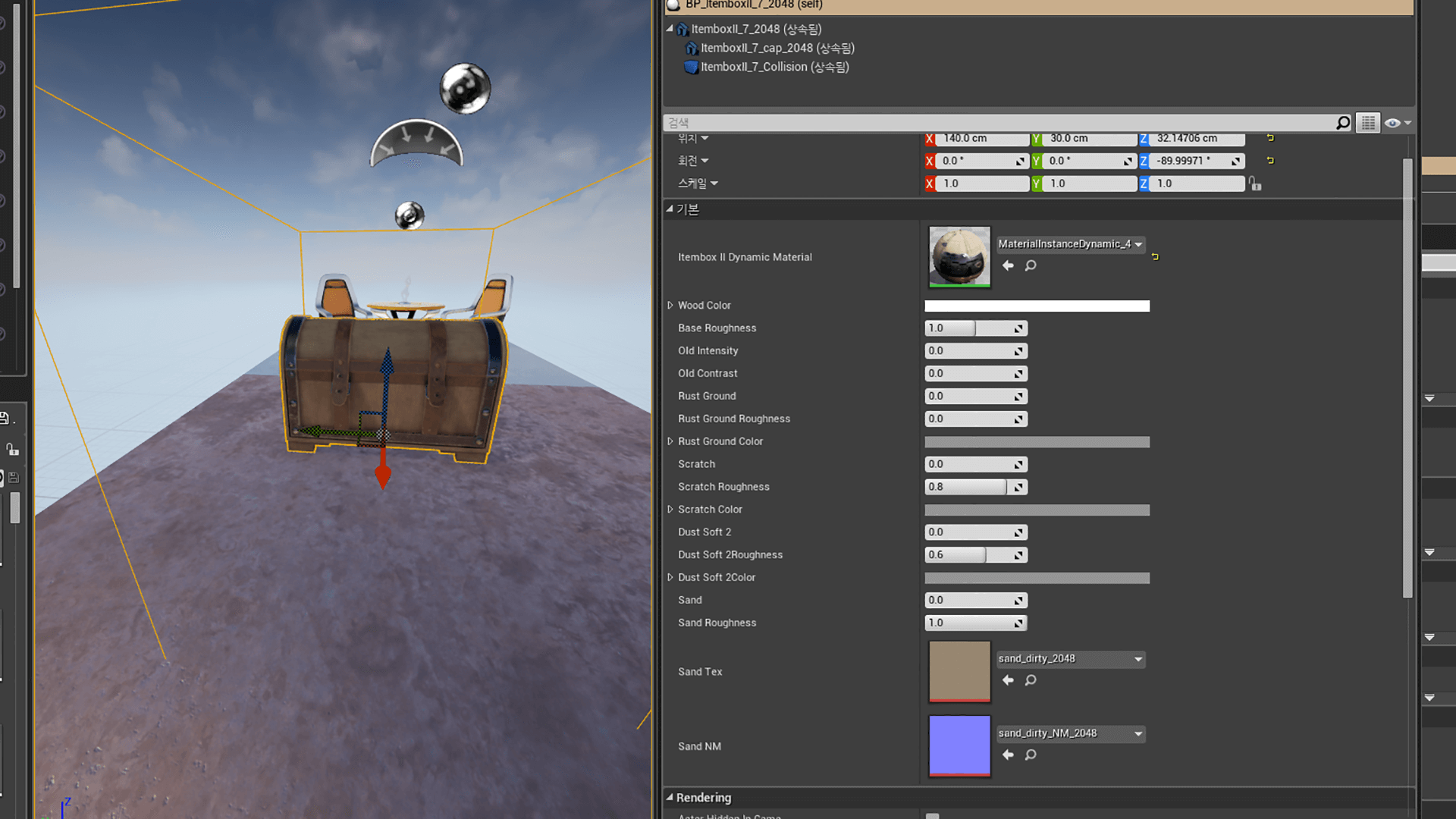
– Dynamic Materials : If you drag and drop from BluePrint folder, Dynamic Instance Material will be created. so you don’t need to copy Instance.
If you make Alt copy from your scene, Dynamic Material is same.
To create New Dynamic Instance Material in alt copy, Open Blueprint, go to Construction tap and
please delete “ItemboxII Dynamic Material” attached “Create Dynamic Material Instance” Function.
It’s connected “Source Material”.
2. Changeable Dirt
– All meshes have base Old dirt. and can mix some dirt.
– Some boxes have paint parameter. Not all.
3. BluePrint
– To open cap while playing game. construction and event script(change Dirt and open cap)
– To change Dirt Parameter while making your scene. construction script only(change dirt only for static meshes).
– This meshes is ready for changing dirt while playing game because of parameter. No Scripts for that.
4. Interaction Key is “F”
-Go to box close then just press “F” to open box.
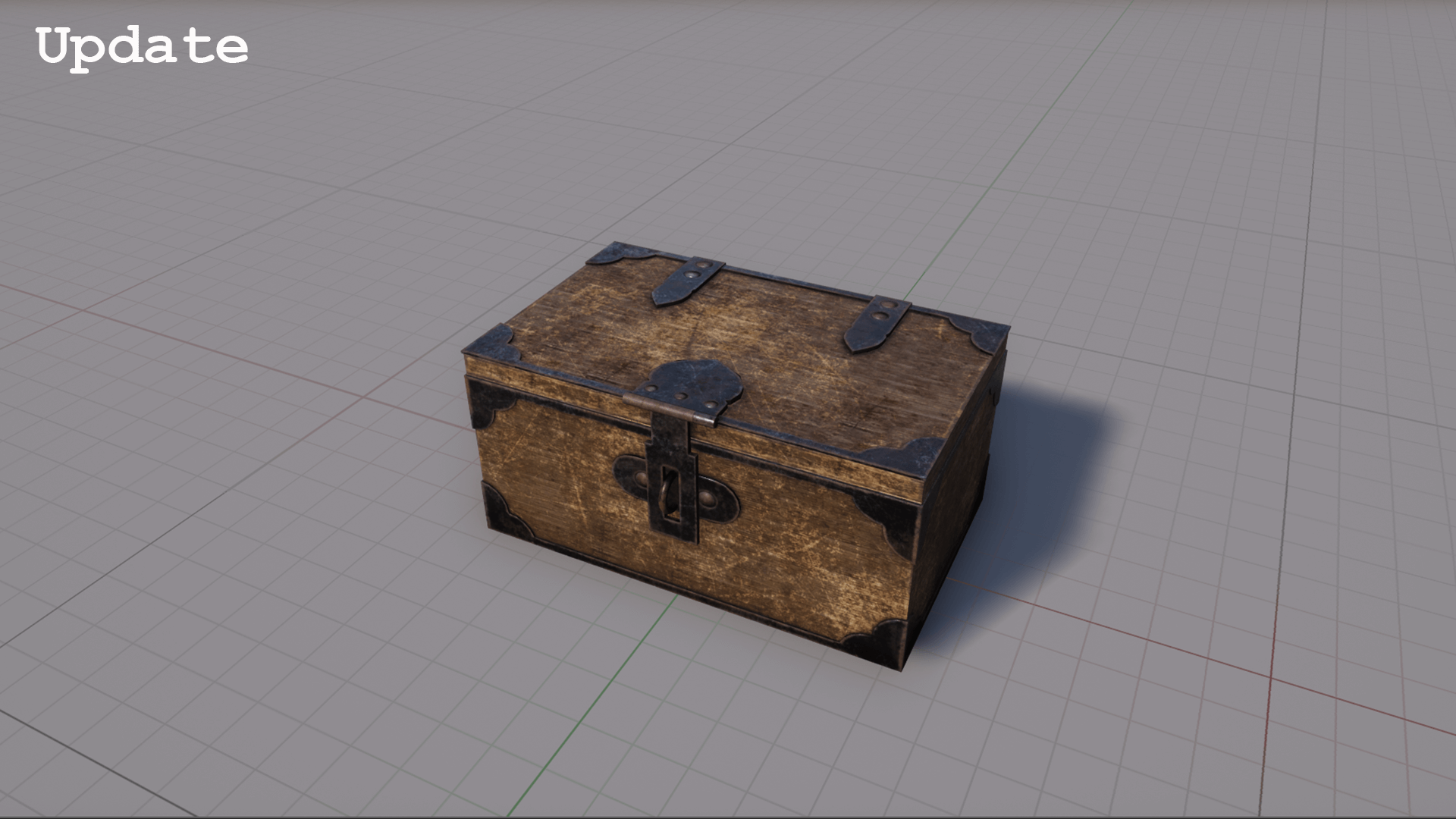
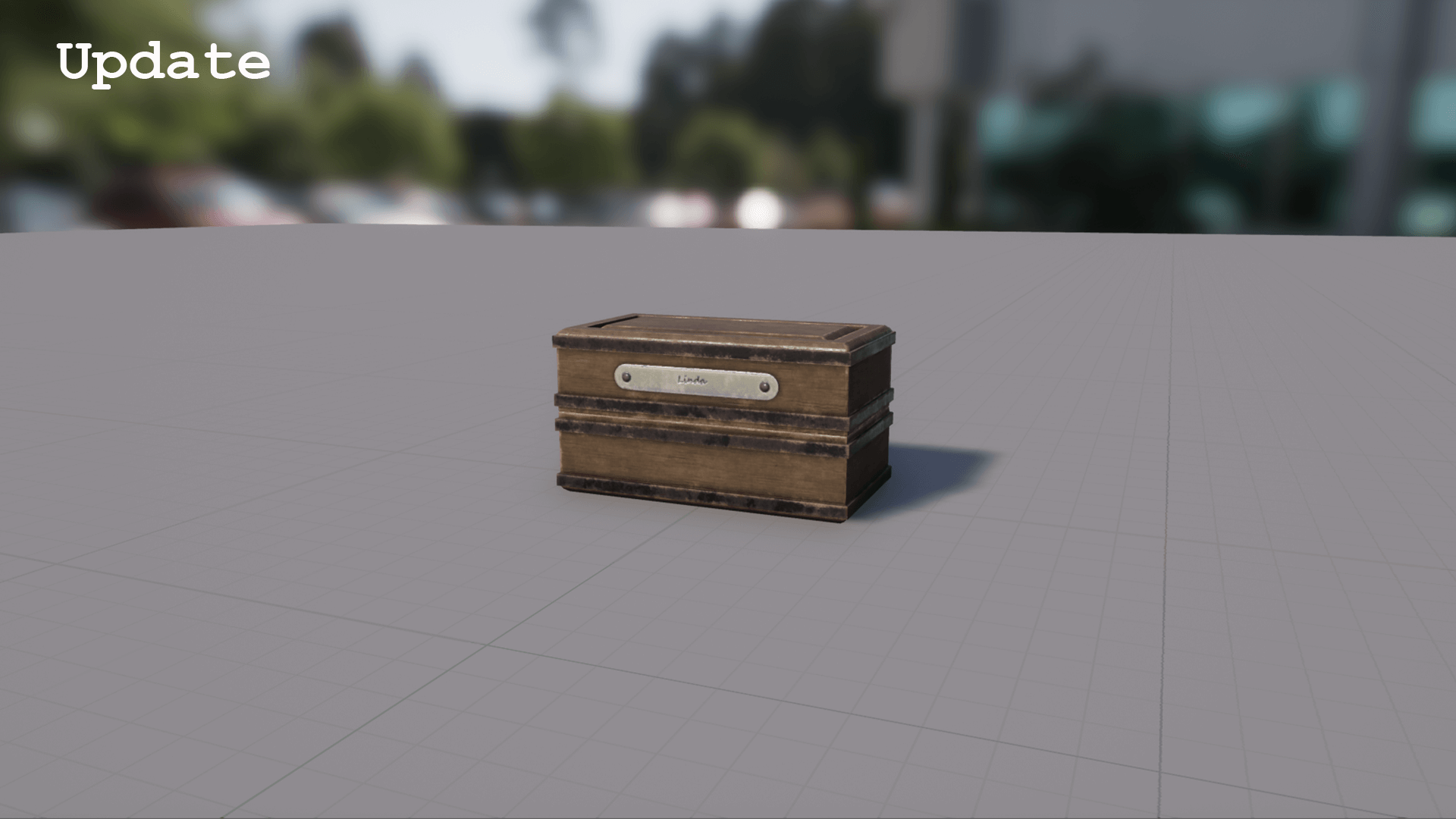
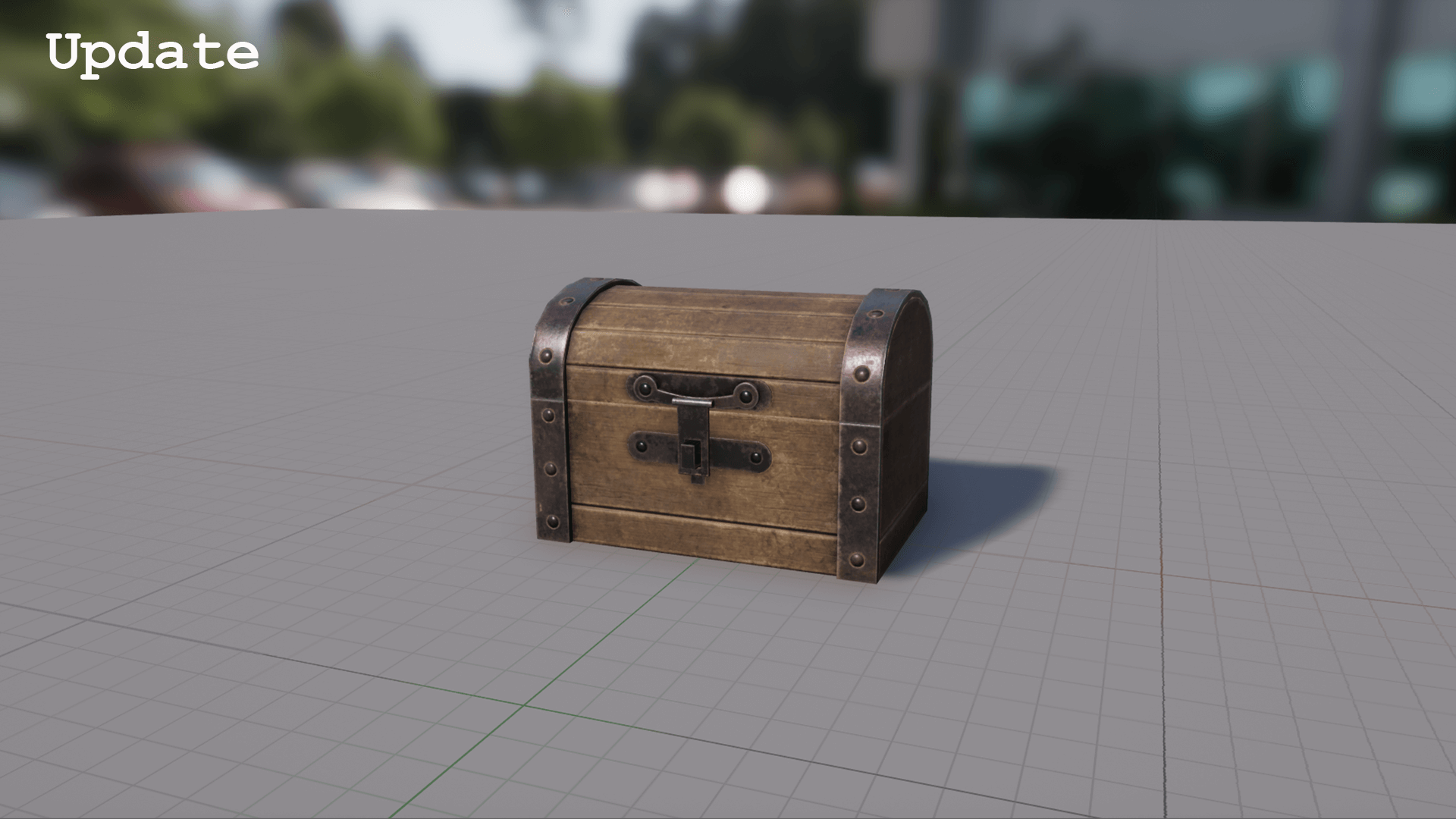
—————-Update—————-
3 box added(No changeable dirt)
Technical Details
Physically Based Rendering: YesNumber of Textures: 69 texturesTexture Size: 2048x2048Collision: Yes, automatically generatedLODs: NONumber of Meshes: default 7 meshes(parts : 17, opened : 7, closed : 7)Number of Materials and Material Instances: 7 Materials, 7 InstanceNumber of Blueprint : 21(Dynamic Material : opened 7, closed 7, Open cap & Dynamic Material : 7)
You can contact us at any time and request that the asset you want be added to the site from the Request Asset section.