
 Description
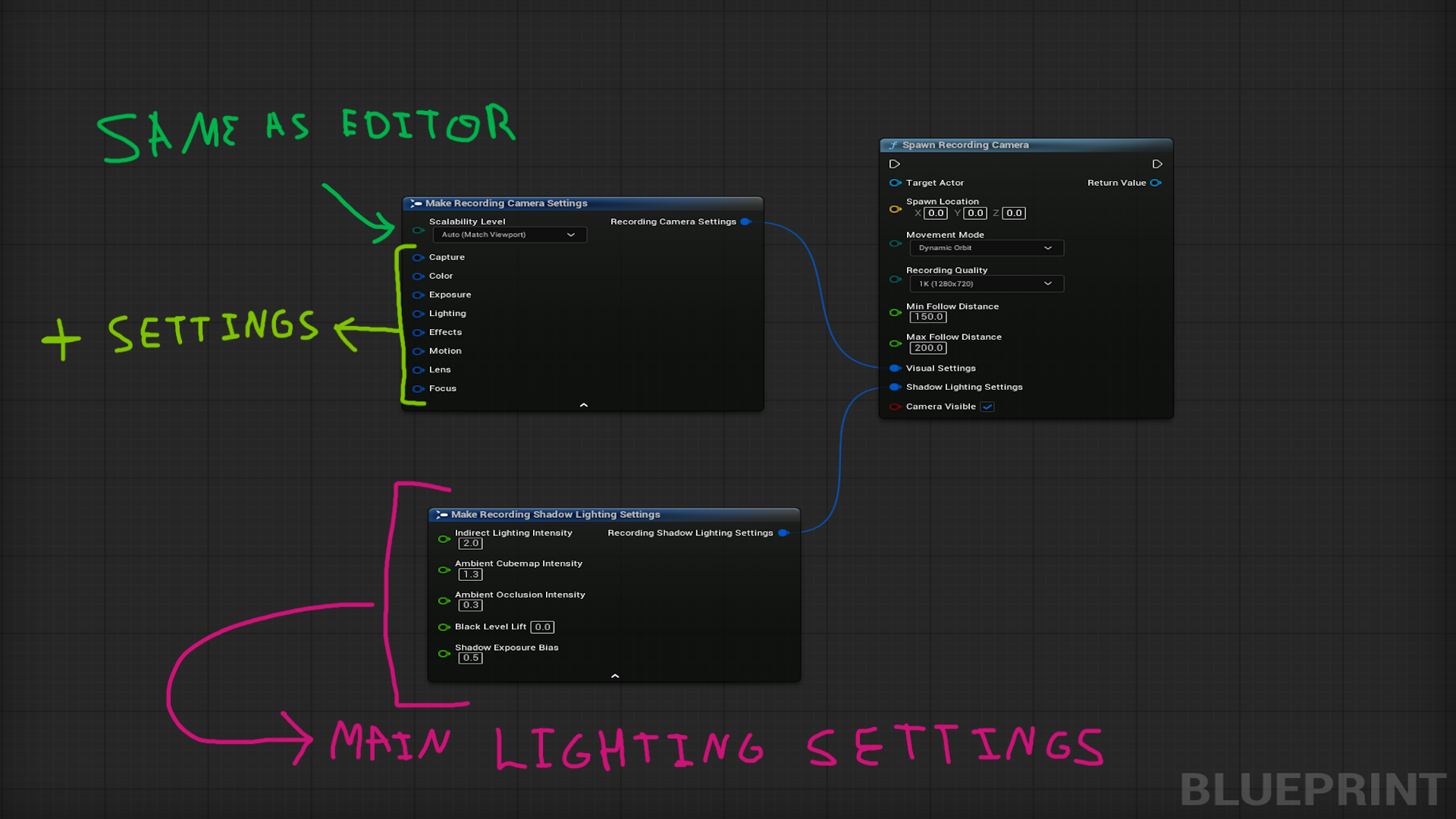
Very important to avoid the white screen set the Black Level Lift inside the Shadow lighting Settings Struct to -0.1 (This would be fixed in the next update)
Documentation – Video – Discord
ExampleProject >> DirectX11 – DirectX12
Latest Update Video
Required Engine Plugins (included with Unreal Engine):
• MovieRenderPipeline – Used for high-quality video rendering
• AVCodecsCore – Handles video encoding and compression
These plugins are built into Unreal Engine and will be automatically enabled when you use this plugin.
Note: WMF must be enabled on the OS. Windows N editions require the official Media Feature Pack. However, if you’re already using Windows 11 (non-N edition), you’re good to go.
What is Windows N?
- Windows N editions are special versions of Windows distributed in Europe that exclude media-related technologies due to regulatory requirements.
- These exclusions include Windows Media Player, Voice Recorder, Skype, and certain codecs and media infrastructure components.
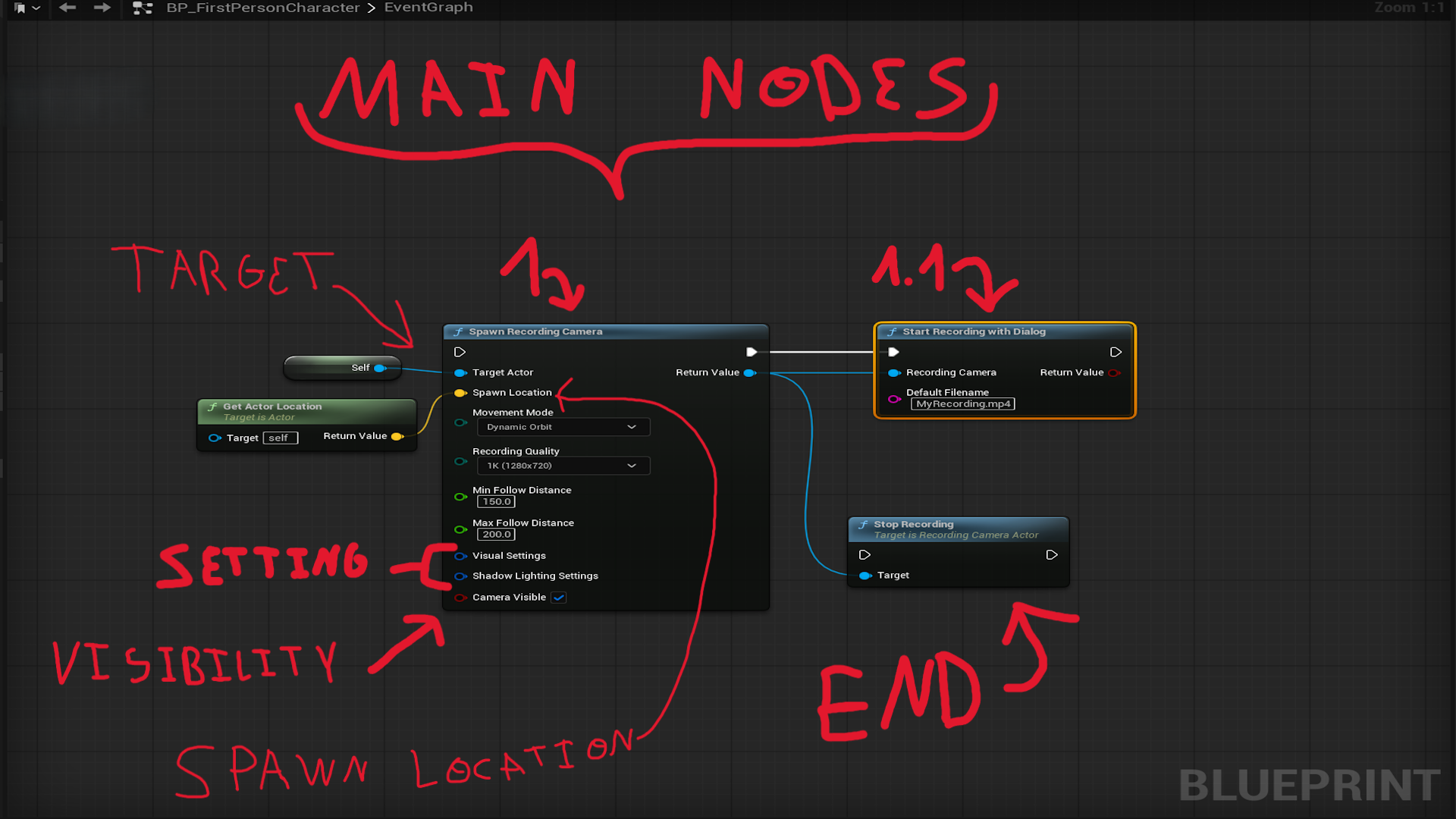
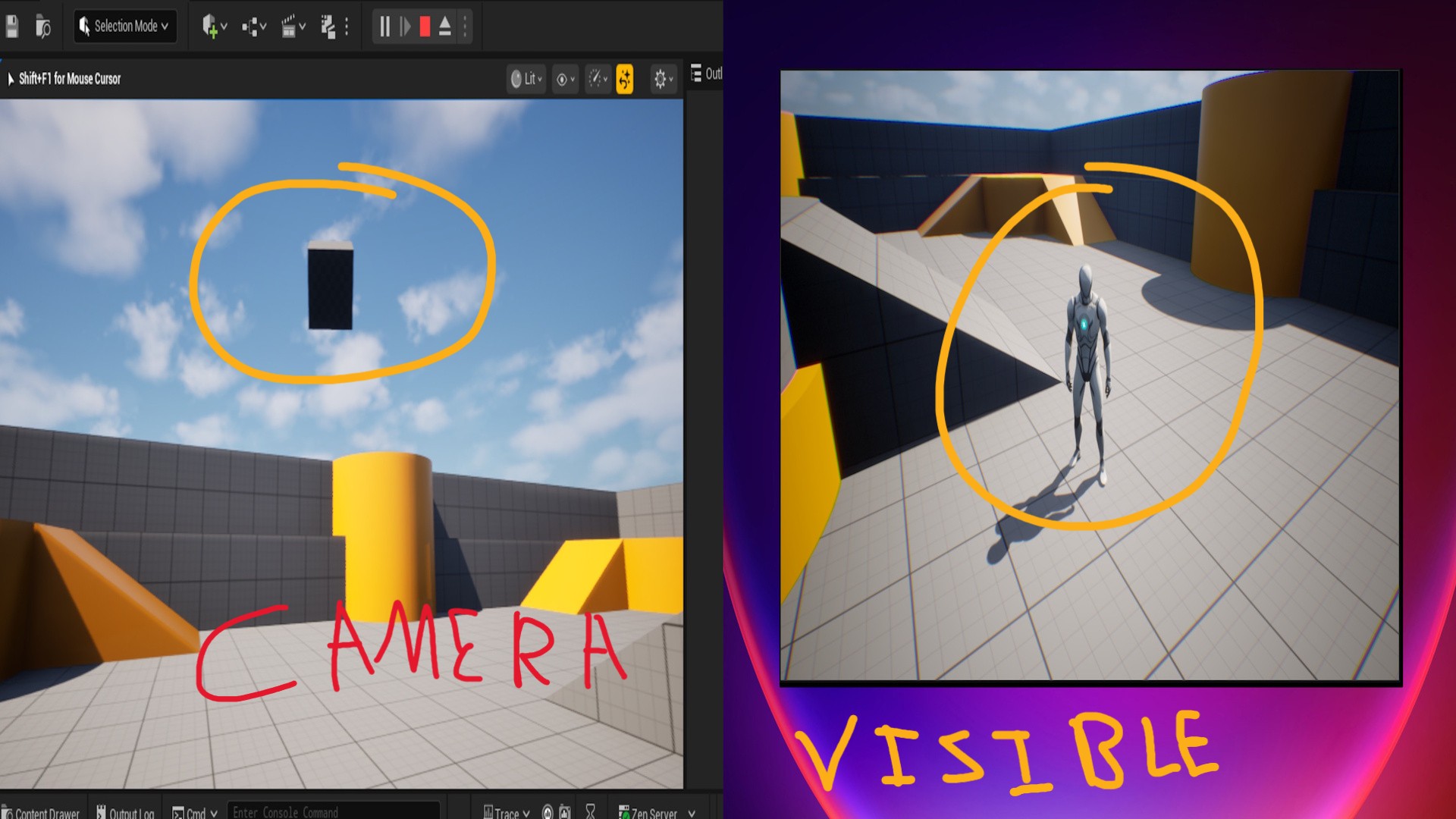
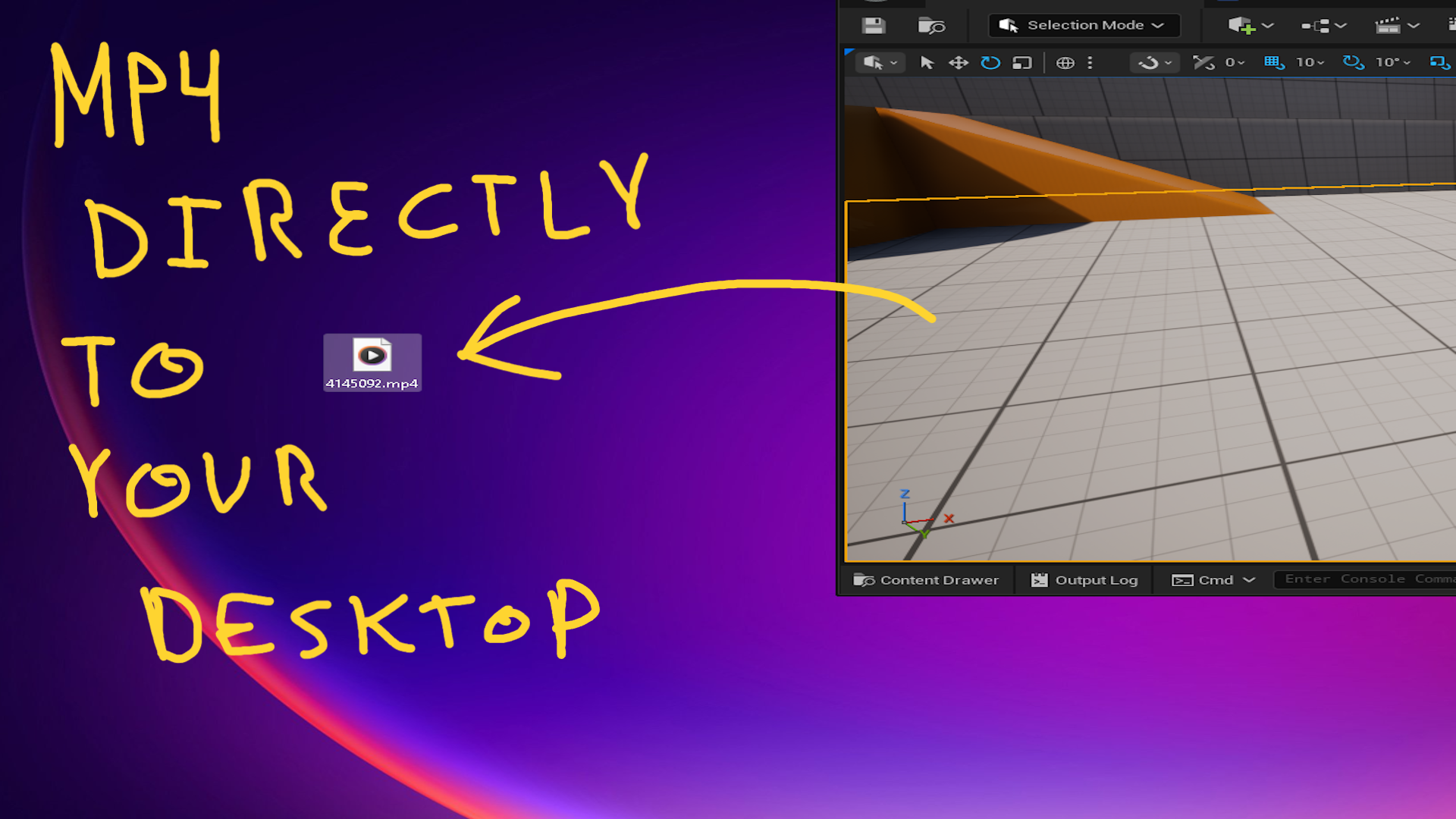
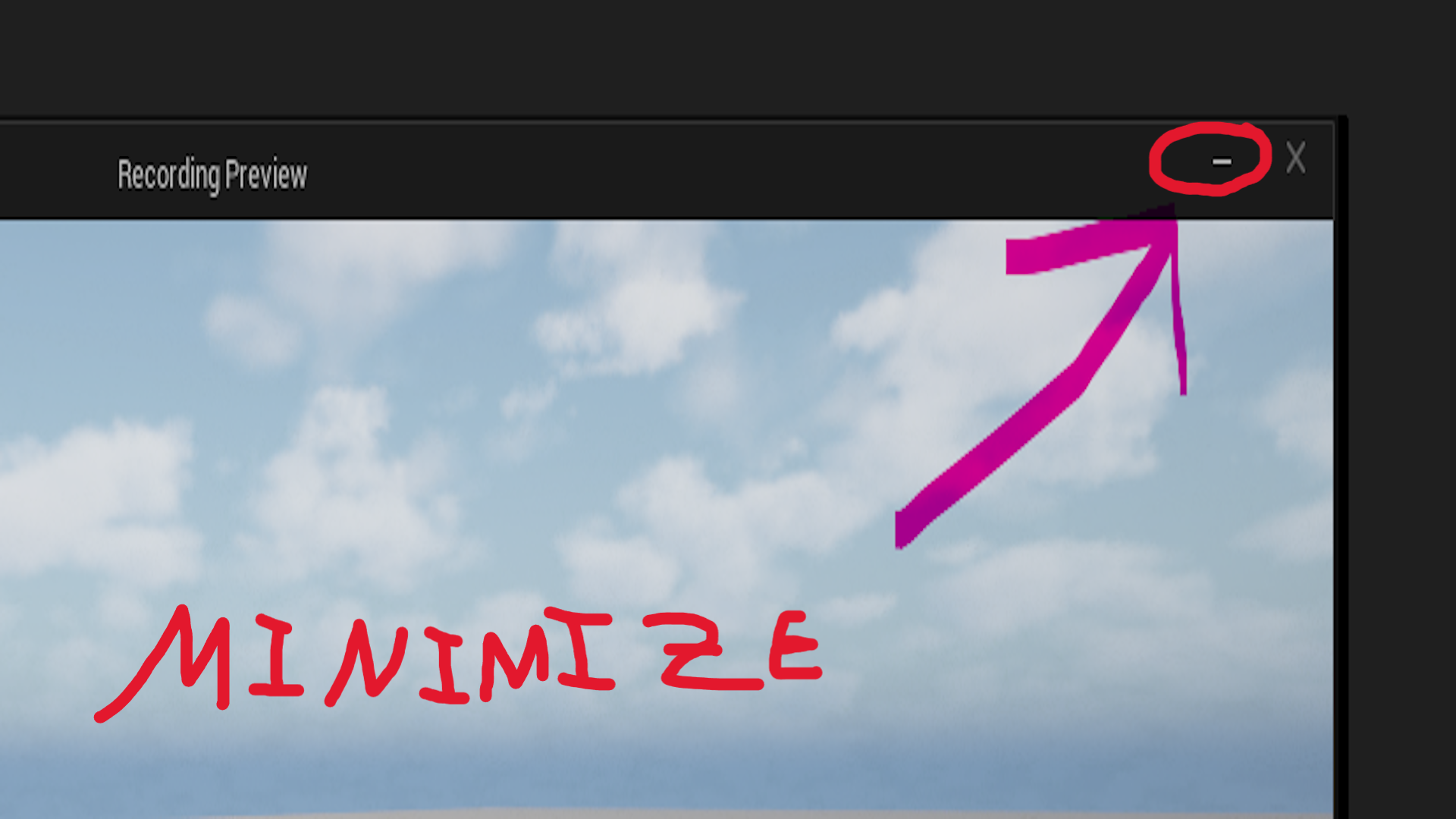
Keep in mind that this creates a second viewport where the recording takes place. For smooth FPS and 4K+ recording, make sure to use at least an NVIDIA 4090 GPU. The system saves an MP4 file directly to your chosen location. The process involves just two steps:
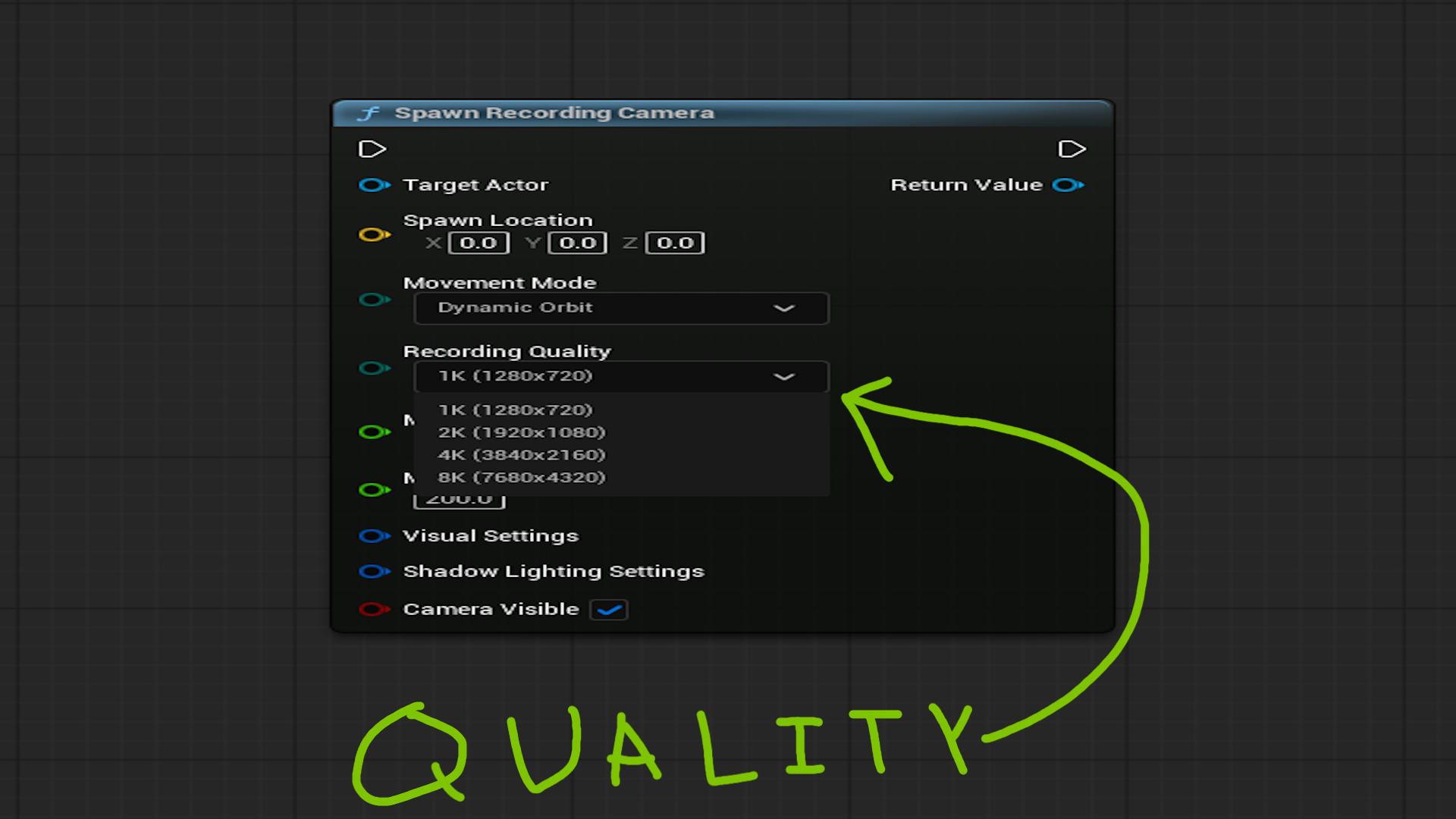
- Call the node SpawnRecordingCamera, and from its return value, call StartRecordingWithDialog.
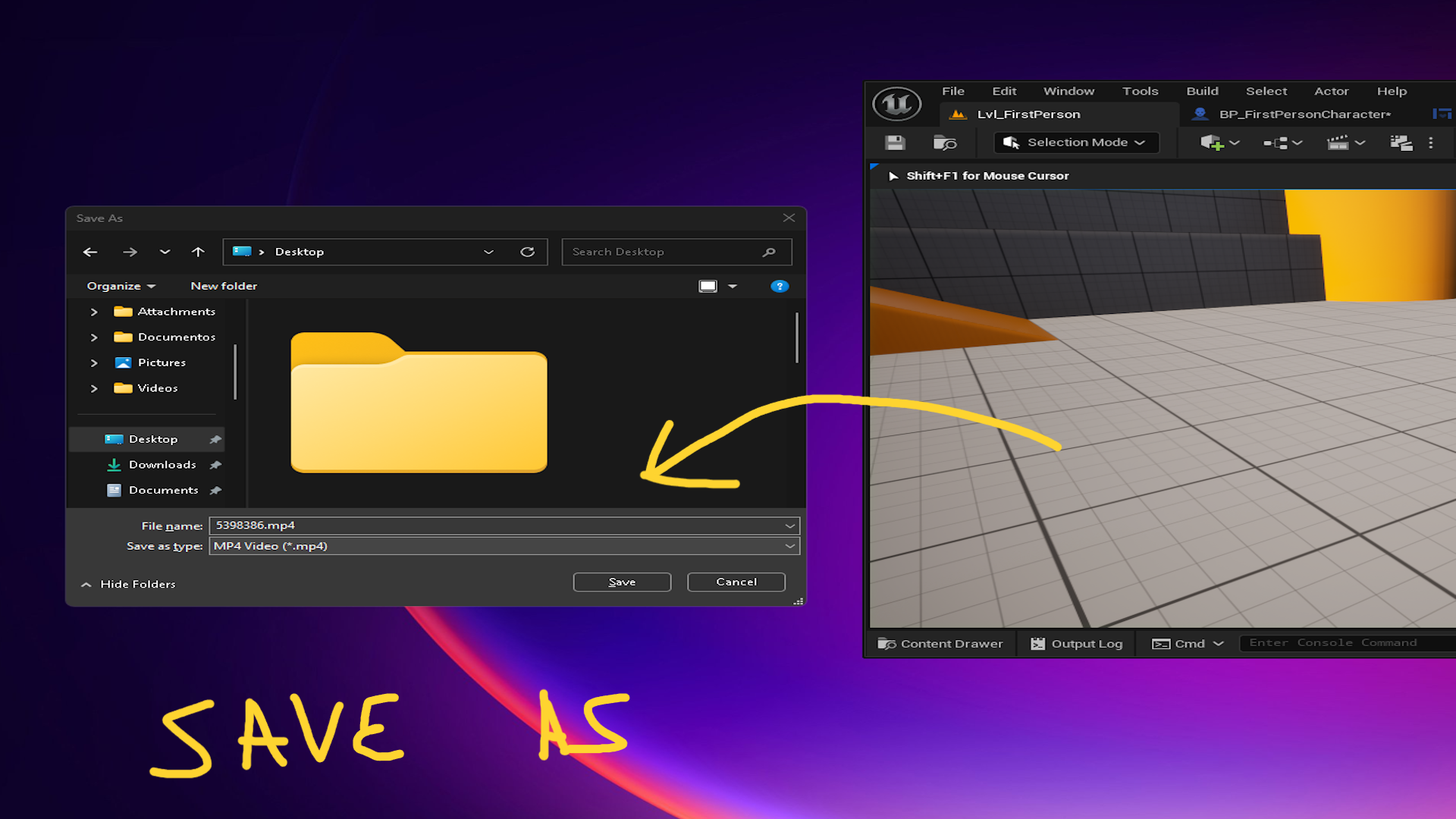
- A Windows folder selector dialog will open, select the folder where you want to save the final MP4 file.
To stop recording, simply call the node StopRecording using the return value from the main node.
Known Limitations
– Windows MP4 capture depends on WMF. On non-Windows platforms capture is limited to PNG sequences and may require post-processing.
– Audio capture is not provided; combine with external tools if soundtrack is required.
– Network replication is not implemented; cameras are intended for local recording sessions.
Runtime Recording Camera Overview
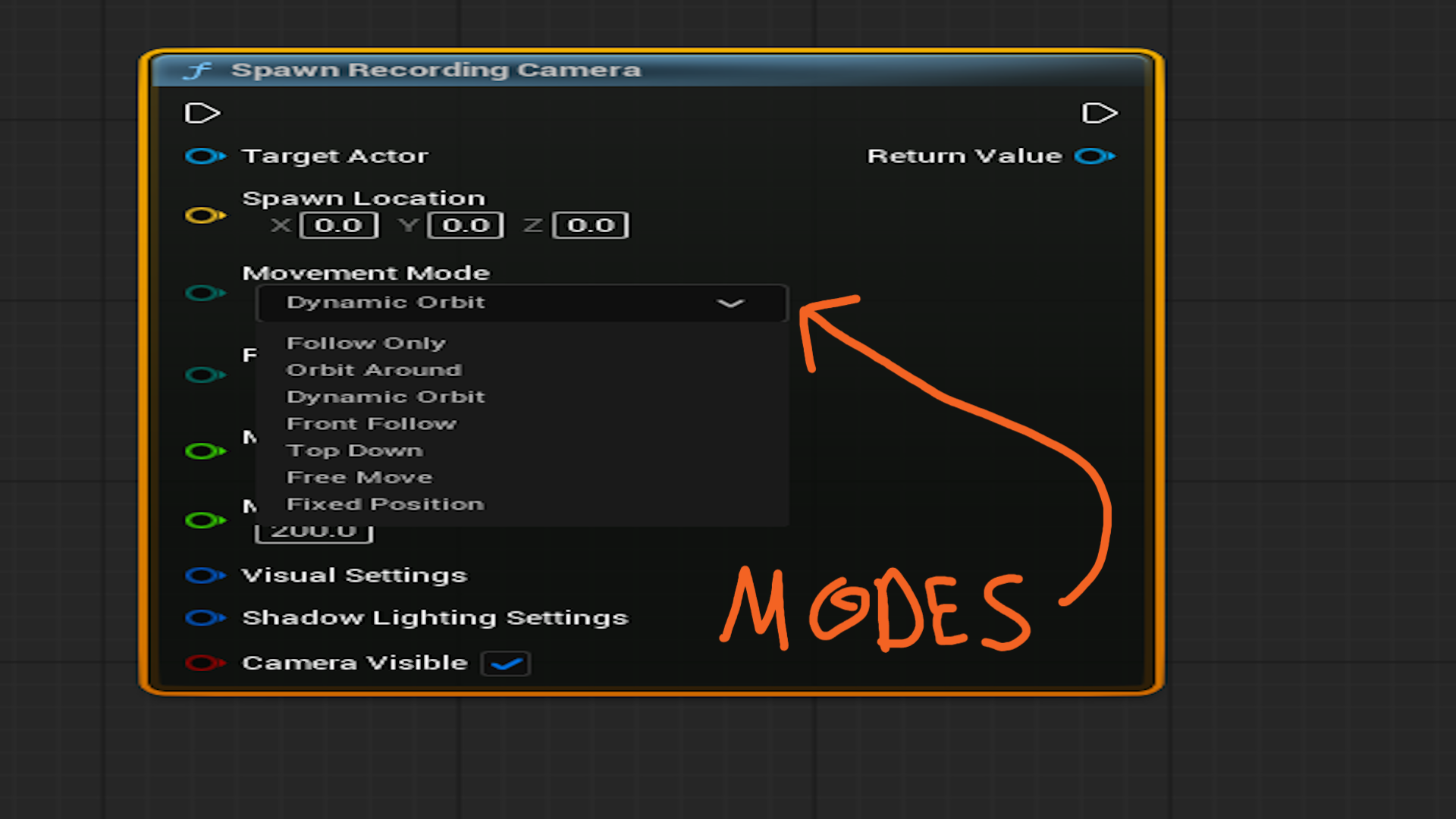
- Drop-in camera actor built for live gameplay capture. Choose from cinematic follow presets (follow-only, orbit, dynamic orbit, front follow, top-down, free move) that automatically keep your subject in frame, respect min/max distance clamps, and bias toward clear lines of sight.
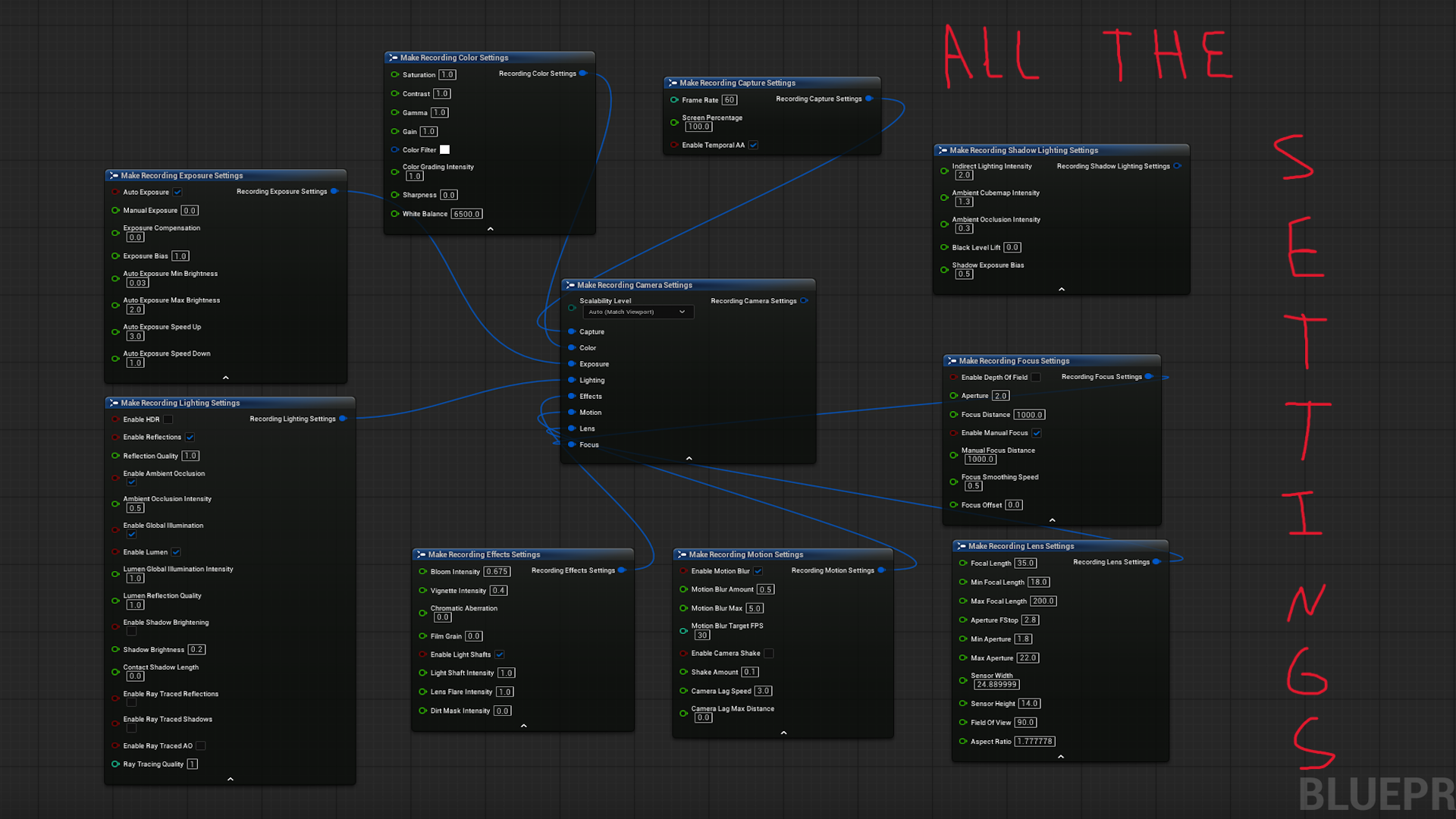
- Recording manager wraps Unreal’s Movie Render Queue, driving MP4 output via Windows Media Foundation or PNG sequences on other platforms. Expose full control of resolution, bitrate, frame rate, screen percentage, Lumen settings, shadow lifting, post-process grading, focus, and lens data directly in Blueprint.
- Blueprint library spawns and configures cameras at runtime, opens save dialogs, and launches recording with one call, while still giving designers access to manual overrides as needed.
- Collision-aware spring arm continually sweeps for geometry, auto-disables tests when visibility is obstructed, and re-enables once the target clears, ensuring smooth, unobstructed shots.
- Purpose-built for in-game cutaways, machinima, replay capture, and cinematic gameplay marketing footage, all without leaving PIE.
Key Highlights
- Multiple cinematic movement profiles with randomized offsets and smooth blending for natural motion.
- Comprehensive visual stack: exposure presets, color grading, lens, focus, motion blur, HDR/Lumen toggles, shadow brightening, and post-process overrides.
- Windows MP4 encoding out of the box; automatic fallback to lossless PNG sequences for other platforms.
- Clean plugin footprint (no third-party binaries) with easy Blueprint integration and subsystem-based recording management.
- The plugin is optimized for Windows MP4 capture through Windows Media Foundation (WMF) with automatic PNG-sequence fallback for platforms where WMF is not available.
Roadmap & Pricing Notice
I’m actively expanding the system, expect new camera behaviors, timeline authoring helpers, more bug fixes and editor utilities in upcoming releases. The current price reflects the launch feature set; as each major update lands, the price will increase to match the added value.
Technical Details
- Features:
Feature 1: Runtime recording camera actor with multiple follow/orbit/top-down modes that keep the subject framed.
Feature 2: Direct Movie Render Queue integration for MP4 capture plus comprehensive exposure, lighting, and color controls.
Feature 3: Blueprint helper library that spawns, configures, and manages recordings entirely from game logic. - Code Modules:
Module 1: RuntimeRecordingCamera (Runtime) - Counts & Support:
Number of Blueprints: 0
Number of C++ Classes: 4
Network Replicated: No - Platforms:
Supported Development Platforms – Windows: Yes; Mac: No
Supported Target Build Platforms: Win64 - Links:
Documentation Link: HERE
Example Project: Not currently provided - Important/Additional Notes:
MP4 capture uses Windows Media Foundation; other platforms fall back to PNG sequences and are not officially supported. - Required Engine Plugins (included with Unreal Engine):
• MovieRenderPipeline – Used for high-quality video rendering
• AVCodecsCore – Handles video encoding and compressionThese plugins are built into Unreal Engine and will be automatically enabled when you use this plugin.
Login is required to access this downloadLogin is required to access this download
You can contact us at any time and request that the asset you want be added to the site from the Request Asset section.