 Description
Spline Path System – Movement Framework is a Blueprint-only spline-locked movement solution for “rail / guided path” gameplay with optional junction switching and room transitions.
Key Features
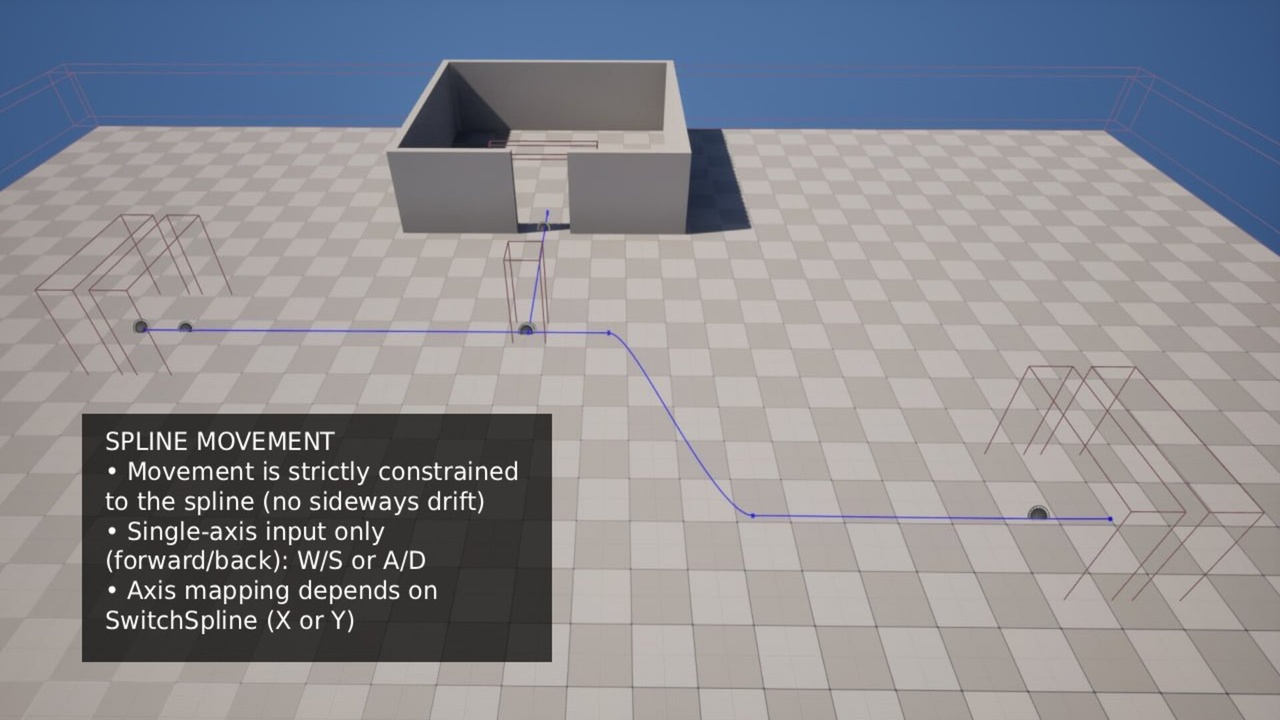
- Spline-Locked Movement (No Drift): player movement is strictly constrained to the active spline.
- Single-Axis Input: movement uses only one axis (forward/back) while on spline.
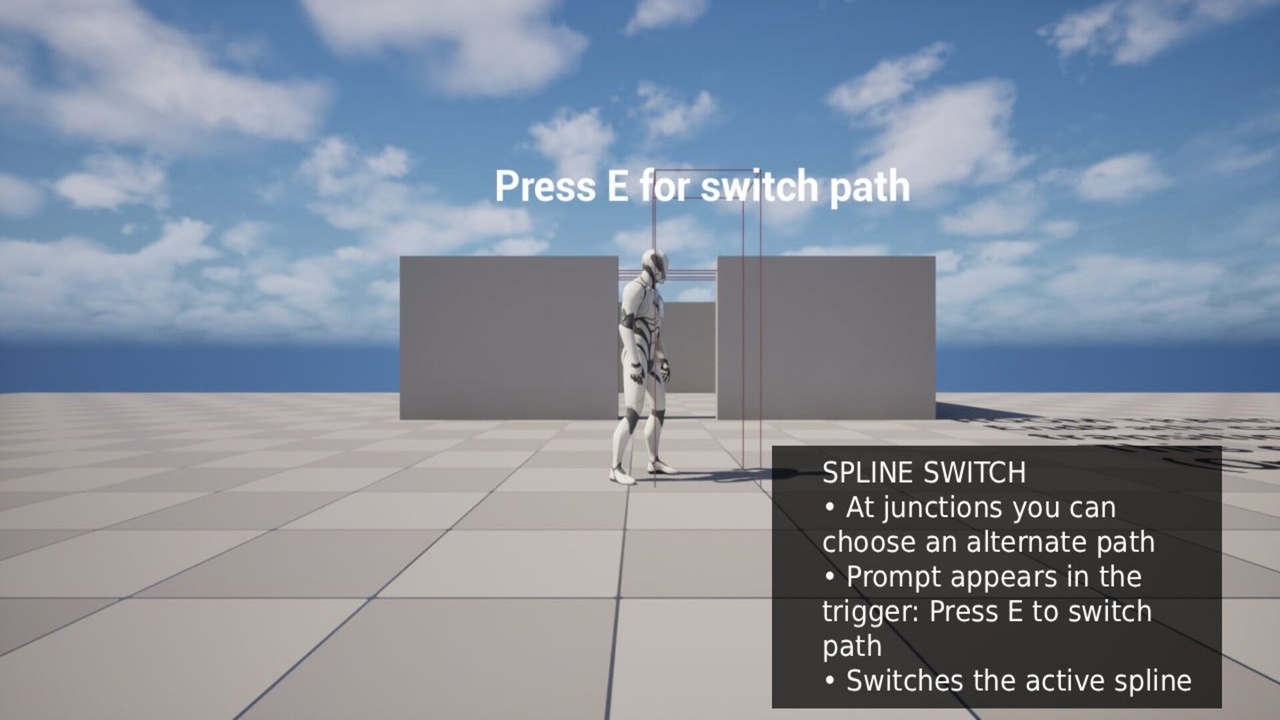
- Junction Switching: show an interaction prompt and press E to switch to an alternate spline at junctions.
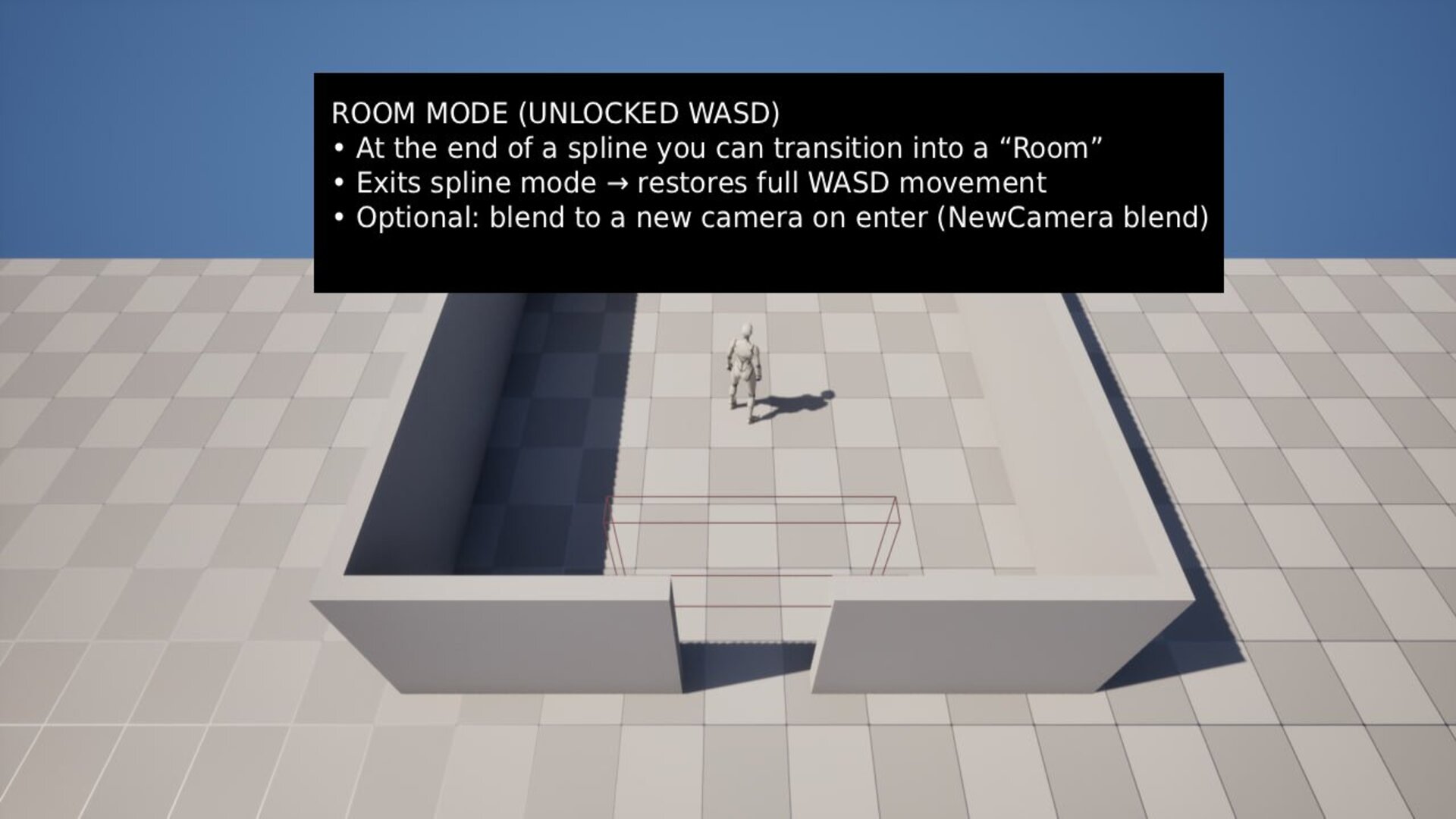
- Room Transition Mode: exit spline mode and restore full WASD movement inside “Room” areas.
- Optional Camera Blends: smoothly blend to a new camera when entering a room (if configured).
- Blueprint-Only: no C++, easy to integrate.
How It Works
- Enter spline mode via BP_SplineSwitchTrigger.
- While on spline, movement is locked to the path (no sideways movement).
- At junction triggers, a prompt appears: “Press E to switch path”.
- At end triggers, you can either exit spline mode or transition into a room (full WASD).
Controls / Input
SPLINE MOVEMENT (LOCKED)
- Movement is strictly constrained to the spline (no sideways drift).
- Axis mapping depends on SwitchSpline:
- SwitchSpline = False — driven by X
- SwitchSpline = True — driven by Y
- Enter the path via BP_SplineSwitchTrigger.
ROOM MODE (UNLOCKED WASD)
- EndPath can be configured as a room transition (CanGoToRoom = True).
- Exits spline mode and restores full WASD movement.
- Optional: if NewCamera is set, the view blends to that camera on enter.
- Return to spline via BP_SplineSwitchTrigger.
Included
- Blueprint actors: Spline switch triggers / junction triggers / end triggers
- Example level setup (recommended)
- Basic UI prompt widget (switch path)
Notes
Designed for quick integration: place splines + triggers, assign references, play.
This system is also included in my full version asset.
Technical Details
Features:
- Spline-locked player movement (no sideways drift)
- Junction switching between splines with Press E prompt
- Optional “Room” transition that restores full WASD movement
- Optional camera blending on room enter (NewCamera / SetViewTargetWithBlend)
- Blueprint-only, plug-and-play example setup
Number of Blueprints:
- Core Blueprints: ~5 (Actors + Actor Component + Widget)
Input (preconfigured):
- Keyboard: WASD movement
- Interaction: E (switch path at junctions)
- Axis usage while on spline:
- SwitchSpline = False → driven by X
- SwitchSpline = True → driven by Y
Network Replicated:
- No
Supported Development Platforms:
- Windows: Yes
Documentation Link: https://docs.google.com/document/d/1ccCAWifHdvtzW01coThYot6Eej8UGT-a4L08uYyuIM4/edit?usp=sharing
Important/Additional Notes:
- Requires the player pawn/character to have the spline movement Actor Component (SplinePawnComponent / AC_Spline).
- Place spline actors and triggers, assign spline references, then play.
Login is required to access this download
You can contact us at any time and request that the asset you want be added to the site from the Request Asset section.