Karl Detroit

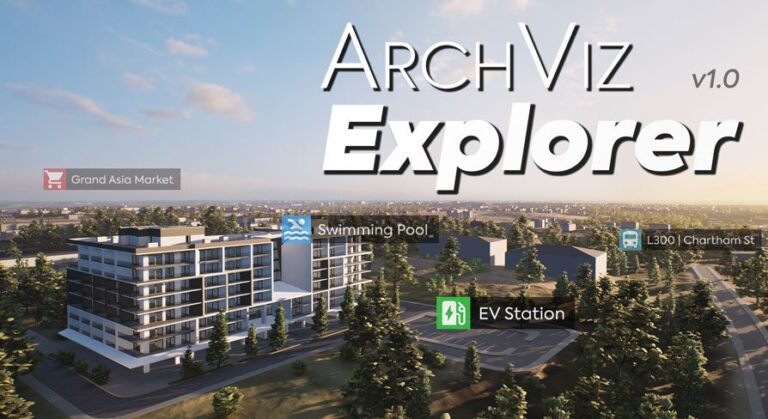
“ArchViz” Explorer

“ArchViz” Explorer download

Description   ArchViz Explorer will help you communicate your design’s key features by improving user engagement through interactive elements. The product serves as a foundation for creating real-time 3D presentations of architecture, construction, product design, and manufacturing projects.   ★ Video ★ Download Demo (PC) ★ Realistic Expansion   ★ Support Thread       Key Features: Includes a demonstration …

Read More »

4K Materials: Wood Flooring Vol.01

4K Materials: Wood Flooring Vol.01 download

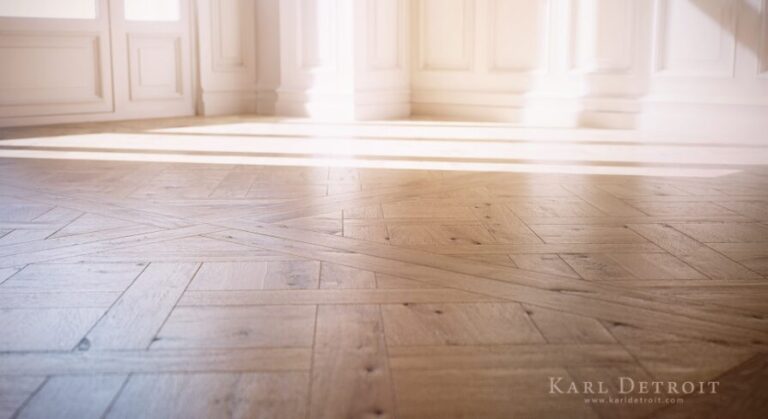
Description ★★★ Demonstration scene included ★★★   Video (Preview of 4K Materials: Wood Flooring Vol.01) : https://youtu.be/H3c-sVCDpTE   ✔ Photorealistic PBR Materials ✔ Ultra sharp 4K textures ✔ Scratch & Grunge layers for a worn look ✔ Photo-sourced ✔ Seamless ✔ 25 Materials x unlimited variations ✔ Easy to customize ✔ Specifically tailored for ArchViz projects   This pack contains 25 …

Read More »

4K Materials: Wood Flooring Vol.02

4K Materials: Wood Flooring Vol.02 download

Description ★★★ Demonstration scene included ★★★   Video (Preview of 4K Materials: Wood Flooring Vol.01) : https://youtu.be/H3c-sVCDpTE   ✔ Photorealistic PBR Materials ✔ Ultra sharp 4K textures ✔ Scratch & Grunge layers for a worn look ✔ Photo-sourced ✔ Seamless ✔ 25 Materials x unlimited variations ✔ Easy to customize ✔ Specifically tailored for ArchViz projects   This pack contains 25 …

Read More »

Melee Weapons Pack

Melee Weapons Pack download

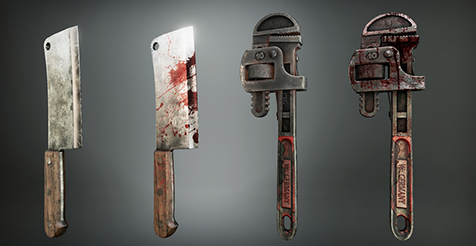
Video: UE4 Melee Weapons Pack v3.0 | New Features & How To Use The Melee Weapons Pack includes: Pipe Wrench, M9 Bayonet, Axe, Baseball Bat, Heavy Cleaver, Crowbar, Kunai (Throwing Knife), Shuriken (Throwing Star). Technical Details ✔ The package includes 8 High-Quality Melee Weapons with LOD and Collision ✔ The color of the Baseball Bat is customizable ✔ Each weapon …

Read More »

Barbed Wire Spline Tool

Barbed Wire Spline Tool download

▲ Update 4.25.1 – 02 Aug 2020 Snap/Align to floor has been removed. The same action can be achieved by using the built-in function inside the editor. To snap the the selected spline points to the floor (Landscape) just -> right click -> Snap/Align -> Snap to Floor. You can also use the “End” Key on your Keyboard. Promo VideoHow …

Read More »