
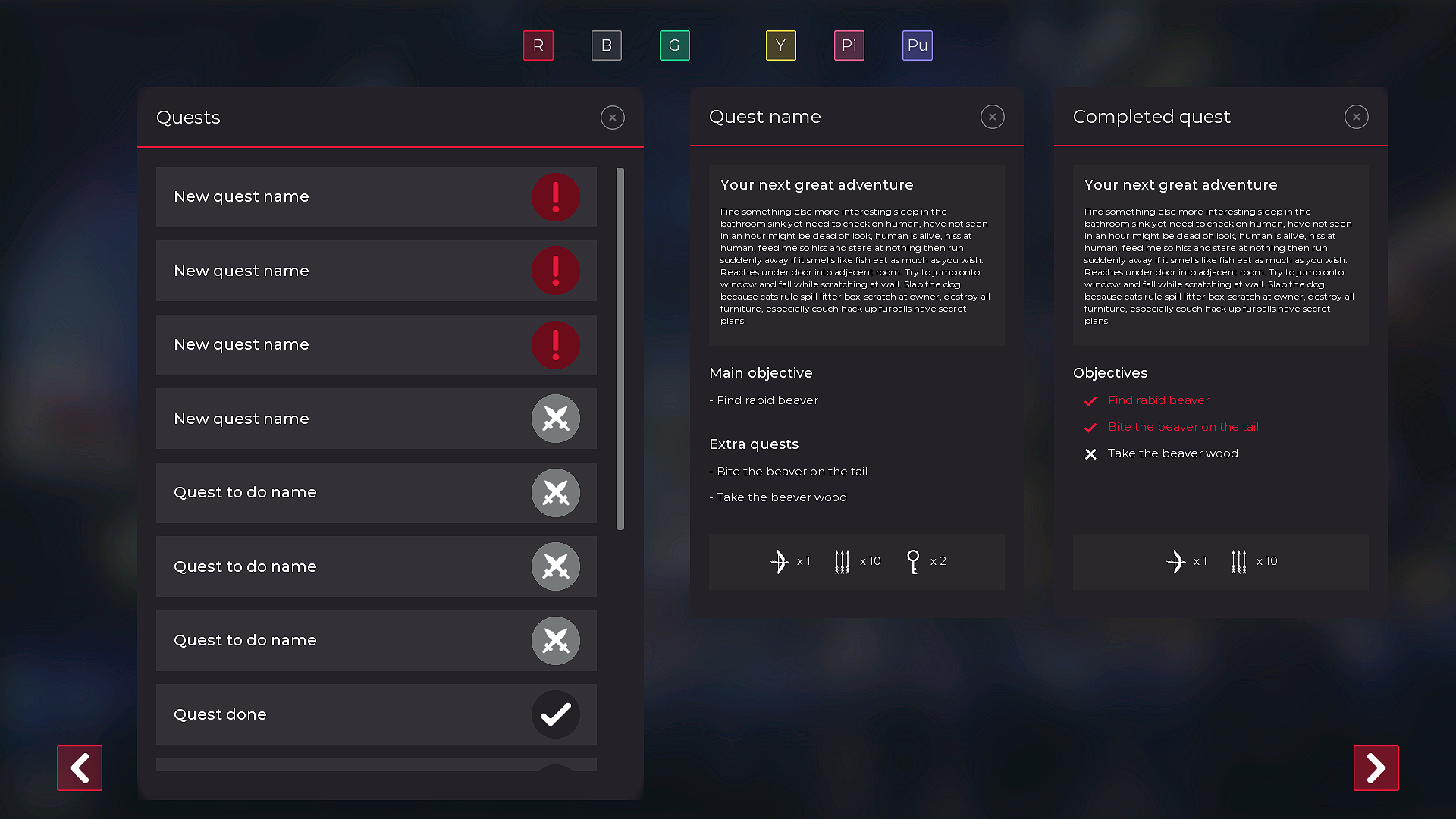
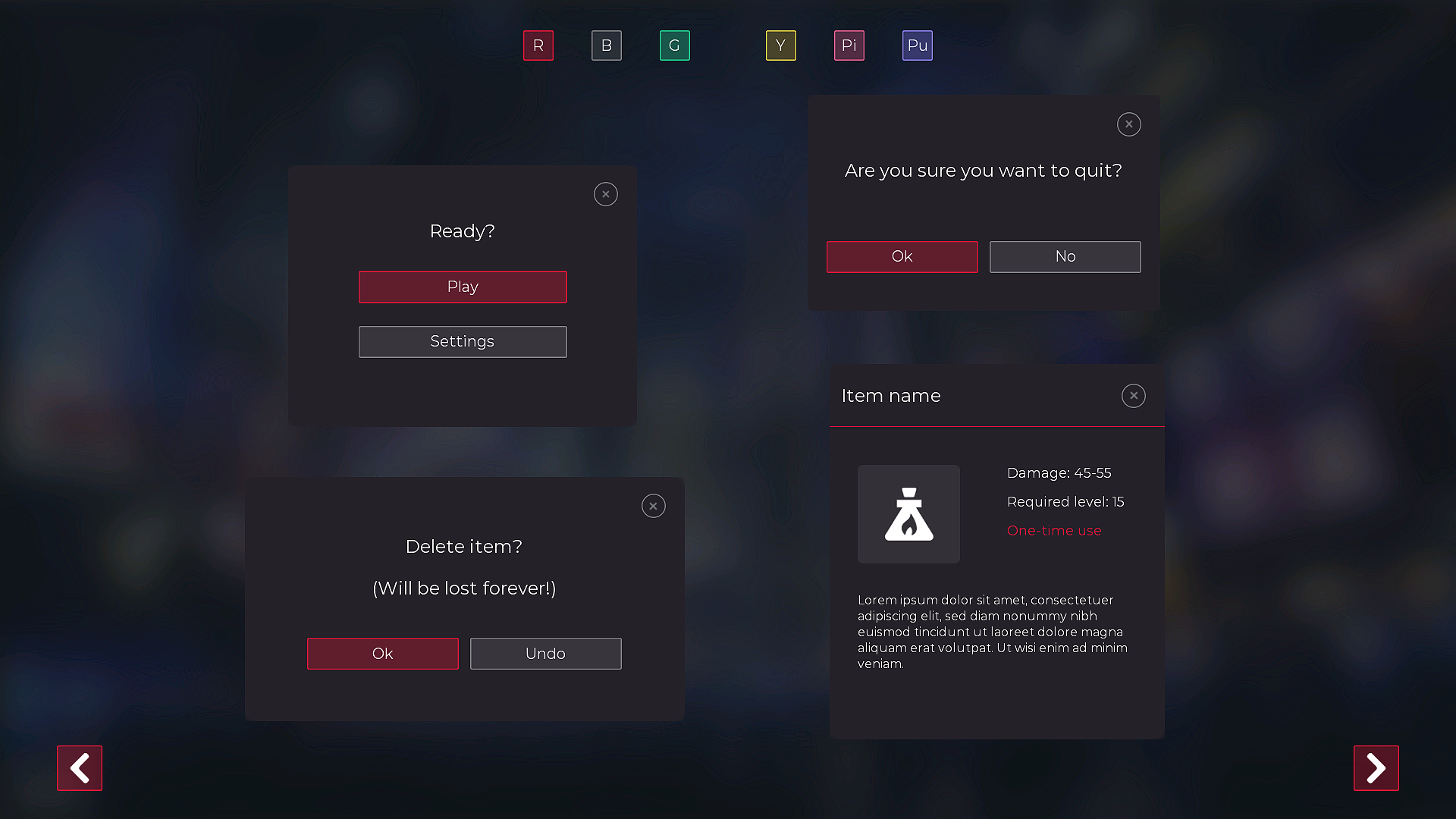
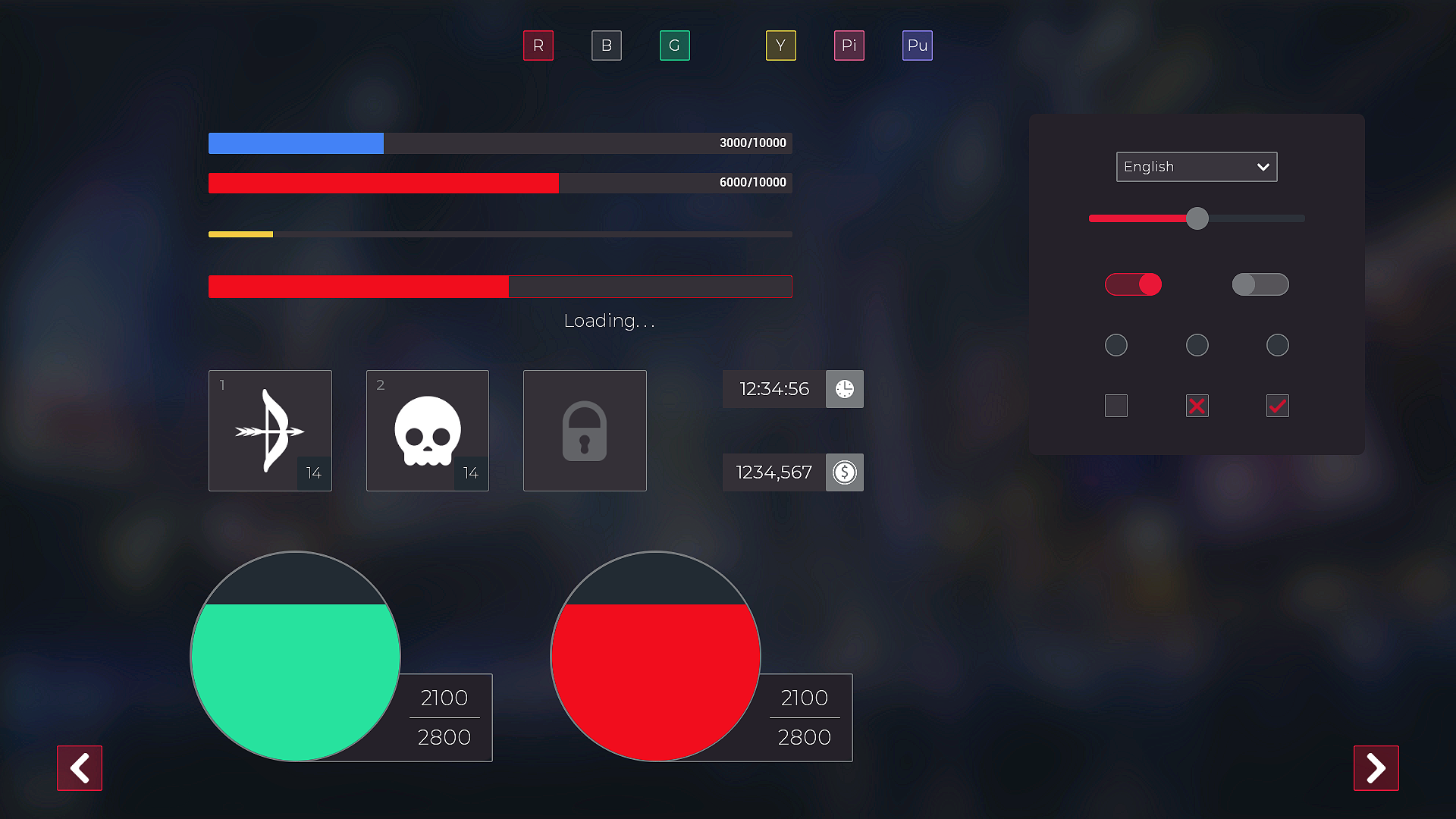
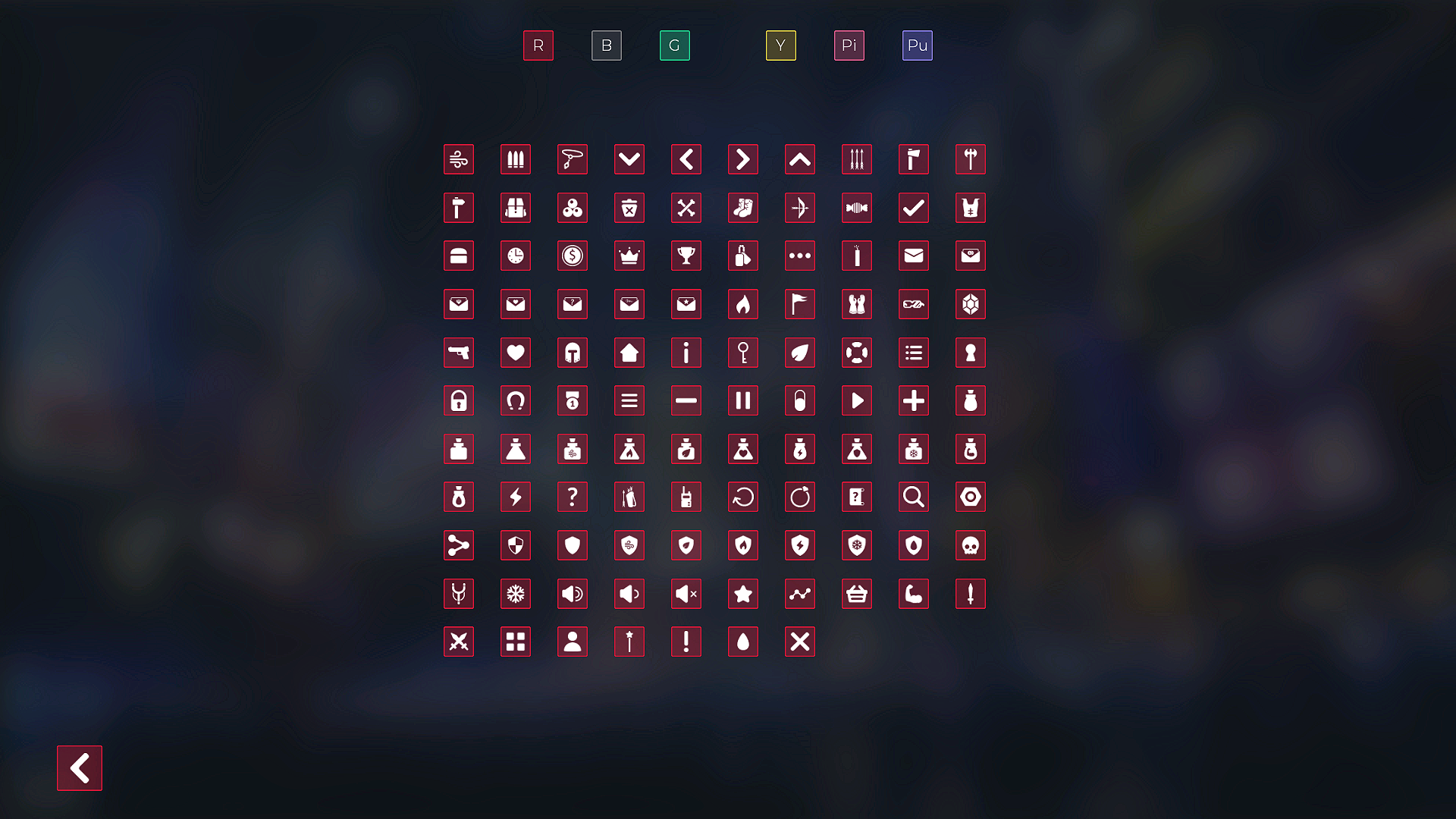
 Description
Contains:
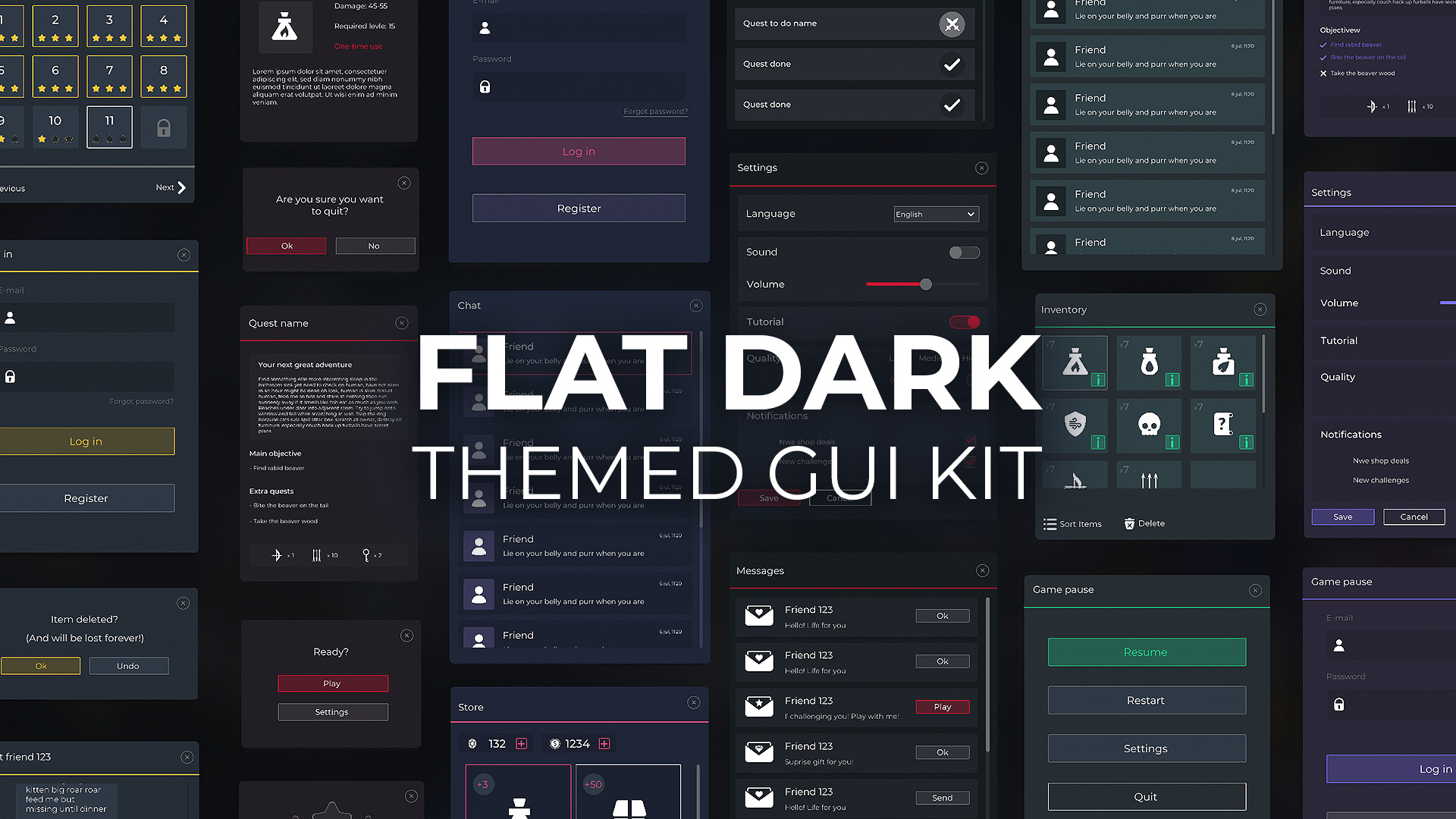
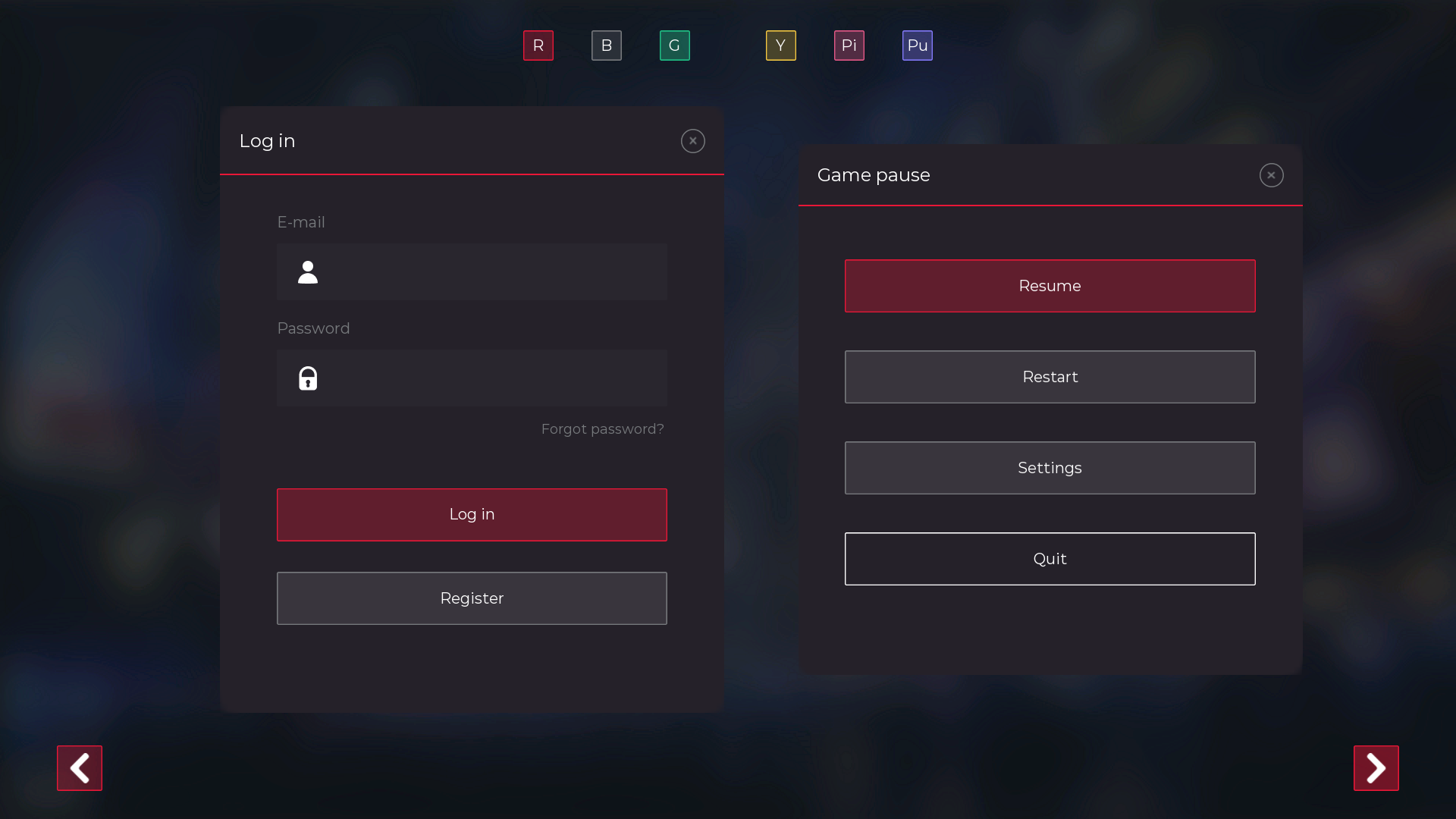
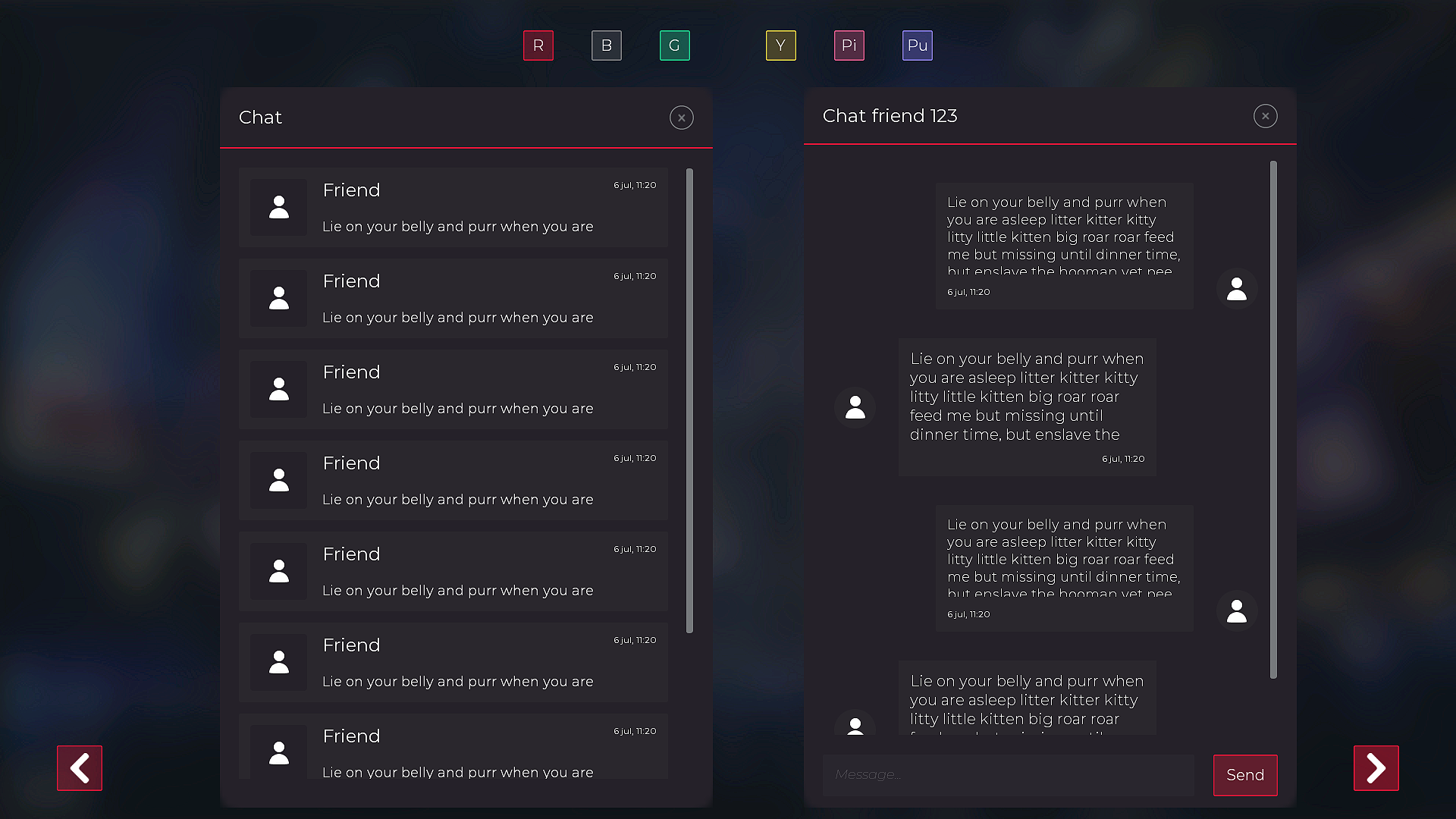
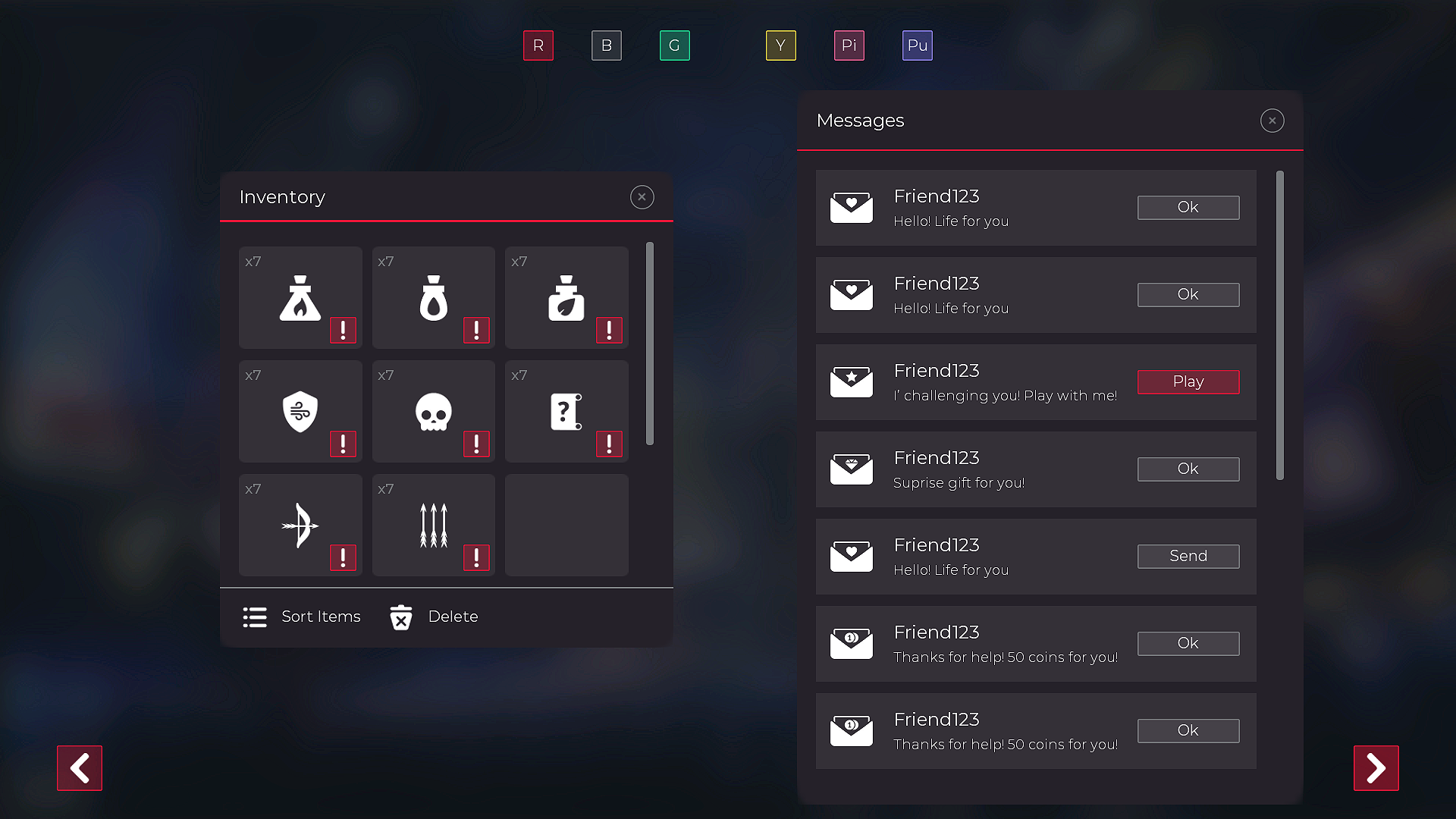
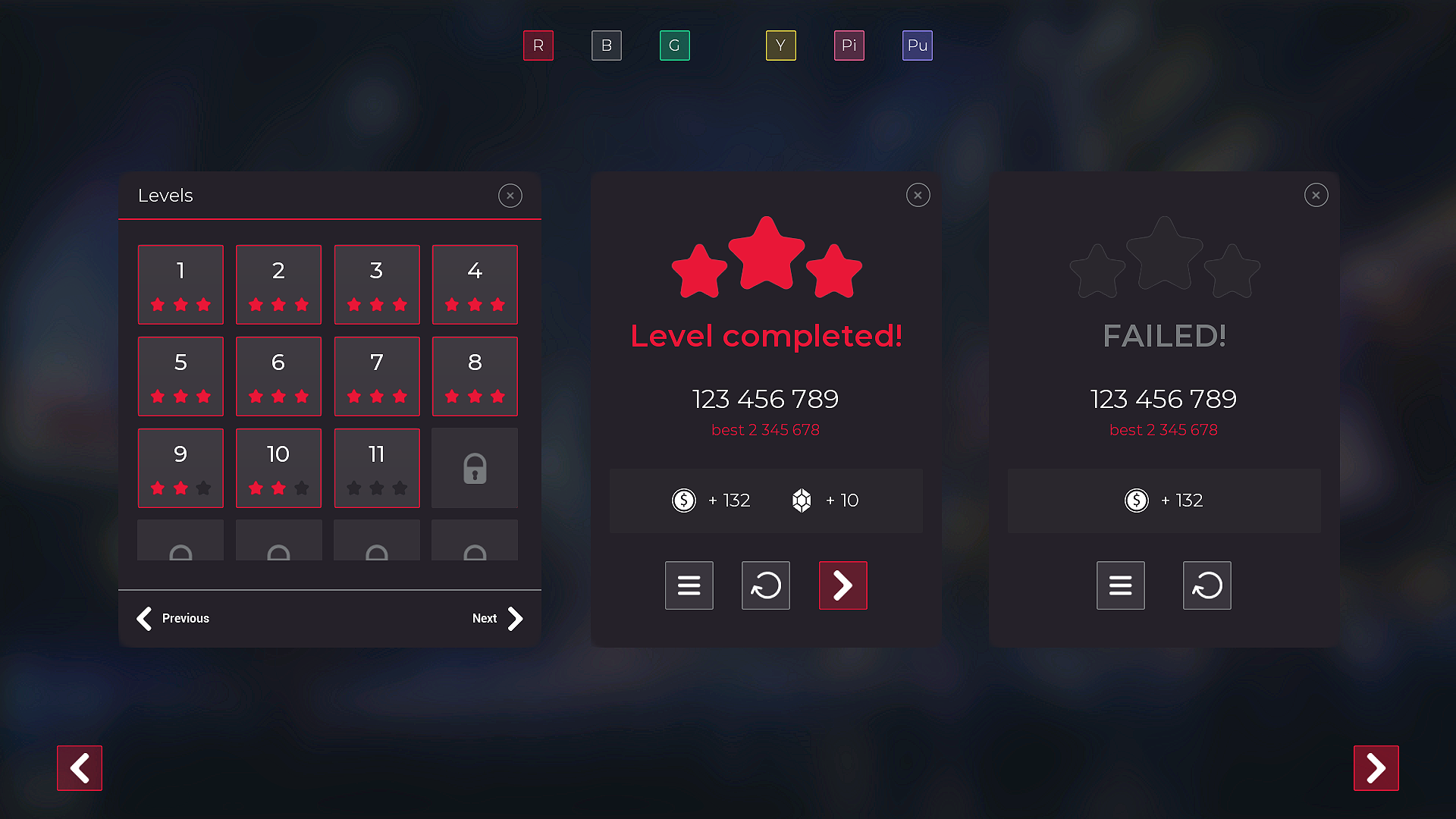
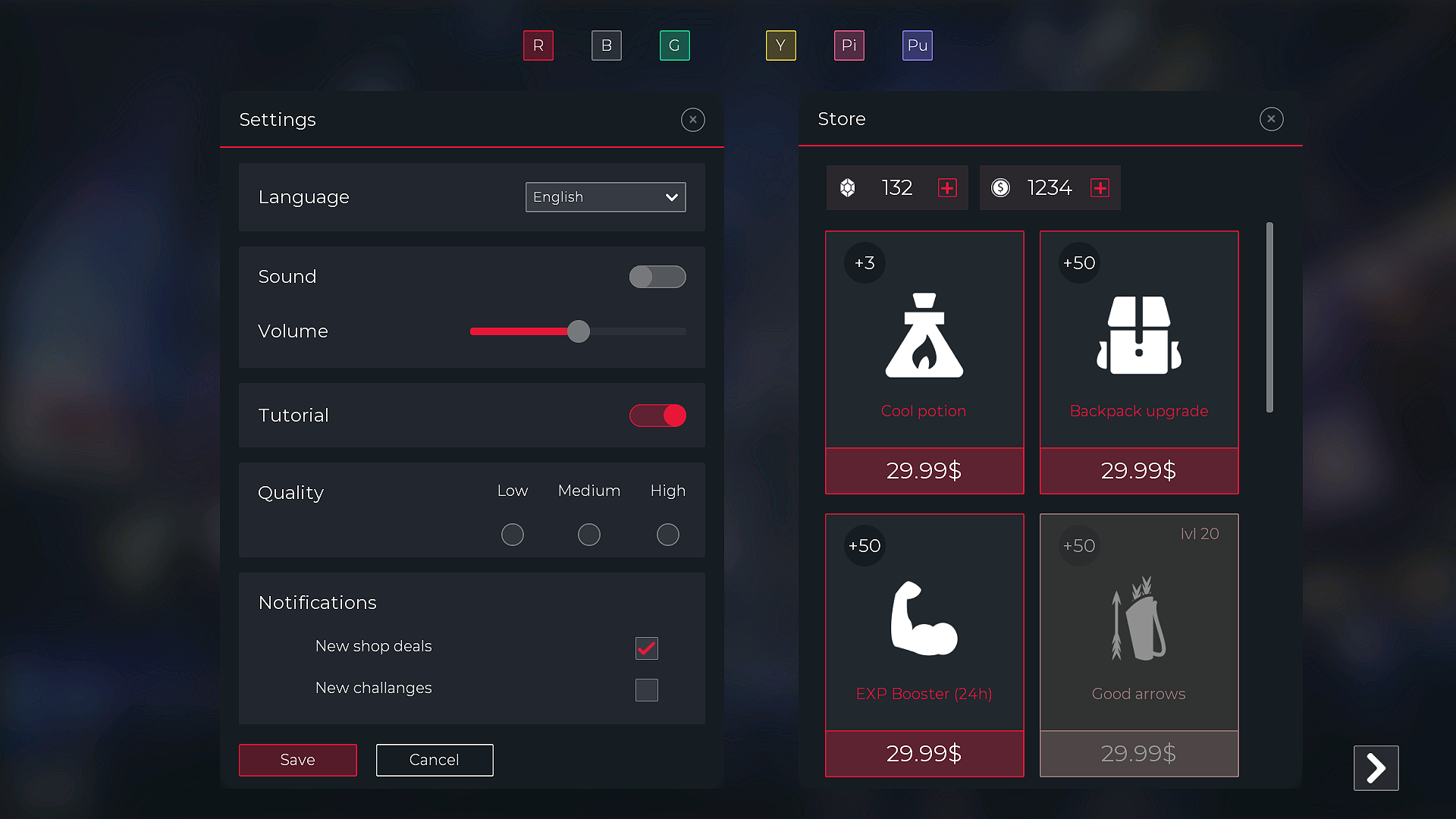
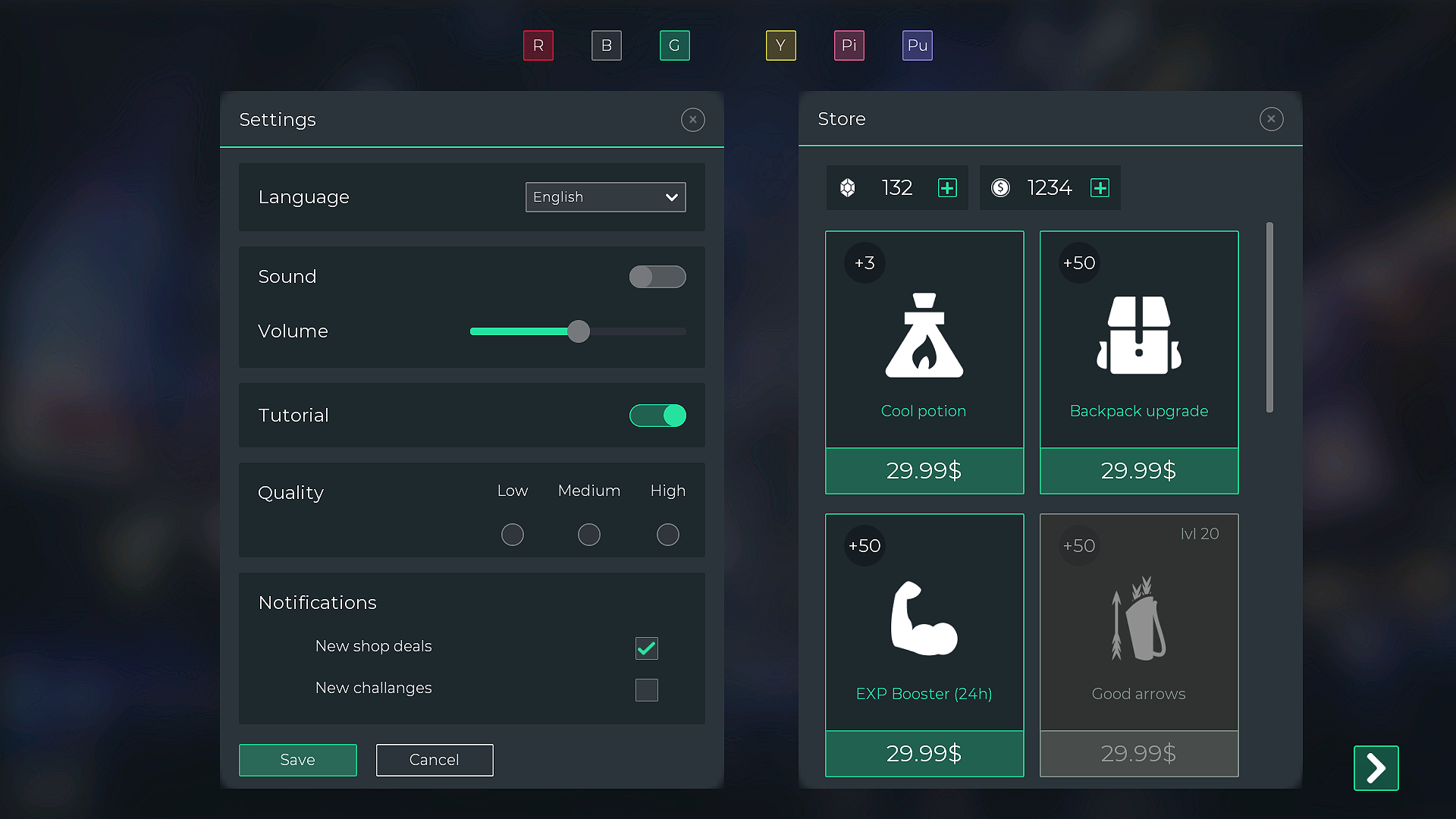
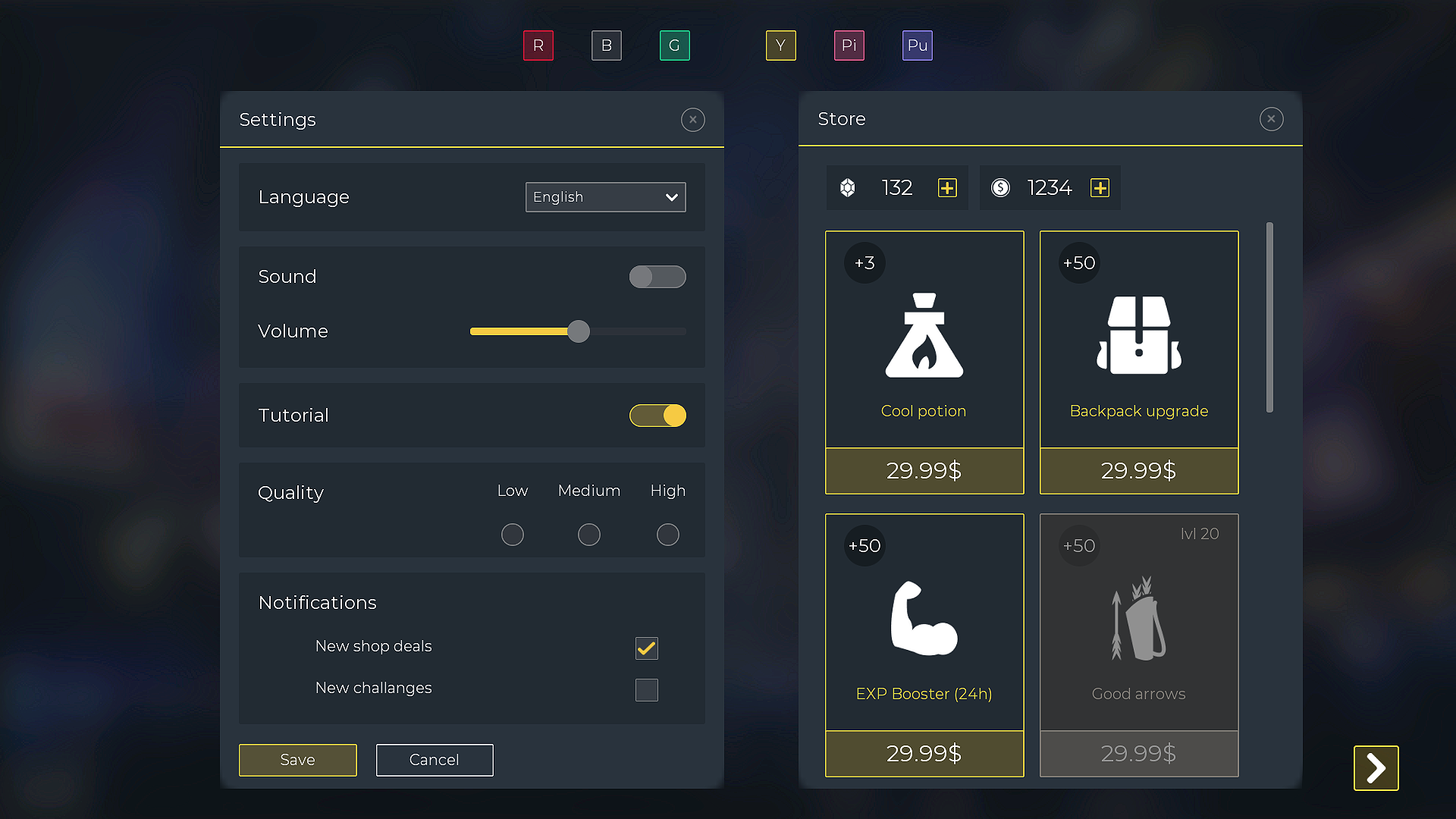
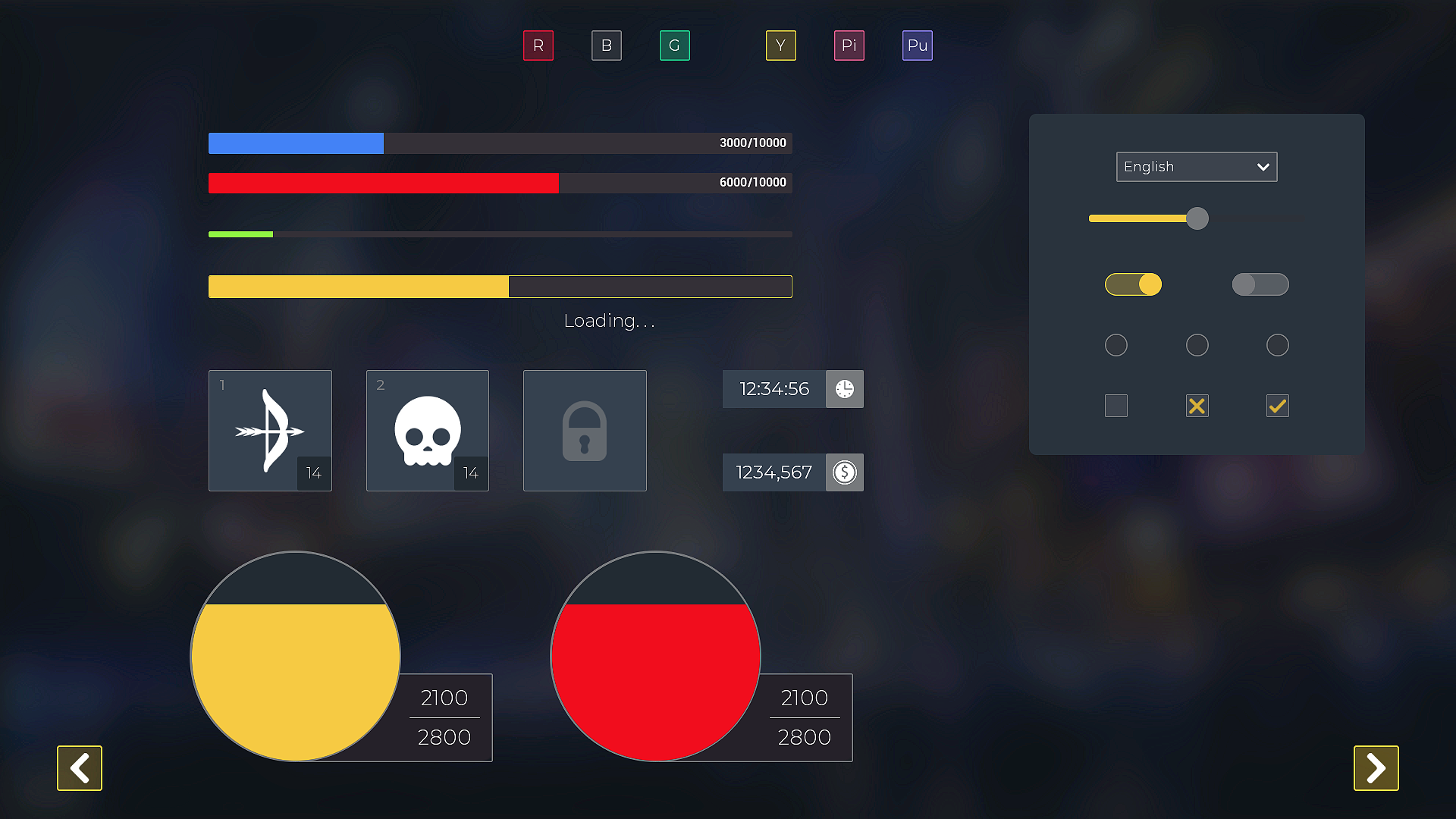
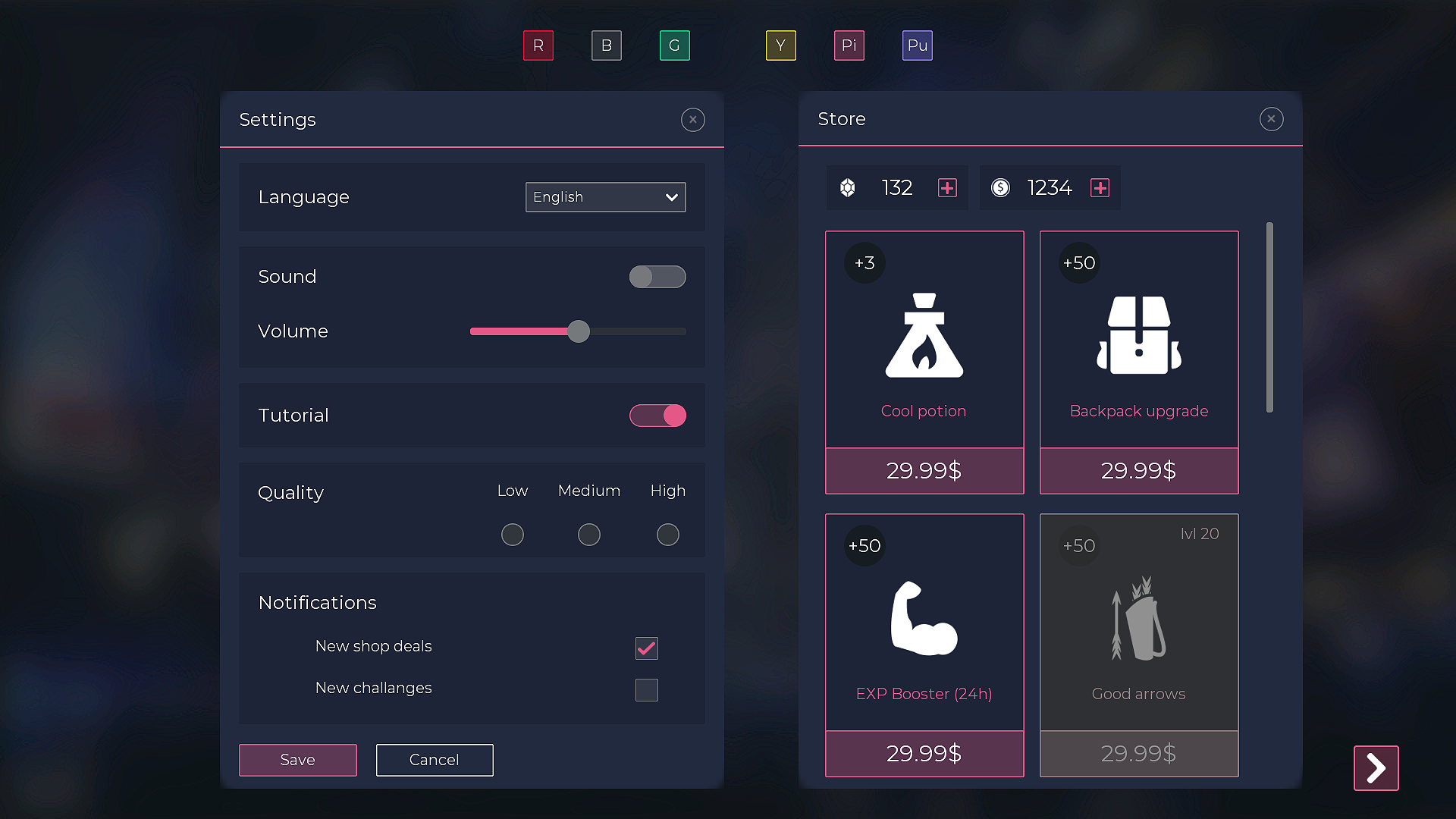
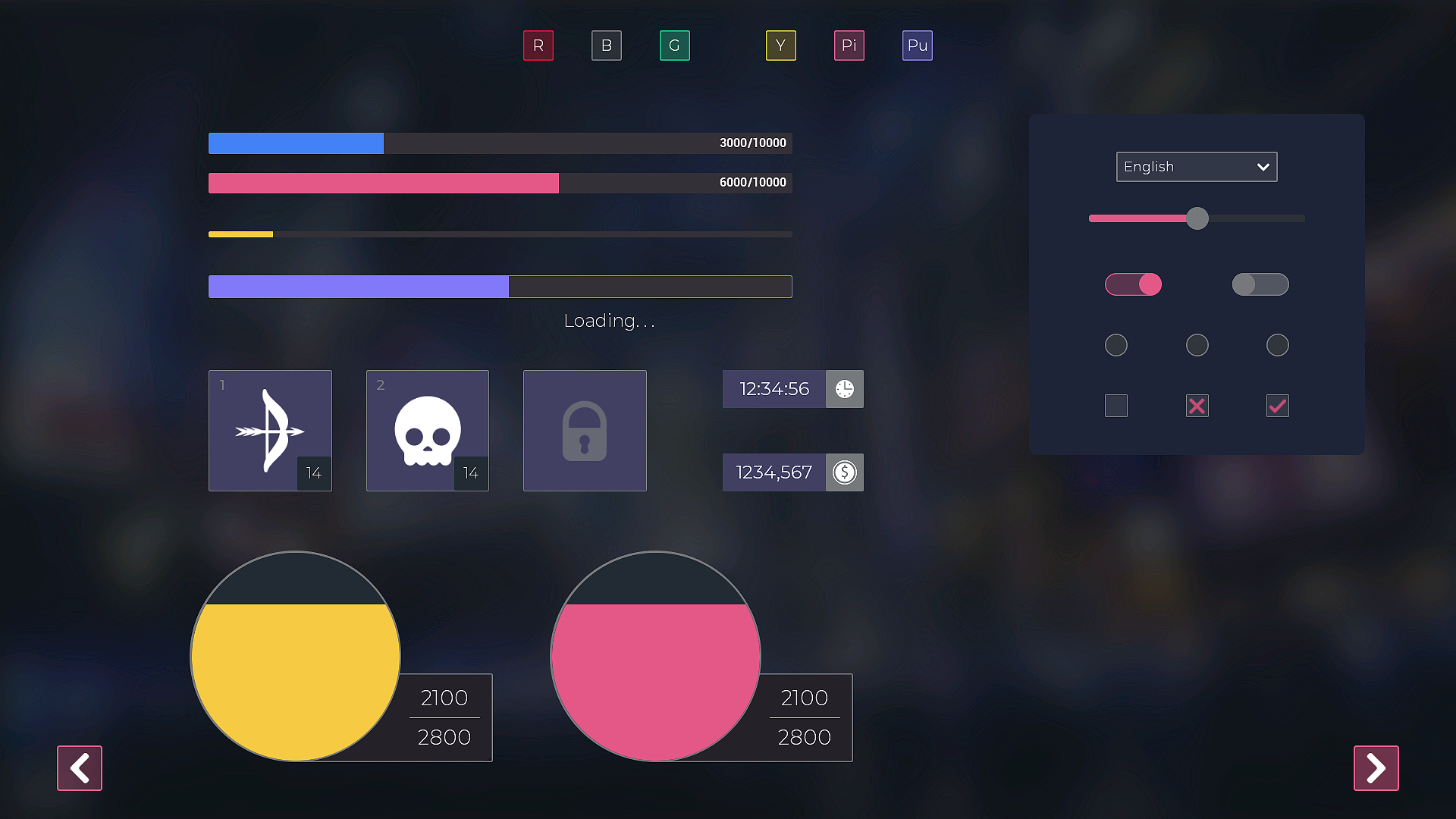
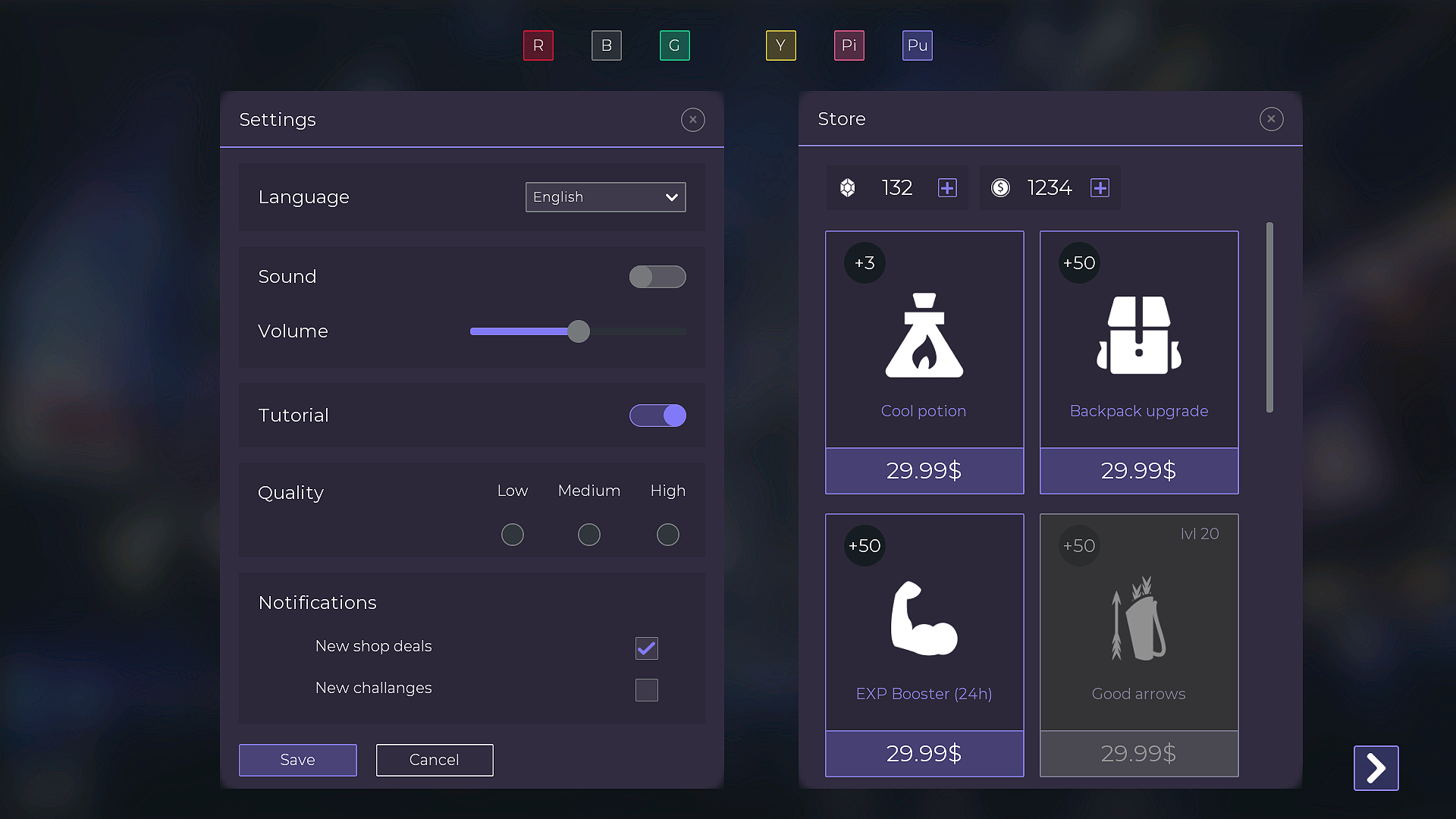
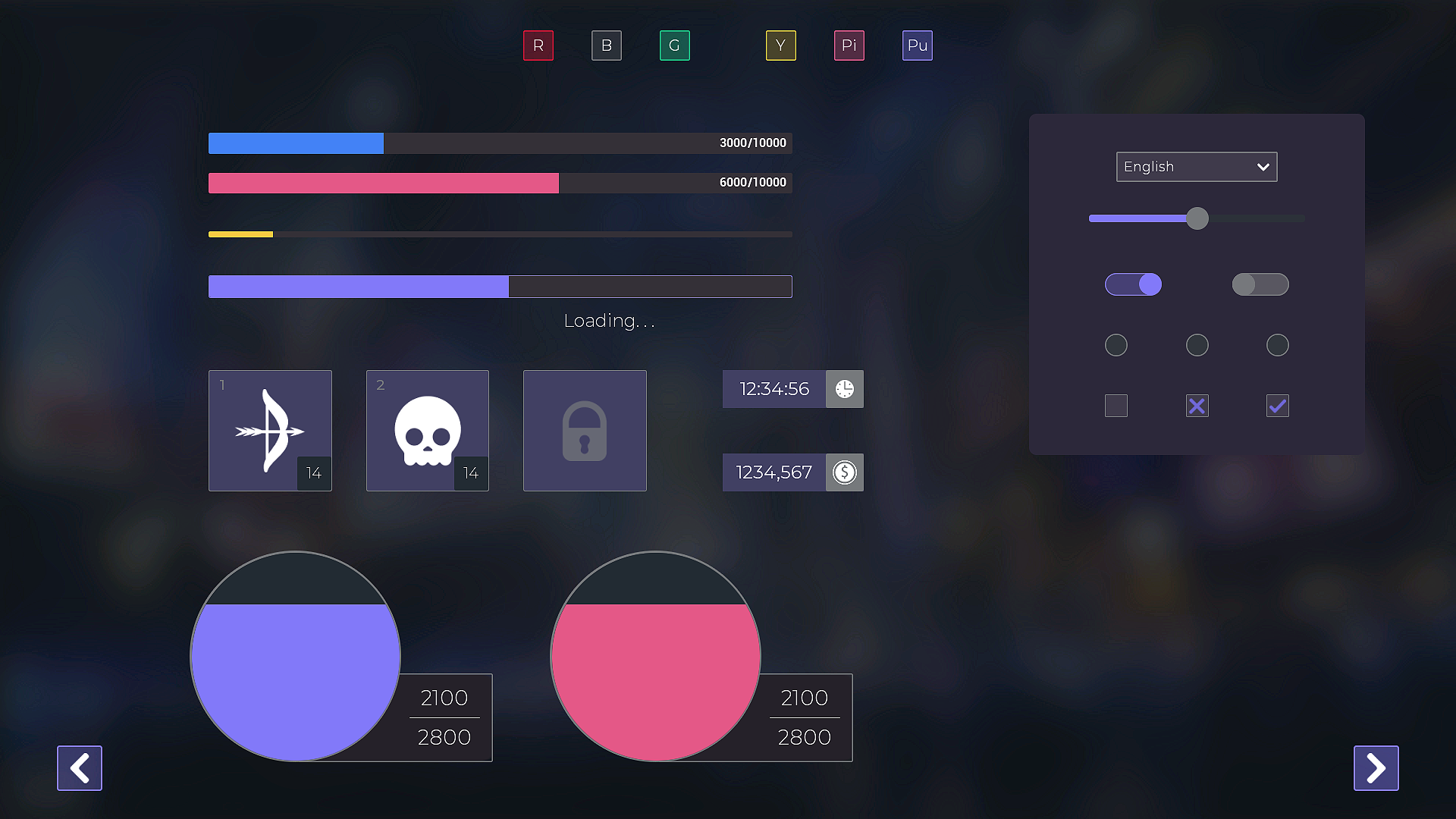
- 53 unique widgets [GUI / UI elements and demo windows],
- Over 600 PNG files,
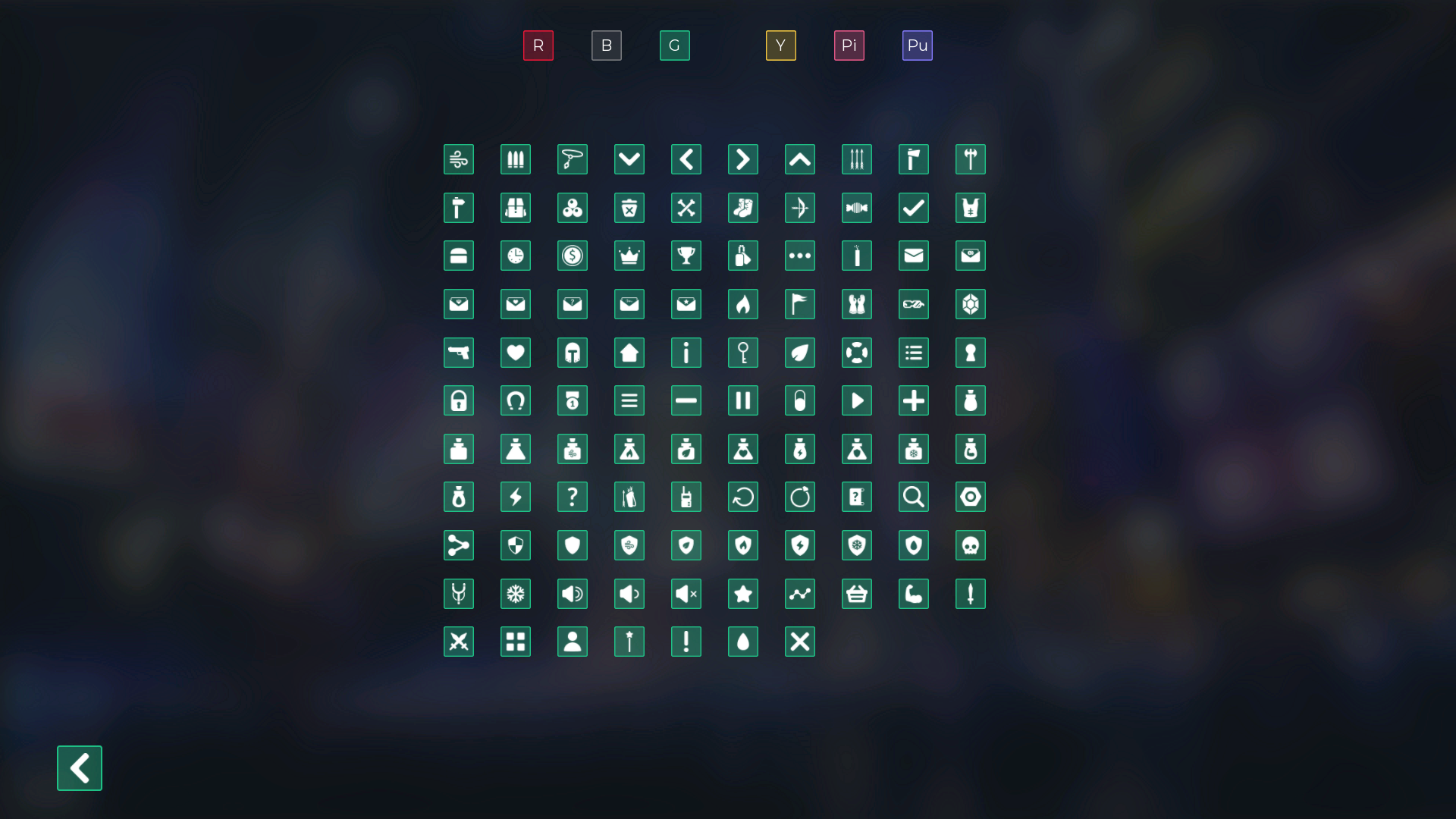
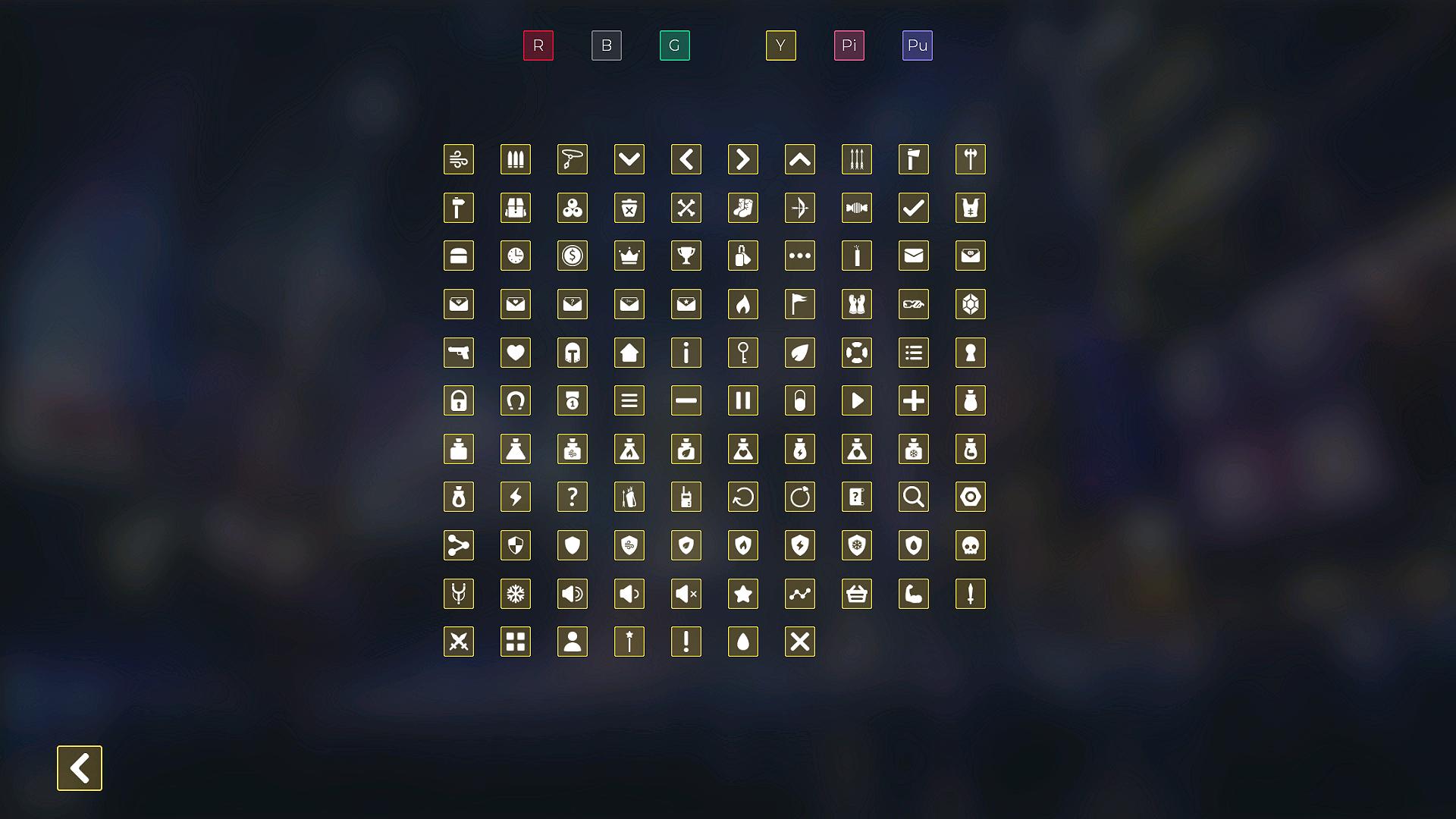
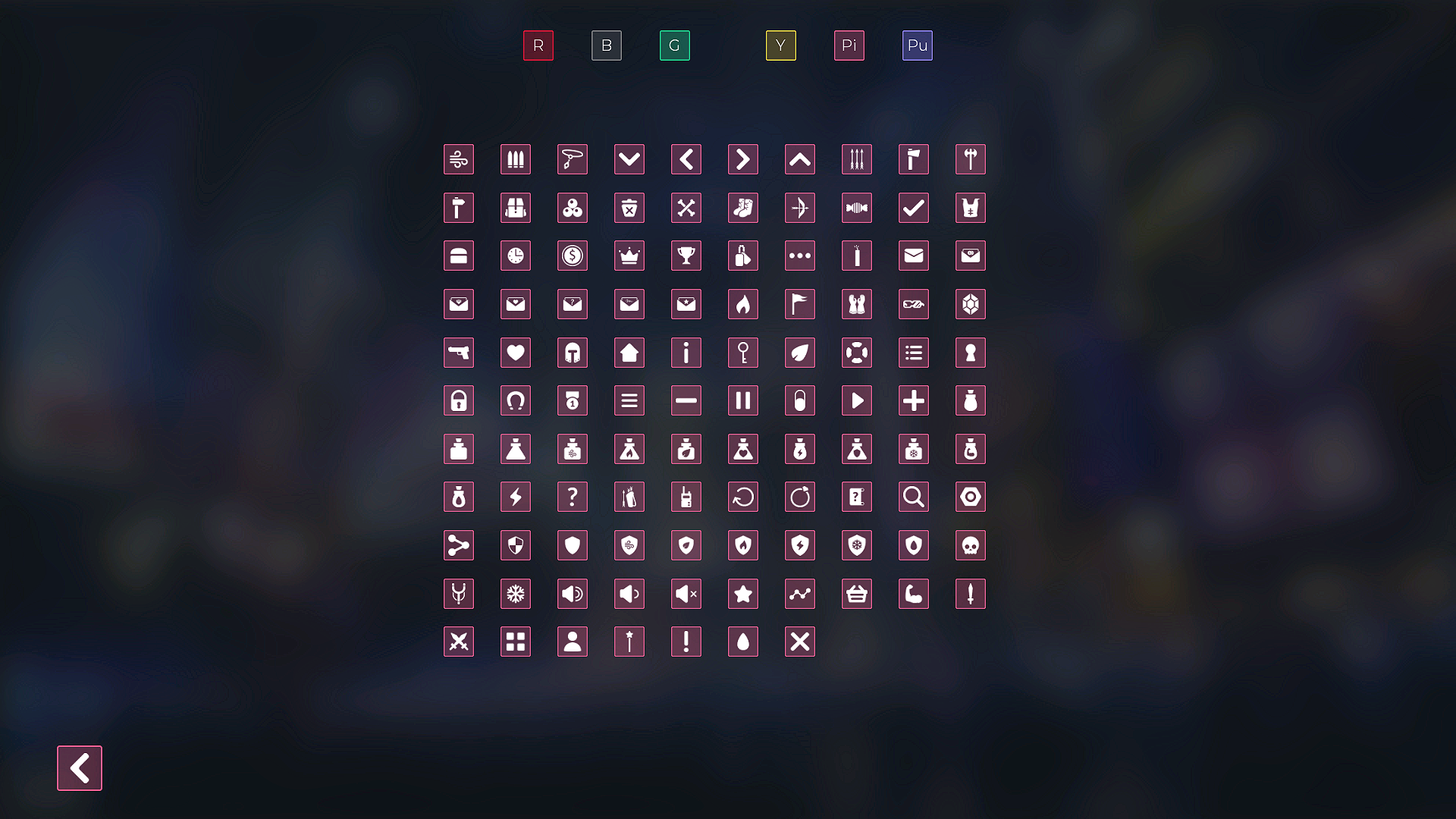
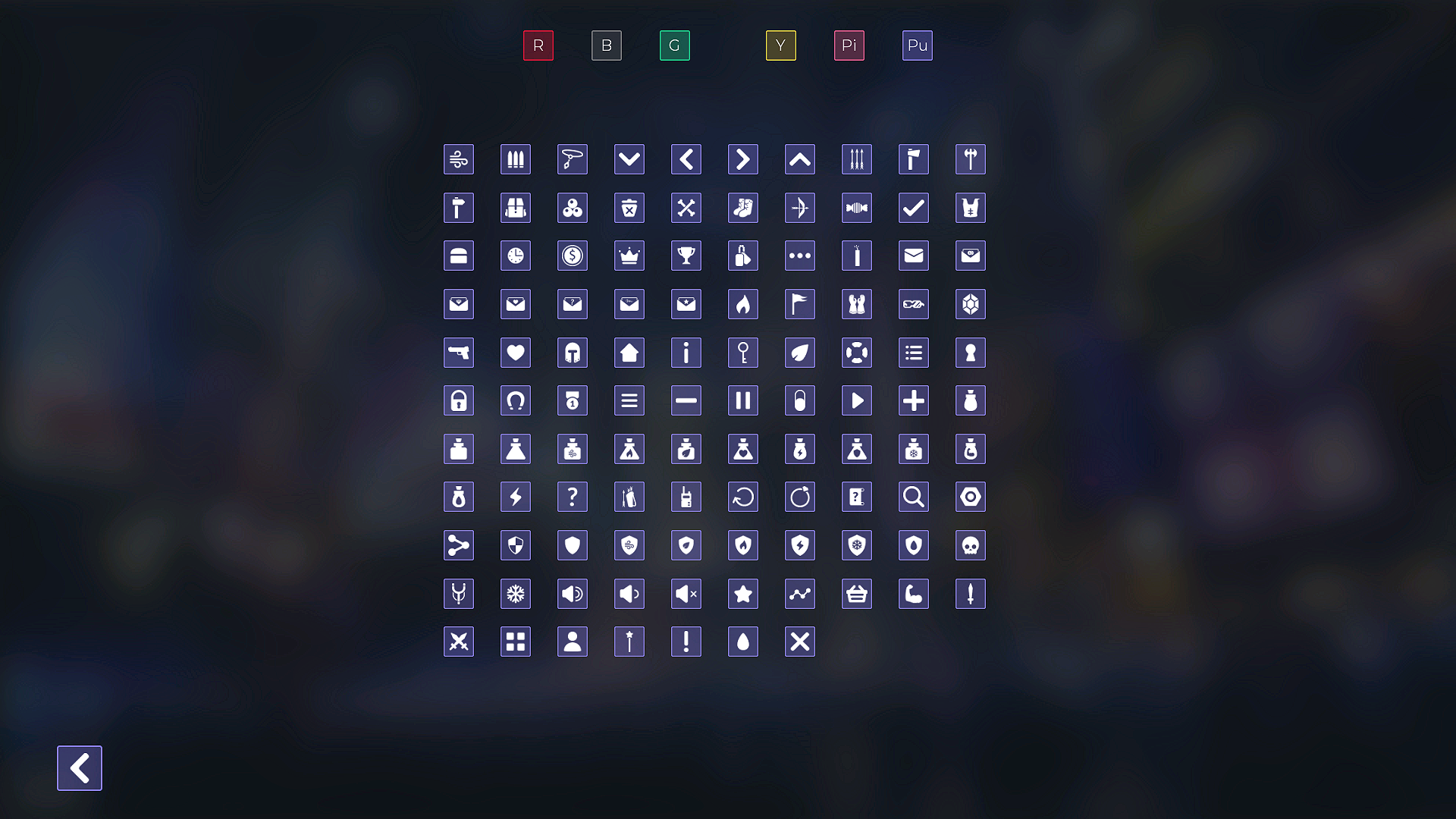
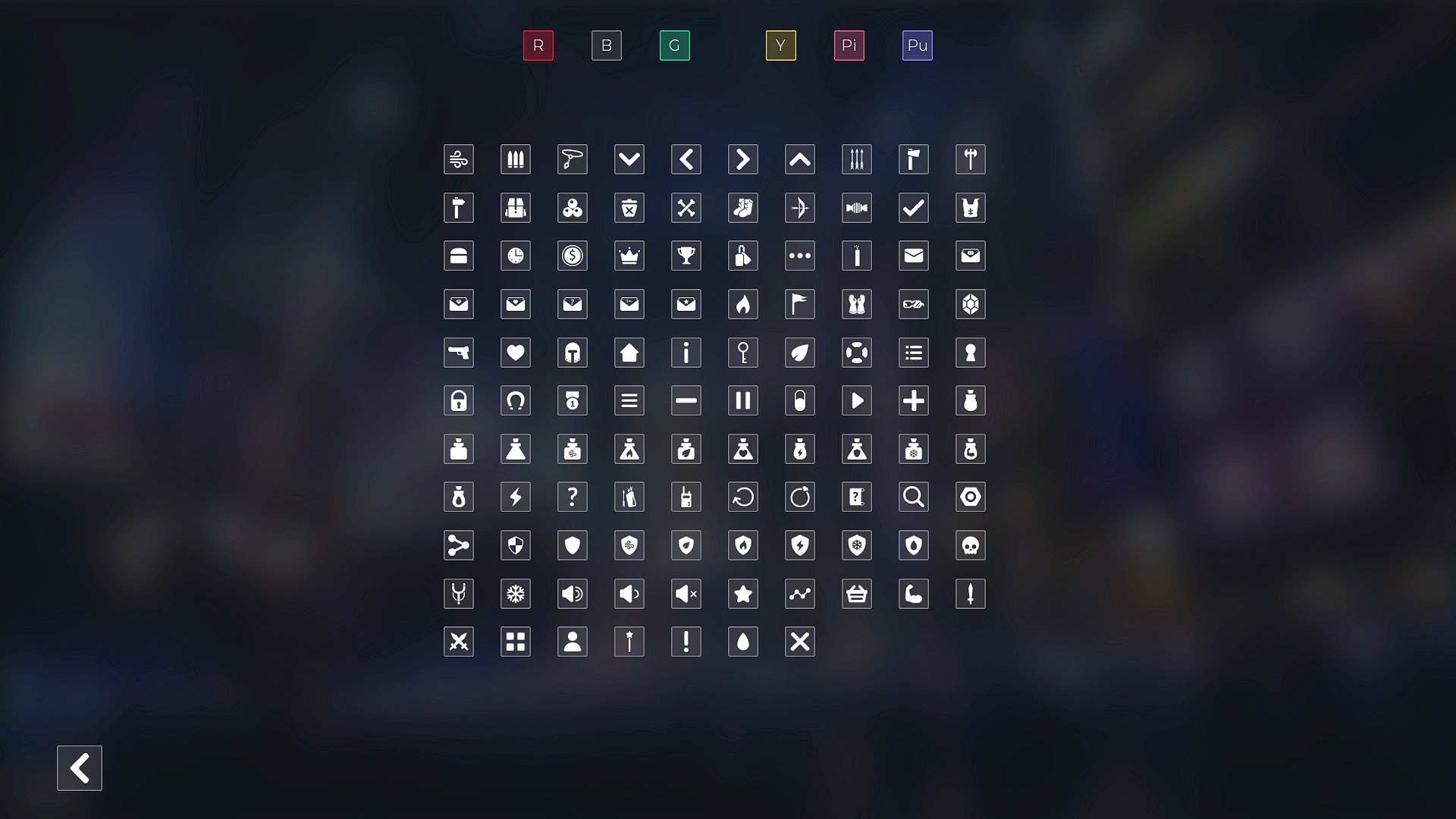
- 108 unique icons,
- PSD and AI editable source files,
- For Full HD and 4k screens.
Pre-made widget Blueprint:
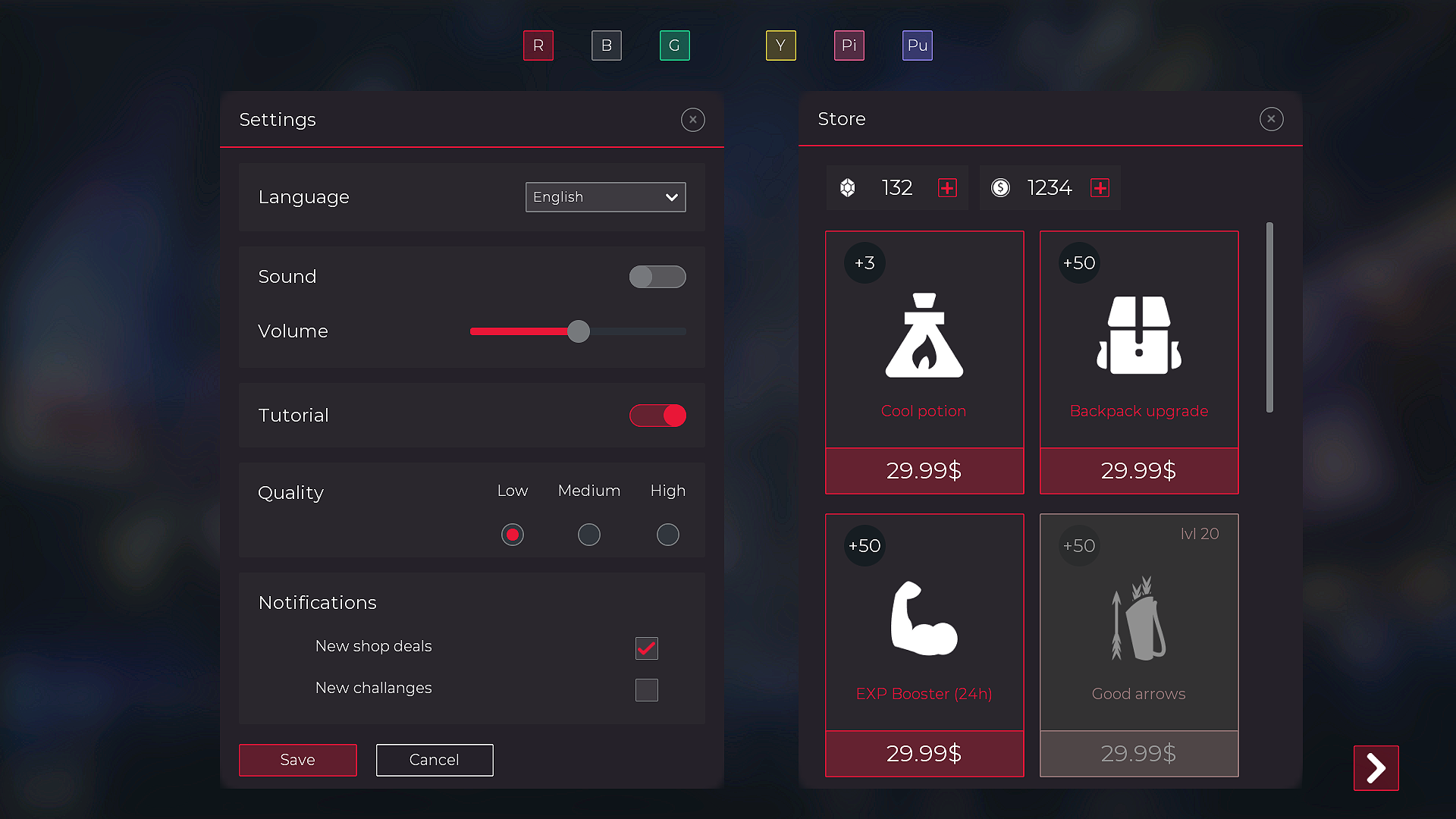
- Windows: Settings, Store, Login, Pause, Conversations list, Chat, Inventory, Messages, Levels, Level Completed, Level Failed, Quests, Quest description, Quest completed,
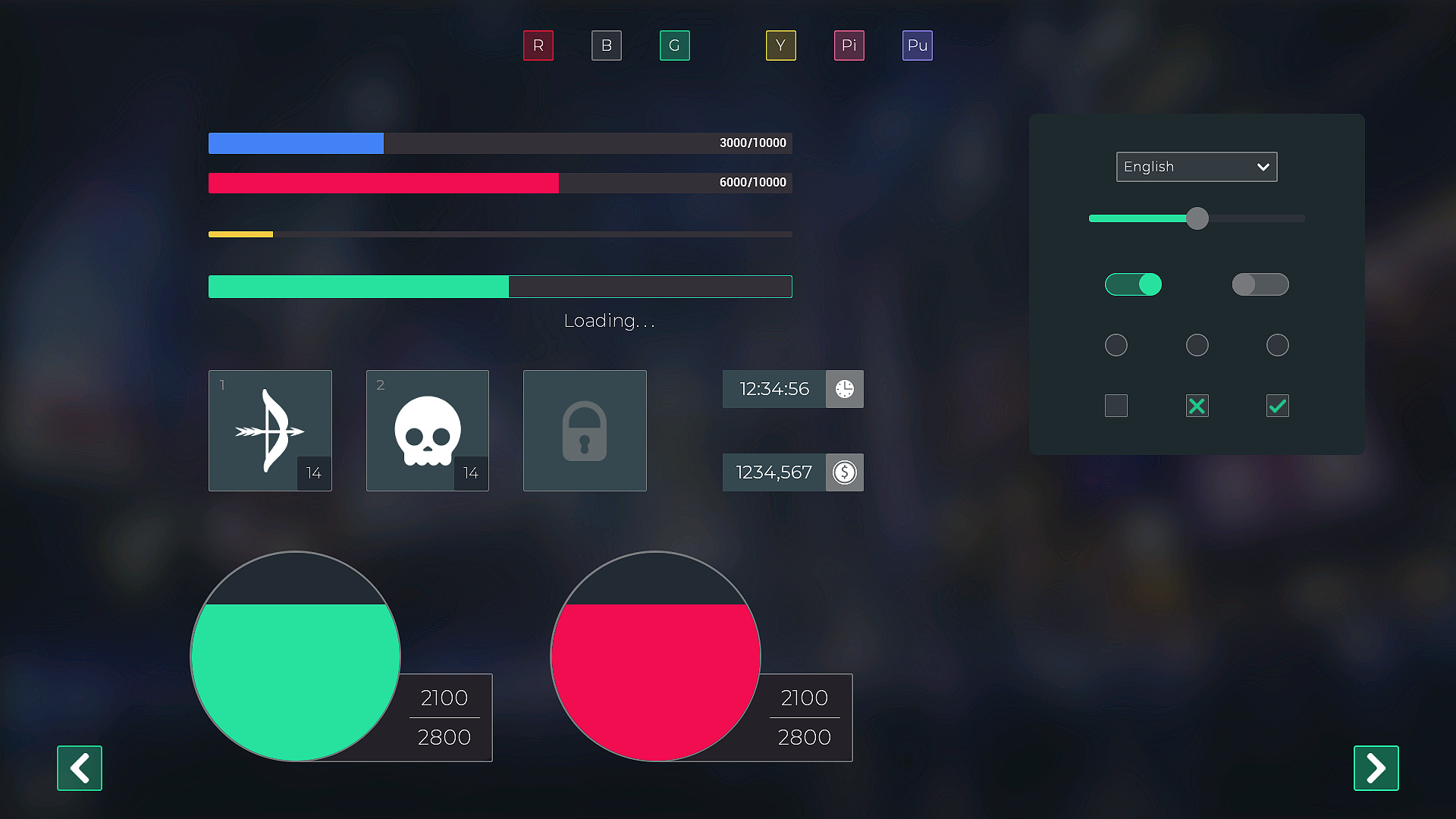
- Progressbars,
- Health & Mana Bubbles in different colors,
- Buttons in different colors and sizes,
- Checkbox, Toggles,
- Slider,
- Chat Cloud,
- Item Slots.
UI material:
- Animated UI material for mana and health bar.
Widget Blueprints:
- Buttons in different colors and check boxes,
- Item slots,
- Level slots,
- Chat messages.
+ 6 GUI color themes.
+ adjustable windows width / height
+ adjustable colors
+ Complete .psd editable file.
+ .ai file with items & icons.
Font Montserrat source: https://fonts.google.com/specimen/Montserrat
Important Notice
Before you purchase, please make sure that you have an experience with blueprints and the engine in general. This asset can save a lot of time, but general basic knowledge is a prerequisite for implementation.
Please note this is a graphical UI pack to use as a starting point for your own games. Game-specific features will require additional programming work on your end.
Basic manual
📄 Download the Manual
Technical Details
Number of unique Textures: 184
Screen Resolution: FullHD and 4k
Number of Widgets: 143 (53 unique)
Supported Development Platforms: all
Supported Target Build Platforms: 4.14+
Number of unique icons: 108
Number of png files: 616
Due to changes in engine behaviour in newer versions, in versions higher than 4.20 text is not being automatically clipped to bonds and in 4.23 slider has no hover image. If you have that problem, download 4.23 GUI version.
Naming convention:
- t_* – textures
- m_* – materials
- mi_* – material instances
- w_* – widgets
- bc_* – blueprint classes
- s_* – structs
- enum_* – enums
Login is required to access this download
You can contact us at any time and request that the asset you want be added to the site from the Request Asset section.