Description
Preview: https://www.youtube.com/watch?v=vSDRFvxgTUU
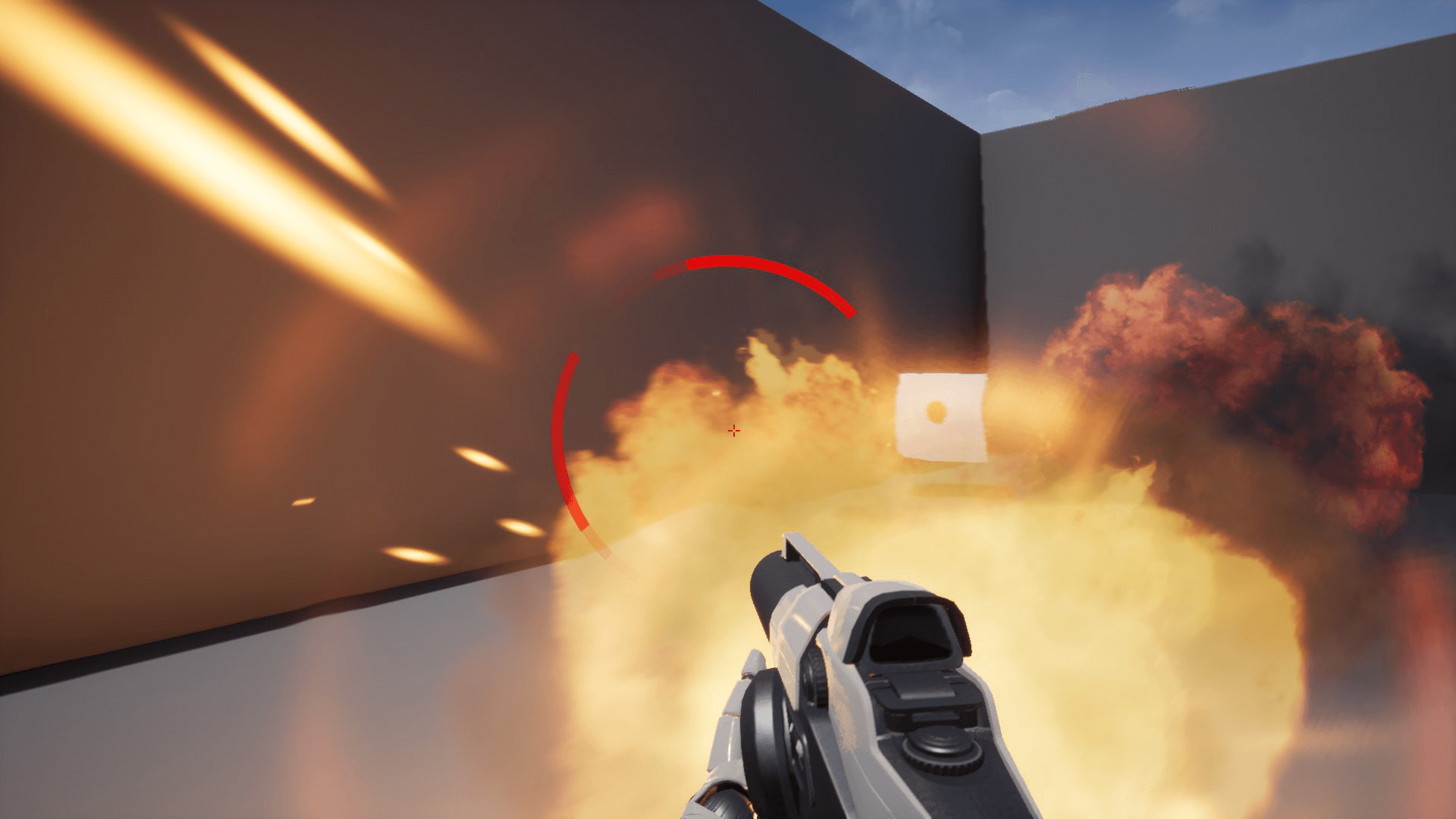
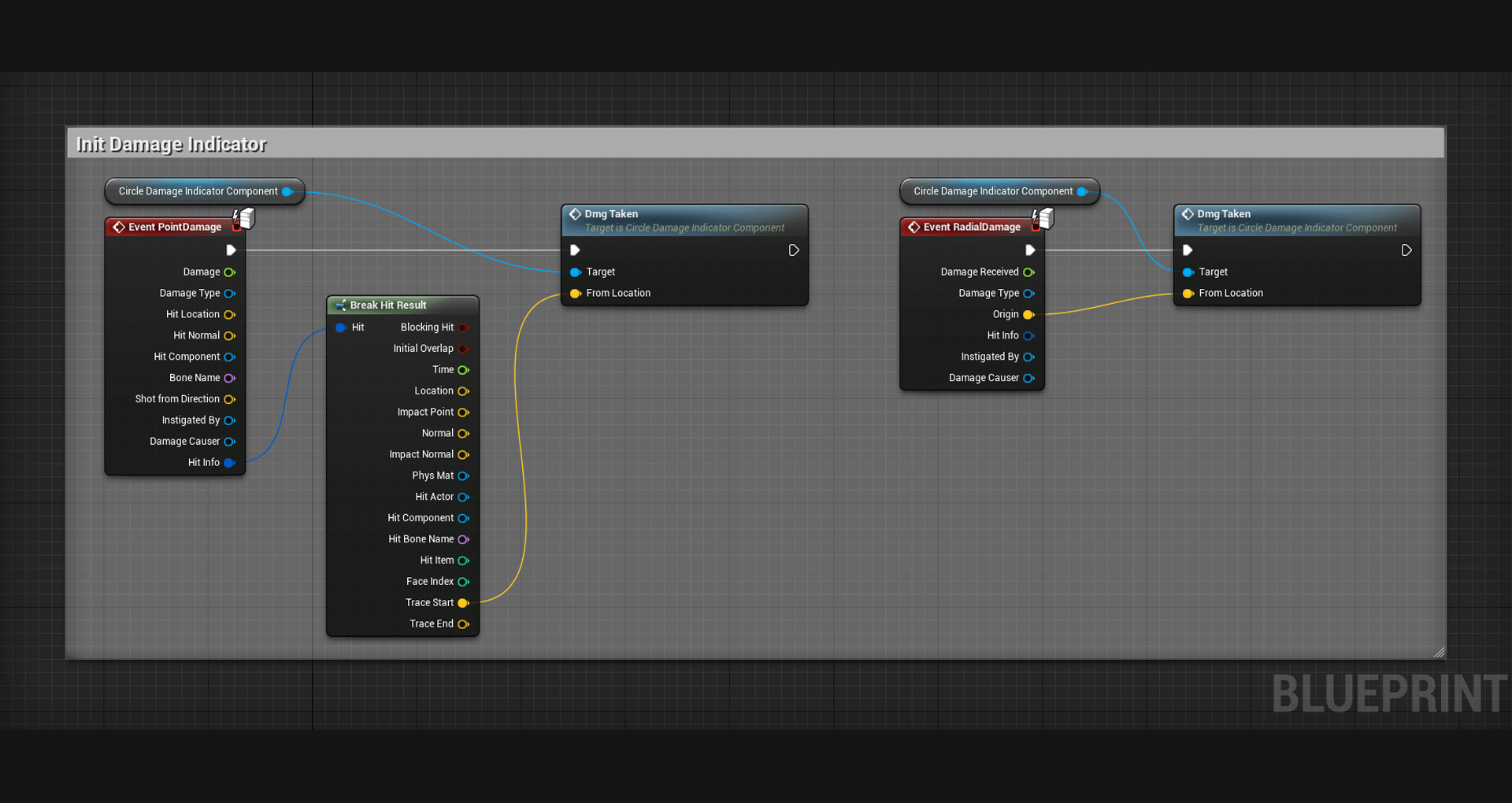
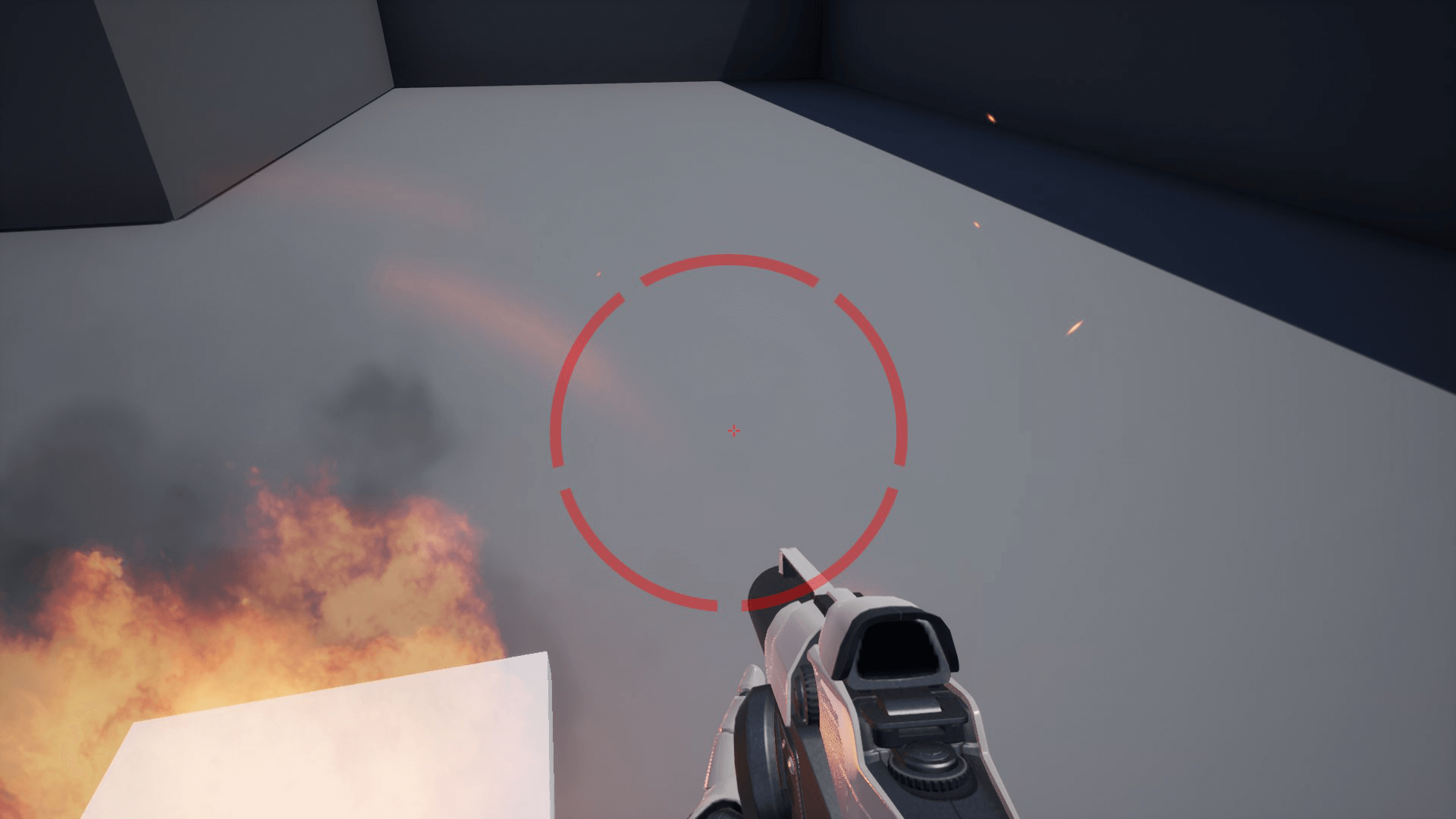
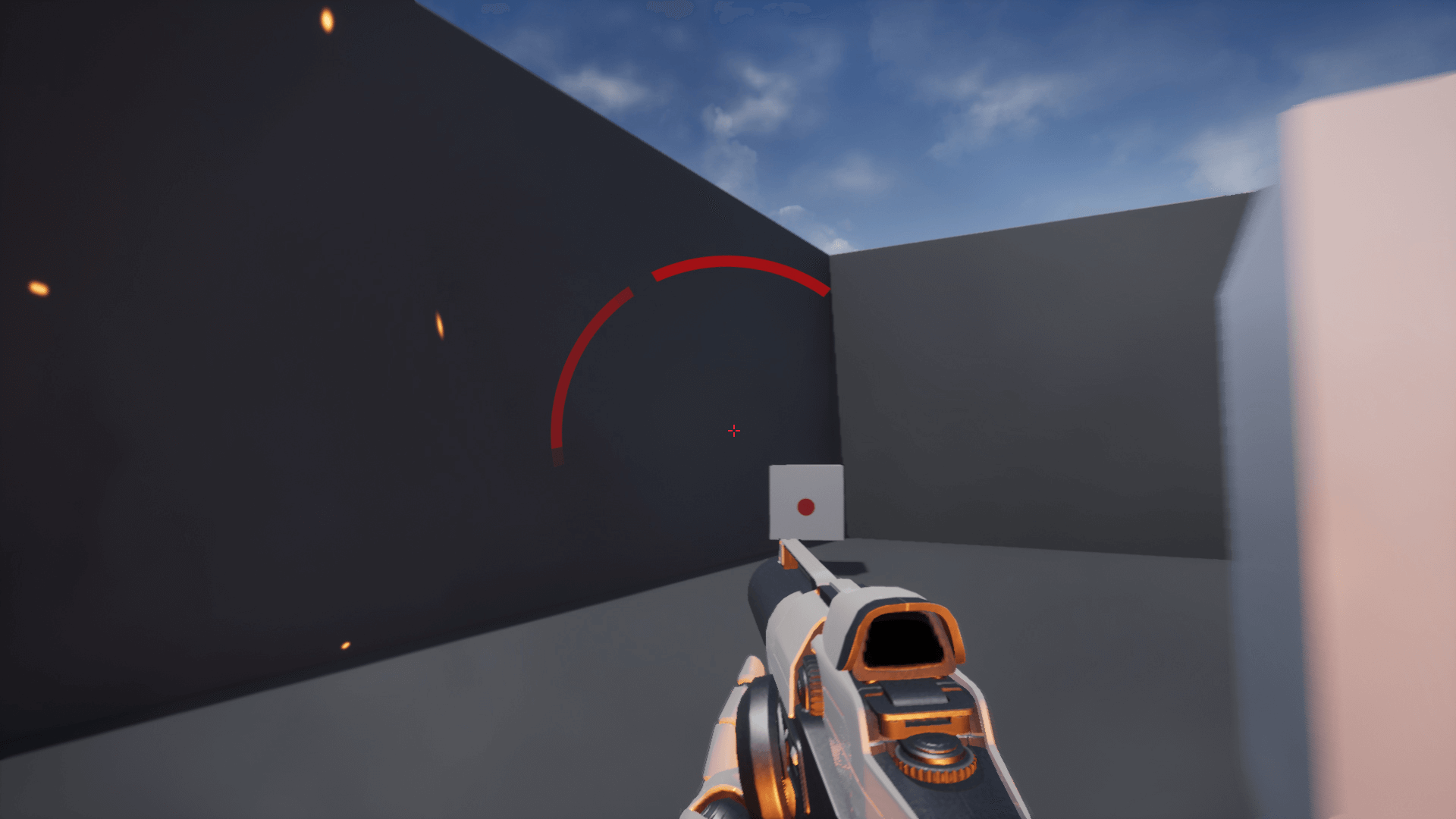
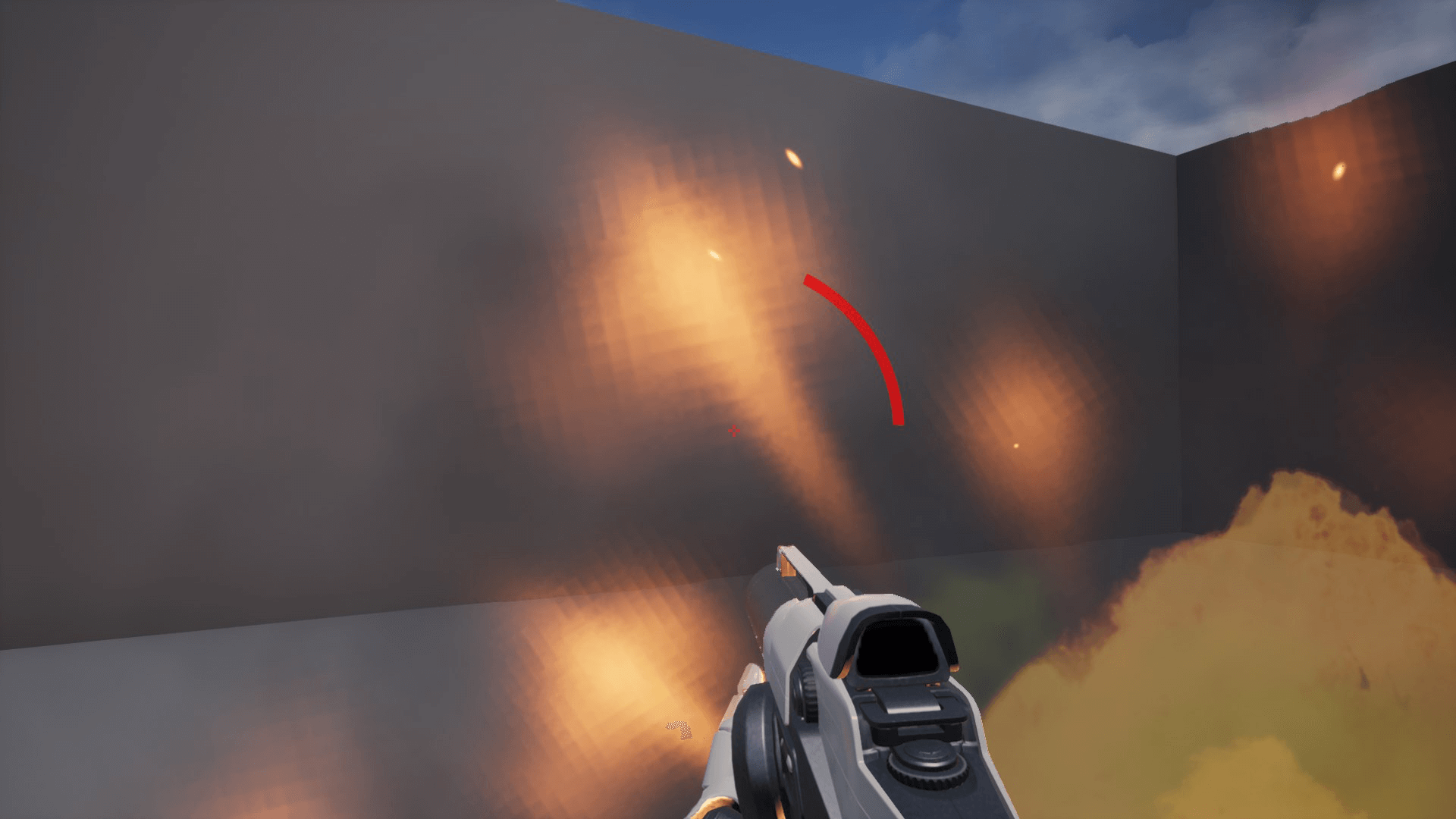
This component allows you to add a HUD element that shows where damage was dealt from, and you can set it up in a minute!
There are 2 ways of indicating damage:
1. Dynamic – Indicator shows the direction of damage and always facing the damage direction even if you are rotating you game character.
2. Static – Indicator spawns when damage is dealt and stays static on the screen.
Also there is function to determine damage dealt near your character, it’s customizable in the component and you can set it up to your needs.
You have access to customizable parameters, such as:
1. Type of indicator
2. Speed of indicator’s vanishing
3. Color
4. Custom textures
5. Distance for “near damage”
6. Indicator scale
7. Position relatively to screen’s center
8. Custom sprite size
Technical details
You can contact us at any time and request that the asset you want be added to the site from the Request Asset section.