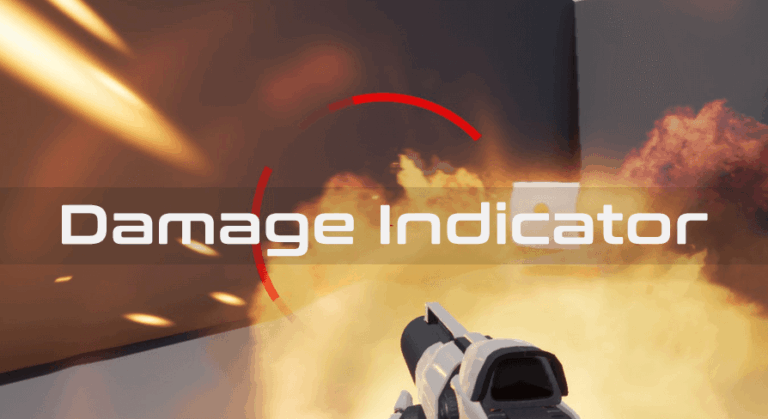
Description Preview: https://www.youtube.com/watch?v=vSDRFvxgTUU This component allows you to add a HUD element that shows where damage was dealt from, and you can set it up in a minute! There are 2 ways of indicating damage: 1. Dynamic – Indicator shows the direction of damage and always facing the damage direction even if you are rotating you game character. 2. Static …
Read More »Sharki
Drivable Boat (with buoyancy)
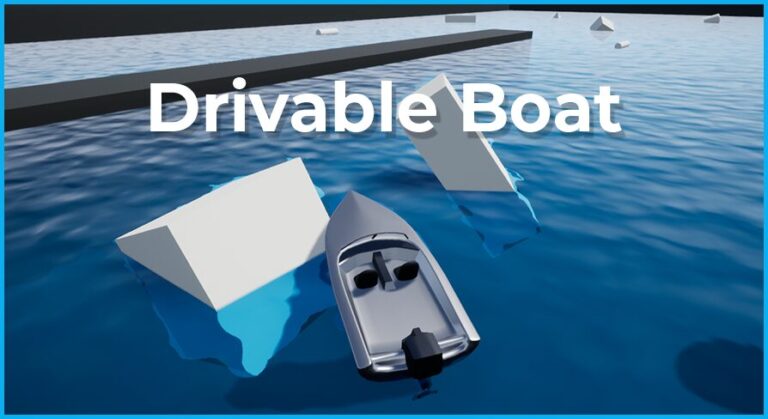
Description Demo and Tutorial video This asset allows you to add a drivable boat to your project. As well as implemented buoyancy for physical objects. You can customize: Gravity Acceleration and speed Rotation speed Speed reduction Tilt when driving and turning Use custom mesh
Read More »Kill Feed
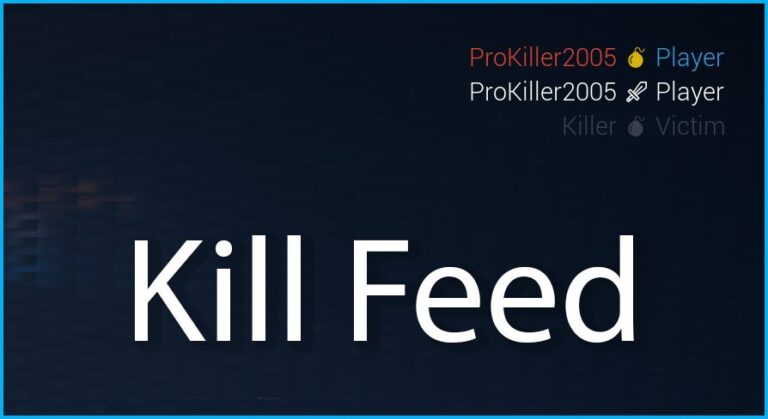
Description Video tutorial/demonstation: https://youtu.be/edvX8_pEGLg This asset allows you to add kill feed in your game. To set up the system you have to: 1. Create widget on level 2. Call the function from widget every time when you need to show new kill. You can customize kill feed as you wish.
Read More »Damage Text
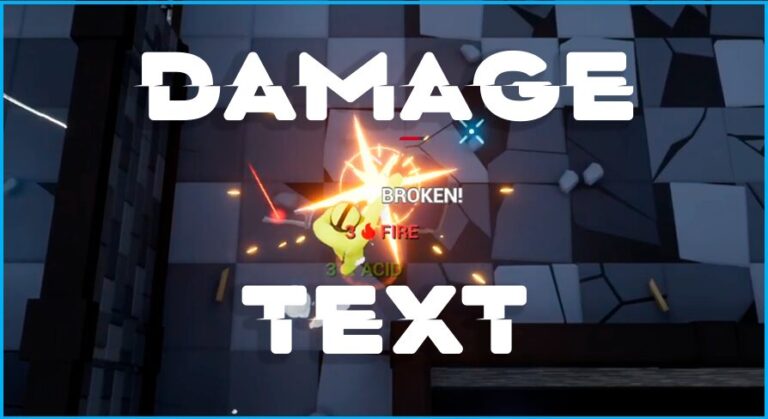
Description Overview: https://www.youtube.com/watch?v=i0rzpIAwsfk Damage Text allows you to add extra simple damage display and other information to your project when dealing damage. The asset contains presets, and you can easily add your own presets and animations. Features: 7 presets for displaying damage Extra easy installation, no need to create actors or add components. The function call works from anywhere. A …
Read More »AI Turret Component
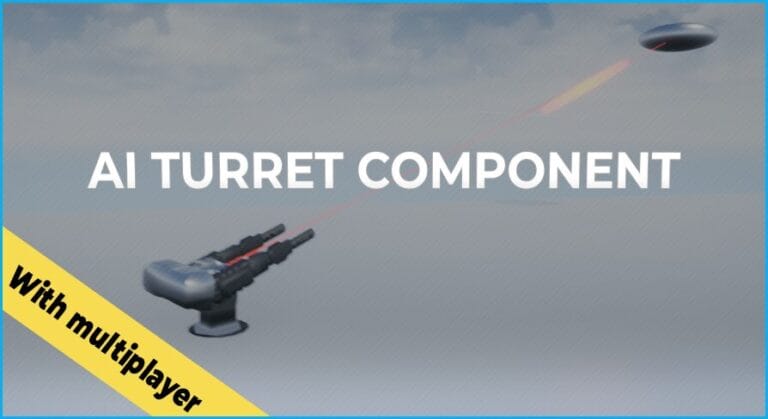
The component allows you to quickly and easily set up many turrets. And also can work in multiplayer. My other assets: Damage Text Drivable Submarine (with buoyancy) Drivable Boat (with buoyancy) Kill Feed Battle Royale – Zone Battle Royale – Air Drop Circle Damage Indicator Component Demonstration and Tutorial video Turrets are fully customizable, you can customize: It is easy …
Read More »