Description
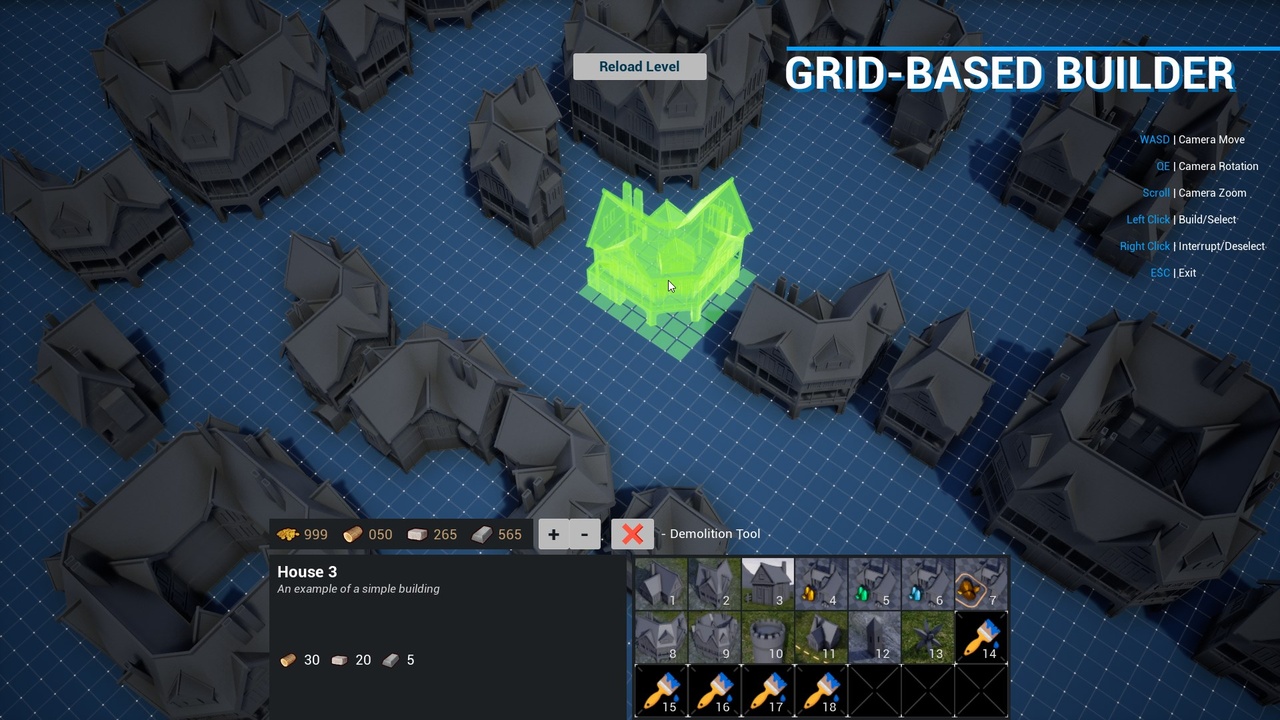
This asset allows you to build various objects that can snap to a grid, all while taking into account terrain topography, surface types, as well as other constraints.
Video | Playable Demo | Documentation | Video Update 1.1
Features:
- Completely made in blueprints
- Grid size is practically unlimited*
- Customizable grid cell size
- New objects can be created and customized using data tables
- Ability to check elevation differences during construction
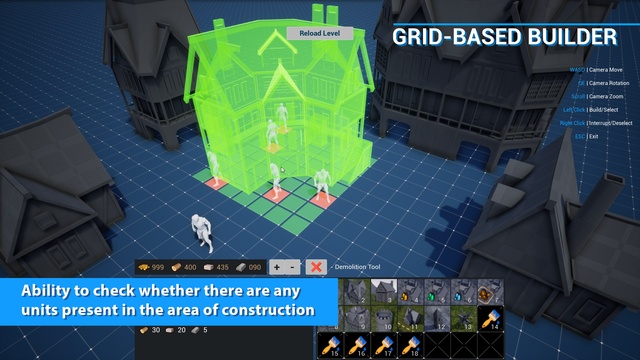
- Ability to check whether there are any units present in the area of construction. If there are any – construction won’t be possible
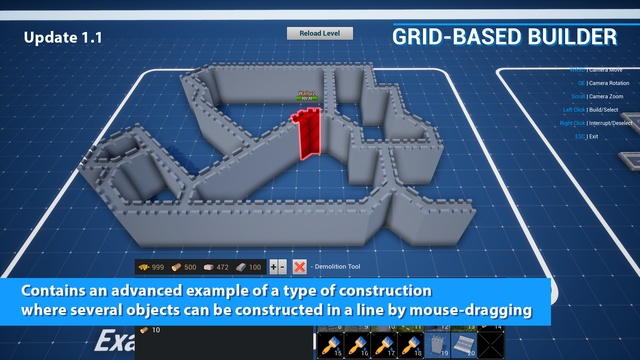
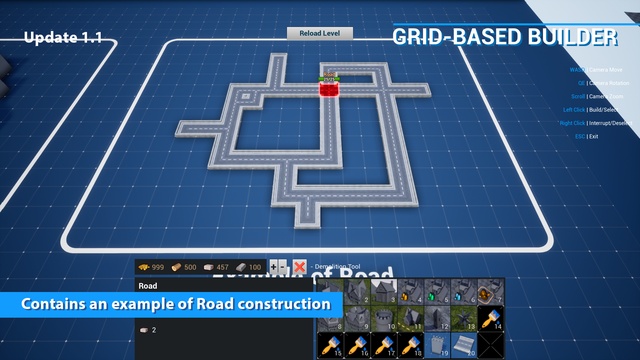
- The new Update 1.1 adds examples of the construction of complex asymmetrical walls with diagonal elements and roads
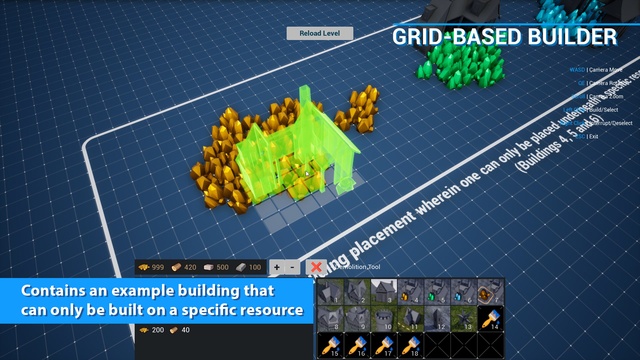
- Contains an example building that can only be built on a specific resource
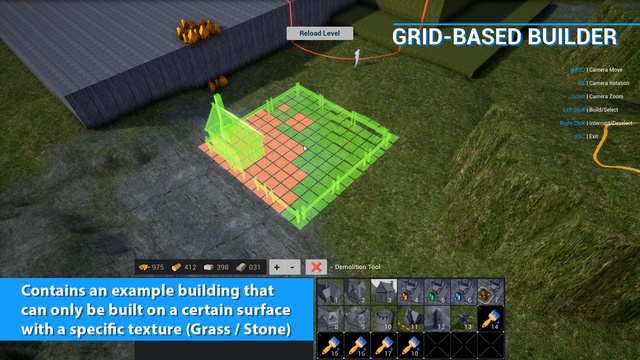
- Contains an example building that can only be built on a certain surface with a specific texture (Grass / Stone)
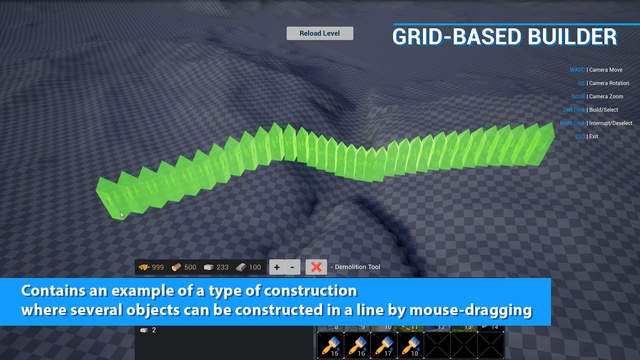
- Contains an example of a type of construction where several objects can be constructed in a line by mouse-dragging (Wall)
- Contains an example of a “Painting” type of construction, where objects will be built continuously as long as the left mouse button is held
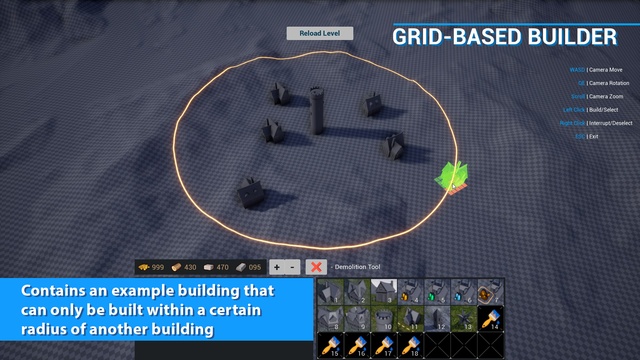
- Contains an example building that can only be built within a certain radius of another building, etc.
- Resource system: resources are spent during construction, but if there aren’t enough, construction will be blocked. Part of the spent resources can also be returned upon demolition
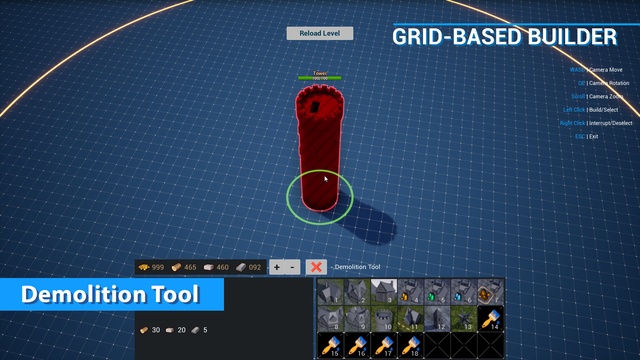
- Demolition tool, which is meant for deconstruction of objects
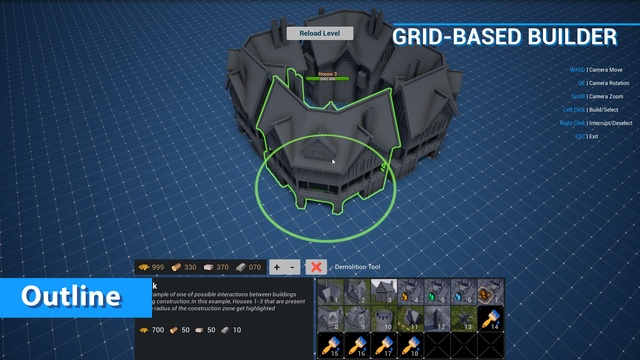
- Objects can be outlined when a cursor is hovered over them. By default, only 3 colors are used, one for each of the example factions — player, neutral and enemy.
- Objects can be rotated by 90 degrees by default
- Basic functionality for a building damage system – objects can receive damage, change their HP values, can be destroyed once their HP runs out
- Auxiliary boundary blueprint that is used for restriction of all space available for construction. Only a single one can be built
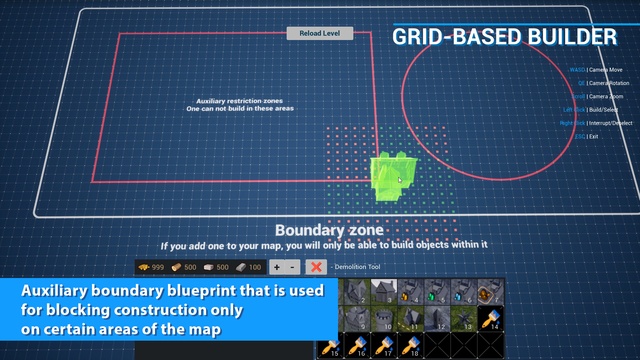
- Auxiliary boundary blueprint that is used for blocking construction only on certain areas of the map. More than one can be built and these are used to fine-tune available construction space if a complex shape is needed
- Buildings can be placed not only at runtime, but also in the editor. It is also possible to attach an object to the grid in the editor as well
- Has several styles for visual display of building construction
- Has basic demo units that are able to to patrol an area and attack nearby buildings
Asset also has a demo UI which includes:
- Resource panel widget with animations of gradual change in the number of available resources, and a blinking animation used to show lack of necessary for construction resources
- Construction menu widget with building icons that, when clicked on, will activate an object to be built. Displayed number of cells in the menu can be changed.
- Description widget, which is used to show a description for a selected buildable object
- HP bar widget, which is displayed above a building when hovered over or selected, it also changes color based on remaining HP
Login is required to access this download
VIP Downloads Today: 0 of 0
You can contact us at any time and request that the asset you want be added to the site from the Request Asset section.