 Description
Video Example
LIGHTGRID
https://youtu.be/iXFS1bMZm0o?si=K9YMB5viWbfLsPHf
https://youtu.be/bnOEide1Pnw?si=wxhOIv0Hk-RPON67
https://youtu.be/CqR76VLK_co?si=bNaund57_zZCU64q
https://youtu.be/T0x7bO_MLNQ?si=tsICNwRw-MPjnPT2
https://youtu.be/T0x7bO_MLNQ?si=tsICNwRw-MPjnPT2
https://youtu.be/T0x7bO_MLNQ?si=tsICNwRw-MPjnPT2
https://youtu.be/e1G0sZ9W9rc?si=W_qELodEuPed3EiG
LightGrid is a modular lighting and post process toolkit for Unreal Engine, built for fast iteration and cinematic control.
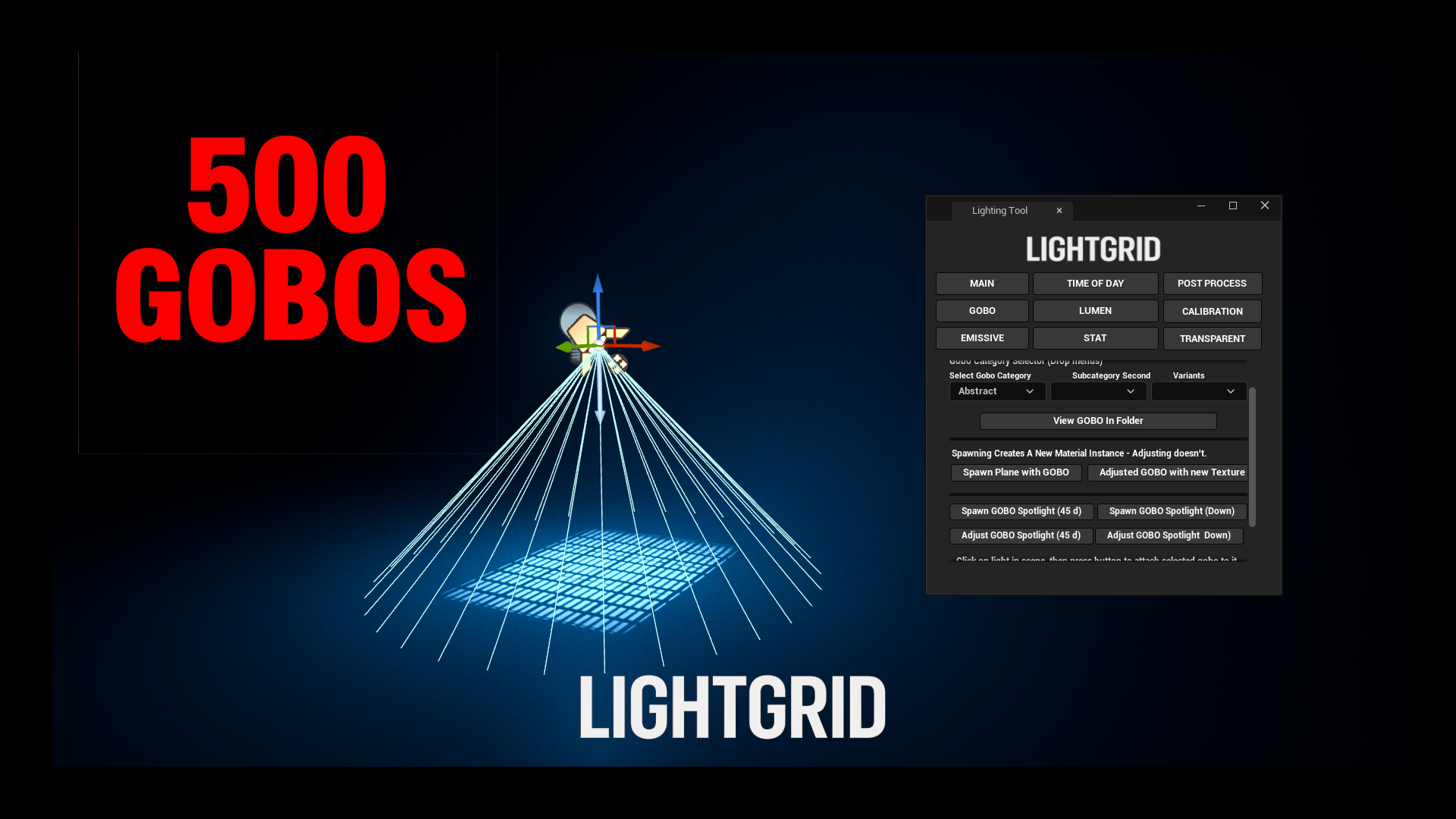
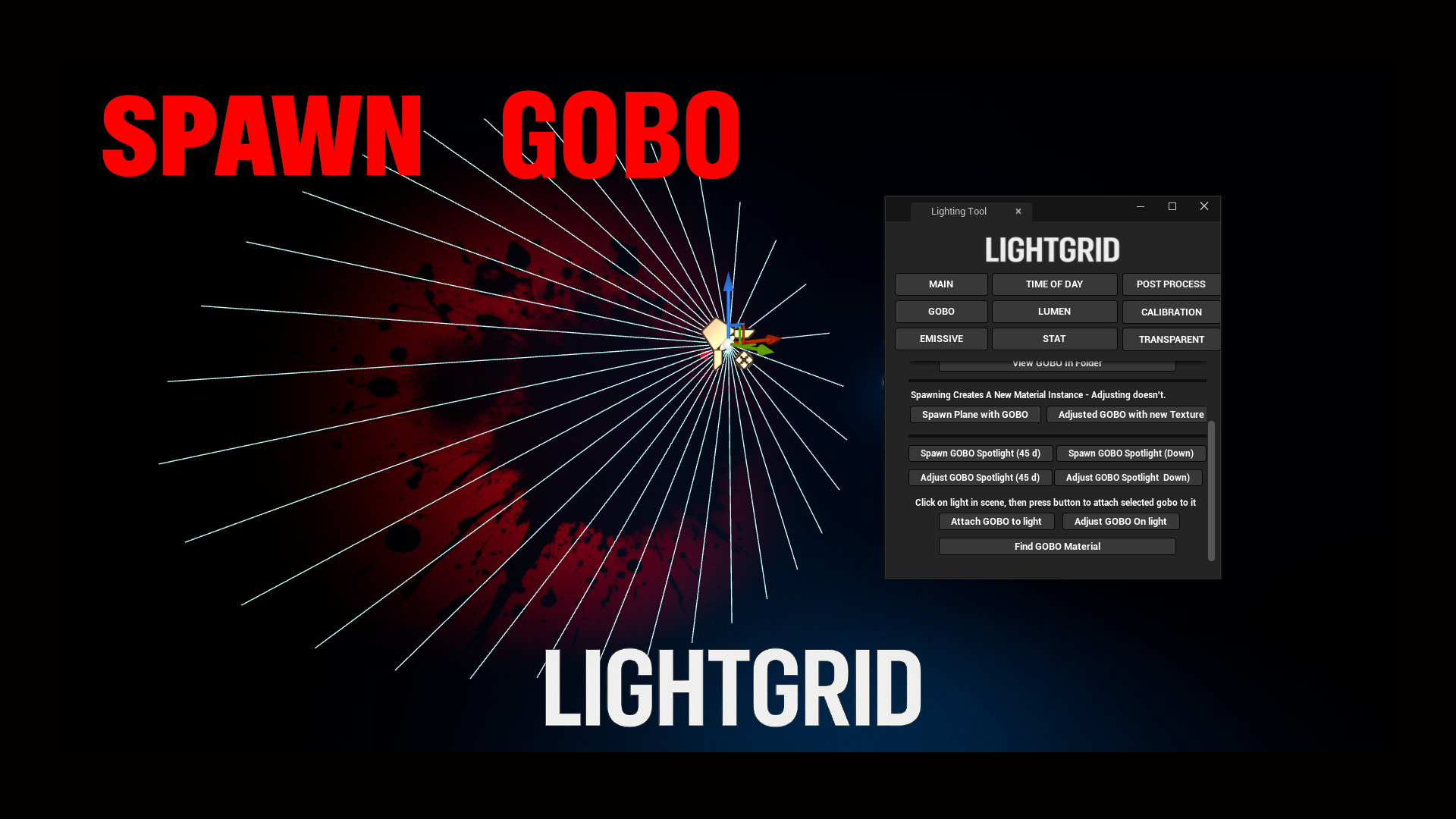
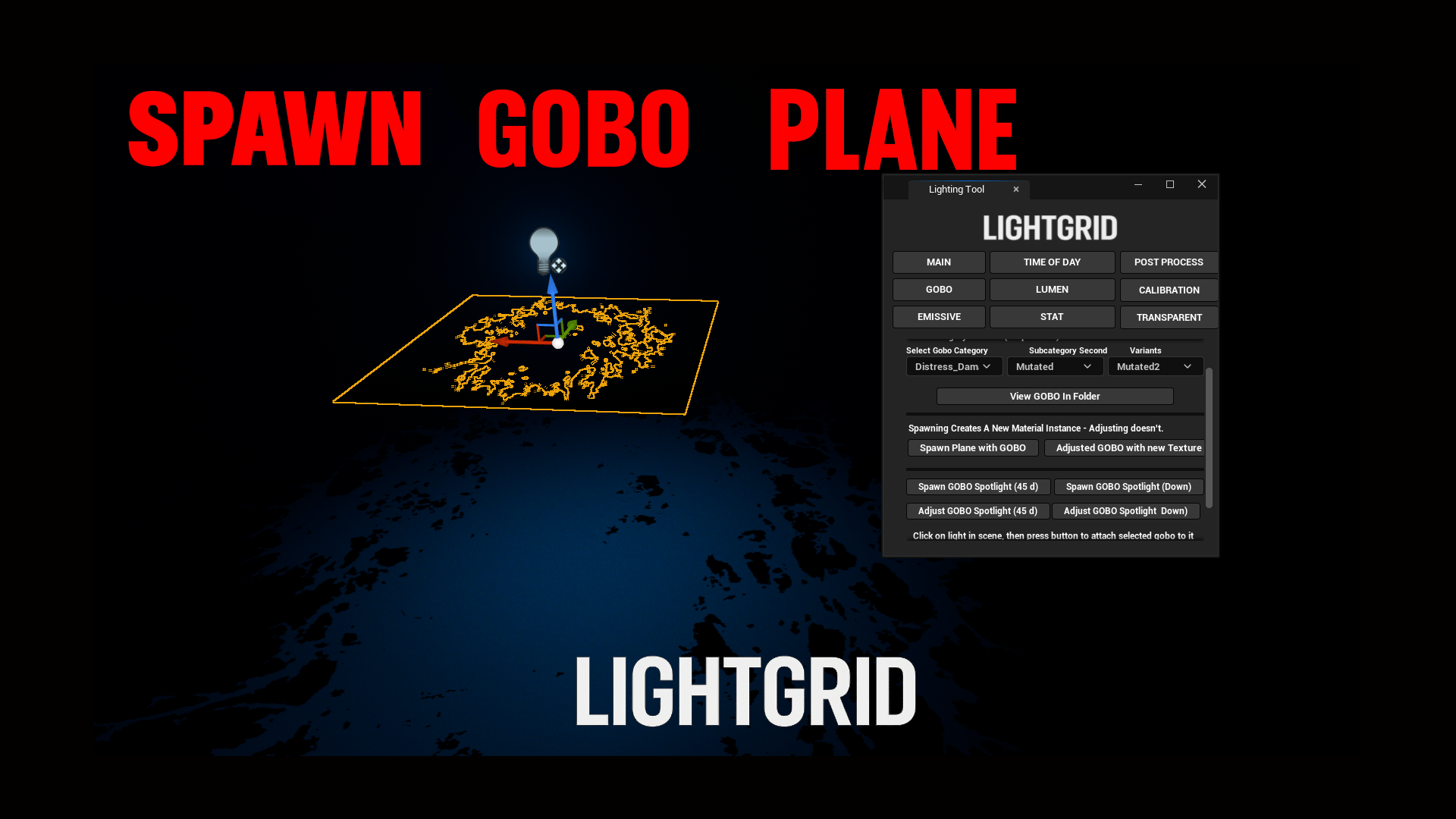
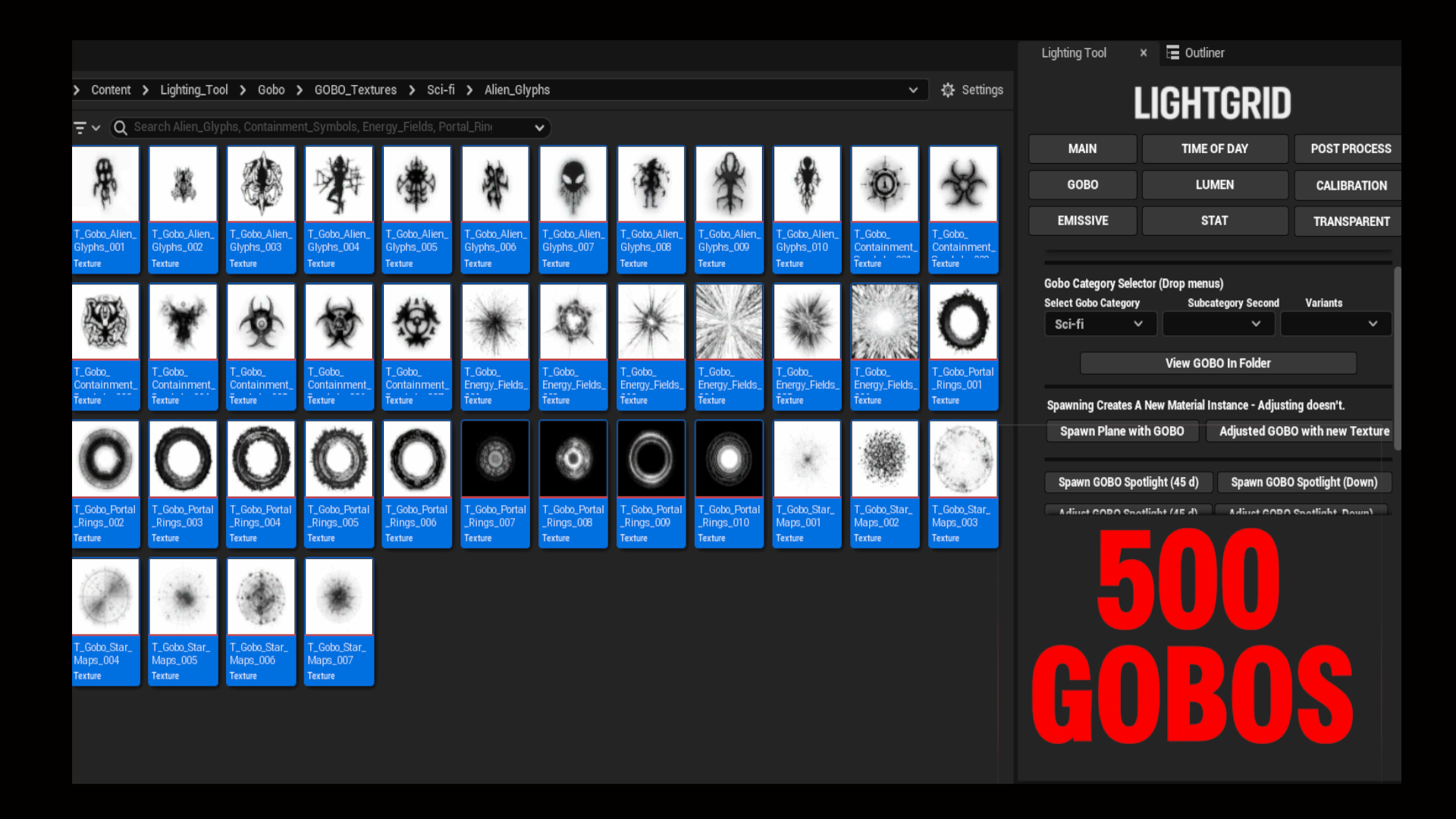
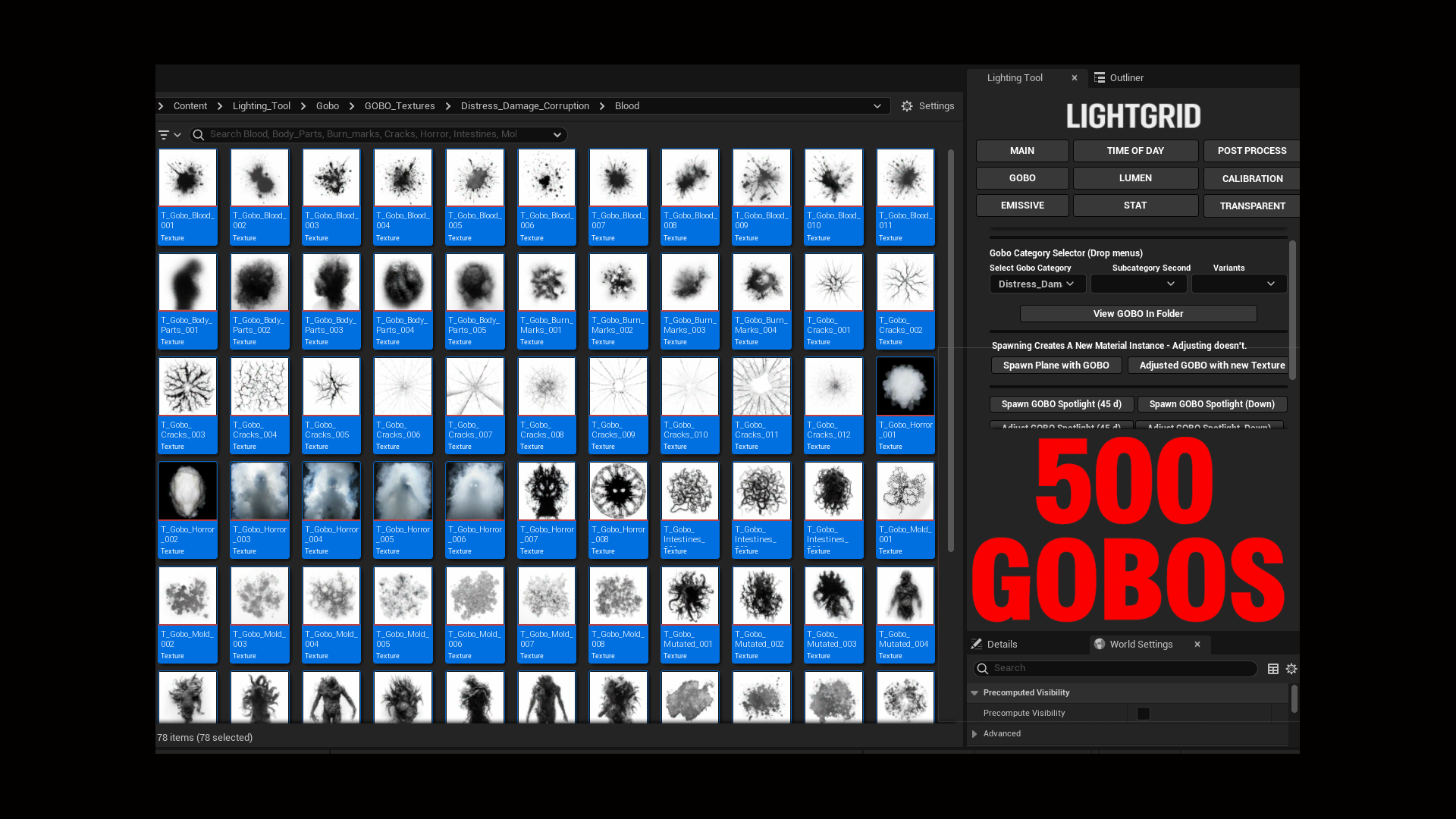
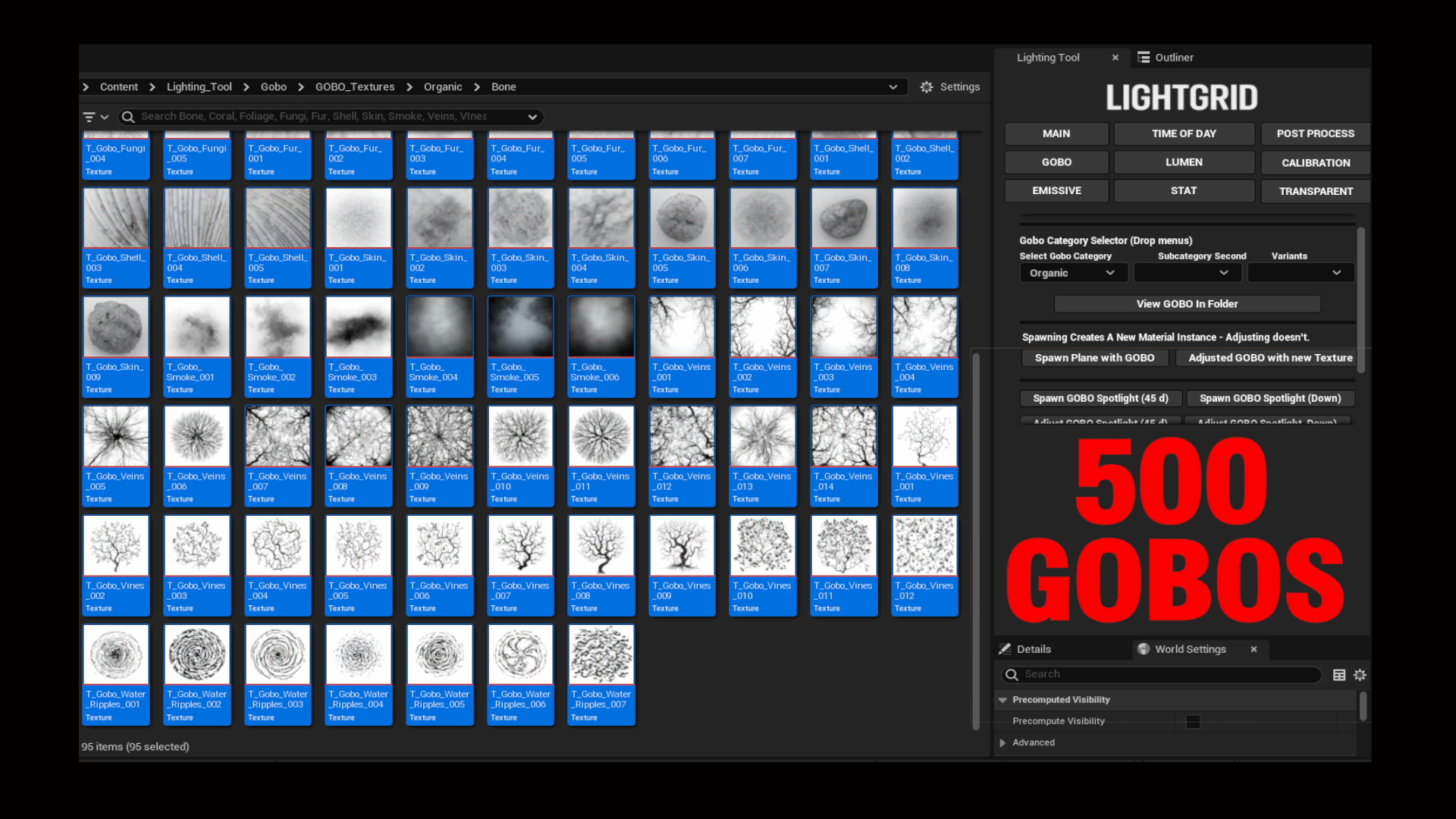
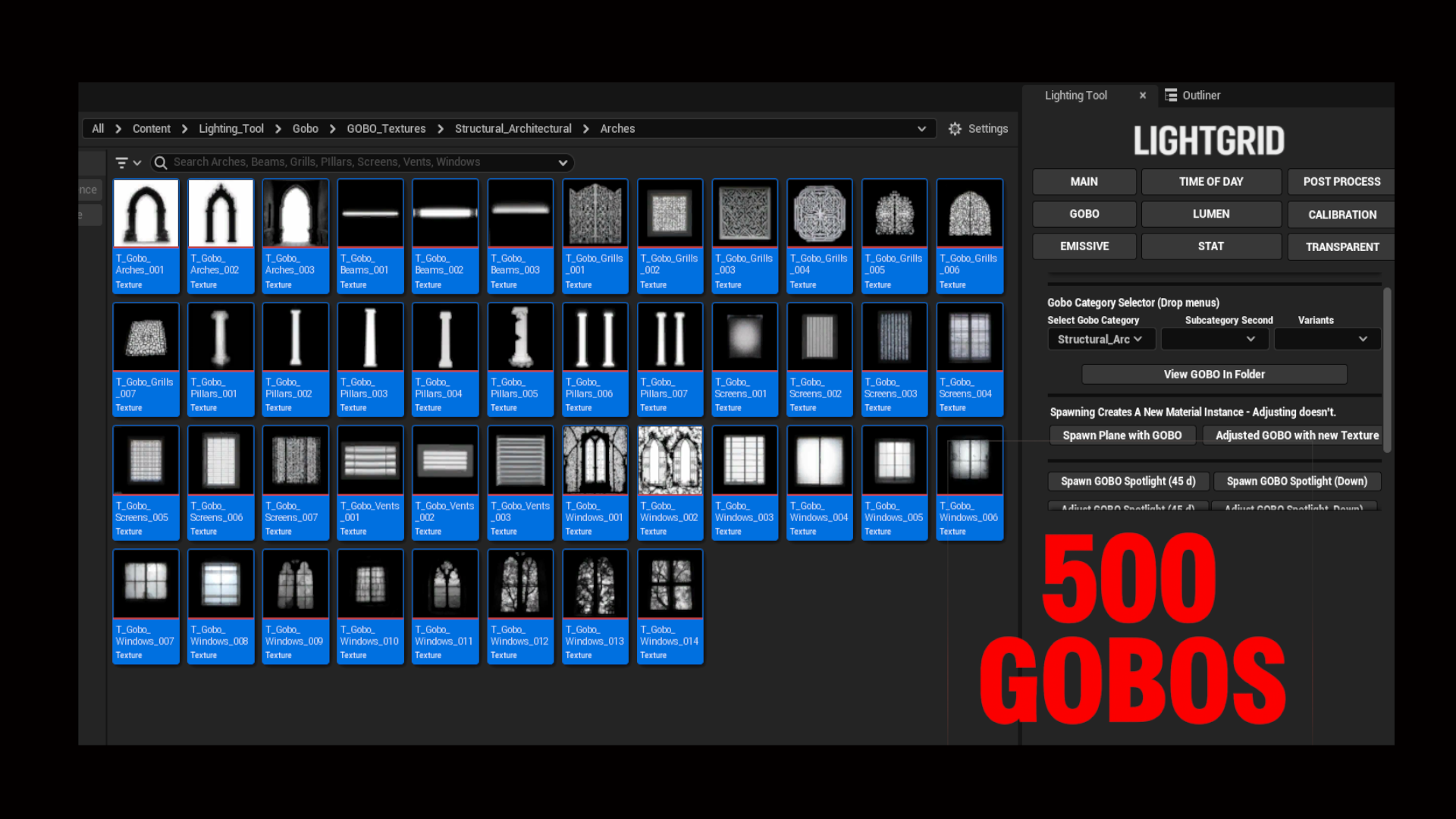
Spawn chrome spheres, apply emissive effects, switch post process styles, and deploy over 500 gobos—all with intuitive, in-scene controls. Perfect for prototyping, grading, and stylized lighting setups.
Technical Details
Engine Compatibility: UE 5.4+
Platform Support: Windows (64-bit), Mac (Editor only)
No Plugins Required
No External Dependencies
Number of Blueprints: 6
Number of Editor Utility Widgets: 10
Network Replicated: No
Supported Development Platforms:
Features
Calibration & Time of Day
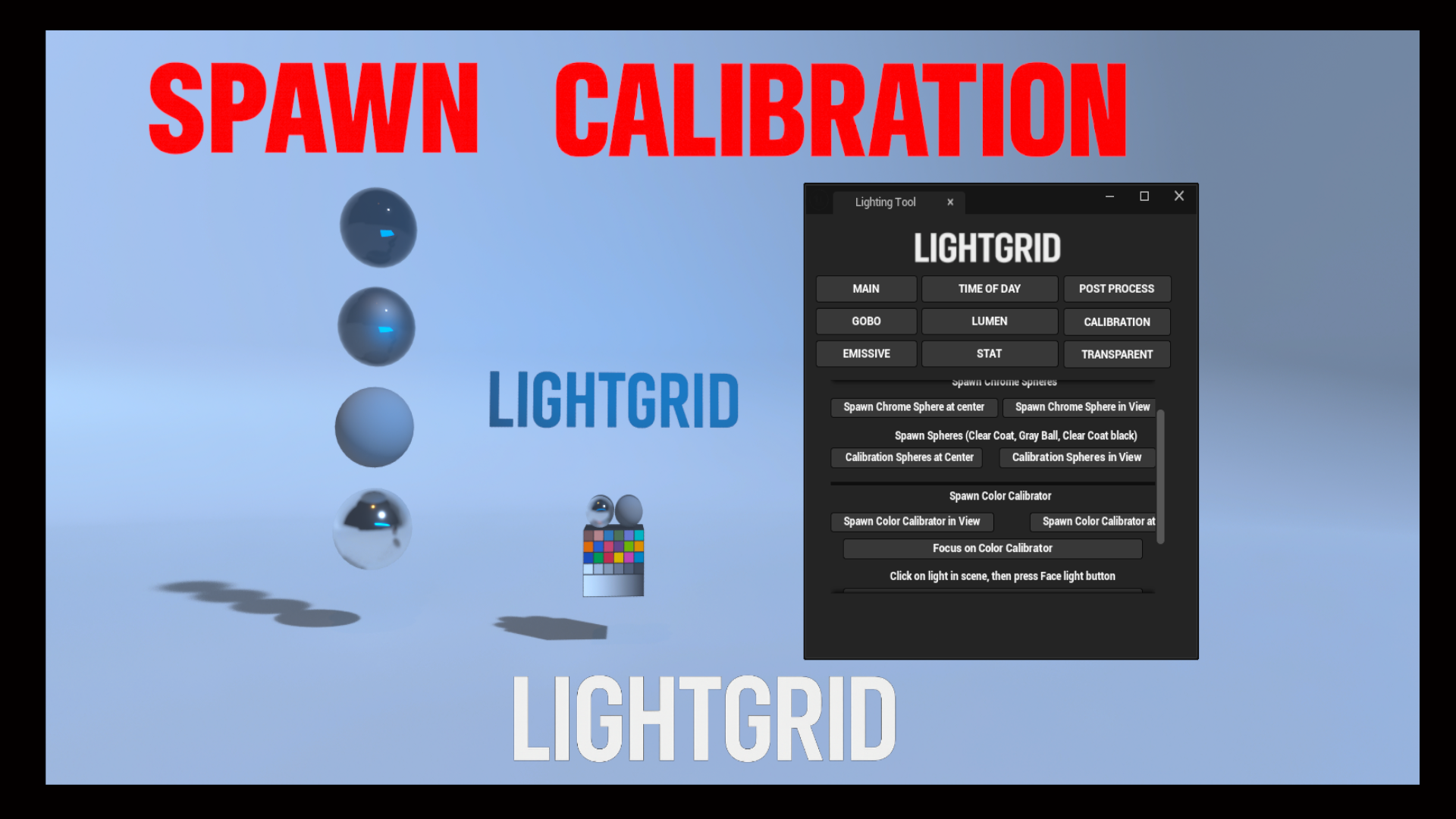
• Chrome sphere + color calibrator spawning in view
• Calibrator alignment (Z-axis or XYZ)
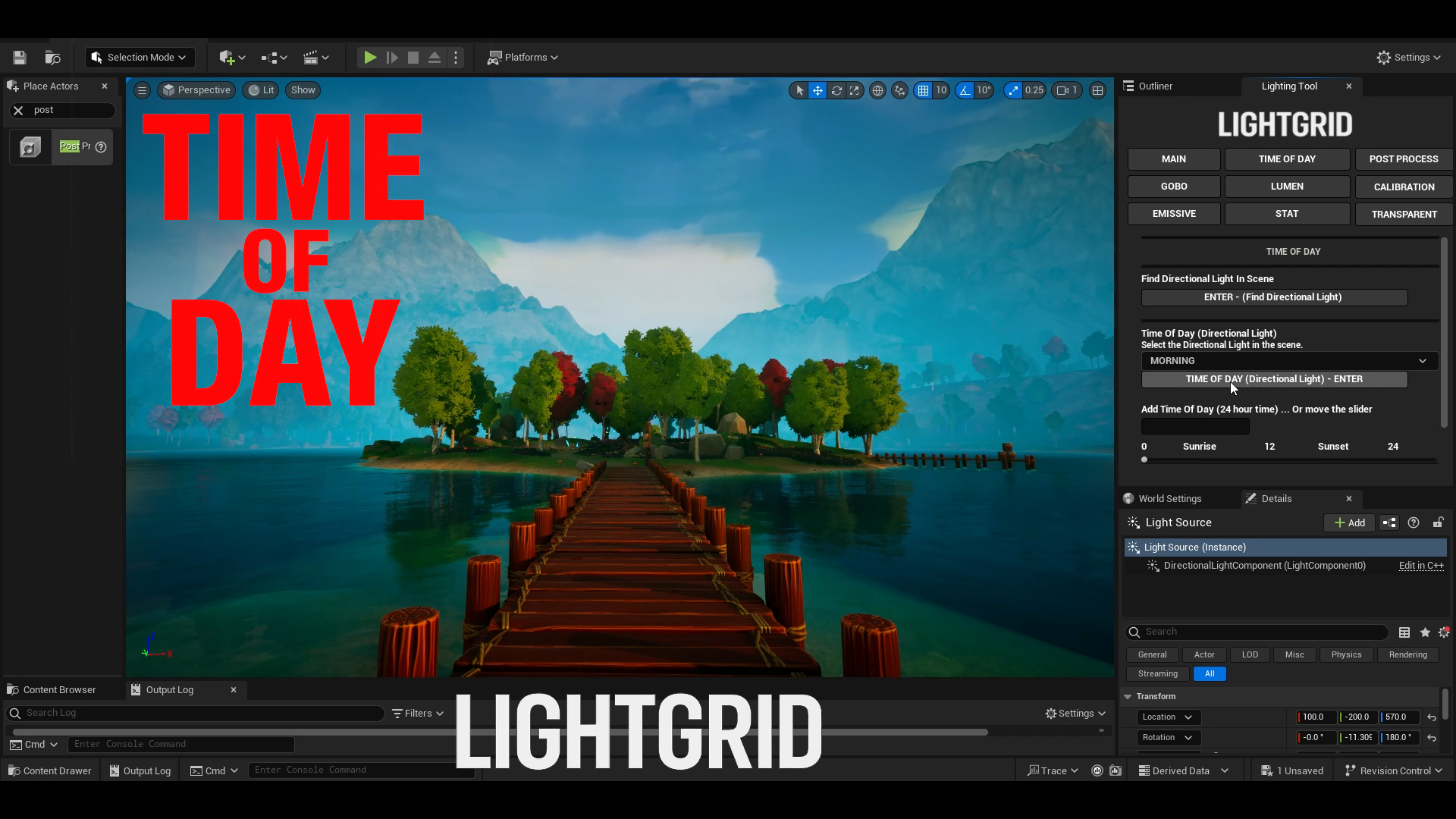
• Time presets: Morning, Lunch, Afternoon, Evening, Night
• 24-hour slider + manual input
• Auto-locate directional light
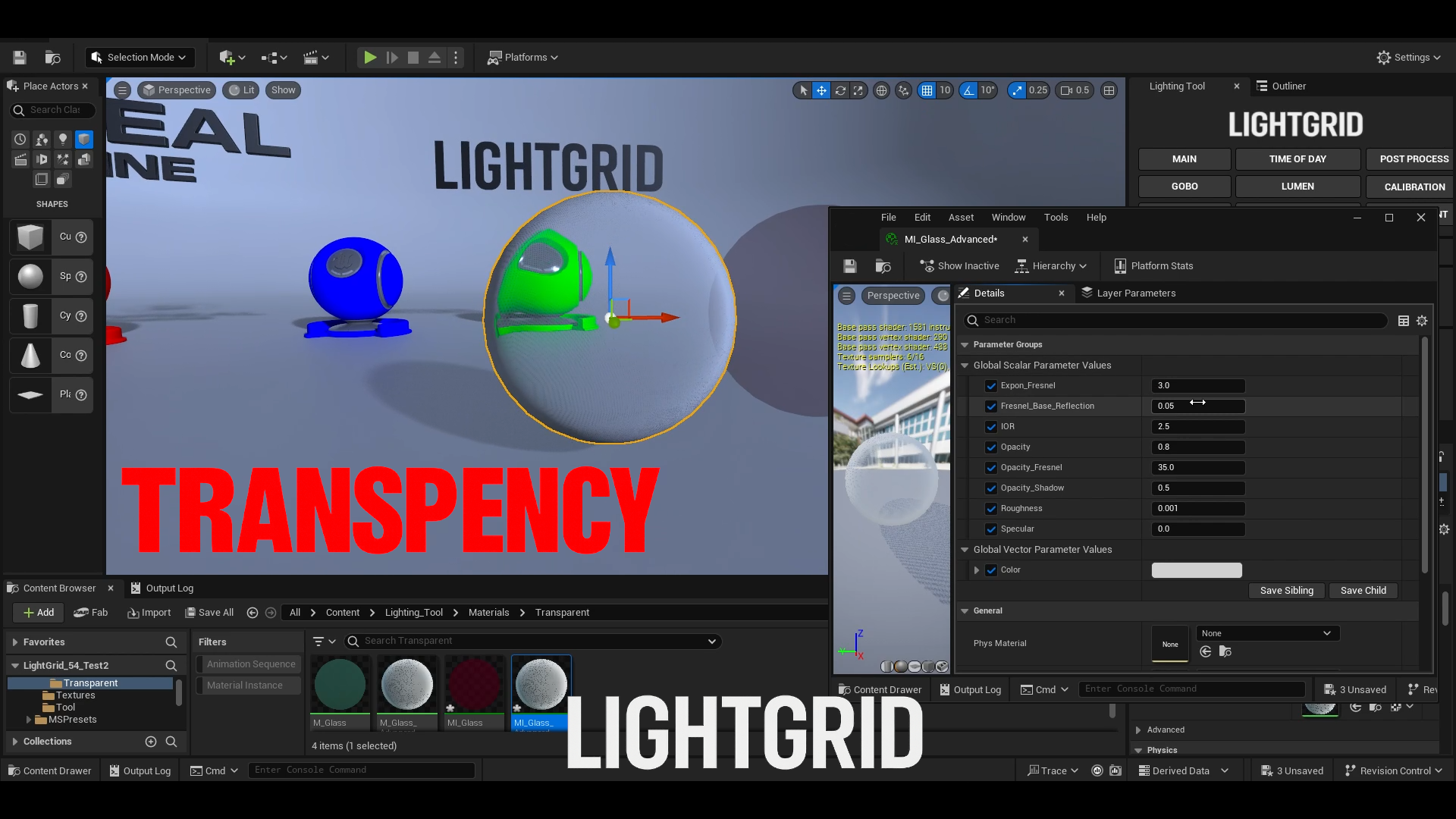
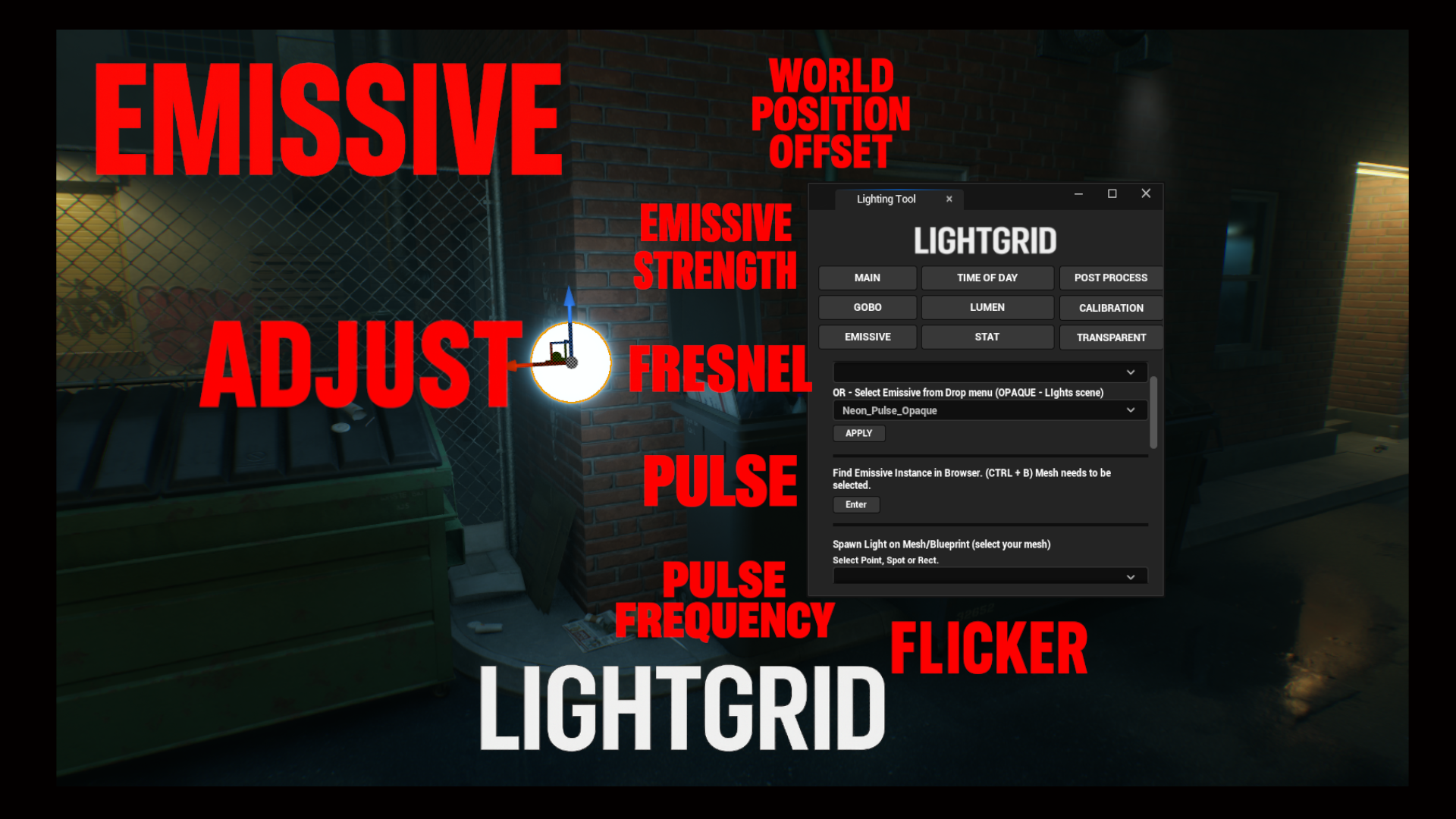
Emissive & Transparency
• Apply translucent/opaque emissive materials
• Adjust: Color, Emissive Strength, Fresnel, Opacity
• Pulse effects (3 styles), flicker toggle, WPO control
• Attach Spot, Point, or Rect lights
• “Simply Transparent” setup + advanced controls
Post Process Toolkit
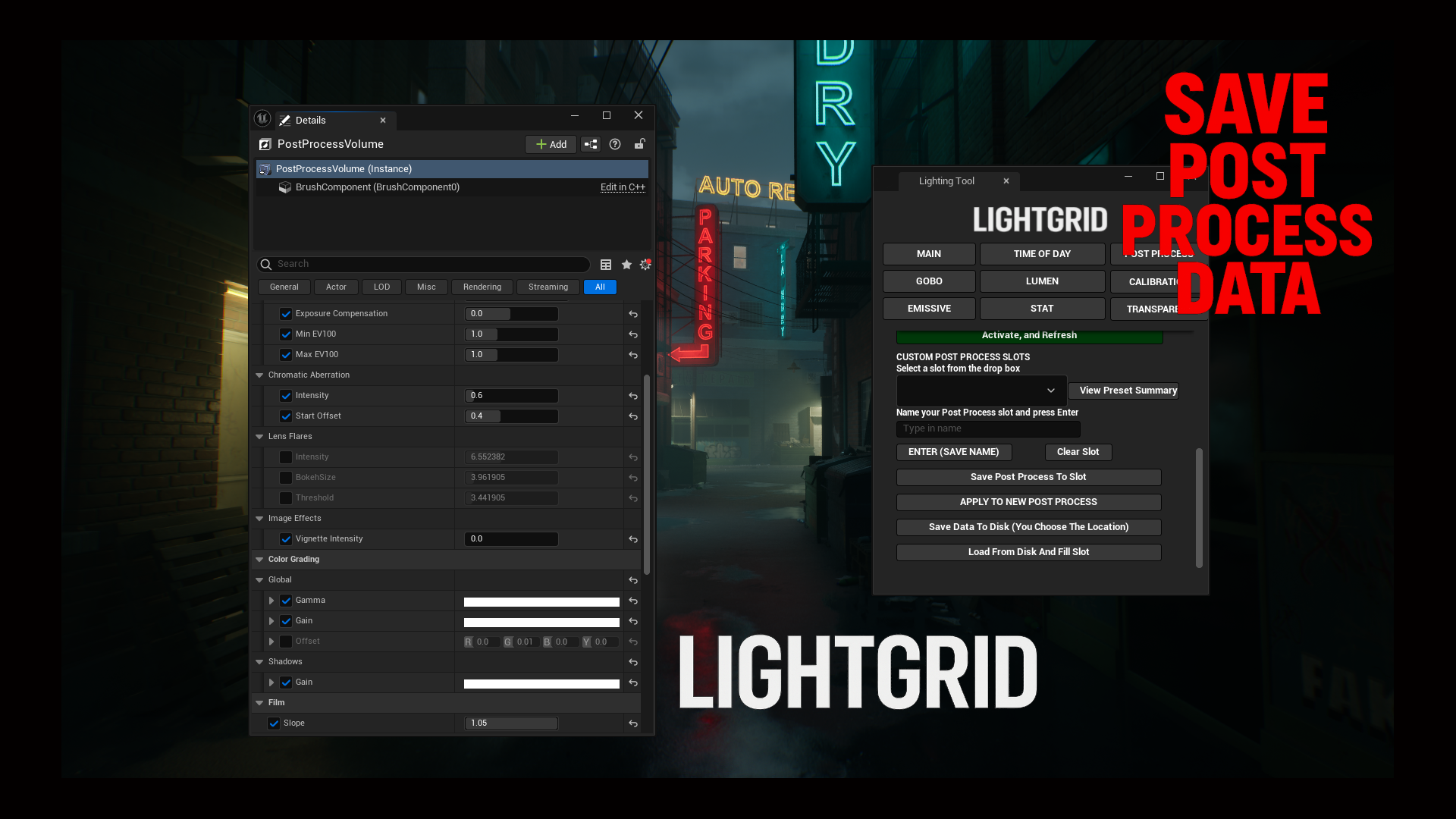
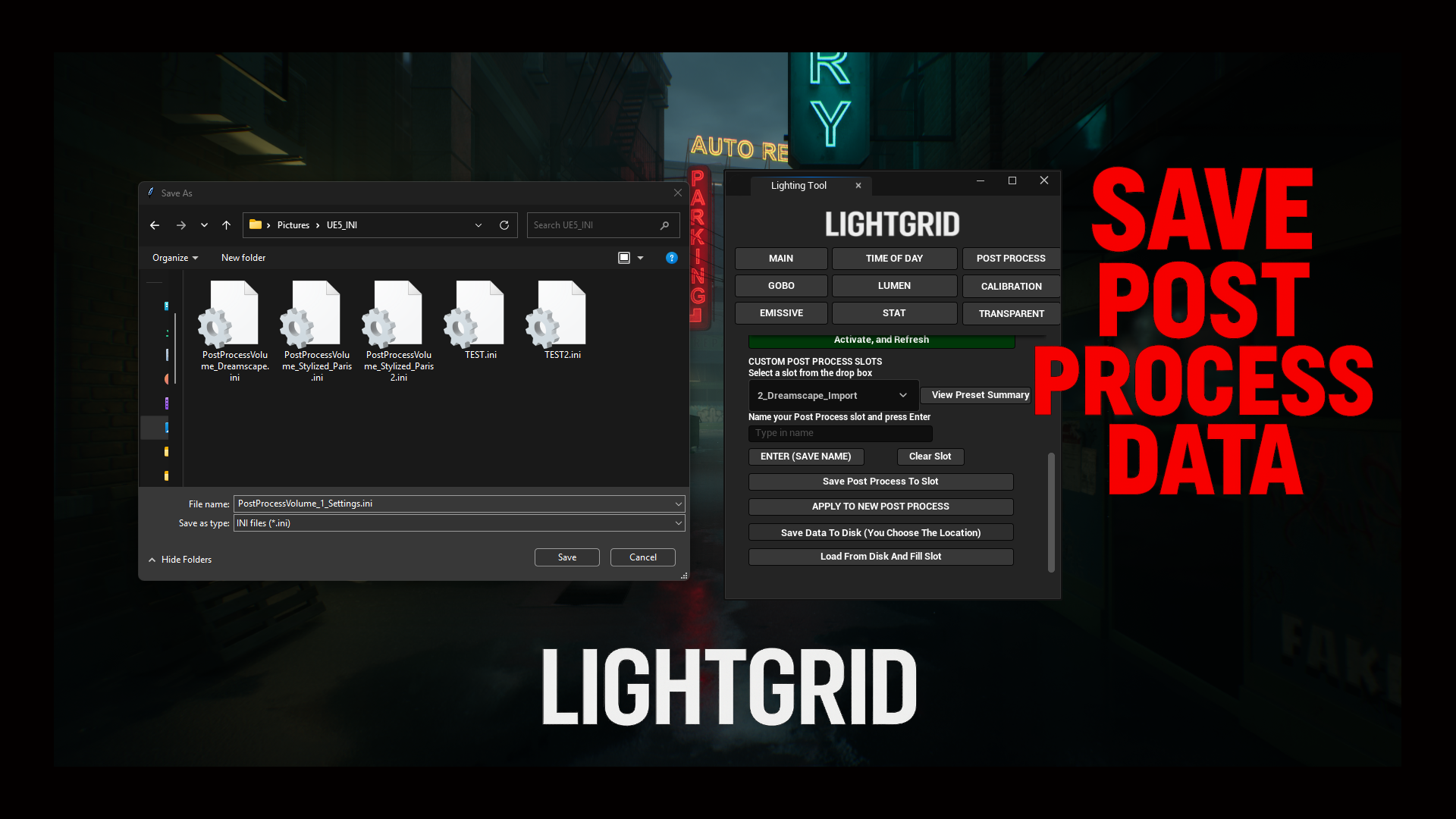
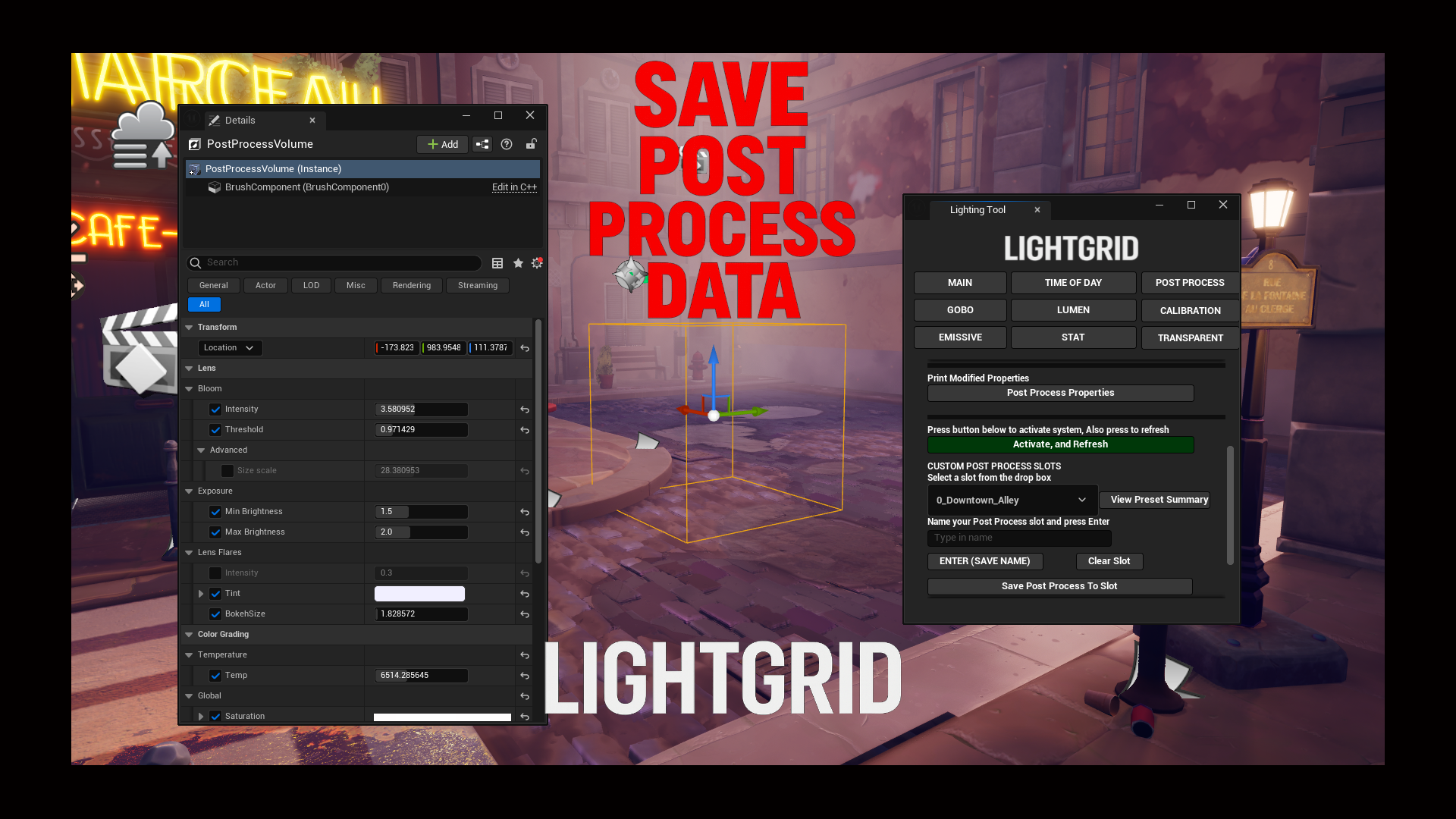
• Save settings to 10 UI slots
• Export/import post process data
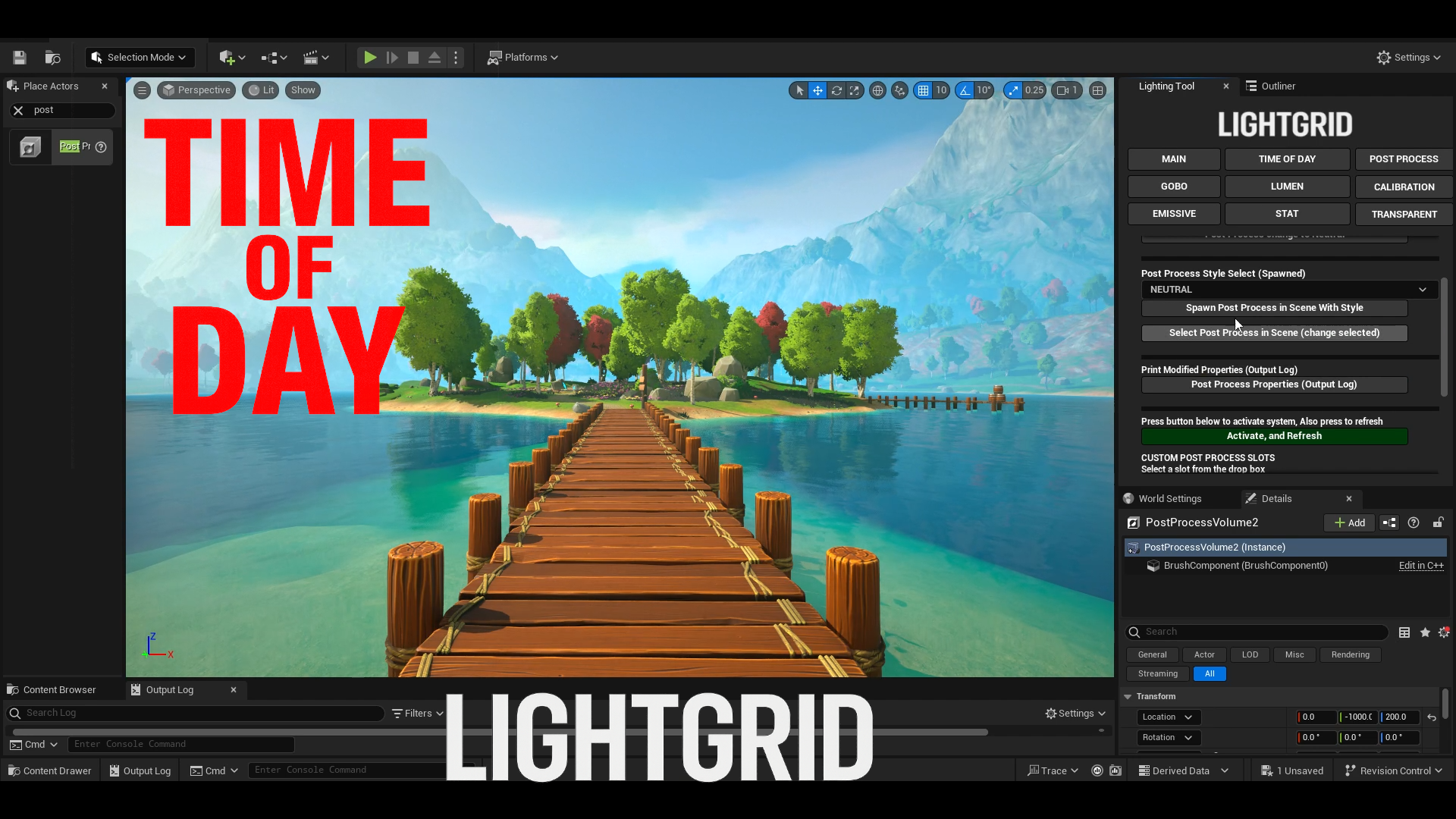
• Apply templates or spawn volumes
• Built-in styles: Cinematic, Neutral, Stylized, Horror, Sci-fi
• Preview parameters before committing
• Does not support: Convolution Kernel, Exposure Curves, Metering Mask, Dirk Tint, Height/Shadow Curves, BokehShape, LUTs, Cubemaps, Film Grain, External Data Layer
GOBO System
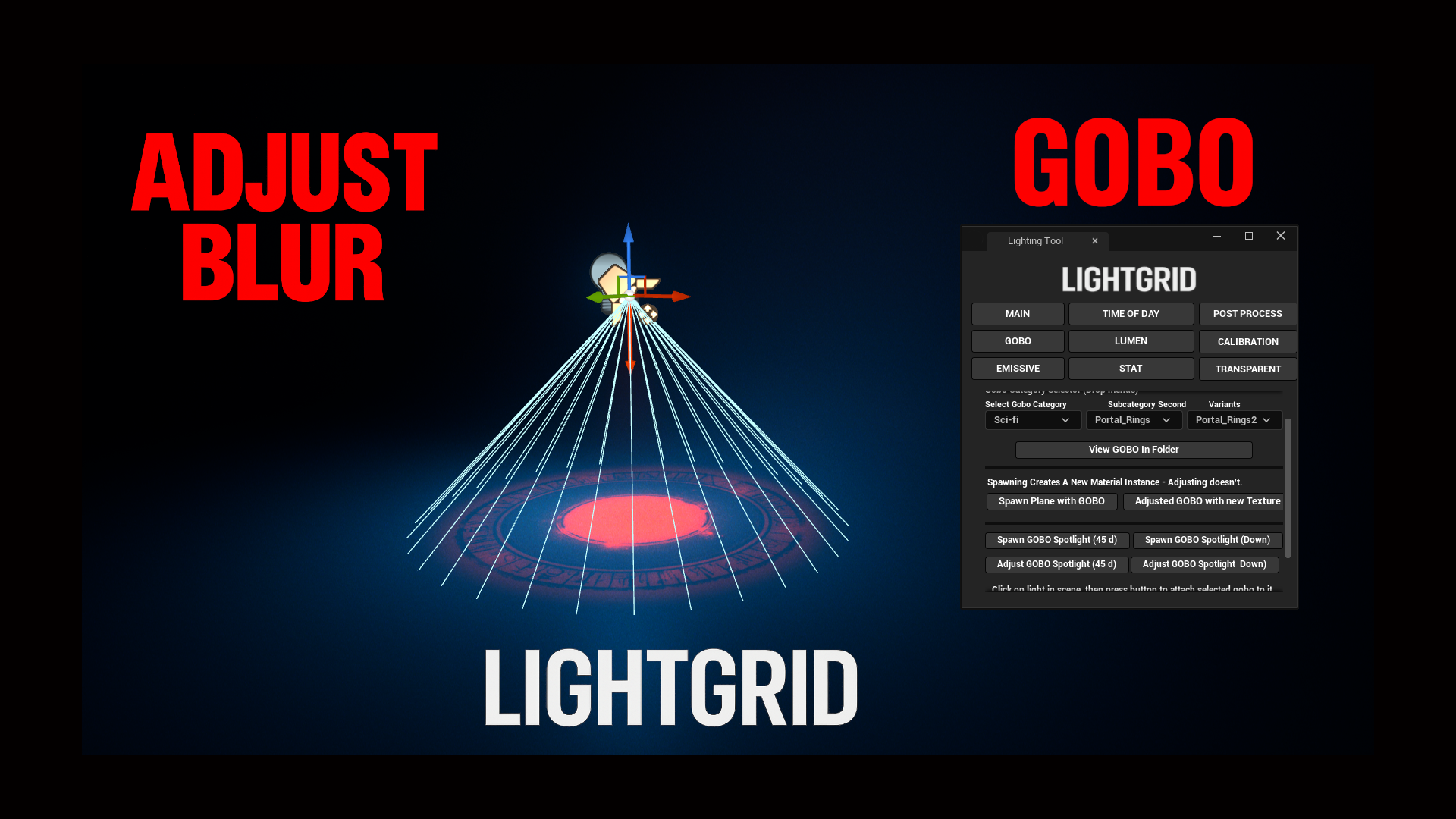
• 500+ gobos (searchable/sortable)
• Spawn planes/lights with gobos attached
• Adjust gobos in-scene or attach to any light
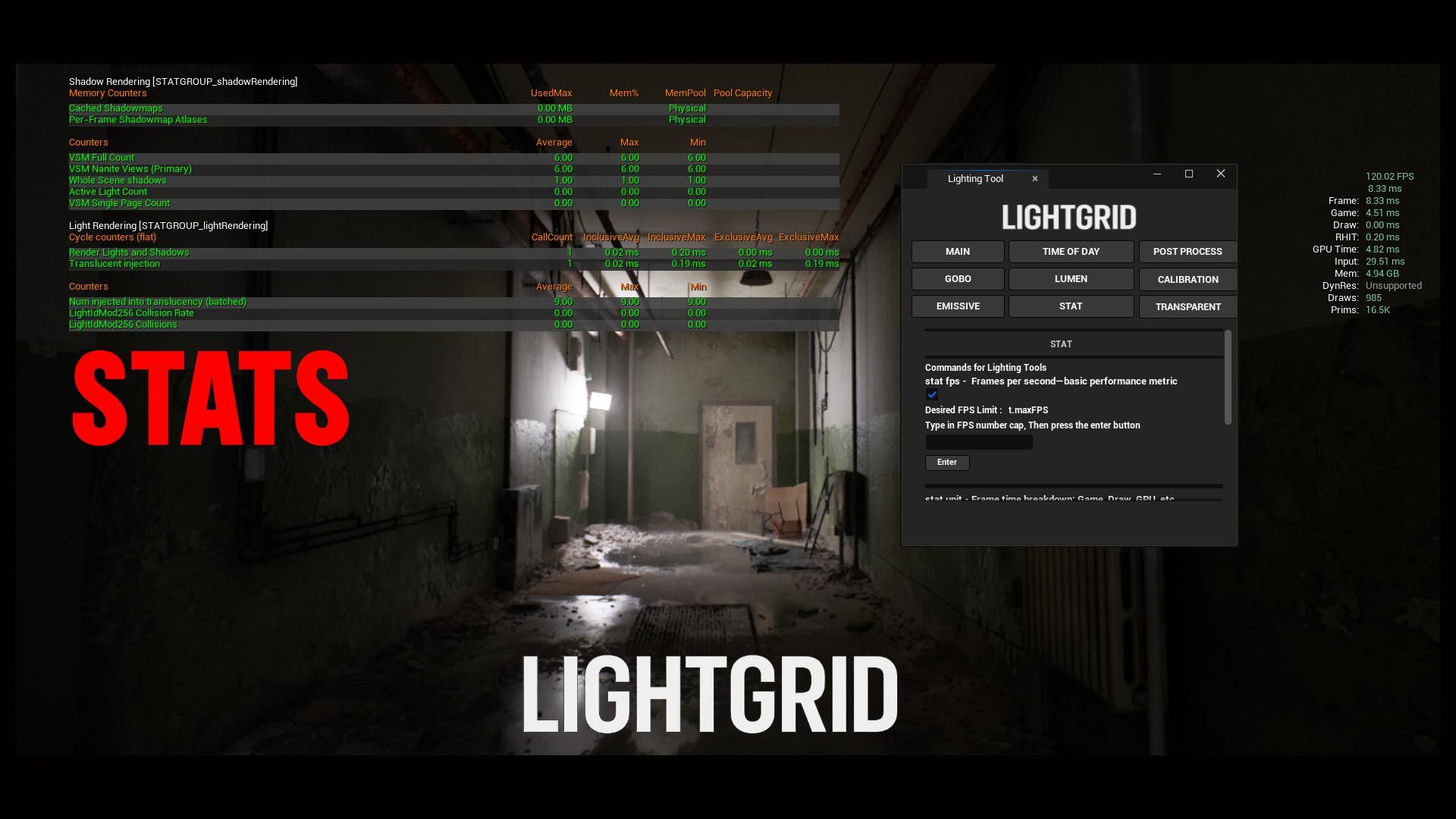
Debug & Lighting Tools
• Stat overlays, Lumen volume, dual spotlight setup
• Lighting channels (multi-select), DOF quality toggle
• VisualizeHDR histogram, foliage shadow control
• VolumetricFog.GridPixelSize access
Documentation: Video link shows usage. GOBO video shows how to open the tool.
You can contact us at any time and request that the asset you want be added to the site from the Request Asset section.