

Description
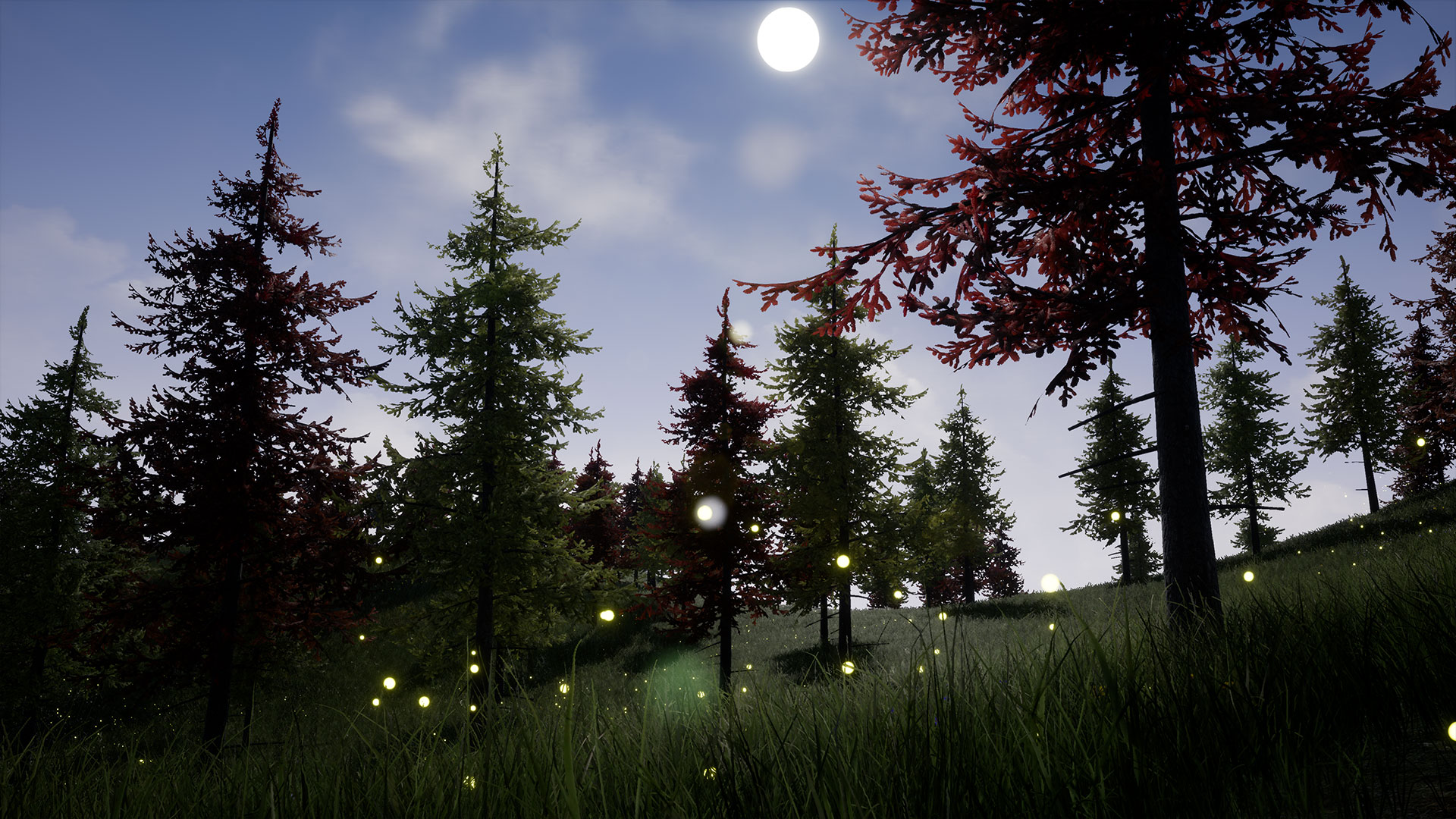
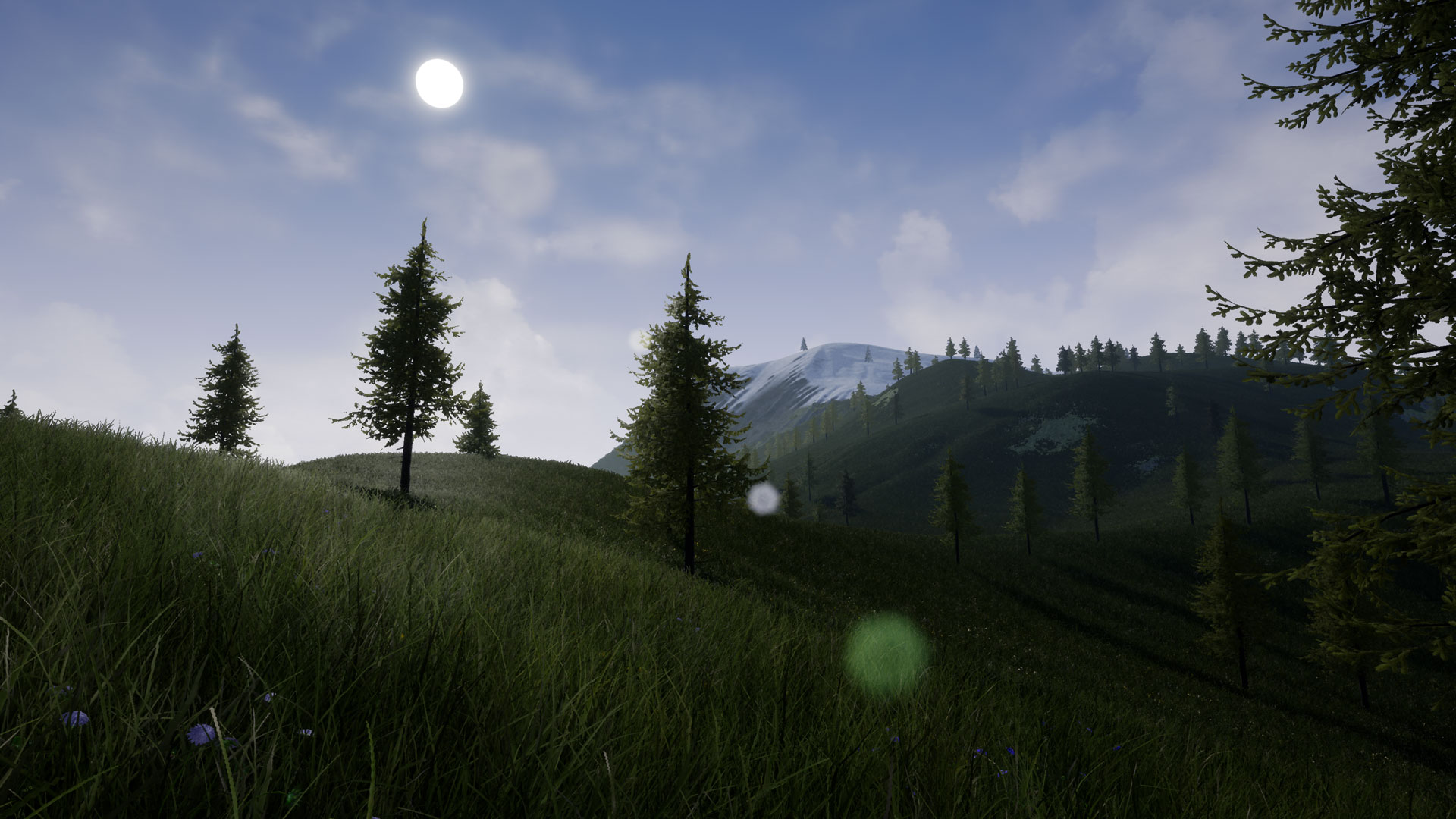
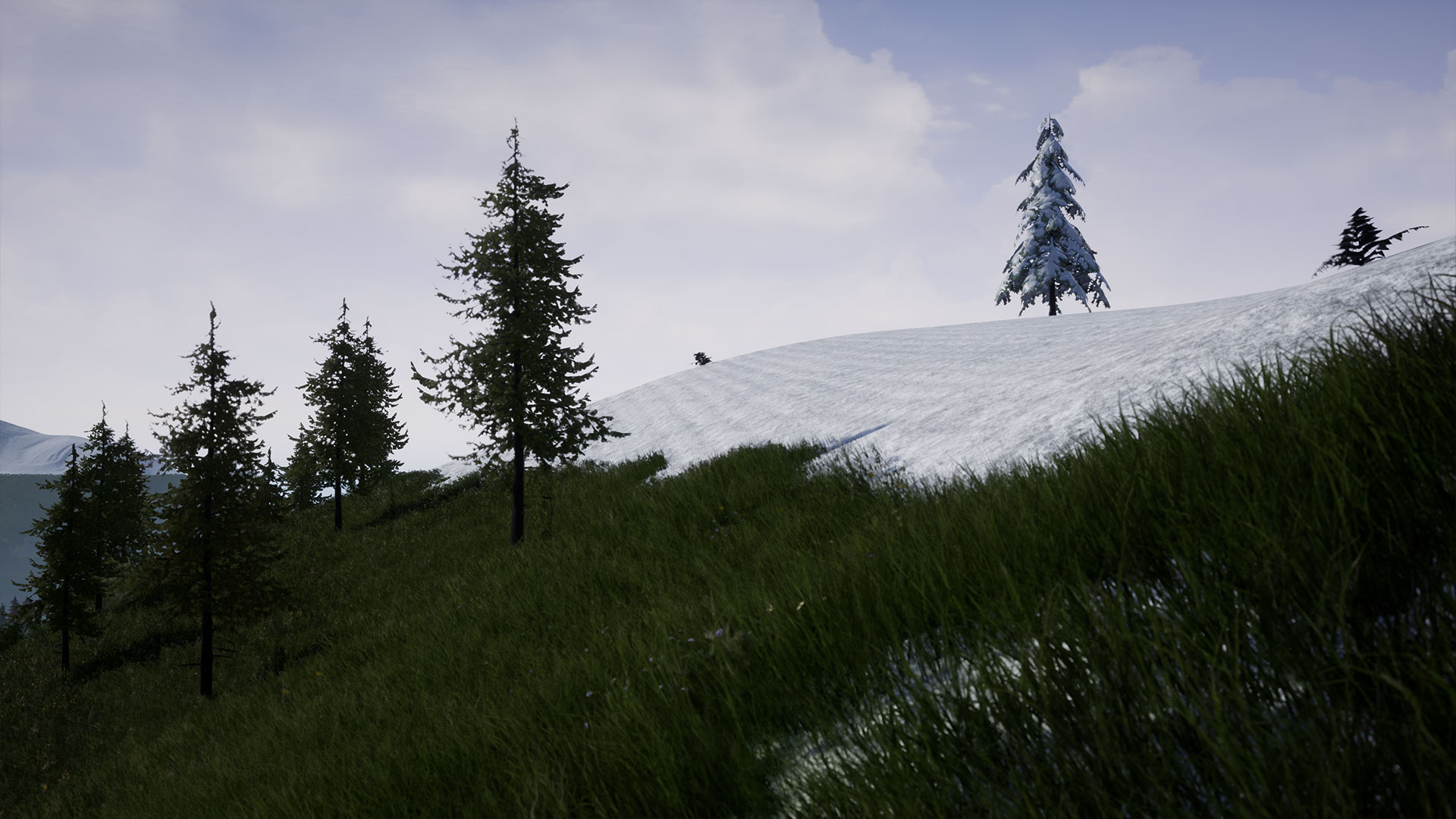
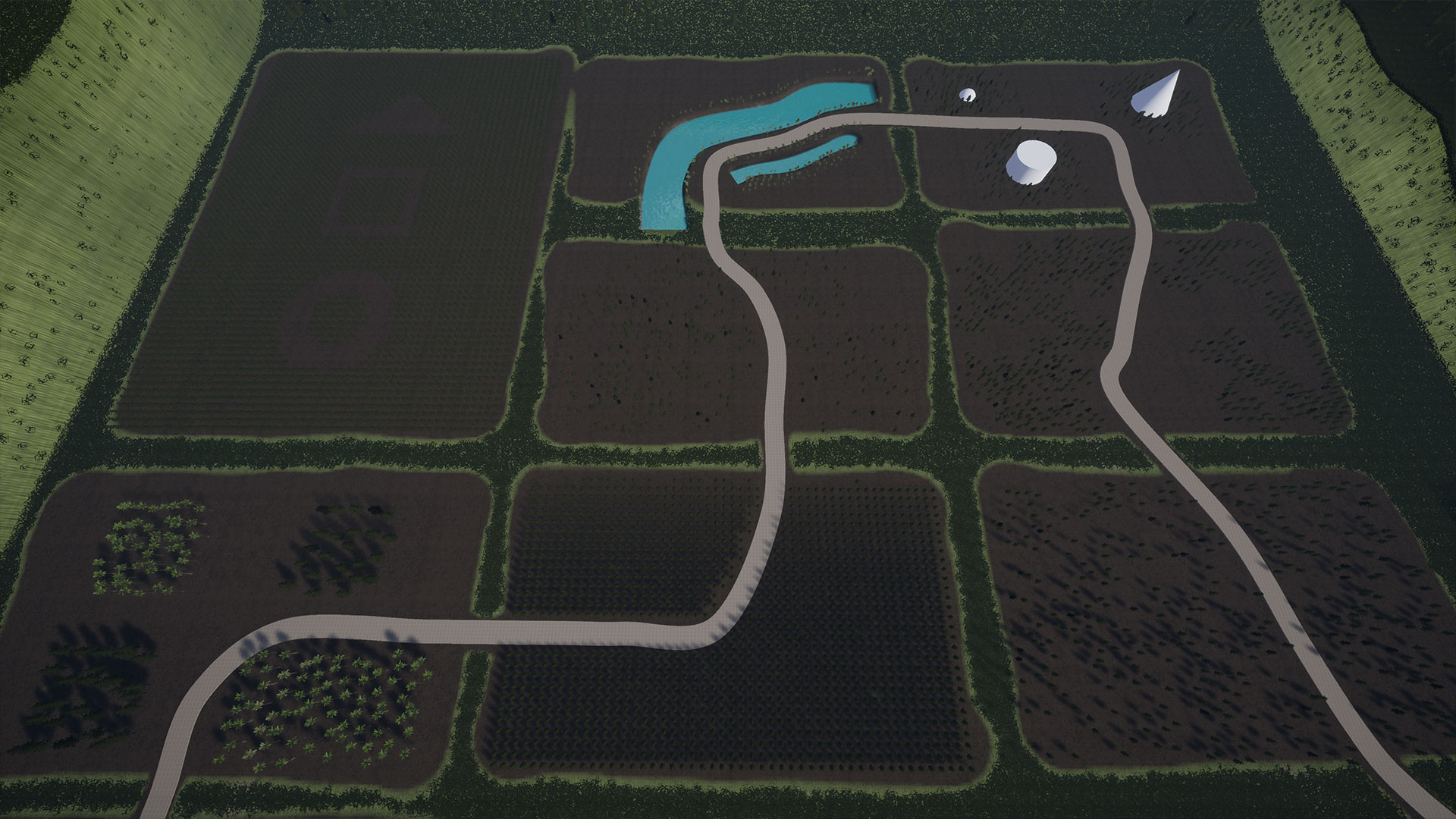
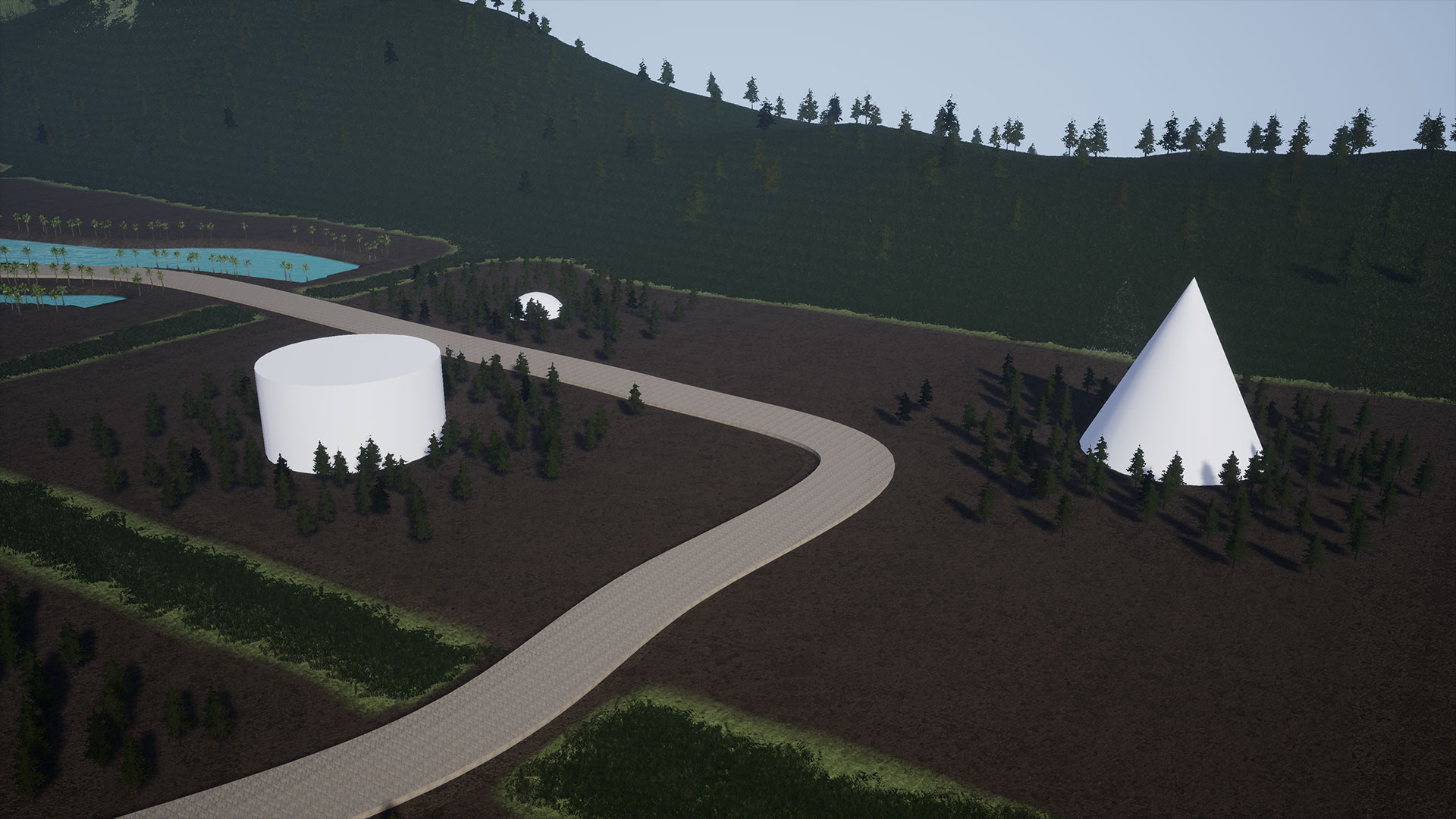
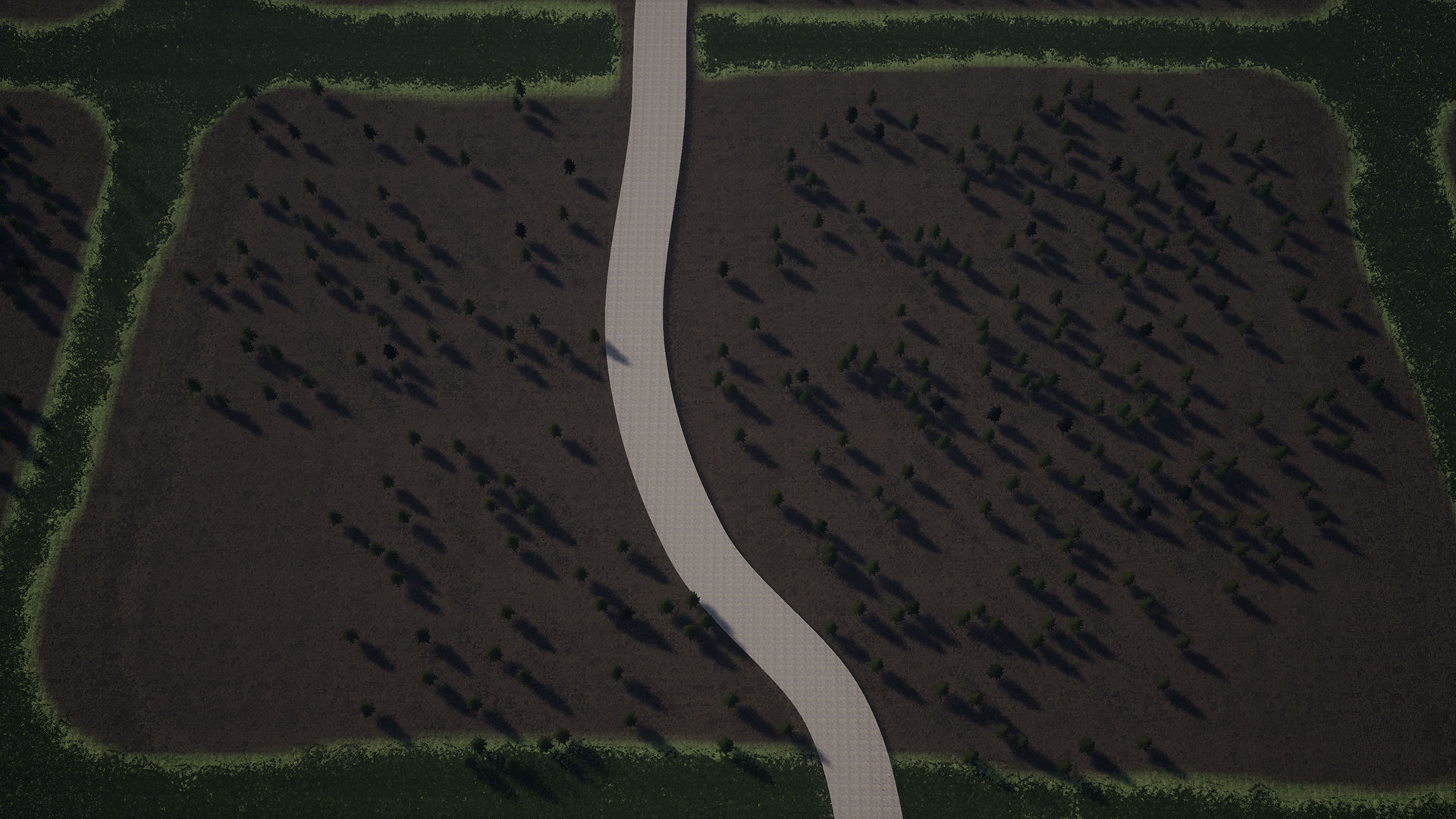
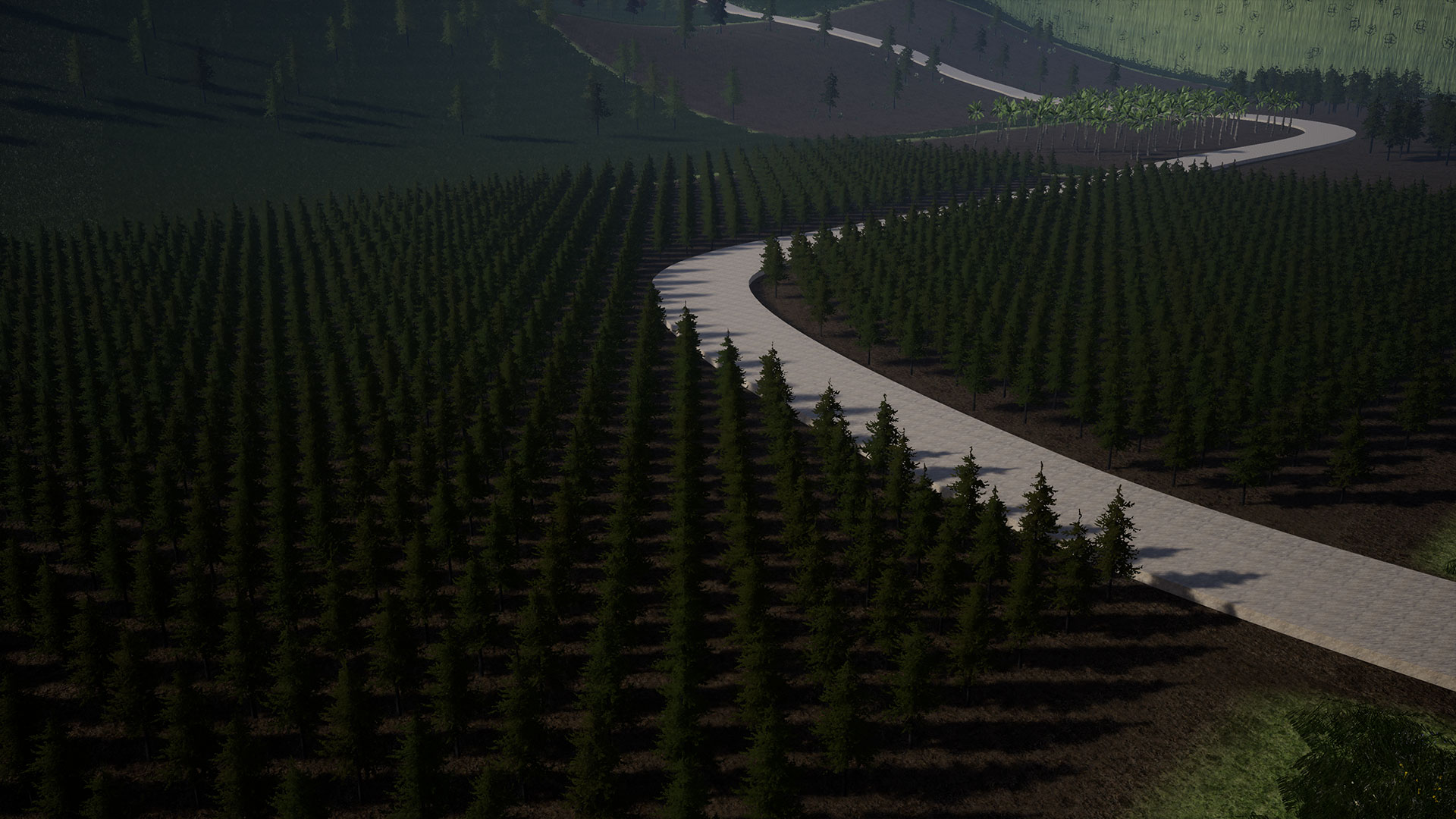
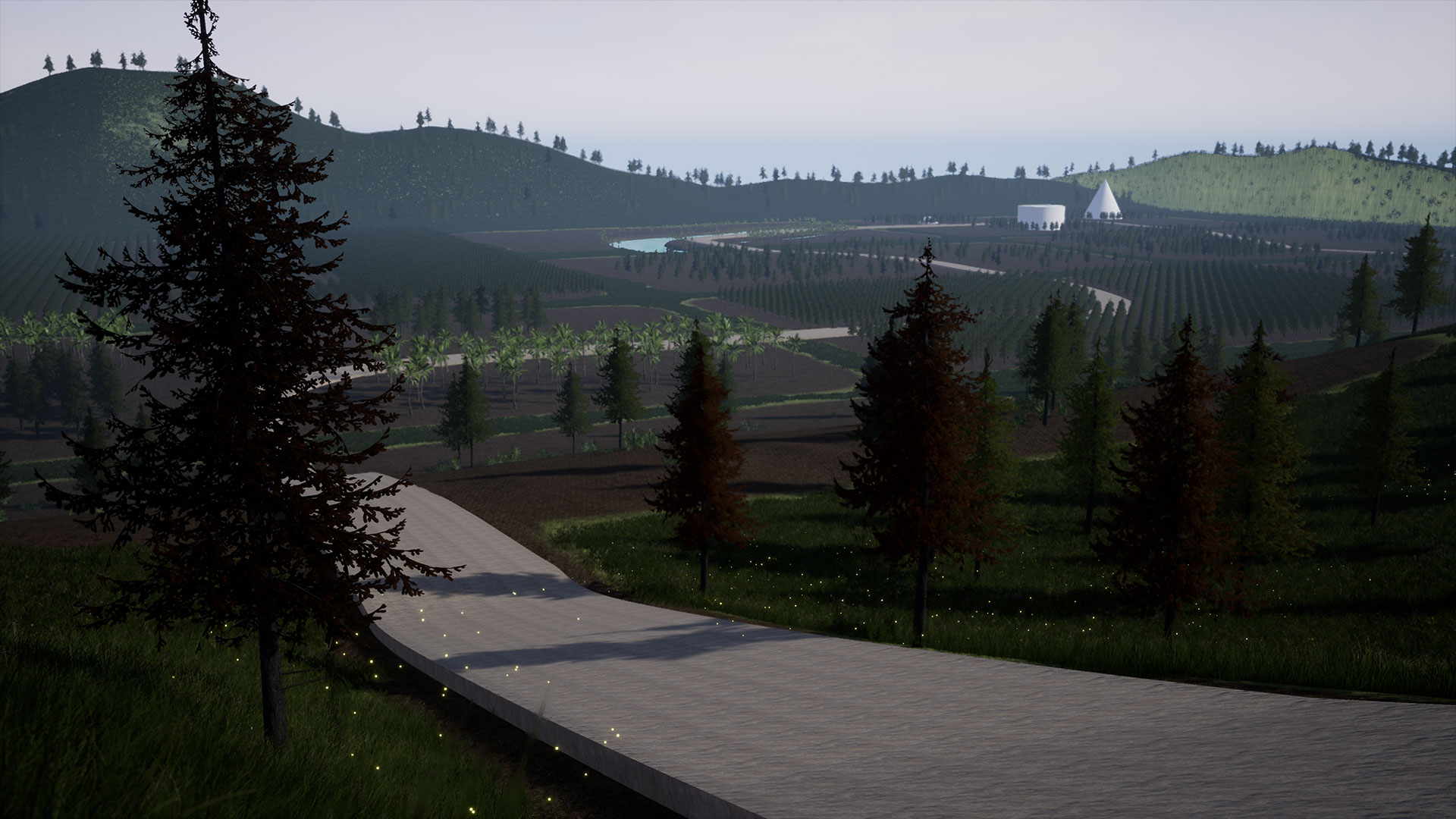
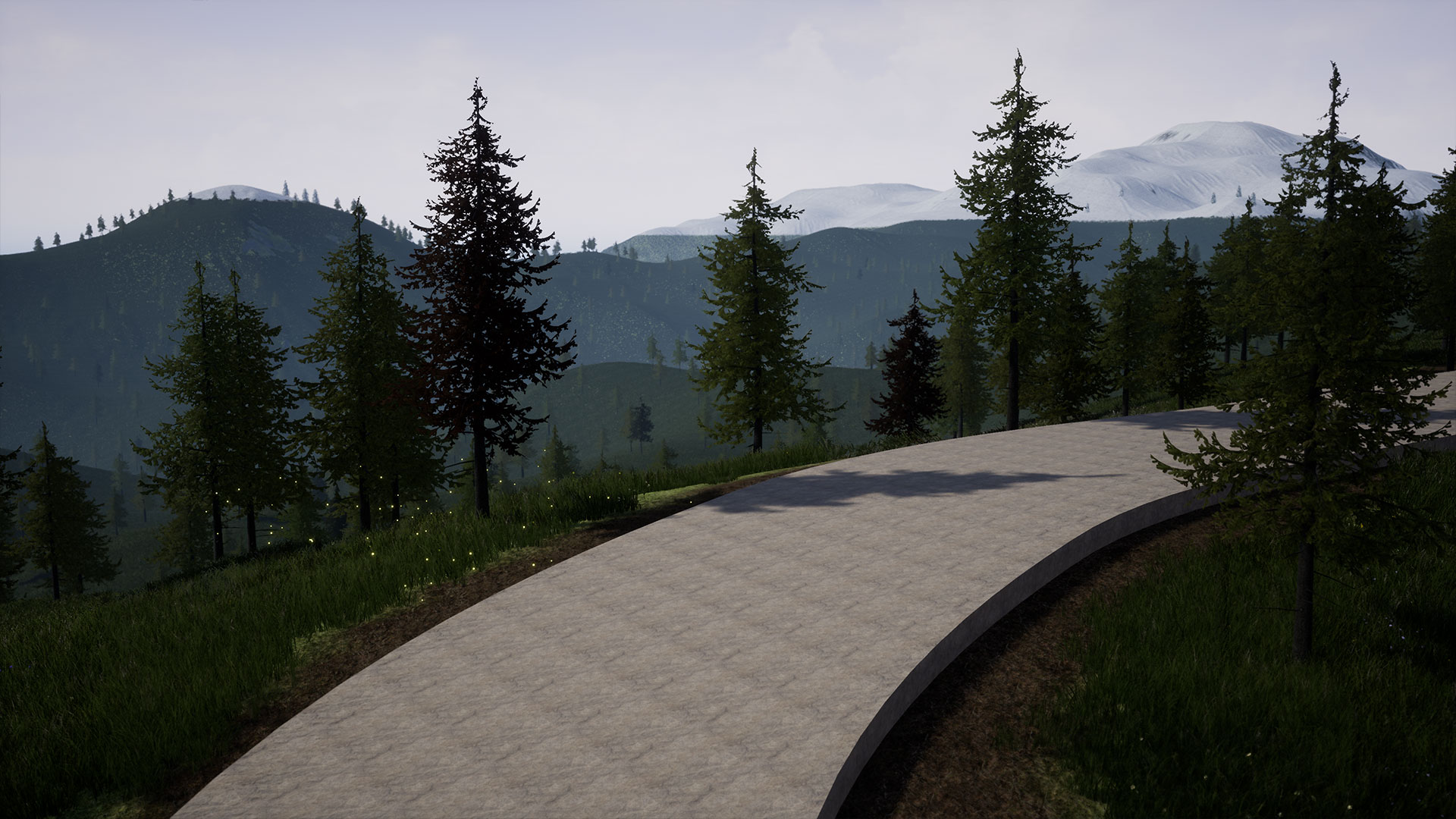
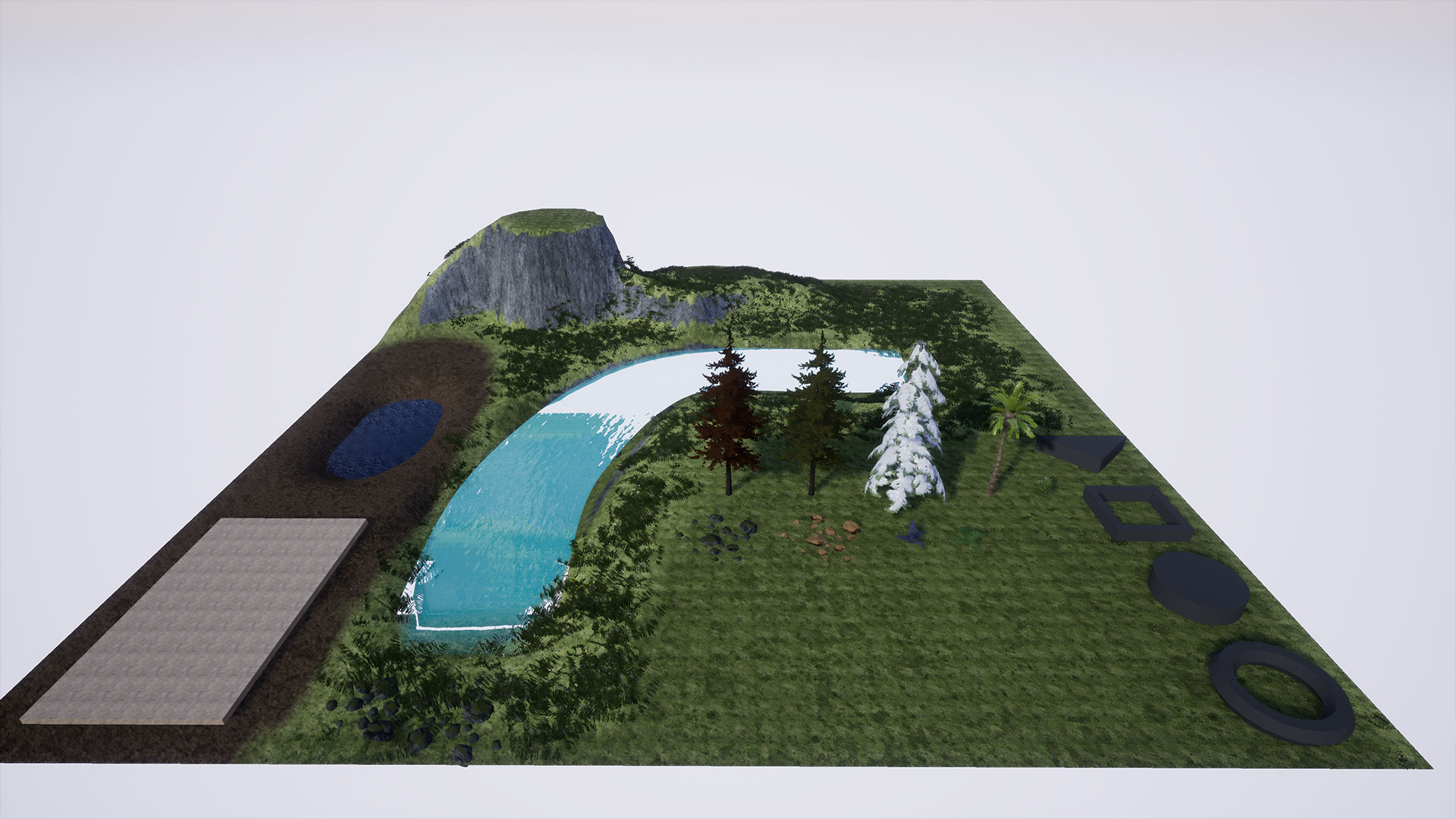
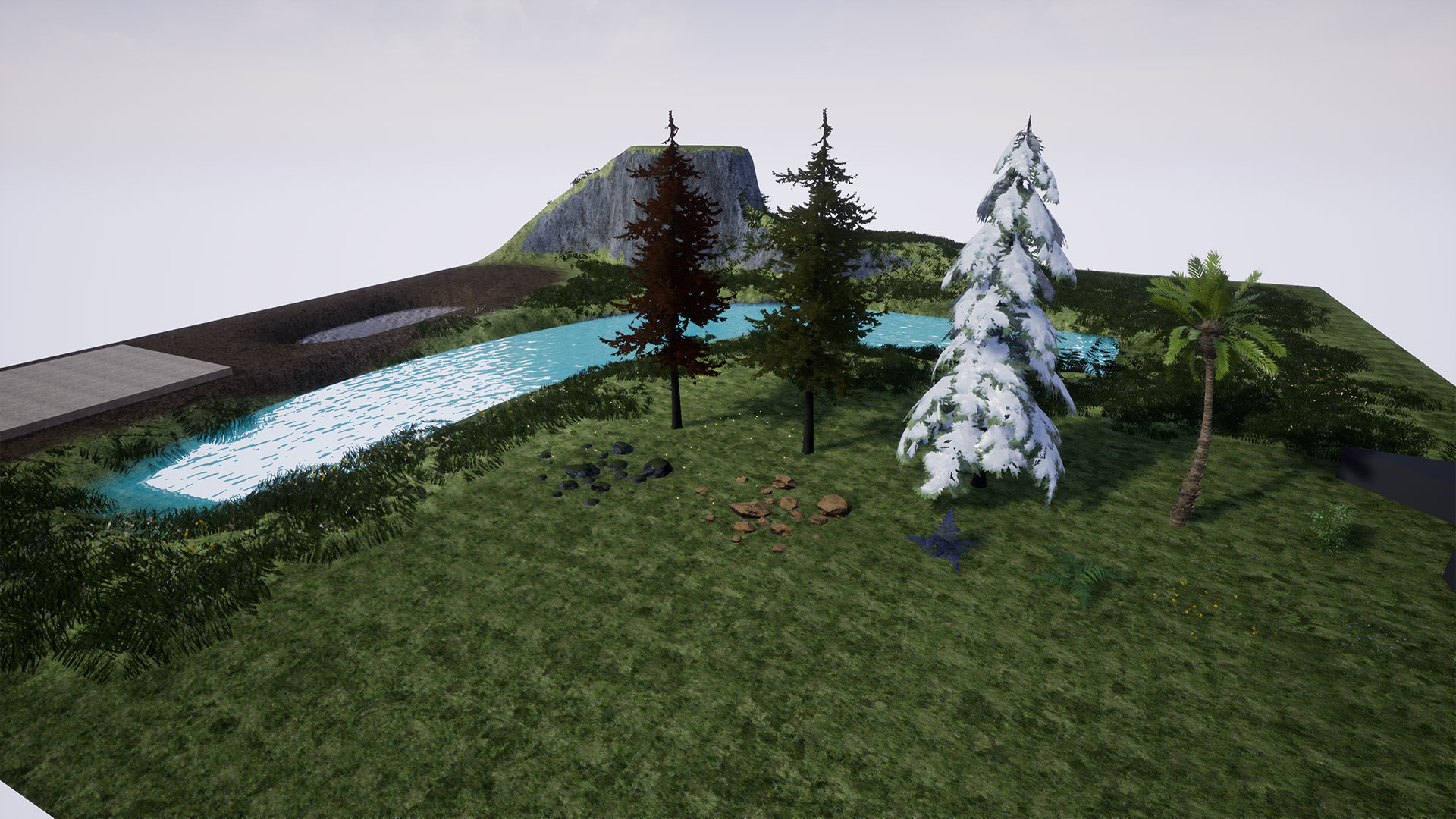
The Procedural Foliage Placement Tool lets you populate your scene with foliage in a matter of seconds. The tools allows for extensive configuration, including slope and height, obstacle avoidance, and 8 different spawning methods. Spawn 3 types of entities – meshes, instanced static meshes, and blueprint actor classes (any).
Spawning Methods:
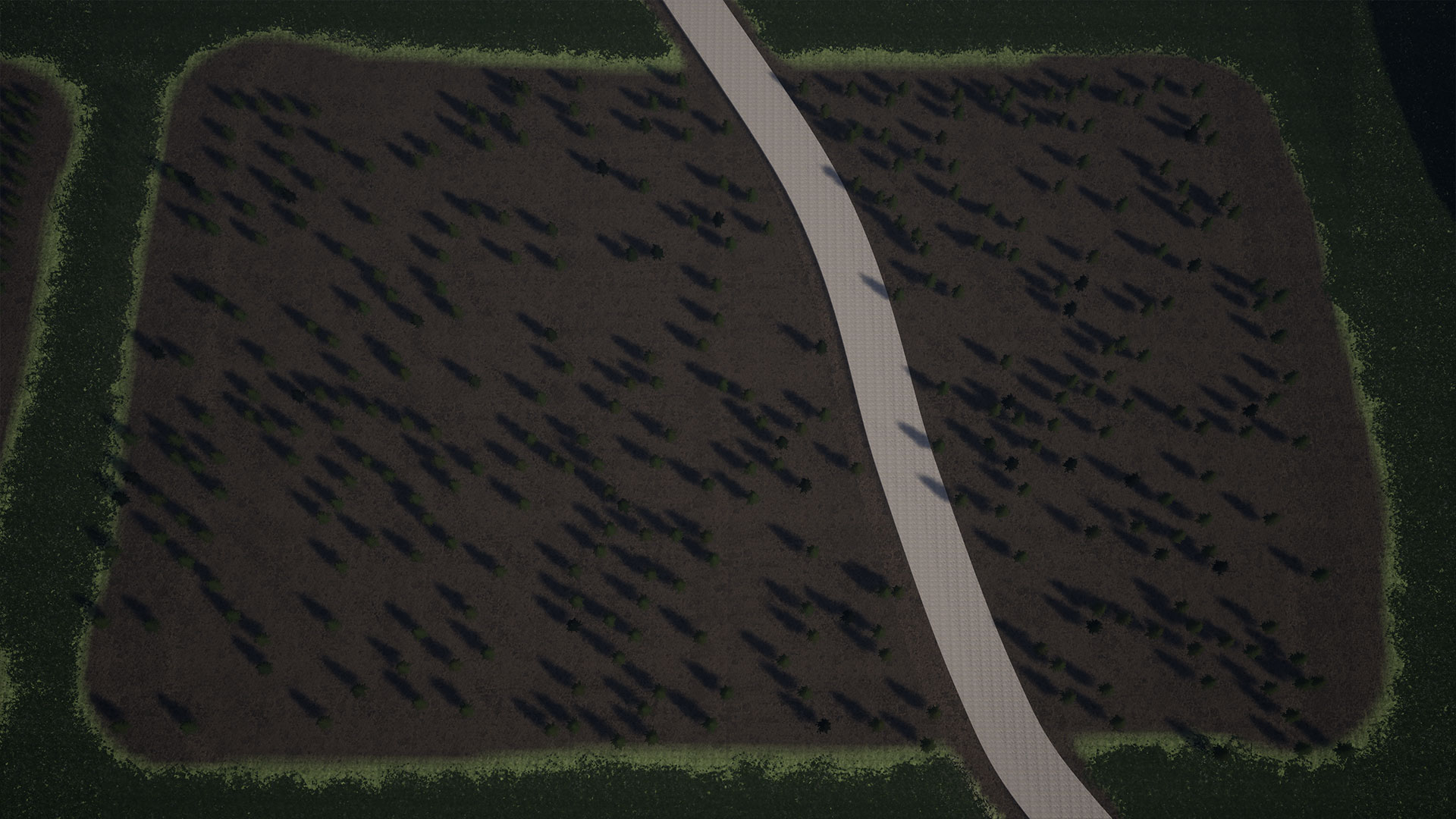
- Random Location – spawns foliage at random locations in the volume
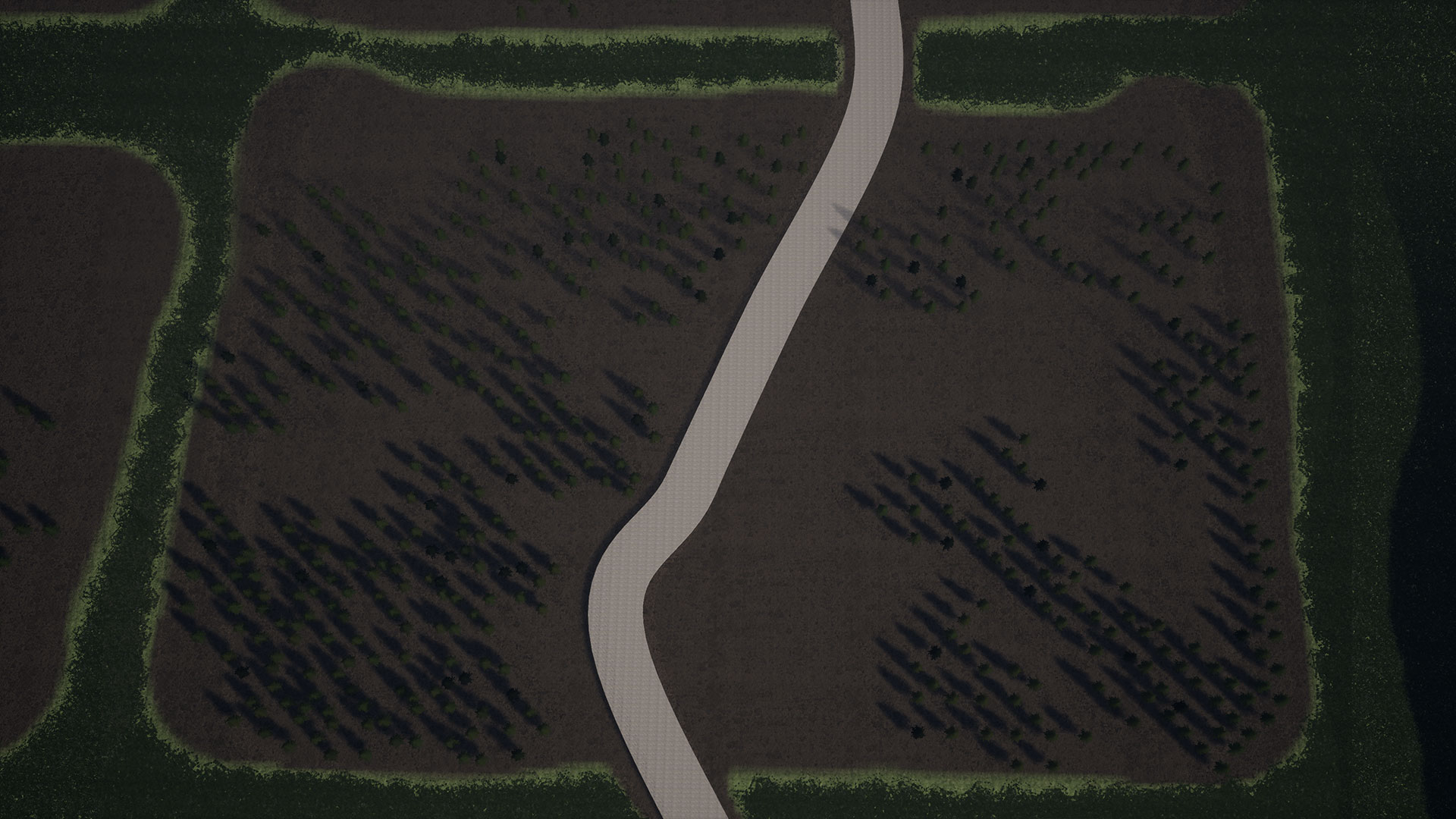
- Organic Clusters – spawns clusters of foliage, where each entity spawns near the previous entity with a random offset
- Clusters around actor – spawns foliage around your specified actors
- Along spline actors – spawns foliage along an actor’s spline component
- Random patches – Spawns foliage in a uniform patch pattern inside the volume
- Grid Distribution – spawns foliage in a strict grid distribution inside the volume
- Spawn on Spawn Zones – spawns foliage only inside the specified Spawn Zones (volumes assigned by the dev)
- Hierarchical Clusters – spawns foliage in a hierarchy giving a more logical distribution
All methods above respect slope and height restrictions and have obstacle avoidance.
Bonus:
- Advanced Landscape Auto Material – auto material that blends layers by height and slope. It also spawns foliage in all layers.
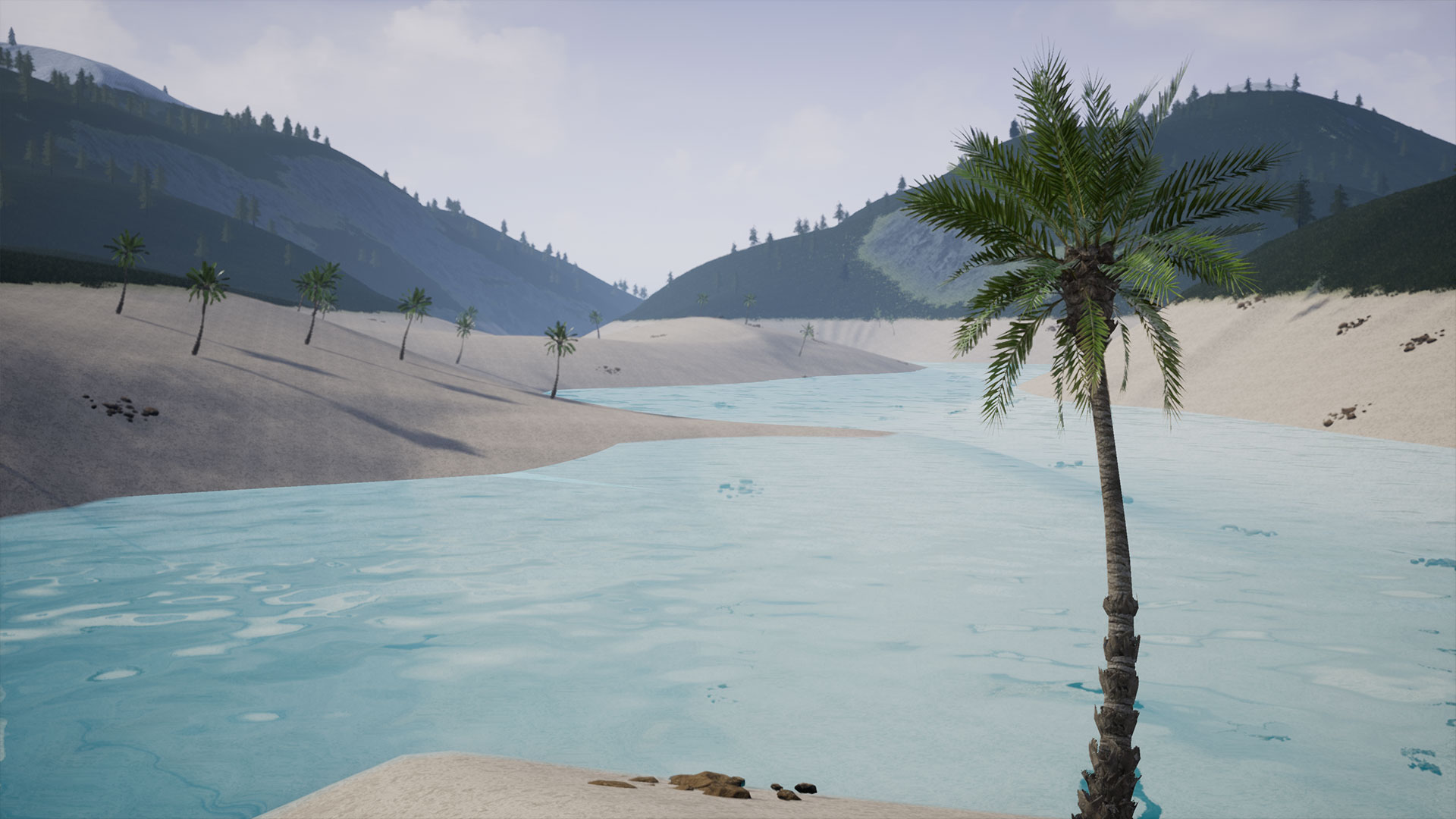
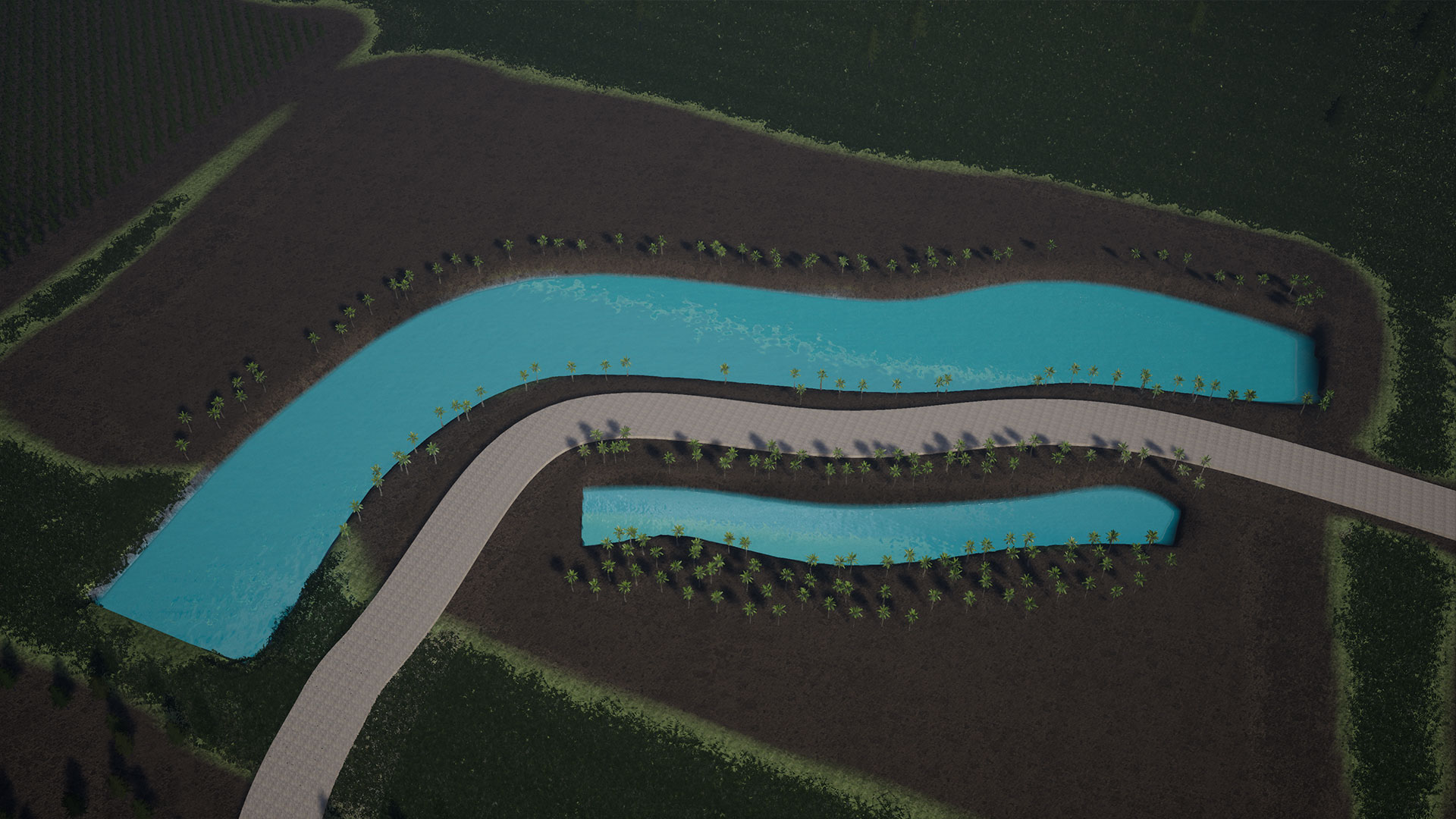
- River Tool – Spline-based river tool.
Included Blueprints:
- Procedural Foliage Placement Tool – main tool that allows you to spawn your foliage in your scene
- Align Landscape – lets you flatten a specific area of your landscape quickly
- River – Lets you carve out your landscape to create a river
- Simple Path – Creates a path in your landscape
- Translucent Water – creates a lake or ocean plane in your scene (Epic)
- Spawn Zone – volume that specifies where to spawn your foliage based on the spawn method
- No Spawn Zone – lets you exclude an area from any foliage spawning
- Toggle Entity Types – lets you switch between actors in your scene and Instanced Static Meshes
- Changing Tree – sample actor blueprint that changes material color when the Player gets near
- Show Widget – shows a generic message in the viewport
- Teleport – teleports Player to a specified location
- Actor Bounds – show the actor bounds easily
- Height Helper – lets you visually check a specific height in your scene
Login is required to access this download
VIP Downloads Today: 0 of 0
You can contact us at any time and request that the asset you want be added to the site from the Request Asset section.