 Description
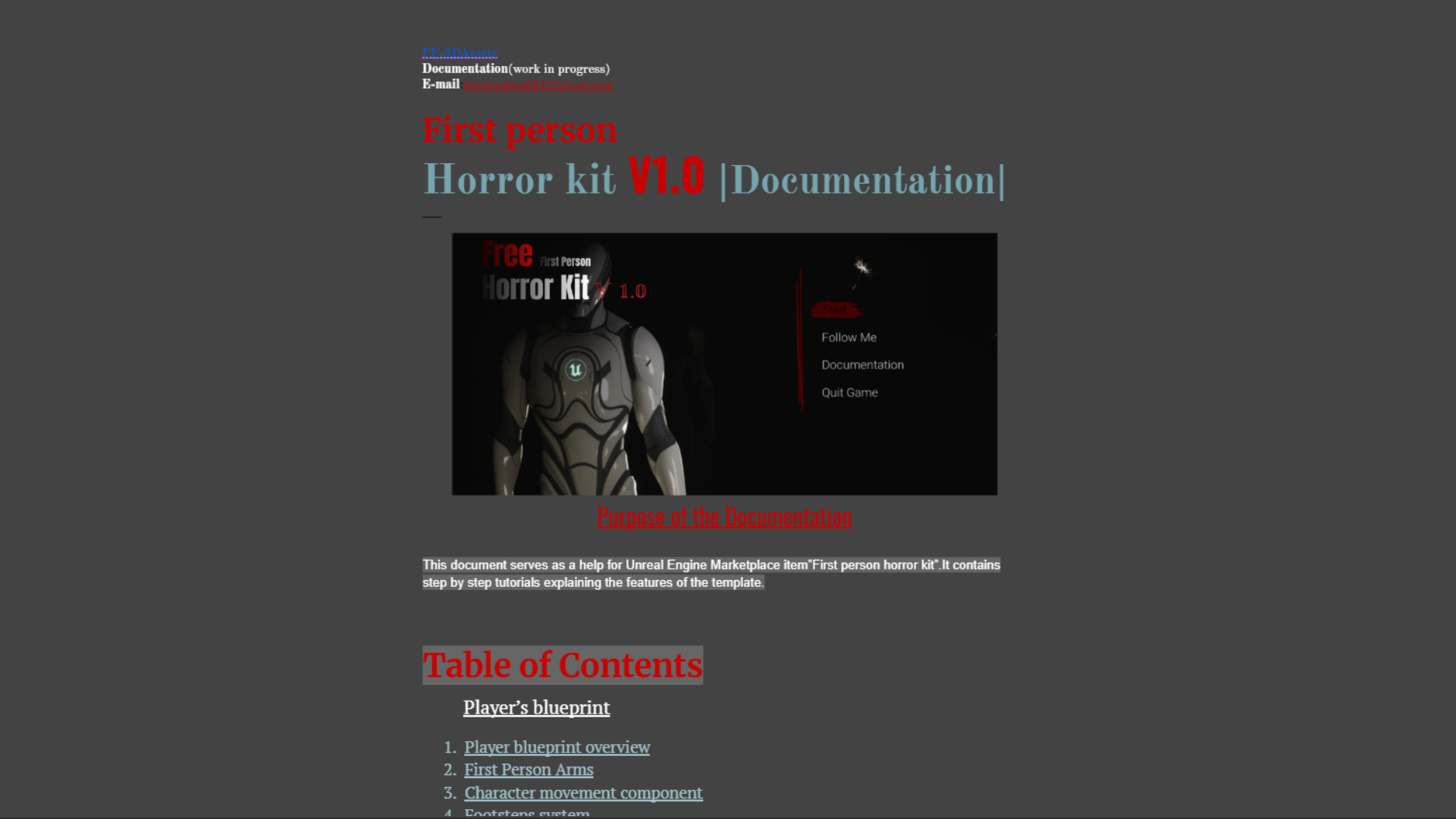
📚Documentation ;
🎬Trailer ;
- Credits to “ErementalStudio” for the movement;
- Credits to”Treety“for the flashlight animations;
- Credits to”QuokkaVoid“for the zombie animations;
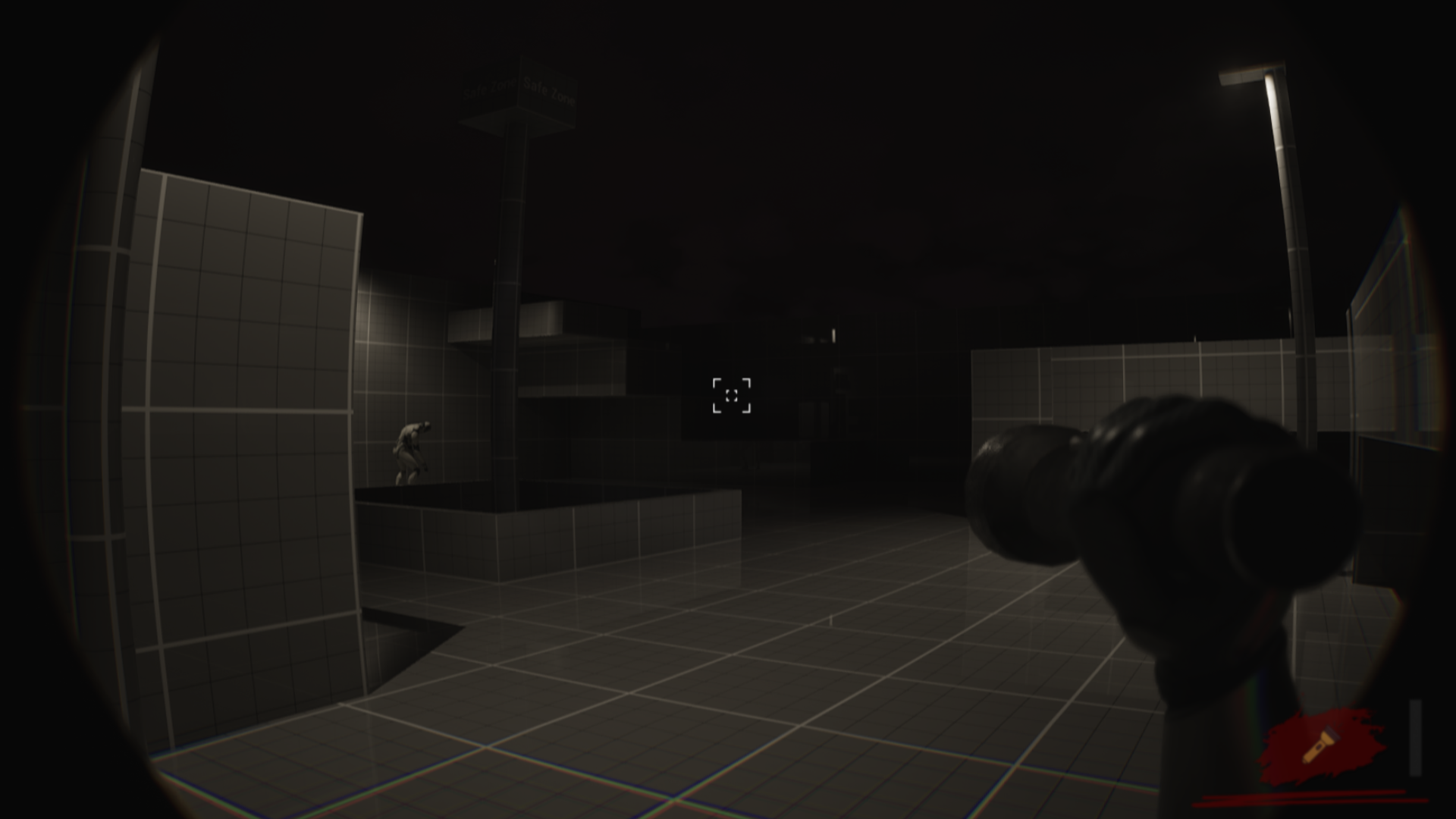
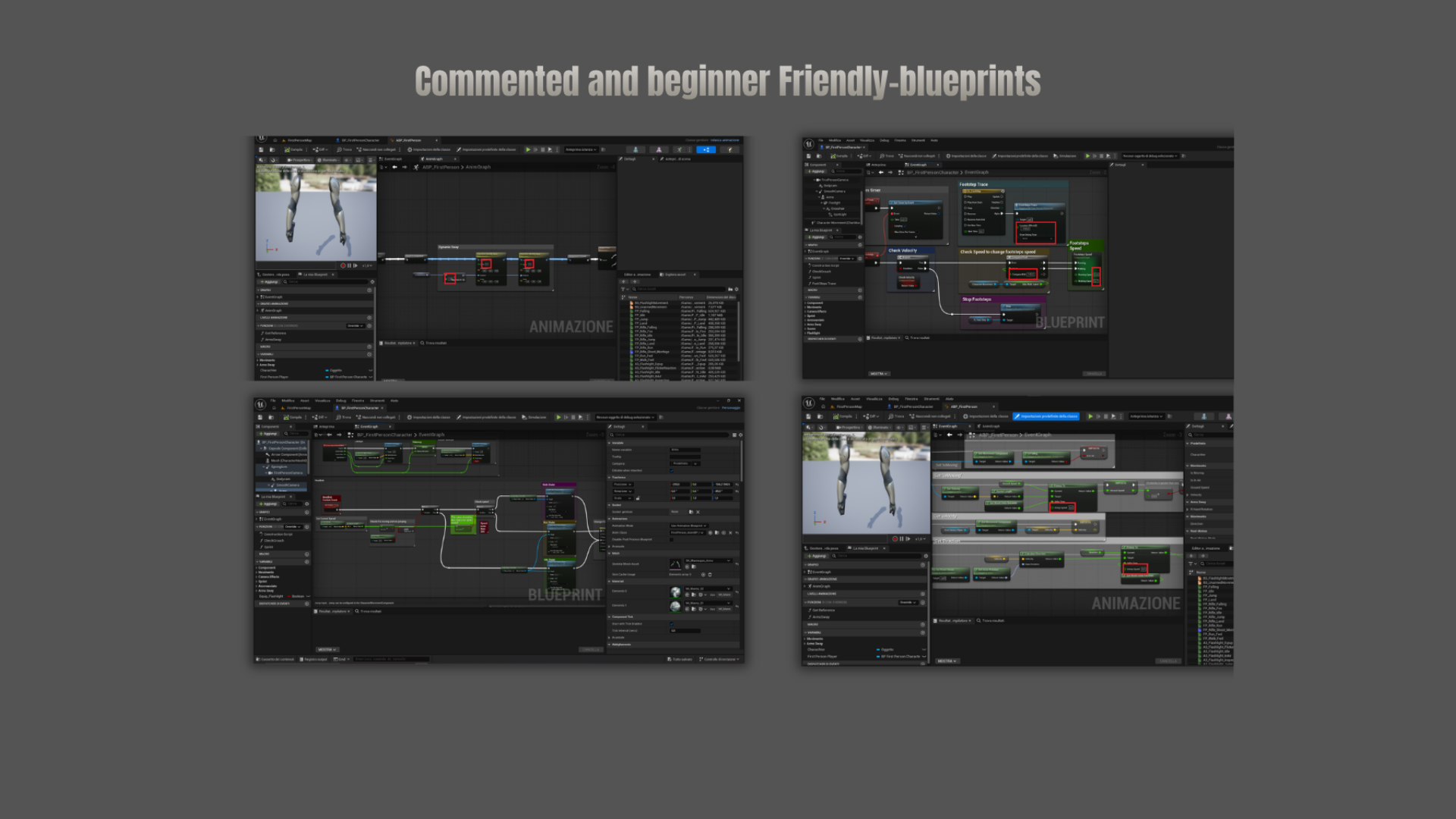
Realistic first person horror kit is a game-ready template built to save your time with features easily customizable and beginner-friendly.
NEW UPDATE V1.1
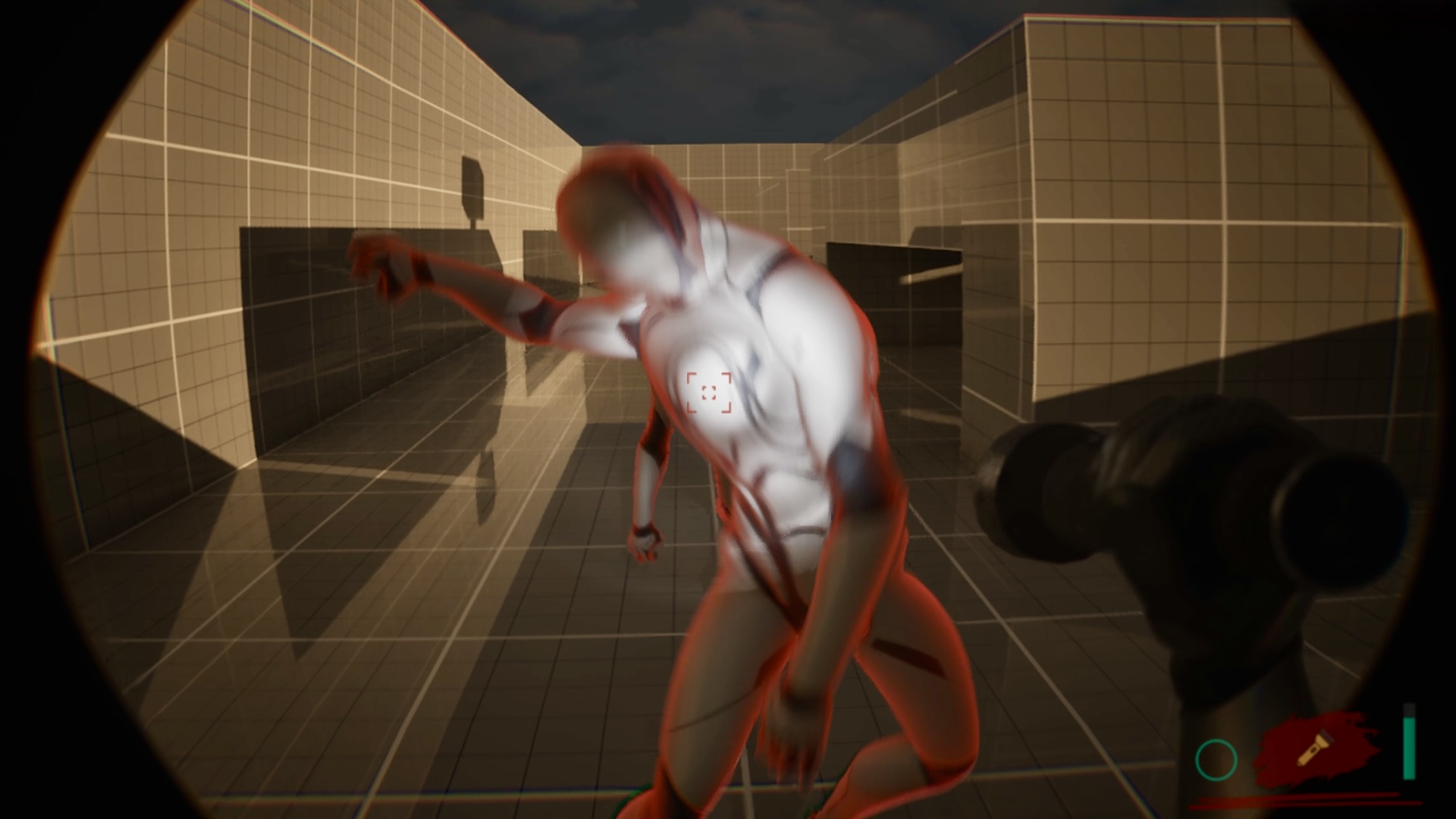
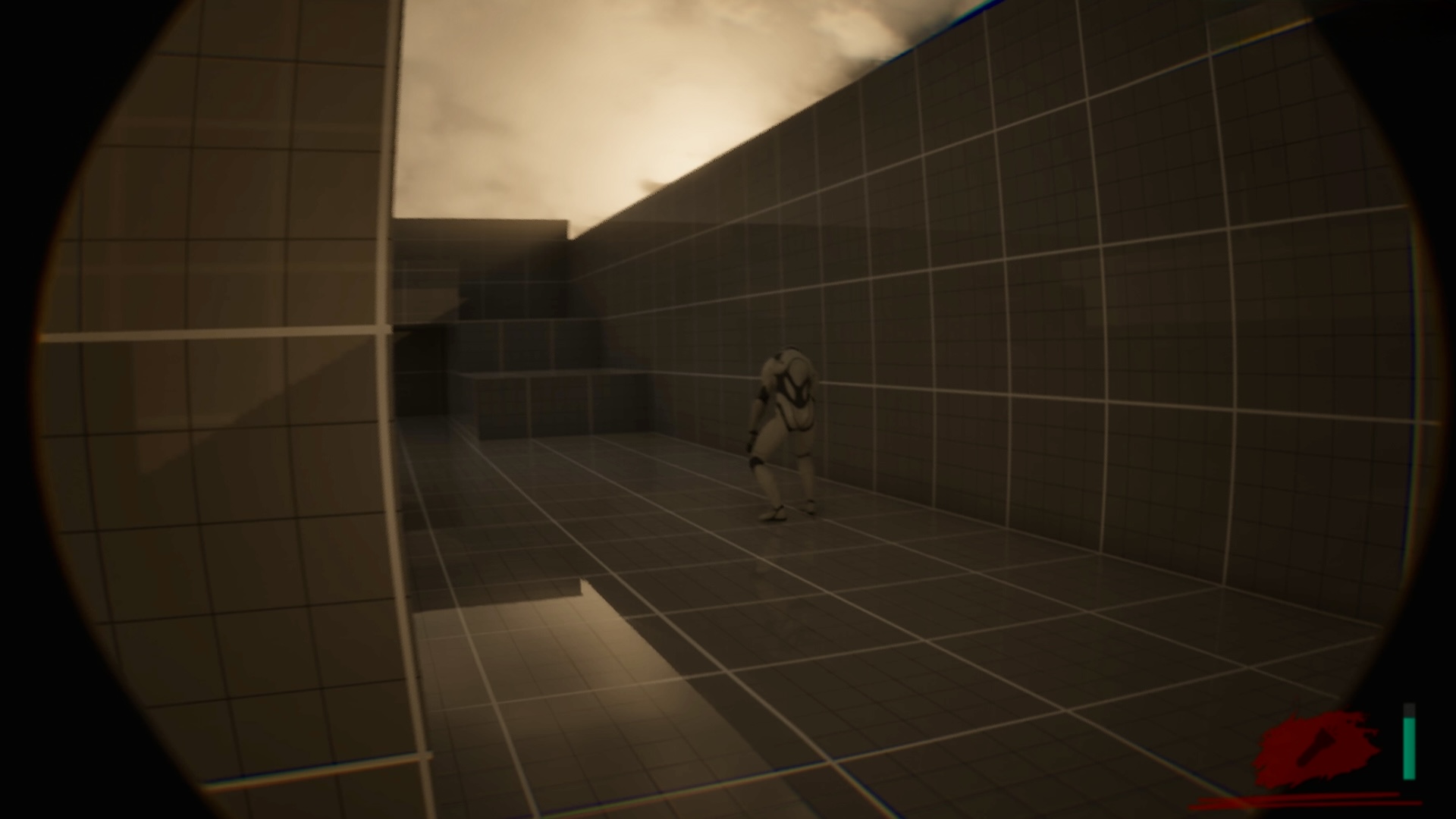
- AI Zombie
- Target Lock-On
- New Dynamic Crosshair
- New Footsteps system
- Physical Animation for enemies
- New HUD
- Enemy outline effect
- Modular spawn points for enemies
- New Indoor Audio effects
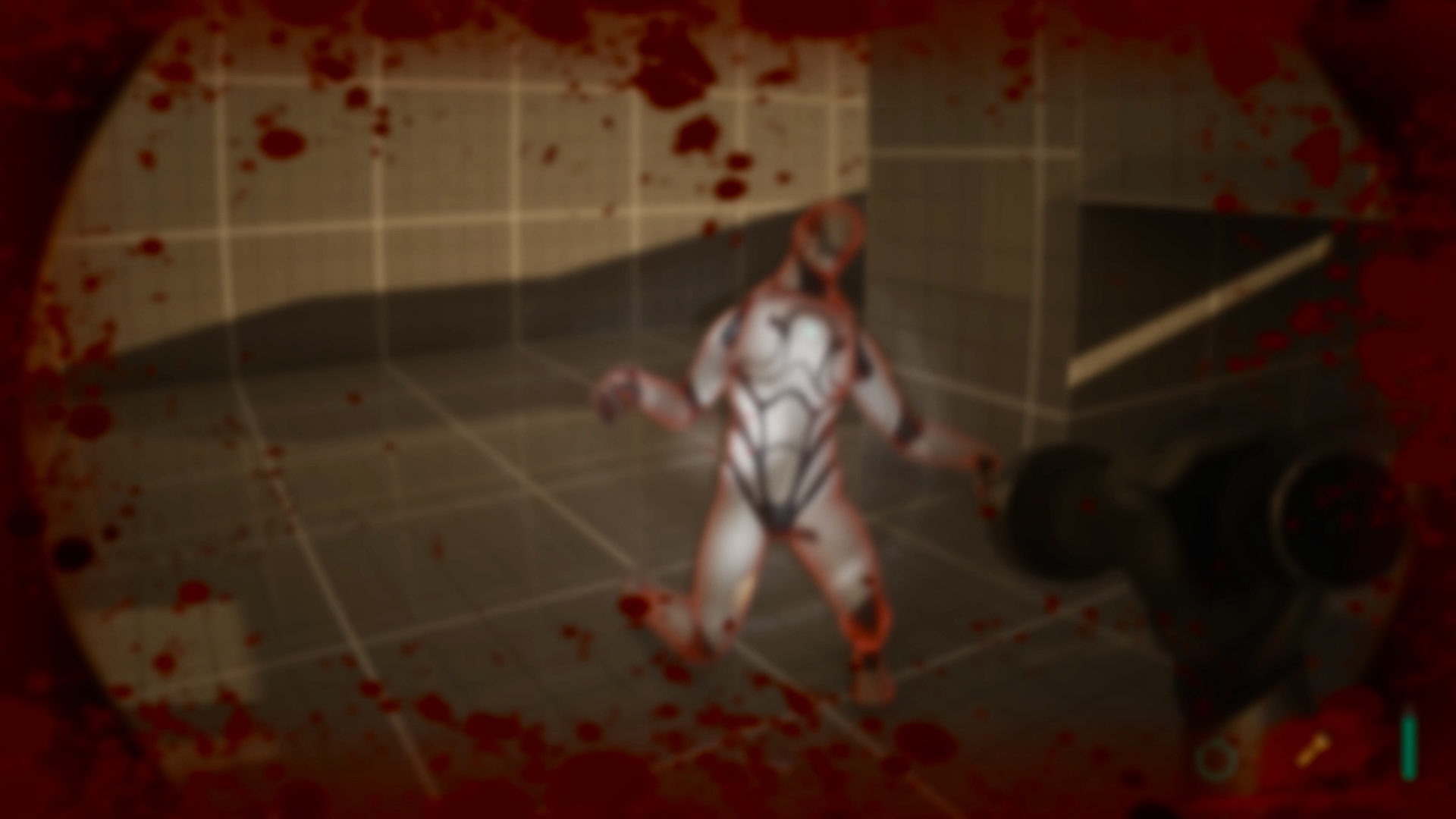
- Damaged Visual Effects
- Fixed some bugs
What’s included:
•🦿Realistic camera system(HeadBob,Dynamic tilting,Dynamic fov change,Land impact shakes,Transitions etc..)
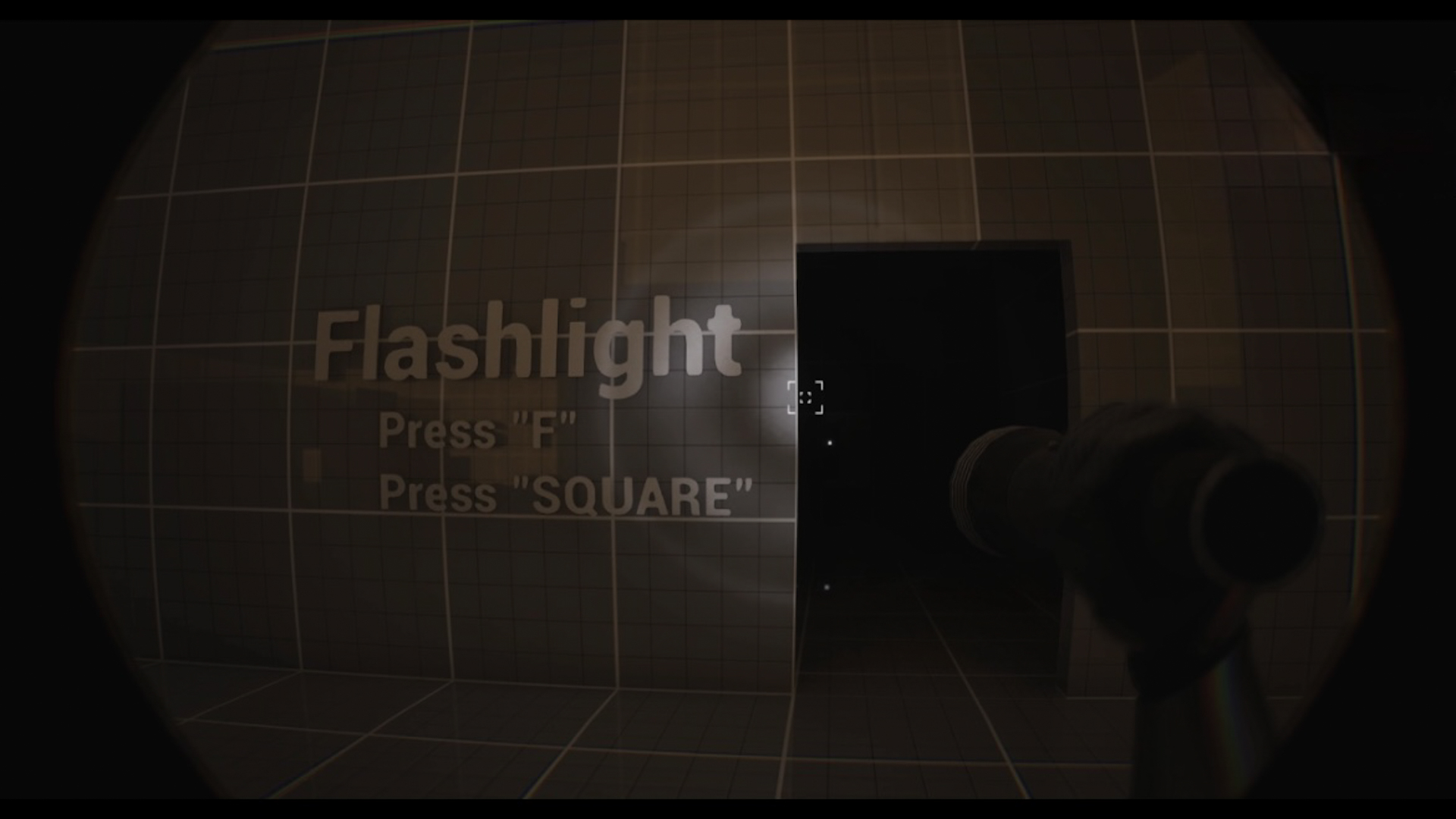
•🔦Advanced flashlight system(Equip,unequip animations;dynamic swing;realistic light etc..)
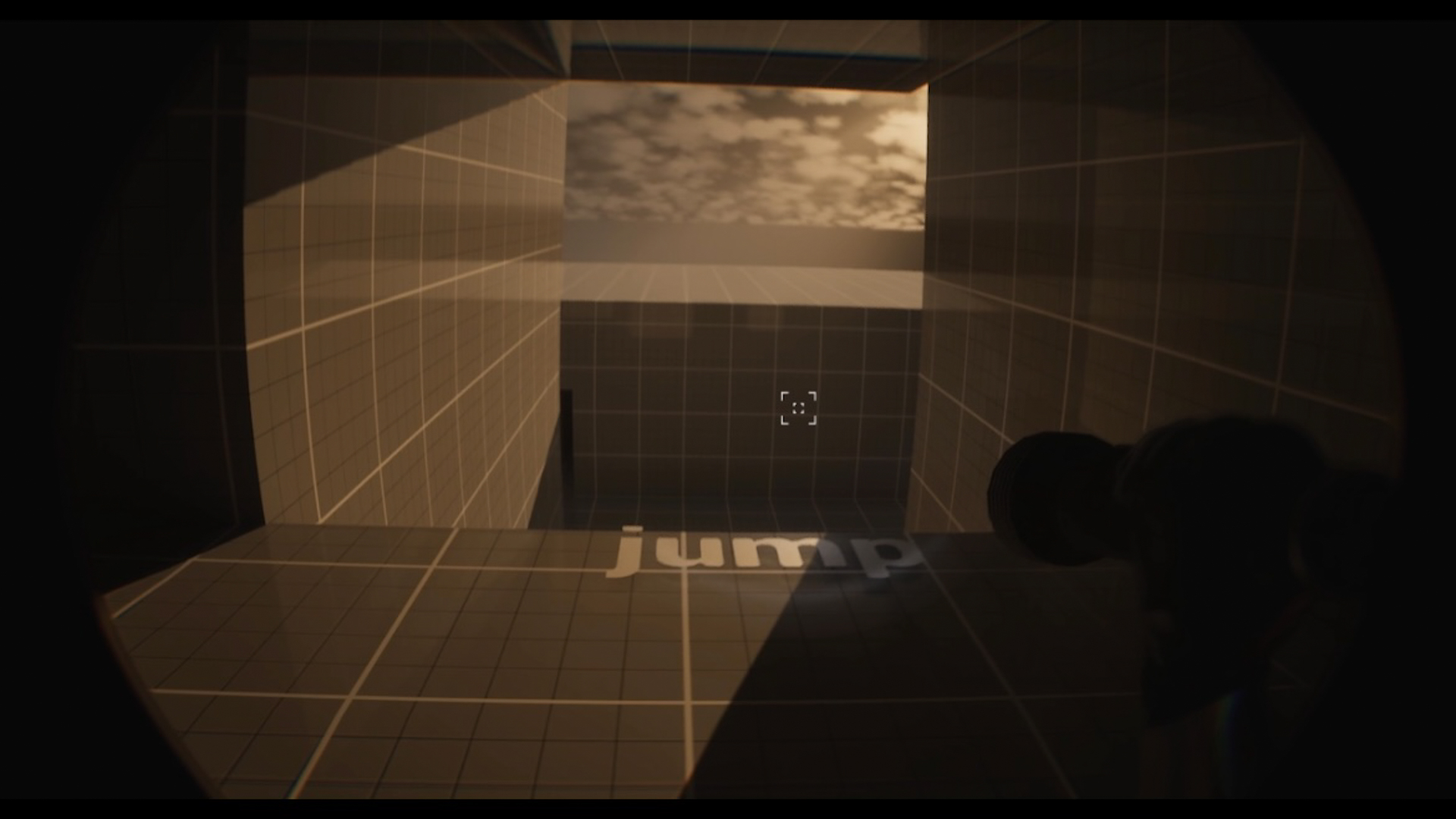
•👁Bodycam effect(lens distortion and interactive bodycam)
•👣FootSteps system(Included different footsteps sounds based on the floor)
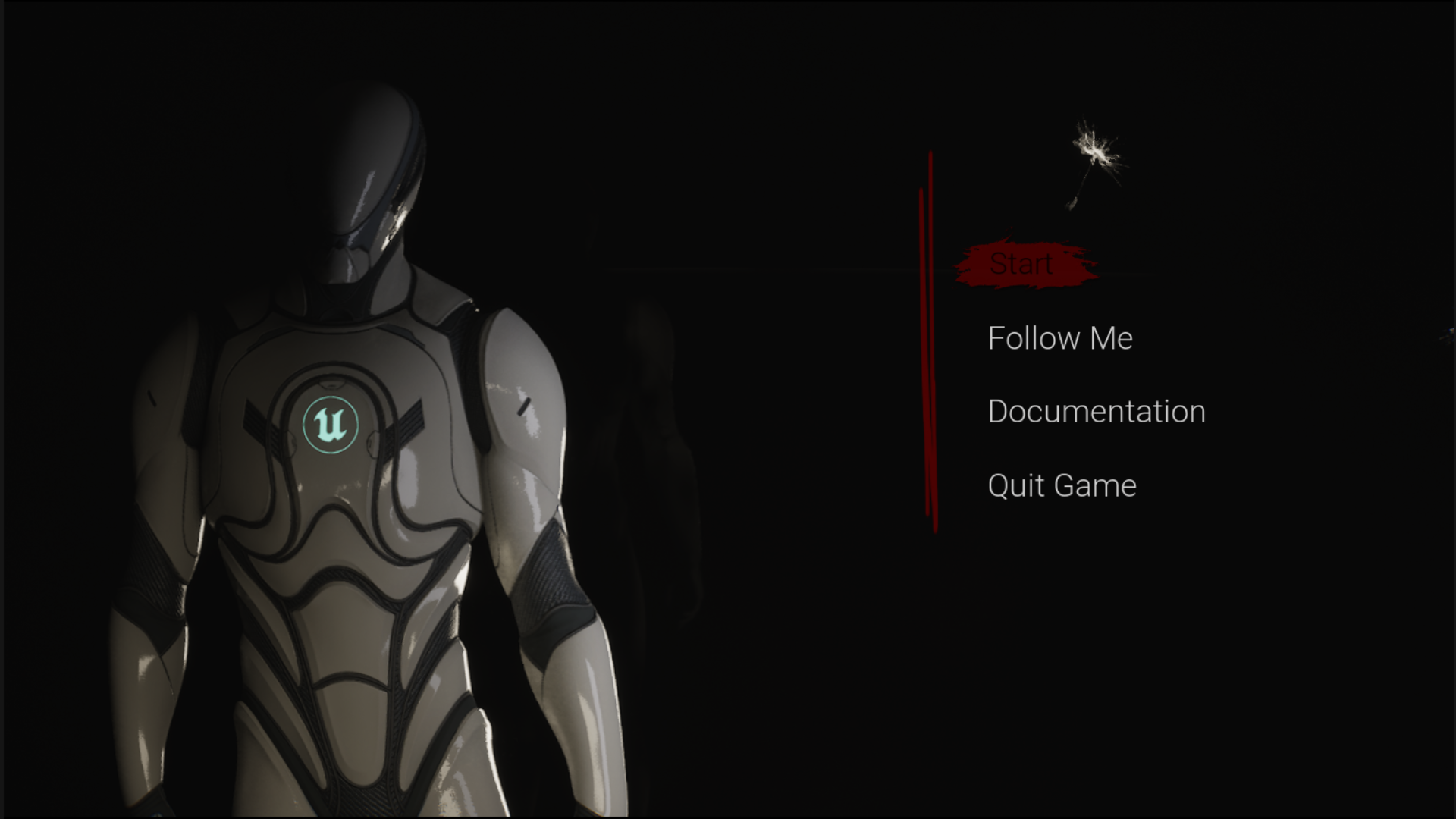
•📺Advanced 3d main menu(with controller support)
•🔫3d Interactive Crosshair
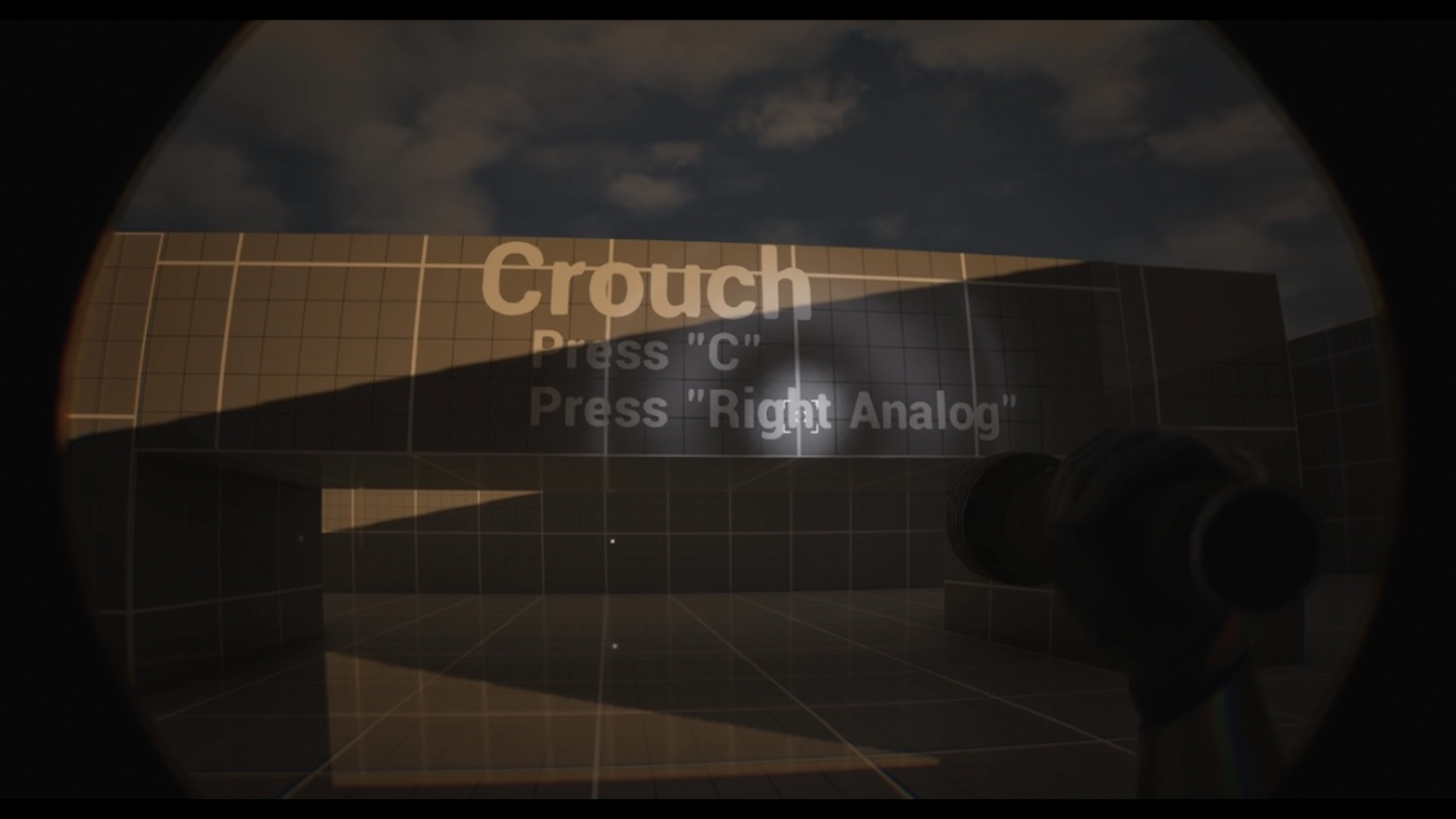
•🔉Crouch
•👟Jumping
•🎢Landing based on height
•🎮Full Controller support(force feedback effect;Optimized inputs)
The demo includes two levels, one for the main menu and the other one for playtesting.
It also includes a vfx effect from a free starter pack and the plugin:“ModelingToolsEditorMode”
Technical Details
Number of Blueprints : 18 Blueprints and 4 Widget Blueprints
Number of Meshes : 1 skeletal mesh ;(2 included in the demo folder) ; 7 static meshes(1 in the demo folder[SM_flashlight])
Number of Materials : (12 materials and 12 material instances)
Number of Textures : 43
Number of Animations : 2 Animation Blueprints , 60 animations sequences , 3 blendspaces
Number of Audios : 34 Sound Waves , 8 sound signals , 2 Sound Attenuation , 1 Reverb Effect
Input: Keyboard,Mouse,Controller
Network Replicated: No
Scaled to Epic Skeleton: Yes
Rigged to Epic Skeleton: Yes
Supported Development Platforms: PC
Supported Target Build Platforms: PC
Windows: Yes
Mac: No
Email: [email protected]
Documentation link:👀Documentation
Required Plugins: “ModelingToolsEditorMode”
Important notes:
All demo assets are placed inside the “Demo” Folder.
You can contact us at any time and request that the asset you want be added to the site from the Request Asset section.