
Description
Ghost Launch is a Windows-only plugin that allows desktop applications to automatically launch when the user logs into Windows.
It provides a clean, reliable, and Blueprint-accessible way to control application startup behavior without requiring manual registry handling or platform-specific code.
The plugin is designed for desktop-style applications, background tools, and utilities that need to start automatically with the operating system — optionally minimized or delayed.
✅Key Features:
1) Enable / Disable Autostart
- Control whether the application launches automatically on Windows login
- Uses the official per-user Windows startup registry key
- Does not require administrator privileges
2) Autostart with Minimized Mode
- Start the application in background mode using a launch flag
- Ideal for tray-based or background applications
- Full control over startup behavior inside the application
3) Startup Delay
- Configure a delay (in seconds) before application logic begins
- Useful for reducing system load during Windows startup
- Fully configurable at runtime
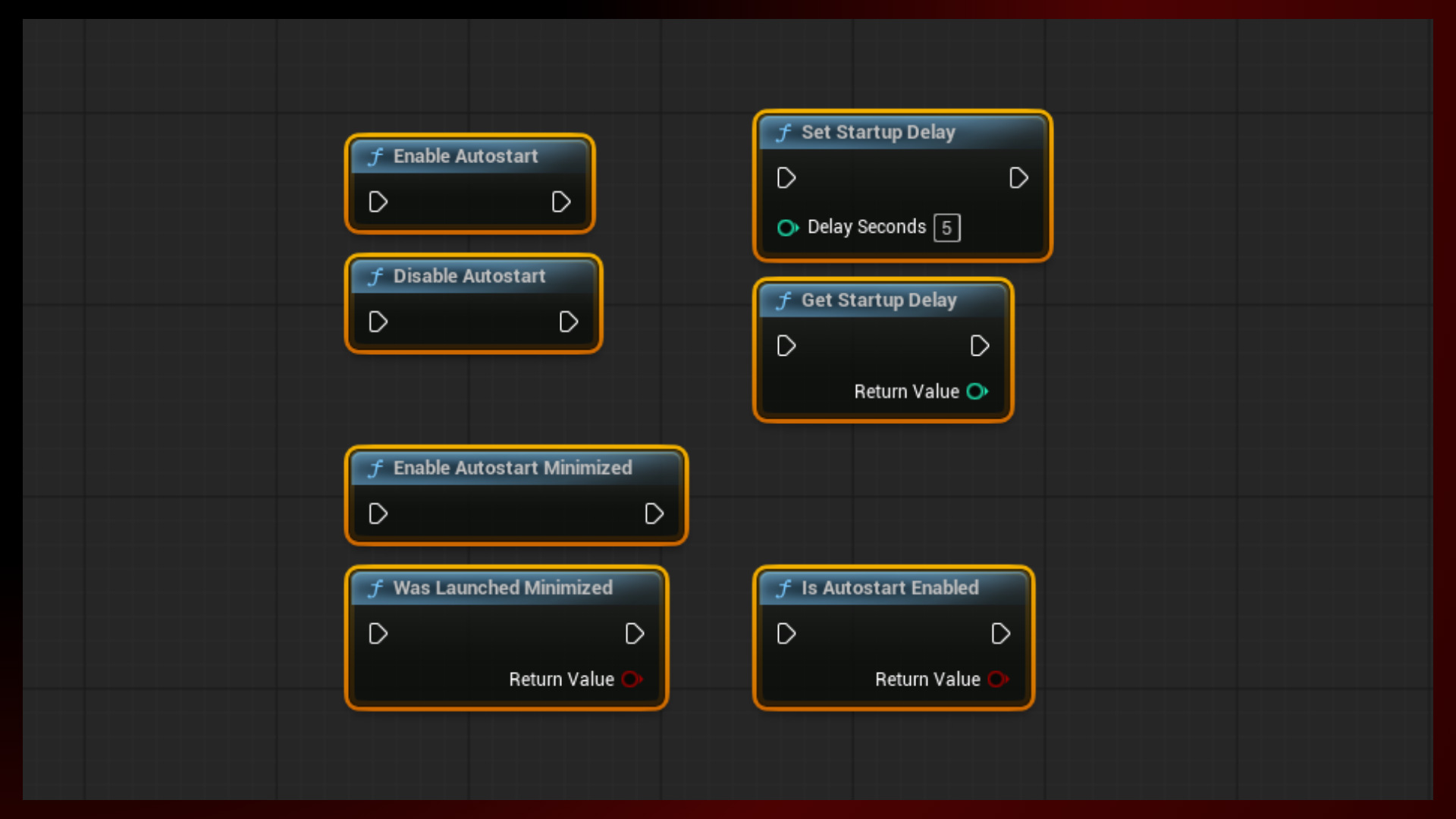
4) Blueprint-Friendly API
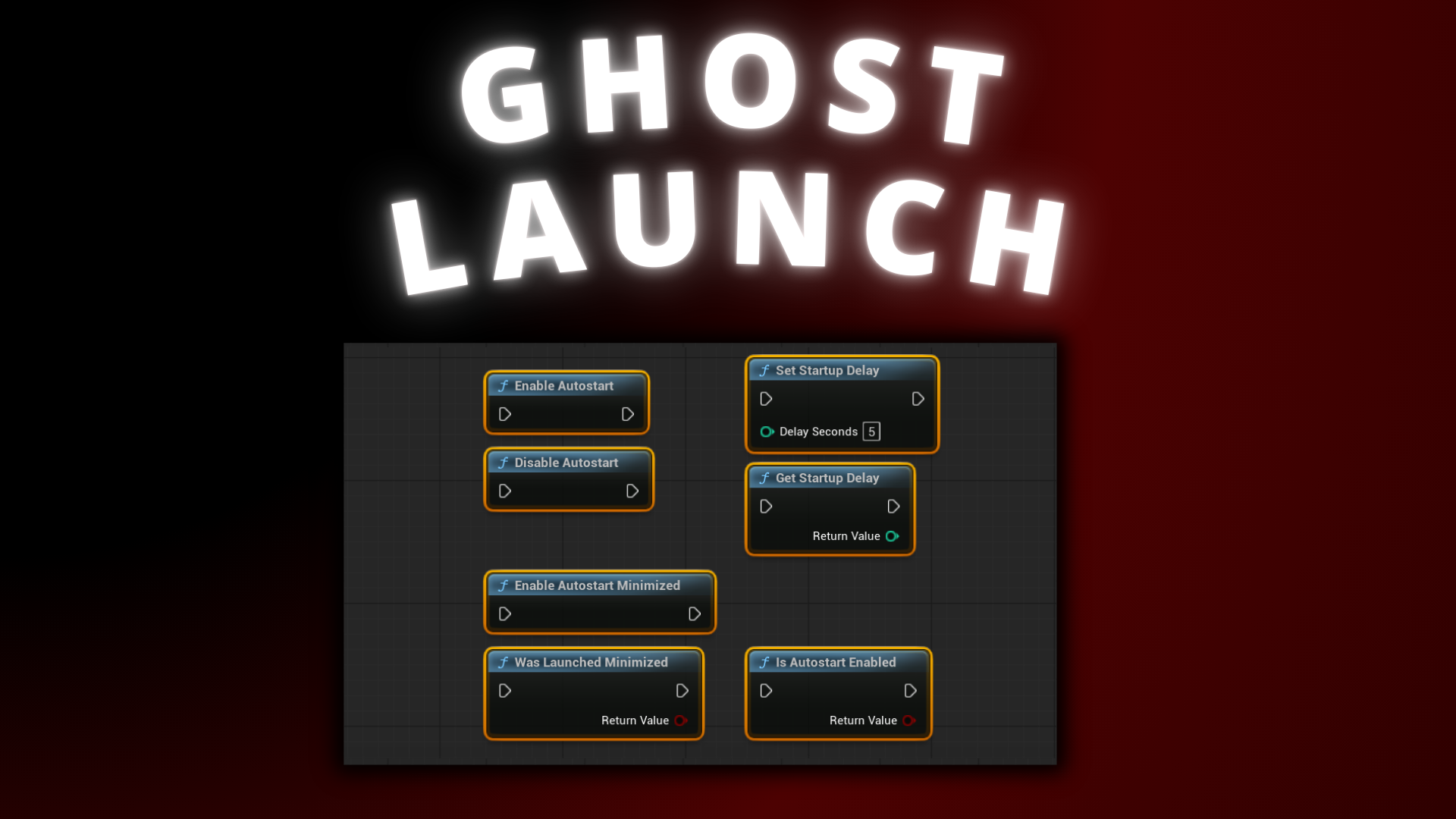
- All functionality exposed through simple Blueprint nodes
- No C++ required to use the plugin
Typical Use Cases
- Desktop applications that should launch on system startup
- Background utilities and services
- Tray-based applications
- Companion tools and launchers
- Productivity or monitoring software
Technical details
Features:
- Enable / Disable Autostart
- Autostart with Minimized Mode
- Startup Delay
- Blueprint-Friendly API
Code Modules:
- GhostLaunch
Number of Blueprints: 0
Number of C++ Classes: 2
Network Replicated: No
Supported Development Platforms:
- Windows: Yes
- Mac: No
Documentation: HERE
Supported Development Platforms: Win64
Supported Target Build Platforms: Win64
Important/Additional Notes:
- Autostart entries are created per user (HKCU)
- Administrator privileges are not required
- Minimized startup behavior must be handled by the application logic
- Startup delay is managed by the application at runtime
You can contact us at any time and request that the asset you want be added to the site from the Request Asset section.