
Description
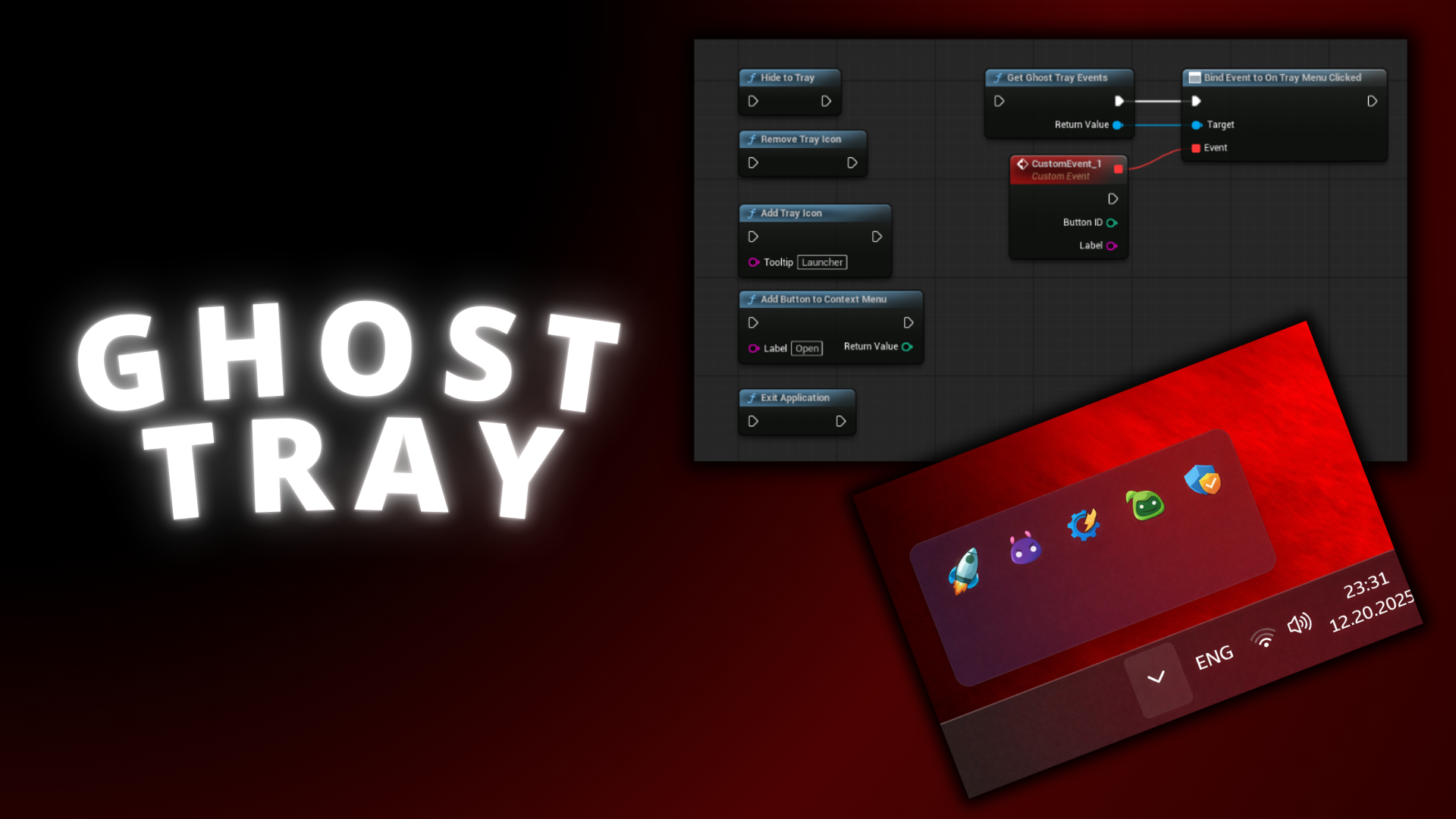
GhostTray is a Windows-only plugin that enables applications to run in the background and integrate seamlessly with the Windows System Tray (Notification Area), similar to native desktop applications.
The plugin allows applications to be hidden to the tray, restored with a single click, and controlled through a customizable tray context menu — all without requiring platform-specific code from the user.
✅ Key Features:
- Windows System Tray Integration
- Minimize to Tray & Restore
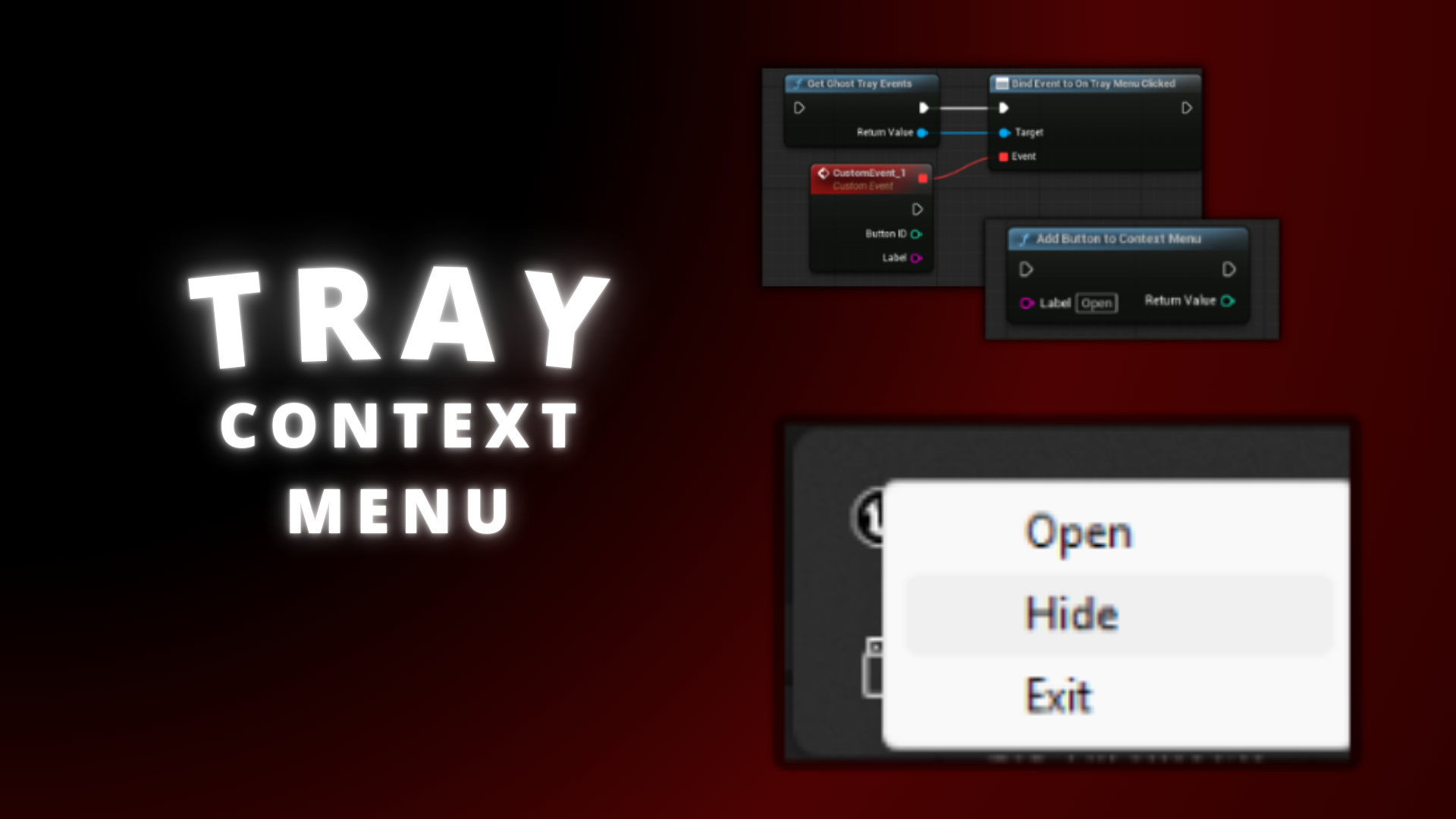
- Tray Context Menu
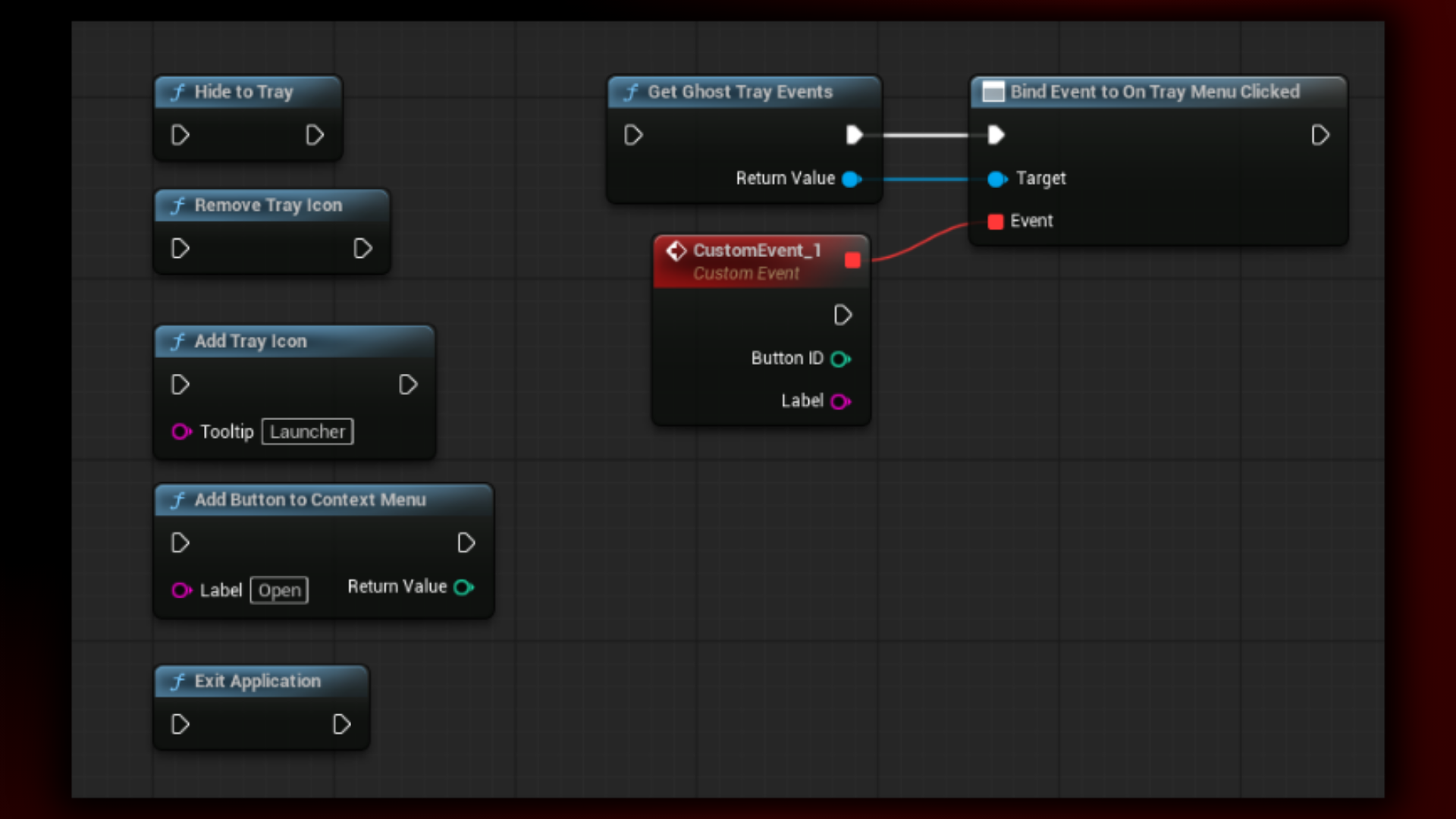
Nodes:
- Hide To Tray
- Remove Tray Icon
- Add Tray Icon
- Add Button To Context Menu
- Exit Application
- Get Ghost Tray Events
- Bind Event to On Tray Menu Clicked
- Restore From Tray
Technical details
Features:
- Windows System Tray Integration
- Minimize to Tray & Restore
- Tray Context Menu
Code Modules:
- GhostTray
Number of Blueprints: 0
Number of C++ Classes: 2
Network Replicated: No
Supported Development Platforms:
- Windows: Yes
- Mac: No
Documentation: HERE
Supported Development Platforms: Win64
Supported Target Build Platforms: Win64
Important/Additional Notes:
- Tray functionality is available in packaged builds
(Windows tray behavior may be limited inside the Editor) - Fullscreen Exclusive mode is not supported
- System Tray appearance follows Windows system styling
You can contact us at any time and request that the asset you want be added to the site from the Request Asset section.