 Description
[Ver1.3 Updates]
[Ver1.2 Updates Trailer video][Ver1.2 Showcase][Ver1.2 Multi Light Tutorial]
[Ver1.1 Updates Trailer video]
[Trailer video]
[Showcase video]
[Document]
[Discord]
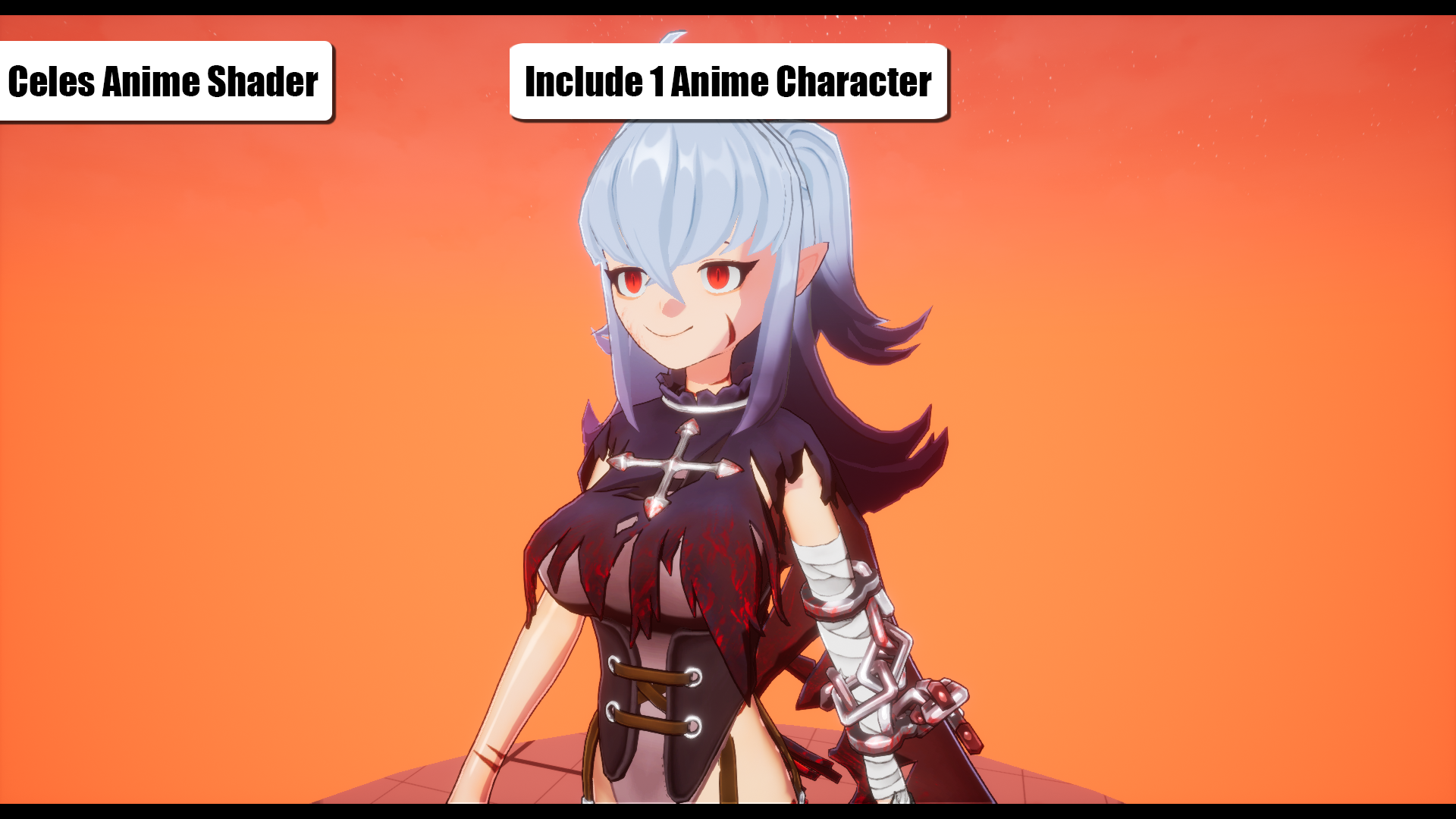
CelesAnimeShader provides a solution for Japanese anime-style rendering, requiring no complex BP or C++ coding. With just a BaseColor texture, you can quickly transform your character into an anime-style rendering.
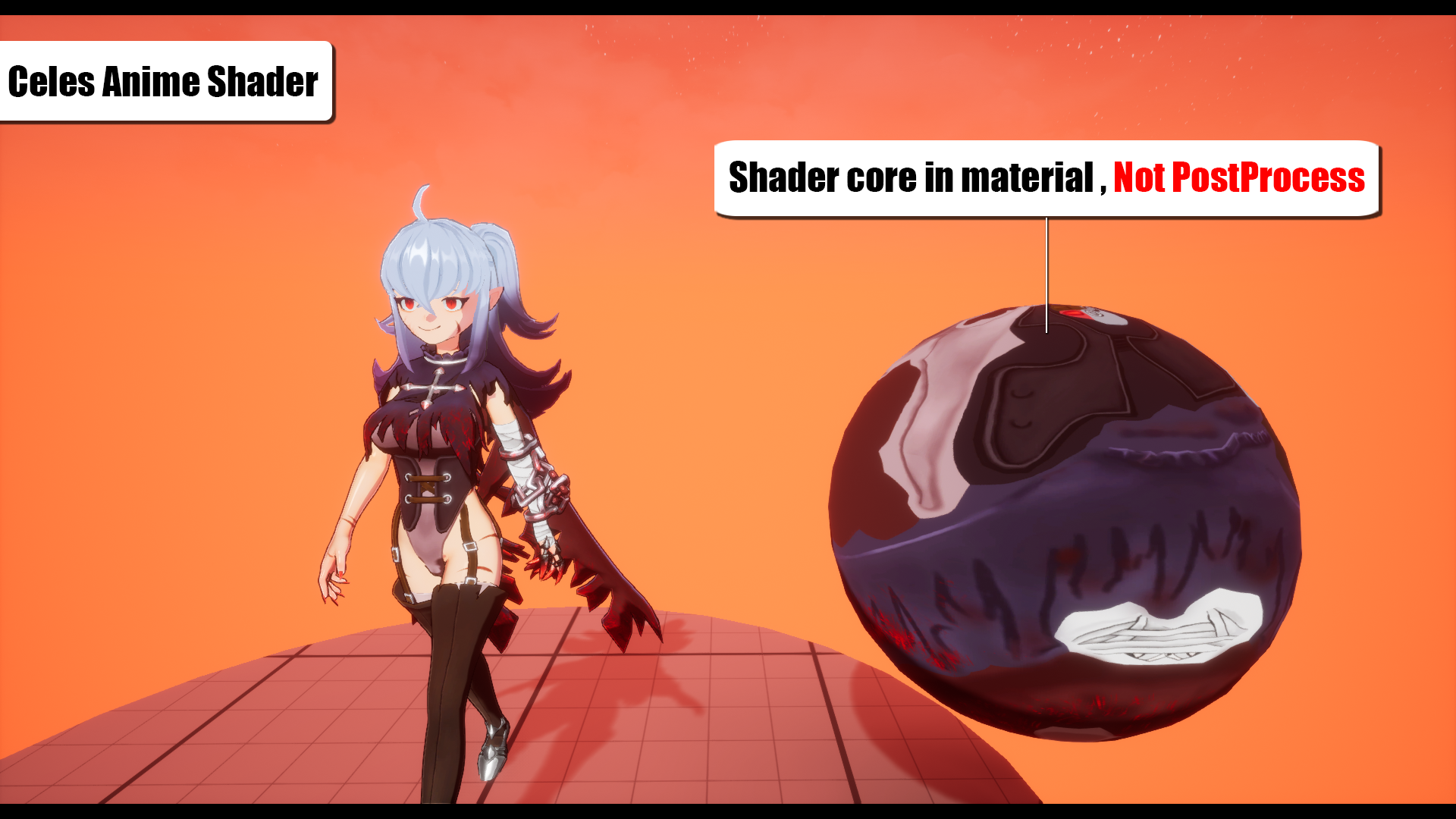
The rendering core is based on custom shader lighting instead of traditional PostProcess, allowing adjusting in lighting, shadows, colors, and fine details between characters.
The shading model uses the light-weight Unlit option, which significantly reduces unnecessary shadows generated by default lighting.
[Ver1.3 Updates]After version 1.3, development for UE4 will no longer be supported.
- Emissive Part : Designate specific areas for emissive effects.
- Translucent : Provide two types of transparency modes.
- Permanent Shadow Intensity & Color : Add intensity control and color override functionality.
- CelesLight Fill Light : Introduce Fill Light mode to prevent shadows from forming on the character’s body.
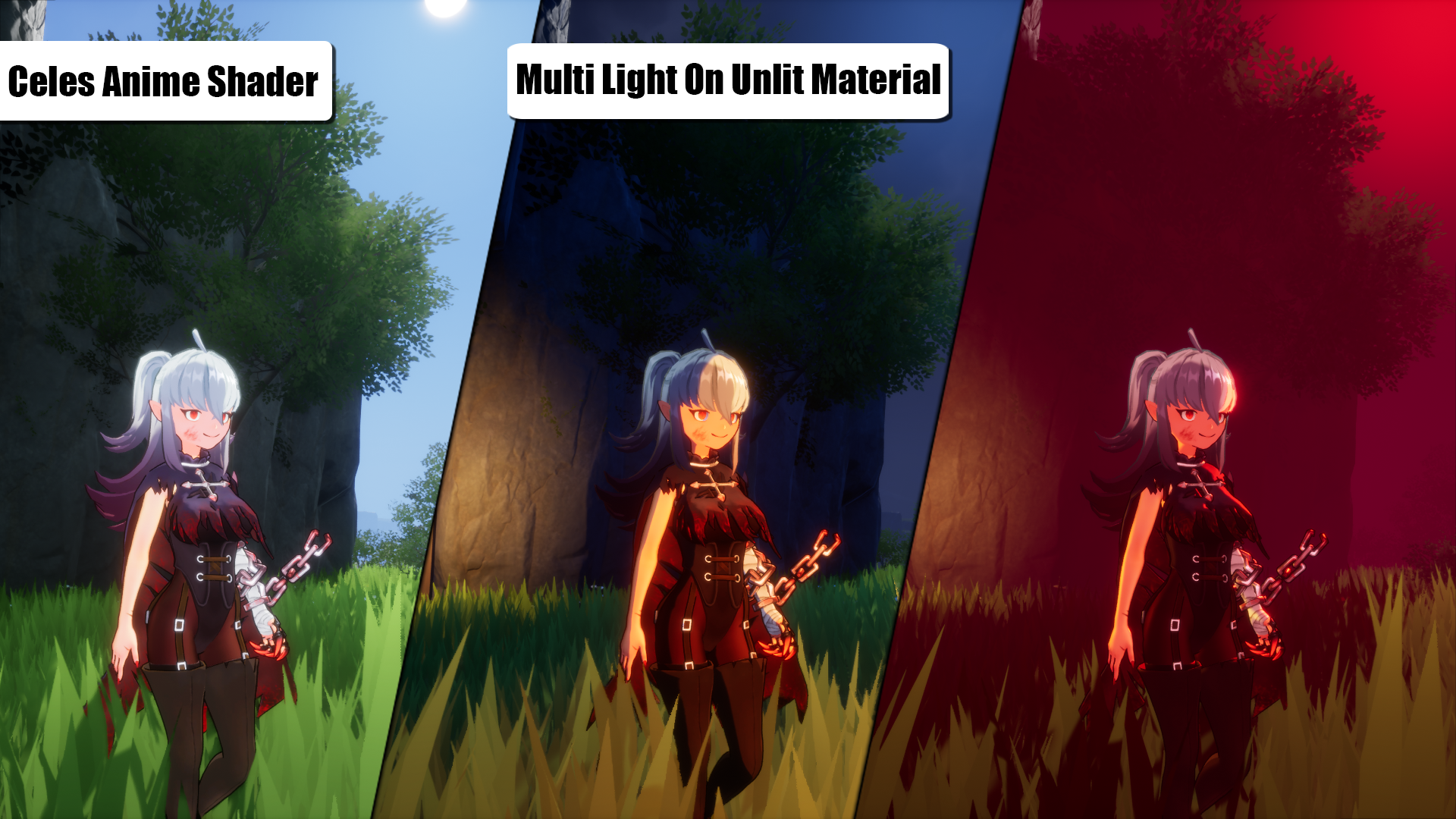
- Multi Light System : Enables materials to support Directional/Sky light colors and point light sources.
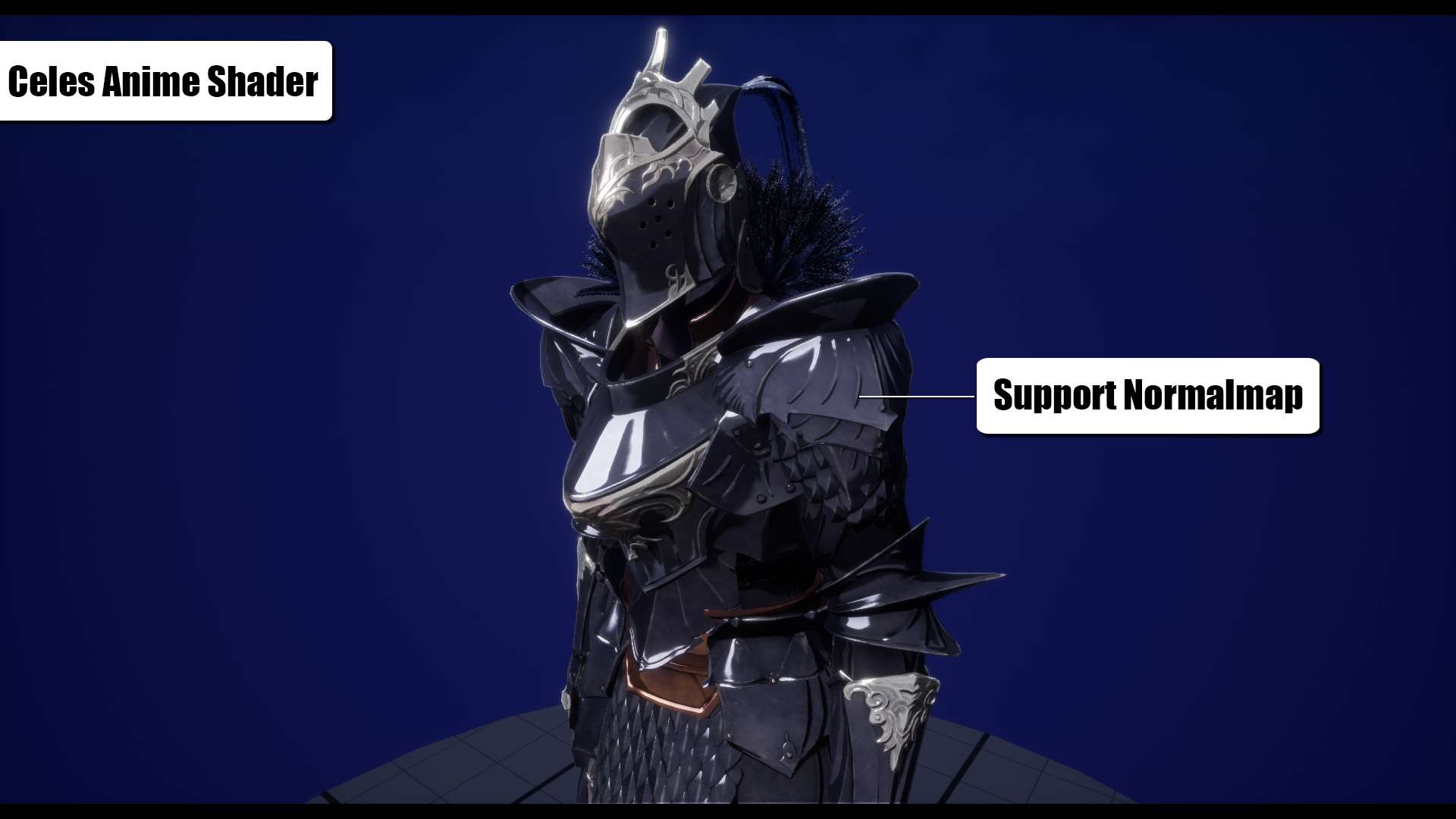
- Unlit Normal Map : Allows Unlit materials to utilize Normal Maps.
- Permanent Shadow : Providing AO-like functionality using a mask texture to keep specific areas in shadow consistently.
- Color RampAtlas : Using curves to control colors, allowing for a more customized color effect.
- Outline Control : Control the thickness of the outline by painting VertexColor on specific parts of the character model where you don’t want the outline to be drawn, such as the mouth or teeth.
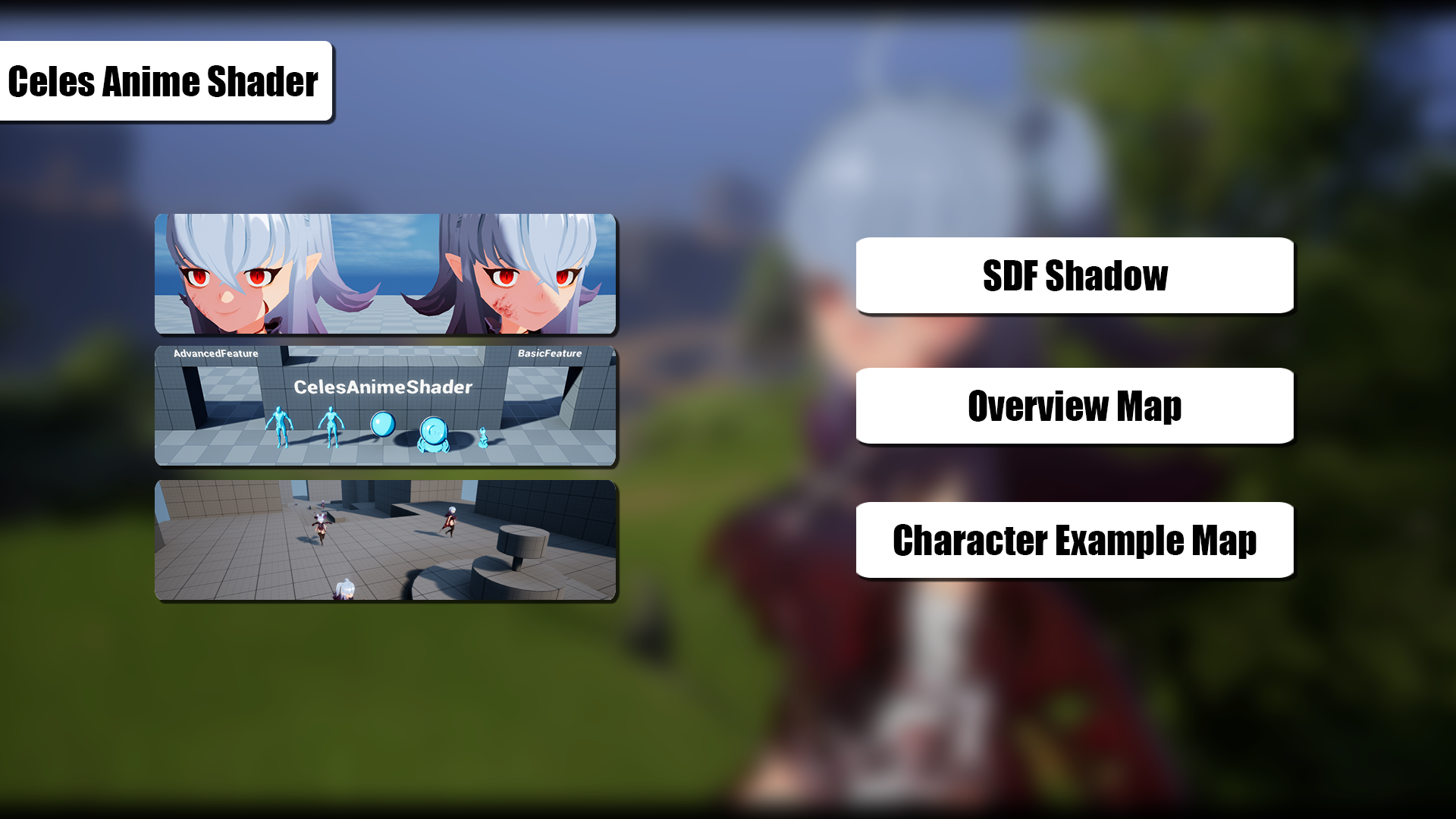
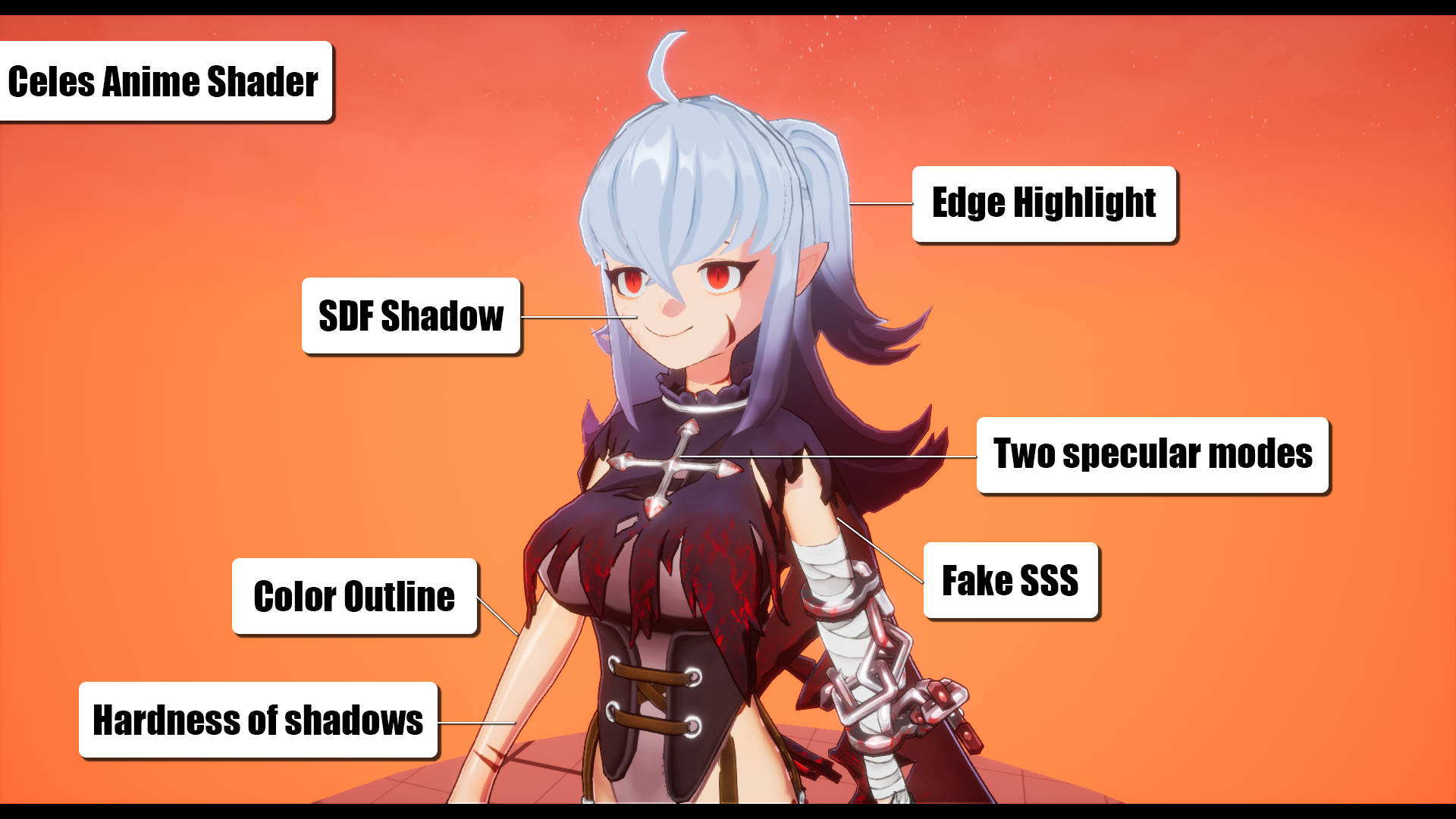
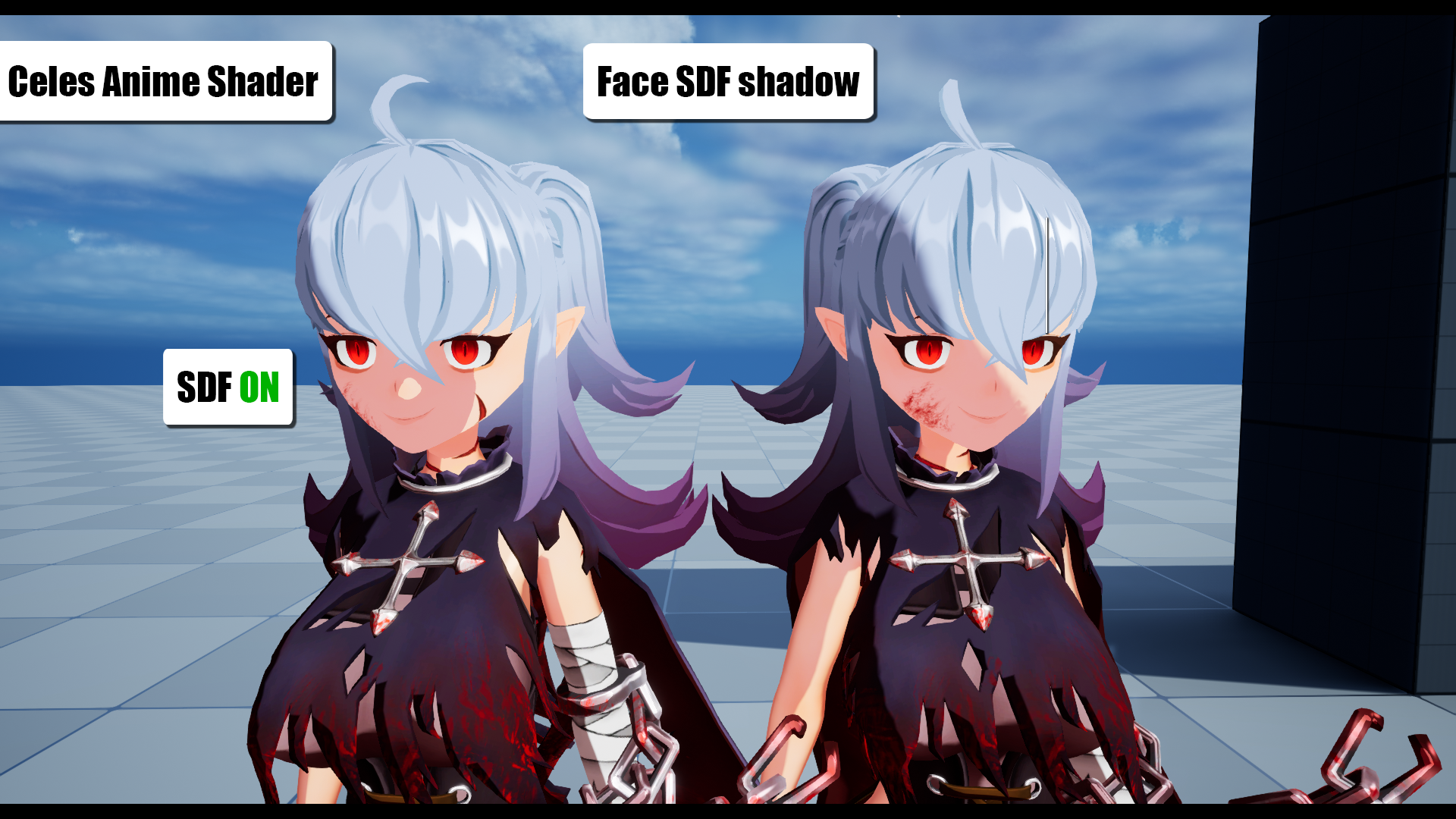
- DistanceField Shadow : An efficient shadow solution that utilizes the engine’s built-in DistanceField feature for shadow calculations.
- Customizable gradient value for adjusting the softness or hardness of shadows.
- Two specular modes for anime-style highlights on hair or metallic objects.
- FakeSSS effect on the edges of the character model to enhance the three-dimensionality.
- Adjustable rim lighting color on models
- Outline effect is based on the outline of the model.
- Edge highlights for producing highlights on the character model edges, adding a translucent effect.
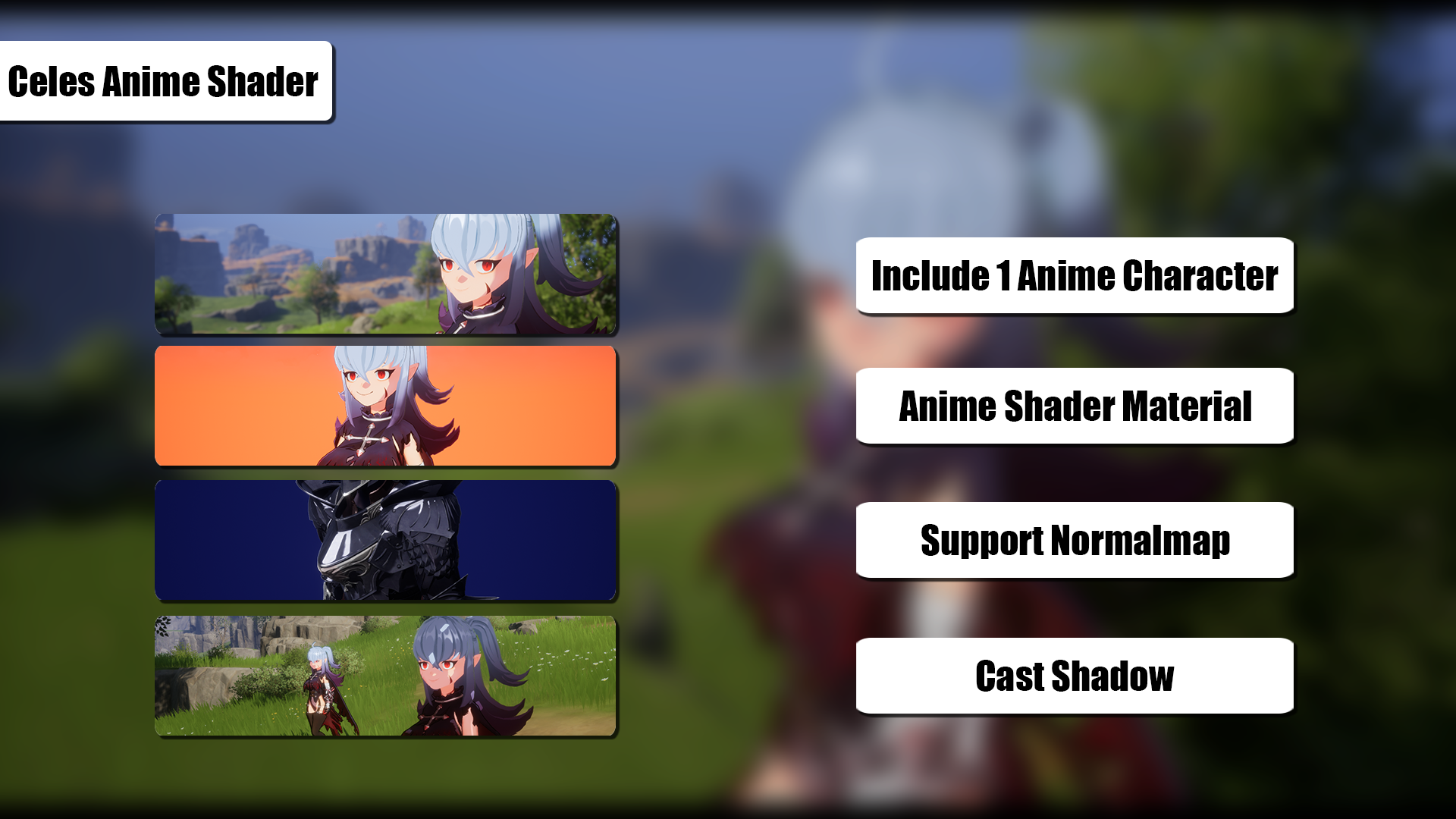
- Supporting NormalMap.
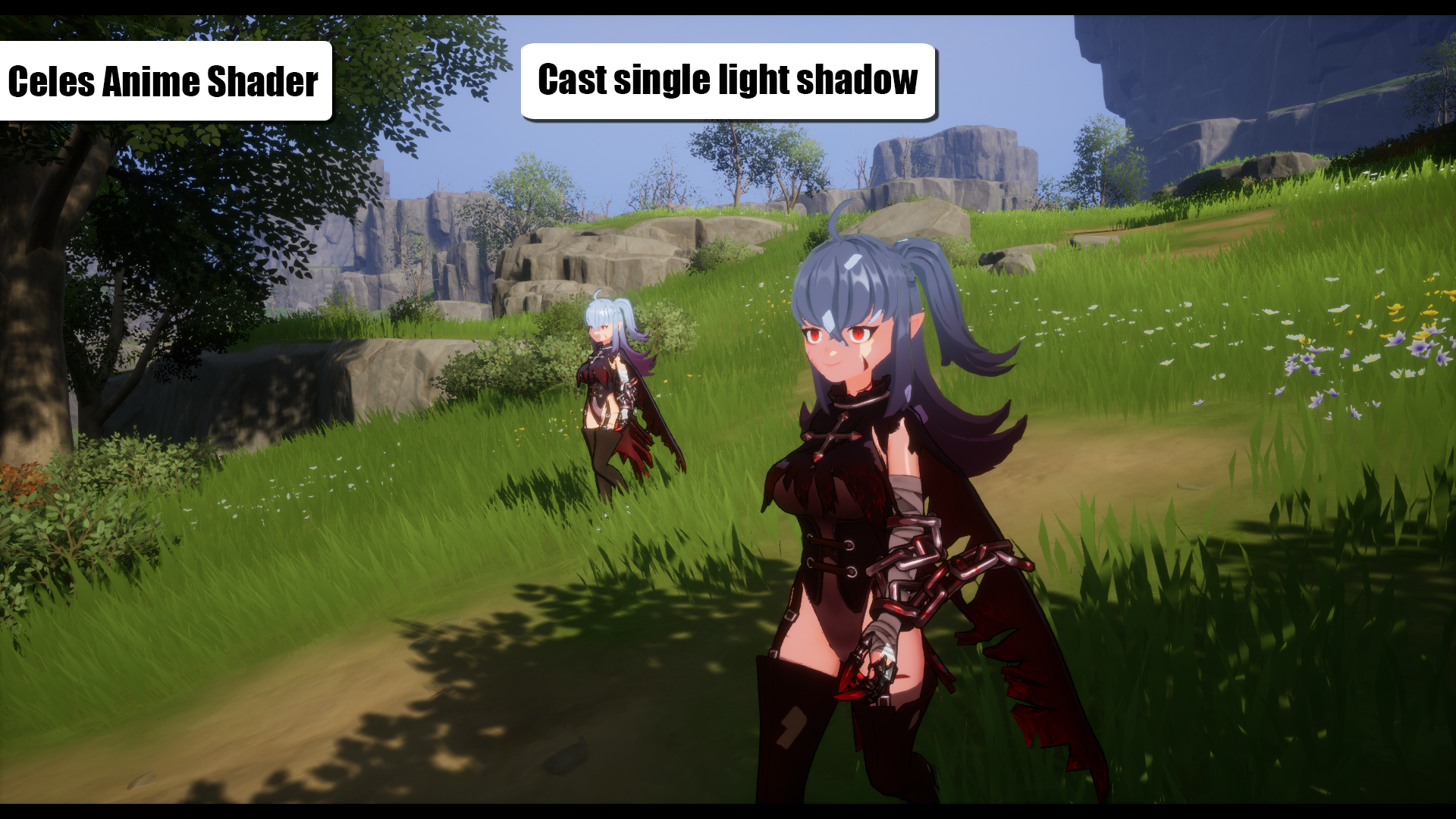
- Supporting single light source CastShadow.
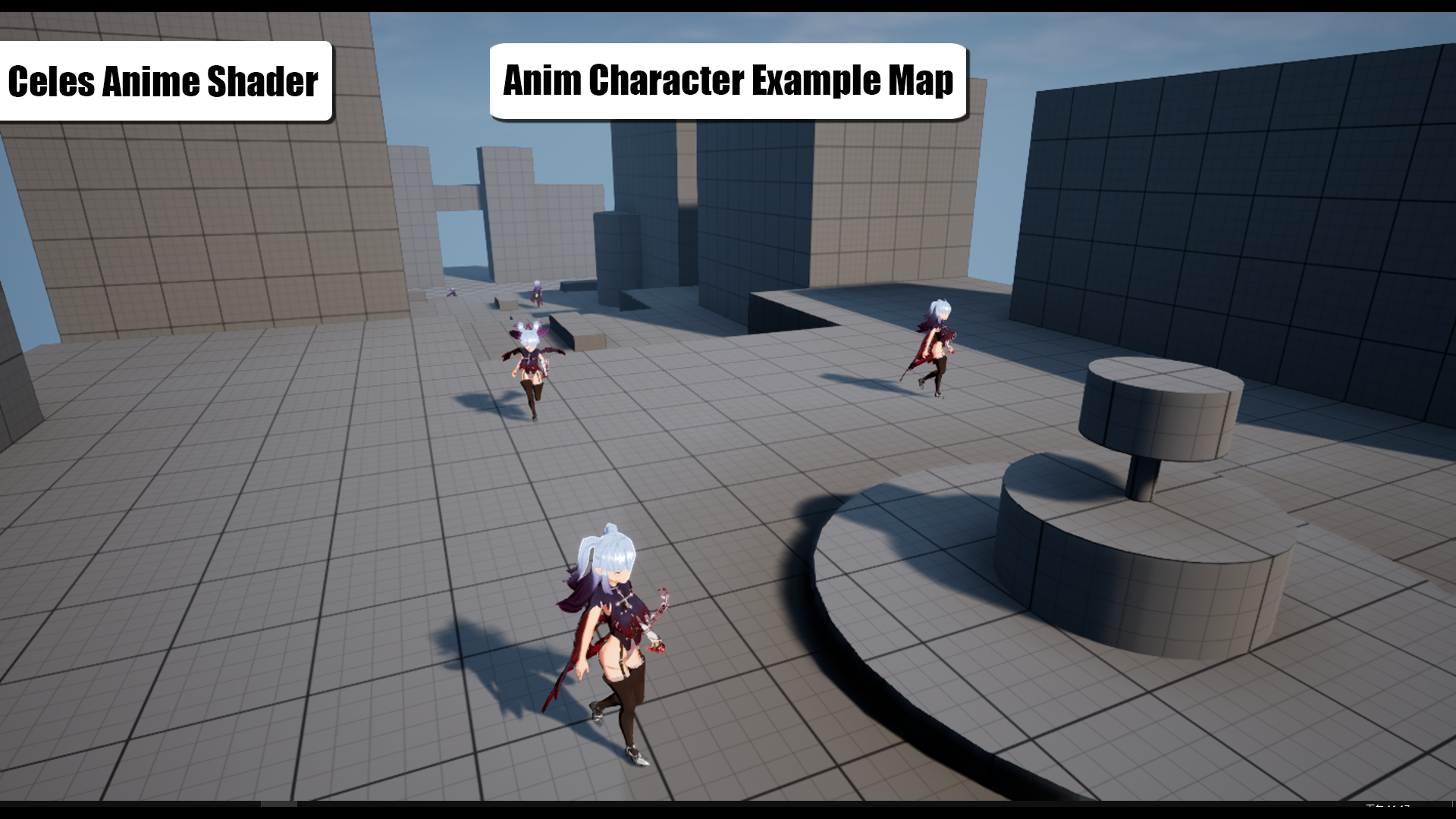
- Includes one Japanese anime-style character as a rendering reference.
*This character model is for demonstration purposes only and does not support the Epic skeleton.
[Technical Details and Considerations]- By default, only the DirectionalLight source direction is supported, and multiple light source rendering is currently not available.
- Due to the Unlit model not accepting shadows, the provided CastShadow solution relies on the PerObjectShadowMap method to obtain shadows. It supports shadow casting from a single light source only, and using this feature extensively may impact performance.
Technical Details
Features:
- Includes one Japanese anime-style character. (With walk/run animation)
- The rendering core is based on custom shader lighting instead of traditional PostProcess.
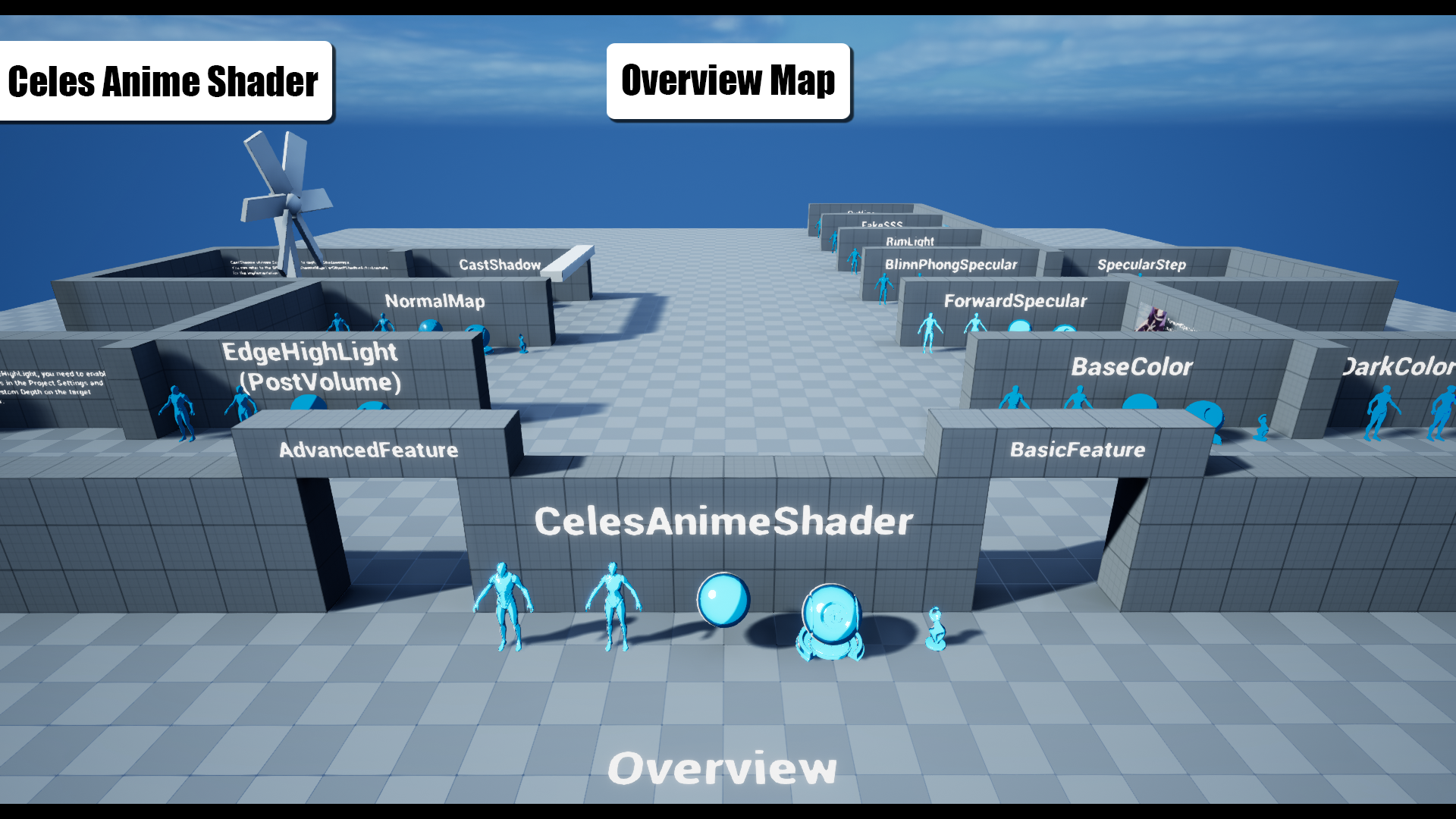
- 3 character BP for example demo.
- Material Function for 5 core Light Models.
- Supporting single light source CastShadow.
Number of Unique Materials and Material Instances: 4 material for shader core
Number of Textures: 6 texture for shader core + 7 textures for character
Supported Development Platforms: All
Performance: Due to the Unlit model not accepting shadows, the provided CastShadow solution relies on the PerObjectShadowMap method to obtain shadows. It supports shadow casting from a single light source only, and using this feature extensively may impact performance.
Important/Additional Notes: The content shown in the trailer and product images will not be provided in its entirety with this product.
You can contact us at any time and request that the asset you want be added to the site from the Request Asset section.