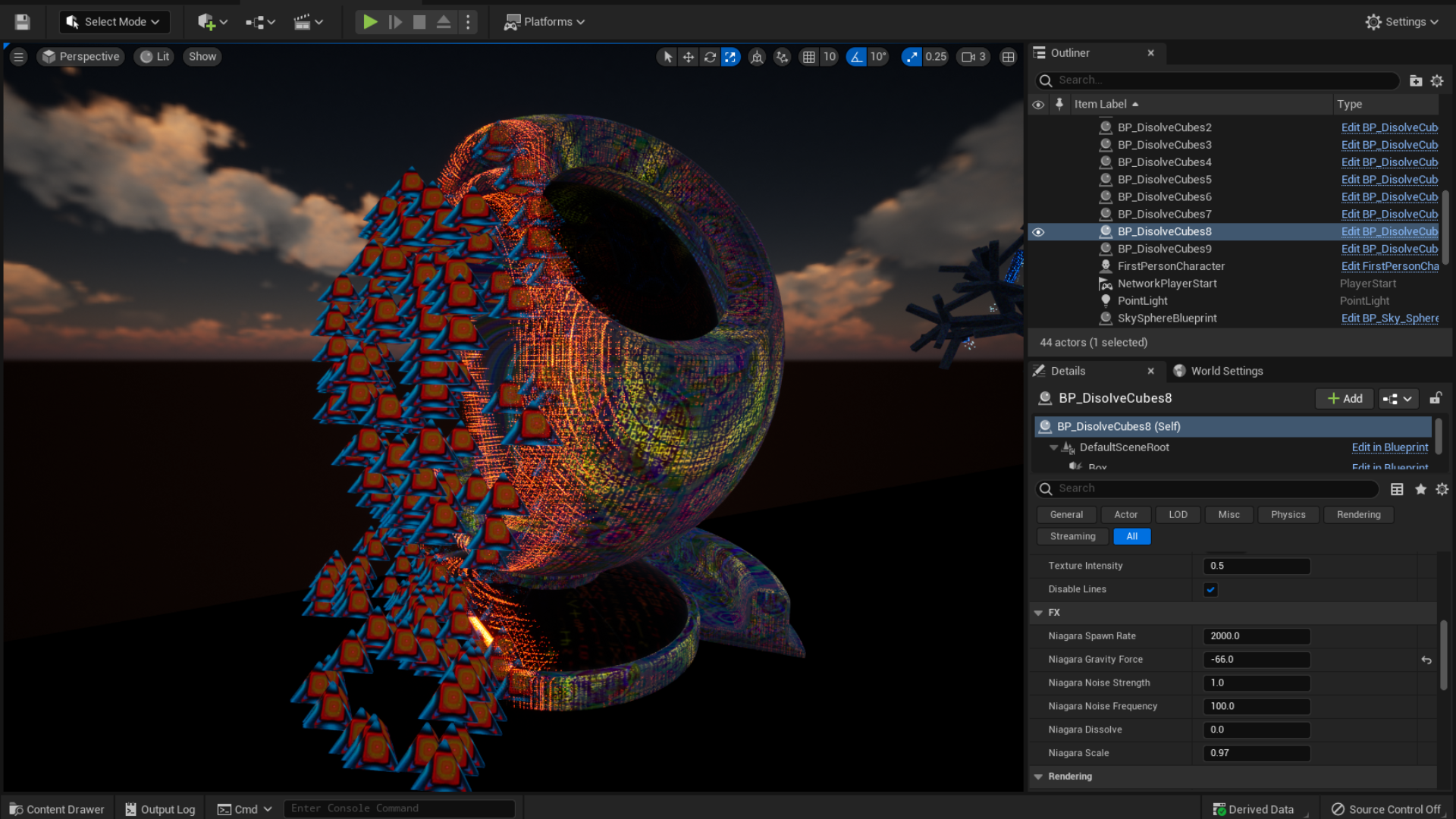
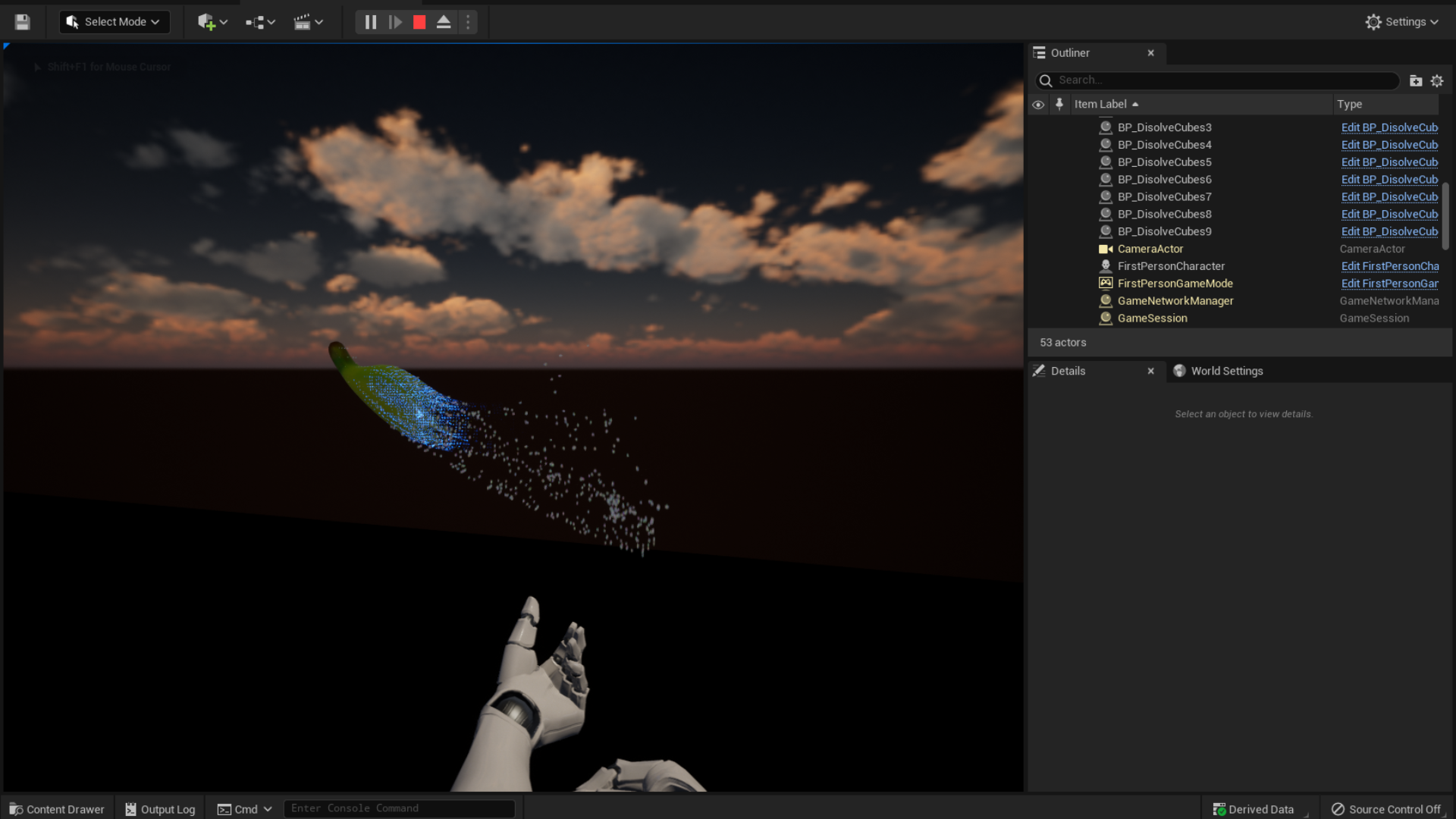
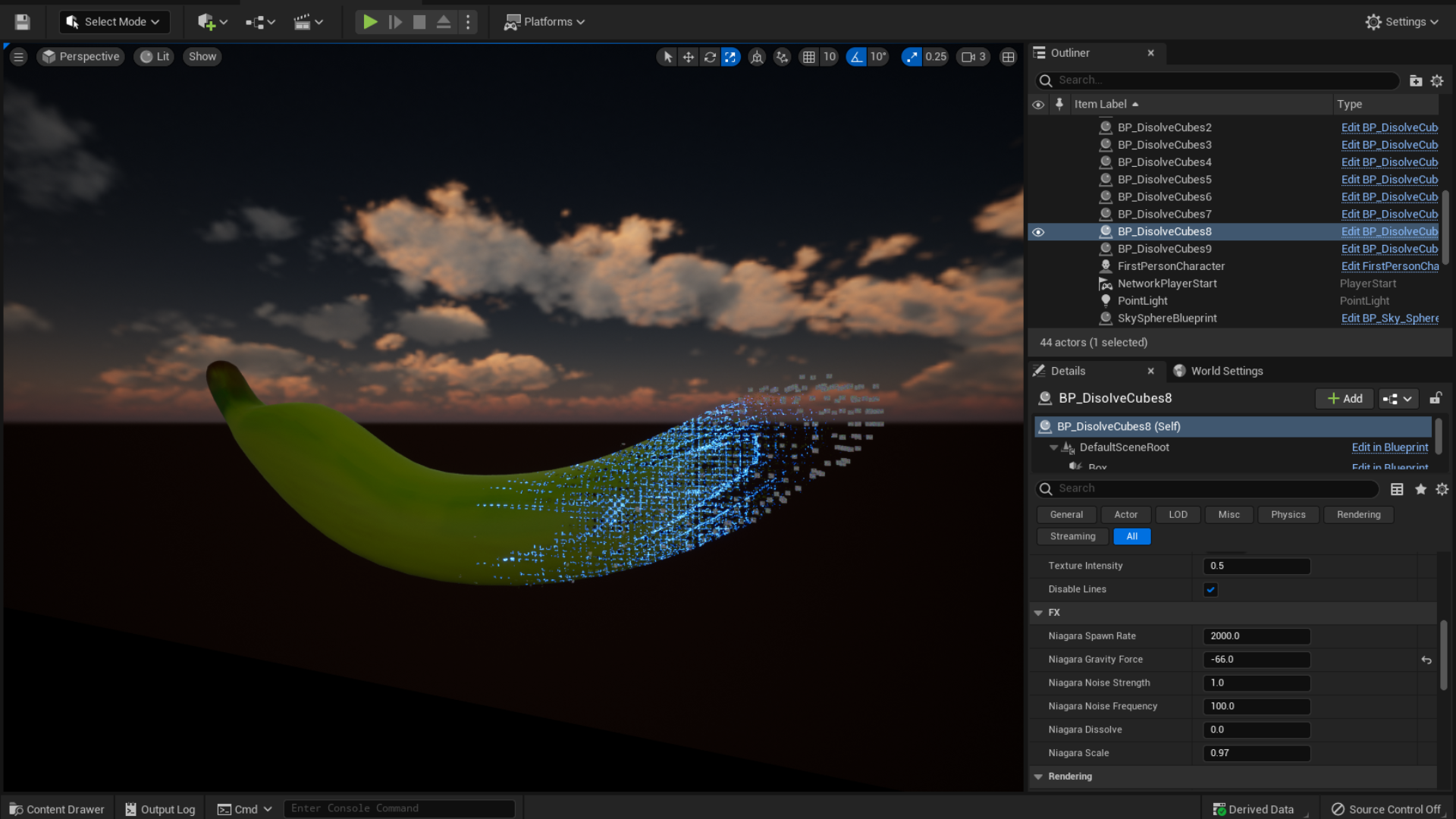
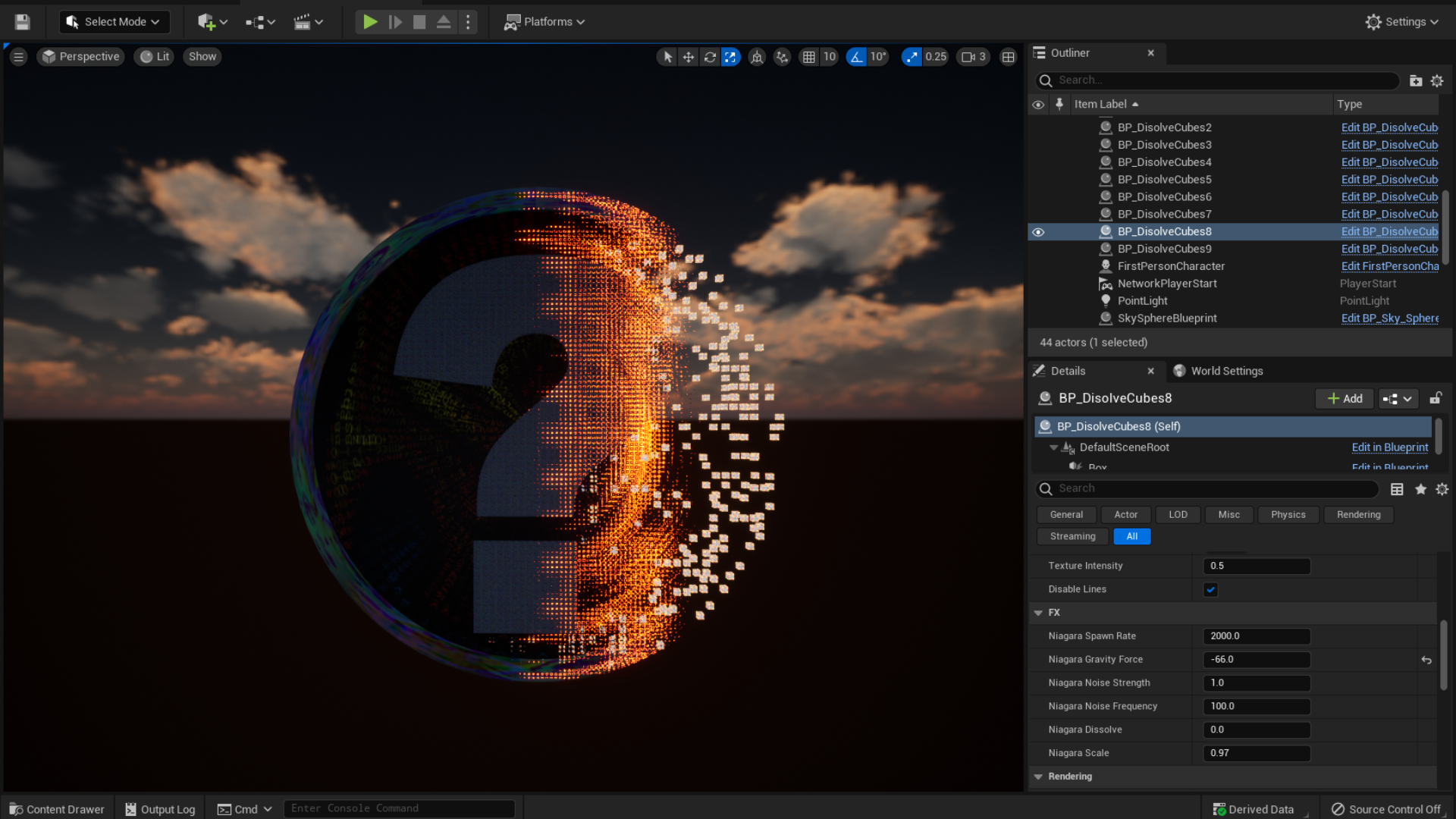
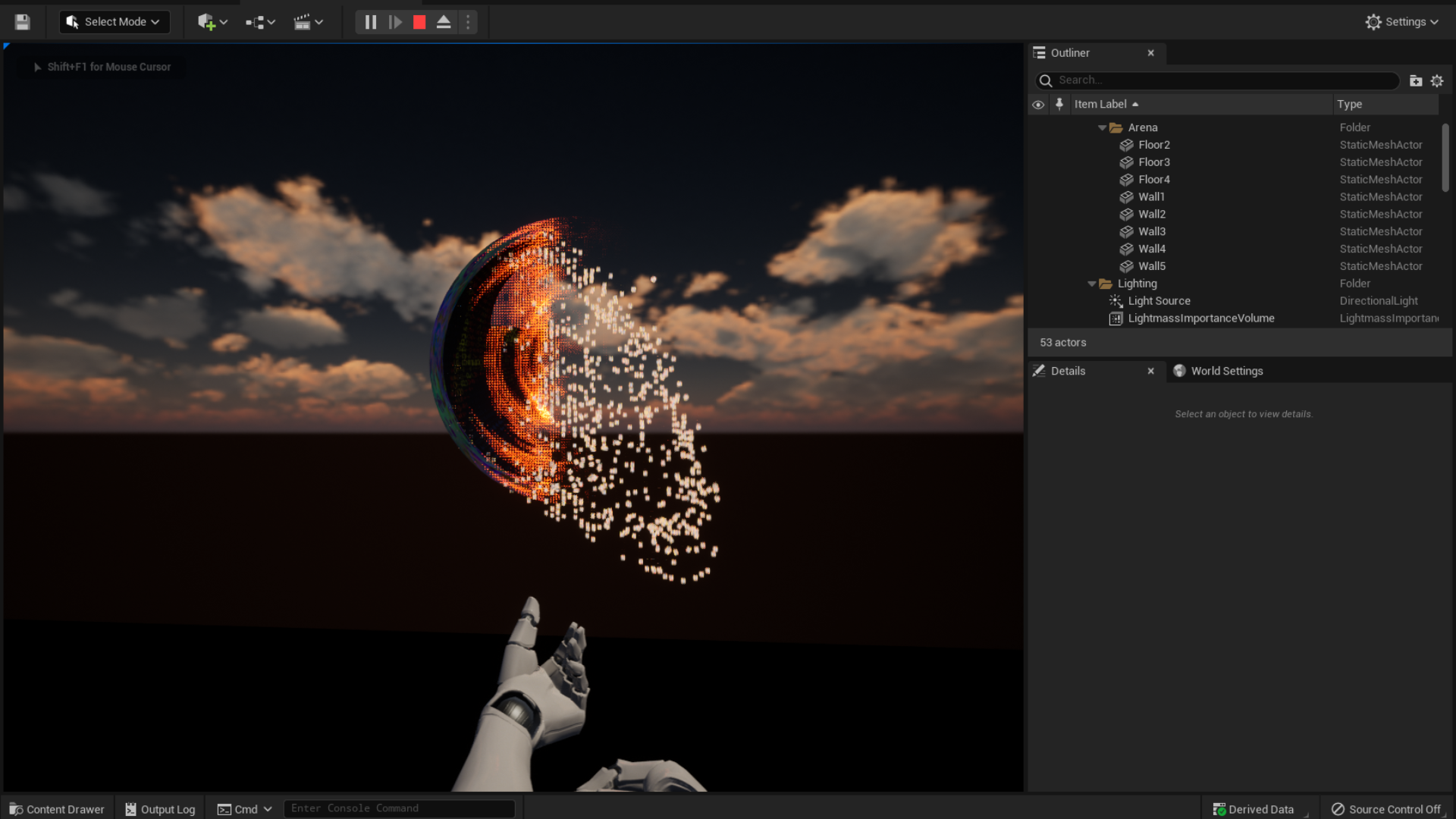
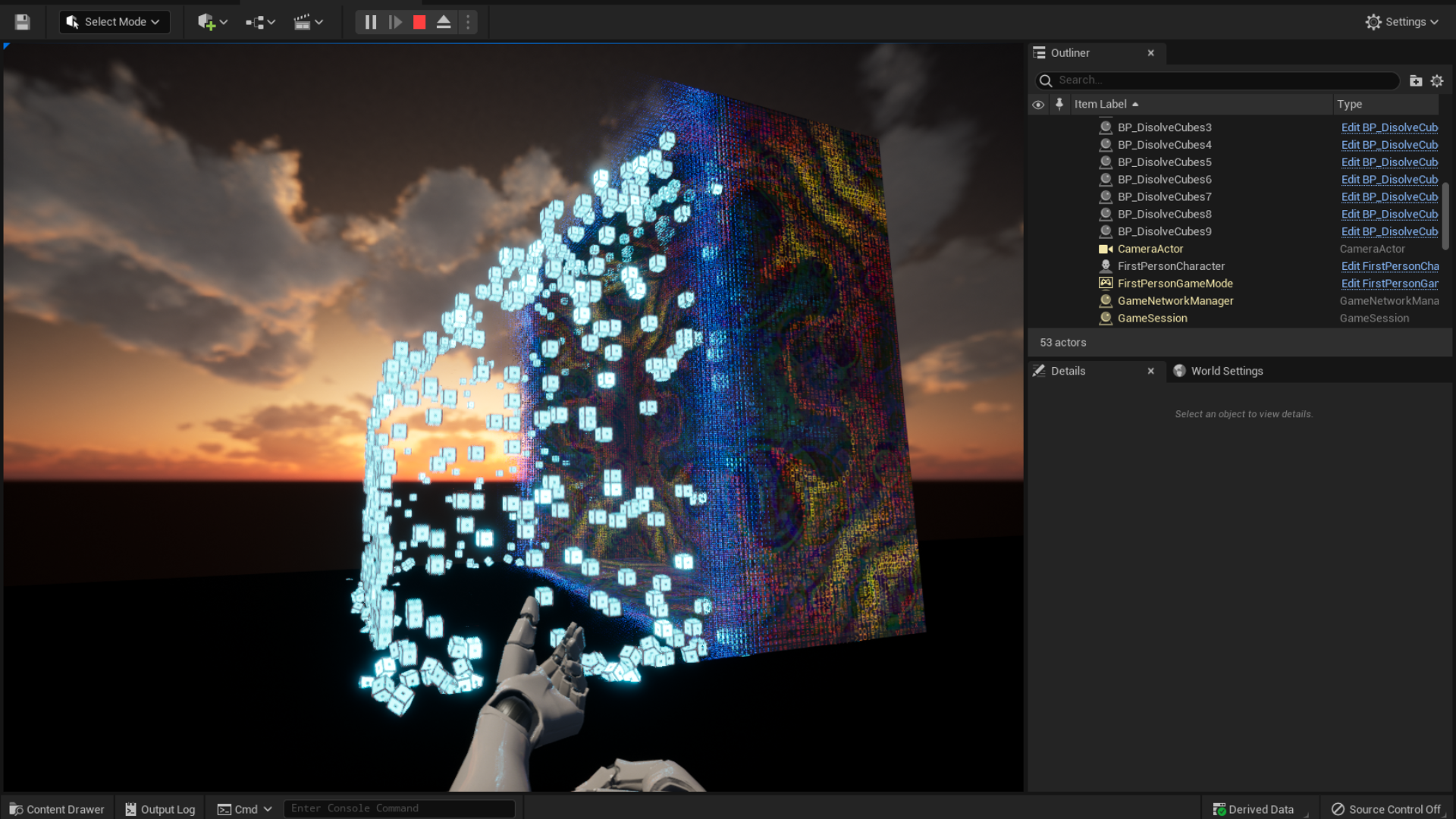
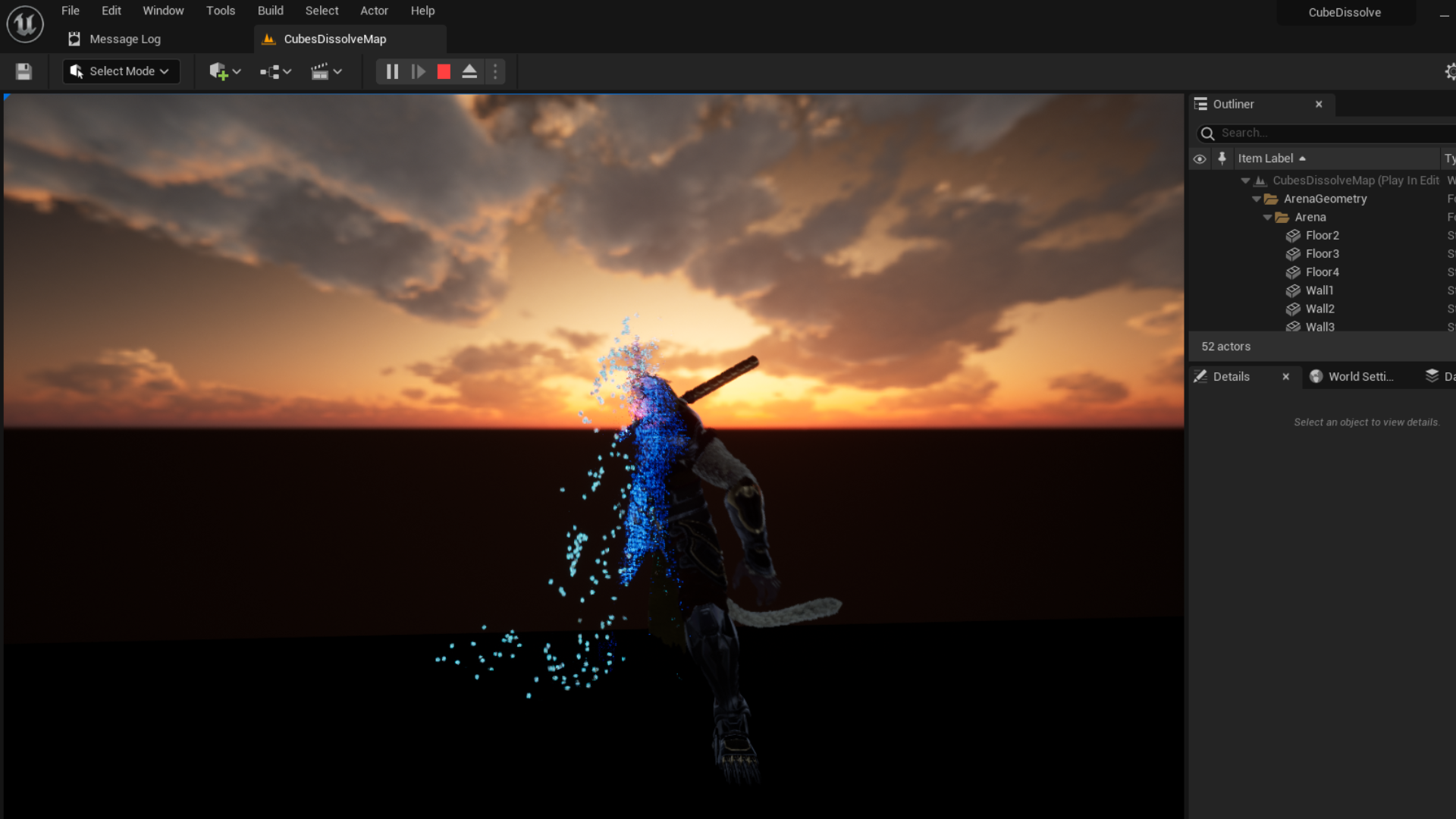
 Description
Version 3.0:
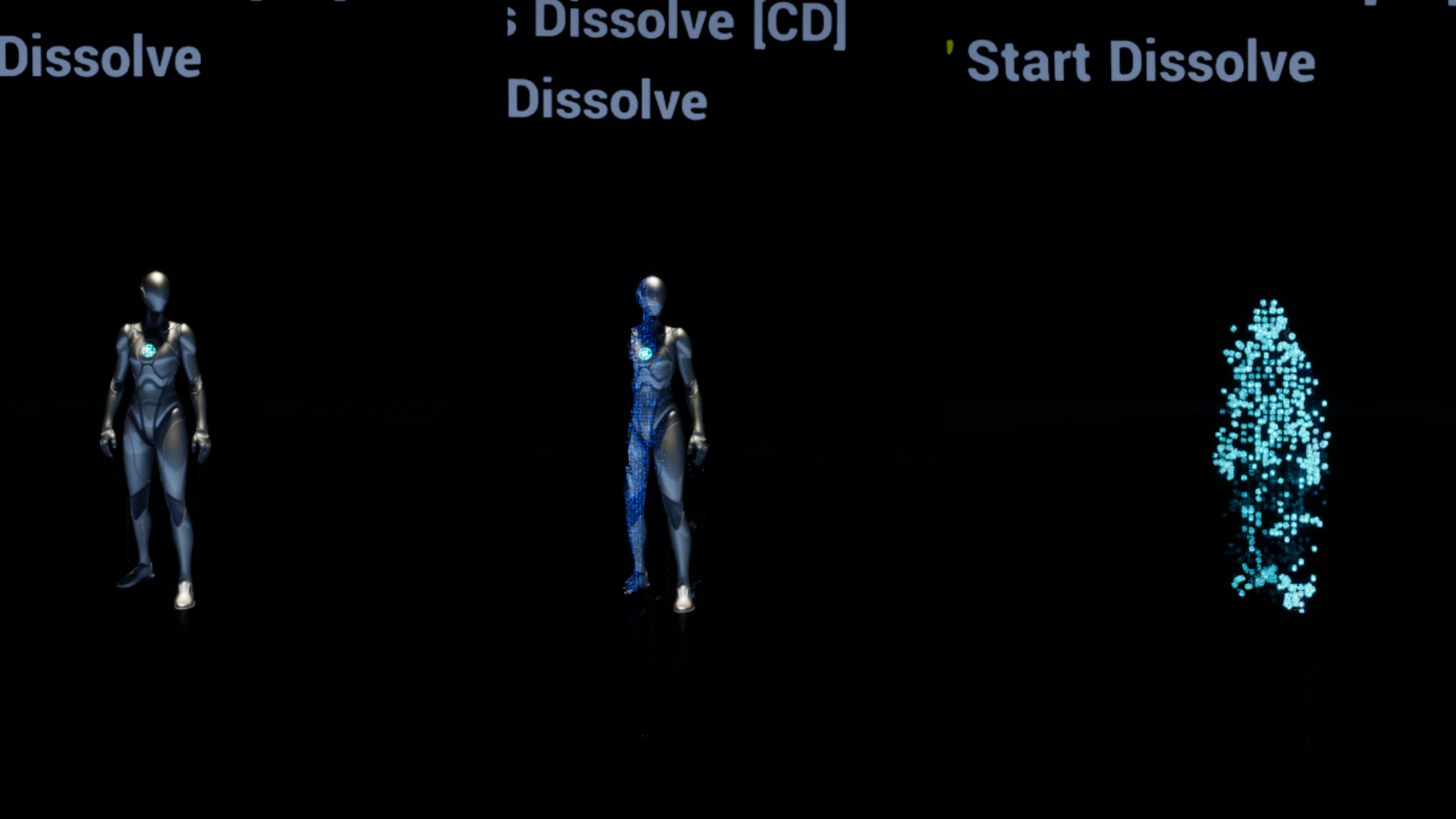
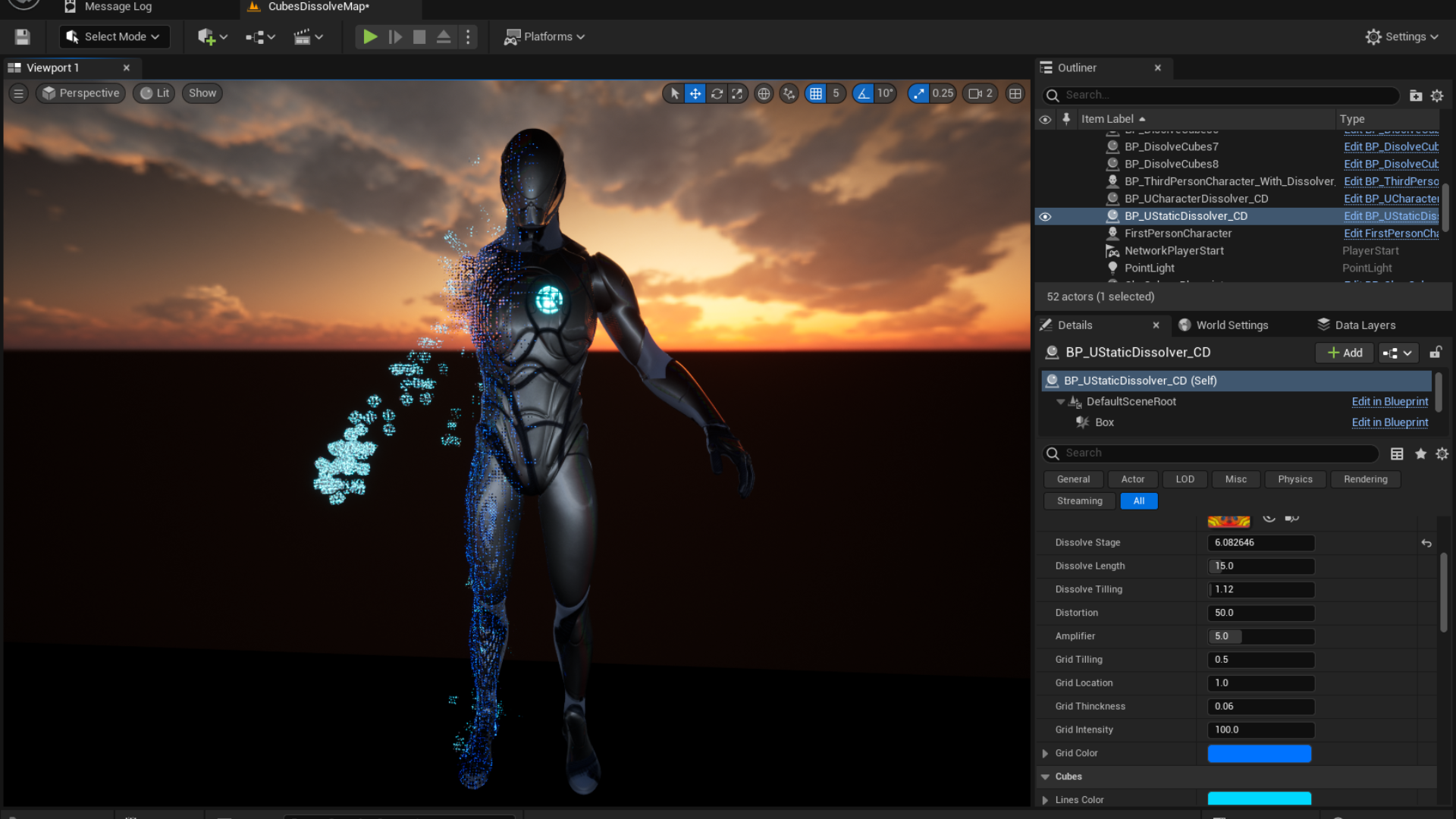
Playable Character & Tutorial (How to add dissolve to Your PlayerCharacter)
Playable Character (only Cubes Dissolve): Video
……
Version 2.0:
- Able to use Skeletal Mesh: Paragon: Wukong
- Infinite number of materials
- Manually adjust each material: Tutorial on Paragon Mesh
Select the mesh and objects you want to remain after the dissolve effect. You have the option to choose from cubes and bananas, or you can add your own custom meshes.
Technical Details
Features:
- Available as Skeletal or Static Mesh
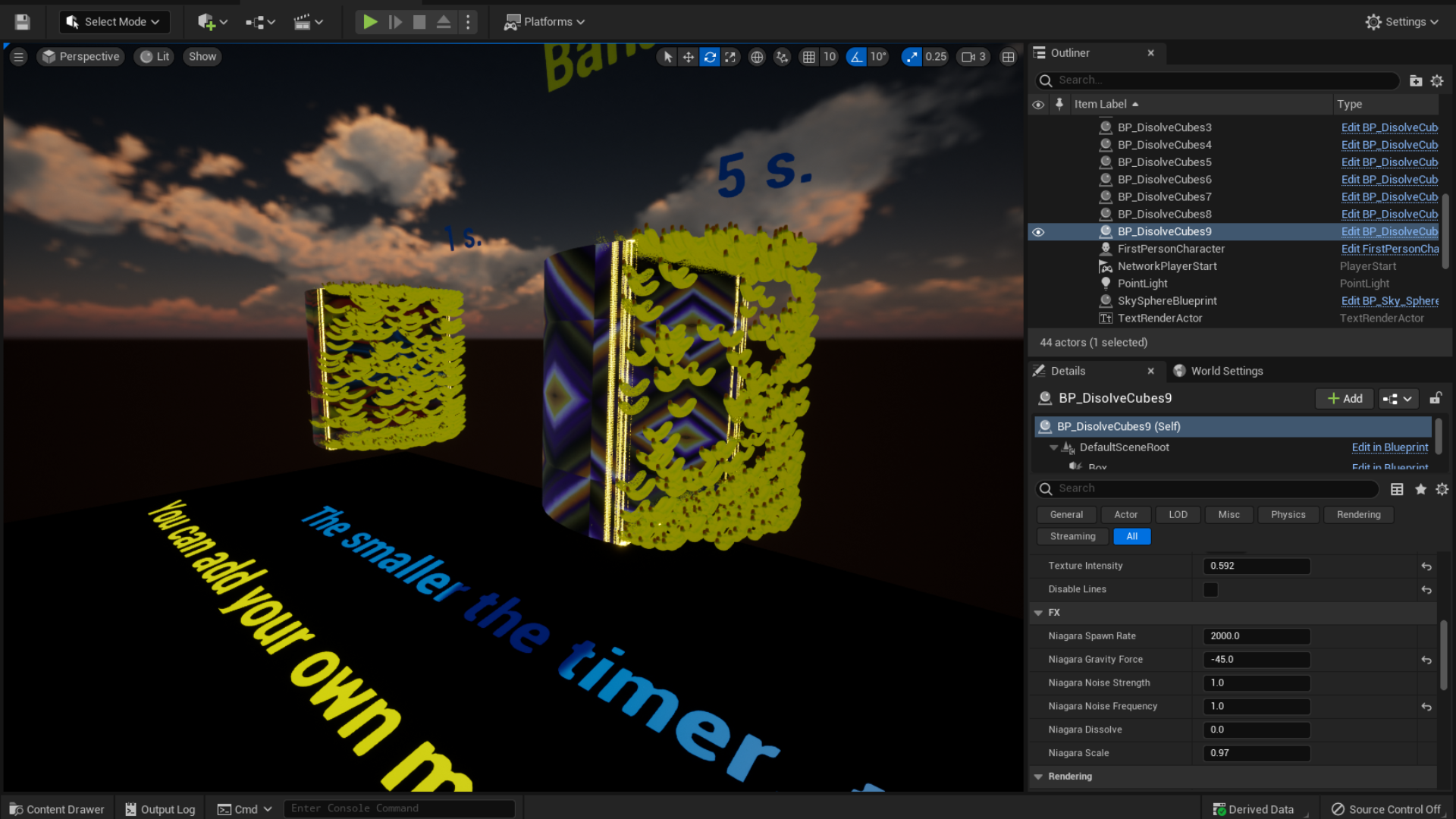
- 10 Timers: 1, 2, 3, 4, 5, 6, 7, 8, 9, 10 seconds
- Dissolve effect for bananas (can be applied to other meshes, e.g., apples)
- Additional emissive details for cubes
- 11 editable variables for the Dissolve Effect
- 11 editable variables for cubes, bananas, and other meshes
- 6 editable variables for visual effects (FX)
- Assistance in creating textures from materials
- Right-to-Left dissolve direction
Number of Blueprints: 3
Number of Unique Meshes: 1
Number of Materials and Material Instances: 4
Number of Material Functions: 5
Number of Textures: 11
Texture Resolutions: 1024×1024-2048×2048
Input: Keyboard, Mouse;
Supported Development Platforms:
Windows: Yes
Documentation: Included
Login is required to access this download
VIP Downloads Today: 0 of 0
You can contact us at any time and request that the asset you want be added to the site from the Request Asset section.