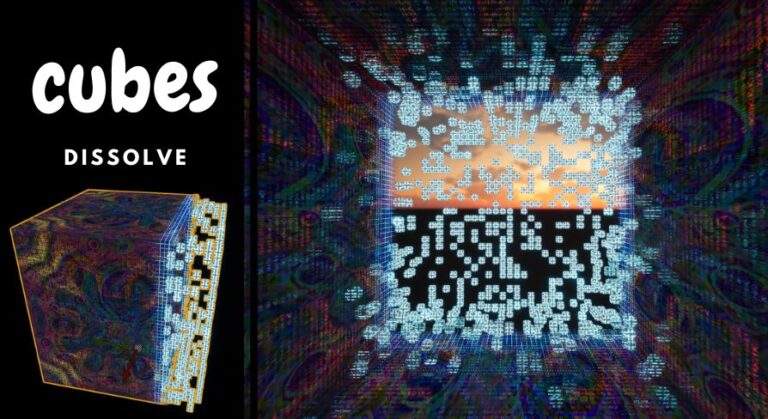
Description Version 3.0: Playable Character & Tutorial (How to add dissolve to Your PlayerCharacter) Playable Character (only Cubes Dissolve): Video …… Version 2.0: Able to use Skeletal Mesh: Paragon: Wukong Infinite number of materials Manually adjust each material: Tutorial on Paragon Mesh Select the mesh and objects you want to remain after the dissolve effect. You have the option to …
Read More »einndein
Burning Horns
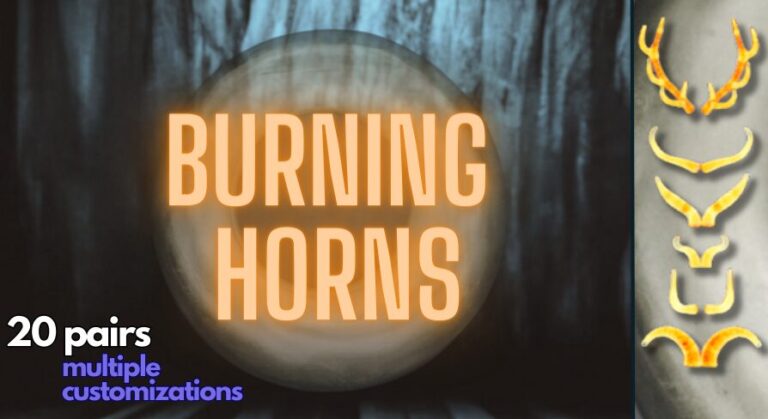
Description Video. Test Demo. Burning Horns offers a pack of 20 unique pairs of stylized horns, complete with animated materials and Niagara visual effects. Easily integrate them into your character by attaching them to the skeleton, adjusting their position, and customizing the variables to create your own unique style. Horns Material: Texture Aura Effect: Color, thickness Animation Speed Opacity Fire …
Read More »Dissolve Pack
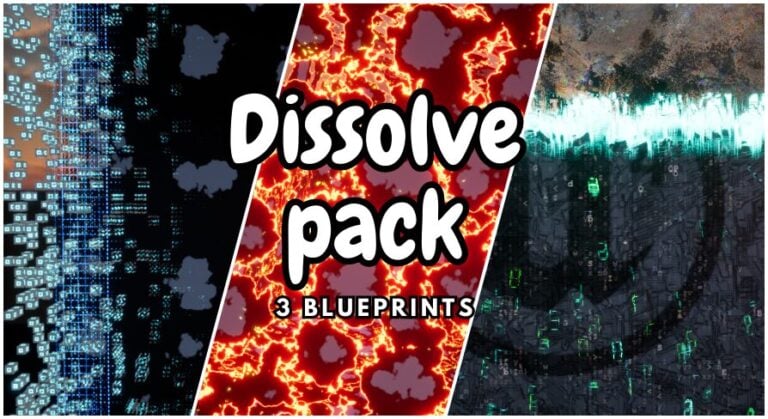
Description Update v.3 Playable Character [tutorial: how to add dissolve to your character BP) Playable Dissolve: Video V.3 Demo: Windows How to: level sequence. Discord: Server. Showcase v.2: VideoTutorial: update materials. Technical details Features: 3 dissolves Marketplace page: Cubes Dissolve. Marketplace page: Mesh Dissolve. Vanish Dissolve: -14 timers [1, 2, 3, 4, 5, 6, 7, 8, 9, 10, …
Read More »Hide Easily
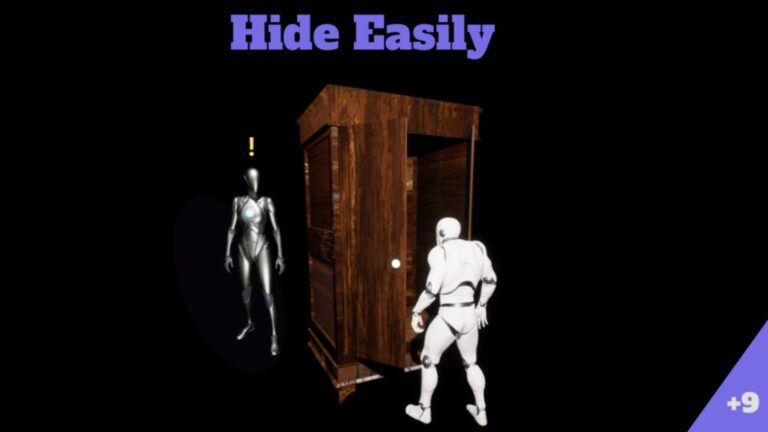
Description Usage example Video. Project presentation Video. Integrate PlayerController – help video. Small Update: Fixed the issue with hiding under the bed in multiplayer mode Adjusted lighting settings Added a help page Update 3.2: AI Character with Behavior Tree: Added patrol, follow, and search behaviors (see Video) New hiding place: Vending machine Ability to rotate before and …
Read More »