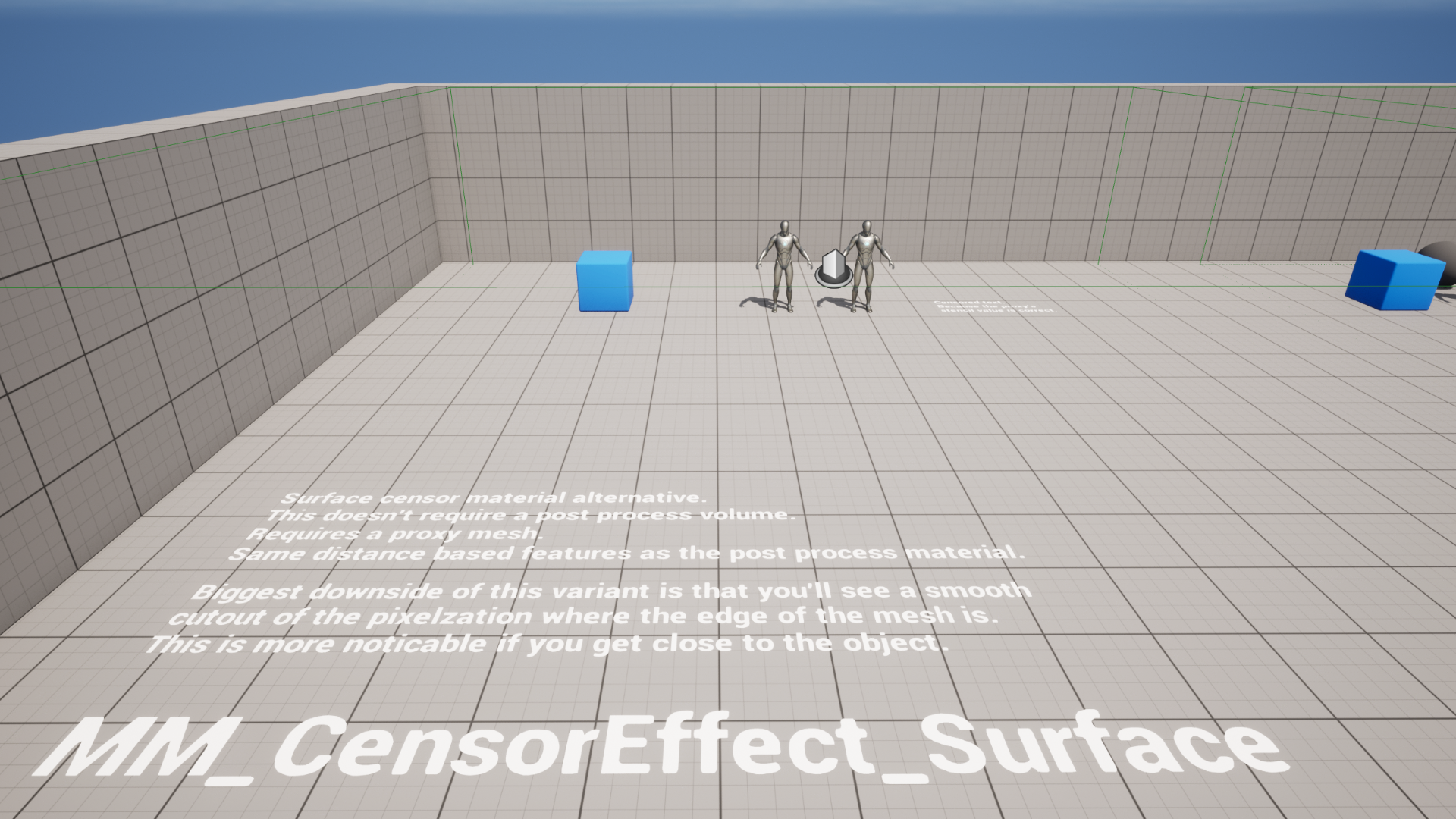
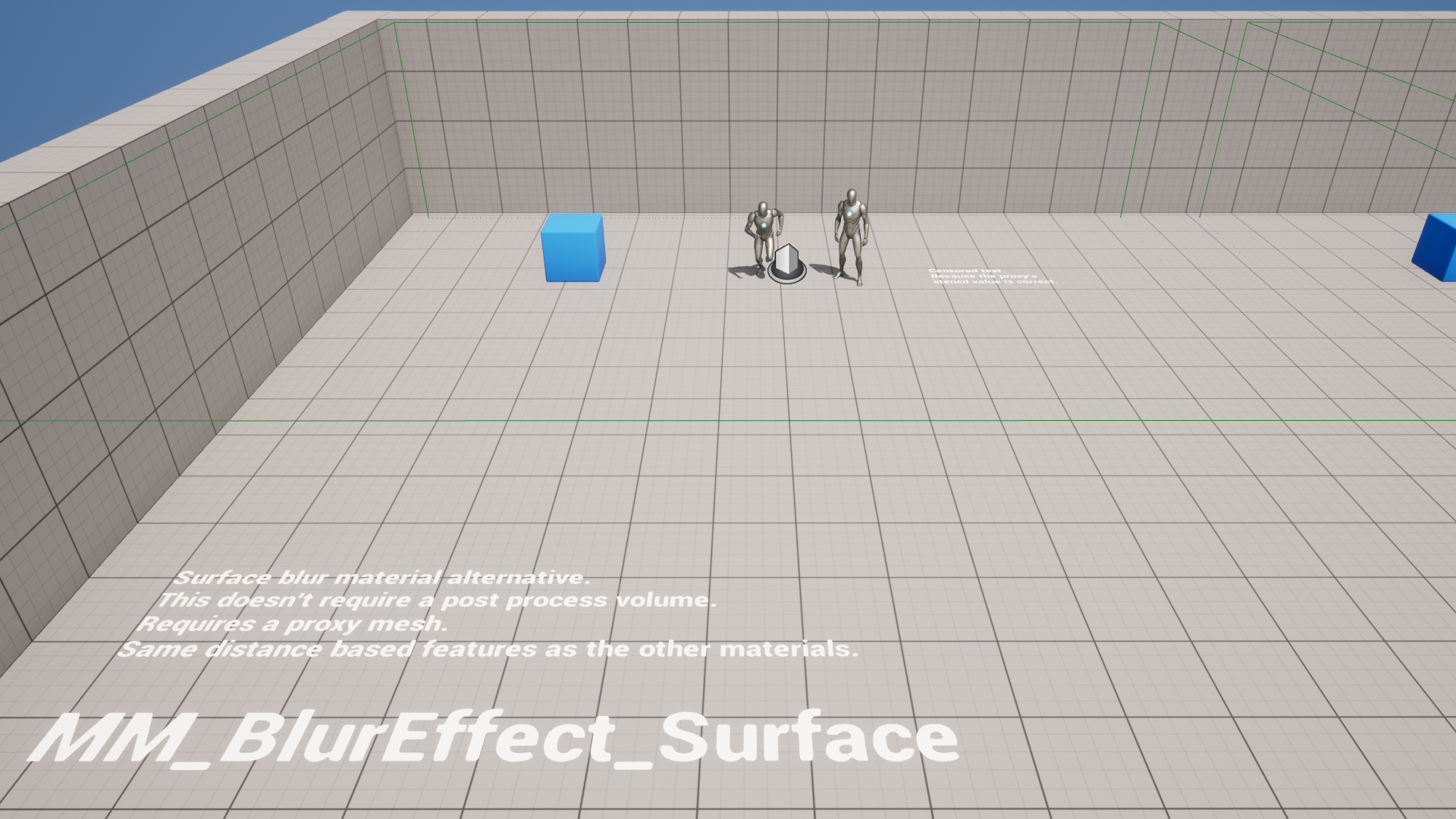
Description
Note: I’m not trying to promote censorship of content or freedom of speech. This effect was created with the intent of artistic use. You can use it however you want.
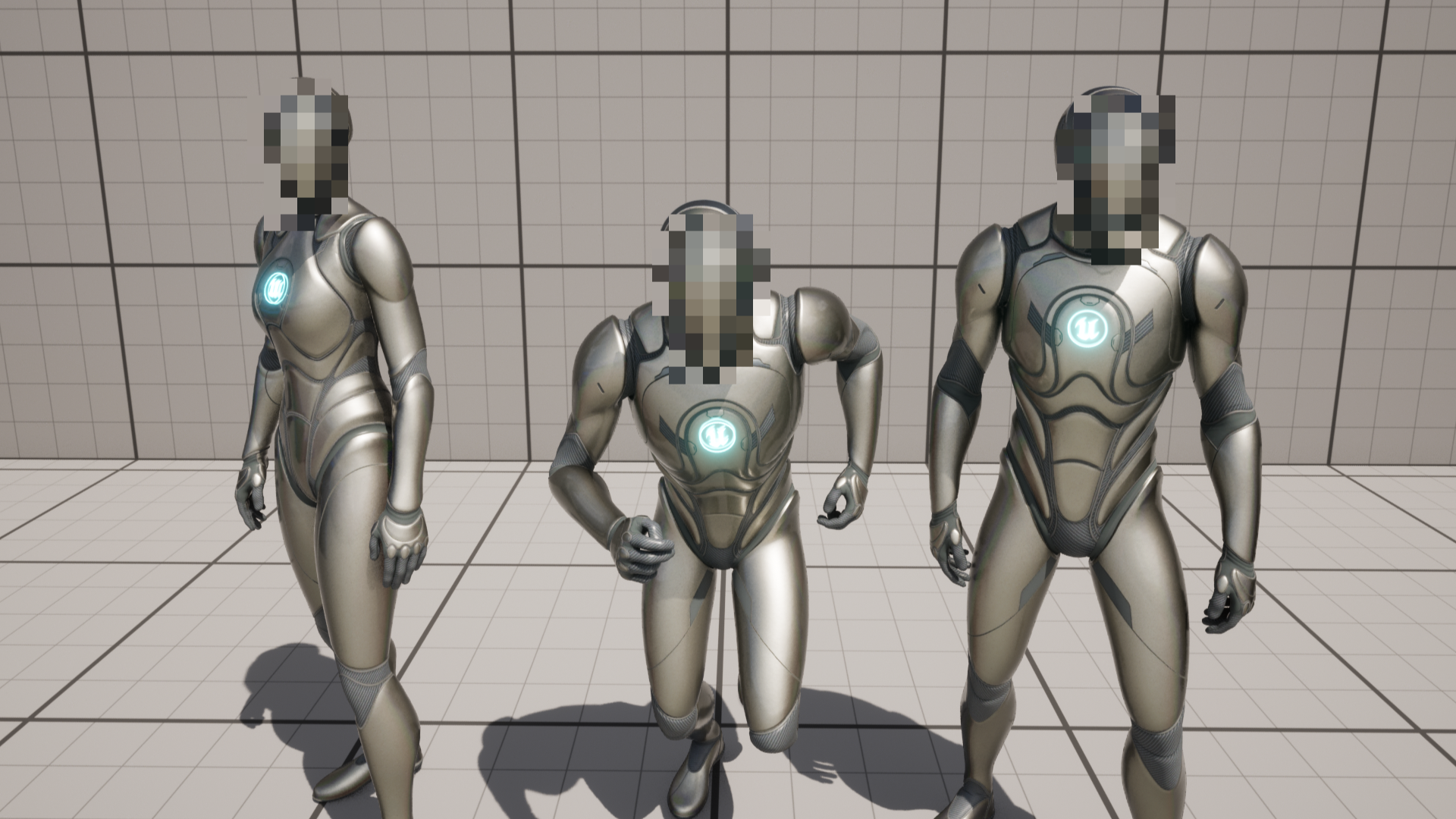
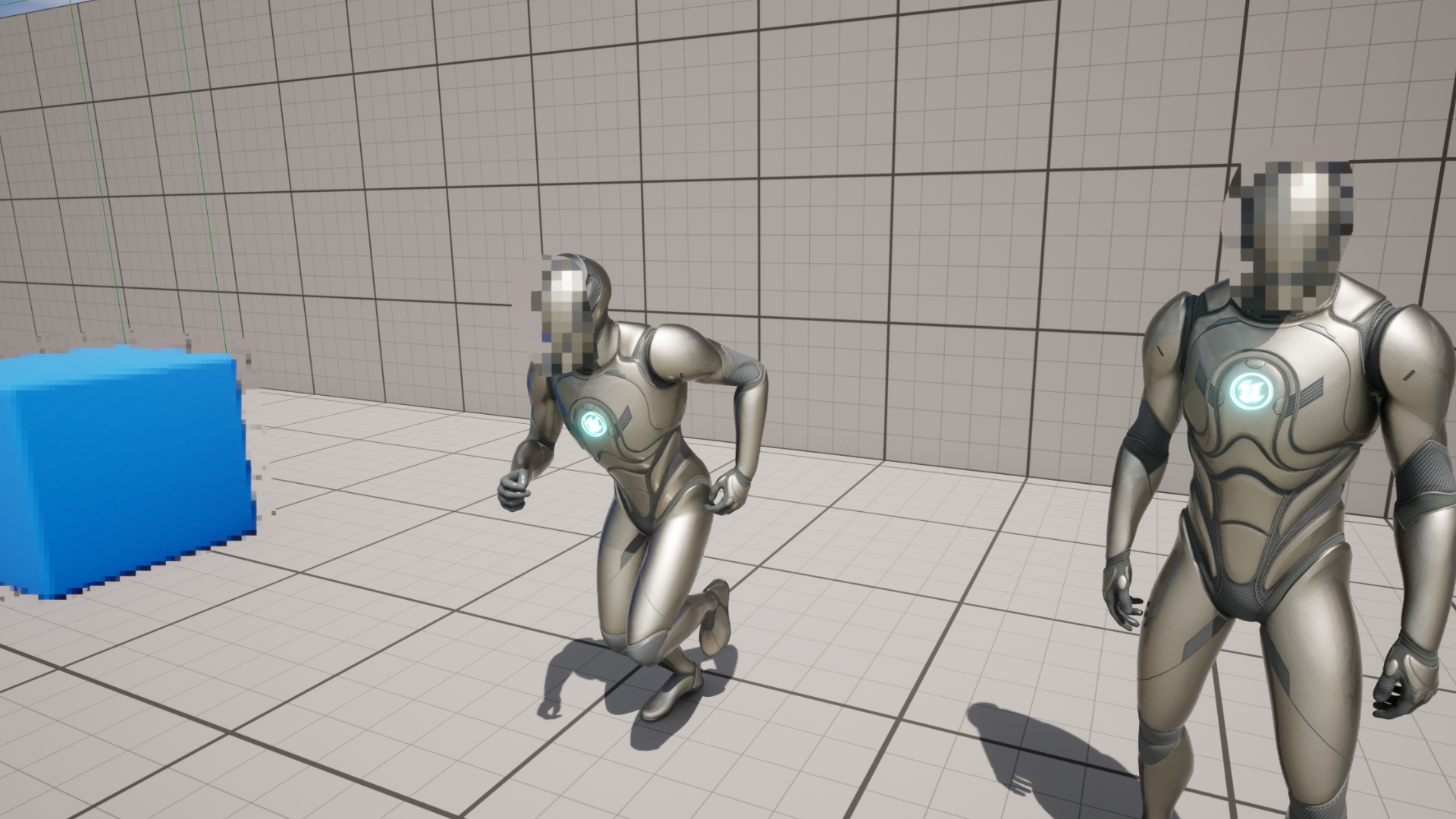
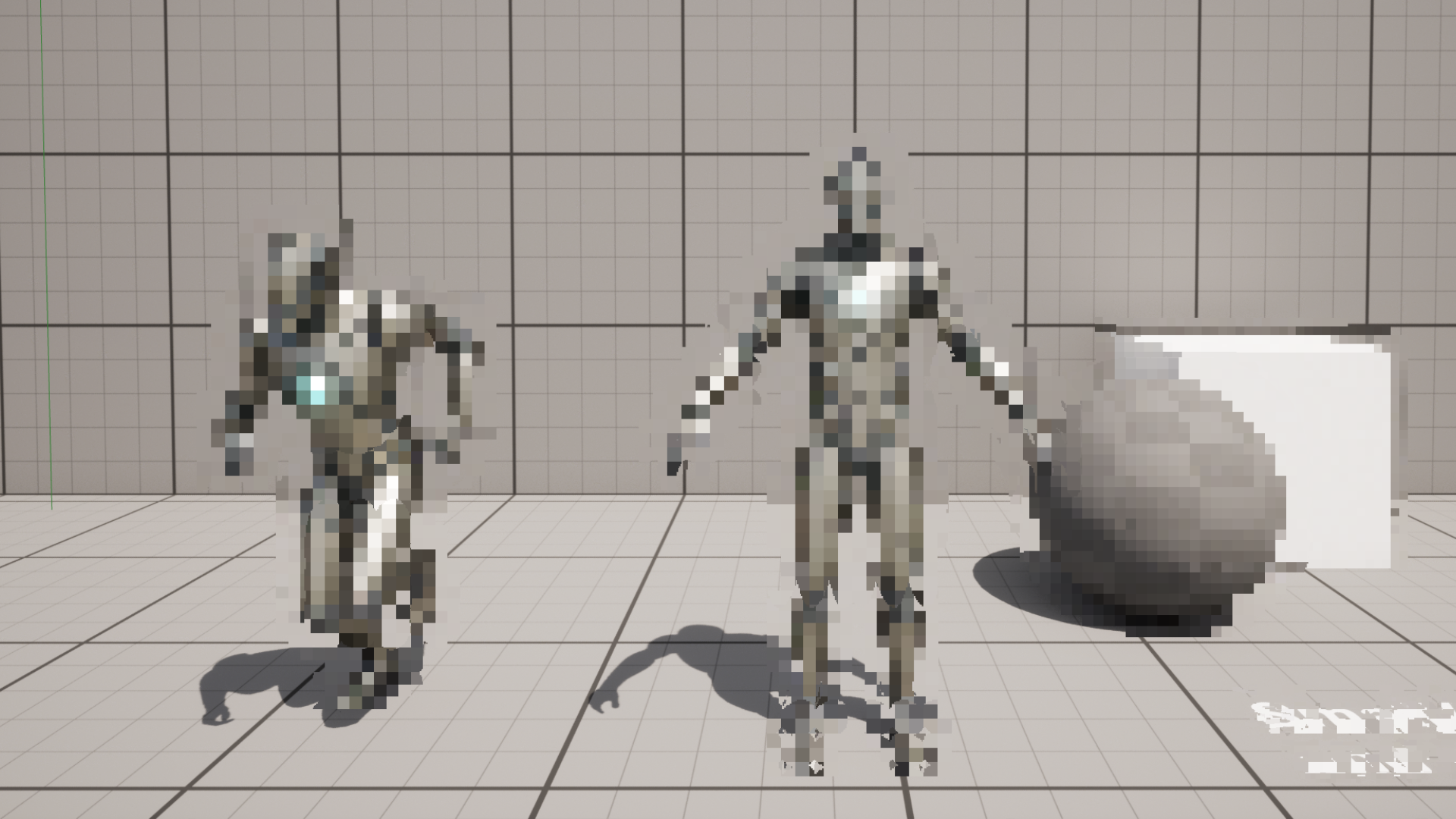
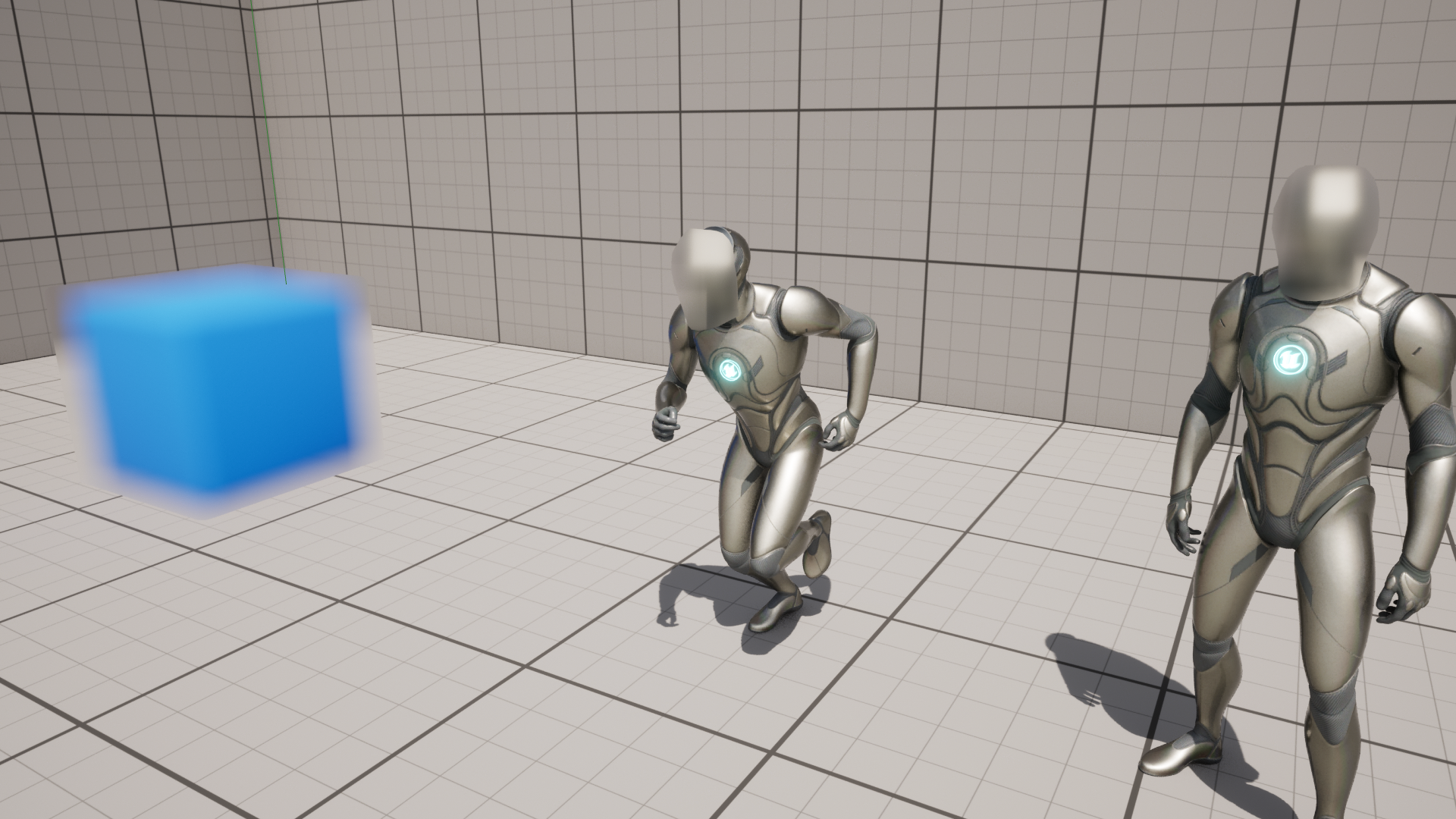
With this pack you can add a mosaic pixelization effect to any of your meshes as well as partial cover meshes with proxies. For example you can attach a proxy mesh to a head bone socket to obscure a character’s face only.
This pack contains 5 different materials. 3 Post process materials and 2 surface materials. They all achieve a pixelization result(except for 1 blur material) but there are a few differences in use case and/or options between the materials.
Technical details
Features:
- Materials
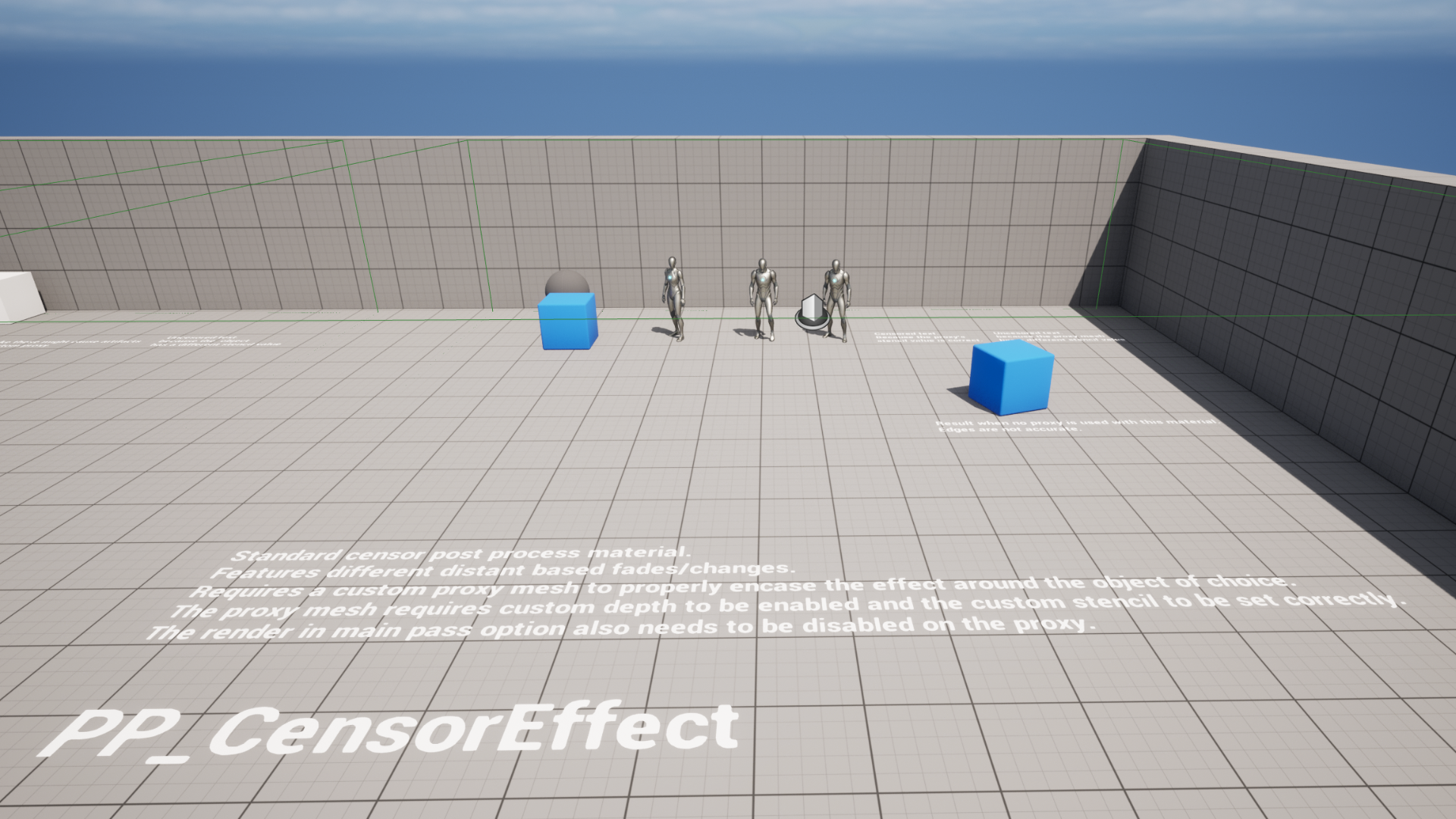
- PP_MosaicEffect – Post process material that requires custom proxy meshes and has distance features
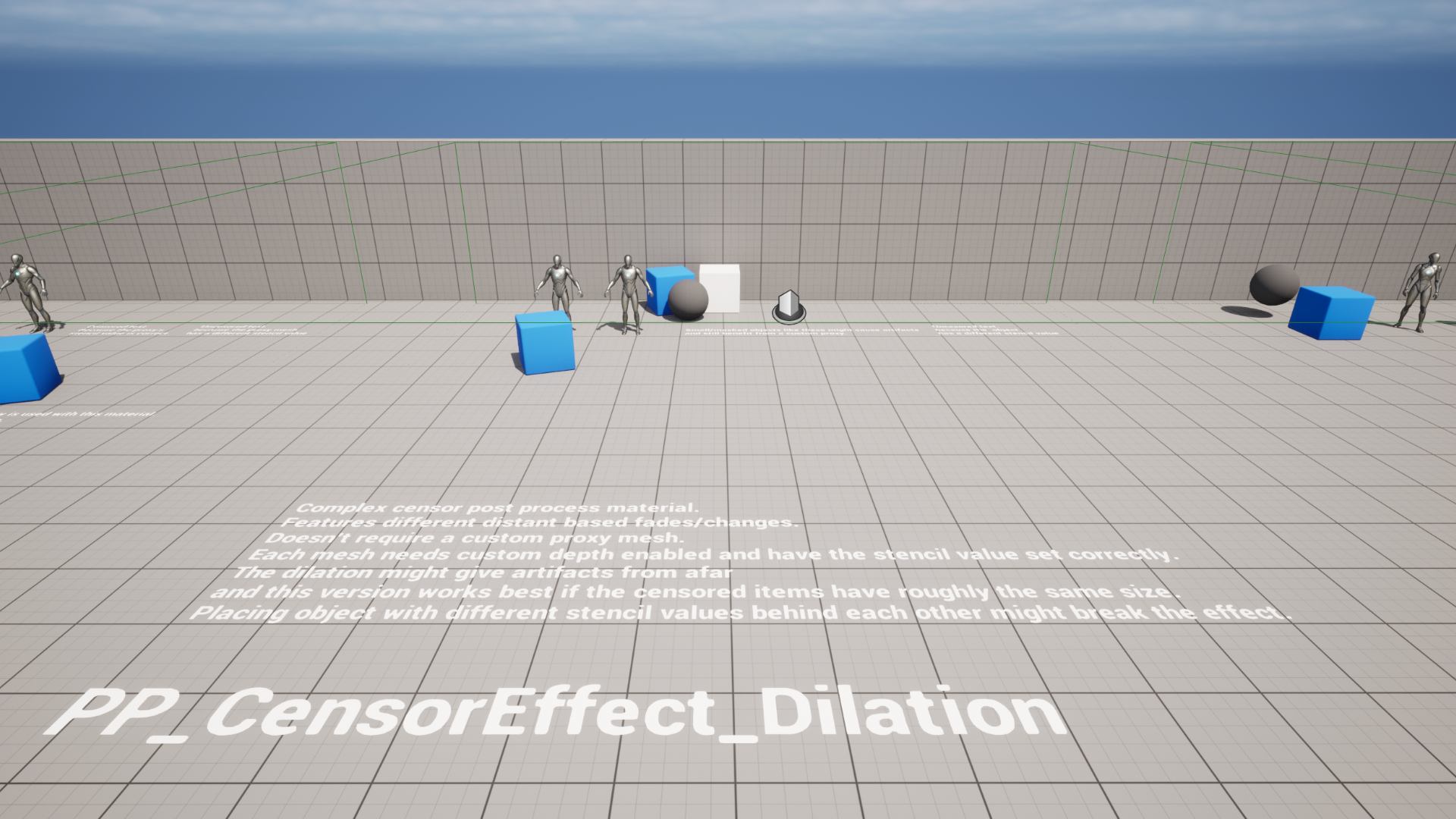
- PP_MosaicEffect_Dilation – A more expensive variant that doesn’t require a proxy mesh and has distance features
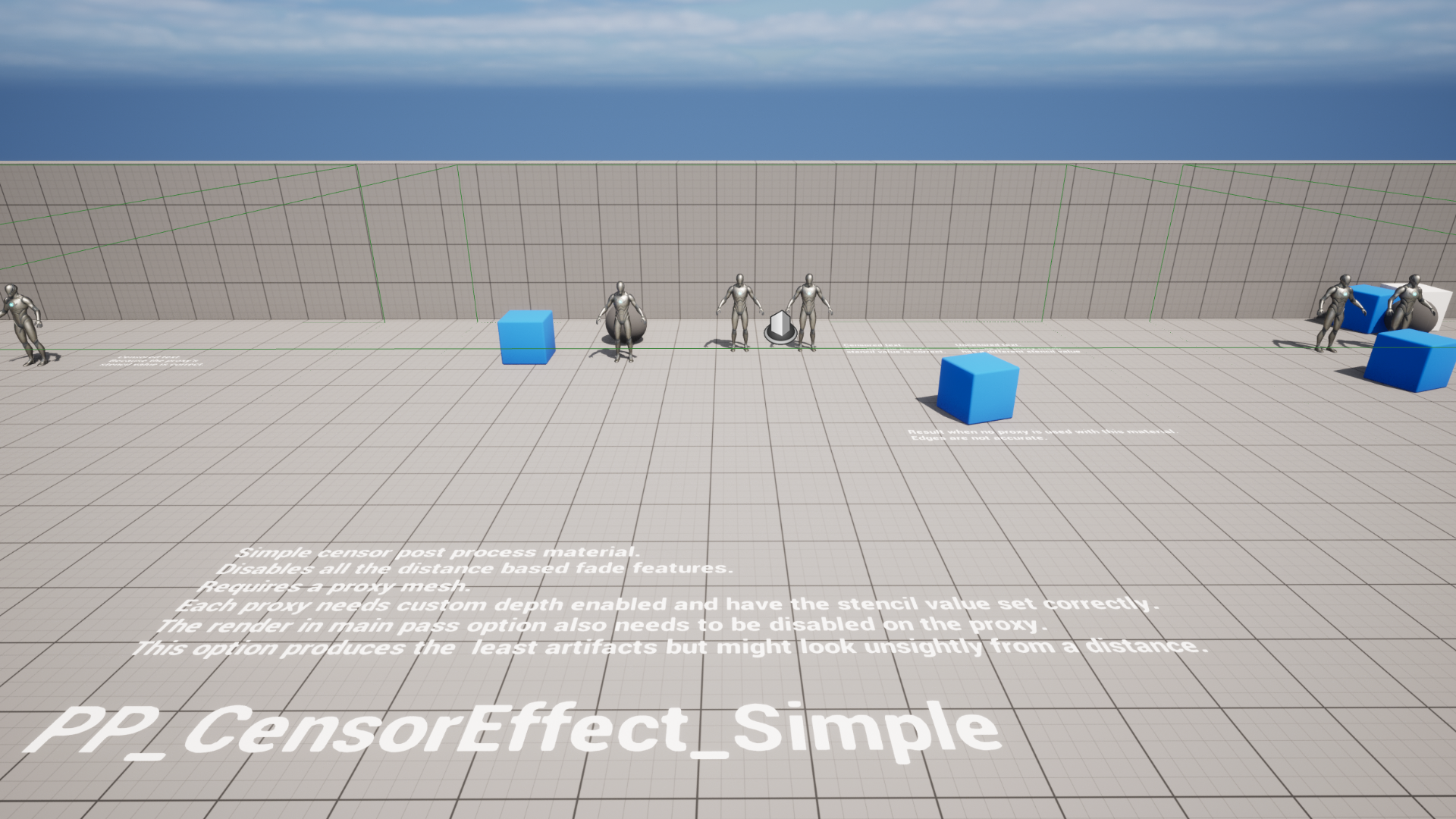
- PP_MosaicEffect_Simple – A cheaper variant that requires custom proxy meshes and doesn’t have distance features.
- NOTE: To use the post process materials you must change the custom depth setting to include stencils! You can find this under project settings and searching for stencil. Using this method might conflict with other post process materials that rely on custom stencils.
- MM_MosaicEffect_Surface – A non-post process variant, requires custom proxy meshes and has distance features.
- MM_BlurEffect_Surface – A non-post process variant, instead of pixelizing this blurs the mesh. requires custom proxy meshes and has distance features.
- Examples
- 1 Overview level
- 3 custom proxy meshes for the ue5 mannequin skeletal meshes
Number of Unique Materials and Material Instances: 10 (5 materials + 5 instances)
Number of Textures: 0
Texture Resolutions: n/a
Supported Development Platforms:
Windows: Yes
Mac: Untested
You can contact us at any time and request that the asset you want be added to the site from the Request Asset section.