Description
BIG UPDATE!
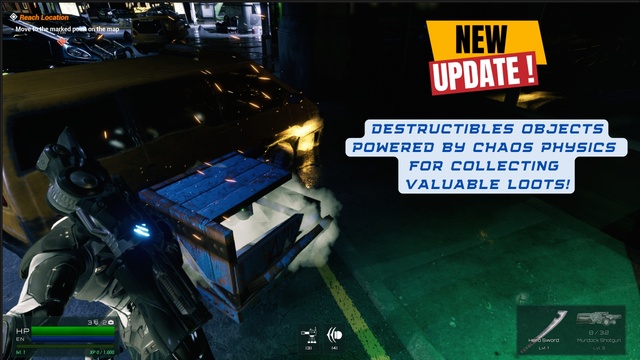
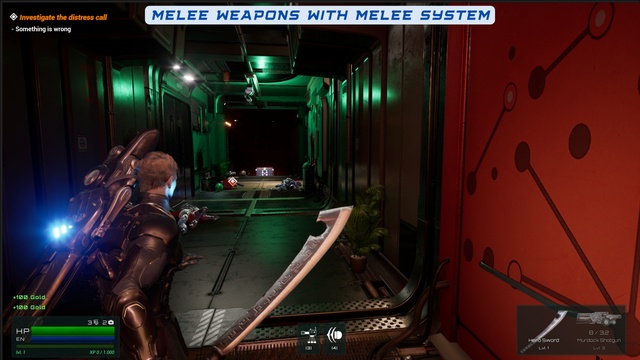
This major update introduces a fully integrated Destructibles System, upgraded weapon trails and damage text, improved melee tracing and full localization support with 8 languages. Critical fixes were applied to HUD ammo display, vending machines, input handling, and interaction indicators—making Voyager more stable and production-ready than ever.
V2.9.3 demo link: Playable demo download
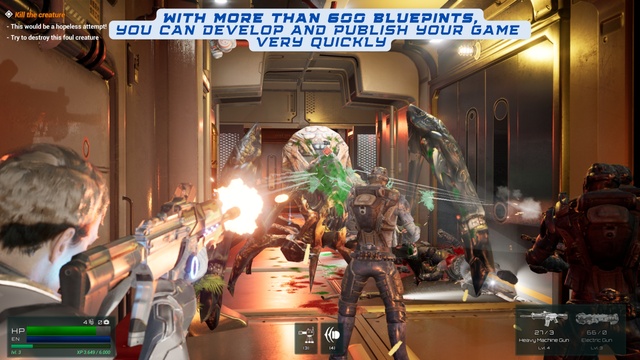
Voyager TPS is a complete Unreal Engine 5 template built entirely in Blueprints, featuring modular systems for third-person and first-person shooters. It combines cover mechanics, inventory, dialogue, first-person mode, modular characters and an advanced objective system — all within a flexible, scalable framework.
Important
Voyager: TPS Kit is a fully structured, standalone project. It is not intended to be migrated into an existing project. For best results, we recommend using Voyager as your base project and migrating your assets and content into it.
Whether you’re crafting a narrative-driven experience or a fast-paced tactical shooter, Voyager provides everything you need to create an incredible shooter experience.
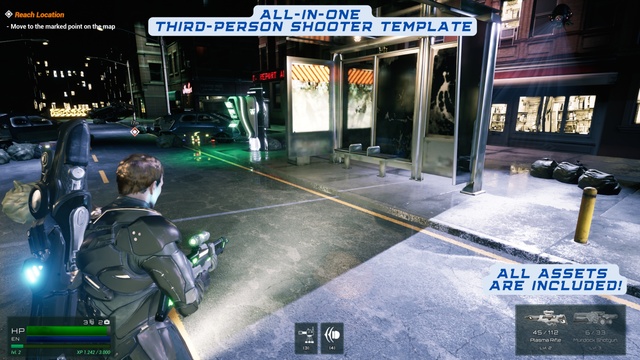
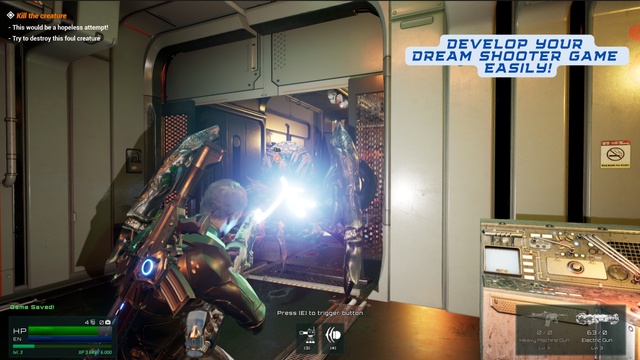
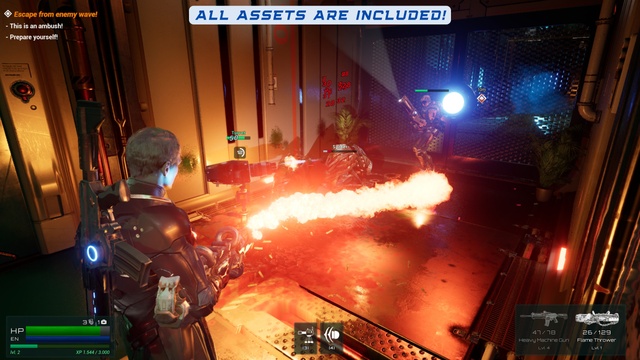
All assets you see in trailers and screenshots are included in the project file.
Watch the trailer & try the demo to see all systems in action! (Full links at the bottom of this page)
Why Developers Love Voyager:
- 4.9 rating from 91+ reviews
- More than 600+ Blueprints to help you quickly create your dream game.
- Step-by-step video tutorials to help you integrate new characters, weapons, objectives, and more
- Growing Discord community to get help, share feedback, and see how others use Defender
- Designed for rapid prototyping and scalable game development – from game jams to commercial releases
- Educational Blueprint design with tons of examples
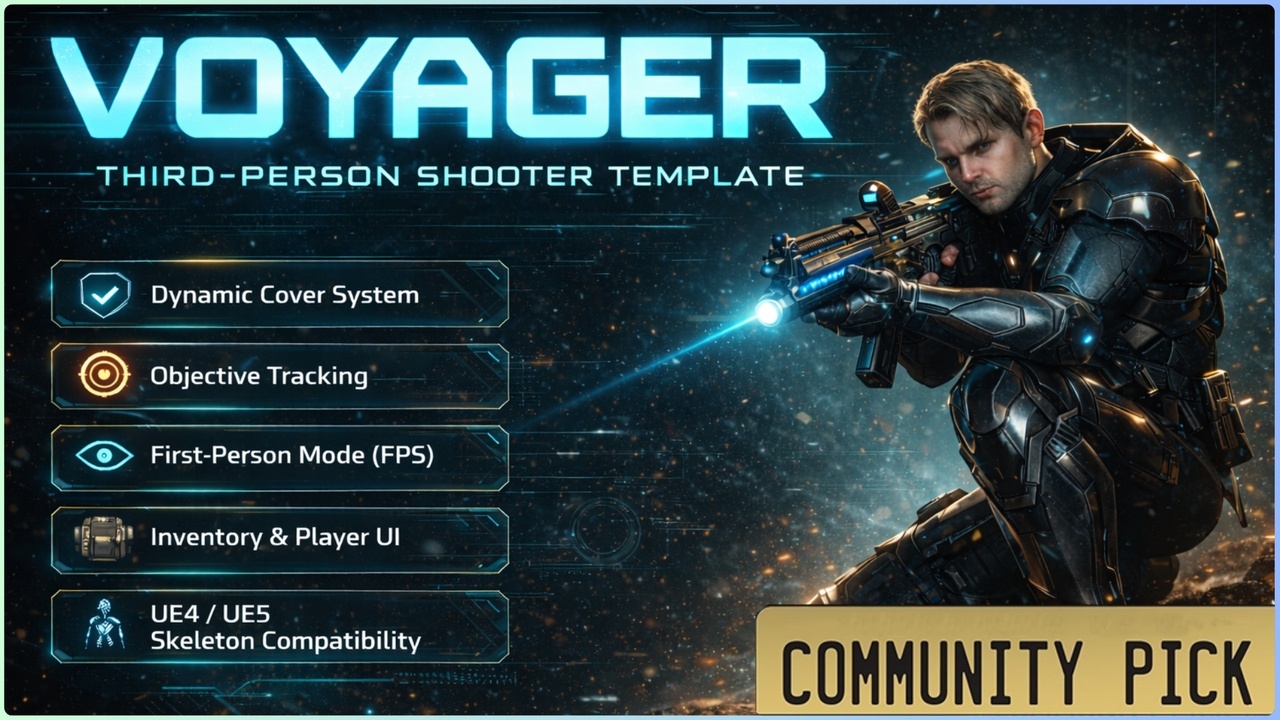
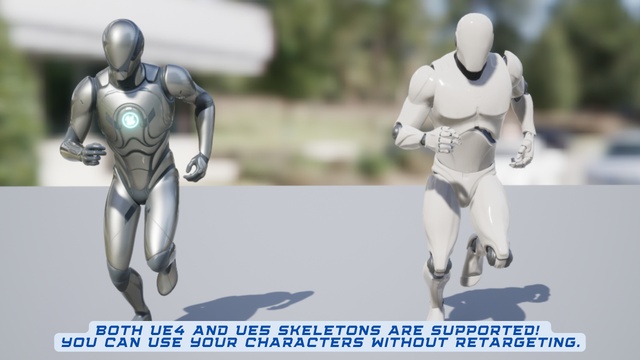
- UE4 & UE5 skeleton compatible – import your own animations and meshes freely
- Use it as a full game framework or cherry-pick individual systems into your own project
- Ideal for RPGs, tactical shooters, story-driven projects
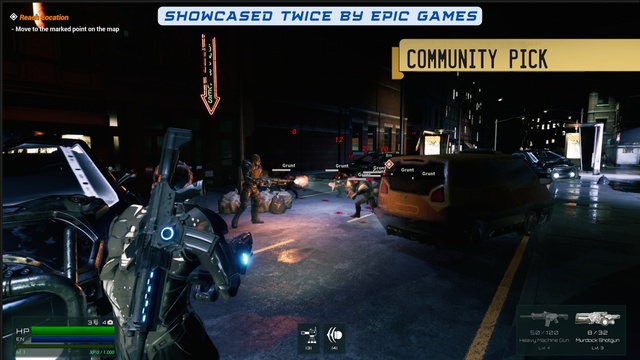
🏅 Showcased twice by Epic Games
- First Showcase: Dec 12–26, 2023
- Second Showcase: Oct 1–13, 2024
🎮 Playable Demos
- Playable Demo Download (Main playable demo with original project assets)
- Playable Demo Download with using ZeroArtProject 3D Models
📺 Video Showcase
📚 Support & Resources
- Discord Server – Join the community
- How-to Videos – For beginners and pros
- Documentation – Setup, tips, integration
📘 Tutorials Include:
- How to create a level from scratch?
- How do I add a character to my project?
- How to use Objective Manager?
- How to use screen indicators in my project?
Always back up your Voyager project before updating!
🚀 Key Features
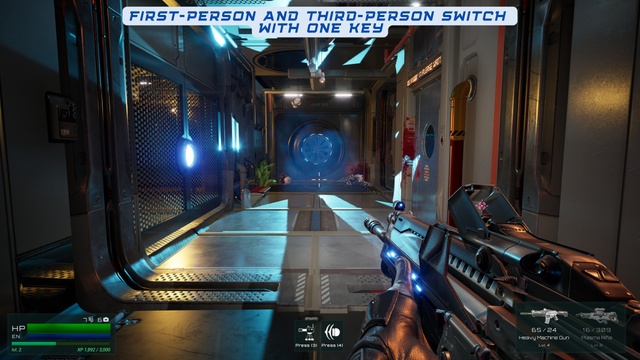
- Third Person & First Person Mode Toggle
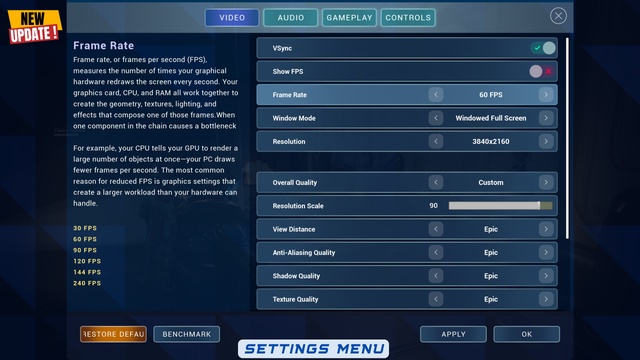
- Migratable Settings Menu (With UMG Input System Addon)
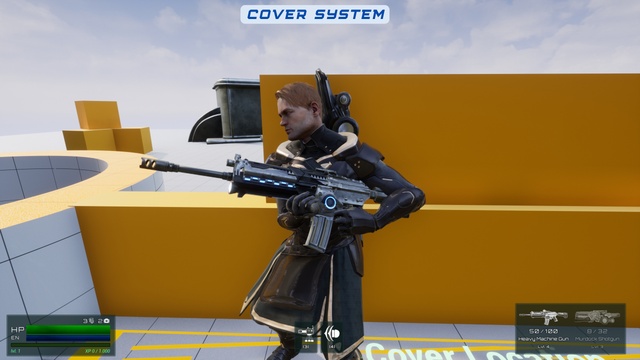
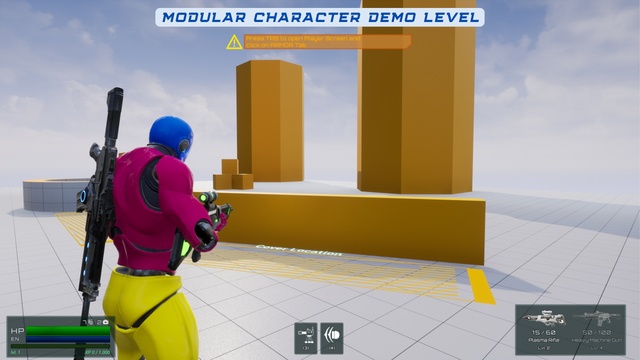
- Modular Cover System (snap to wall, cover & shoot)
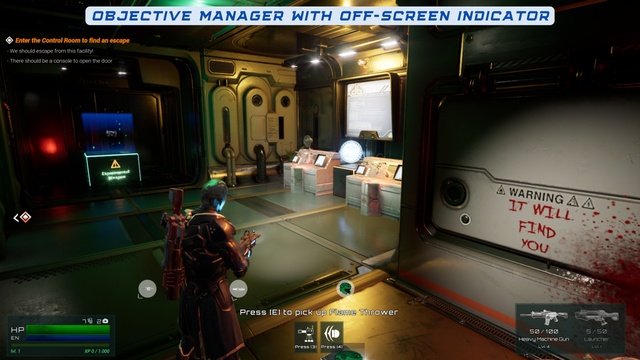
- Objective System (with off-screen indicator support)
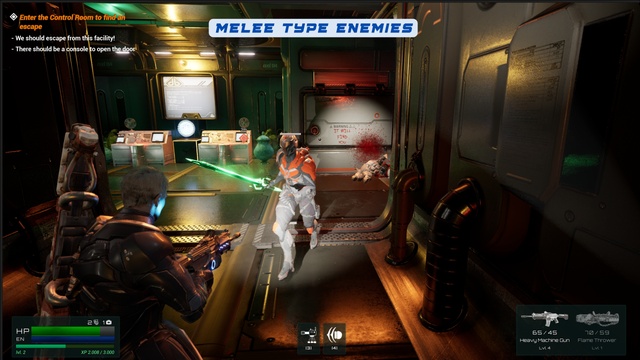
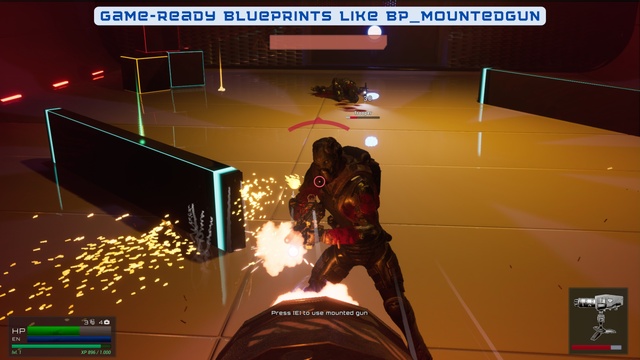
- Firearms & Melee Combat with upgrade system
- AI with Behavior Trees
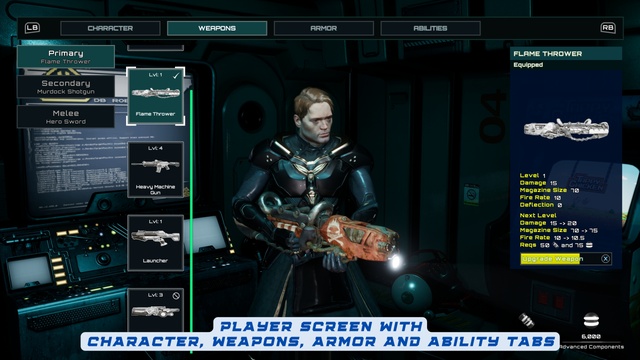
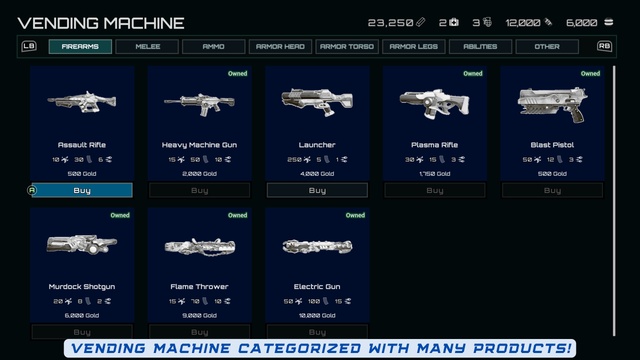
- Inventory & Equipment (weapons, armor, healing, ammo)
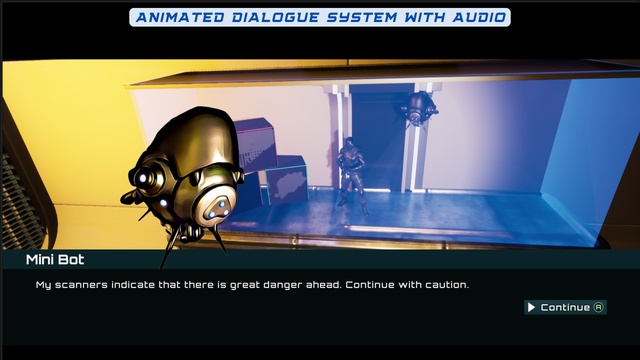
- Dialogue System (UI-driven with stats & choices)
- Stats & Damage System (health, armor)
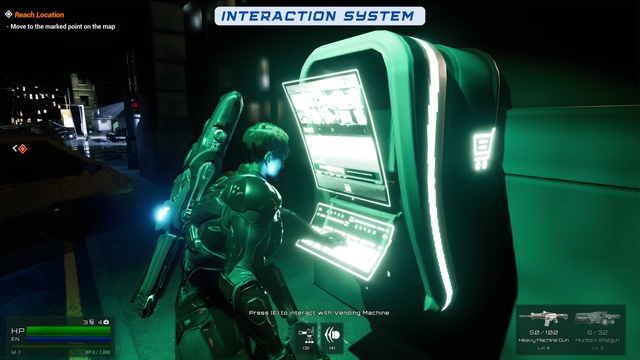
- Interaction System (use, pick up, loot, talk)
- Modular Character Setup (separated mesh parts + Blueprint config)
- Gamepad Support – Gameplay & UI included
- Save & Load System
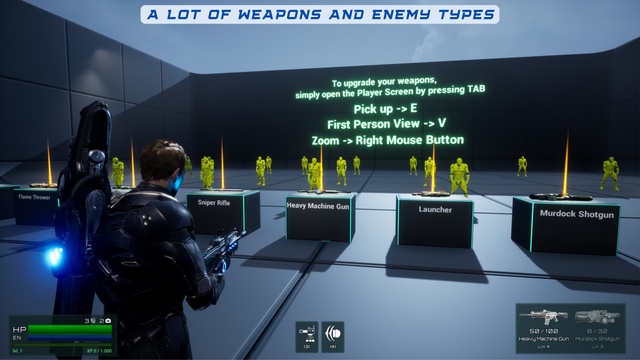
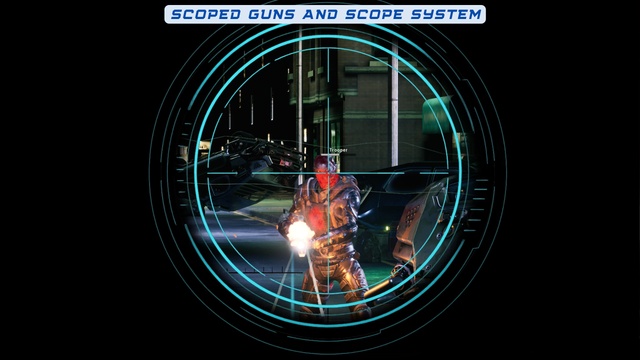
- 9+ weapon types, grenades, laser sights, ability system & more
- Highly Modular & 100% Blueprint
🧾 Version Note
- UE 4.27: Supported in Voyager:TPS Versions v1.0 to v2.0
- UE 5.x (5.0–5.7): Fully supported
⚠️ Disclaimer
This template uses free assets from:
Scifi Hallway, Lyra, Showdown VR Demo, Infiltrator Demo, Soul City, Subway Sequencer, Action RPG, Blueprints, Shooter Game, Paragon, Content Examples, Infinity Blade: Weapons, Realistic Rendering, and Animation Starter Pack – all provided free of charge by Epic Games.
This template is entirely handcrafted. The thumbnail image was generated using AI for promotional purposes only.
Login is required to access this download
Login is required to access this download
You can contact us at any time and request that the asset you want be added to the site from the Request Asset section.