Description
* Please note that there’s a vertex painting bug in Unreal Engine 5.2, 5.3 & 5.4.
You will not be able to paint damage on the spline meshes until you merge them into a static mesh.
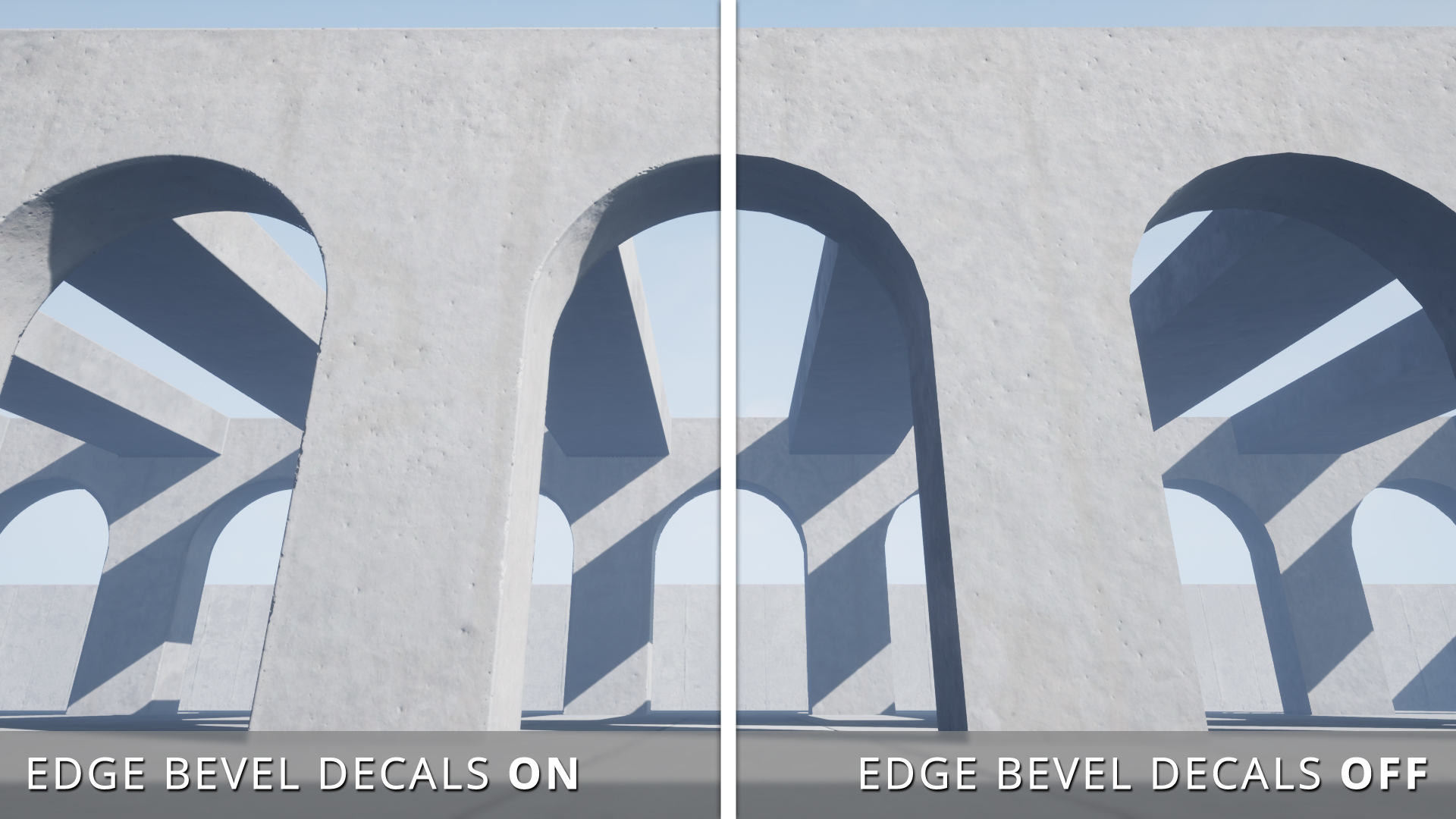
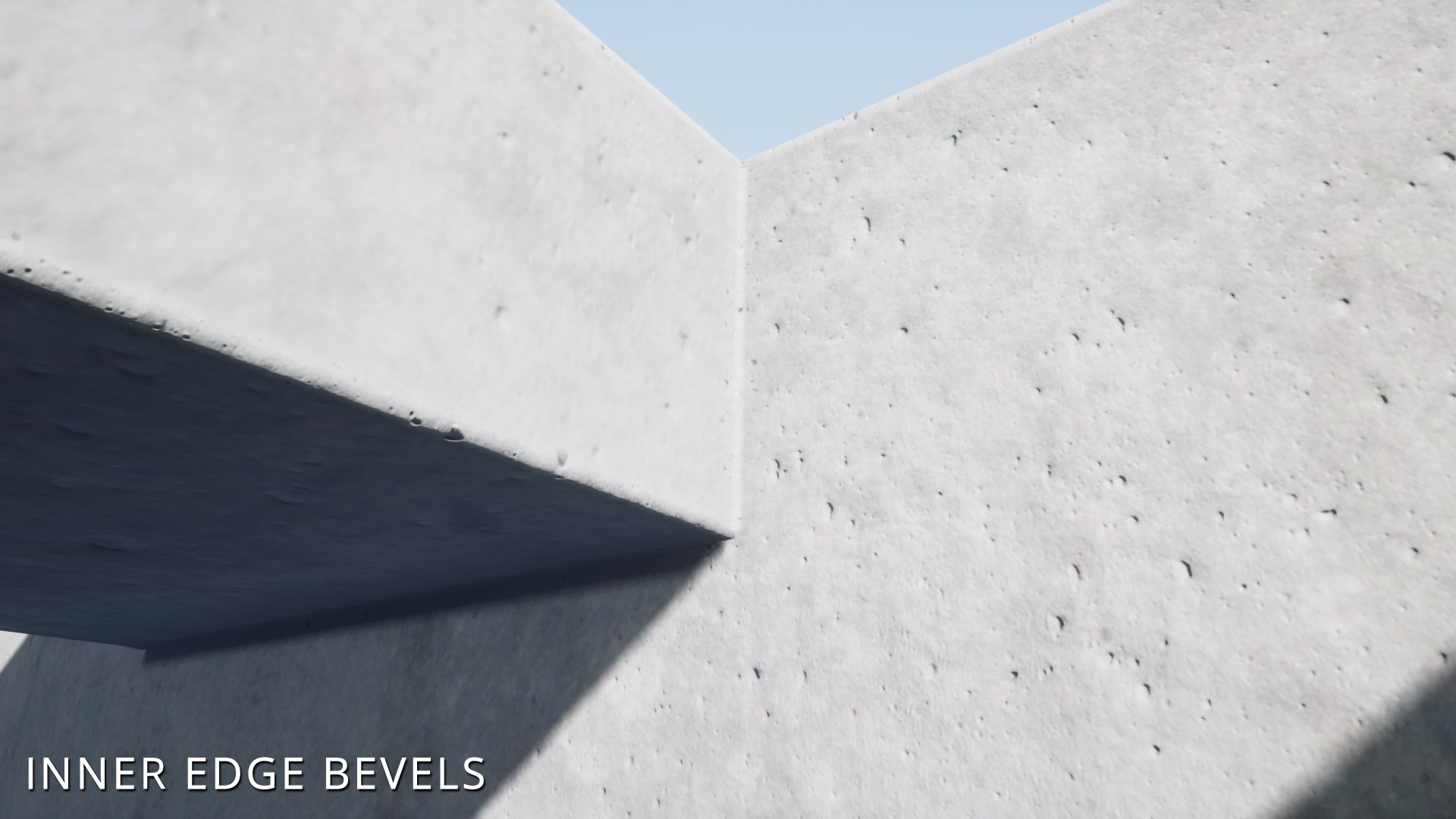
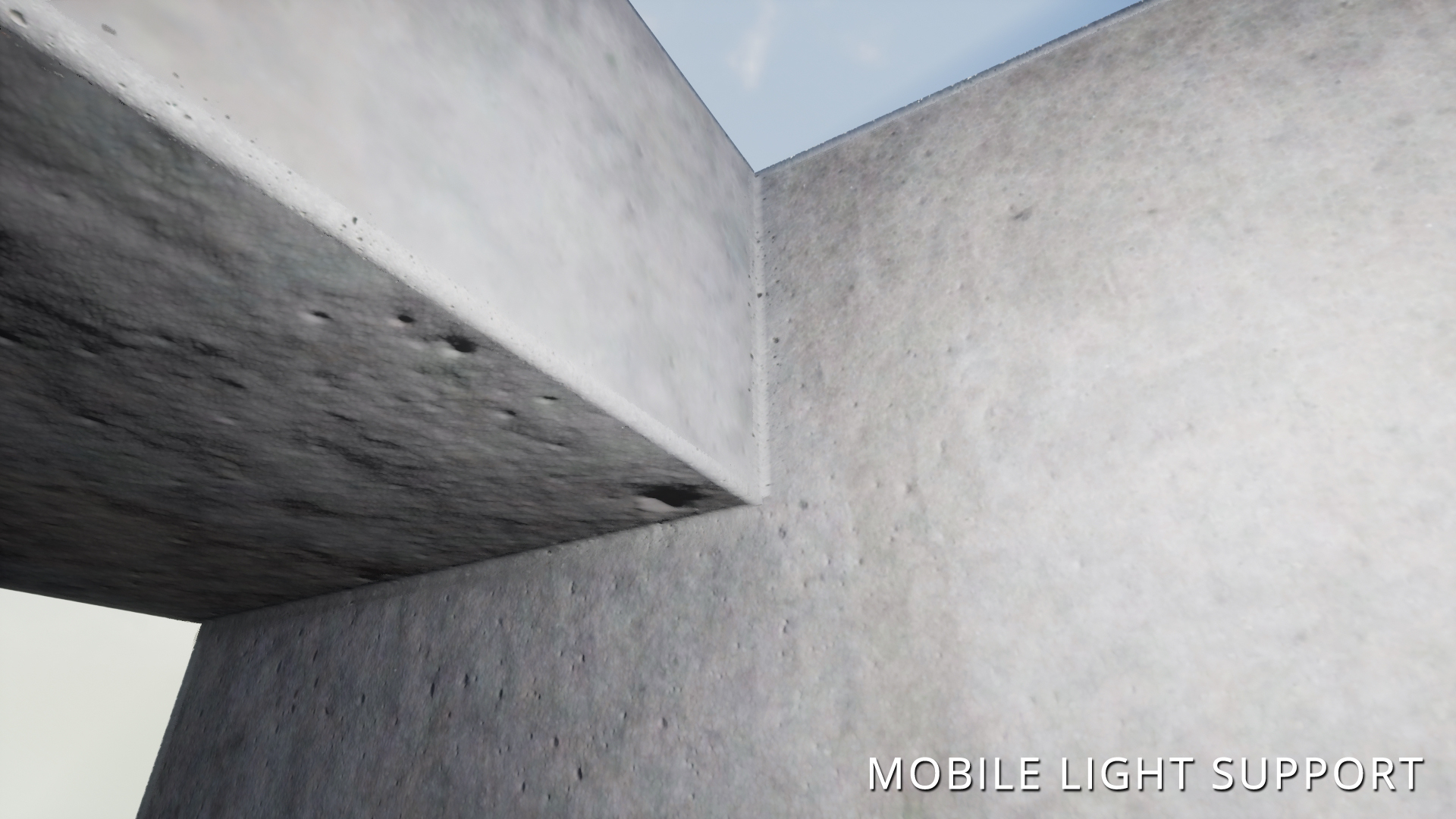
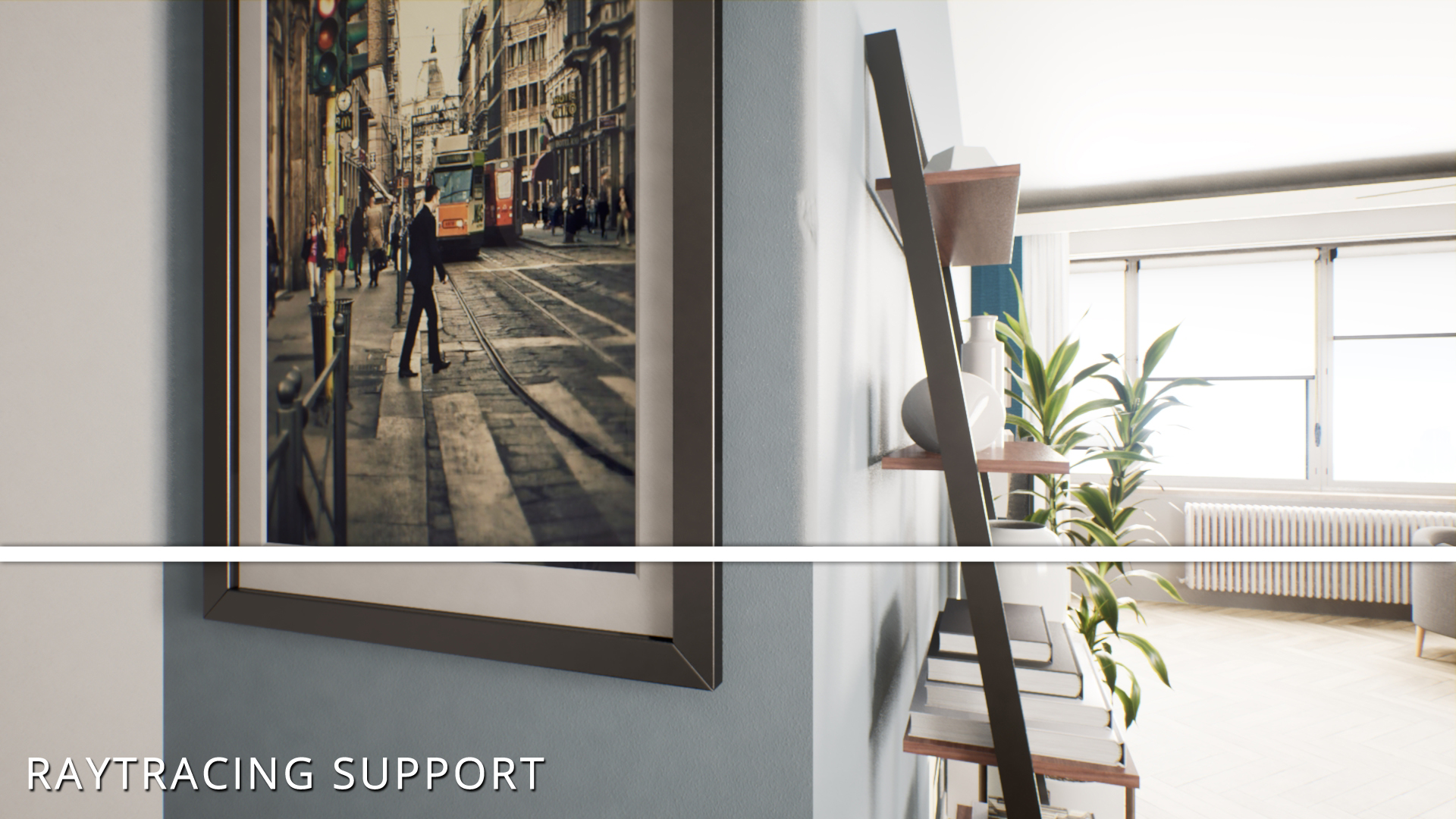
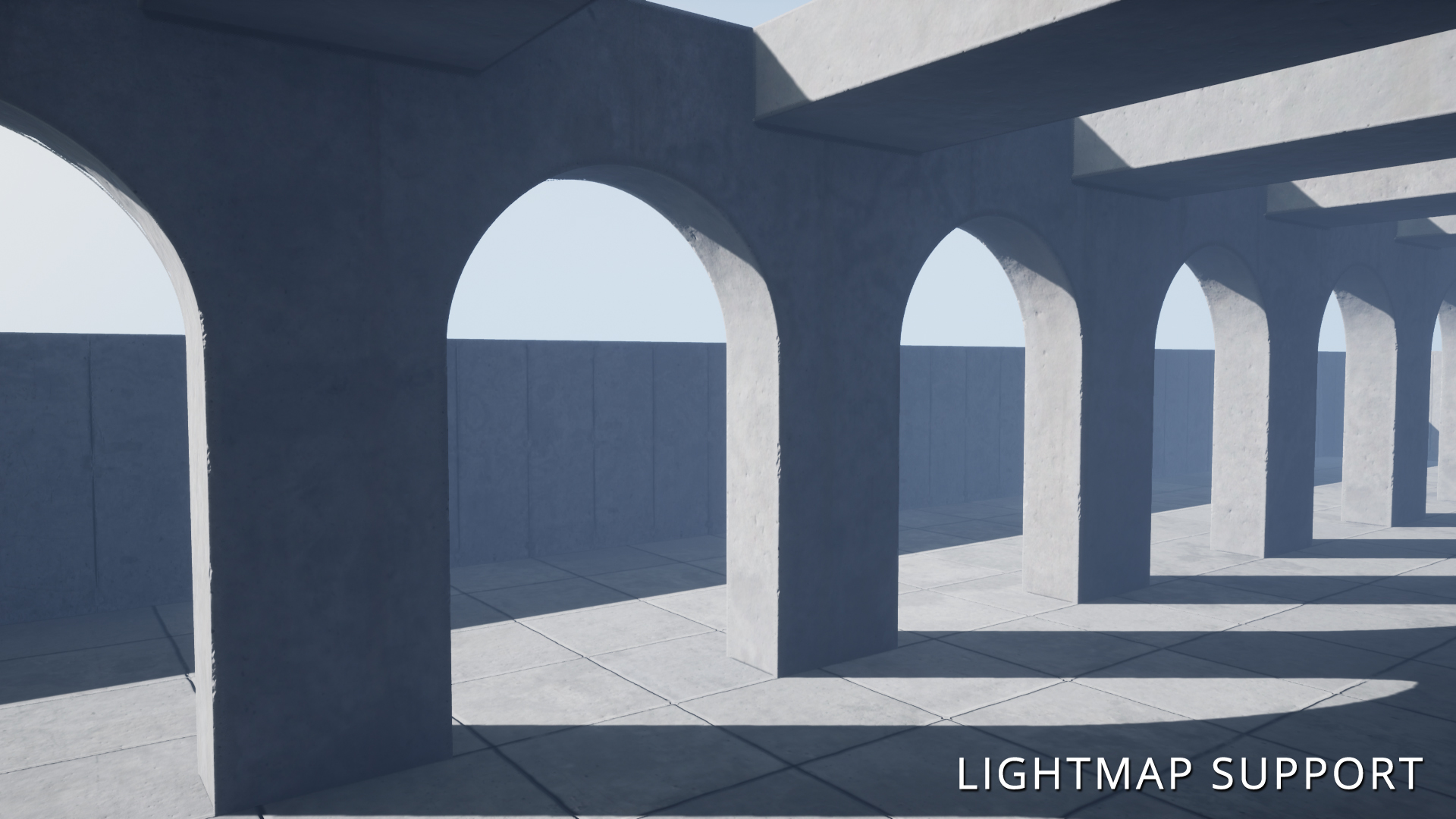
The Edge Bevel Decals package allows environment artists to apply specially designed decals to mesh edges and give them a beveled appearance. They add additional detail to BSP brushes, urban environments, and interiors built using modular meshes.
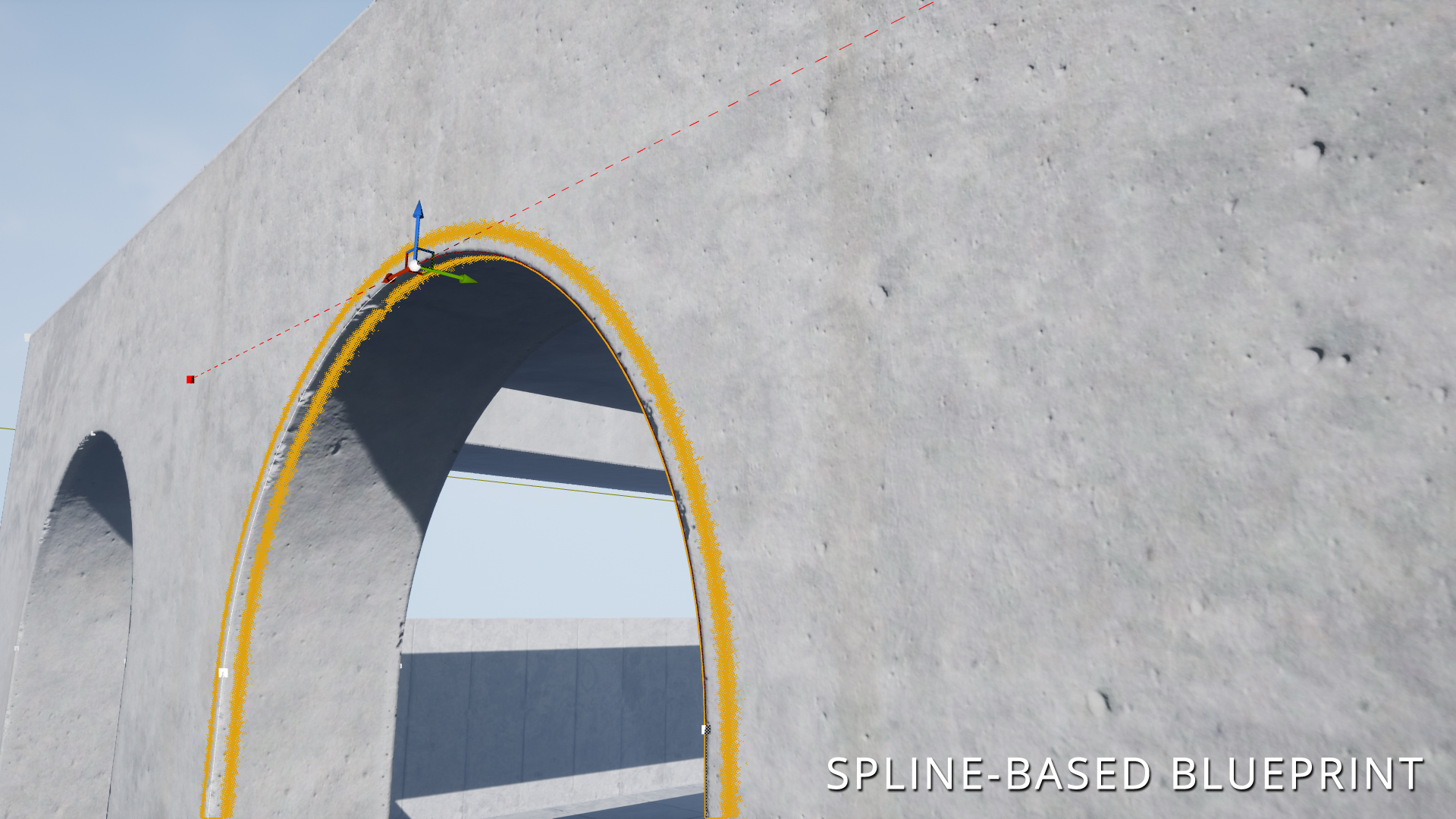
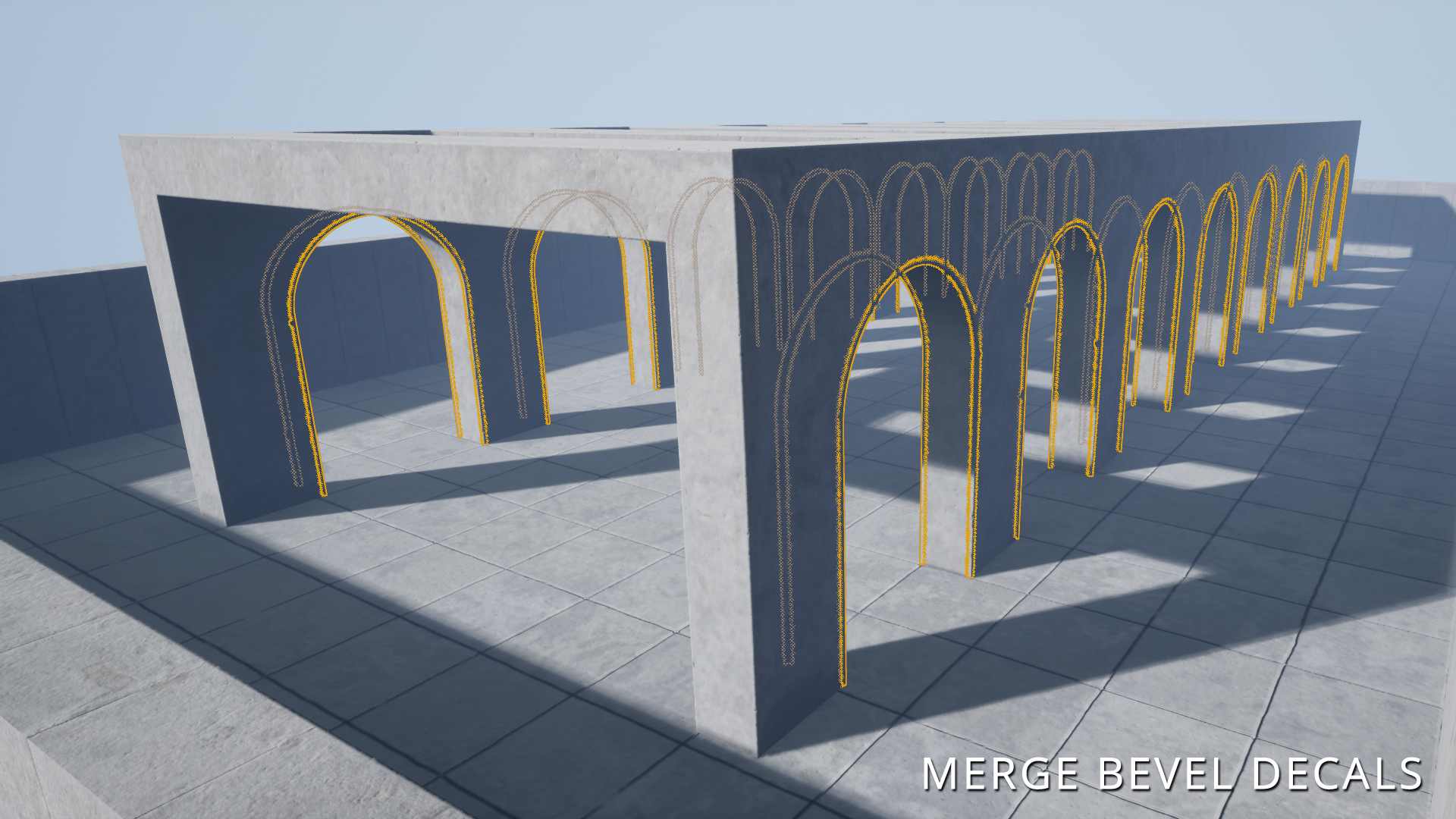
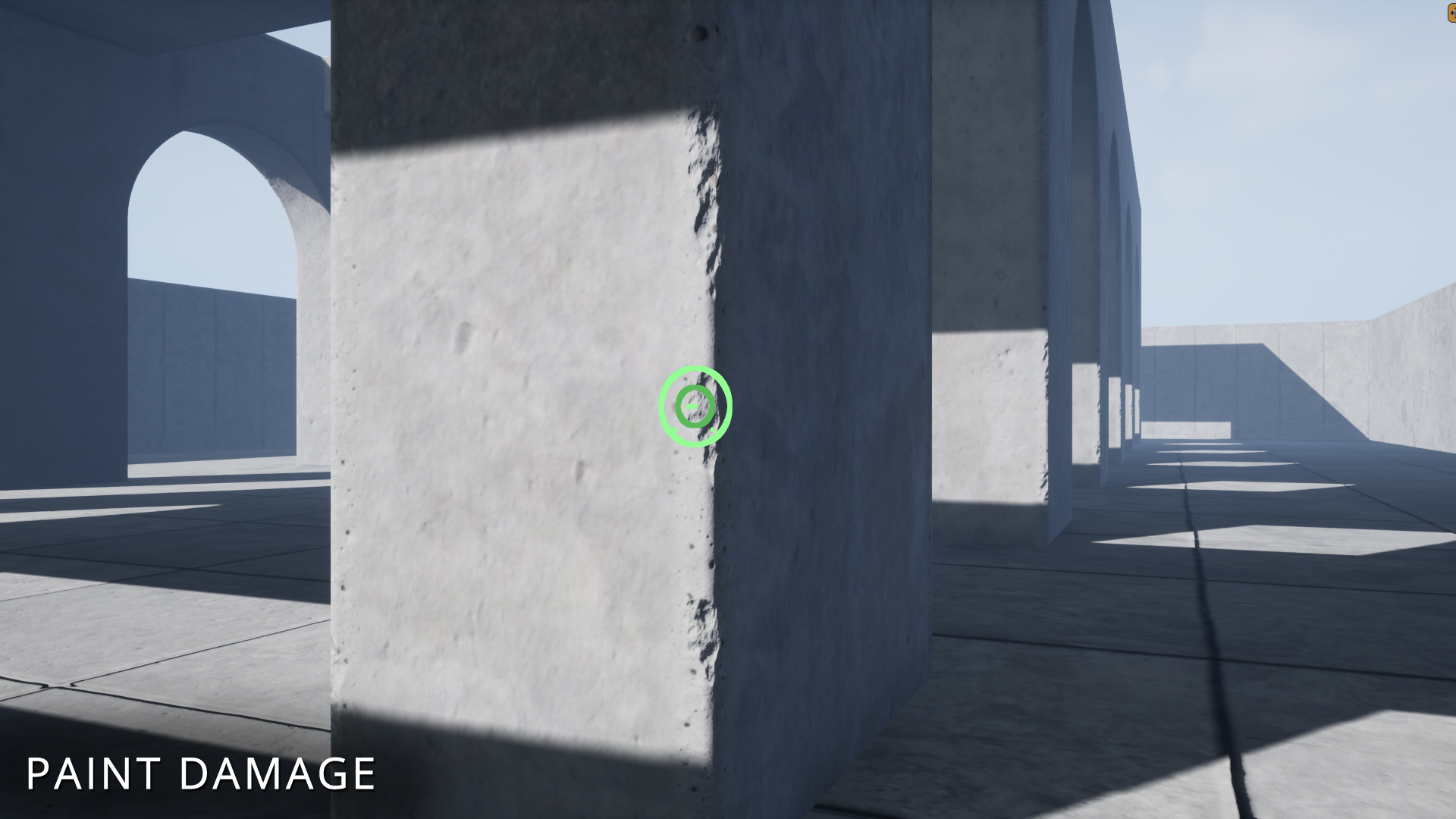
The blueprint makes use of an editable spline to determine the length and shape of the decal element when matching it up with the mesh or brush in question. You can change the base color, detail textures, and normal maps so that the beveled edges match your assets’ look. The material makes it possible to paint damage on every decal component using the editor’s vertex painting tool. You can modify the color, tiling, and texture values of the painted damage to refine the look further. If you want to reduce draw calls, the editor’s built-in merge tool will allow you to combine the placed decals into a single mesh.
The support of the Edge Bevel Decals is currently limited to rectilinear (90°) edges.
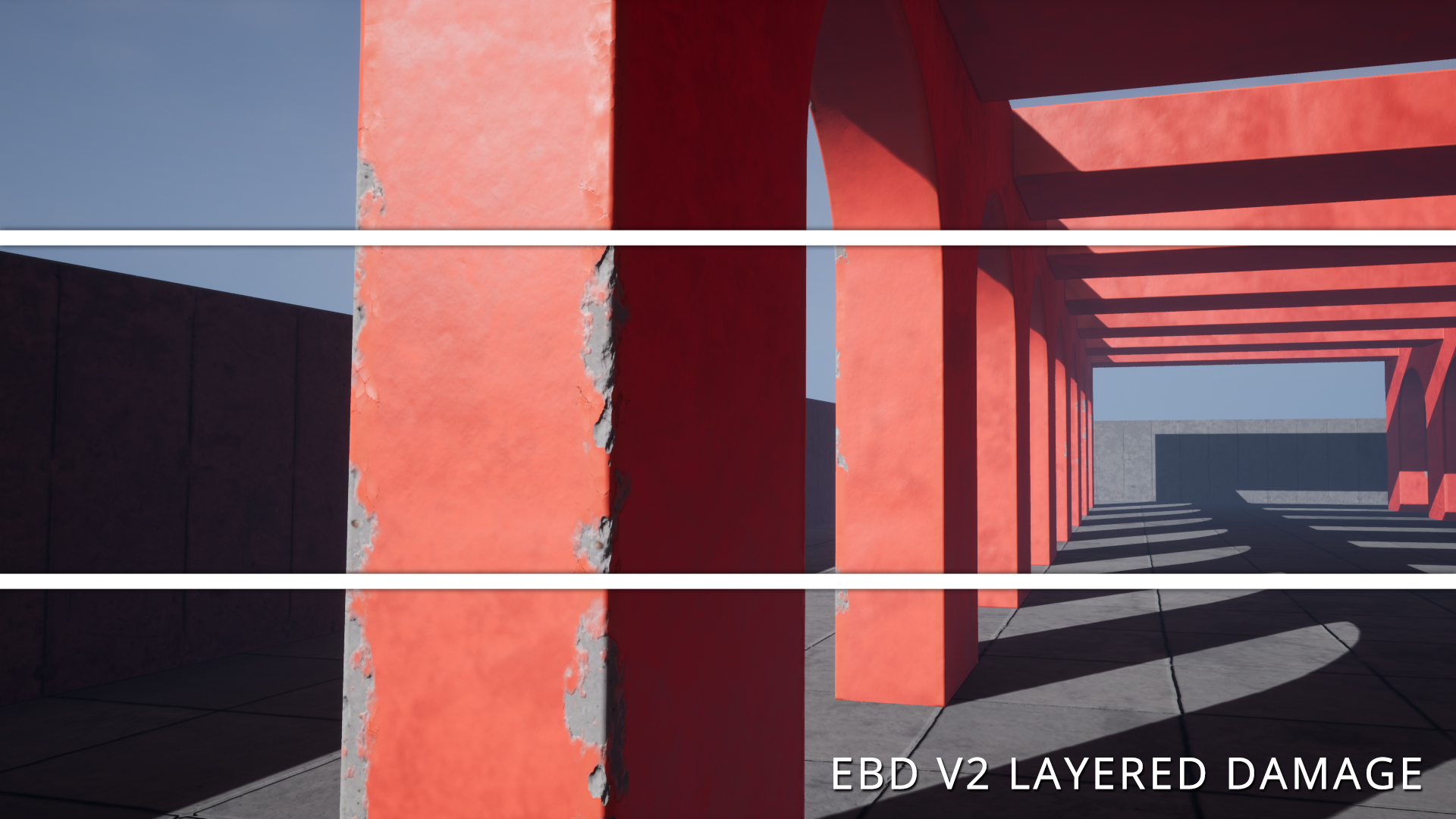
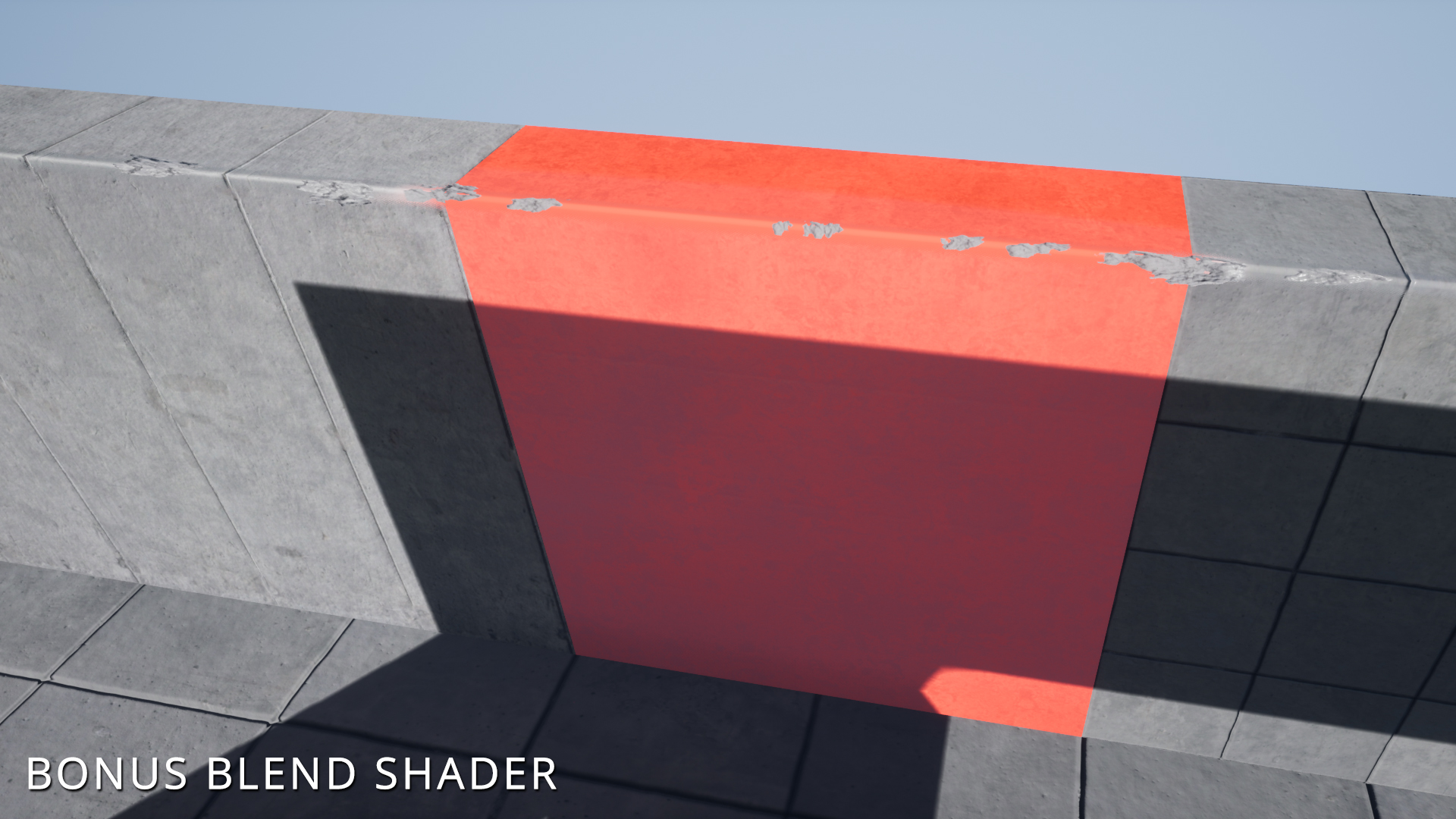
Version 2 adds a new material that enables layered damage. The new shader makes it possible to simulate damage on painted surfaces. It also includes a bonus material that extends the functionality of Version 1. You can now pan and rotate these detail textures to better match your underlying mesh with up to three different base textures supported.
Version 2.1 adds additional mesh angles that you can add to one of the blueprints.
You can contact us at any time and request that the asset you want be added to the site from the Request Asset section.