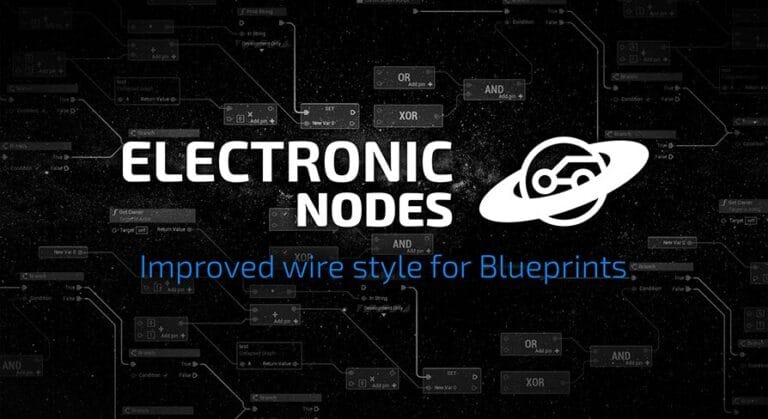
Description Electronic Nodes allows you to better picture your logic in visual scripting editors (Blueprints, Materials, Niagara…) by changing the shape of wires to make them straight with 45° or 90° angle. It’s a bit like circuit boards, no more spaghetti! Getting started | FAQ | Support topic See old reviews and questions on Orbital Market (Orbital Market …
Read More »Code Plugins
Google Analytics Measurement Protocol
Description Easily log application and game events to Google Analytics, using a native cross-platform implementation. No third-party dependencies are required and it’s compatible with any platform supported by Unreal Engine, including desktop, mobile and consoles. Trailer Video Tutorial Video Documentation and API The plugin supports advanced features like automatic instrumentation, that automatically logs key events and user sessions …
Read More »Component Timeline
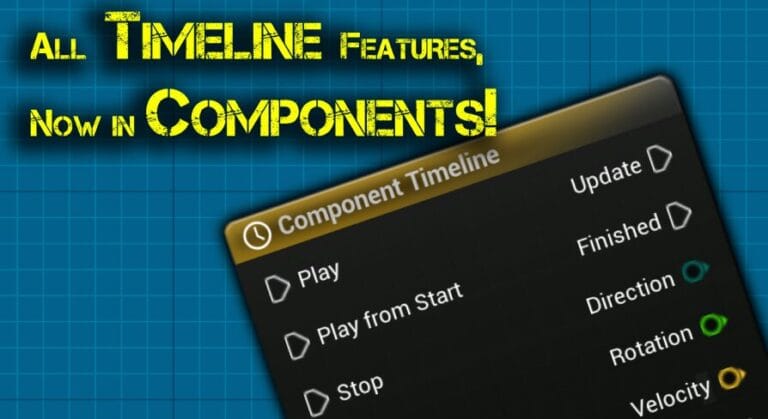
Description Description 100% of Blueprint Actor Timeline Features, Easy to Use! Showcase Video – youtube.com/watch?v=EF_dmPJceLw The Component Timeline plugin provides all the functionality of the Timeline node from the actor blueprint with the added convenience of placing timeline nodes directly in component blueprints. It’s easy to set up and use. With features such as editing of curves, event tracks, and …
Read More »Asset Downgrader
Description Do you need to migrate assets to a different project that uses an older Unreal Engine version ? Have you migrated assets to an earlier version of the Unreal Engine and they don’t seem to “appear” in the content browser ? Do you want to make your assets available to people using earlier versions of Unreal Engine ? …
Read More »Blueprint Command Center
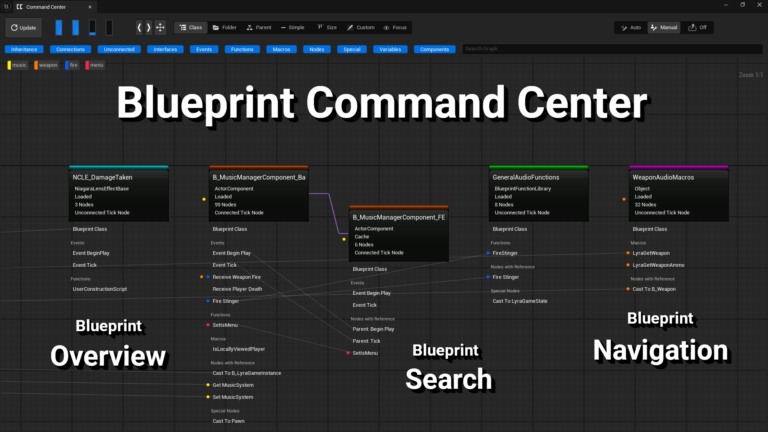
Description This plugin is a powerful yet easy to use tool for speeding up and improving blueprint development. Demo Project – The demo is an Unreal Engine project with this plugin and the Arena Shooter Template by Epic Games. It requires Unreal Engine 5.6. Blueprint Overview A customizable graph-based window allows you to quickly see and understand how a project …
Read More »Narrative Pro 2 – Complete Game Framework
Description ANNOUNCEMENTS 2.3 is now released! Keep in mind only you will need UE5.7 to use this version. See the changelist here. IMPORTANT: For new users, It is vital you learn the plugin BEFORE you start making your game with Pro to avoid frustration. Ensure you watch our video Your First 20 Minutes in Narrative Pro for a complete …
Read More »NWIRO – AI Integration Kit ( Unreal Copilot & MCP & IK & Ultimate AI Bridge MCP)
Description NWIRO – AI Integration Kit ( Unreal Copilot & MCP & IK & Ultimate AI Bridge MCP) Official Trailer Video Step-by-Step Guide Video NWIRO – AI Integration Kit is an AI-powered assistant designed to streamline your Unreal Engine workflow and accelerate content creation directly inside the editor, with the freedom to bring your own AI subscription. Turn your words …
Read More »XAI – Multi-threaded AI | based on Actor and Physical Simulation!
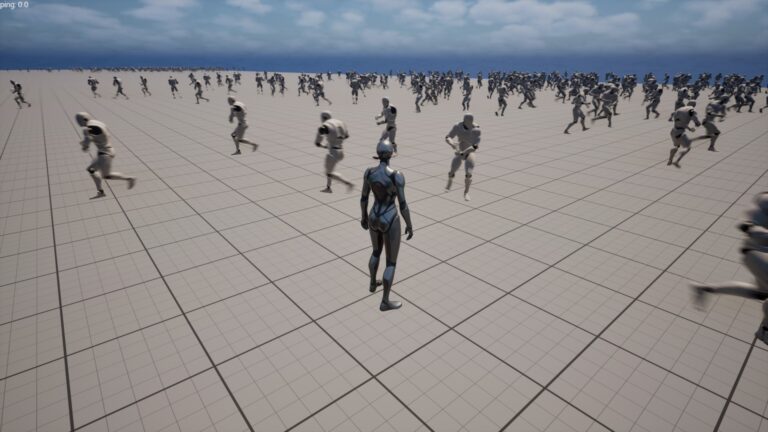
Description Create an optimized AI for your game with using physics simulation! AI created based on Actor, which will give you the greatest performance in the game! AIs also work with UE NavigationMesh! Do not support BehaviorTree, there is a separate object (XAITask) for additional logic! Also supports RootMotion AnimMontage! In the demo project already created examples of AI melee and …
Read More »UMG Widget State Tree
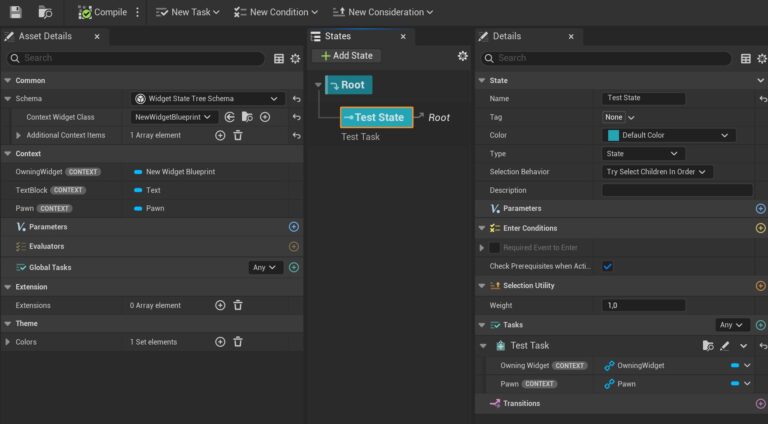
Description UMG Widget State Tree is a plugin that brings State Trees into the world of UMG widgets, allowing you to build complex, reactive UI logic using a clean, visual, data-driven state machine system. The plugin integrates StateTree framework with UMG so that widgets can maintain well-structured state logic, respond to events, and execute behaviors without relying on tangled Blueprint …
Read More »Kai Locomotion System
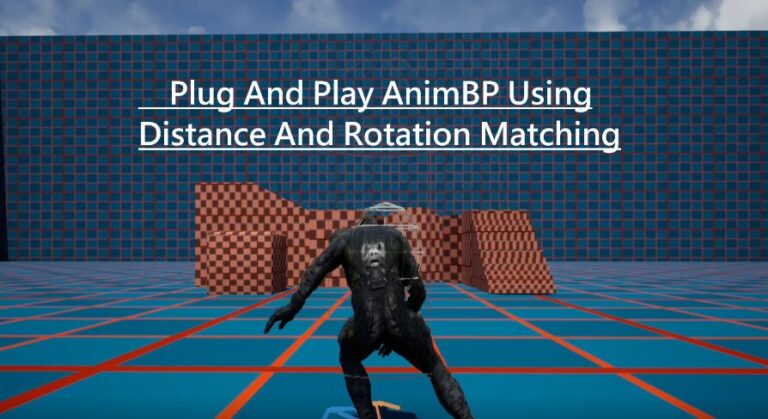
Description Demo Video ANIMATIONS NOT INCLUDED New Version V3 Release includes : Custom Character Movement Component that offers predictively replicated Custom Movement speed and has custom rotation implementation that uses rotation from certain KLS animations. this CMC will be used later to build new movement modes (physics based sliding and Zelda climbing are in the work). Utilizing Linked Animation Layers …
Read More »Event Queue
Description What is this? A system that allows gameplay logic to be queued, stalled, removed, or reacted to. Enabling latent and dynamic gameplay in an easy and clear way without relying on callbacks. Features Queue Up Events Dynamically Add / Remove Events React to Events Easily debuggable (Examples in Documentation) Documentation (C++): Link Documentation (Blueprint): Link Example Project (C++): Link …
Read More »Grid Inventory
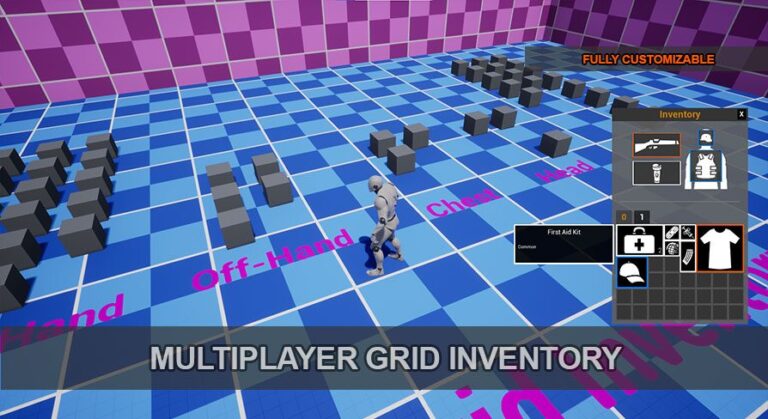
Description With MP Grid Inventory you can easily add an inventory system to your project, for solo or multiplayer. You can add/move/drop/equip items from your inventory, using a grid based system like in classic RPG. This is made for single and multi player games. Preview: https://www.youtube.com/watch?v=-D7s6aDjx8I Documentation: https://docs.google.com/document/d/13NcGyX4t07IN0X5qGHOzUtN7MgNqSTWz65SKTnThK2o/edit?usp=sharing Technical Details Features: Grid inventory like in classic RPG Multiplayer support Multiple bags Movable items inside the bags Drag’n Drop Fully customizable (colors, sizes, bags, slots, rarities, equipments…) Tooltips Support stackable items Items rarity Easy and quick setup Actions callbacks (move, drop, add, equip, unequip, no more space, pickup) Can add bags at runtime Code Modules: (Please include a full list of each Plugin module and their module type (Runtime, Editor etc.)) GridInventory Number of Blueprints: 22 Number of …
Read More »Simple Spline Mesh (Tool / Modular System)
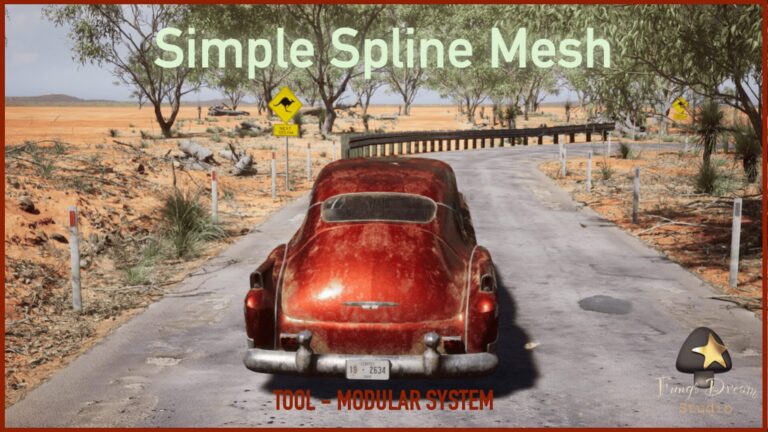
Description The Simple Spline Mesh lets you easily build walls, roads, fences, power lines, bridges and much more. Placing and shaping meshes along a spline is easy and user-friendly. The spline system allows you to easily use custom materials and meshes. This plugin is an innovative level design tool that revolutionizes environment construction in games and scenes. The tool takes …
Read More »Discord Guild Link
Description This plugin seamlessly integrates your Discord server with your Unreal Engine project. It allows you to display Discord total and online member counts, server name, server icon, and generate server invite links directly within Unreal Engine. Technical Details Ensure you specify an invited channel in the widget options, otherwise the plugin will not function correctly. Documentation Link: Documentation Demo …
Read More »Hardware Monitor Plugin
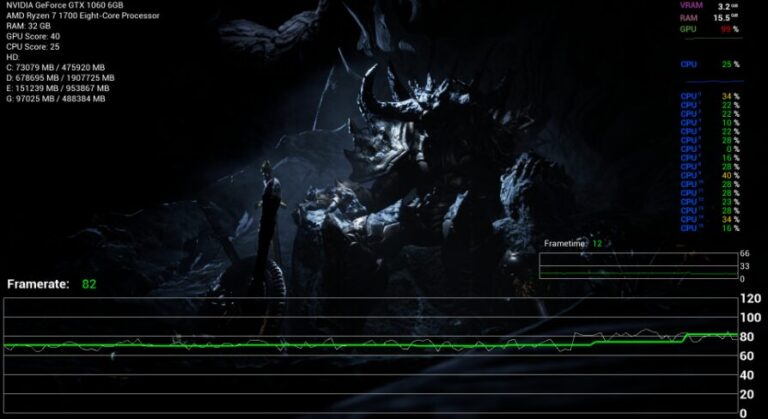
Description You can read out a lot of hardware information. Some automatically as text or graph. For some hardware information like CPU/GPU utilization, Powershell is run in the background. Other programs can be started via Blueprints. For example, you can also run the ping command or start all possible .exe files. I took benchmark values for CPUs and GPUs …
Read More »Selection Manager
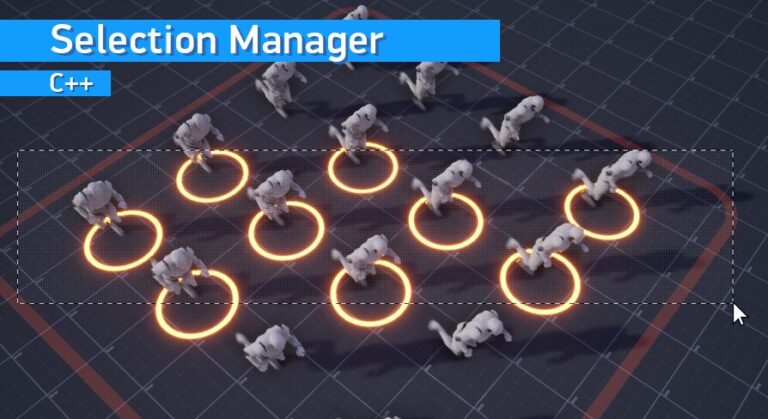
Description This plugin allows you to select objects in the game via mouse cursor and rectangle selection. You can also individually customize the result of the selection for each object class. Video (YouTube) Documentation (Google Docs) Features: High performance (Built using C++) Ability to select any objects that inherit from Actors or Scene Components (Actors, Pawns, Characters, Scene Components) Ability …
Read More »ChunkCore (Chunk Downloader)
The ChunkCore plugin is a Blueprint wrapper for the ChunkDownloader Plugin ChunkDownloader is a patching solution for Unreal Engine. It downloads assets from a remote service and mounts them in memory for use in your games, enabling you to provide updates and assets with ease. For technical questions regarding the Chunk Downloader plugin you will have to reach out to Epic for support as they are …
Read More »GameplayEffectDataTable
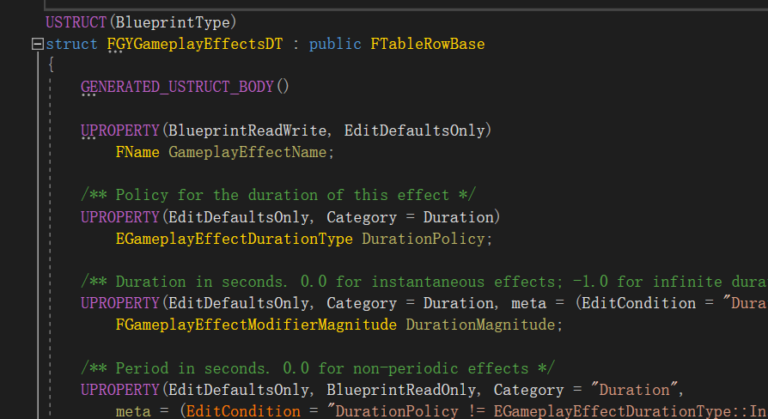
Description Using GameplayEffect blueprints in our work can be very difficult to maintain, so with this plugin, we can use a DataTable to configure GameplayEffects. This will make it easy for us to maintain GameplayEffects. The plugin is free and open-source on GitHub, but if you want to reward the author with a cup of coffee, you can also do …
Read More »Web Camera
Description Can play webcam content. Support RTSP, RTMP, HLS, M3u8 and other network video streaming formats. Super simple to use, just fill in the correct network video stream IP address to play. Personalized customization, the video stream is only output to the sticker UI interface, which is very convenient for customization. Open the Content Browser window, in the upper right …
Read More »rdMeshTools (rd Tools Pro)
Latest Version 1.20 – 30th June 2023 For questions, please visit the rdTools Forum (Epic) here. rdMeshTools is an Unreal Engine plugin tool that resides in the Static Mesh Editors toolbar and in the Content Browsers Context Menu. This tool gives you the ability to quickly and easily change any static meshes scale, rotation,mirror and pivot point. Finally here …
Read More »JSON – Blueprint Library
Description This JSON Plugin helps you in terms of efficient data management and exchange. Designed to streamline working with JSON, this plugin provides a full suite of easy-to-use Blueprint functions for serializing, deserializing, and manipulating JSON data. Key Features: Intuitive Blueprint Functions: Access powerful JSON tools directly within Blueprints, making data operations straightforward for any developer without needing complex coding. …
Read More »JSON Parser Plugin
Description Documentation, Old reviews and questions, Easy way to read,create and manipulate JSON in Blueprints. It fits very well to my other plugins. You can transfer files with JSON using the built-in Base64 functions. I don’t like special sales. My prices are low all year round. Nativization (UE4) may cause problems and should be disabled in BPs that use this …
Read More »Rename Tool
Description Rename Tool Editor Plugin. Batch rename Assets and Actors easily. Change prefix, suffix, replace substring, modify letter case, add numbering and more. Technical Details Main features Rename assets in the Content Browser Rename Actors in the Level (World) Batch rename by selection Helper function library Rename features Add/remove Prefix Add/remove Suffix Replace substring Change letter case Add numbering How …
Read More »Easy Maze Builder – Image to Mesh
Description Video – Documentation – Important Note This plugin requires the Procedural Mesh Component plugin to be enabled. Go to Edit → Plugins → search for “Procedural Mesh Component” and enable it before using Easy Maze Builder. The plugin may need some adjustments or additional features. If you’re sure what’s missing, feel free to ask on Discord, I’ll be happy …
Read More »GameplayTag Utility
Description GameplayTagUtility is an editor code plugin designed to make better use of Unreal Engine’s Gameplay Tag system. This plugin helps you manage Gameplay Tags more efficiently by providing several useful features, such as generating corresponding C++ getters for tags and batch editing tags. Features: Gameplay Tag-Related Engine Shortcuts Gameplay Tag Reload From Config: Reloads and applies the tag source …
Read More »